

Baby Mockups
Covering 34 templates across 5 infant garment types, tees, Read More












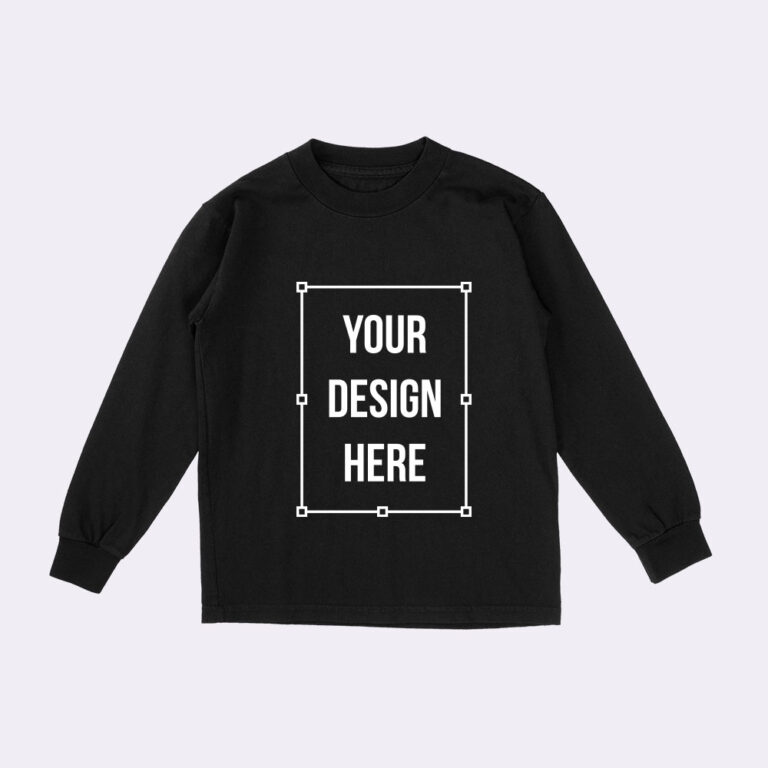
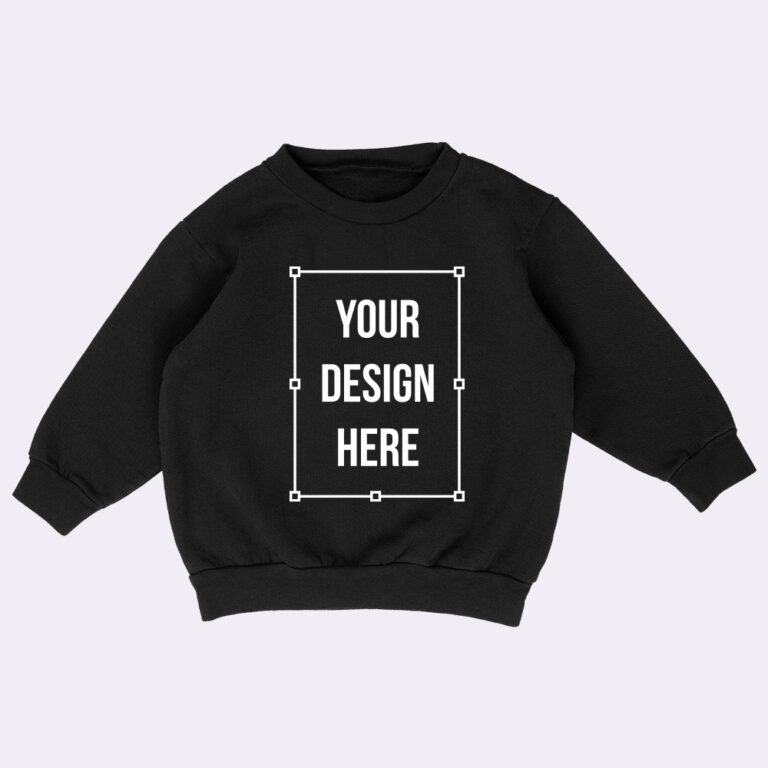
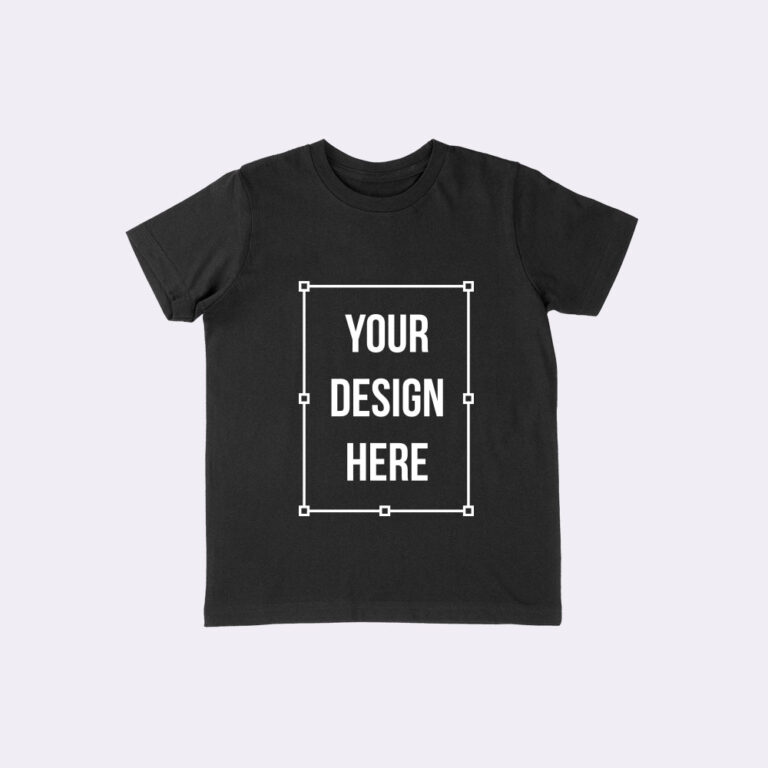
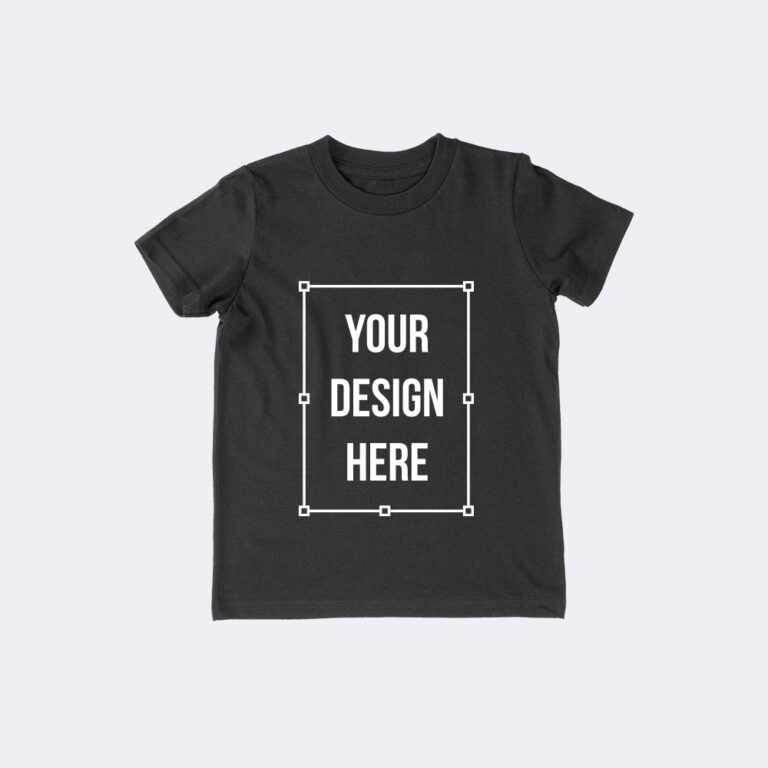
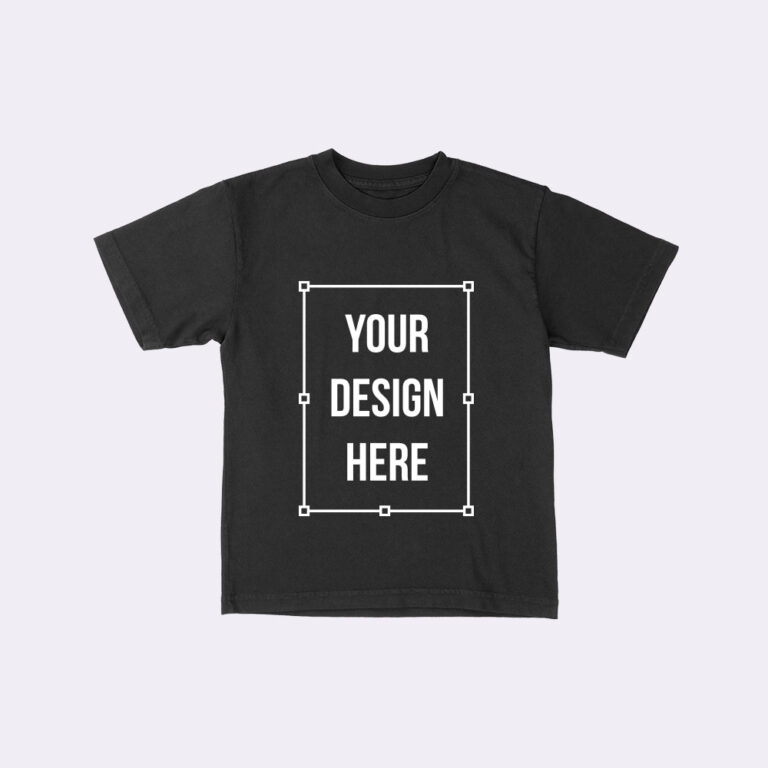
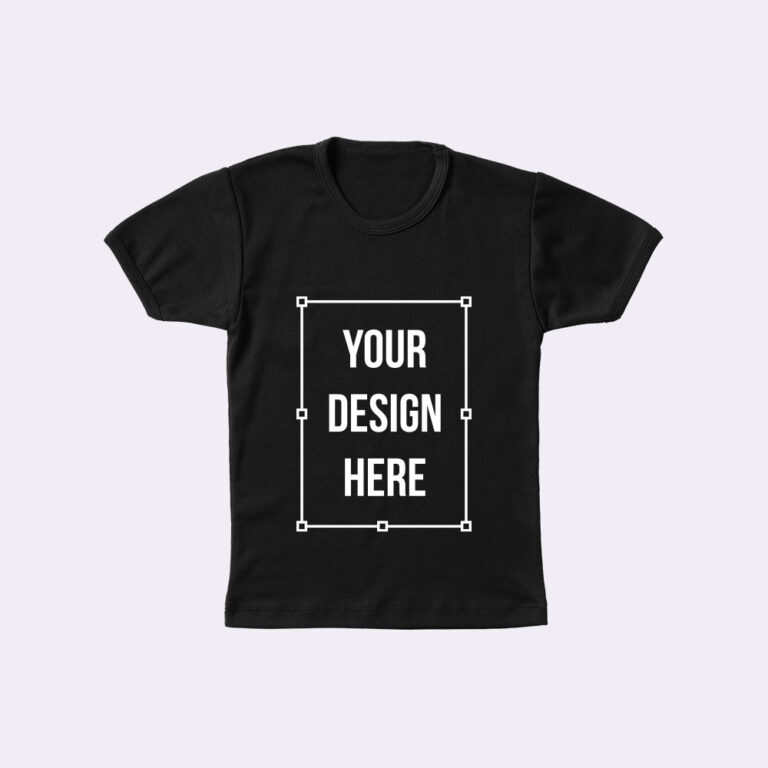
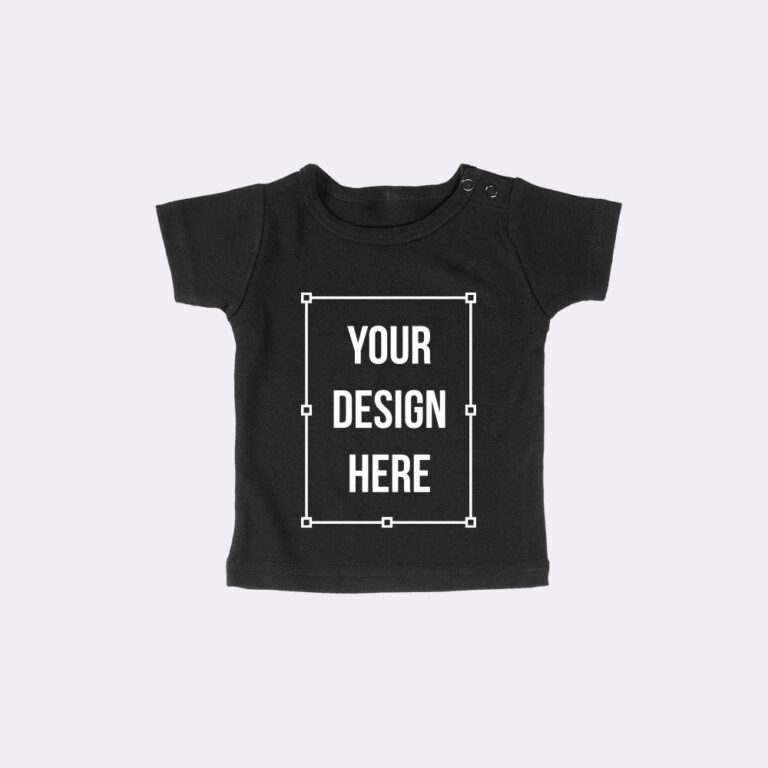
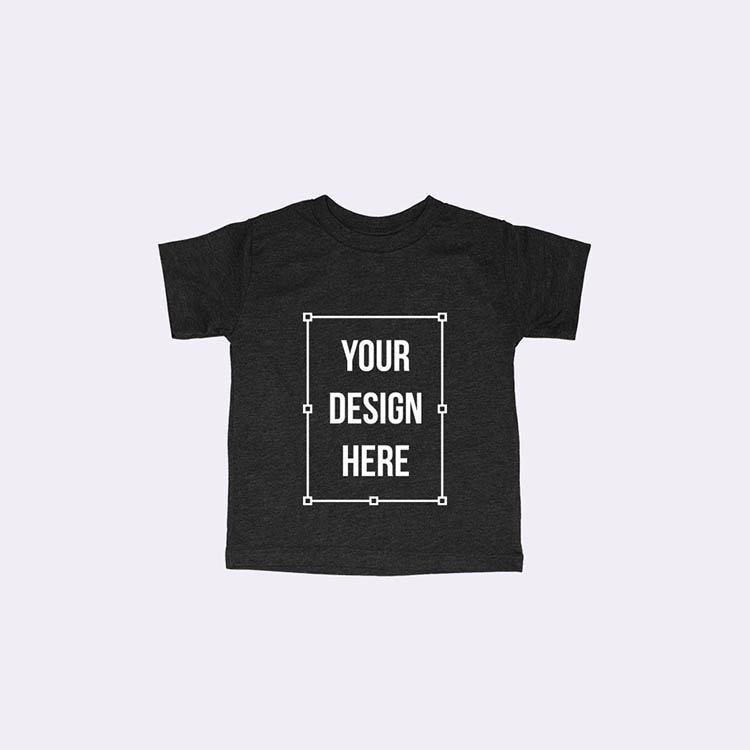
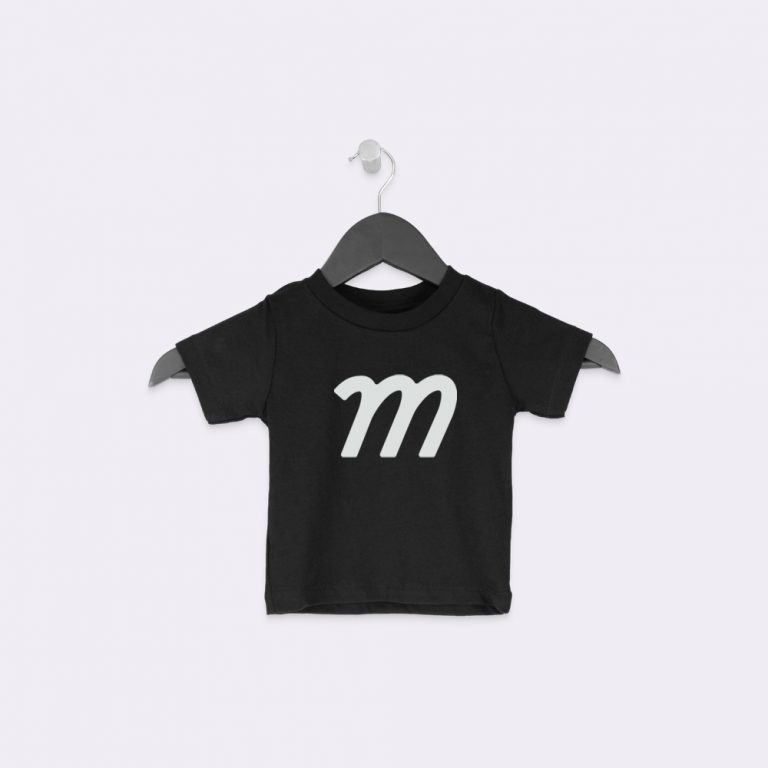
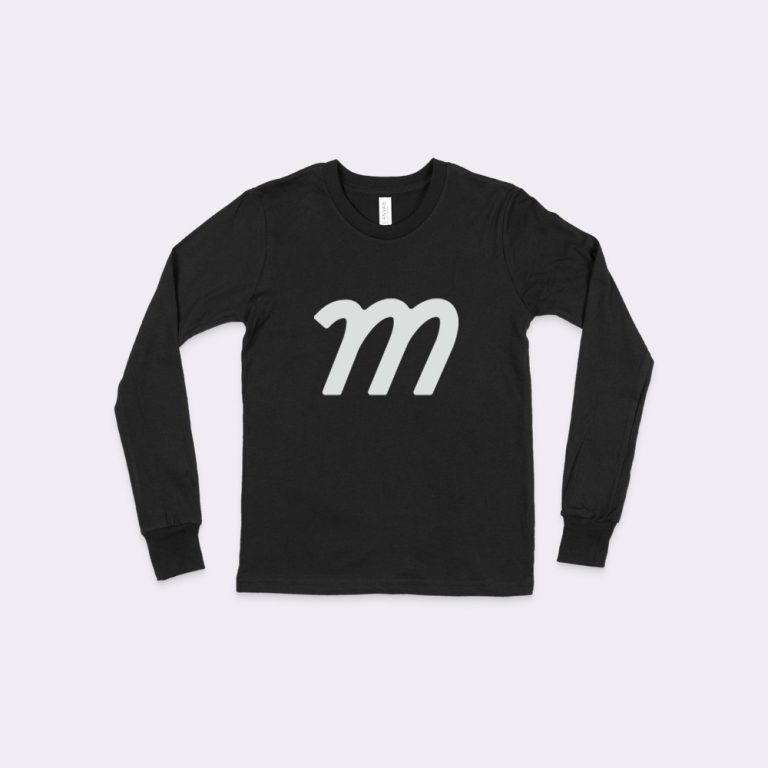
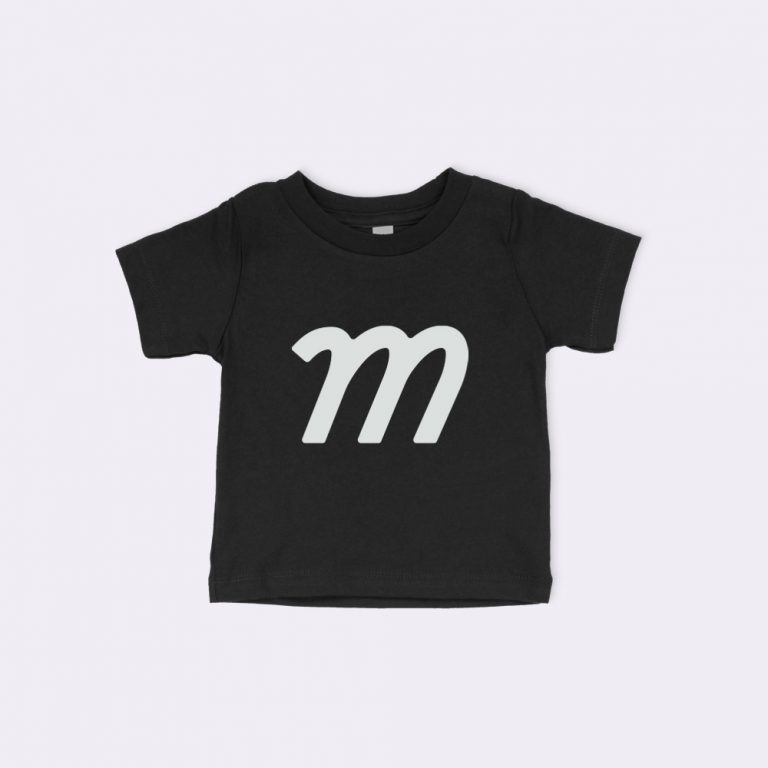
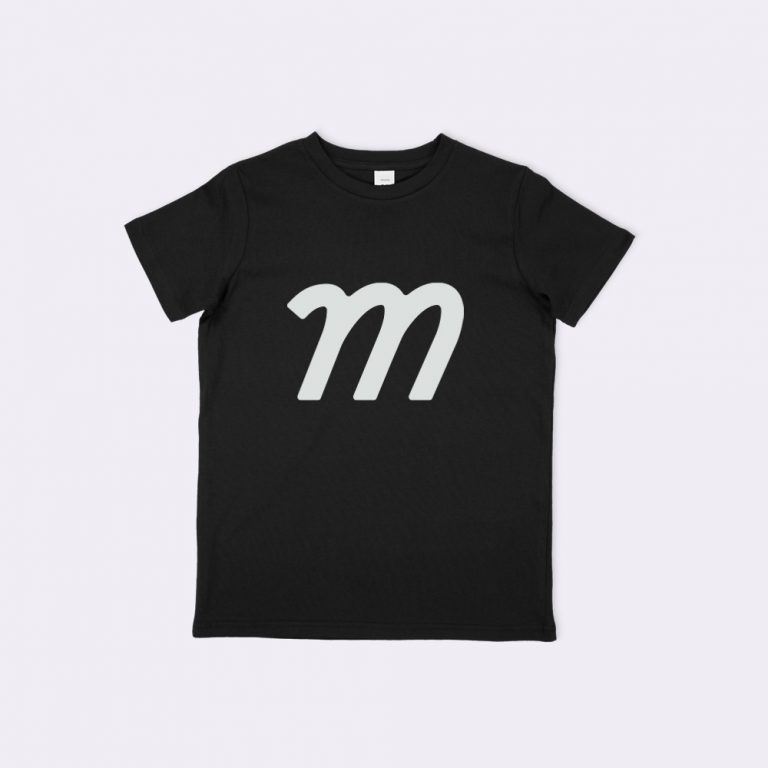
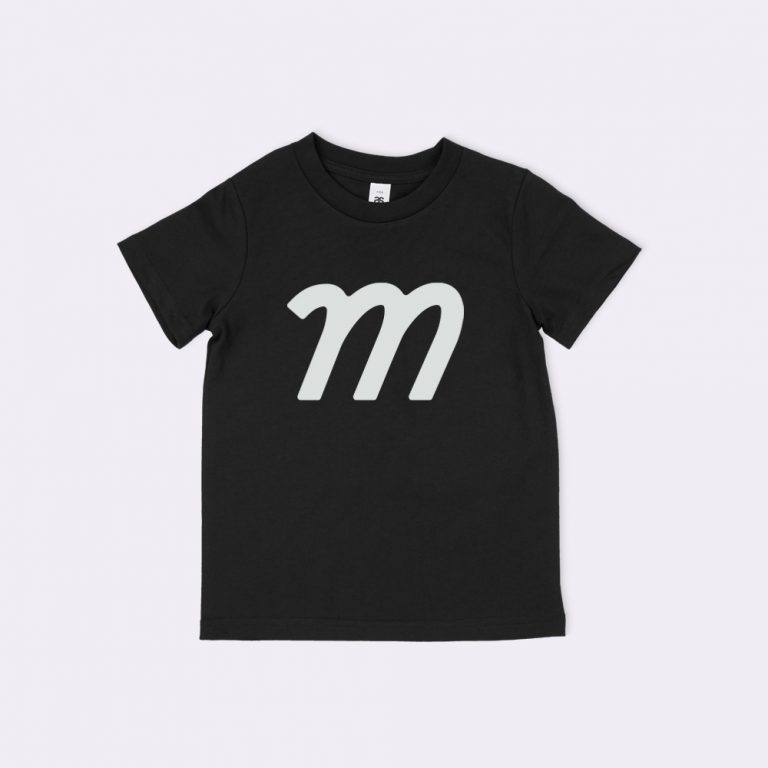
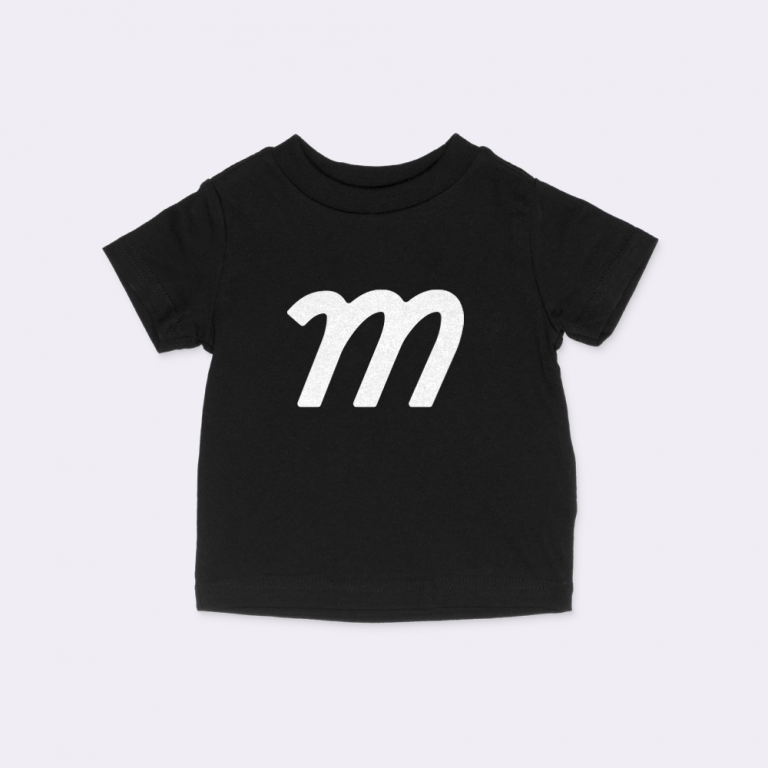
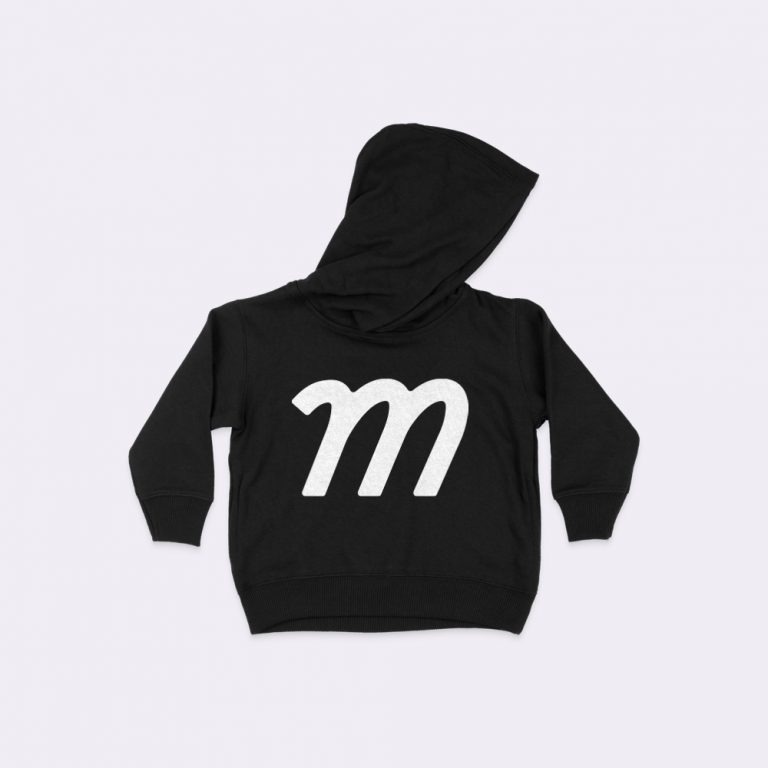
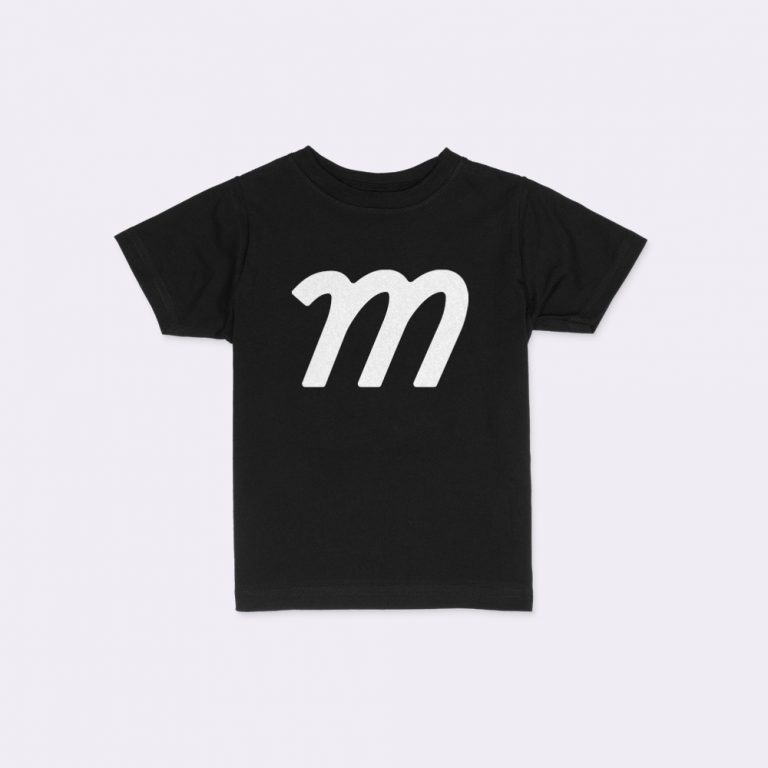
Types of Baby Mockups
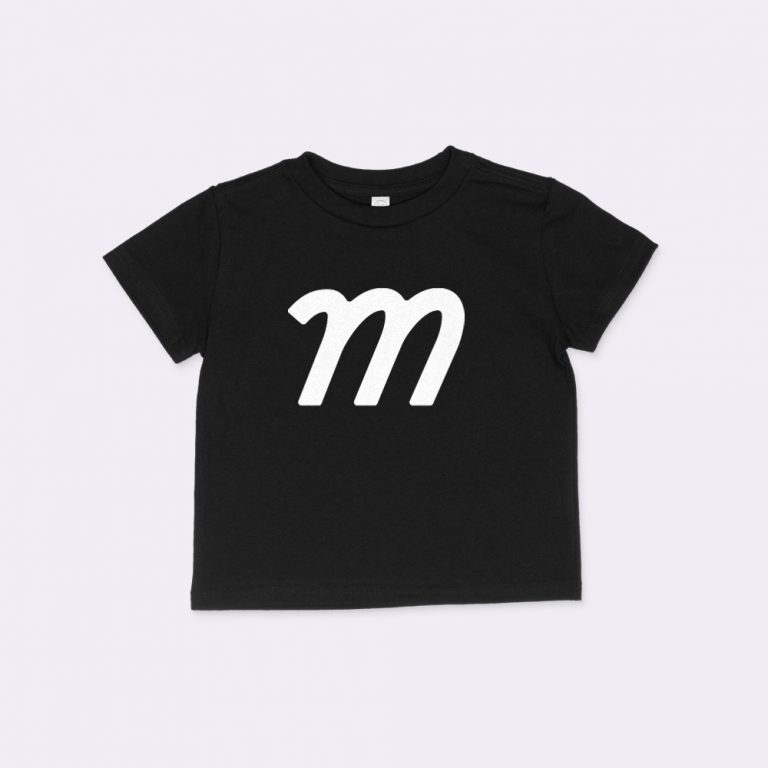
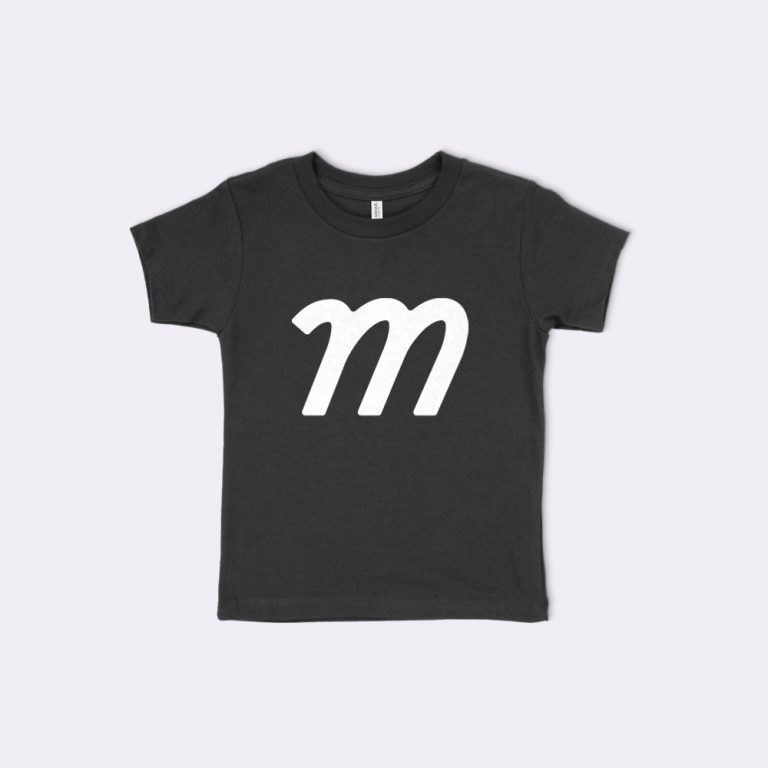
Our collection features 34 baby mockup templates covering every infant garment, size band, and listing perspective, including baby t-shirt, bodysuit, sweatshirt, and flat-lay sub-collections. Select a baby template that matches your production infant blank, then jump to any sub-collection below.
Baby T-Shirt Mockups
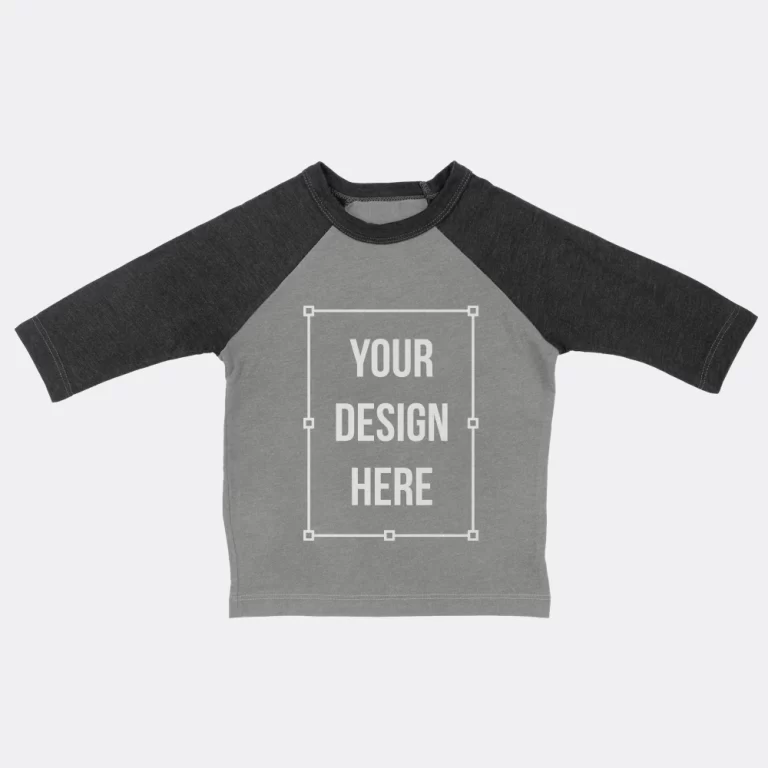
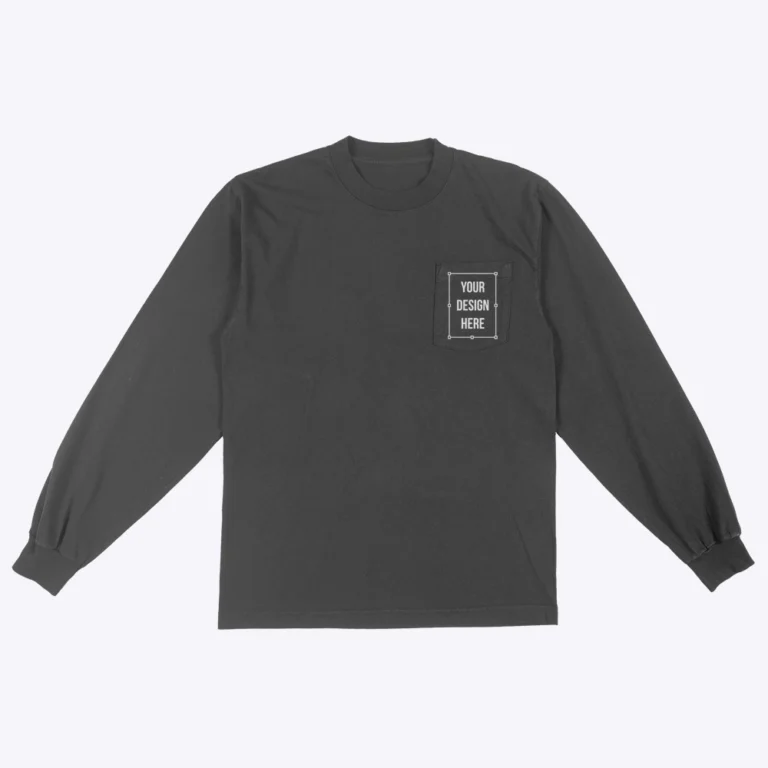
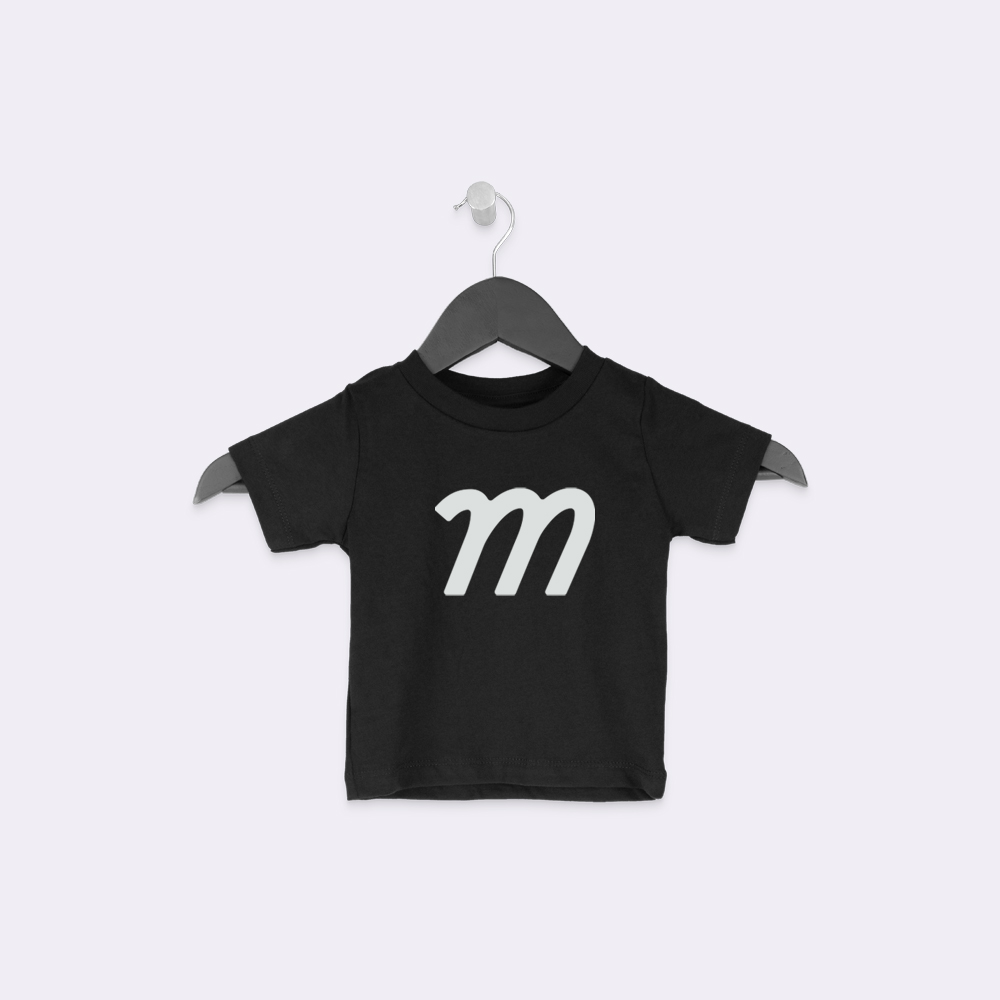
Baby t-shirt mockups render the 2 defining proportions of a real infant blank: a short body and a wide neckline. Short-sleeve and long-sleeve variants serve year-round gift listings and cold-season family brand drops, making this the largest baby sub-collection in the library with 20 templates.
- Built on real infant blanks from Bella + Canvas and Rabbit Skins
- True infant and toddler size band proportions, not scaled adult tee dimensions
- Short-sleeve and long-sleeve baby tee variants included
- Flat-lay perspectives for Etsy gift-listing and boutique positioning
- Suited for parent-and-child set listings across family brand catalogs
Flat Lay and Hanging Baby Mockups
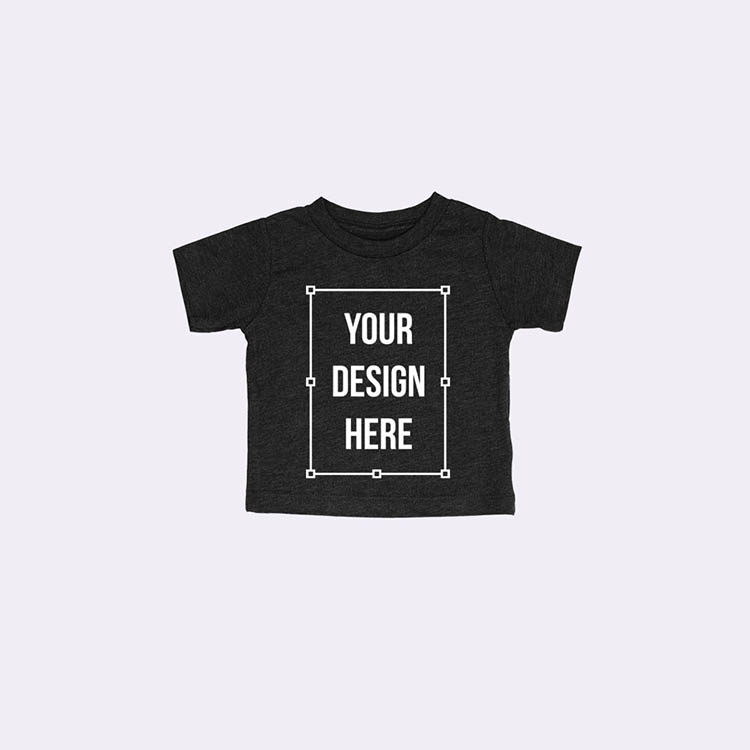
Our flat-lay and hanging baby templates cover 2 presentation formats built for the gift economy: clean flat-lays for marketplace grid browsing and hanging shots that signal curated boutique quality. Consistent lighting across all baby blanks keeps multi-product galleries visually uniform regardless of garment type.
- 32 flat-lay and 2 hanging baby templates
- Soft shadow, neutral gift-ready baby backgrounds
- Consistent lighting across all baby blanks
- Etsy and boutique baby listing positioning
Baby Bodysuit Mockups
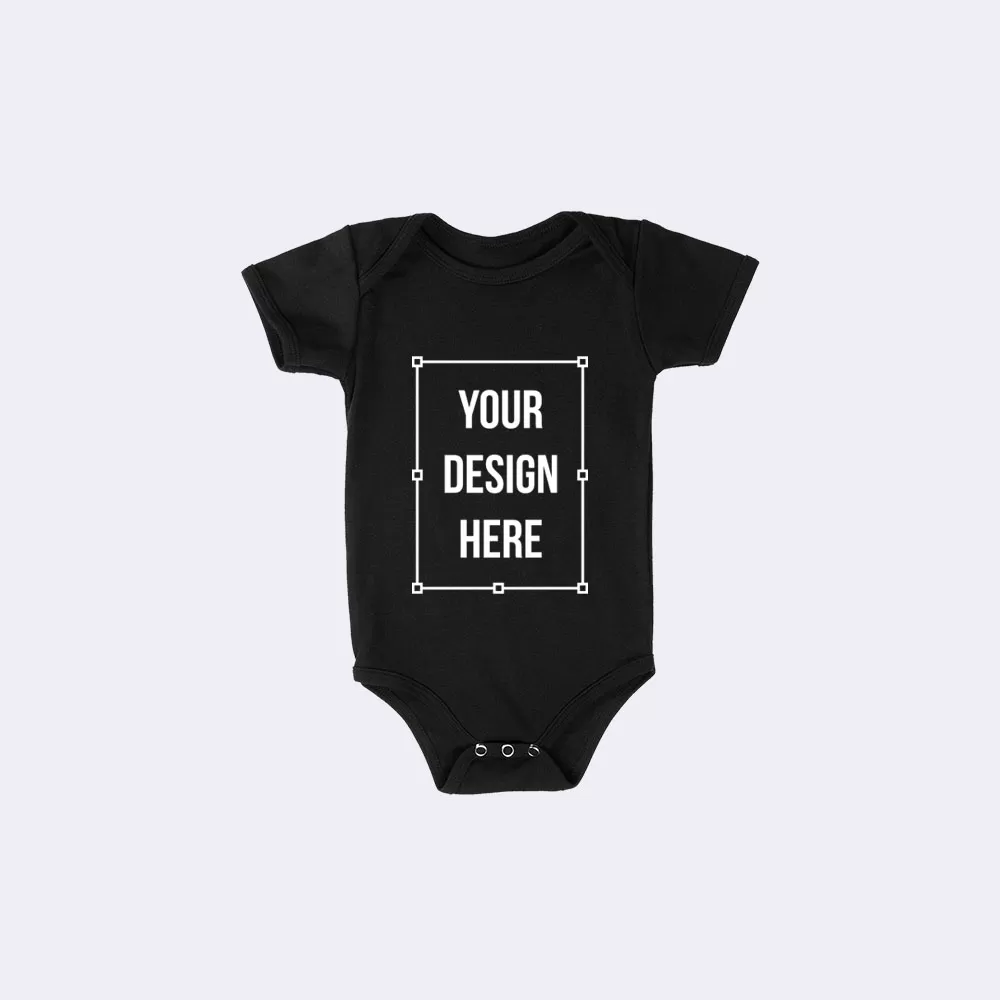
Our bodysuit mockups render 3 construction details gift buyers treat as quality signals: snap-crotch closures, envelope necklines, and baby-rib fabric texture. With 9 templates across snap-crotch bodysuits and one-pieces, this sub-collection covers the newborn and infant staples that drive baby showers and gifting purchases.
- Built on Rabbit Skins and Bella + Canvas infant blanks
- Real snap layout rendered per blank, not a generic placeholder
- Baby-rib and tri-blend fabric options across the sub-collection
- Flat-lay and hanging formats for 2 distinct listing perspectives
- Newborn and infant size bands covered across all 9 templates
Baby Sweatshirt Mockups
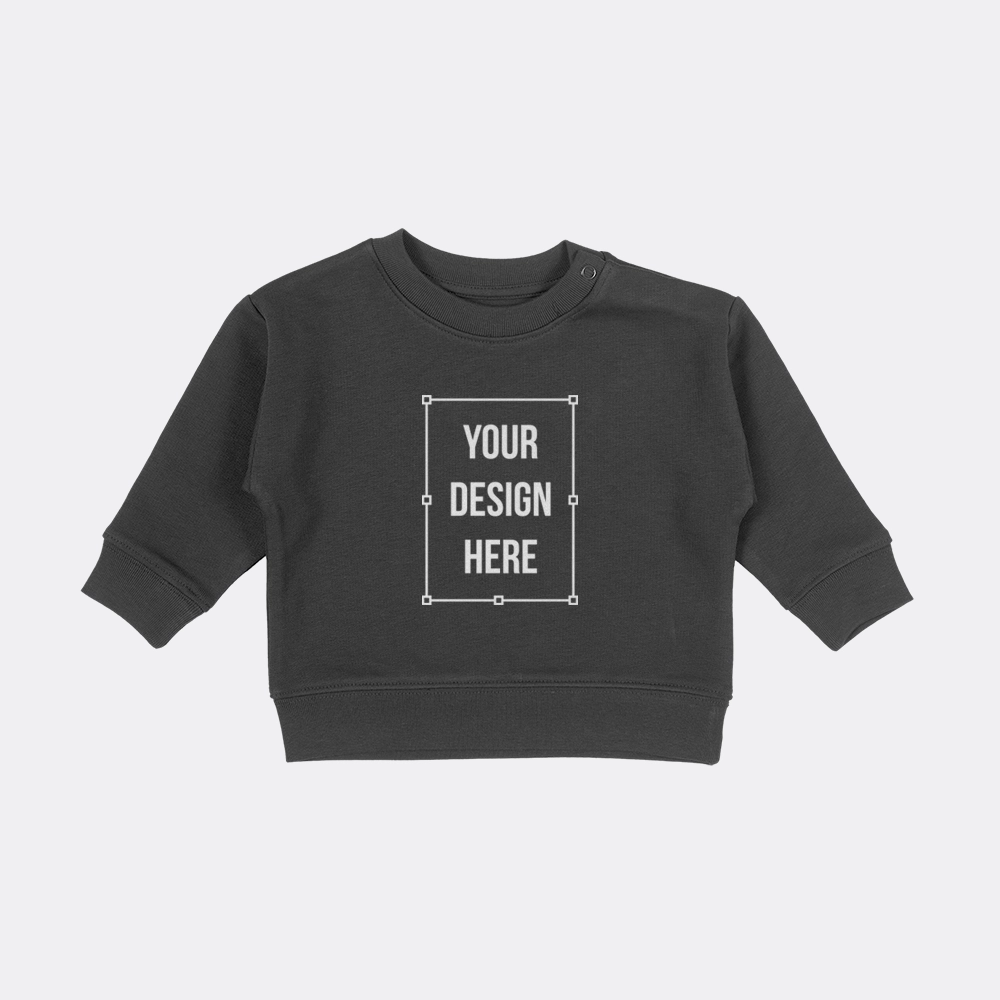
Our baby sweatshirt mockups render rib and hem detail scaled to toddler garment dimensions, preserving the texture difference between a toddler sweatshirt and its adult equivalent. This distinction supports gift buyers who assess fabric quality and garment construction from a single listing image.
- Toddler baby crewneck and pullover styles
- Rib and hem detail at toddler baby scale
- Cotton baby fabric rendering
- Cold-season baby gift-set use cases
How To Create Baby Mockups Online?
Build baby mockups quickly but small-format: confirm a baby blank's size band, place a design centered, and export a baby image.
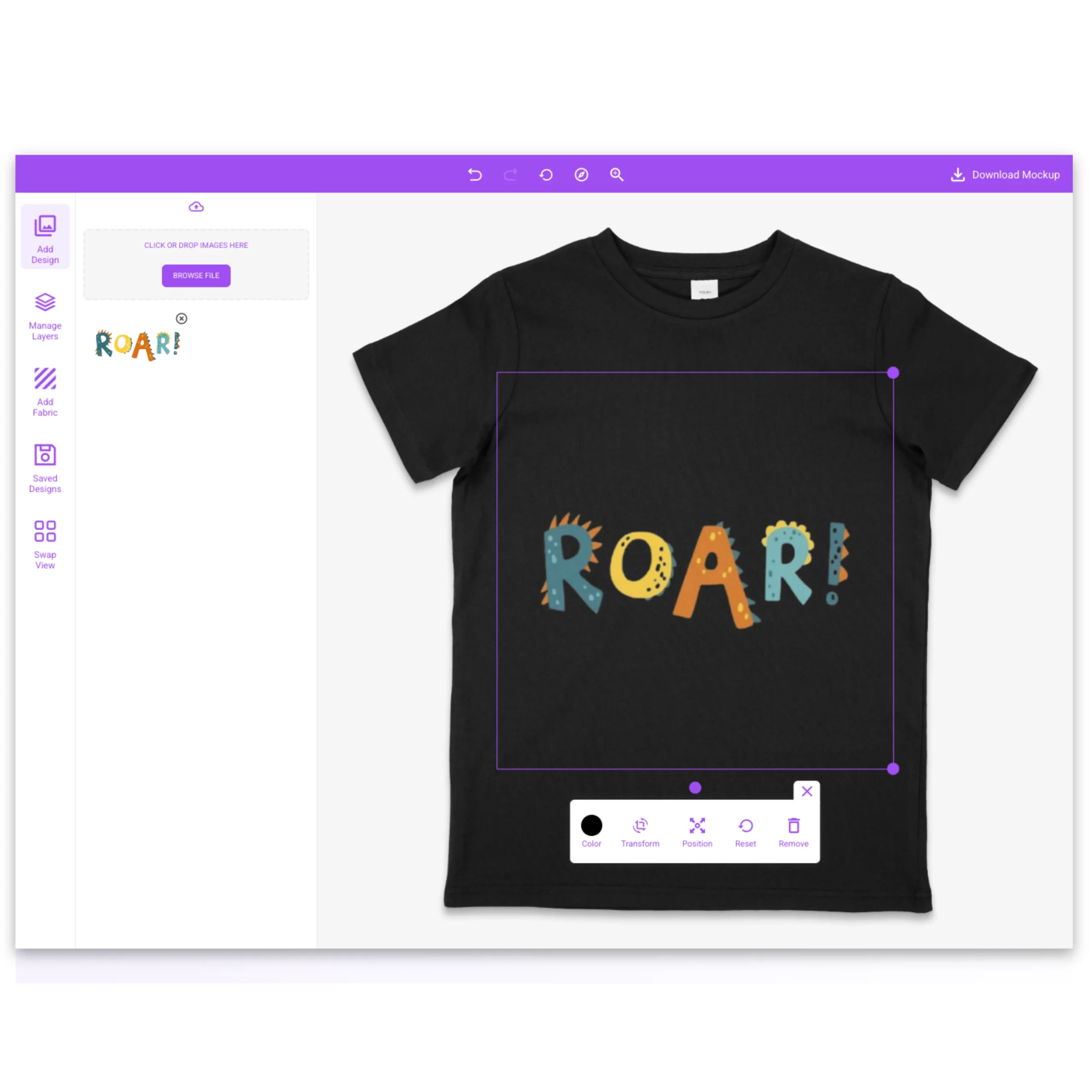
Upload a transparent PNG or SVG artwork file and center it on the baby chest panel. Baby print zones run smallest in apparel, and snap plackets on bodysuits shorten the usable panel further. Our editor maps each infant blank's true print area so the design clears both the neckline and snap packet without manual adjustment.
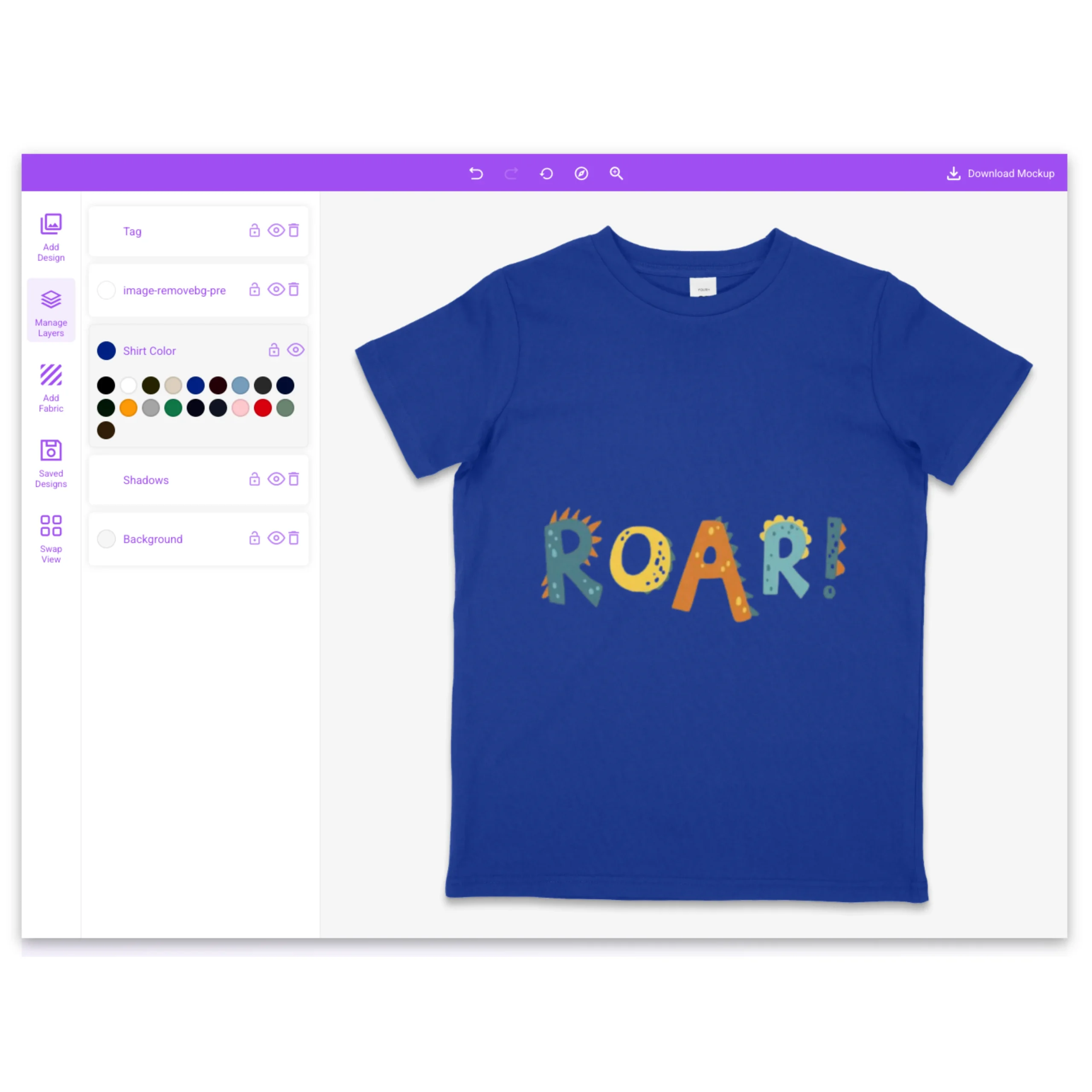
Select a garment color from the infant blank's manufacturer swatch set and the template updates instantly. Baby apparel sells predominantly in whites, naturals, and soft pastels, and every color in our palette is sourced directly from the production blank's original swatch library rather than approximated digitally.
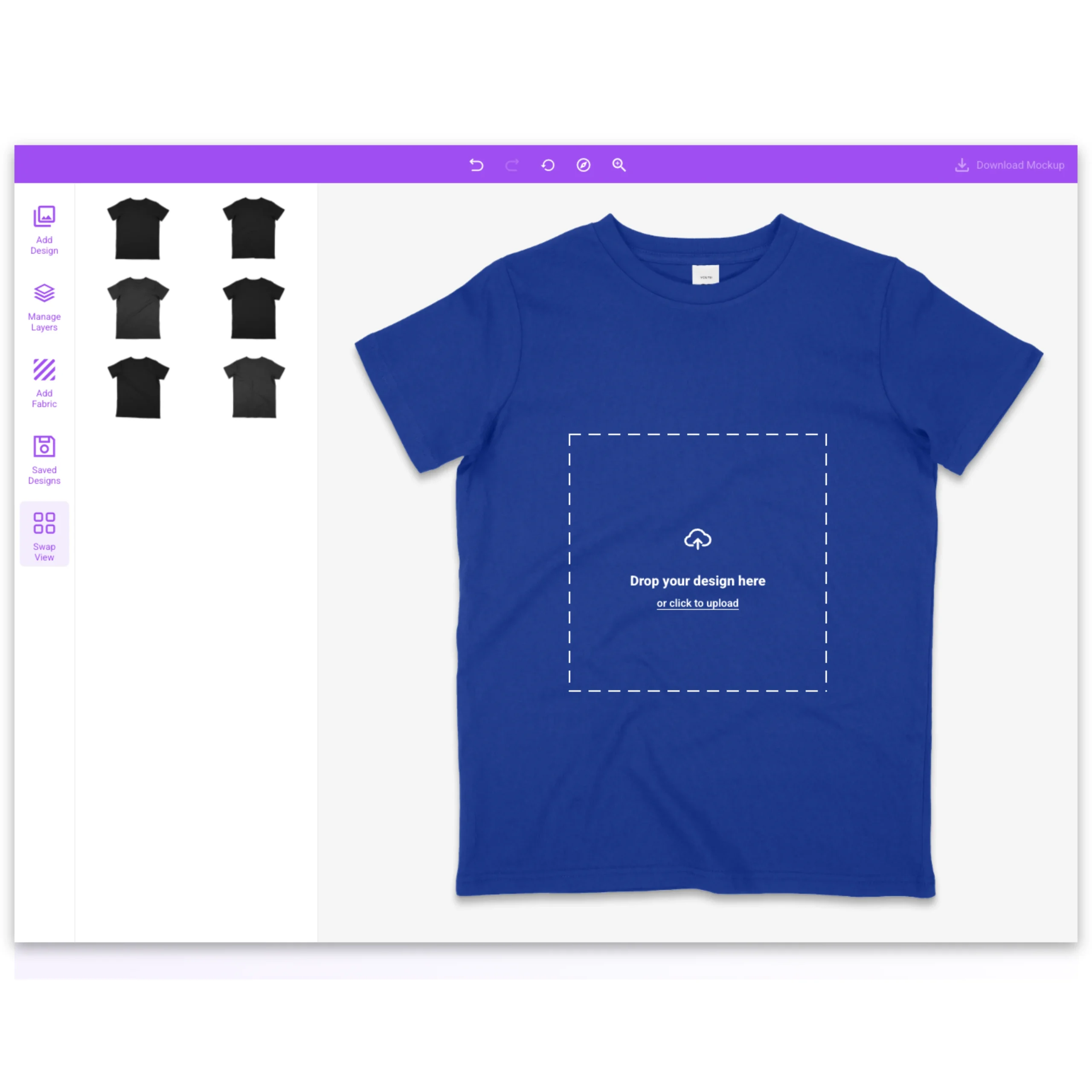
Switch the baby garment between flat-lay and hanging presentation formats with the uploaded design carried across automatically. Flat-lay baby templates suit Etsy marketplace grids where top-down presentation drives gift search click-through. Hanging templates suit boutique storefronts where a vertical format signals curated infant apparel quality.
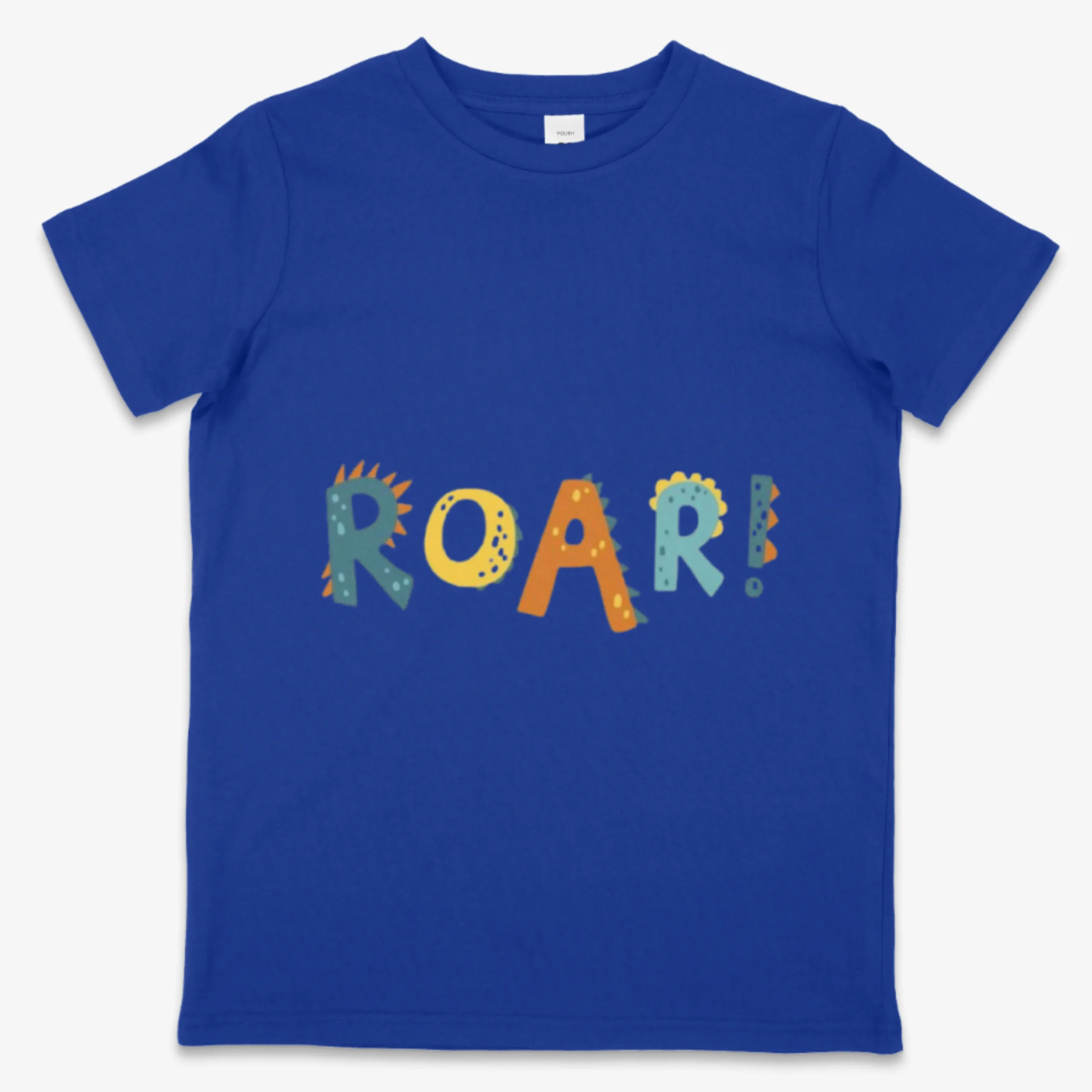
Review the full-size infant blank render at the neckline, snap closures, and chest panel before exporting. Gift buyers zoom into snap layout and rib texture as quality proxies when evaluating baby garments from a listing image, and our high-resolution render makes all 3 construction details visible at zoom.
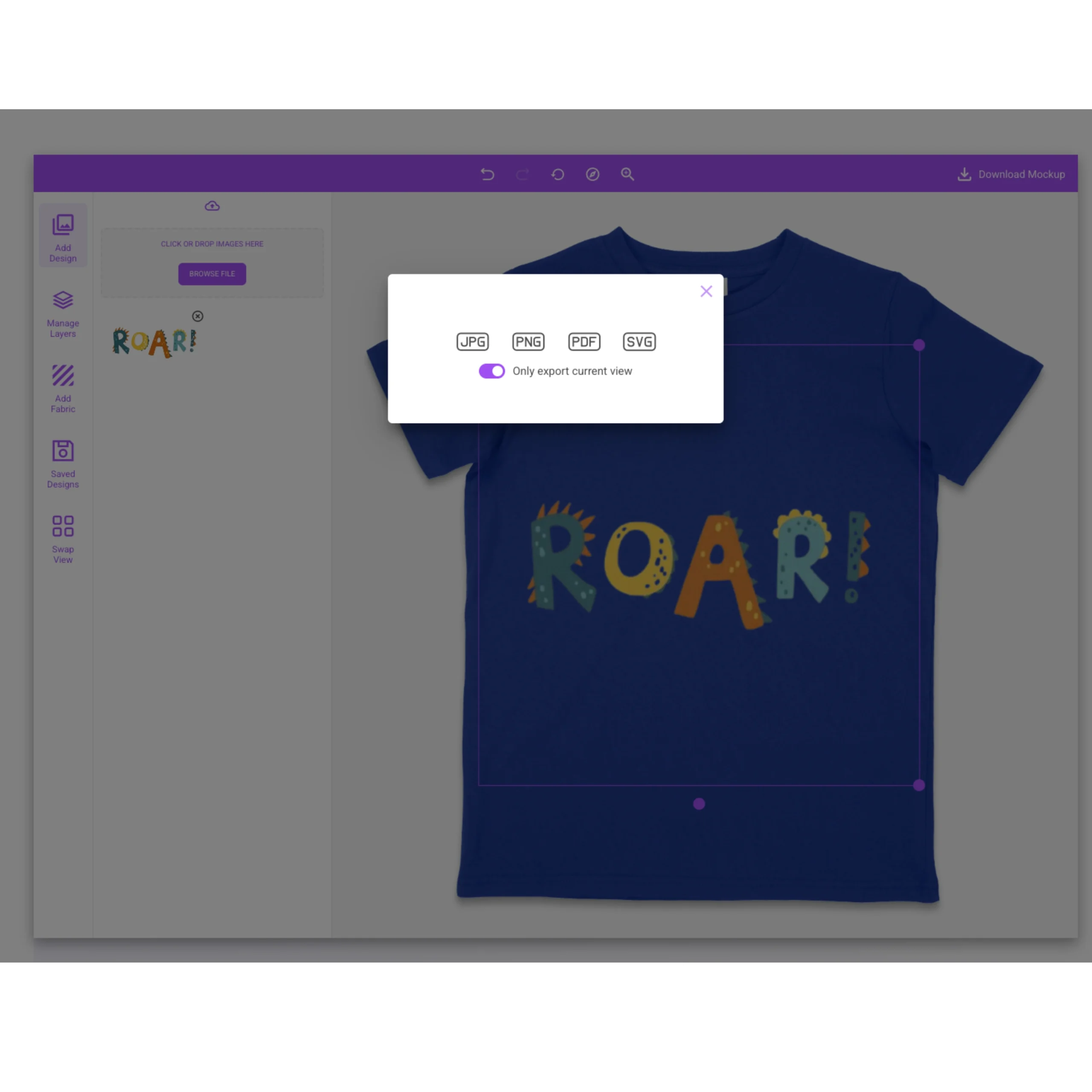
Export a watermark-free, high-resolution PNG sized for Etsy listings, baby-shower shop graphics, boutique storefronts, and family-brand catalogs. The exported file carries no watermark on Standard and Pro plans and requires no additional editing before publishing to a product listing or advertising creative.
Core Features of Our Baby Mockup Generator
Our generator treats baby apparel as its own category, not miniaturized adult clothing, because baby blanks, palettes, and buyers all differ.

5,000+ Mockup Templates
Our full template library covers 5,000+ mockups across all apparel categories. Within that library, 34 templates are dedicated baby garments spanning tees, bodysuits, one-pieces, sweatshirts, and tanks across infant and toddler size bands. Each baby template is built from a real production blank, not a generic infant silhouette.

40+ Real Apparel Brands
Every baby mockup is built from a real production infant blank from 4 specialist brands, Bella + Canvas, Rabbit Skins, Los Angeles Apparel, and AS Colour, with accurate snap layout, neckline construction, and baby-rib texture per garment, not a resized adult template.

6 Views Per Mockup Set
Our baby mockup sets include flat-lay and hanging views per infant blank, allowing sellers to build a complete gift-listing gallery from a single template family without mixing image sources or mismatching background lighting across a product page.

Complete Color Libraries
Preview how your baby artwork reads across whites, naturals, soft pastels, and darker shades in the full manufacturer color library for each infant blank before committing to a production run or seasonal gift drop.

Scene Creator
Add nursery-toned backgrounds, soft shadows, and environmental controls to build styled baby campaign visuals and social creative without staging a physical infant apparel shoot.
High-Resolution Output
Download baby mockups as print-ready PNG files with snap closure layout, envelope neckline construction, and baby-rib fabric texture rendered accurately at zoom, the 3 details gift buyers use to assess infant garment quality from a listing image.

Unlimited Downloads
Generate and export baby mockups across all 34 infant templates, garment colors, and design variants with no download caps, supporting full occasion-driven baby catalogs in a single session.
Request Missing Mockups
Submit a baby mockup request for any infant blank or brand SKU not currently in our library, such as a specific Rabbit Skins bodysuit style, to keep your templates aligned with your production blank workflow.
Early Access to New Mockups
Get early access to newly added baby mockup templates before public release, timed against gifting seasons such as holiday drops and baby shower peaks when infant apparel listings see the highest search volume on Etsy and boutique storefronts.
What Our Users Are Saying About Our Baby Mockup Generator
Real feedback from creators, ecommerce sellers, and designers who use Mock It to ship polished product visuals faster.

Didn't think I'd need it, but now I use it all the time. Mockups are top-notch.

The quality of the mockups from Mock It is exceptional. My product images look professional and polished. The platform is user-friendly, and I've been able to create stunning images in no time.

OMG my products look 100x better. Can't believe I didn't try this sooner.

Mock It has been an incredible tool for my business. The mockups are extremely high quality, and I love how easy it is to customize them to fit my brand.

I'm so happy I found Mock It. The mockups are beautiful, and the customization options make it easy to create images that match my brand perfectly.

Pretty surprised by how good this is. The mockups are super clean, and my product images for my brand look so much better now. For the price and the huge number of mockups, I'm really happy with it.
Choose Your Plan – Unlock Unlimited Mockups
Pick a monthly or annual plan to unlock the full Mockup Generator and 5,000+ template library, with high-resolution exports and no limits. New users get a 7-day free trial.
- 7-Day Free Trial
- Access Over 5,000 Mockups
- High-Resolution Mockups
- Mockups From The Biggest Brands
- Complete Color & Fabric Libraries
- Front & Back Mockups Included
- Create Unlimited Mockups
- Cancel Anytime
- 30-Day Money-Back Guarantee
- License for Commercial Use
- Access Over 5,000 Mockups
- High-Resolution Mockups
- Mockups From The Biggest Brands
- Complete Color & Fabric Libraries
- Six Views Per Mockup Set
- Create Unlimited Mockups
- Request Missing Mockup Sets
- Cancel Anytime
- 30-Day Money-Back Guarantee
- License for Commercial Use
- Everything in the Standard Plan
- High-Resolution Mockups
- 1 Express Mockup Request per quarter
- Priority Mockup Requests
- Image Background Remover
- Early Access To New Mockups
- AI Text-To-Image Generator
- Cancel Anytime
- 30-Day Money-Back Guarantee
- License for Commercial Use
Frequently Asked Questions About Baby Mockups
Common questions about baby apparel mockups, plus deeper reading from the Mock It blog.
What is a baby apparel mockup?
A baby apparel mockup is a photographic template of a real infant or toddler blank, covering tees, bodysuits, one-pieces, and sweatshirts, that displays uploaded artwork at true newborn-to-toddler scale with snap closures, envelope necklines, and baby-rib texture rendered from an actual production garment. Each baby mockup includes the 3 construction details gift buyers use as quality proxies: snap layout, neckline construction, and rib fabric texture. Etsy gift sellers, family brand owners, and POD operators use baby apparel mockup templates to validate designs, build infant product listings, and eliminate the cost of sample garment orders.
What is a baby apparel mockup generator?
A baby apparel mockup generator is a browser-based editor that composites uploaded artwork onto photographed infant and toddler blanks. It accounts for baby-specific garment elements that adult or generic templates miss, snap-crotch plackets, envelope necklines, and baby-rib fabric texture, so sellers can visualize and list infant apparel designs without ordering physical samples or hiring a photographer.
How are baby apparel mockups used?
Baby apparel mockups are used to build gift-economy listings on Etsy and boutique storefronts, launch seasonal pastel collections before inventory arrives, create matching imagery across adult and baby blanks for parent-and-child set catalogs, populate baby-shower custom shop graphics, and validate snap placement and print clearance on bodysuit and one-piece blanks before committing to a production run. Gift brands also use baby mockups to generate every bodysuit colorway from a single uploaded design ahead of holiday drops and baby shower peaks.
Can you use baby apparel mockups for free?
Yes, our baby mockup generator offers free access through permanently free templates and a 7-day free trial. The trial opens all 34 baby blank templates with complete manufacturer color palettes and high-resolution PNG export at no cost, and free baby mockups carry no watermark and match paid rendering quality. Paid Standard and Pro plans remove download limits and unlock the full 5,000-plus template library, unlimited exports, and early access to new baby mockup sets.
What Is the Difference Between a PNG Mockup and a PSD Mockup?
A PNG baby mockup is a ready-to-export flat image generated inside a browser-based editor with no software required. A PSD baby mockup is a layered Photoshop file with smart objects that requires desktop software, file download, and manual export to produce a final image. The PNG workflow removes the Photoshop dependency entirely for sellers producing infant apparel visuals at volume, with no PSD files, smart-object layers, or Photoshop license needed at any step.
What Is the Best Baby Mockup Generator?
The best baby apparel mockup generator offers realistic infant proportions, accurate garment construction, and print-ready export resolution. Our baby mockup generator covers 34 templates from 4 specialist brands, Bella + Canvas, Rabbit Skins, Los Angeles Apparel, and AS Colour, with snap closures, envelope necklines, and baby-rib texture modeled per infant blank SKU rather than a resized adult garment shape. Newborn-to-toddler scale accuracy, gift-ready flat-lay and hanging perspectives, and brand-specific blank construction set our generator apart from tools that apply adult template dimensions to smaller canvases.
What size should a PNG be for a baby apparel mockup?
For baby chest print placements, prepare artwork at 1,200 by 1,200 pixels at 300 DPI with a transparent background, though starting from a larger file always produces sharper output. Snap plackets on bodysuit blanks shorten the usable chest panel further than a standard tee, so center artwork to clear both the neckline and snap placket before exporting. Our editor auto-scales uploaded artwork to each infant blank’s true print area, and saving as a PNG with transparency preserves clean design edges against the light garment colors the baby category favors.
Can you use Mock It baby apparel mockups for commercial purposes?
Yes, baby mockups generated on Standard and Pro plans carry a commercial license for use across product listing pages, paid advertising, social media posts, client deliverables, and printed marketing collateral. Sellers can list and sell baby garments shown in any mockup image and use that image in any revenue-generating context. Redistribution and reseller use of mockup files fall outside standard plan coverage and should be verified against the applicable plan license terms before proceeding.
What are the benefits of using baby apparel mockups?
Baby apparel mockups help gift sellers, family brands, and POD operators visualize infant designs before production, build listing imagery faster, and maintain consistent product gallery quality without ordering physical sample garments. Because baby blanks carry snap construction and neckline details that adult garment templates cannot replicate, blank-accurate infant mockups deliver the trust signals gift buyers read from a single listing image before purchasing.
Baby apparel also runs on an occasion-driven gifting economy, where holiday drops and baby shower collections require full colorway coverage across bodysuits, tees, and one-pieces before inventory arrives. A single uploaded design generates every infant blank color in one session, cutting both launch time and sampling cost for sellers running seasonal baby drops.
Our baby mockup generator provides features that generic tools do not. The library includes 34 baby mockup templates from 4 specialist brands, Bella + Canvas, Rabbit Skins, Los Angeles Apparel, and AS Colour, with snap layout, envelope neckline, and baby-rib texture rendered per infant blank SKU, and browser-based, print-ready PNG export with no Photoshop dependency.
Browse Other Apparel Mockup Categories
From t-shirts to hats — keep building cohesive product listings across your whole apparel line.
Ready to Try the #1 Baby Mockup Generator?
Every gift seller, family brand, and POD operator listing infant apparel needs accurate baby visuals to build trust with gift buyers, validate snap and neckline construction, and launch seasonal collections without costly sample orders. This generator delivers 34 baby mockups across 4 specialist brands, complete manufacturer color libraries, unlimited downloads, and watermark-free PNG exports, built for Etsy gift listings, baby-shower shop graphics, boutique storefronts, and family-brand catalogs. Sign up, activate your 7-day free trial, and start creating commercial-ready baby mockups in minutes.
 Trusted By Thousands Of Designers
  Cancel Your Subscription Anytime
  30 Day Money Back Guarantee