Creating professional apparel mockups no longer requires expensive photoshoots or complex software. Online clothing mockup generators let you visualize your designs on real garments with ease, offering several benefits for your online store. Here’s a quick rundown of the 9 best platforms for apparel mockups, their features, and pricing:
- Mock It: Over 5,000 templates from 45+ brands like Bella + Canvas and Gildan. Includes AI tools, color libraries, and scene creators. Starts at $7.99/month (yearly).
- Placeit by Envato: 8,000+ templates with lifestyle and video mockups. Starts at $7.47/month (yearly).
- Smartmockups by Canva: Integrated with Canva, offering 2,000+ templates. Included with Canva Pro ($14.99/month).
- Printful Mockup Generator: Free tool with 1,000+ templates tied to its print-on-demand services.
- Renderforest: Template packs with lifestyle scenes. Free with watermark, $9.99/month for HD downloads.
- Vexels: Mockups plus 40,000+ design assets. Starts at $10.50/month.
- Printify Mockup Generator: Free mockups synced with its POD catalog.
- MockupMark: Focused on lifestyle mockups with brand-specific filters. Starts at $6.42/month (yearly).
- Mockey.ai: 15,000+ templates with AI tools and 3D mockups. Free plan available; paid plans start at $4.10/month.
These platforms vary in features, pricing, and customization options, catering to different needs – from print-on-demand sellers to professional designers. Below is a quick comparison to help you decide.
Quick Comparison
| Platform | Templates | Starting Price | Key Features |
|---|---|---|---|
| Mock It | 5,000+ | $7.99/month | AI tools, brand-specific templates, scene creator |
| Placeit | 8,000+ | $7.47/month | Lifestyle and video mockups |
| Smartmockups | 2,000+ | $14.99/month | Canva integration, drag-and-drop editor |
| Printful | 1,000+ | Free | POD integration, diverse templates |
| Renderforest | 500+ | Free/$9.99/month | Lifestyle packs, basic customization |
| Vexels | 1,500+ | $10.50/month | Graphics library, merch tools |
| Printify | 800+ | Free | POD catalog syncing, multi-platform support |
| MockupMark | 300+ | $6.42/month | Lifestyle imagery, brand filtering |
| Mockey.ai | 15,000+ | Free/$4.10/month | AI tools, 3D and video mockups |
Choose based on your specific needs – whether it’s cost, advanced features, or integration with print-on-demand services.
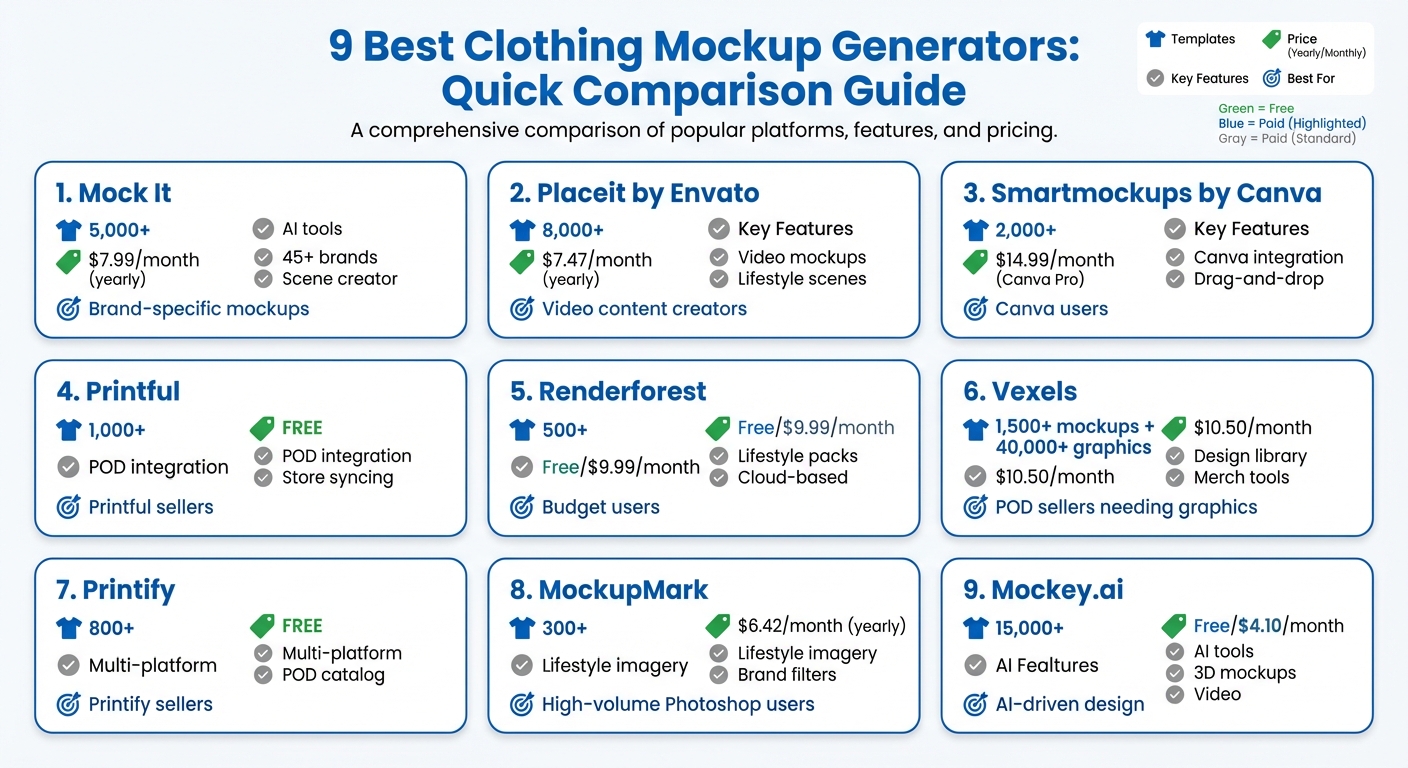
9 Best Clothing Mockup Generators Comparison: Features, Pricing & Templates
The Easiest Way to Create Mockups Online
1. Mock It
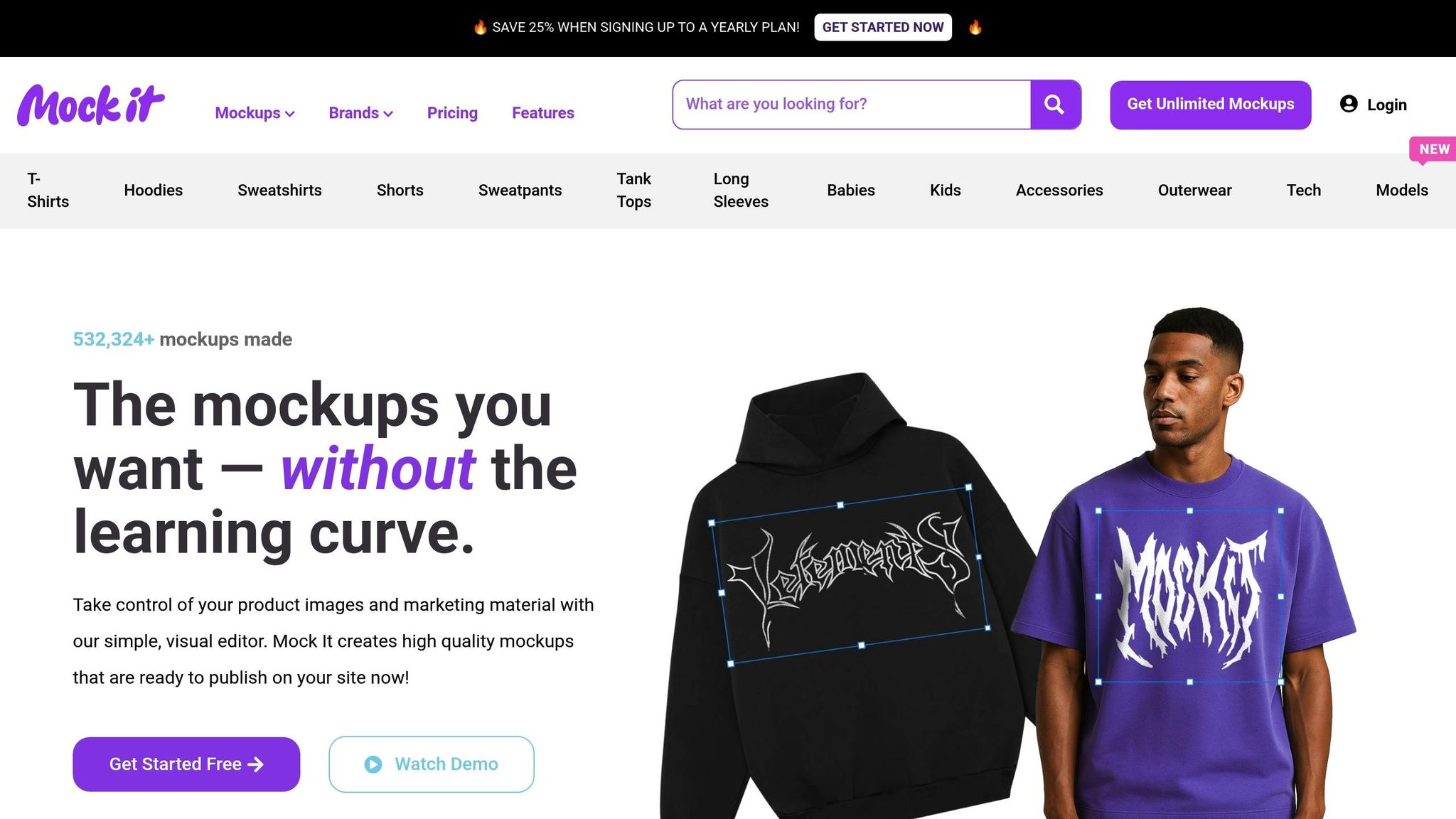
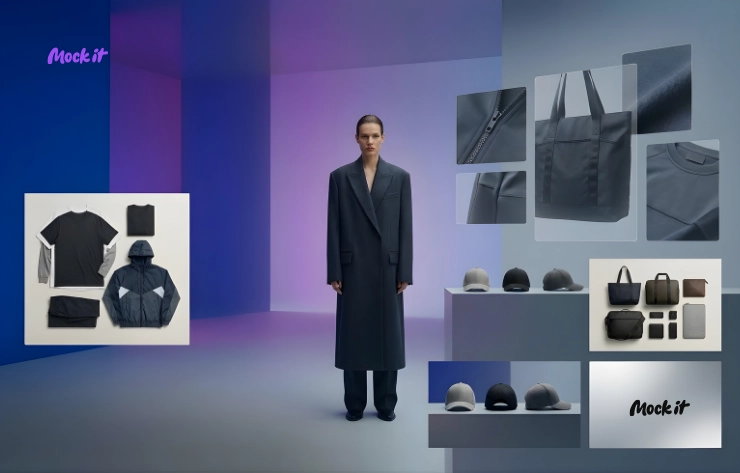
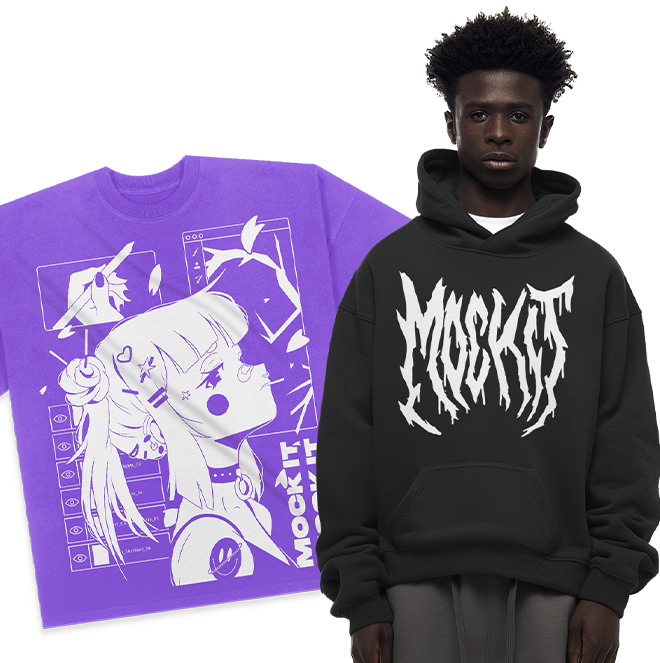
Mock It is a robust platform offering a massive library of over 5,000 mockup templates tailored to more than 45 popular apparel brands. Whether you’re working with Bella + Canvas, Gildan, Next Level, Champion, Shaka Wear, or Comfort Colors, Mock It ensures your digital mockups mirror the exact products you plan to sell. Instead of generic t-shirt shapes, you’ll find precise representations of specific items, like the Bella + Canvas 3001 or Gildan G500. This attention to detail is what sets Mock It apart from other mockup tools. Let’s dive into its features, pricing, and usability.
Template Variety and Quality
Mock It provides six unique templates for each product – three front views and three back views – giving you multiple perspectives of your designs. The platform keeps its library fresh with quarterly updates, adding over 200 new mockups regularly. Need something specific? The Request-A-Mockup feature allows you to request custom additions to the library. Plus, the platform offers a full range of colors and fabric textures, including heathers, acid washes, and mineral washes, ensuring your mockups look as realistic as possible.
Pricing and Subscription Options
Mock It offers a 7-day free trial, so you can explore its features risk-free. After that, you can choose between two plans:
- Standard Plan: $9.99/month (or $7.99/month billed annually)
- Pro Plan: $19.99/month (or $14.99/month billed annually)
Both plans include a 30-day money-back guarantee and come with commercial licensing, making them ideal for professional use.
Advanced Features: AI Tools and Scene Creators
Subscribers to the Pro Plan gain access to advanced tools like an AI text-to-image generator, a background remover, and a Scene Creator. These features let you add custom backgrounds, shadows, and accessories, turning basic mockups into polished marketing images. With export options designed for both web and print, it’s easy to create assets that fit your needs.
Customization and Ease of Use
Mock It operates entirely in your browser, featuring an intuitive drag-and-drop editor that supports PNG, JPG, PDF, and SVG uploads. The editor also integrates hundreds of fonts, making it easy to customize your designs. With brand-specific filters, you can quickly locate the exact garment you’re looking for. To date, over 531,521 mockups have been created using Mock It, making it a trusted tool for designers and print-on-demand sellers who need professional results without the hassle.
2. Placeit by Envato
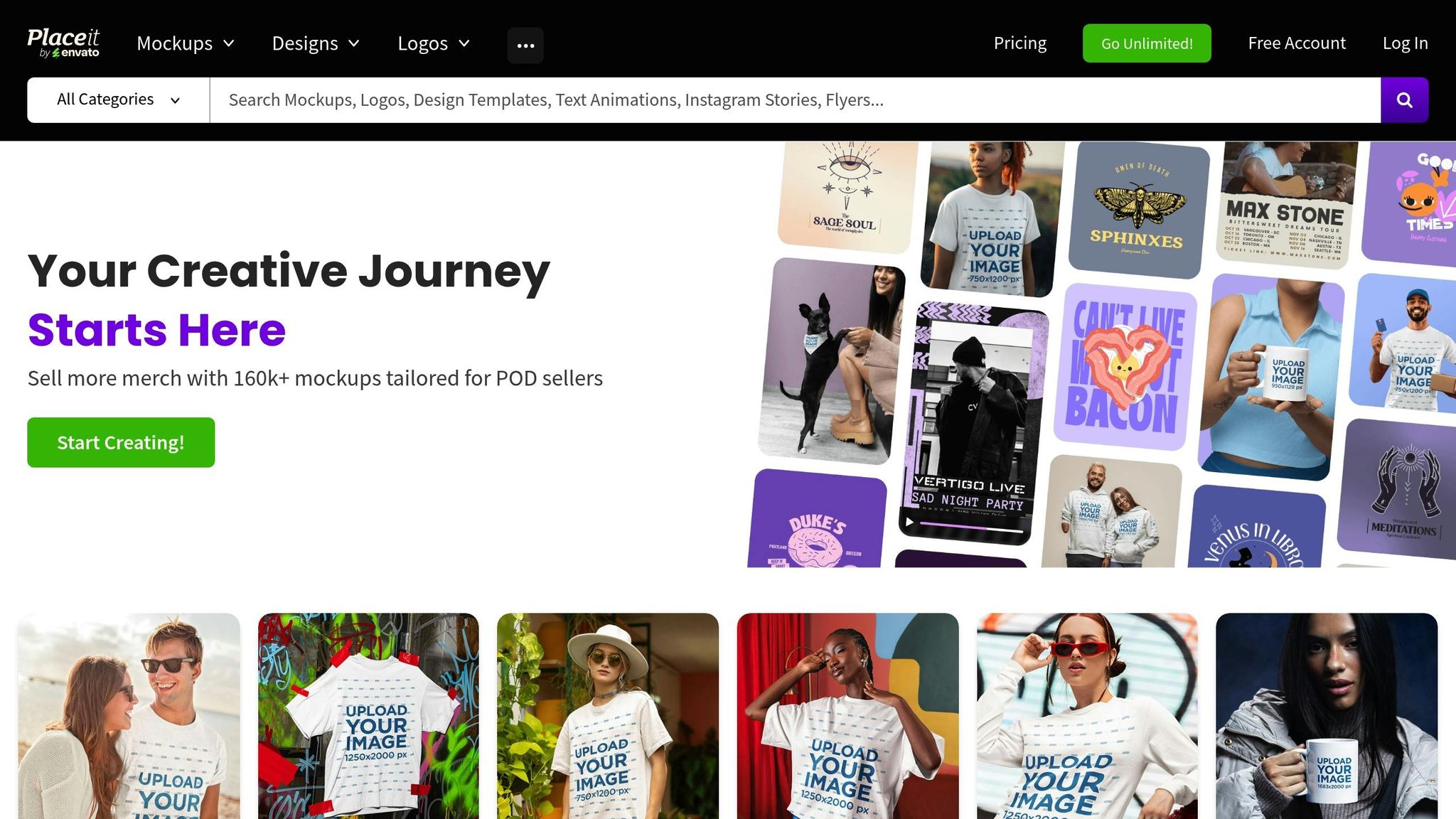
Placeit by Envato stands out with its massive library of over 43,000 graphics, including more than 8,000 apparel templates, making it a go-to platform for lifestyle-focused mockups. While Mock It excels in brand-specific precision, Placeit shines with its emphasis on dynamic, real-world imagery. The platform’s specialty lies in lifestyle photography, featuring professional models of various ages, sizes, and ethnicities in authentic settings. Whether you’re looking for mockups of t-shirts, hoodies, tank tops, sportswear, hats, or even onesies, Placeit’s diverse collection has you covered.
Template Variety and Quality
Placeit’s strength lies in its ability to deliver lifestyle mockups that feel real and relatable. Unlike platforms that rely heavily on flat product images, Placeit incorporates real models into its templates, offering a more engaging visual experience. It even provides video mockups for clothing brands, a feature that sets it apart in the market. That said, some users have noted that certain templates have become overused, which can make it harder to stand out online.
Pricing and Subscription Options
Placeit offers flexible pricing tailored to different needs. For those who use the platform regularly, the Unlimited Subscription is available at $14.95 per month or $89.69 annually, which breaks down to about $7.47 per month. If you only need a few mockups, individual templates can be purchased for $7.95 each. Additionally, Placeit updates a selection of free templates every month, though these downloads include watermarks. When compared to Mock It’s Standard plan – $9.99 per month or $7.99 per month when billed annually – Placeit’s annual subscription offers better value, though its monthly rate is slightly higher.
Advanced Features and Customization
Placeit simplifies customization with AI-powered tools like a background remover, image cropper, and video-to-GIF converter. Its intuitive three-step editor allows users to pick a template, upload their design, and tweak colors, ensuring a seamless experience. Designs are automatically mapped to follow the natural folds and contours of apparel, creating realistic clothing mockups. Beyond its editing tools, Placeit’s vast library of pre-made lifestyle scenes lets users filter templates by gender, age, ethnicity, and even specific apparel brands, making it easier to tailor mockups to their target audience.
3. Smartmockups by Canva
Smartmockups by Canva brings another user-friendly option to the table, following tools like Mock It and Placeit. Through its integration with Canva, Smartmockups by Canva provides access to a wide range of realistic apparel mockups, making it especially convenient for designers already familiar with Canva. With over 1,500 free t-shirt mockups available, including styles like v-necks, round necks, kids’ shirts, hoodies, sweatshirts, and tank tops, you can access Smartmockups directly from Canva’s "Apps" section. Importing your designs is as simple as one click, making the workflow smoother for busy creatives.
Template Variety and Quality
Smartmockups offers impressive versatility, allowing users to showcase apparel from various angles, such as front, top, hanging, and folded views. These options make it easy to create polished, professional-looking visuals. While Smartmockups focuses on ready-to-edit templates with multiple angles, Mock It stands out with over 5,000 brand-specific mockups tailored for manufacturers. Additionally, Smartmockups supports high-resolution exports of up to 5K, ensuring your designs look sharp across all platforms and marketing materials.
Pricing and Subscription Options
Smartmockups operates on a freemium model, offering a selection of free templates – though some may include watermarks. For more features, the Pro Plan is available at $14 per month or $108 annually (approximately $9 per month). If you’re looking for even more advanced options, the Advanced Plan costs $828 per year. However, if you’re already a Canva Pro subscriber (priced at around $12.99 per month), Smartmockups’ features are included in your subscription. Compared to Mock It’s Standard Plan, which costs $9.99 per month, Smartmockups’ standalone pricing is slightly higher, which could be a factor for those on a tight budget.
Advanced Features and Customization
One standout feature of Smartmockups is its AI-powered generator, which automatically adjusts your designs to fit the garment’s perspective, shadows, and highlights. This eliminates the need for time-consuming manual edits. Customization is straightforward: choose a template, upload your design, and use the "Adjust image" tool to tweak placement, alignment, background colors, and textures to match your brand’s style. Plus, the integration with Unsplash provides instant access to a vast library of lifestyle backgrounds, helping you create visually engaging mockups. The tool is accessible on both desktop and mobile, making it versatile for creators on the go.
4. Printful Mockup Generator
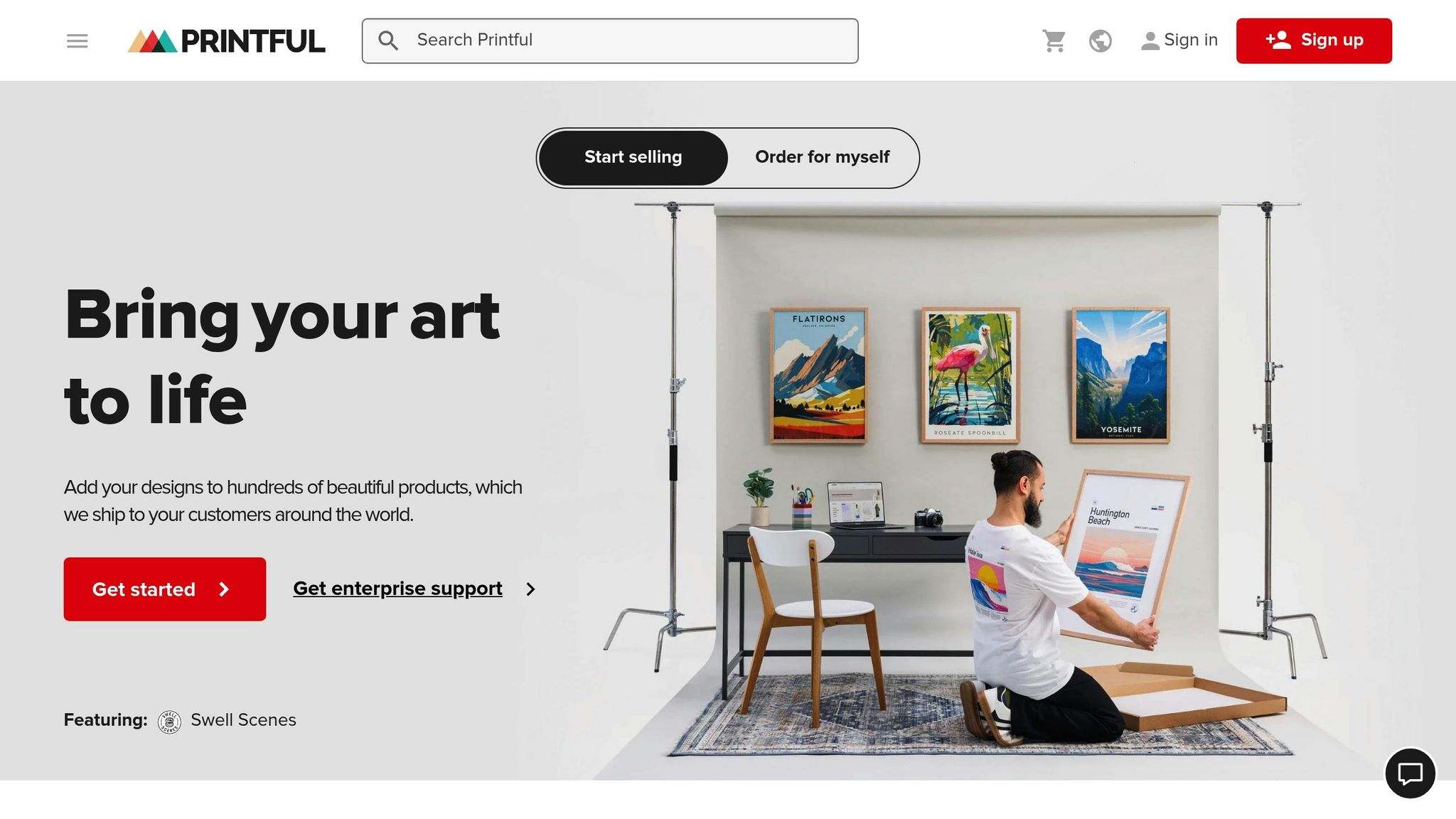
If you’re already using Printful for print-on-demand fulfillment, you’ll be glad to know that their mockup generator is completely free – no upfront fees or monthly subscriptions required. With a library of over 2,550 mockup templates, Printful offers a wide range of apparel options, including men’s, women’s, and kids’ clothing like t-shirts, hoodies, sweatshirts, swimwear, leggings, dresses, sports bras, and baby bodysuits. Popular brands such as Bella + Canvas, Gildan, Champion, and Next Level Apparel are also featured. While Mock It may have a larger template library, Printful’s selection is perfect for launching your store quickly. This variety provides a solid foundation for exploring the quality and style options available, or using expert clothing mockup tips to enhance your designs.
Template Variety and Quality
Printful provides realistic mockups in several styles, including lifestyle shots, flat lays, and product-only images, all paired with diverse model photography [21, 22]. On the other hand, Mock It stands out with its high-resolution outputs of 2,400 x 2,400 pixels and offers six distinct views per mockup set (three front and three back). This makes Mock It an excellent choice for professional campaigns that require top-notch visuals, while Printful’s mockups are ideal for standard e-commerce needs.
Pricing and Subscription Options
The Printful Mockup Generator is free for all users, making it an attractive option for sellers [21, 23]. While Printful does offer paid plans, such as Printful Growth at $24.99 per month and custom Enterprise pricing for additional business features, access to the mockup generator remains free even without these upgrades. In contrast, Mock It operates on a subscription model, with a Standard plan at $11.99 per month for unlimited mockups and access to over 5,000 templates, and a Pro plan at $21.99 per month that includes advanced AI tools. For sellers who exclusively use Printful’s fulfillment services, the free mockup generator is a practical and cost-effective choice.
Advanced Features and Customization
Printful’s Custom Mockup Maker includes over 300 built-in backgrounds and 100+ design elements. It also features a Scene Creator, allowing users to save pre-designed setups and apply them to various clothing items with ease. Mock It, however, offers advanced tools like an AI text-to-image generator and a background remover, providing more flexibility for creative projects. Additionally, Printful’s integration capabilities allow mockups to sync directly with platforms like Shopify and Etsy with just one click. However, it does not support PSD downloads for external editing, which may be a consideration for some users.
5. Renderforest Mockup Generator
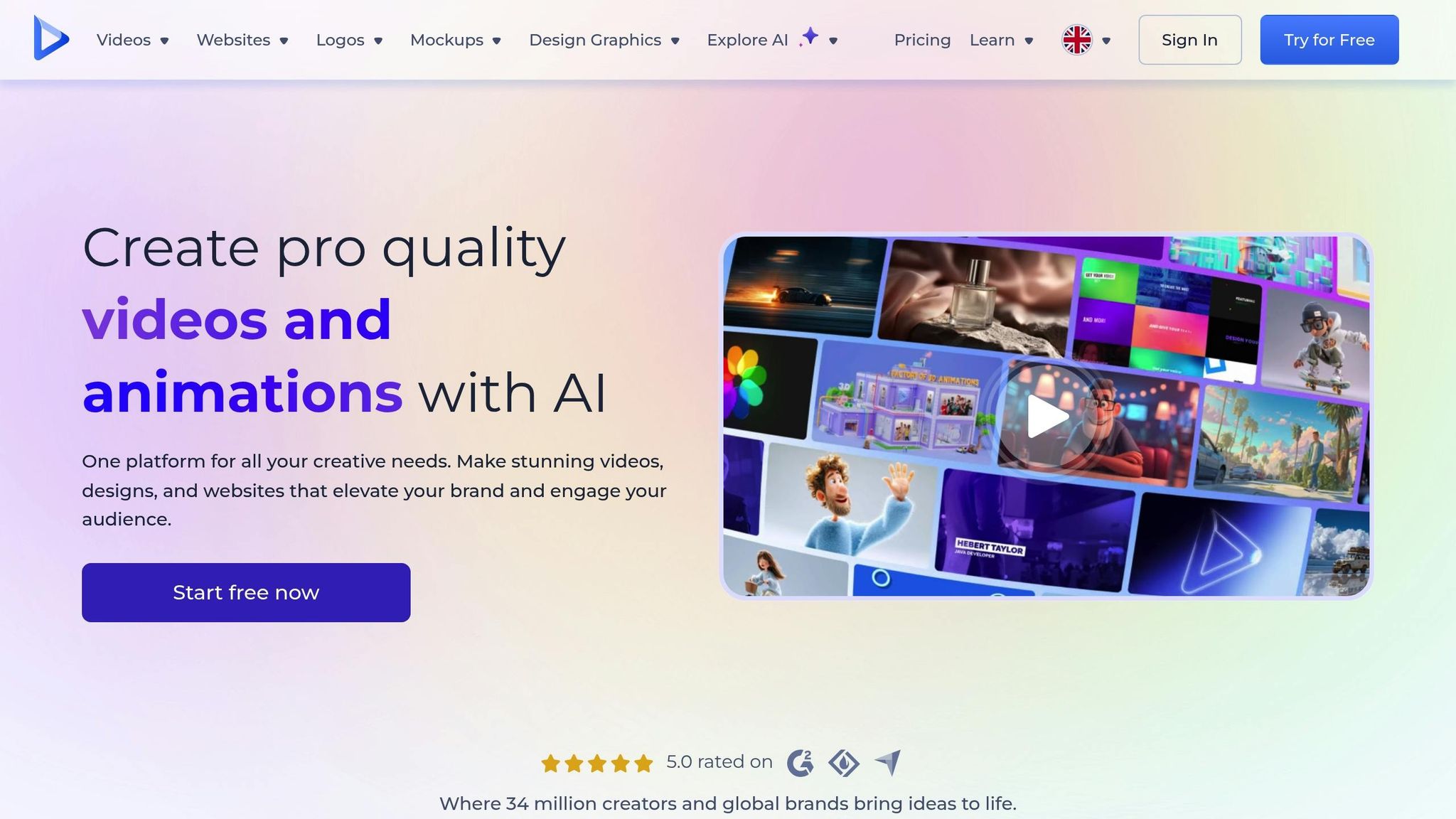
Renderforest stands out from many clothing mockup tools by offering scene-based packs instead of individual templates. For instance, you can explore collections like the Men’s Oversize T-Shirts kit, which includes 23 scenes, or the Realistic Logo Mockup Pack with 26 lifestyle-focused settings. The platform supports a wide variety of apparel, including t-shirts (oversize, crewneck, urban styles), hoodies, tank tops, polo shirts, jerseys, hats, socks, and even backpacks. This approach provides brands with a more dynamic and cohesive visual presentation compared to traditional single-template options.
Template Variety and Quality
Mockups on Renderforest are grouped into themed packs, each containing between 6 and 28 scenes. While this is smaller compared to Mock It’s extensive library – where each set includes 6 templates (3 front views and 3 back views) at a resolution of 2,400 x 2,400 pixels – Renderforest compensates with its focus on lifestyle photography. These mockups often resemble professional photoshoots, giving brands a polished, real-world look. Additionally, Renderforest provides templates for clothing labels, hang tags, and branding kits, making it a versatile choice for apparel and branding needs.
Pricing and Subscription Options
Renderforest uses a freemium model, allowing users to create and customize mockups for free. However, downloading images without watermarks requires a paid subscription. Unlike Mock It, which clearly outlines its pricing – offering a Standard plan at $11.99/month (or $8.99/month billed annually) and a Pro plan at $21.99/month – Renderforest does not publicly share specific pricing tiers. For brands requiring high-volume, consistent mockups, Mock It’s $8.99 per month (annual plan) might offer a more transparent and budget-friendly option. That said, Renderforest doubles as a branding suite, though its pricing structure remains less straightforward.
Advanced Features and Customization
Renderforest simplifies the design process by automatically aligning your artwork to the correct position, perspective, and angle. It also allows users to customize background colors and incorporate brand logos directly within its browser-based editor. While these features make customization easy, Mock It offers additional advanced tools, such as an AI text-to-image generator and a detailed scene creator. Renderforest’s strength lies in its cohesive aesthetic packs, ensuring consistent lighting, model choices, and overall visual harmony across all product images – perfect for maintaining a unified look across marketing channels.
sbb-itb-1e8f9ab
6. Vexels Mockup Generator
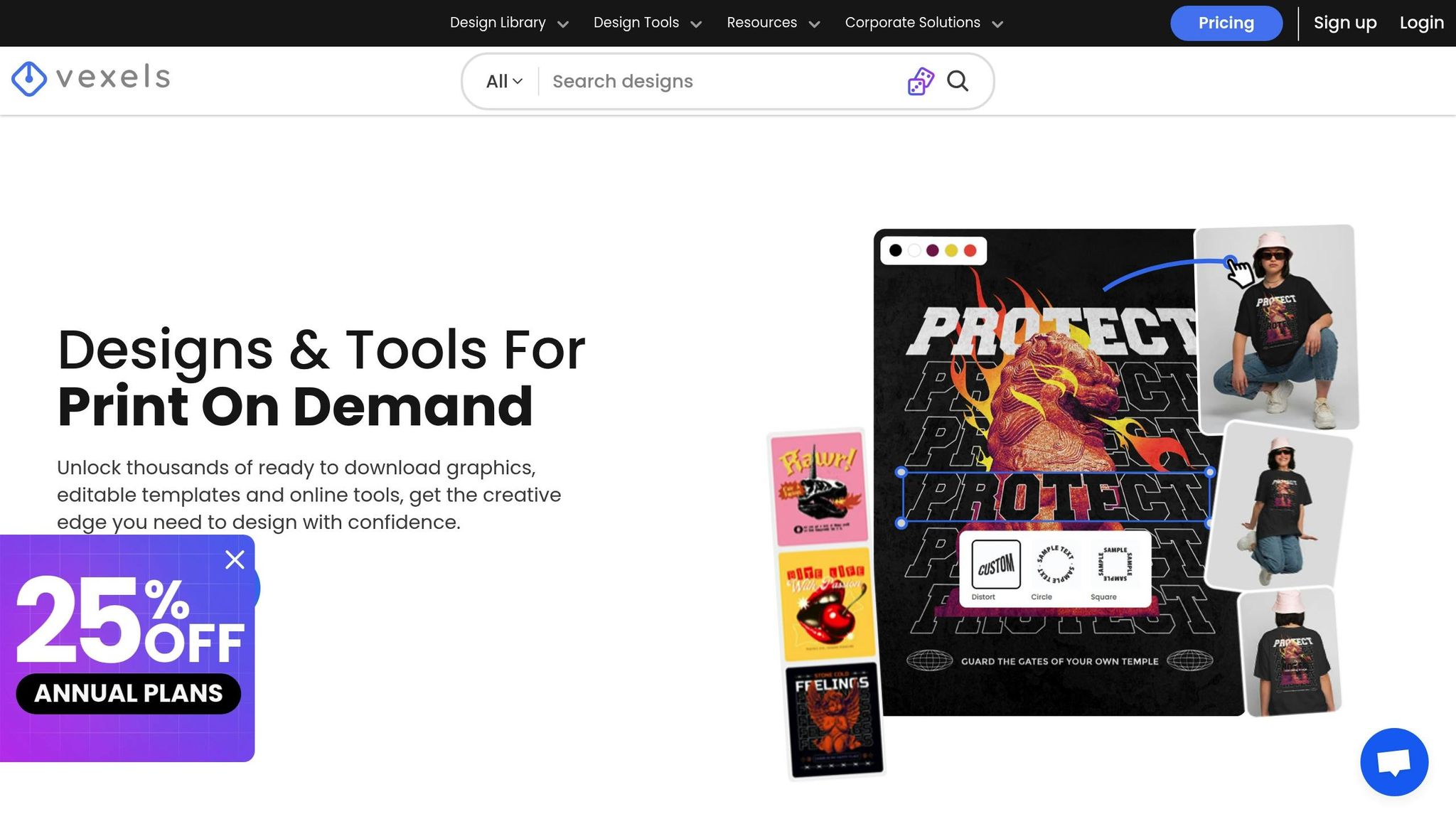
Vexels stands out as an all-in-one solution tailored for Print-on-Demand (POD) sellers who need both design resources and mockup tools in a single platform. With a library boasting over 40,000 graphics and an integrated mockup generator, it enables users to download a design and instantly apply it to a mockup – all within the same dashboard. This seamless workflow distinguishes it from platforms that focus exclusively on mockups. Let’s dive into its template options, pricing, and features to understand why it’s a go-to for POD sellers.
Template Variety and Quality
Vexels’ mockup library covers a wide range of products. Beyond the basics like t-shirts, hoodies, sweatshirts, and tank tops, it includes niche items such as leggings, socks, and baby onesies. The selection doesn’t stop at apparel – there are templates for tote bags, hats, phone cases, mugs, and home décor items like throw pillows. Presentation styles are equally diverse, offering options like model mockups in natural poses, flat lays, folded product views, and seasonal-themed setups for occasions like Halloween, Christmas, and Valentine’s Day. Unlike Mock It, which leans heavily on brand-specific templates, Vexels focuses on designs that mirror real POD products, making it practical for sellers.
Pricing and Subscription Options
Vexels offers a range of subscription plans to suit different needs: Merch Starter at $10.50/month, Merch Expert at $36.75/month, or a one-time Merch Lifetime fee of $550. While its entry-level plan is slightly pricier than Mock It’s $8.99/month (billed annually) for the Standard plan, Vexels provides access to a vast design library – a major perk for those creating artwork from scratch. On the other hand, if you already have designs and only need mockups, Mock It’s more focused offering might be the better fit.
Advanced Features and Customization
Vexels goes beyond basic mockup tools with features like AI-powered design and quote generators, a T-shirt Maker, and a Logo Maker. The mockup generator allows users to rotate t-shirt designs, tweak product colors based on POD recommendations, and even edit or remove backgrounds directly in the browser. For those seeking more control, editable PSD files are available for use in Photoshop. The platform also offers a diverse range of model mockups, showcasing various ages, ethnicities, and styles – helping brands connect with a broader audience authentically. These advanced tools and customization options make Vexels a comprehensive resource for POD sellers looking to elevate their designs and presentations.
7. Printify Mockup Generator
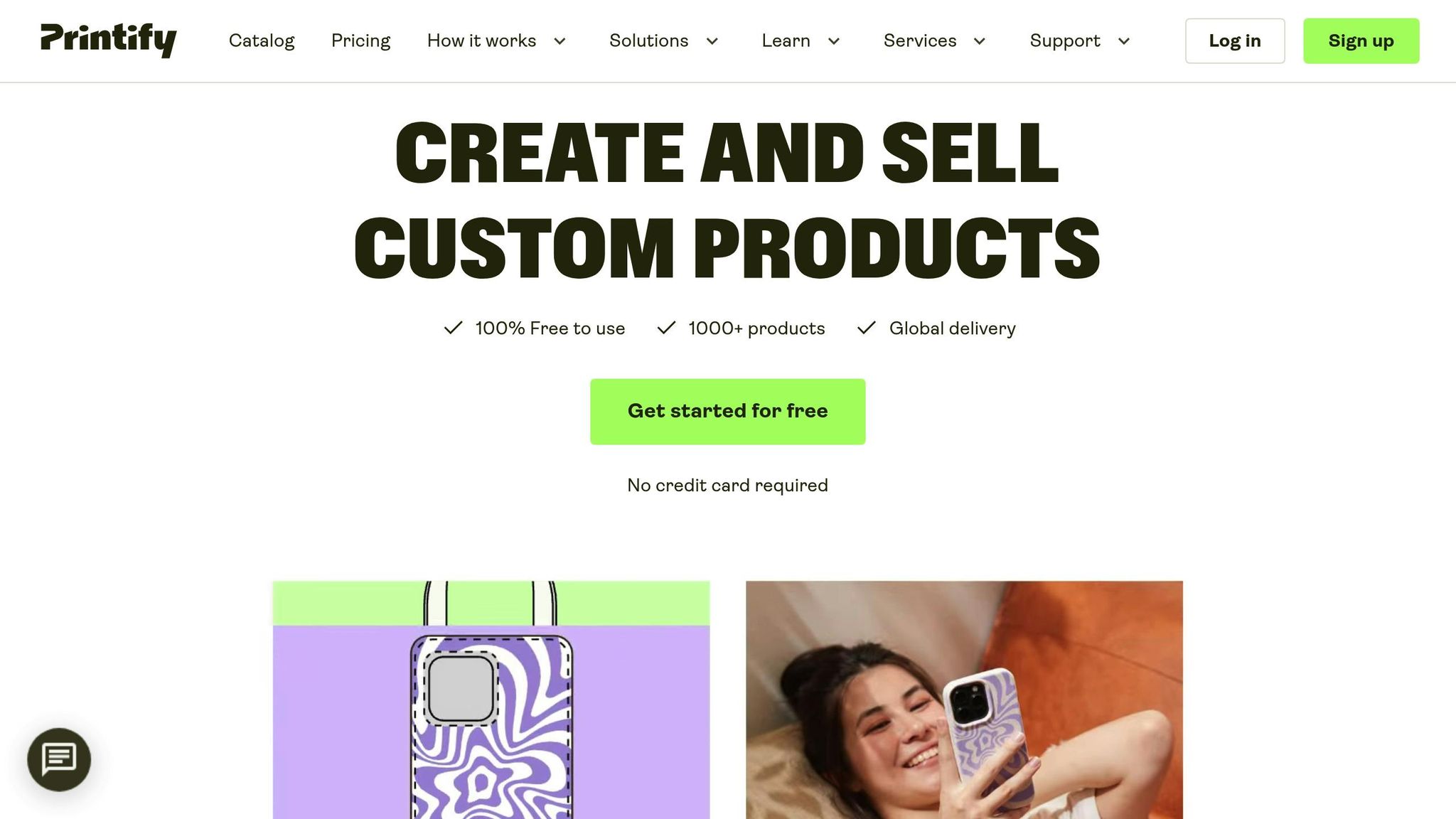
Printify takes a straightforward approach with its mockup generator – completely free to use, with no hidden fees, watermarks, or download limits. With over 10 million users and a solid 4.6/5 rating from more than 6,000 reviews, Printify provides access to over 1,300 professional templates integrated into its print-on-demand (POD) catalog. While its library is smaller compared to Mock It’s 5,000+ templates, Printify’s targeted selection is particularly useful for sellers planning to produce their designs directly through the platform.
Template Variety and Quality
Printify’s mockup library covers all the essentials, including t-shirts, hoodies, jackets, leggings, joggers, and even footwear. Templates come in various styles – flat lays, hanging displays, closeups, front and back views, and lifestyle scenes featuring models. The output is described as "ultra-crisp" and "pro-level", delivering high-resolution, watermark-free PNG files that are perfect for social media or e-commerce listings. Unlike Mock It’s focus on specific brands like Bella + Canvas and Gildan, Printify’s templates are directly tied to its POD catalog and include popular names like Champion and adidas. This makes it easy to create mockups that align with actual products, streamlining the design-to-production process.
Ease of Customization and Usability
Printify’s drag-and-drop interface is simple and effective. Users can upload artwork, add text, choose from over 150 free graphics, and manage up to 10 layers per print area. The platform also supports SVG files, ensuring artwork maintains its quality no matter the size. A "Preview" mode lets you see how your design looks in real-life settings before downloading, and the "Save as template" feature makes it easy to reuse design elements. Wendy Leet, a satisfied user, shared her experience:
Everything is working great! I designed 15 different products (shirts), opened a Printify shop and connected it to my Etsy shop.
Recent updates have added features like a pattern creation tool, multiline text support, and 32 new fonts, including Open Sans and Merriweather.
Advanced Features
Beyond simplicity, Printify includes some advanced tools. The platform offers AI-powered features like an Image Generator and Background Remover. You can create mockups for all color variants of a product at once, and the system automatically enhances low-quality uploads for better print results. Additional tools like "Fit and Fill" and directional scaling help with precise placement of artwork. While it lacks Mock It’s advanced Scene Creator, Printify’s seamless integration of design and manufacturing allows you to create, preview, and launch products all in one place.
Pricing and Subscription Options
Printify’s mockup generator is completely free. For those looking to unlock the full range of Printify’s POD business features, a Premium plan is available for $29/month, offering up to 20% discounts on product costs. However, the mockup tool remains free regardless of subscription. In comparison, Mock It requires a subscription after a 7-day free trial, with plans starting at $11.99/month (or $8.99/month when billed annually). For creators focused on professional mockups without extra costs, Printify’s free model is a strong choice. That said, if you need a larger, brand-specific template library and advanced scene customization, Mock It might be the better fit for dedicated apparel designers.
8. MockupMark
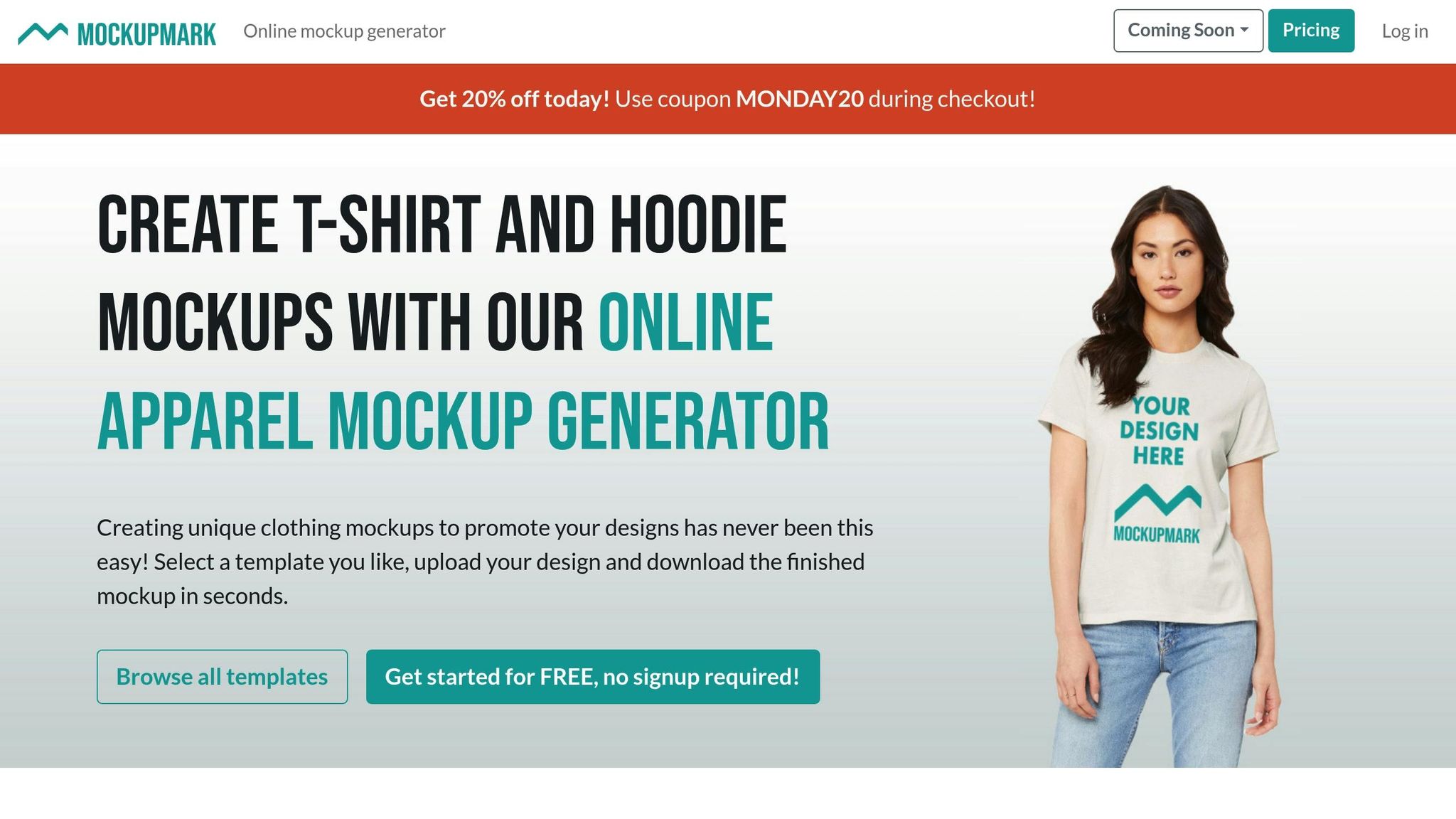
MockupMark specializes in apparel mockups, offering a library of over 800 t-shirt templates. While this number is smaller compared to Mock It’s expansive collection of 5,000+ templates, MockupMark sets itself apart with a focus on lifestyle photography. Their mockups often feature models in realistic settings, making it an appealing option for e-commerce stores that value a stylish, fashion-forward aesthetic over sheer volume.
Template Variety and Quality
One of MockupMark’s standout features is its brand-specific filtering system. This allows users to sort templates by brands like American Apparel, Bella + Canvas, and Gildan. This is especially useful for Print-on-Demand sellers who need mockups that accurately reflect the products their customers will receive. Instead of relying on basic flat-lay images, MockupMark’s templates showcase high-quality model photography, giving designs a polished and professional appearance. These visuals are perfect for social media promotions or online storefronts. With strong brand filtering and quality imagery, it’s easy to see how MockupMark simplifies creating visually appealing mockups.
Ease of Customization and Usability
MockupMark is all about keeping things quick and simple. You can upload your artwork and instantly see how it looks across various templates. Customization options, however, are somewhat limited. Users can adjust positioning, resize designs, and change garment colors on select templates, but advanced features like shadow manipulation or background editing are missing. Unlike platforms offering AI-powered tools or advanced features, MockupMark sticks to a straightforward, no-frills approach. For those who need more control over their final mockups, platforms like Mock It, with tools like a Scene Creator, may be a better fit.
Pricing and Subscription Options
MockupMark offers three pricing tiers: $14.99 per month, $119.88 annually, or a one-time payment of $299.99 for lifetime access. They also provide a limited selection of free templates for users to try before committing. The lifetime access option is a unique feature among browser-based mockup tools, offering long-term value for those who frequently need mockups. While MockupMark excels in delivering quality lifestyle imagery and precise brand representation, its niche focus means it may not match the versatility of platforms with larger libraries or more advanced editing tools.
9. Mockey.ai
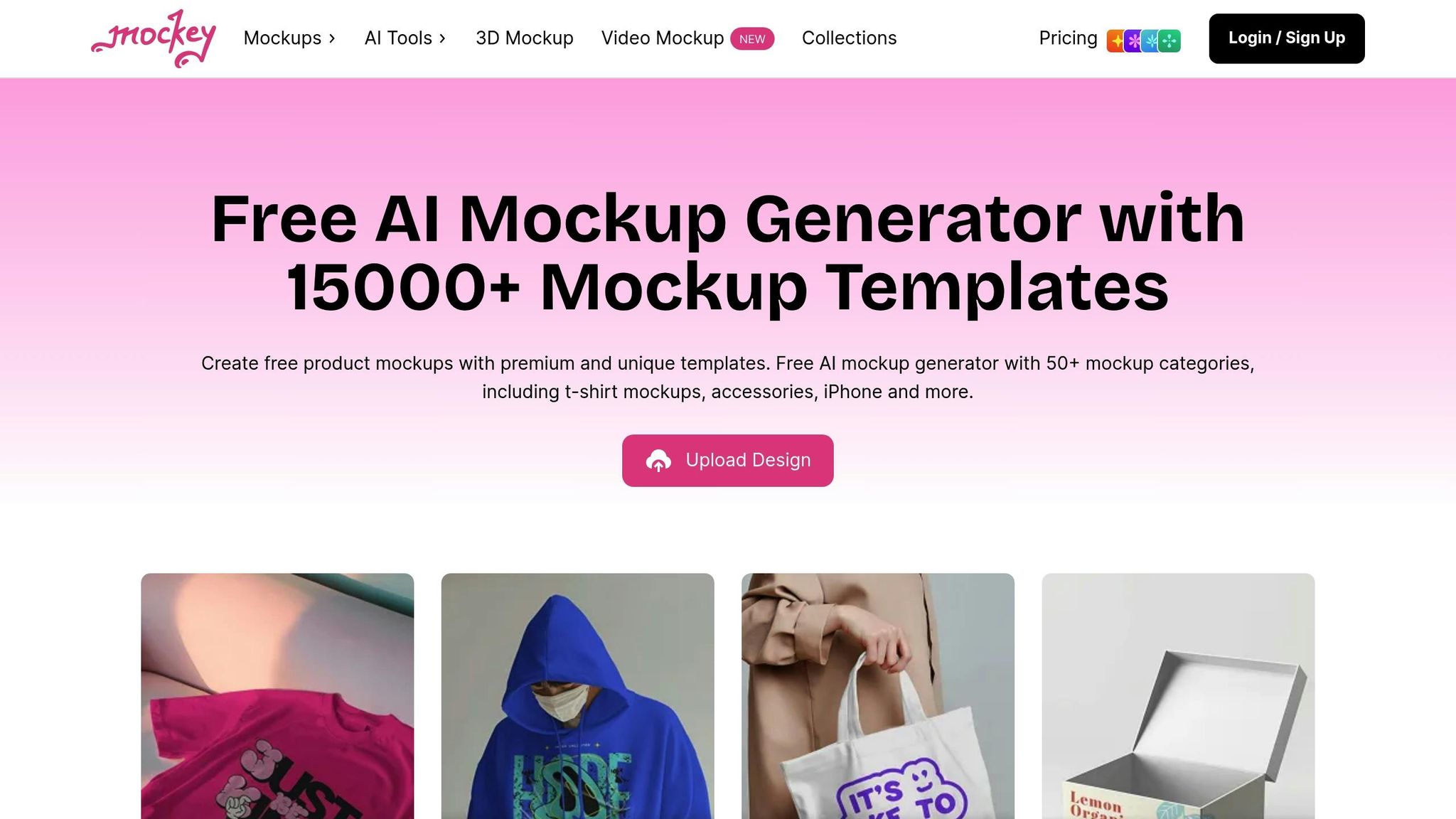
Mockey.ai offers an impressive range of mockup solutions with over 15,000 AI-powered templates spread across 50+ categories. If you’re in the clothing business, you’ll find plenty of options, including 1,557+ t-shirt mockups, 700+ hoodies, 350+ sweatshirts, and 230+ jacket templates. The platform doesn’t stop at simple flat lays – it provides professional model photography featuring individuals of various ages and ethnicities, mannequin displays, and lifestyle scenes to give your designs a polished, professional edge.
Template Variety and Quality
What makes Mockey.ai stand out is its sheer variety and attention to detail. The templates deliver photorealistic results, complete with realistic shadows and fabric contours that mimic how designs will look when printed. Whether you’re after straightforward product images or more dynamic lifestyle shots, Mockey.ai has you covered. And it’s not just about clothing – there are 415+ cap mockups, 115+ beanie templates, and 555+ tote bag options, making it a versatile choice for those looking to expand their product offerings. This wide selection gives it an edge over many niche platforms.
Advanced Features Like AI Tools or Scene Creators
Mockey.ai goes beyond standard mockup tools with its AI-driven features. These include a background remover, blur tool, and photoshoot settings that help place your products in professional environments. One standout feature is the 3D mockup generator, which lets you rotate designs, tweak textures, and download results as either images or MP4 animations. For those focused on video content, the platform also offers a video mockup generator that creates 5-second high-definition clips – perfect for social media marketing. These tools make it easy to create eye-catching visuals while offering detailed customization options.
Ease of Customization and Usability
Mockey.ai’s streamlined workflow ensures ease of use. In just three simple steps, you can choose a template, upload your design, adjust colors and placement using a drag-and-drop editor, and download your mockup. Users have noted that the process is straightforward and beginner-friendly. The platform supports both desktop and mobile browsers, and there’s even an Android app for added convenience.
Pricing and Subscription Options
When it comes to pricing, Mockey.ai offers flexible plans to suit different needs. The free plan is particularly appealing – it allows watermark-free downloads, which sets it apart from competitors like MockupBro and MockuPhone that include logos on free exports. However, the free tier limits you to three JPG downloads per day. For more extensive use, paid plans start at $5.70 to $7 per month for the Pro tier, which removes ads and unlocks mockup bundles. The Creator Plan, priced at $19 per month, includes 150 AI credits and video mockup capabilities, while the Elite Plan at $49 per month offers 500 AI credits. If you prefer a one-time payment, there’s a $199 lifetime plan available. While the free plan is a great way to explore the platform, serious designers will likely find the Pro tier or higher more suitable for regular use.
Platform Comparison Table
Here’s a breakdown of the platforms, showcasing their key features, pricing, and ideal users.
| Platform | Template Count | Starting Price | Key Features | Best For |
|---|---|---|---|---|
| Mock It | 5,000+ clothing templates from 45+ brands | $7.99/month (yearly) or $9.99/month | AI text-to-image generator, background remover, scene creator, 6 templates per set, complete color libraries, unlimited downloads | Designers needing brand-specific, high-quality mockups with advanced customization |
| Placeit by Envato | 8,000+ apparel templates | $7.47/month (yearly) or $14.95/month | Video mockups, browser-based editor, lifestyle scenes, unlimited downloads | Creators focused on video content and lifestyle visuals |
| Smartmockups by Canva | 2,000+ mockup templates (all categories) | Included with Canva Pro at $14.99/month | Canva integration, drag-and-drop editor, smart layers | Canva users looking for an all-in-one design platform |
| Printful Mockup Generator | 1,000+ product mockups | Free | Direct store integration, POD fulfillment, automatic syncing | Print-on-demand sellers using Printful services |
| Renderforest Mockup Generator | 500+ mockup templates | Free with watermark; $9.99/month for HD | Cloud-based editing, quick exports, basic customization | Budget-conscious users with simple mockup needs |
| Vexels Mockup Generator | 1,500+ mockups plus 40,000+ graphics | $10.50/month | Extensive design library, merch-focused templates, commercial license | Designers needing mockups and a wide range of graphic assets |
| Printify Mockup Generator | 800+ product mockups | Free | Multi-platform integration, POD fulfillment, catalog syncing | E-commerce sellers using Printify’s network |
| MockupMark | 300+ apparel mockups | $6.42/month (yearly) or $15/month | Photoshop plugin, batch processing, generates 1,000 mockups in 10 minutes | High-volume designers with Photoshop expertise |
| Mockey.ai | 5,000+ clothing templates | Free (3 downloads/day); $4.10/month for Starter | 3D mockup generator, video mockups, AI background tools, watermark-free free plan | Designers seeking AI-driven tools for apparel mockups |
Mock It stands out with its extensive library of over 5,000 brand-specific templates and advanced AI tools like a text-to-image generator and background remover. Supporting over 45 major apparel brands – including Bella + Canvas, Gildan, and Champion – it ensures mockups closely reflect actual products. By focusing solely on apparel, Mock It delivers stunning product images with unmatched accuracy and quality compared to competitors.
When comparing pricing and features, Mock It and Placeit are closely matched. However, Mock It’s Pro plan at $14.99/month (billed yearly) includes advanced features like AI tools, offering more value for designers who need premium capabilities. For those seeking unlimited downloads and customization, Mock It’s Standard plan at $7.99/month (yearly) provides a more affordable alternative than Canva Pro’s $14.99/month, which is required for Smartmockups.
While free options like Printful and Printify are great for those already using their print-on-demand services, they lack the creative flexibility and brand variety offered by Mock It. On the other hand, MockupMark is ideal for Photoshop users, producing up to 1,000 mockups in minutes, though it requires Photoshop expertise.
For most apparel designers, the sweet spot for pricing falls between $7 and $15 per month. Platforms like Mock It, Placeit, and Mockey.ai compete in this range, but Mock It takes the lead by combining competitive pricing with standout features. Its 7-day free trial and yearly billing option (saving 20% over monthly payments) make it an excellent choice for professional apparel mockups.
This comparison highlights the strengths of each platform, helping professionals find the best fit for their design needs. This often involves collaborative fashion design workflows to streamline the creative process.
Conclusion
When it comes to platforms tailored for apparel designers, Mock It stands out as the clear leader. While many competitors take a broader approach, Mock It focuses exclusively on apparel, delivering precise tools and features that meet the unique needs of designers. With over 5,000 templates spanning 45+ brands like Bella + Canvas, Gildan, and Shaka Wear, it offers an extensive library of over 4,000 templates that’s hard to match.
Mock It’s pricing is equally appealing. The Standard plan starts at just $7.99/month, and the Pro plan at $14.99/month (both billed annually). These plans unlock unlimited downloads, full access to the template library, and advanced AI tools such as a text-to-image generator and a background remover. The platform also includes detailed color libraries that replicate fabric textures like heathers, acid washes, and mineral washes, ensuring your mockups are as close to the real thing as possible. This level of detail helps you utilize t-shirt mockups in innovative ways to captivate your audience.
On top of that, Mock It keeps things fresh by adding 200+ new mockups quarterly and offering a Request-A-Mockup service, so you’ll always find exactly what you need.
With a 7-day free trial and a 30-day money-back guarantee, there’s no risk in giving it a try. For professional, high-quality apparel mockups, Mock It is the ultimate choice.
FAQs
What makes Mock It the best choice for creating clothing mockups?
Mock It has become a go-to platform for apparel designers, offering a massive library of over 5,000 high-quality mockup templates from more than 45 well-known brands, including Bella + Canvas and Gildan. These templates deliver lifelike visuals, helping designers showcase their creations with a professional edge.
The platform is packed with powerful tools like a background remover, scene creator, and an AI text-to-image generator, giving users the ability to fine-tune every aspect of their mockups. Additionally, its comprehensive color and fabric libraries ensure designs are as accurate and polished as possible.
What sets Mock It apart from competitors is its unlimited downloads available with membership plans and its budget-friendly pricing, making it a smart choice for emerging clothing brands. With its blend of advanced features, flexibility, and user-friendly interface, Mock It makes creating eye-catching mockups both quick and hassle-free.
How does Mock It compare in pricing to other clothing mockup tools?
Mock It stands out with its affordable subscription model that offers unlimited downloads, making it a go-to option for users who frequently need access to high-quality clothing mockups. Unlike platforms such as Placeit, which rely on tiered pricing, Mock It provides a more flexible and budget-friendly approach – perfect for professionals or businesses that require a steady stream of design resources.
The platform boasts an impressive library of over 5,000 customizable templates from more than 45 brands. On top of that, it includes premium tools like a scene creator, background remover, and full-color libraries. All of this comes at a price that often delivers more value compared to other options. If you’re looking for professional-grade apparel mockups without overspending, Mock It is hard to beat.
Can I personalize Mock It templates to reflect my brand’s colors and textures?
Mock It allows you to effortlessly tailor templates to match your brand’s distinct style. You can tweak color palettes, insert logos, and even include detailed fabric elements to bring your vision to life. With access to extensive color libraries and versatile tools, the platform ensures your designs always appear polished and aligned with your brand identity.