
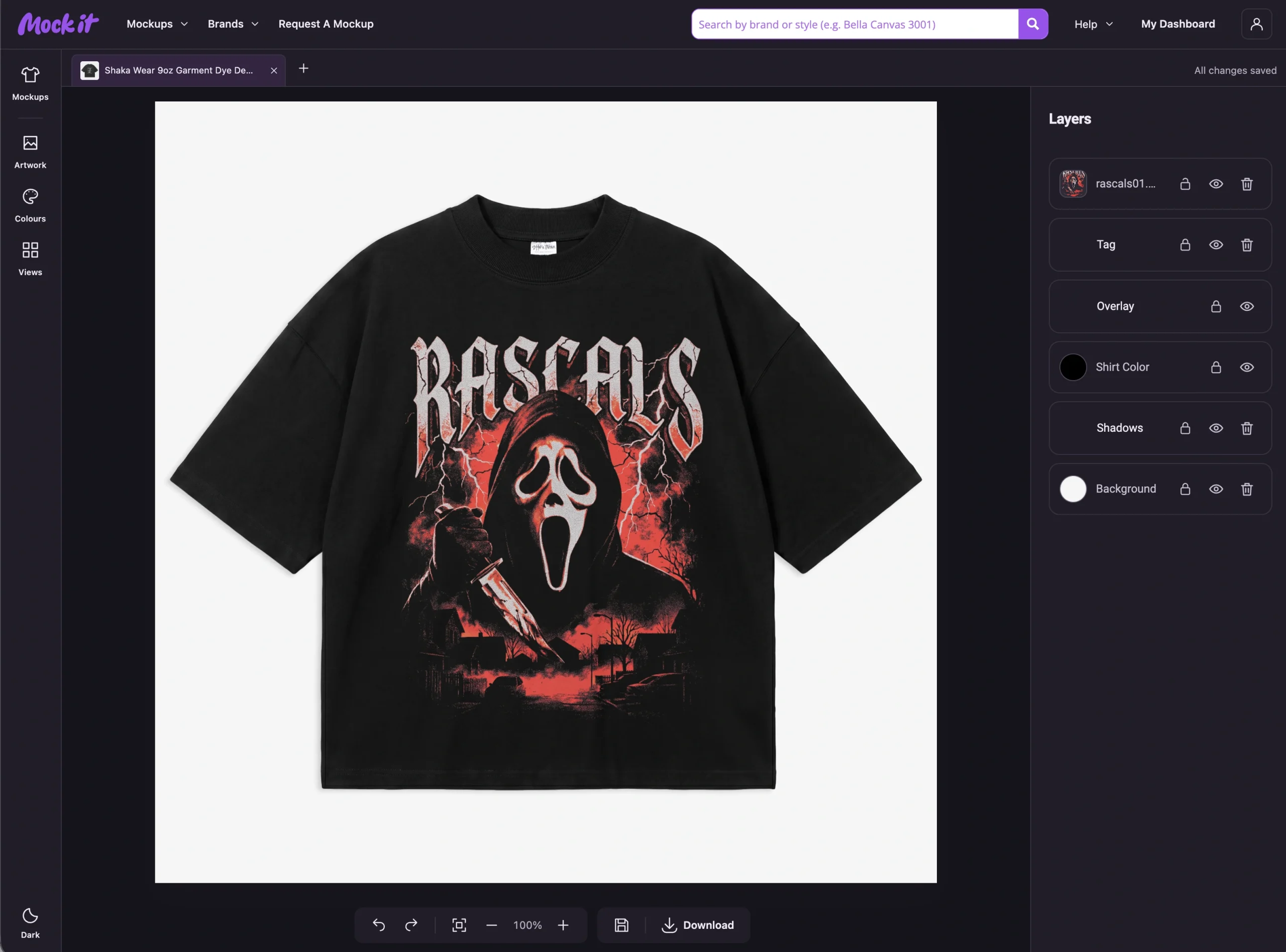
You’ve placed your design on a mockup and found a colour you like. Now you can order it on real apparel from the Mock It workspace.
Order Your Design lets you print one item for yourself, try a design before making more, or order a small run for your brand, team or friends. You can order up to 25 items at a time and mix the available sizes.
Here’s what to choose, what to check and what happens after you pay.
Find a Garment You Can Print
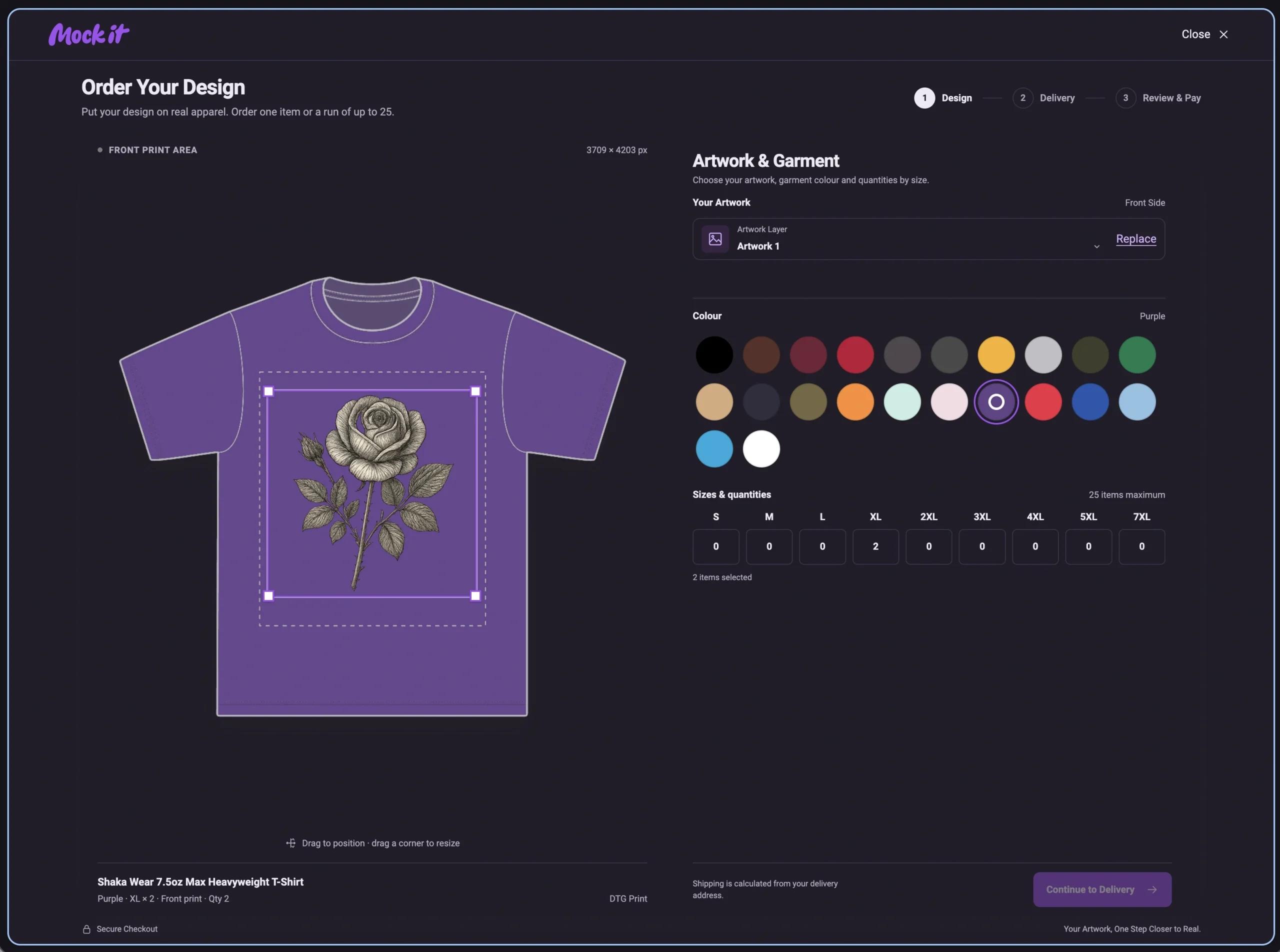
Open the mockup library and look for the P.O.D label, or select the P.O.D tab to browse the eligible mockups. P.O.D means print on demand: each item is printed after it’s ordered.
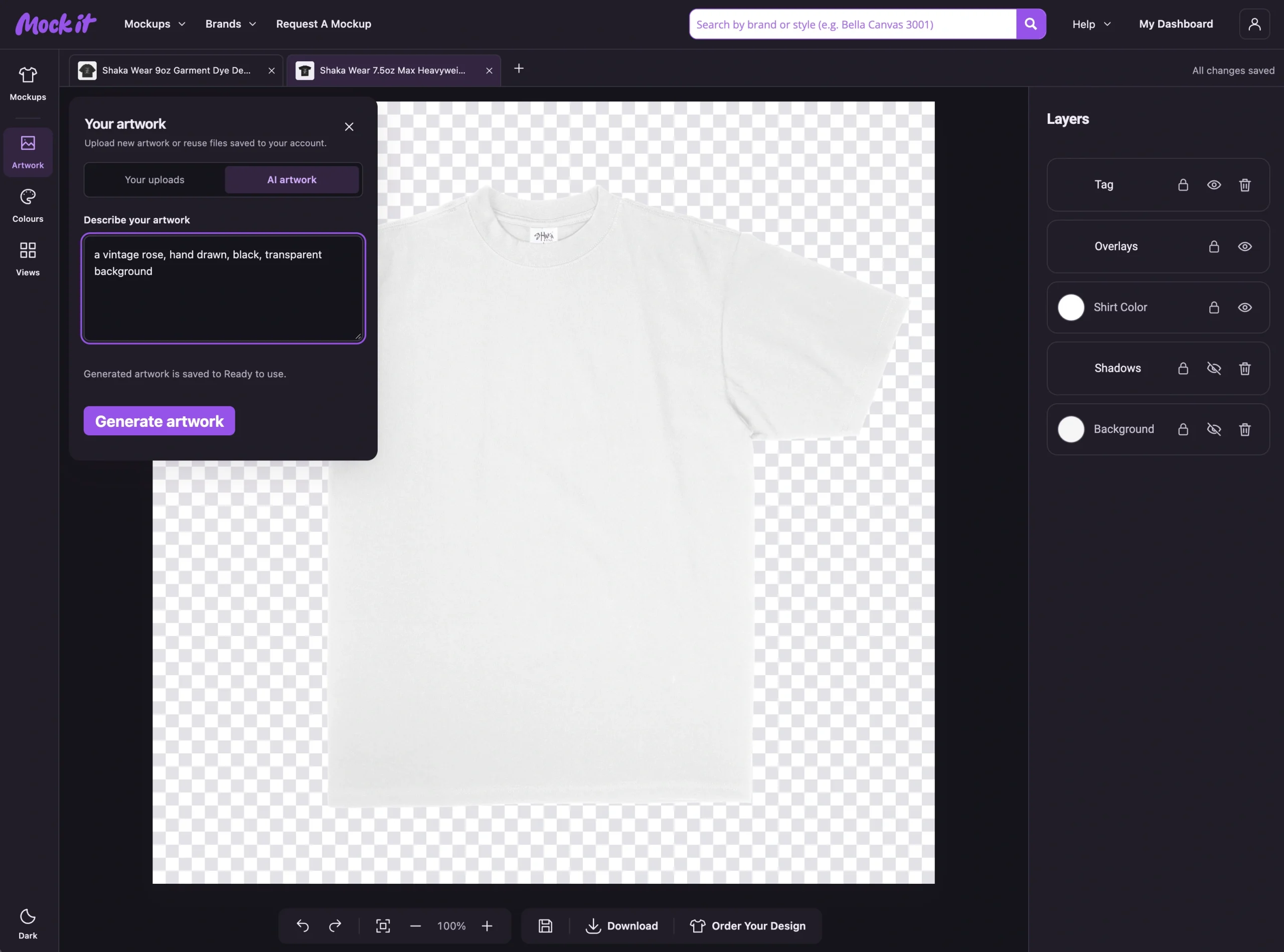
Choose your garment, add your artwork and select Order Your Design in the toolbar. Not every mockup in the wider library is available to print, so start with the P.O.D selection.
Check the Print Placement
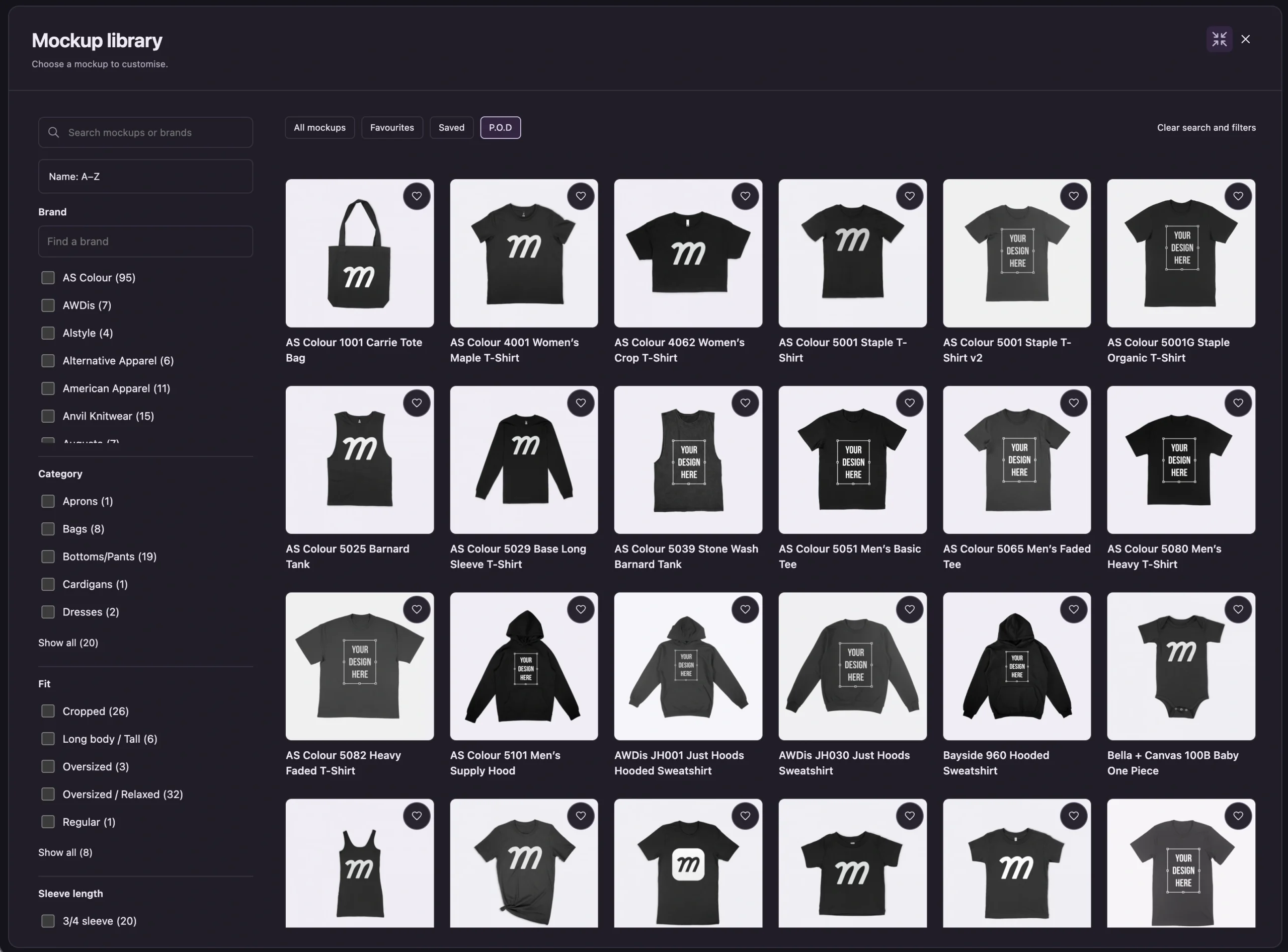
The first order screen brings together your artwork placement, garment colour and quantities by size.
Move and resize your artwork within the print area. Use a clear, high-resolution original and check any resolution warning before you continue. Making a small image larger won’t add detail.
Take a final look at spelling, edges and small text. If you’ve removed a background, check that the tool hasn’t removed part of the design along with it.
These garments use DTG, or direct-to-garment printing. The design is printed directly onto the fabric. Your mockup helps you judge the look, but ink on fabric can appear different from colour on a screen.
If you’re planning a bigger run, ordering one first gives you a chance to check the print, feel and fit before buying more.
Build Your Size Mix
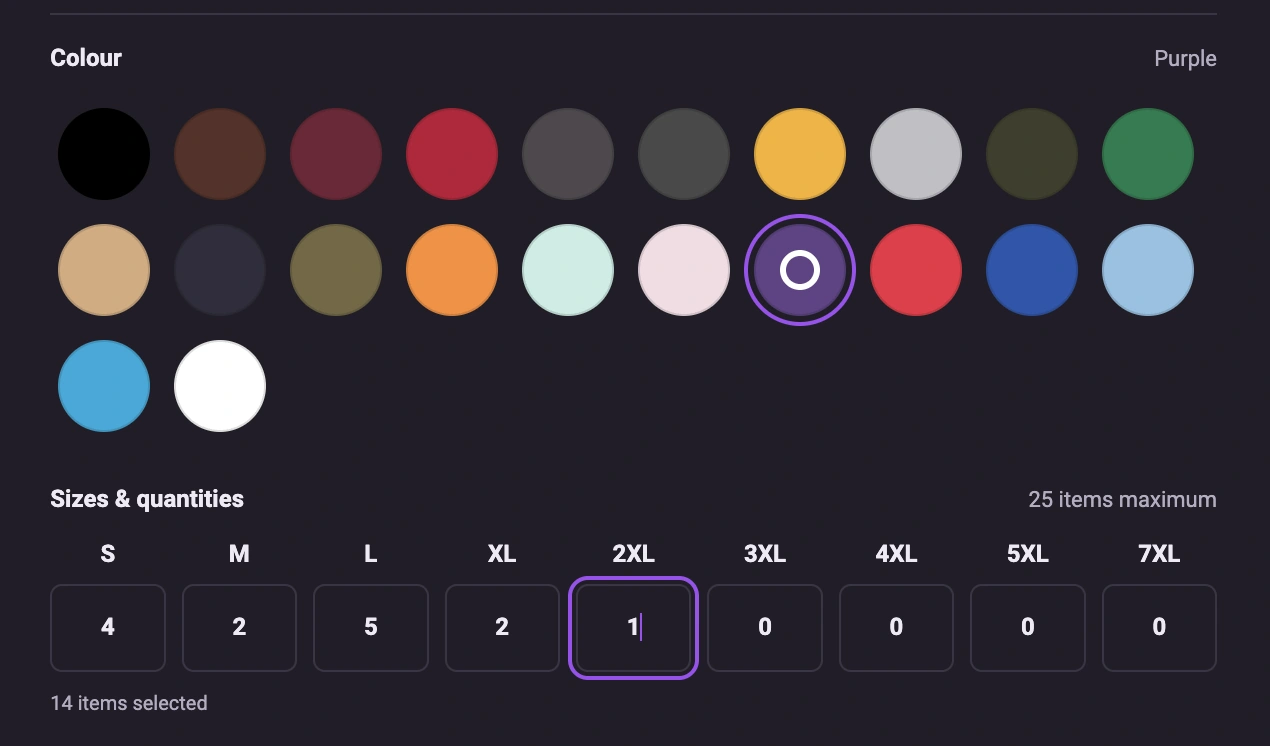
Choose a supported garment colour, then enter the quantity you want underneath each size.
For example, you could order four smalls, two mediums, five larges, two extra larges and one 2XL. That’s 14 items in one order.
The limit is 25 items across all sizes combined. Each order uses the same garment, colour and design. Sizes and colours vary by garment, and the order form shows the available options.
See Shipping Before You Pay
Add your delivery details to get a shipping quote for your items and destination. Check the address carefully, including the postcode.
Shipping can change with the number of items, so use the quote for your actual order rather than multiplying the one-item cost. Don’t assume a quantity discount: the price shown in your order review is the one to check.
The total is shown in USD before payment. Printed apparel and shipping are charged separately from your Mock It membership. If you pay from an account in another currency, your bank may apply conversion charges.
Review the Order, Then Pay Once
Before paying, check the design, garment colour, size quantities, delivery address and total. Keep the order number after payment.
You’ll receive a confirmation email. We review the order before it’s sent to production, then email you when it’s being made and when it ships. Tracking details are included as they become available.
If a confirmation email doesn’t arrive, check spam before trying again. If you already have an order number or a successful charge, contact support rather than placing a second order.
If You Need to Change or Cancel
Contact us immediately with your order number. We can only confirm cancellation while the order can still be stopped; sending a request does not mean it has been cancelled.
Because each item is printed to order, we cannot accept change-of-mind cancellations or refunds once your order has been sent to production. This does not affect your rights if an item is faulty, damaged or incorrect.
If something arrives with a problem, contact us promptly with your order number and clear photos so we can investigate. A cancellation notice and a refund confirmation are separate; we’ll confirm any approved refund with you.
Start With One, or Make a Small Run
Make a shirt you want to wear. Check a new design in print. Put together a size mix for your crew. Start with an eligible mockup and work through the order form at your own pace.
 Trusted By Thousands Of Designers
  Cancel Your Subscription Anytime
  30 Day Money Back Guarantee