

T-Shirt Mockups
Flat Lay, Model & Tech Mockups


Accessory Mockups
Mock IT's accessory mockup generator builds catalog-native add-on visuals Read More
Create Free Accessory Mockup
Try Free Mockups →
Mockups Based on Real Apparel Brands














Quick picks:
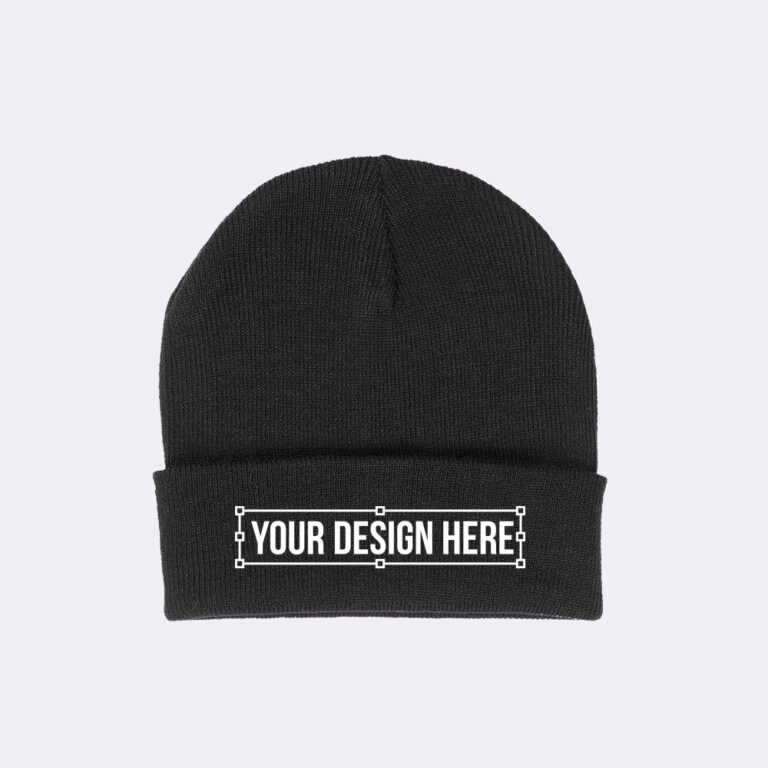

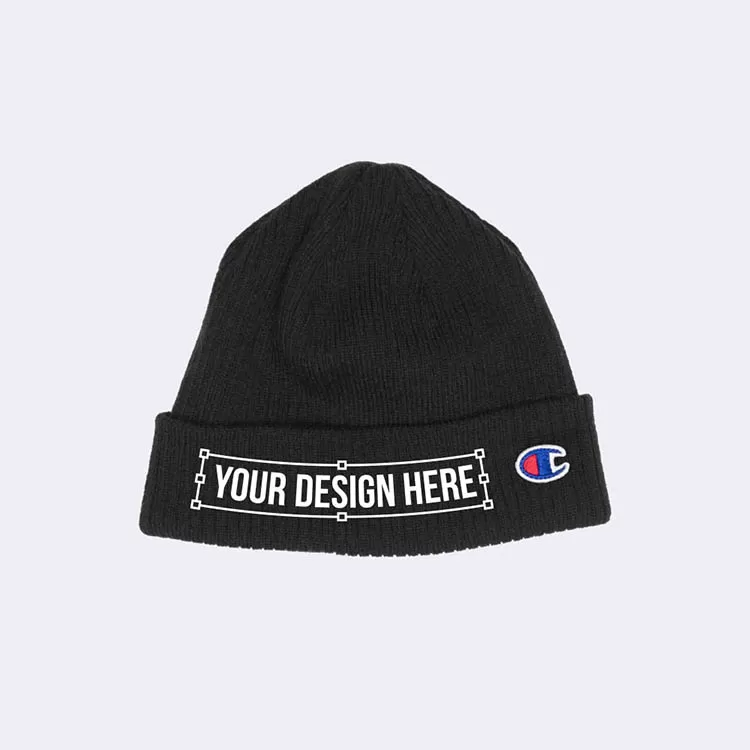
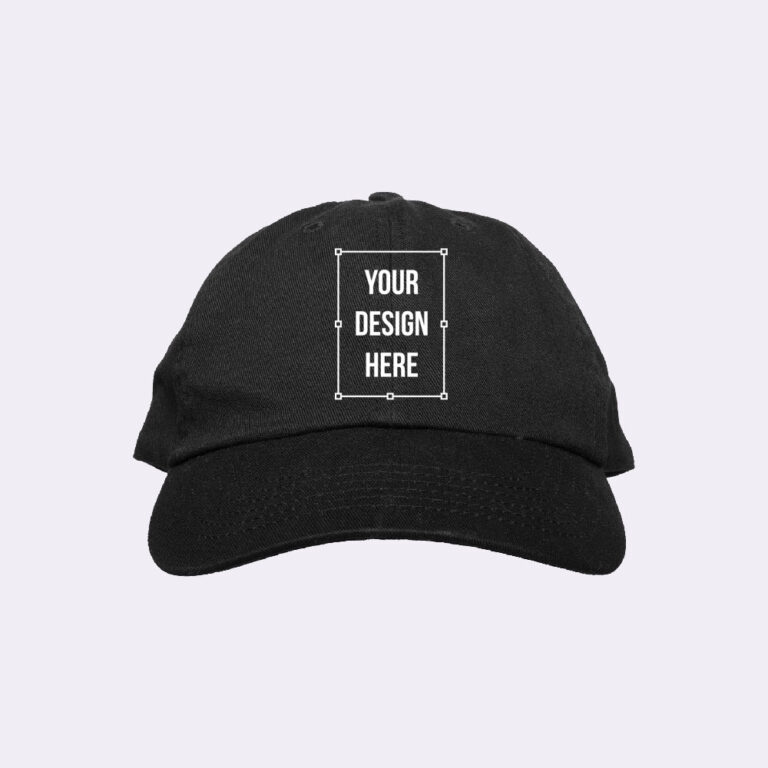
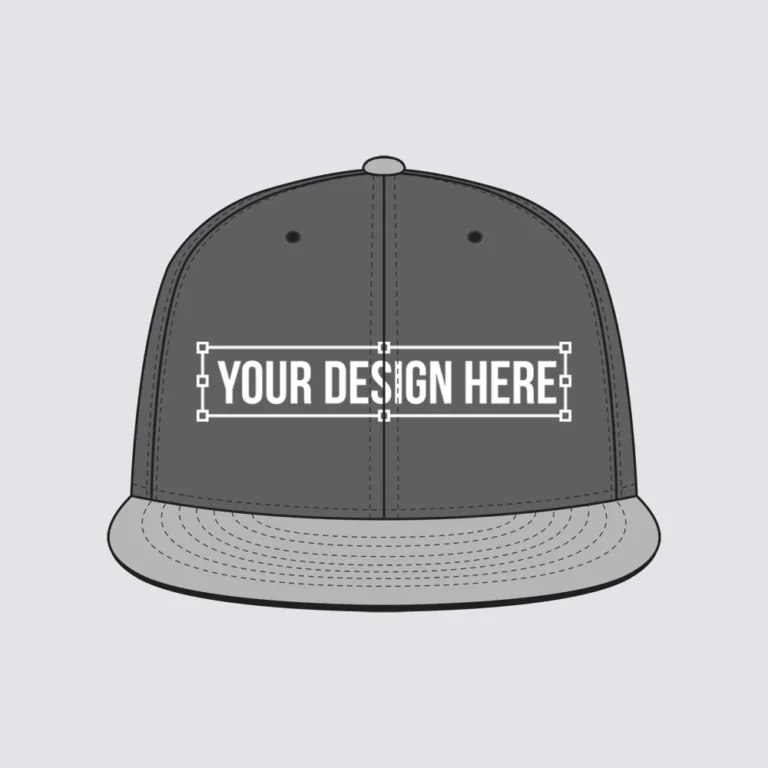
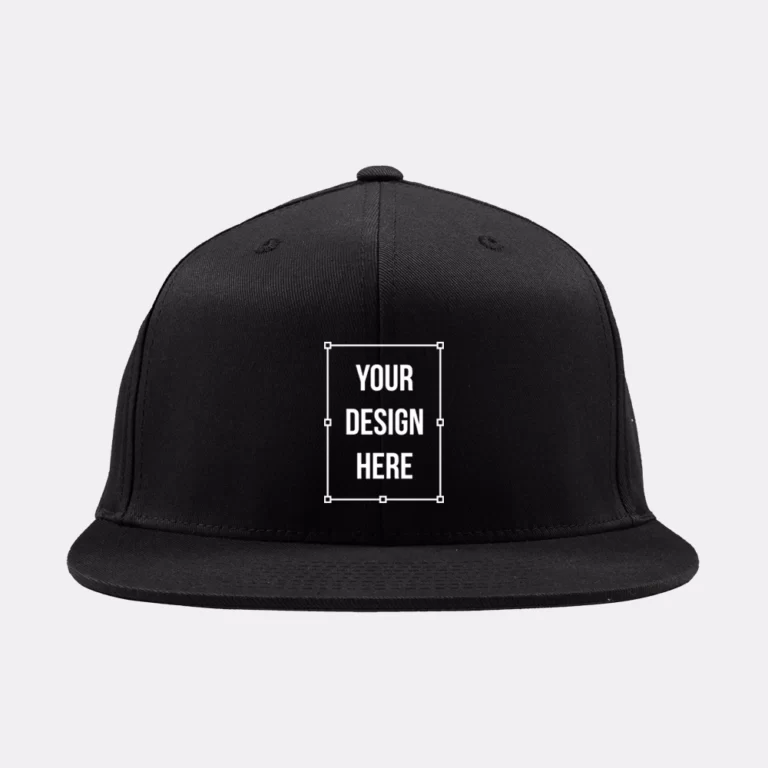

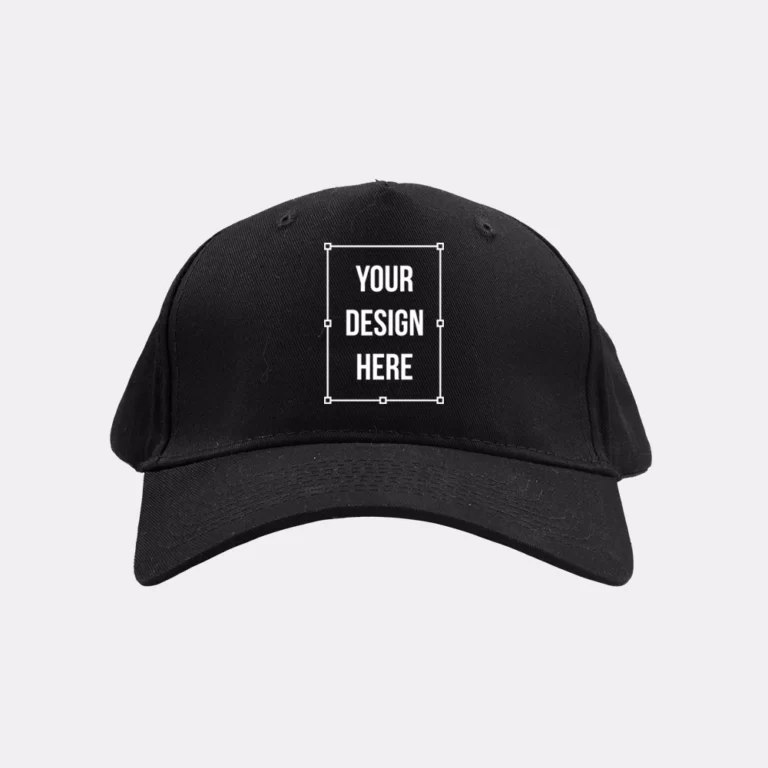
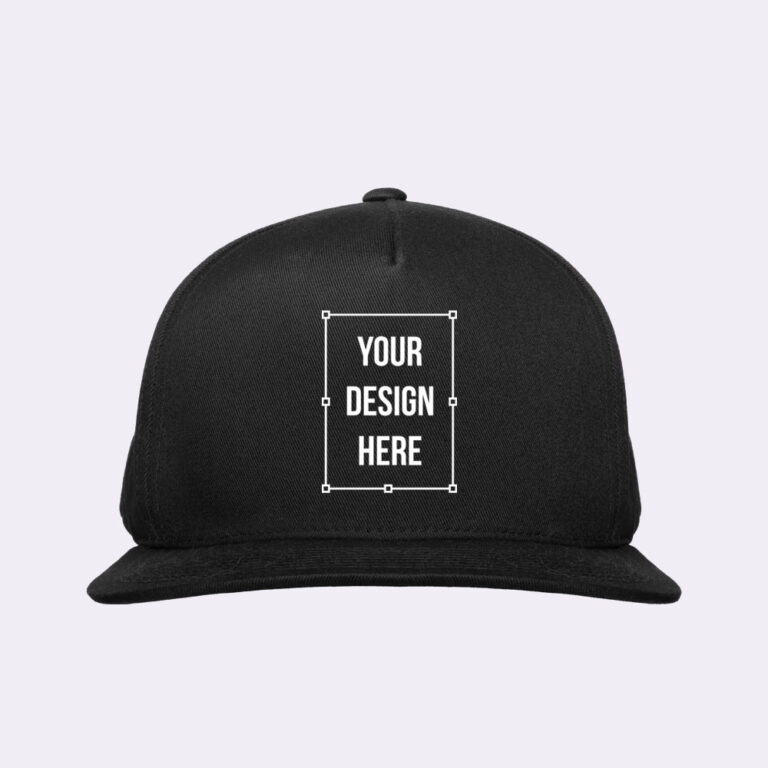
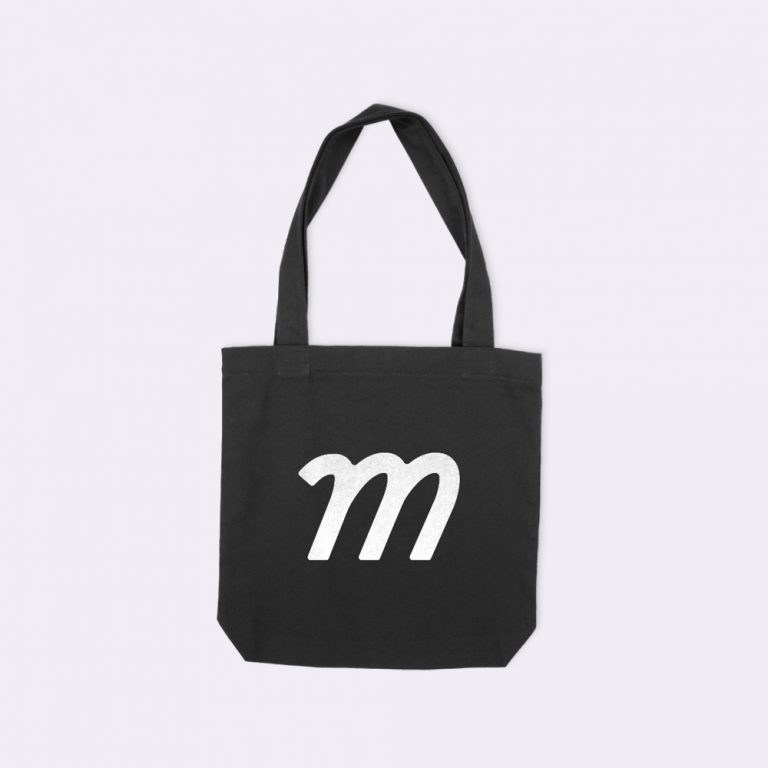
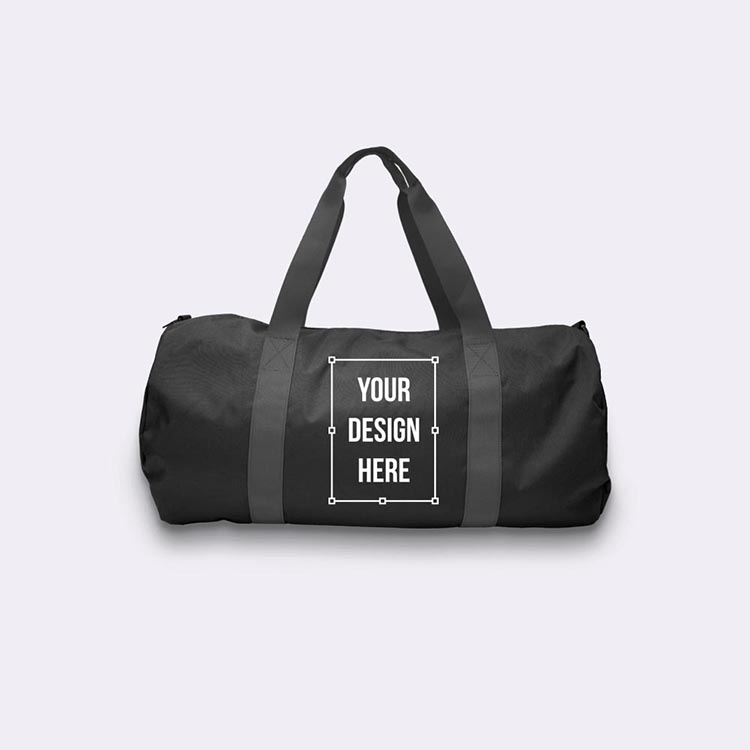

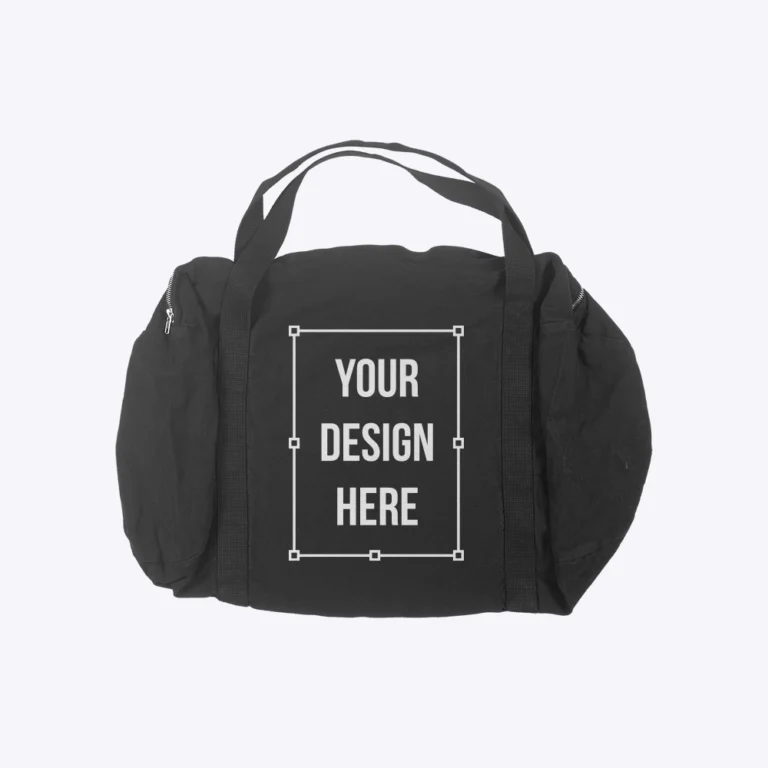
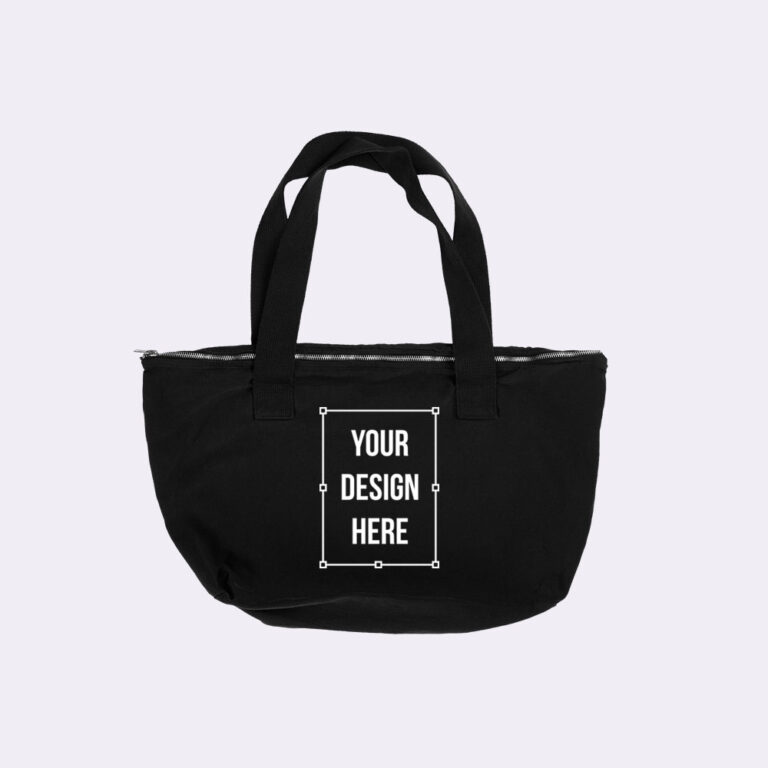
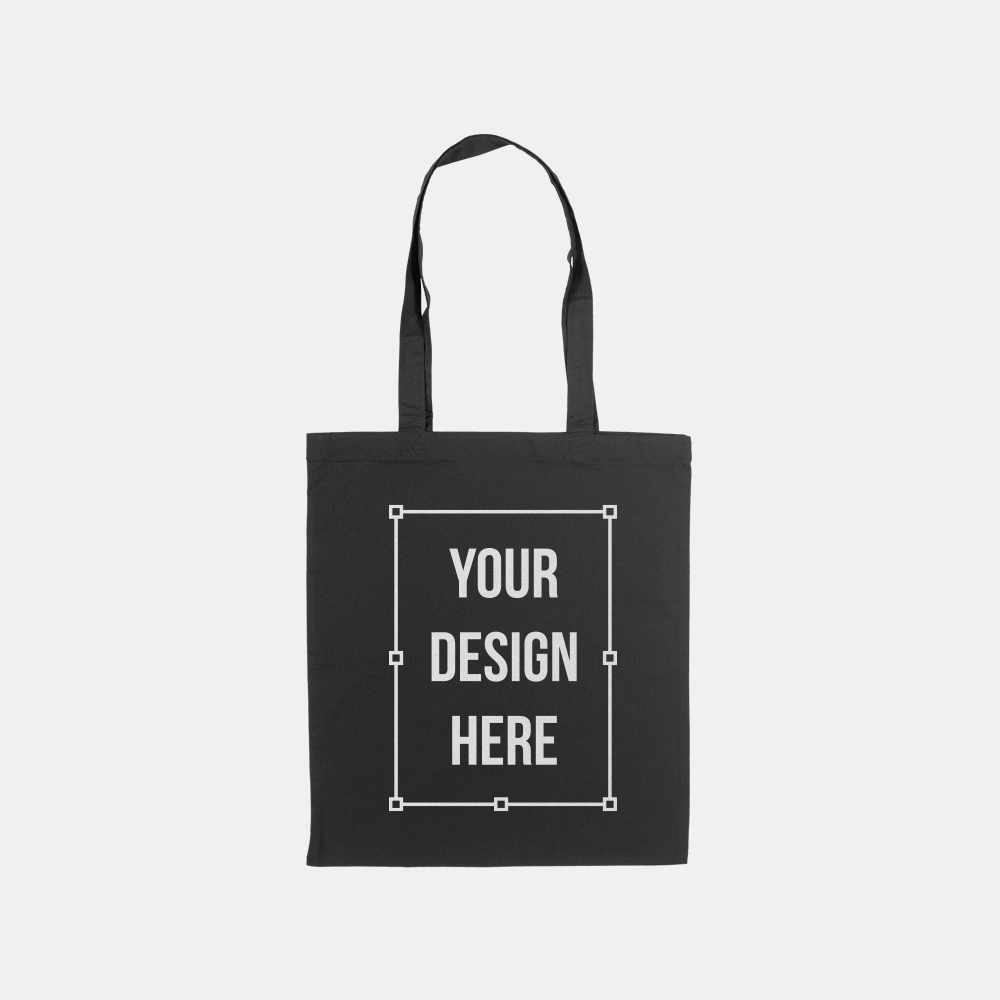
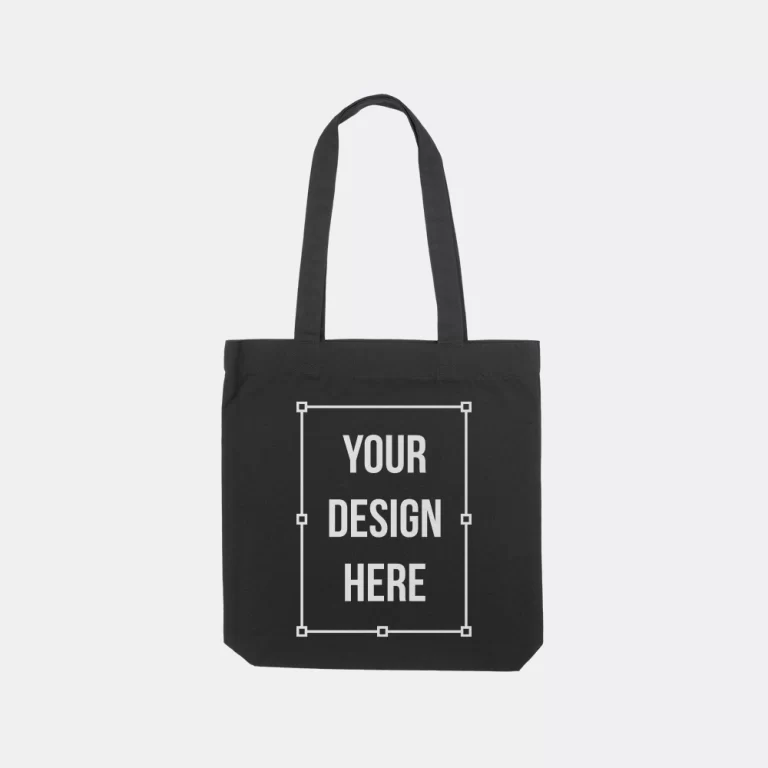

Collection
Types of Accessory Mockups
Our collection features 15 accessory mockup templates covering every add-on item type and listing perspective, including tote bag, sports bra, sock, apron, and specialty sub-collections. Select a template that matches your production blank and click any card to filter the grid or jump to the dedicated page.
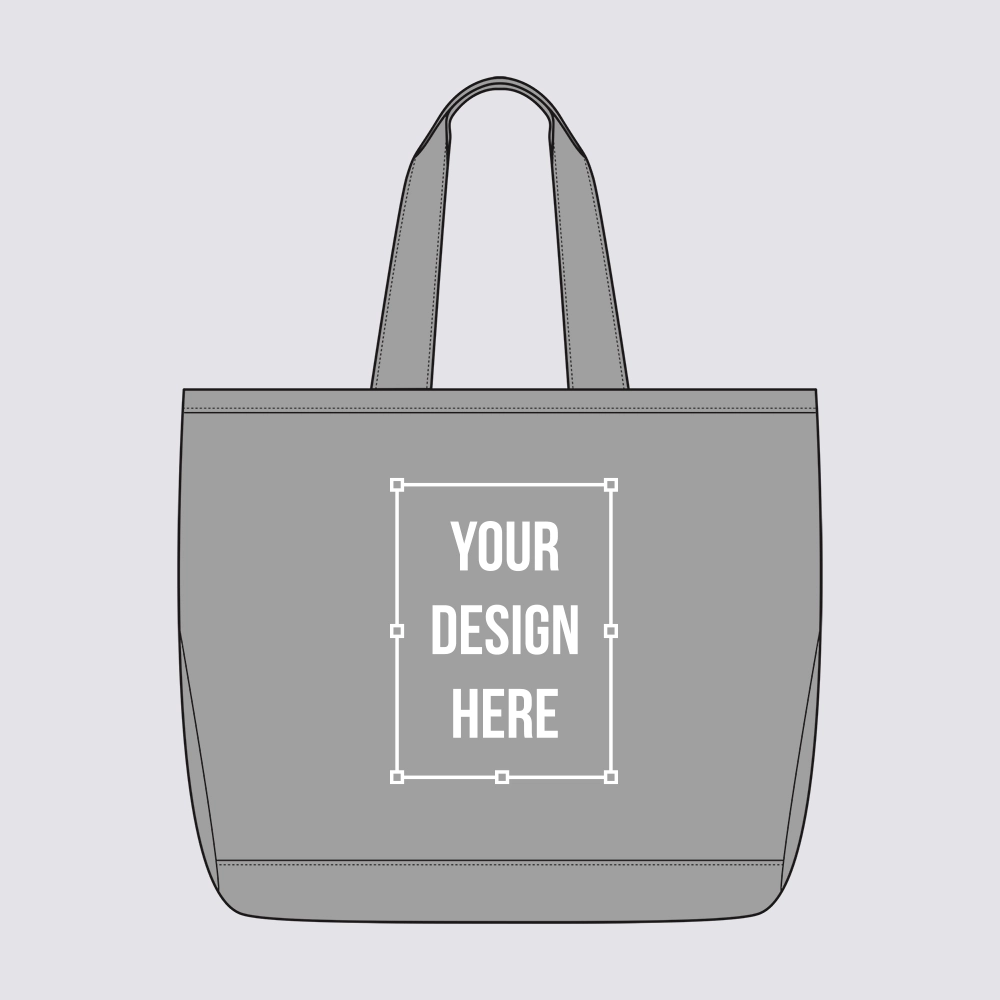
Tote Bag Mockups
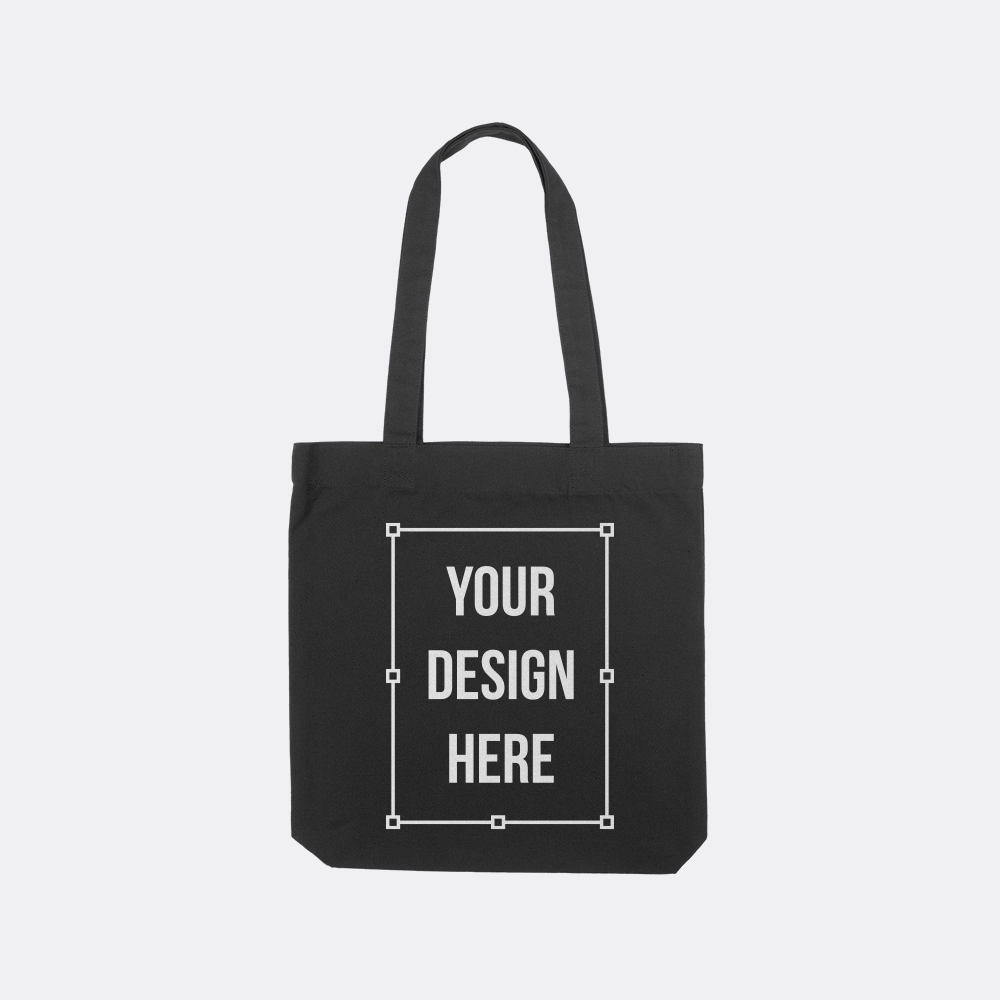
The tote bag collection renders canvas and bull-denim blanks where weave texture becomes a visible quality signal in the listing image, across carryall, weekender, and zip carry-all styles. At 8 templates, tote bags anchor the accessory collection and offer the largest print canvas in the range, roughly 12 by 14 inches on a standard carryall front panel, making them the most impactful add-on for merch bundles and branded promotional items.
- 8 tote bag templates, the accessory anchor
- Canvas weave rendered at true coarseness per blank
- Carryall, weekender, and zip tote styles
- Tote blanks from AS Colour, LA Apparel, and Stanley/Stella
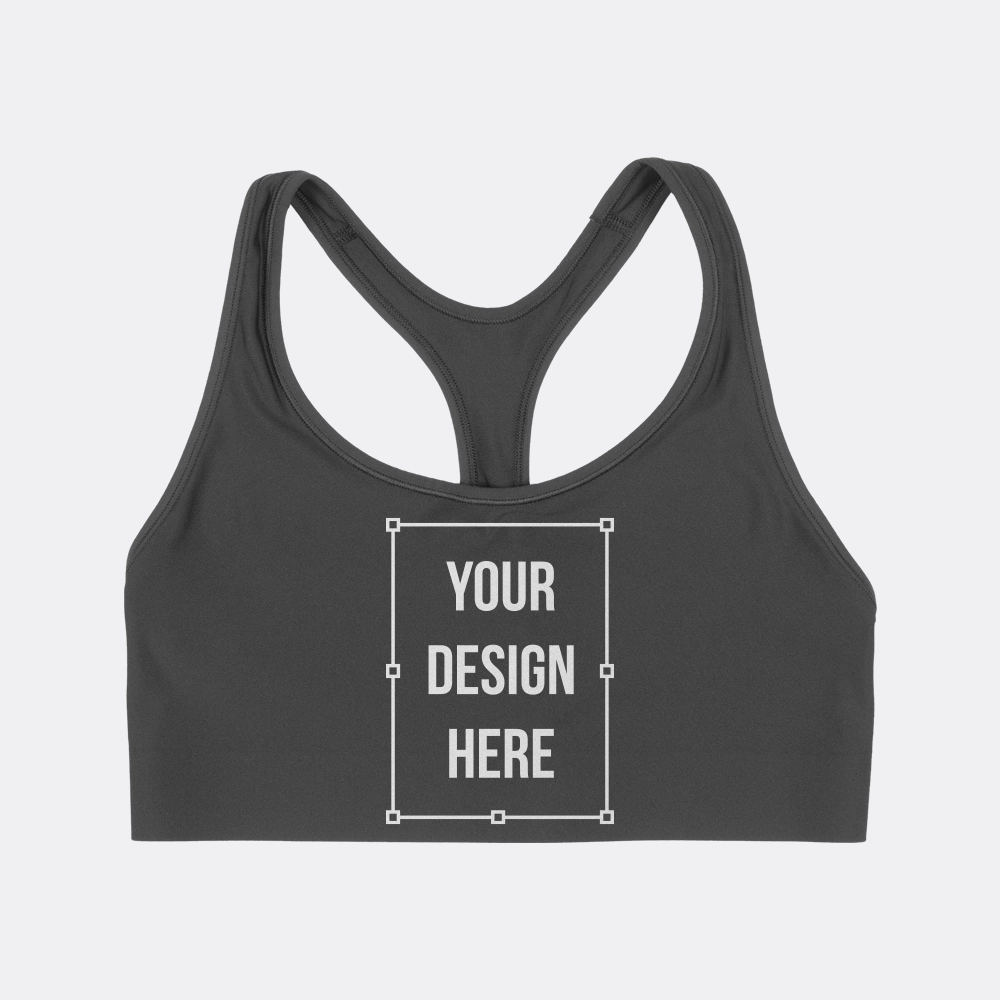
Sports Bra Mockups
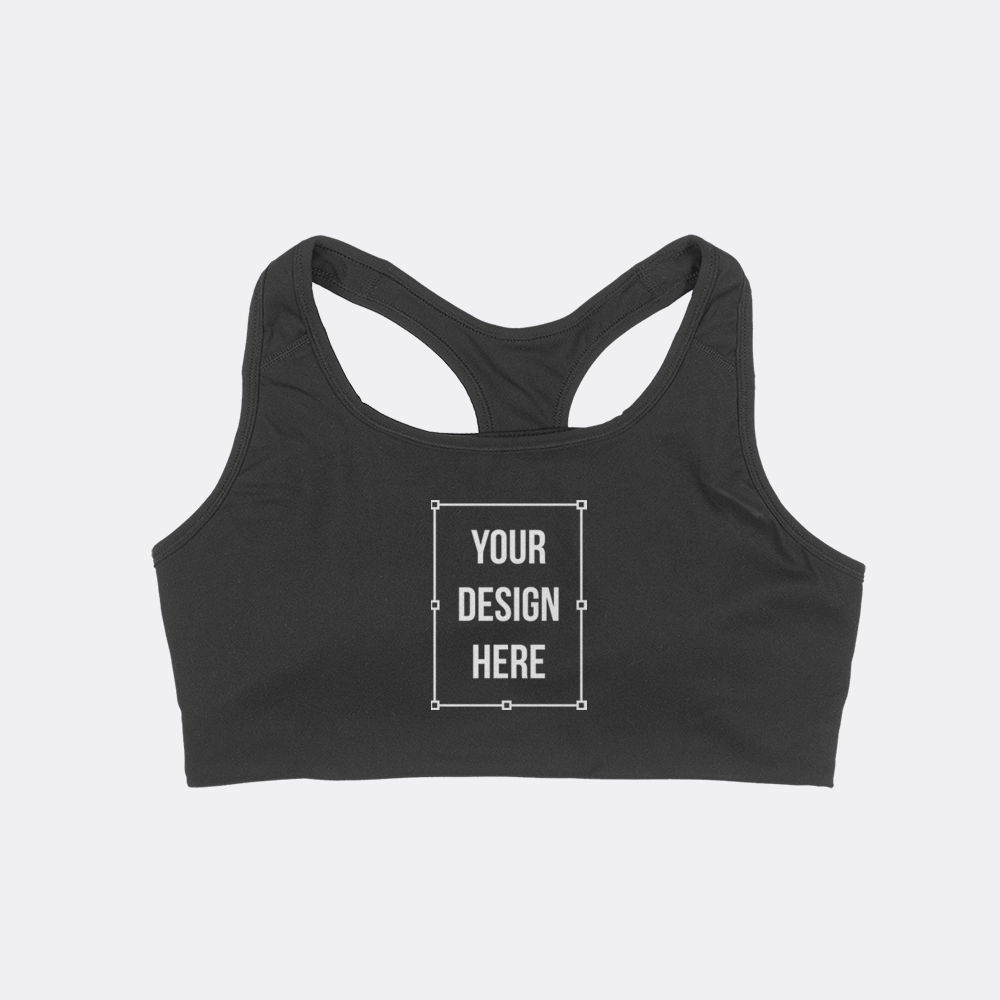
Sports bra templates render activewear blanks in standard and racerback constructions, with band and strap detail rendered accurately per blank. These templates complete a workout-set accessory range alongside matching leggings or shorts listings, and suit activewear brands, gym-program merch, and athletic collections where the sports bra is a core add-on SKU rather than an afterthought.
- 3 sports bra templates across two constructions
- Band and strap detail rendered per blank
- Blanks from Bella + Canvas, Champion, and AS Colour
- Activewear set and gym-program accessory positioning
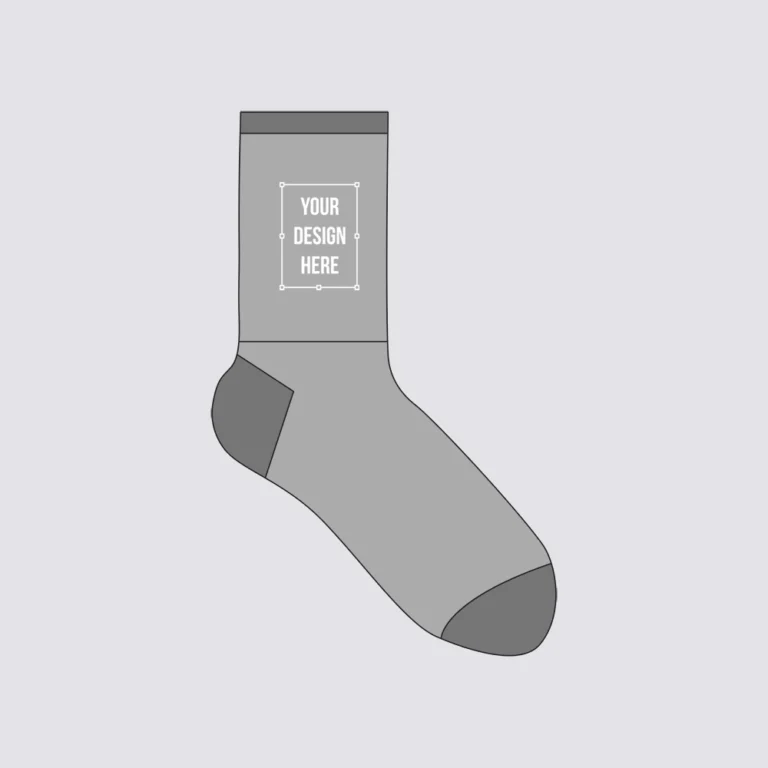
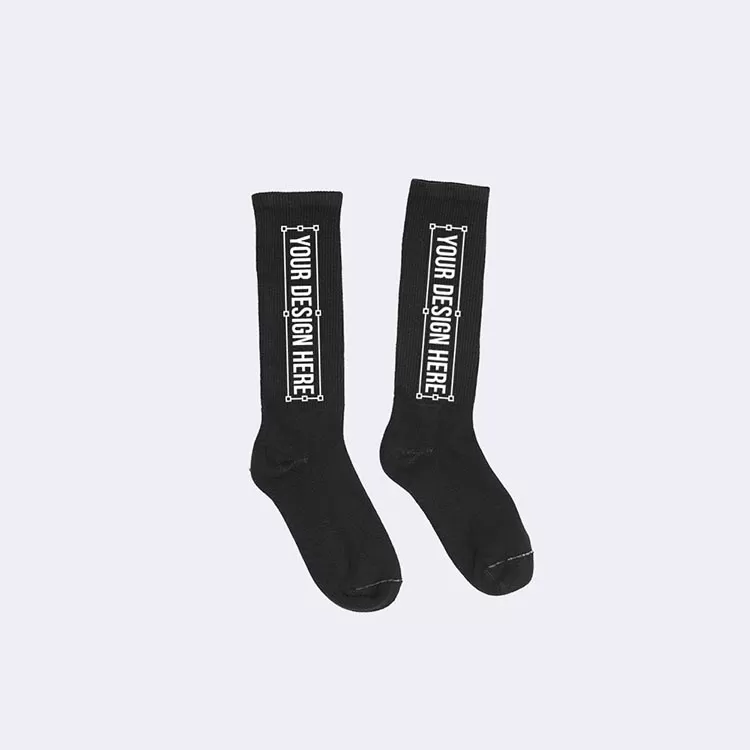
Sock Mockups
Crew sock templates render knit rib structure as both the surface and the print zone, the construction detail that defines how a sock looks in a listing image and how a design wraps around the calf panel. Available in flat-lay and tech flat presentations, these templates suit merch bundles, streetwear drops, and branded accessory sets where socks are a low-cost, high-visibility add-on.
- 2 crew sock templates
- Rib knit texture rendered realistically per blank
- Calf print zone shown at accurate dimensions
- Merch bundle and streetwear accessory positioning

Apron and Specialty Accessory Mockups
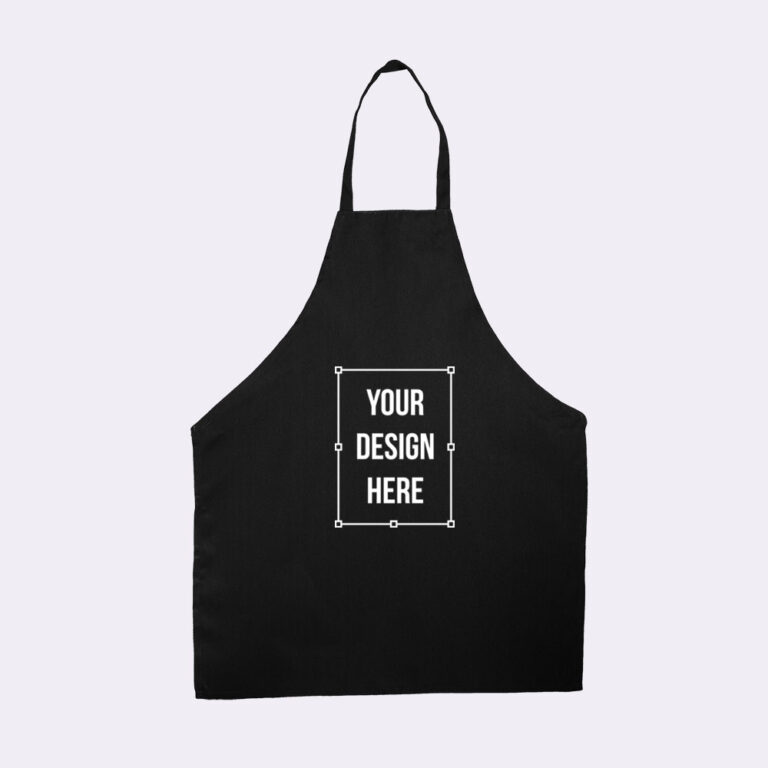
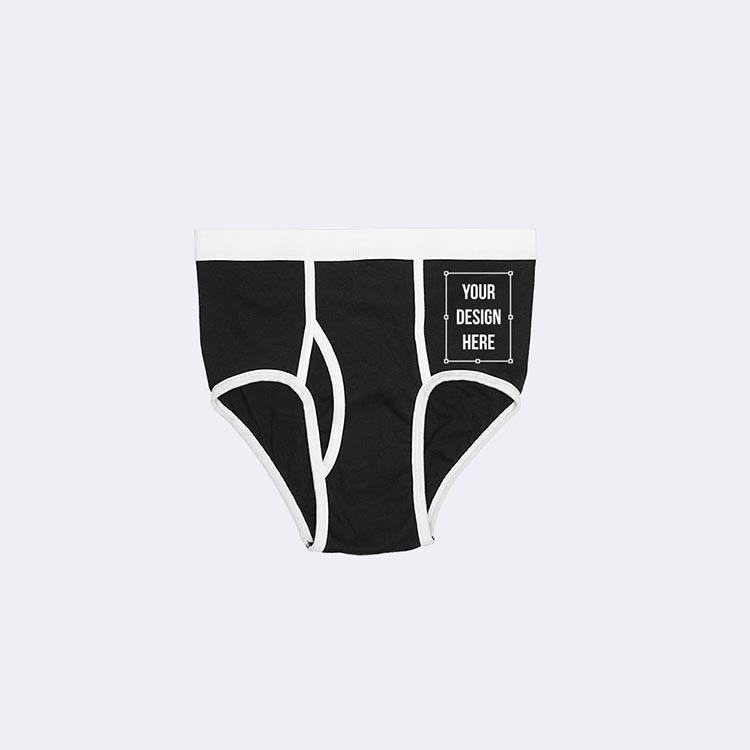
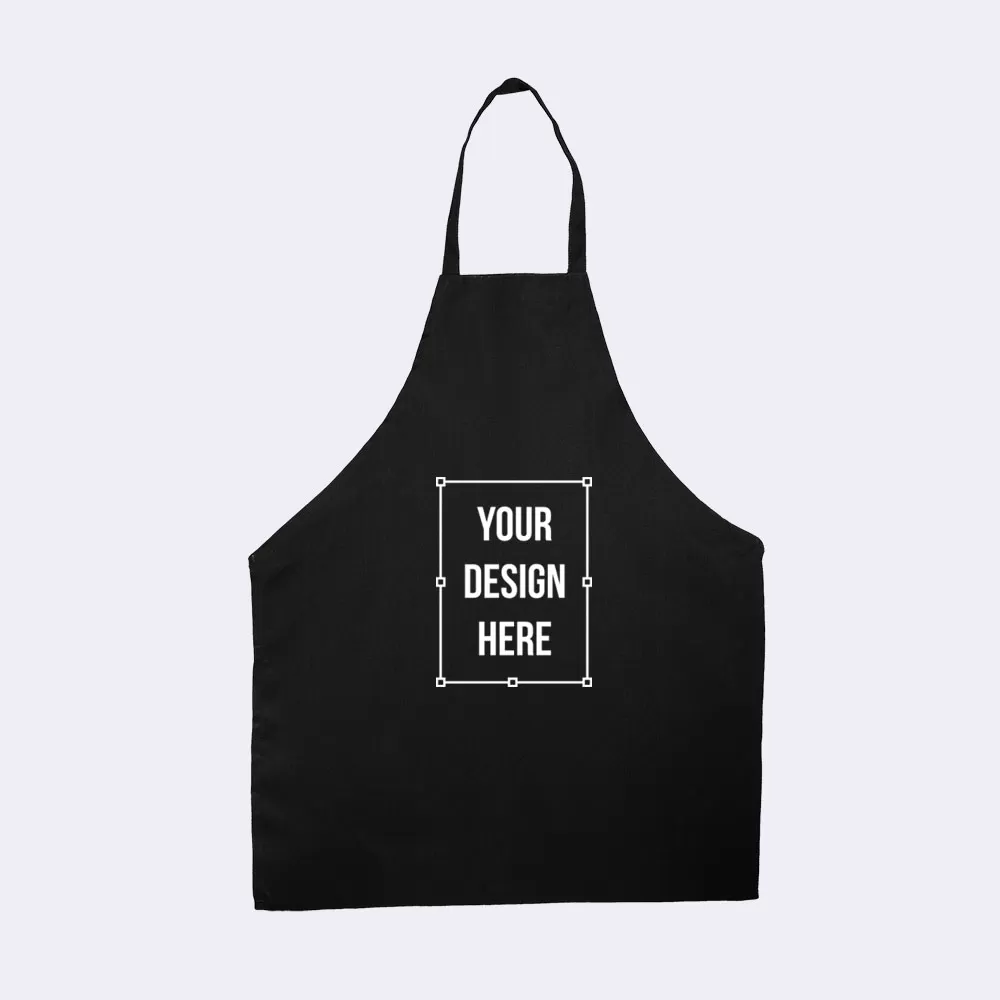
Apron and specialty templates cover the accessory items most mockup tools never model: a Q-Tees butcher-style bib apron with a full-bib print zone for hospitality brands and event merch, and Los Angeles Apparel infant briefs for baby-gift and family-brand catalogs. A permanently free apron template is included in the free tier.
- Butcher-style bib apron, permanently free to use
- Full bib print zone accurately represented
- Infant baby-rib briefs for family-brand catalogs
- Extends accessory catalogs into hospitality and gifting
Step-by-Step
How To Create Accessory Mockups Online?
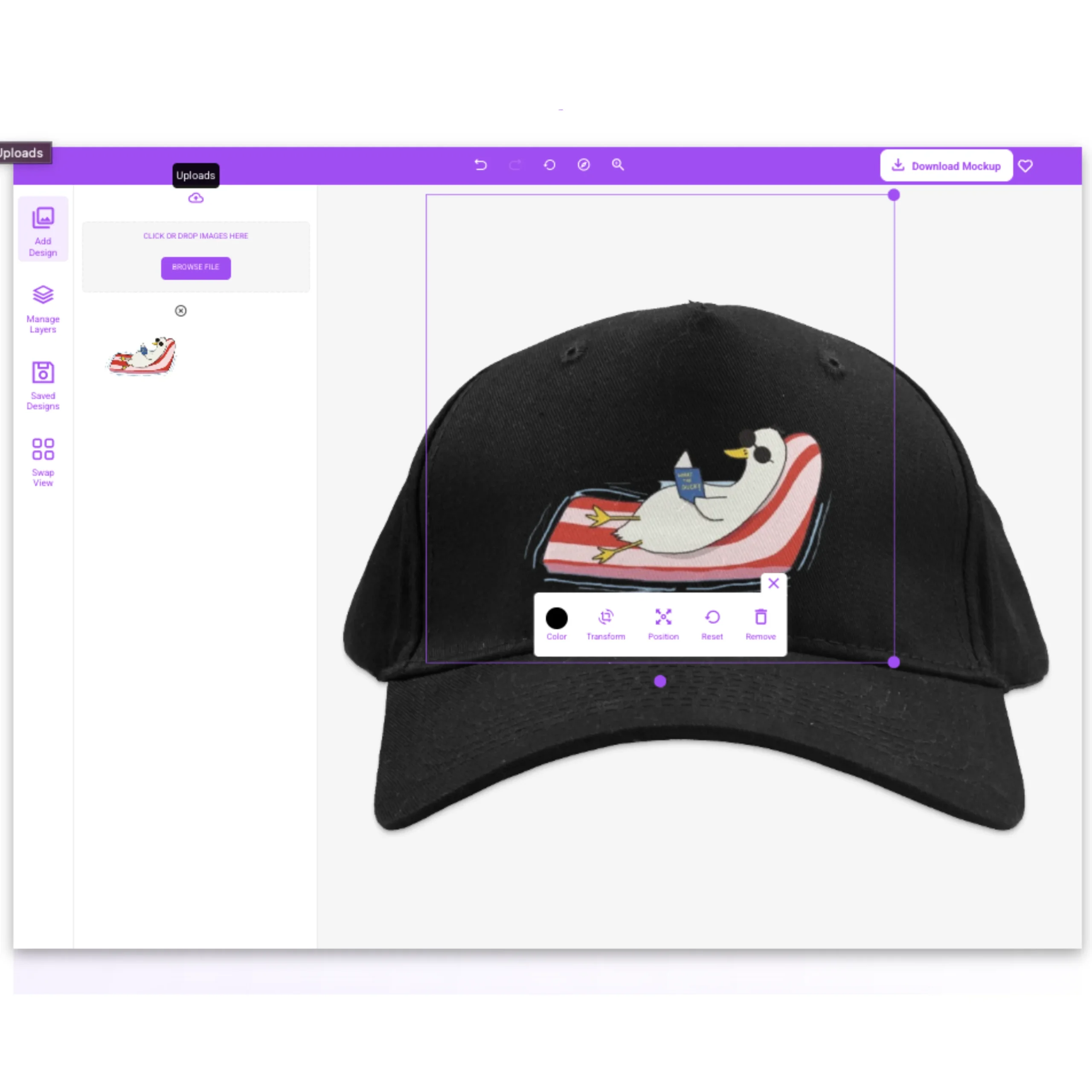
You can create accessory mockups online by uploading your artwork to Mock IT, selecting a real accessory template, positioning your design within the item's true print zone, and downloading a high-resolution PNG in seconds, the same workflow as any other category, with print zone dimensions that vary by item type.
01
Upload Your Design
Drop your PNG, SVG, or transparent artwork into the editor, and Mock IT places it on the accessory template. Use the resize, scale, and drag controls to position your design within the true print zone. Since print areas vary by accessory, the editor’s mapped zones help prevent artwork from overflowing or being misplaced on different products.
02
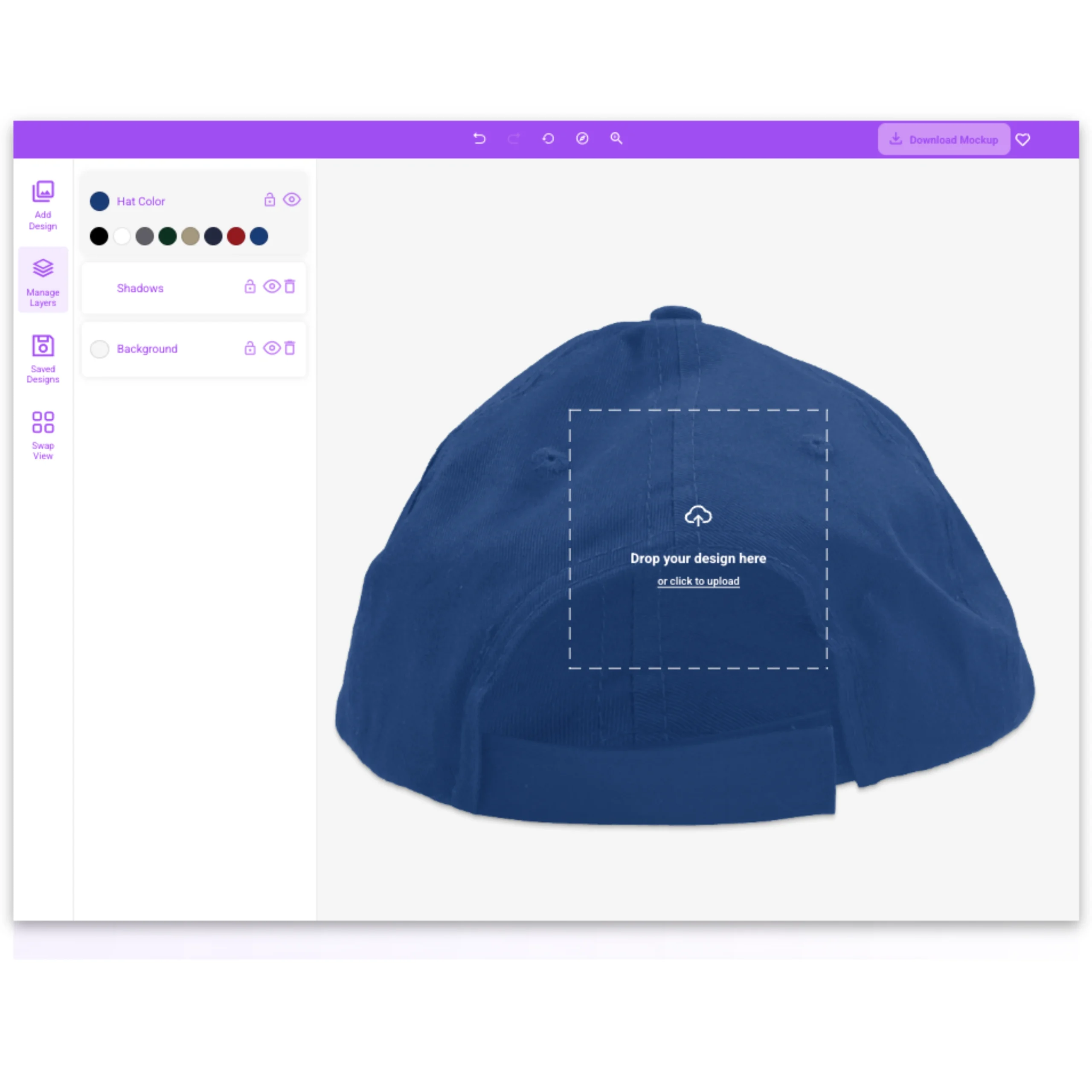
Change the Colors
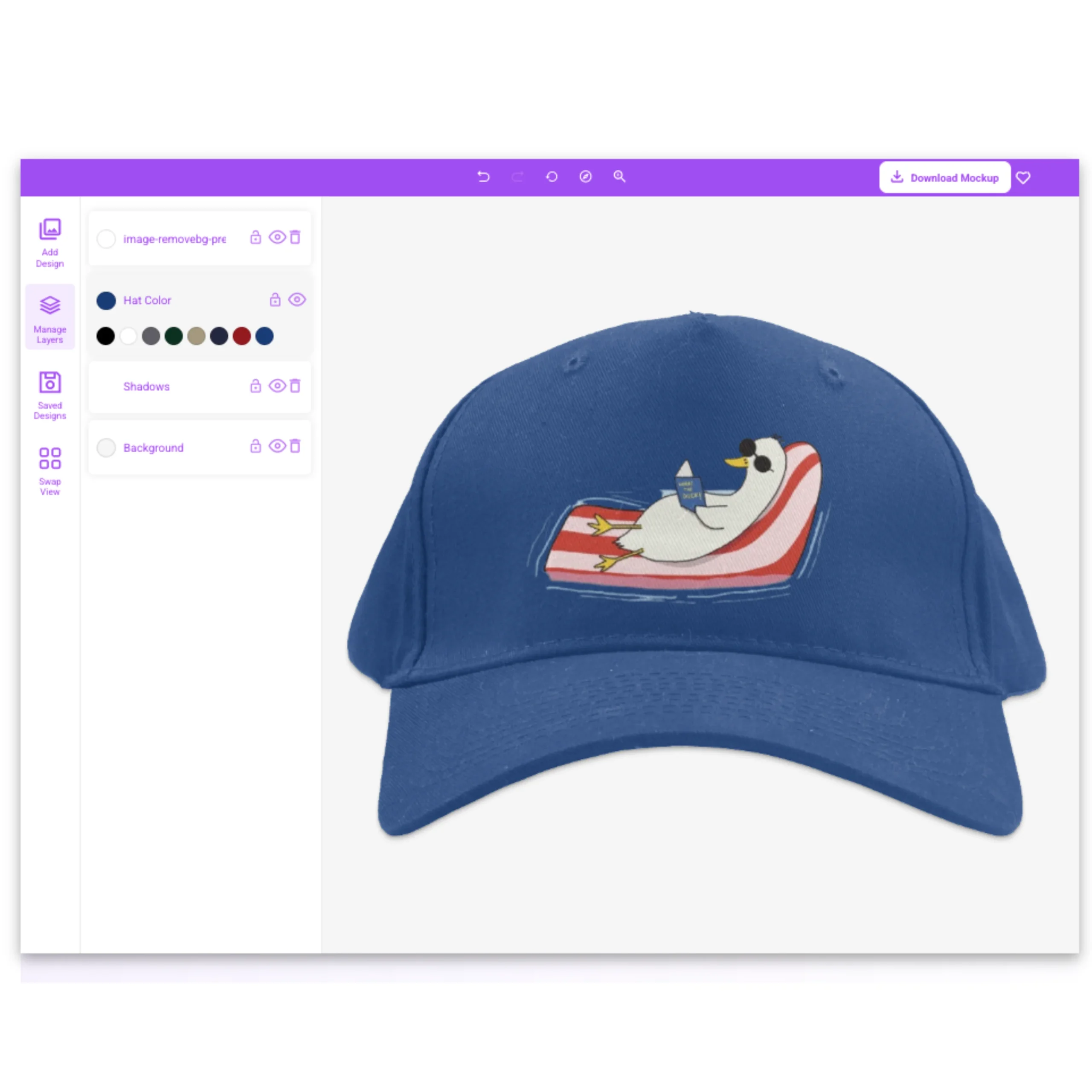
Pick any color from the template's full manufacturer color library, and the accessory updates instantly. Totes sell heavily in naturals and blacks, sports bras in activewear brights, and socks in a range that spans both, each blank's complete palette comes from the manufacturer's actual color program, not a generic approximation, so what you preview is what ships.
03
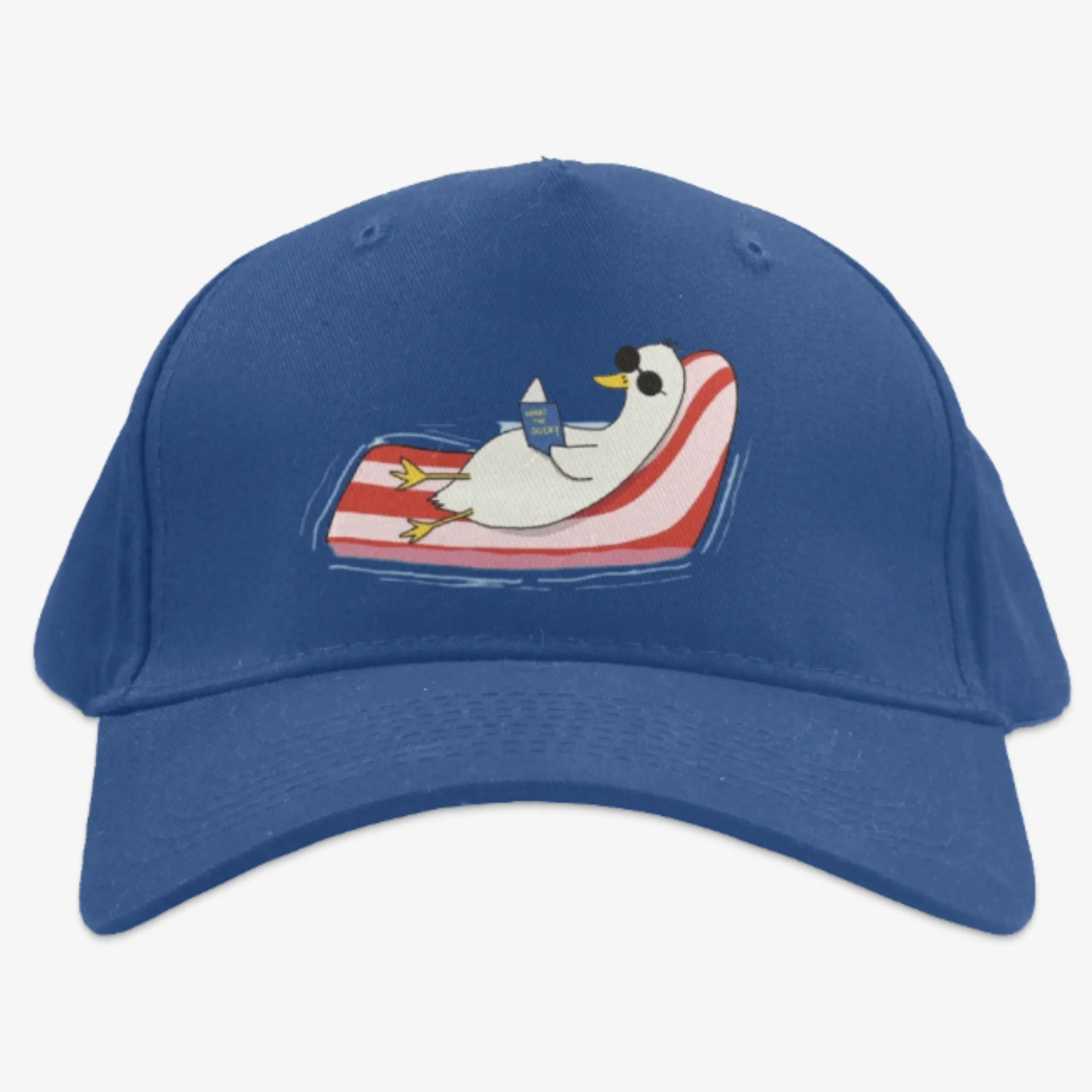
Switch Mockups
Jump between available views within the same mockup set. Your design carries across every angle automatically. Tote bags benefit from a filled-bag shot where the gusset opens and the bag takes shape, this view communicates volume and usability that a flat lay cannot, while flat lays serve the rest of the accessory range for clean marketplace gallery presentation.
04
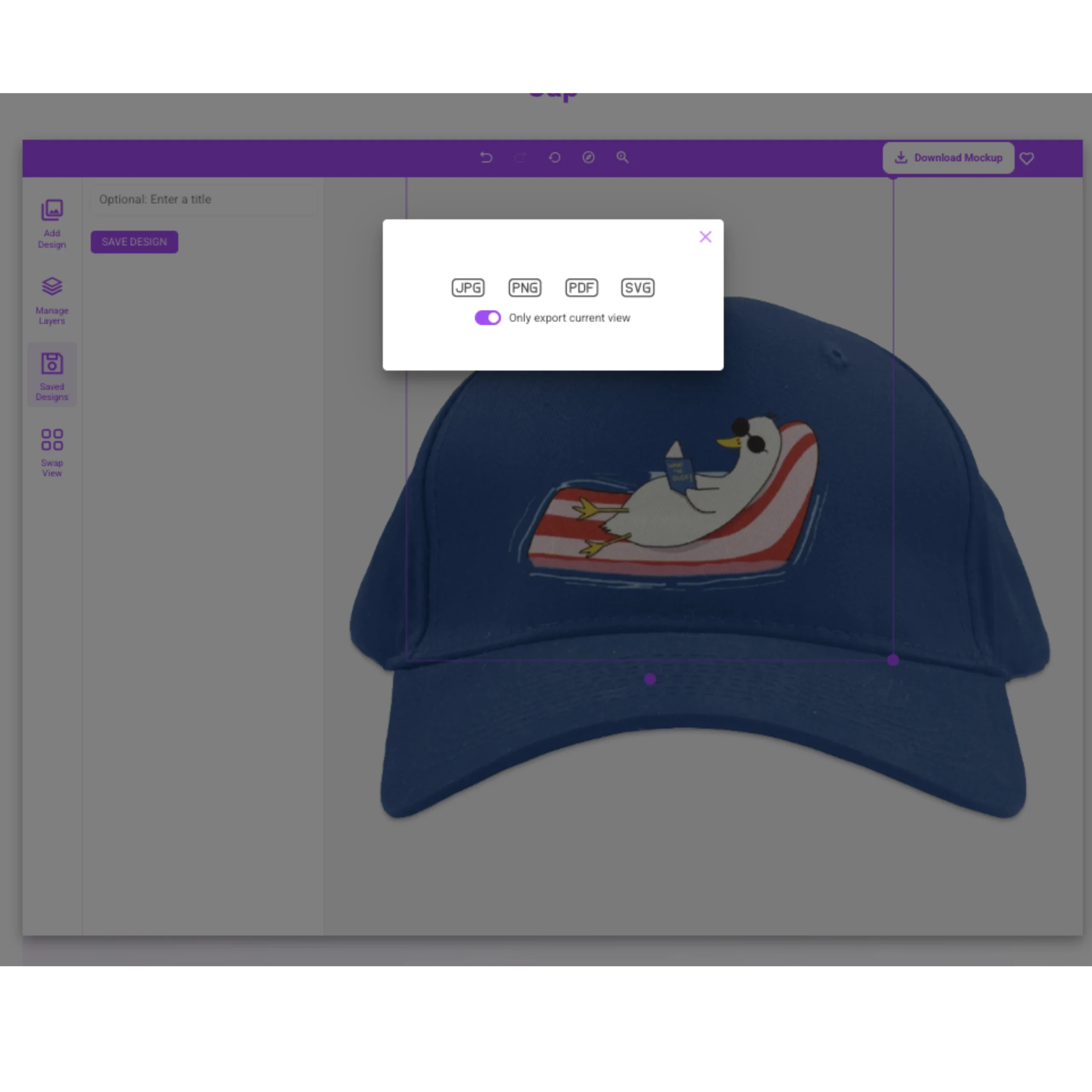
Preview Your Mockup
Zoom into the render where artwork meets surface texture, canvas weave on totes, knit rib on socks, because coarse accessory surfaces interact with designs more visibly than smooth jersey. Check that fine lines in a logo hold legibility against the weave pattern at full zoom before committing to production. Swap the color or template at any point until the mockup looks exactly right.
05
Download and Publish
Export your finished accessory mockup as a high-resolution, watermark-free PNG and add it straight to your product listings, bundle galleries, client presentations, or ad creative, styled to sit beside your apparel listings in one coherent storefront, no extra editing needed.
Why Mock It
Core Features of Our Accessory Mockup Generator
Our accessory mockup generator shares brands, lighting, and palette logic with the main apparel library, so accessory add-ons never look like they came from a different store, which is the only way they lift average order value reliably.

5,000+ Mockup Templates
Our mockup library spans 5,000+ templates across all apparel categories, including 15 accessory mockups covering five item types, tote bags, sports bras, crew socks, aprons, and infant briefs, from 7 real apparel brands shared with the main catalog.

40+ Real Apparel Brands
Every accessory mockup is built from a real production blank, including Los Angeles Apparel, AS Colour, Stanley/Stella, Independent, Bella + Canvas, Champion, and Q-Tees, all shared with the main apparel libraries so accessory listings match the brands and presentation style of the garments they sit alongside.

6 Views Per Mockup Set
Matched views per accessory item keep accessory galleries visually consistent with the apparel listings they sit beside in a storefront, with lighting and presentation style aligned across both garment and accessory template families.

Complete Color Libraries
Preview how your artwork interacts with each accessory blank's full manufacturer color library, from tote naturals and blacks to activewear sports bra brights, before committing to a production run or bundle listing.

Scene Creator
Add backgrounds, shadows, and environmental controls to build lifestyle compositions, a tote on a surface, a set laid flat, that match your brand aesthetic and storefront style, without booking a separate accessory photoshoot.
High-Resolution Output
Download accessory mockups as high-resolution PNG files with canvas weave and knit rib texture sharp at full zoom, where buyers judge the surface quality of unprinted accessory areas alongside the print itself. Every export is listing-ready with no additional editing required.

Unlimited Downloads
Generate and export accessory mockups across all templates, item colors, and design variants with no download caps or restrictions, so proofing a logo across tote, sock, and sports bra variants to build a complete bundle listing in one session costs nothing extra.
Request Missing Mockups
Submit a mockup request for any accessory blank not currently in our library, a specific duffel, a branded cap, or a new bag style, and we build it from the real item's measurements so the template integrates with your existing catalog.
Early Access to New Mockups
Get newly added accessory templates before public release, so your catalog updates ahead of the wider library as the accessory category grows and new item types are added.
Loved by Creators
What Our Users Are Saying About Our Accessory Mockup Generator
Real feedback from creators, ecommerce sellers, and designers who use Mock It to ship polished product visuals faster.

Emily✓ Verified User
★★★★★
Didn't think I'd need it, but now I use it all the time. Mockups are top-notch.

Montrell✓ Verified User
★★★★★
The quality of the mockups from Mock It is exceptional. My product images look professional and polished. The platform is user-friendly, and I've been able to create stunning images in no time.

William✓ Verified User
★★★★★
OMG my products look 100x better. Can't believe I didn't try this sooner.

Madhyn✓ Verified User
★★★★★
Mock It has been an incredible tool for my business. The mockups are extremely high quality, and I love how easy it is to customize them to fit my brand.

Fabio✓ Verified User
★★★★★
I'm so happy I found Mock It. The mockups are beautiful, and the customization options make it easy to create images that match my brand perfectly.

Salih✓ Verified User
★★★★★
Pretty surprised by how good this is. The mockups are super clean, and my product images for my brand look so much better now. For the price and the huge number of mockups, I'm really happy with it.
Pricing
Choose Your Plan – Unlock Unlimited Mockups
Pick a monthly or annual plan to unlock the full Mockup Generator and 5,000+ template library, with high-resolution exports and no limits. New users get a 7-day free trial.
Free Trial
$0for 7
days
Then $11.99/month
Get Started For Free
- 7-Day Free Trial
- Access Over 5,000 Mockups
- High-Resolution Mockups
- Mockups From The Biggest Brands
- Complete Color & Fabric Libraries
- Front & Back Mockups Included
- Create Unlimited Mockups
- Cancel Anytime
- 30-Day Money-Back Guarantee
- License for Commercial Use
Most Popular
Standard
$11.99/month
Billed monthly
Subscribe
Save
25% with yearly billing
- Access Over 5,000 Mockups
- High-Resolution Mockups
- Mockups From The Biggest Brands
- Complete Color & Fabric Libraries
- Six Views Per Mockup Set
- Create Unlimited Mockups
- Request Missing Mockup Sets
- Cancel Anytime
- 30-Day Money-Back Guarantee
- License for Commercial Use
Pro
$21.99/month
Billed monthly
Subscribe
Save
27% with yearly billing
- Everything in the Standard Plan
- High-Resolution Mockups
- 1 Express Mockup Request per quarter
- Priority Mockup Requests
- Image Background Remover
- Early Access To New Mockups
- AI Text-To-Image Generator
- Cancel Anytime
- 30-Day Money-Back Guarantee
- License for Commercial Use
Help & Answers
Frequently Asked Questions About Accessory Mockups
Common questions about accessory mockups, plus deeper reading from the Mock It blog.
What Is an Accessory Mockup?
An accessory mockup is a high-resolution blank template that lets designers and sellers preview artwork on a realistic tote bag, sports bra, crew sock, apron, or infant brief visual before printing or photographing the physical product. Each mockup includes accurate surface texture, print zone sizing, and color libraries drawn from real production blanks, and from the same brands as the main apparel library, so an accessory listing integrates visually with the garments it sits alongside. Designers, ecommerce sellers, and merch operators use accessory mockup templates to validate print placement per item type, build bundle and add-on listings, and eliminate the cost of sample production rounds for lower-ticket catalog items.
What Is an Accessory Mockup Generator?
An accessory mockup generator is an online design tool that realistically places your 2D artwork onto a digital image of an accessory item with accurate surface texture, true print zone dimensions, and item-specific construction detail. It helps you visualize and market accessory designs without producing sample items or hiring a photographer. Mock IT’s accessory mockup generator covers 15 templates across five item types from 7 real apparel brands, upload a design, place it within the item’s true print zone, pick a color, and export a high-resolution PNG in seconds.
How Are Accessory Mockups Used?
Accessory mockups are used to build basket-value listings alongside apparel, tote add-ons beside hoodie listings, sock bundles in streetwear drops, sports bra add-ons in activewear sets, where consistent visual presentation across garment and accessory is what makes a bundle feel intentional rather than assembled. Brands also use accessory mockups to present event merch packs where aprons and totes carry sponsor marks, and to round out a storefront with items that look native to the catalog. One uploaded logo generates every accessory variant in a single session.
Can You Use Accessory Mockups for Free?
Yes, many mockup generators offer free access through limited templates, trial plans, or basic export options. With Mock IT, you can use accessory mockups for free through one permanently free apron template, no trial clock, no watermark, no download limit, while a 7-day free trial opens all 15 accessory templates with complete color libraries and high-resolution PNG export. After the trial period, paid plans unlock the full 5,000-plus template library, unlimited downloads, and early access to new mockup sets.
What Is the Difference Between a PNG Mockup and a PSD Mockup?
A PNG accessory mockup is a ready-to-export flat image generated inside a browser-based editor with no software required. A PSD mockup is a layered Photoshop file with smart objects that requires desktop software, file download, and manual export to produce a final image. Saving as a PNG with transparency preserves clean design edges on coarse accessory surfaces, canvas weave on totes, knit rib on socks, where edge definition against a textured background matters most. The PNG workflow removes the Photoshop dependency entirely for sellers producing accessory visuals at volume.
What Is the Best Accessory Mockup Generator?
The best accessory mockup generator offers realistic surface rendering, accurate item structure, and print-ready export resolution that matches the visual standard of the apparel listings it sits alongside. One of the best in the category, Mock IT delivers 15 accessory mockup templates from 7 real apparel brands, including Los Angeles Apparel, AS Colour, Stanley/Stella, and Q-Tees, drawn from the same supplier pool as the main apparel library rather than a disconnected set of generic accessory shapes. Five item types, weave-accurate tote textures, and palette logic matched to existing apparel listings are what set it apart from generators offering standalone accessory silhouettes that never look native to an apparel storefront. For upsell-driven brands, that visual consistency is what turns accessory listings into genuine basket-builders.
What Size Should a PNG Be for an Accessory Mockup?
Sizing varies significantly by accessory item. For tote bag front panels, prepare artwork at up to 4,500 by 5,400 pixels (15 by 18 inches at 300 DPI) with a transparent background, the front panel runs roughly 12 by 14 inches on a standard carryall. For smaller accessory zones such as sock calf panels and infant briefs, 1,200 by 1,200 pixels at 300 DPI is sufficient. The editor automatically scales your file to each accessory blank’s true printable area, so you don’t need to pre-size per template. A larger source file always produces sharper output at zoom, especially on coarse canvas surfaces where fine logo detail is most at risk.
Can You Use Mock IT Accessory Mockups for Commercial Purposes?
Yes, accessory mockups generated on paid Standard and Pro plans are licensed for commercial use across product listing pages, paid advertising, social media posts, client deliverables, and printed marketing collateral. You can sell the accessories shown and use the imagery in any revenue-generating context. Redistribution of the mockup file itself as a stock asset falls outside standard plan coverage and should be verified against the applicable plan license terms before proceeding.
What Are the Benefits of Using Accessory Mockups?
Accessories raise average order value only when they look like they belong to the brand, and mismatched imagery between a garment listing and an accessory listing breaks that instantly. Sharing blanks, lighting, and presentation style with the main apparel library means a tote or sock listing integrates into a storefront at zero additional photography cost and without the visual inconsistency that signals a generic add-on. Accessory mockups also compress launch timelines, replacing sample production rounds for lower-ticket catalog items that would otherwise delay a bundle launch.
Mock IT also provides what most accessory generators do not. The platform includes 15 accessory mockup templates from 7 real apparel brands shared with the main catalog, with surface-accurate rendering on canvas weave and knit rib, print zone mapping per item type, complete manufacturer color libraries, and browser-based PNG export at high resolution. With five accessory item types, including specialty items like butcher aprons and infant briefs that most mockup tools never model, and presentation consistency matched to the broader apparel library, Mock IT makes accessory add-ons look native to a real brand catalog rather than sourced from a separate tool. For upsell-driven stores, that consistency is what turns accessory listings into genuine basket-builders.
Explore More
Browse Other Apparel Mockup Categories
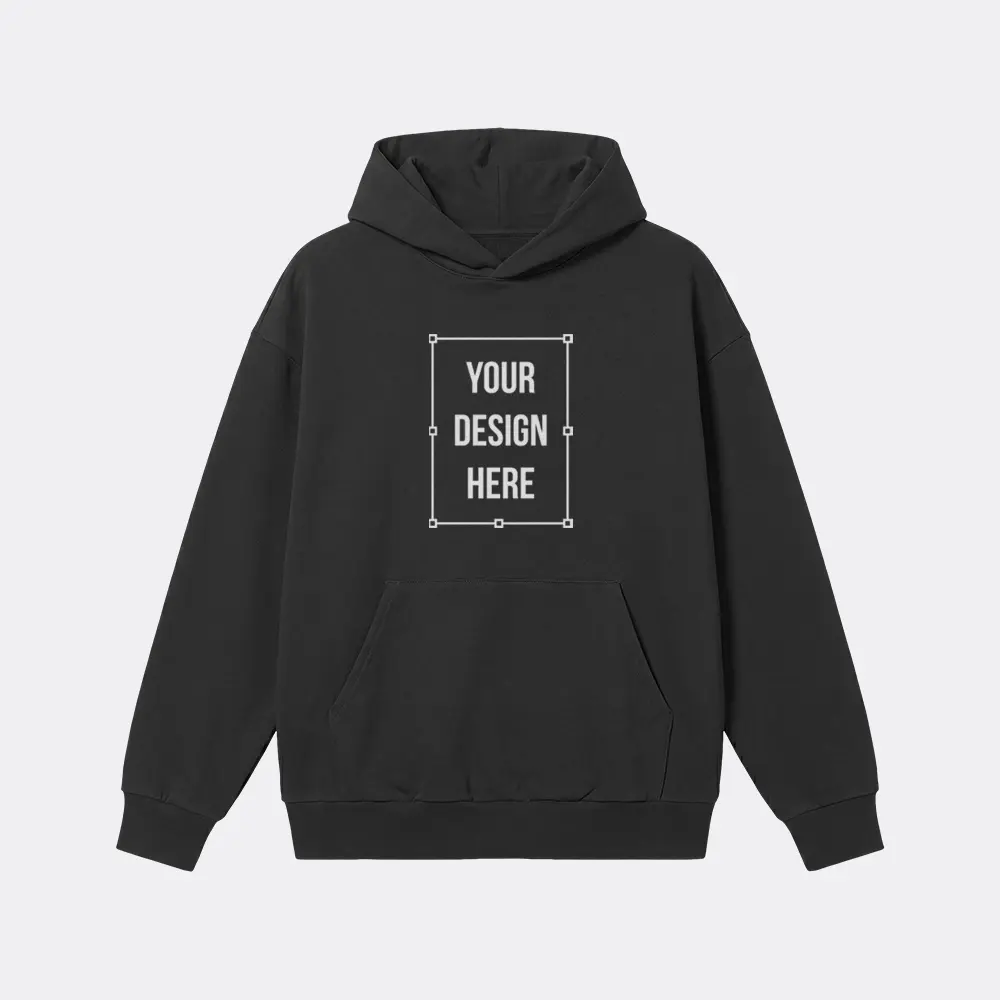
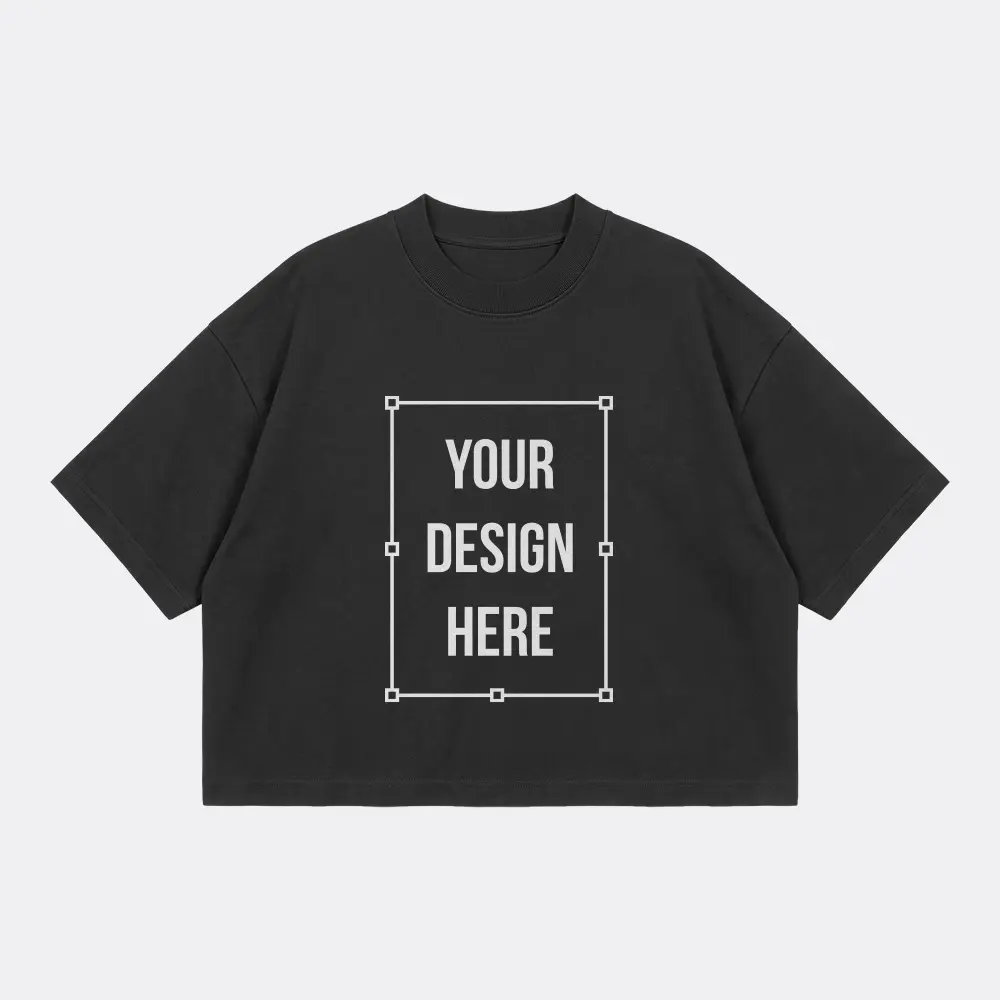
From hoodies to t-shirts — keep building cohesive product listings across your whole apparel line.
Ready to Try the #1 Accessory Mockup Generator?
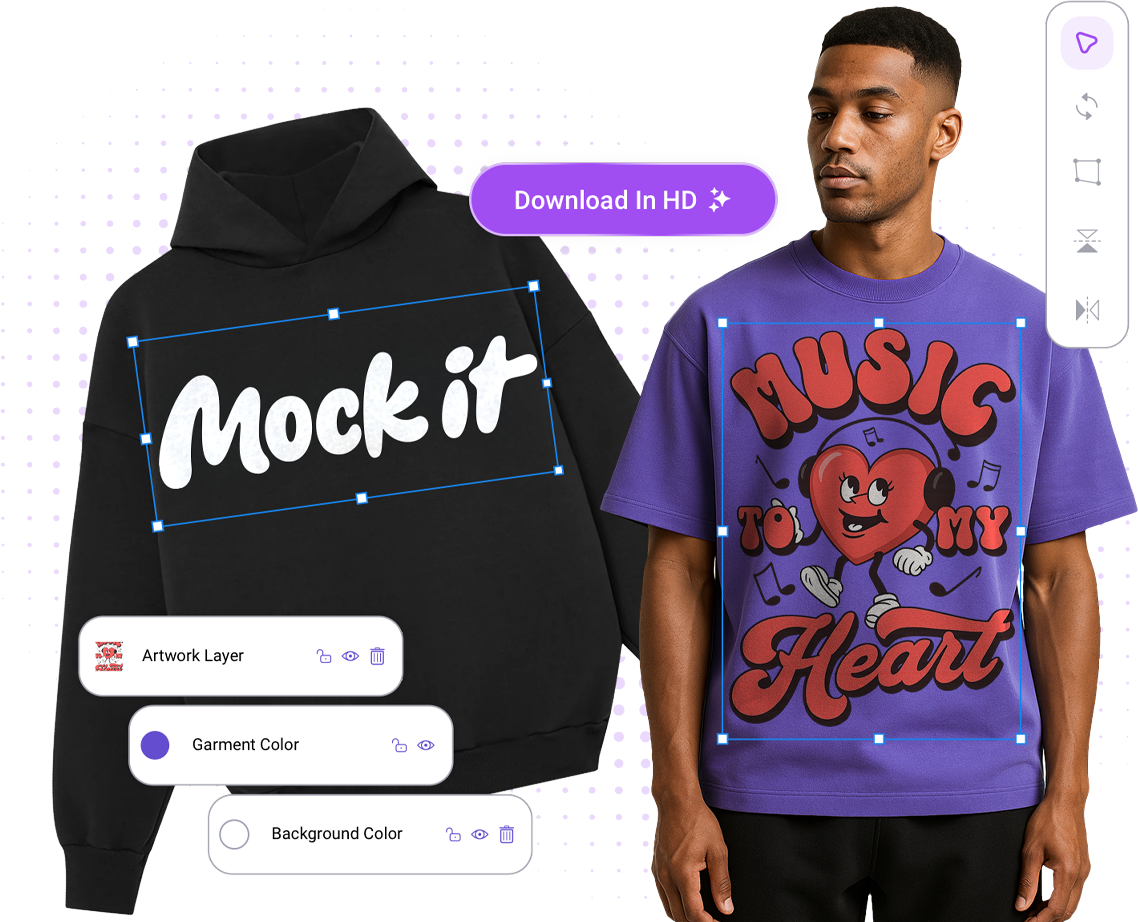
Every apparel brand needs accessory visuals that match the garments they sit beside, same brands, same lighting, same presentation standard, so add-on listings lift average order value rather than looking like they came from a different store. Mock IT gives you 15 high-resolution accessory mockup templates across 7 real apparel brands, complete color libraries drawn from the same manufacturer palettes as the main apparel catalog, unlimited downloads, and final outputs with no watermarks, built for bundle listings, paid ads, client approvals, and storefront galleries. Sign up, activate your 7-day free trial, and start creating commercial-ready accessory mockups in minutes.
 Trusted By Thousands Of Designers
  Cancel Your Subscription Anytime
  30 Day Money Back Guarantee