
AS Colour 5020 Men’s Staple Long Sleeve T-Shirt
Use Mockup🔥 Save 25% when signing up to a yearly plan! GET STARTED NOw 🔥
AS Colour 5020 Men’s Staple Long Sleeve T-Shirt
Use Mockup
AS Colour 5025 Barnard Tank
Use Mockup FREE
FREE
AS Colour 5026 Classic T-Shirt
Use Mockup
AS Colour 5027 Men’s Classic Pocket Tee
Use Mockup
AS Colour 5029 Base Long Sleeve T-Shirt
Use Mockup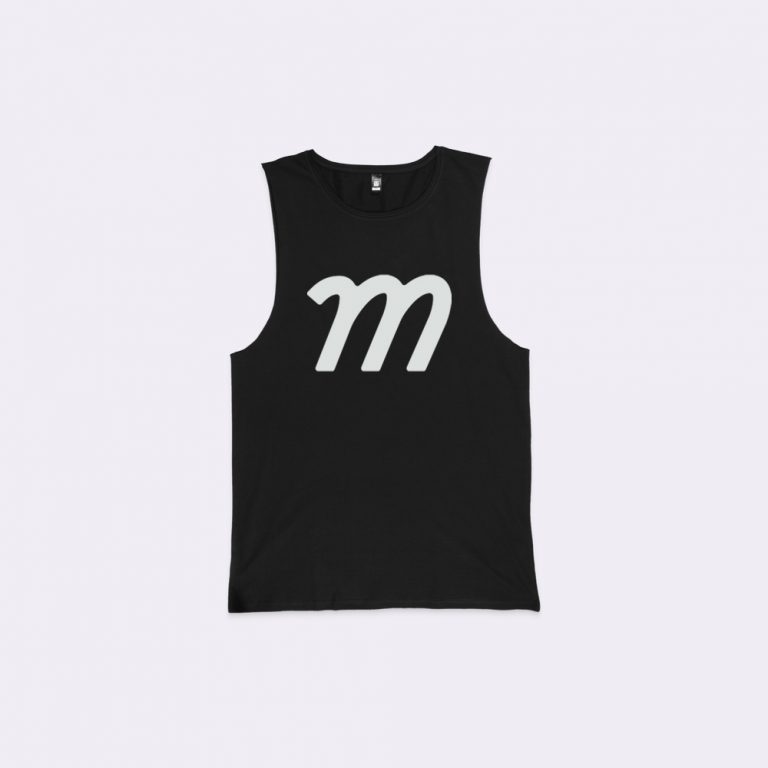
AS Colour 5033 Tall Barnard Tank
Use Mockup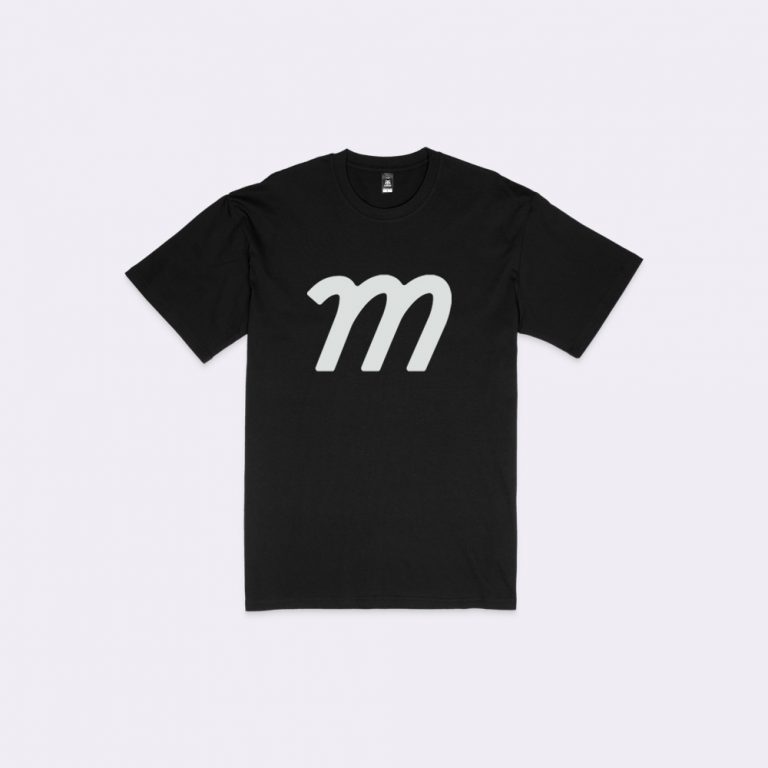
AS Colour 5038 Plus T-Shirt
Use Mockup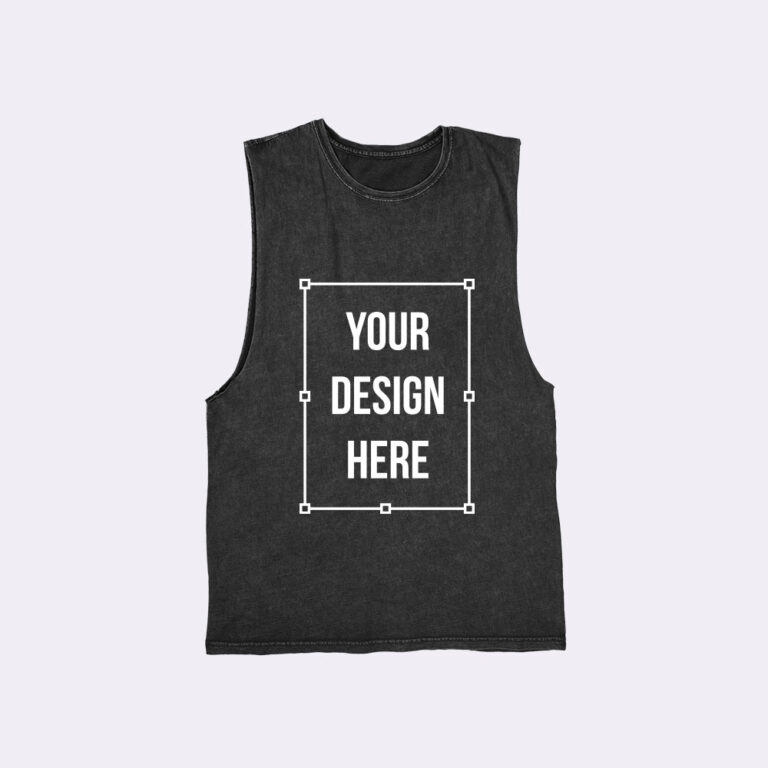
AS Colour 5039 Stone Wash Barnard Tank
Use Mockup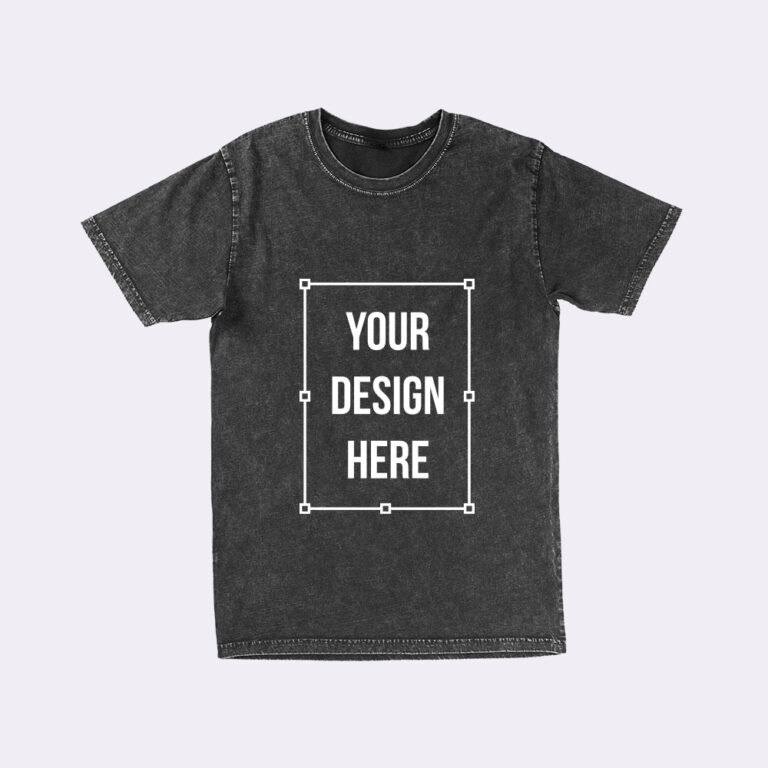
AS Colour 5040 Stone Wash Staple Tee
Use Mockup
AS Colour 5050 Men’s Block Tee
Use Mockup
AS Colour 5051 Men’s Basic Tee
Use Mockup
AS Colour 5052 State T-Shirt
Use Mockup
AS Colour 5056 Men’s General Long Sleeve Tee
Use Mockup
AS Colour 5065 Men’s Faded Tee
Use Mockup
AS Colour 5070 Men’s Classic Plus Tee
Use Mockup
AS Colour 5072 Men’s Classic Pocket L/S Tee
Use Mockup
AS Colour 5080 Men’s Heavy T-Shirt
Use Mockup
AS Colour 5082 Heavy Faded T-Shirt
Use Mockup
AS Colour 5083 Heavy Faded Long Sleeve T-Shirt
Use Mockup
AS Colour 5085 Stone Wash Heavy T-Shirt
Use Mockup
AS Colour 5100 Men’s Supply Crew
Use Mockup
AS Colour 5101 Men’s Supply Hood
Use Mockup
AS Colour 5102 Stencil Hood Sweatshirt
Use Mockup
AS Colour 5103 Men’s Official Zip Hood
Use Mockup
AS Colour 5104 Box Crew Sweatshirt
Use Mockup
AS Colour 5120 Men’s Premium Hood
Use Mockup
AS Colour 5121 Premium Crew Sweatshirt
Use Mockup
AS Colour 5146 Men’s Heavy Hoodie
Use Mockup
AS Colour 5161 Relax Hoodie
Use Mockup
AS Colour 5166 Relax Faded Hoodie
Use Mockup
AS Colour 5204 Index Zip Hoodie
Use Mockup
AS Colour 5402 Chad Polo
Use Mockup
AS Colour 5404 Chad Long Sleeve Polo
Use Mockup
AS Colour 5411 Men’s Pique Polo
Use Mockup
AS Colour 5523 Service Jacket
Use Mockup
AS Colour 5527 Heavy Canvas Jacket
Use Mockup
AS Colour 5620 Men’s Active Shorts
Use Mockup
AS Colour 5903 Men’s Beach Shorts
Use Mockup
AS Colour 5905 Track Shorts
Use Mockup
AS Colour 5920 Premium Track Pants
Use Mockup
AS Colour 5921 Men’s Stencil Track Pants
Use Mockup
AS Colour 5929 Men’s Walk Shorts
Use Mockup
Augusta 2790 Attain Wicking Raglan T-Shirt
Use Mockup
Augusta 3065 Tri-Blend T-Shirt
Use Mockup
Augusta 5414 60/40 Fleece Hoodie
Use Mockup
Augusta 703A Training Tank
Use Mockup
Augusta 788 NexGen Wicking Long Sleeve T-Shirt
Use Mockup
Augusta 790 NexGen Wicking T-Shirt
Use Mockup
Augusta Sportswear 4420 3/4 Sleeve Baseball T-Shirt
Use Mockup
AWDis JH001 Just Hoods Hooded Sweatshirt
Use MockupA high resolution mockup is a visual representation rendered at sufficient pixel density to preserve fine details, sharp edges, and accurate color information when viewed at full size or printed at professional standards, typically delivered at 300 DPI or higher with dimensions that support large-format output without quality loss.
High-resolution mockups are created using advanced rendering systems that maintain design clarity, material texture visibility, and color accuracy across all output sizes, allowing designers, ecommerce sellers, and brand managers to produce professional-quality visuals suitable for product catalogs, marketing campaigns, retail displays, and print publication without pixelation or detail degradation.
Creating a high resolution mockup follows a structured workflow in five steps: you upload your design file at maximum quality, select output resolution settings, apply the design to mockup templates with preserved detail, preview the rendering at full scale to verify clarity, and download the finalized mockup as a high resolution image optimized for professional use in print or digital channels.
Upload your design file in the highest available resolution such as vector formats or high DPI raster images; the system preserves original quality and applies the design to mockup surfaces without compression or downsampling, ensuring sharp edges, clear typography, and visible fine details.
Choose output resolution based on intended use such as 300 DPI for print production, 150 DPI for large format displays, or custom dimensions for specific publication requirements; resolution settings determine final image dimensions, file size, and detail preservation across different viewing contexts.
Select from professional mockup templates rendered at maximum quality where each template maintains native resolution, accurate lighting, realistic material texture, and proper perspective; the system applies your design while preserving original clarity and ensuring proportional scaling without quality loss.
View the mockup at actual output dimensions to verify design sharpness, color accuracy, and detail visibility; the preview system displays the final rendering at full resolution, allowing you to inspect typography clarity, graphic edges, and material texture before finalizing the download.
Download the finalized high resolution mockup as a print ready image file with embedded color profiles, proper DPI settings, and lossless compression; output formats support professional workflows including CMYK conversion, transparency preservation, and layered files for post processing.
Our high resolution mockup generator delivers exceptional image quality through advanced rendering technology that preserves fine details, maintains color accuracy, and produces print ready output at professional standards while supporting efficient workflows that enable designers and brands to create publication quality visuals without specialized equipment or technical expertise.
Generate mockups at 300 dots per inch, the industry standard for professional print production, ensuring sharp reproduction on product packaging, catalogs, marketing materials, and retail displays without visible pixelation or quality degradation.
Advanced rendering systems maintain design clarity, typography sharpness, and graphic edge definition across all output sizes; fine details such as small text, intricate patterns, and subtle gradients remain visible and accurate at both screen and print resolutions.
Output mockups at dimensions exceeding 4000 x 5000 pixels to support billboard printing, trade show graphics, retail window displays, and other large scale applications where image quality must remain consistent when viewed from varying distances.
Embedded color profiles ensure accurate reproduction across different devices and print processes; support for RGB and CMYK color spaces enables seamless integration with professional design workflows and commercial printing requirements.
High resolution rendering preserves material surface details such as fabric weave, paper grain, and product texture, providing realistic representation that helps customers understand product quality and make informed purchasing decisions based on accurate visual information.
Download mockups in lossless formats such as PNG and TIFF that preserve full quality without compression artifacts; files maintain complete color information, transparency data, and detail sharpness required for professional production workflows.
Customize output resolution based on specific project requirements; generate web optimized versions at 72 DPI for fast loading, standard print versions at 300 DPI for catalogs, or ultra high resolution versions for specialty printing and archival purposes.
Access an extensive library of mockup templates rendered at maximum quality, covering multiple product categories, presentation styles, and viewing angles; each template is photographed and processed to maintain professional standards for detail, lighting, and color accuracy.
Use mockups based on actual product specifications from brands such as Bella + Canvas, Gildan, and Next Level; templates match real product dimensions, material characteristics, and construction details to ensure accurate representation for production and fulfillment planning.
Generate multiple mockup variations simultaneously while maintaining identical resolution settings, color profiles, and quality standards across all outputs; batch processing enables efficient creation of product catalogs, multi variant listings, and comprehensive design presentations.
Create and download unlimited high resolution mockups without file size penalties, quality restrictions, or usage caps; pricing includes full access to maximum resolution output regardless of dimension, format, or download frequency.

Didn’t think I’d need it, but now I use it all the time. Mockups are top-notch.

The quality of the mockups from Mock It is exceptional. My product images look professional and polished. The platform is user-friendly, and I’ve been able to create stunning images in no time.

OMG my products look 100x better. Can’t believe I didn’t try this sooner.

Mock It has been an incredible tool for my business. The mockups are extremely high quality, and I love how easy it is to customize them to fit my brand.

I’m so happy I found Mock It. The mockups are beautiful, and the customization options make it easy to create images that match my brand perfectly.

Pretty surprised by how good this is. The mockups are super clean, and my product images for my brand look so much better now. For the price and the huge number of mockups, I’m really happy with it. Definitely a good find.
Select a monthly or annual plan to unlock full access to the high resolution mockup generator and its complete template library at maximum quality settings.
You can upload designs, create print ready mockups at 300 DPI, and download unlimited high resolution exports without file size limits or quality restrictions; trial access is available for new users.
Print requires 300 DPI at final size to ensure sharp, non-pixelated output for materials like brochures and packaging. Digital platforms use 72–150 DPI, but using 300 DPI source files supports better scaling, cropping, and future display quality.
Higher resolution increases file size; a 300 DPI 4000 × 5000 pixel image can be roughly 50–60 MB or more (uncompressed). For web use, export at 72–150 DPI with compression to maintain fast loading speeds, while keeping high-resolution originals for print. PNG preserves quality and transparency, JPEG reduces size with some loss, and TIFF supports maximum fidelity.
Upscaling does not truly improve quality; a low-resolution file remains soft or pixelated even in high-resolution mockups. Use vector formats (SVG, EPS, AI) or 300 DPI raster images sized appropriately for the placement area. Output quality depends entirely on the source file.
DPI defines print resolution density (e.g., 300 DPI = sharp output), while pixel dimensions define image size. A 3000 × 4000 pixel image at 300 DPI prints at 10 × 13.33 inches, but at 150 DPI prints larger with reduced clarity. Both must align for quality results.
High resolution slightly increases processing time to 5–20 seconds due to larger files. Systems use low-resolution previews for speed and render final outputs at full quality, with batch processing handling multiple files efficiently.
 Trusted By Thousands Of Designers
  Cancel Your Subscription Anytime
  30 Day Money Back Guarantee