Creating stunning clothing mockups can be a game-changer for your brand, but it’s not without its challenges. As a designer, I’ve faced my fair share of mockup mishaps, from dealing with complex designs to striving for realistic results. That’s where Mock It comes in handy. This powerful mockup generator simplifies the process, making it easy to overcome common hurdles and achieve professional-quality visuals.
In this post, I’ll share solutions to some of the most frequent issues users encounter when creating mockups. Whether you’re struggling with color accuracy or aligning your designs perfectly, I’ve got you covered. Ready to perfect your mockups? Let’s dive in!
Table of Contents:
- Understanding the Basics
- Common Mockup Challenges
- Solutions with Mock It
- Additional Tips and Tricks
- Conclusion
Understanding the Basics
Before diving into troubleshooting, it’s essential to understand what a mockup is and why it’s crucial for your design process. A mockup is a static representation of a design used to present how the final product will look.
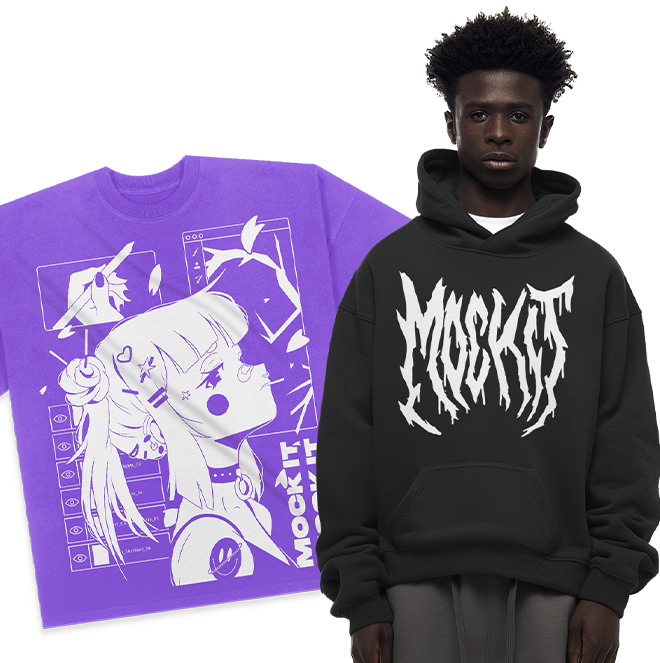
The advantage of digital mockups is that you don’t have to spend thousands of dollars on photoshoots of your printed designs, you don’t even have to print them at all! Whether you’re a designer or a clothing brand owner, creating realistic mockups is key to showcasing your work effectively. Mock It simplifies this process by providing an easy-to-use platform that caters to various design needs.
Common Mockup Challenges
Creating the perfect mockup isn’t always straightforward. Here are some common issues you might encounter:
Complex Designs: Managing intricate patterns and details can be tricky.
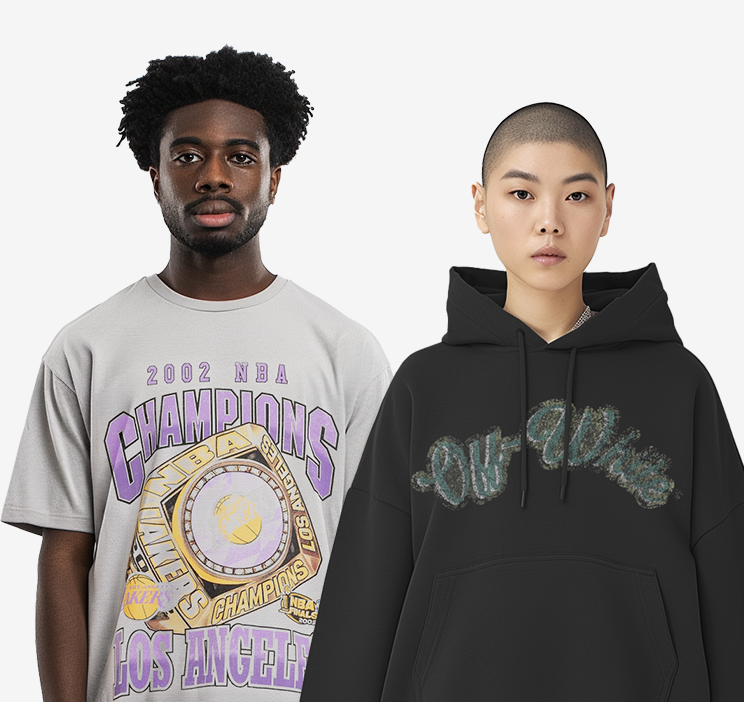
Achieving Realistic Results: Making sure your mockup looks lifelike is vital.
Color Accuracy: Ensuring the colors in your mockup match the final product.
Proper Alignment and Positioning: Placing your design correctly on the product.
Handling Different Fabric Types: Adapting your design to various textures and materials.

Solutions with Mock It
Complex Designs
One of the most common issues I face is handling complex designs. With Mock It, you can use layers to manage intricate patterns more effectively. Here’s how:
Layers: Use Mock It’s layer functionality to separate different parts of your design. This allows you to tweak individual elements without affecting the whole mockup. With Mock It, you can even manage the order of the layers to ensure designs are on top of fabrics for example.
Detail Enhancements: Zoom in on specific areas and use the editing tools to enhance your designs and add depth, ensuring your design remains sharp and detailed. You can even choose to remove or keep the tag, if you have your own tag you can even add it in.
Achieving Realistic Results
Another challenge is making your mockups look as realistic as possible. Mock It offers advanced features that can help:
High-Resolution Images: Start with high-quality images to ensure your mockup looks professional. Mock It only uses the highest quality images for their clothing mockups.
Shadows and Highlights: Use Mock It’s shadow and highlight tools to add dimension to your design. This helps in creating a more lifelike appearance.
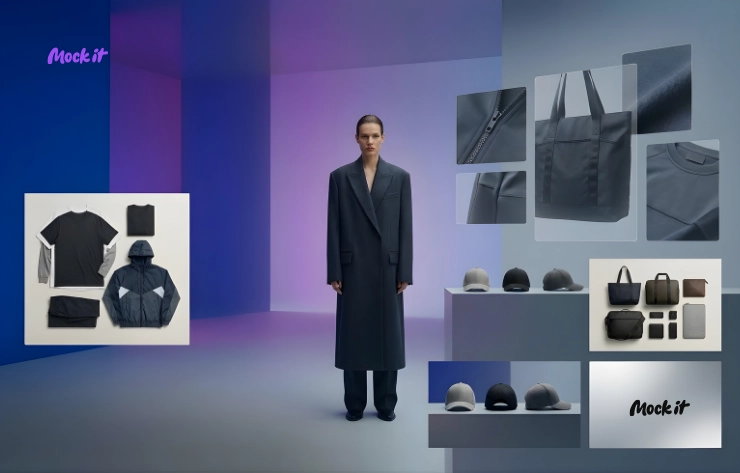
Customization: Adjust the settings to match the light and shadow play on different materials, enhancing the realism of your mockup. Mock It has a scene creator, place your designs in creative outlooks and highlight the most important parts of your design.
Color Accuracy
Nothing is more frustrating than colors looking different on screen than in reality. Mock It’s color tools can help you achieve accurate color representation:
Color Matching: Use Mock It’s color matching tools to ensure your design colors match the final product. This is especially useful when previewing your design on different fabrics. Mock It only uses the exact colors of each individual brand and style of clothing, ensuring the ultimate color accuracy.
Material Previews: Mock It allows you to preview your design on various materials, helping you see how colors will appear on different textures. Check out different fabrics such as heathers and camo’s. Whatever fabric the brand and style of mockups you choose has, is what you will get in your mockups with Mock It.

Proper Alignment and Positioning
Aligning your design correctly is crucial. Mock It provides several tools to help with this:
Position and Transform: Use the built-in position and transform tools to align your design precisely. This ensures consistency across all your mockups. Change size, position and rotation all from a click of the mouse.
Ease of Use: Smoothly move your design around in the box provided to ensure it is positioned exactly where you want it and is sitting at the exact angle of your choosing. The box moves around gently, not too sensitive and not clunky so you have no trouble positioning anything at all.
Handling Different Fabric Types
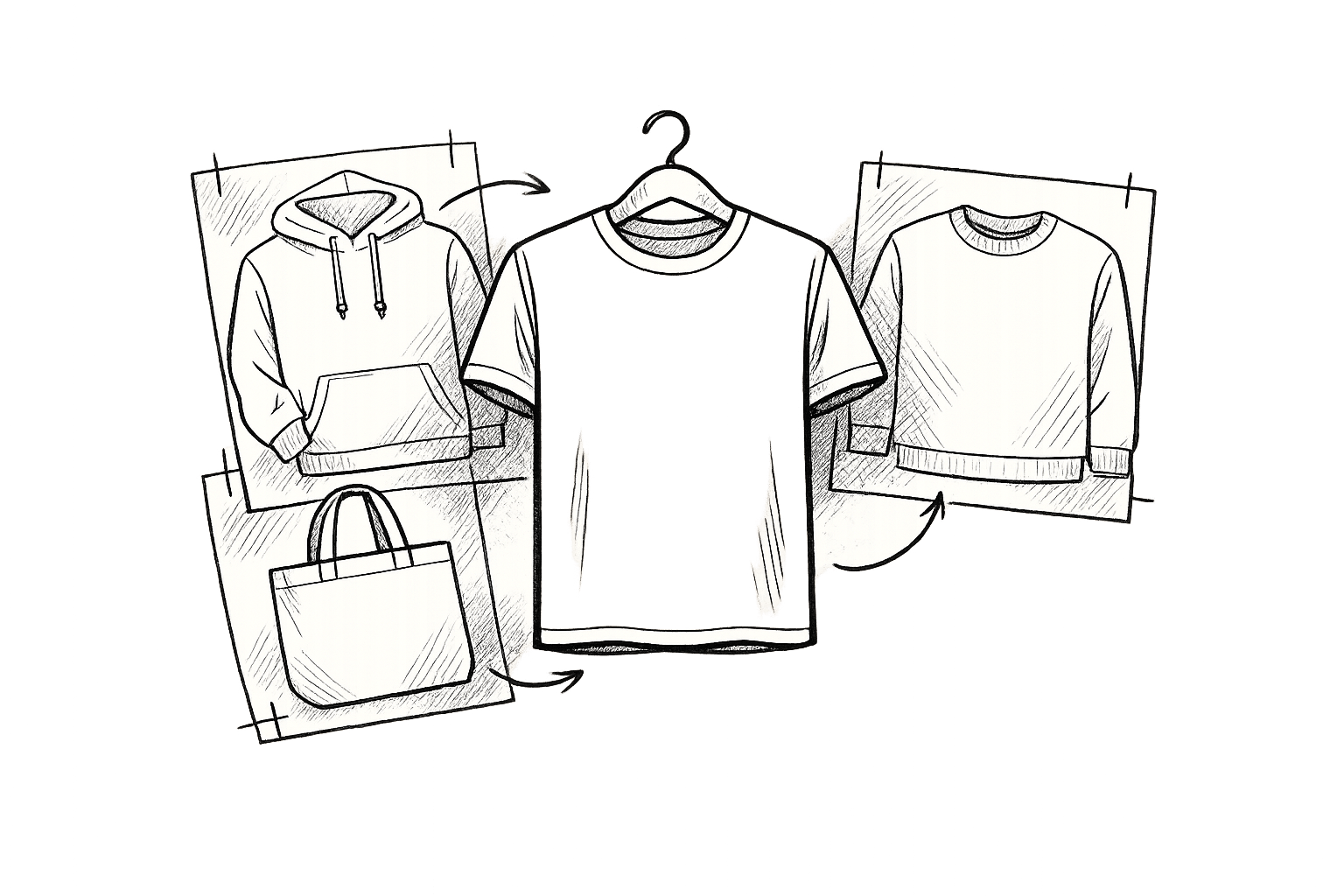
Designing for different fabrics can be challenging. Mock It’s extensive library of clothing mockups come in many different fabrics and can help:
Fabric Options: Choose from a variety of fabric textures in Mock It’s library. This allows you to see how your design will look on different materials.
Adjustable Settings: Tweak settings for each fabric type to ensure your design looks its best. This includes adjusting shadows, highlights, and colors to match the texture.
Additional Tips and Tricks
To make the most out of Mock It, here are some additional tips:
Use a Mockup Generator: Mock It’s mockup generator is perfect for creating high-quality apparel designs quickly and easily.
Leverage the Free Mockup Generator: Take advantage of Mock It’s free mockup generator to experiment with different designs without any cost.
Combine Features: Don’t hesitate to use multiple features together. For instance, combine shadow and the scene creator with color matching for superior results.

Conclusion
Creating perfect mockups doesn’t have to be a daunting task. By understanding the common challenges and utilizing Mock It’s powerful tools, you can overcome any hurdle and produce stunning, realistic mockups. Whether you’re dealing with complex designs or striving for color accuracy, Mock It has the features you need to succeed.
Ready to elevate your mockup game? Sign up for a free 7 day trial to Mock It today and start creating perfect mockups effortlessly. With Mock It, you’ll be able to showcase your designs like a pro and impress your clients or social media followers with high-quality visuals. Don’t wait—take your mockups to the next level now!