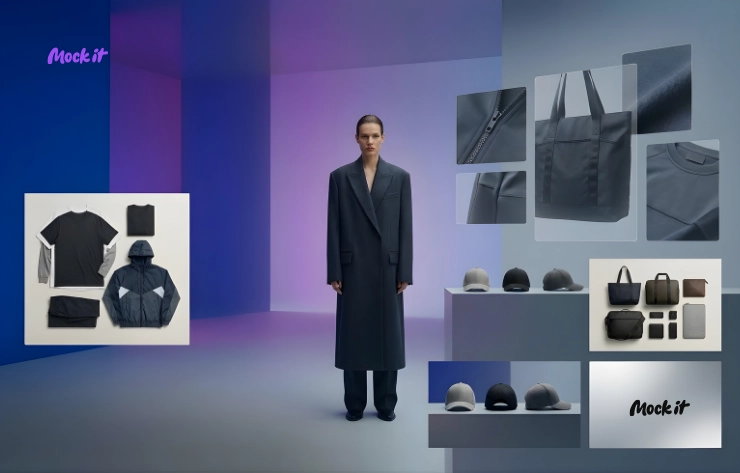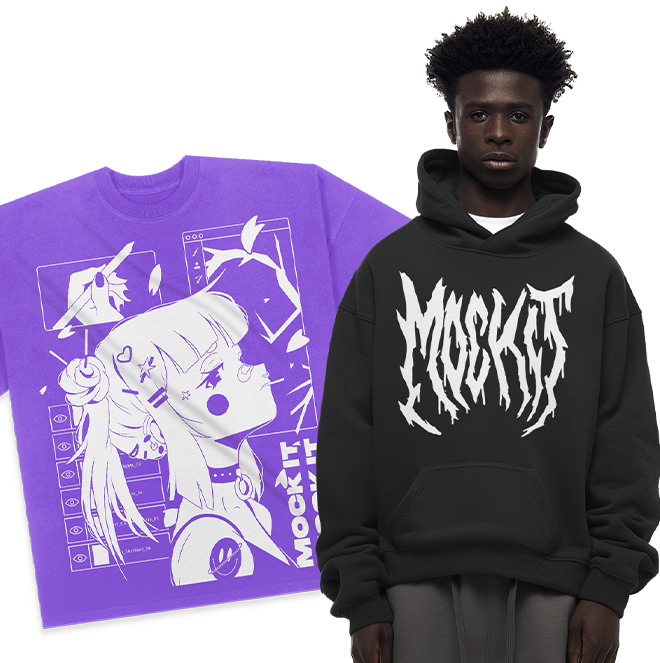
Apparel mockups are a fast, cost-effective way to create polished visuals for marketing. They replace expensive photoshoots and help customers visualize products, boosting confidence and sales. Tools like Mock It simplify the process with over 5,000 templates, drag-and-drop features, and AI tools, making it easy to design for platforms like Instagram, email campaigns, and e-commerce using innovative ways to utilize mockups.
Key Takeaways:
- Why Mockups Matter: They save time, reduce costs, and improve buyer trust.
- Mock It Features: Extensive template library, easy-to-use editor, and AI tools for quick customization.
- Choosing Templates: Focus on realistic, high-quality designs that match your brand.
- Photoshop vs. Mock It: Photoshop offers precision; Mock It is faster for non-designers.
- Metrics to Track: Monitor conversion rates, click-through rates, and cart abandonment to refine visuals.
Mockups aren’t just previews – they’re essential tools for selling products online. Platforms like Mock It make creating them simple, helping businesses present designs effectively across multiple channels.
HOW TO DESIGN CLOTHING MOCKUPS FOR YOUR BRAND 2024 [WALKTHROUGH]
sbb-itb-1e8f9ab
Selecting the Right Mockup Templates
Mock It simplifies the process of creating mockups, but the real challenge lies in picking templates that genuinely reflect your brand. Why is this so important? Because first impressions matter, and with roughly 80% of new products failing in the market, visual representation can make or break your success. The templates you choose shape how customers view your products, so focusing on quality and variety is non-negotiable. Let’s dive into the key elements to consider when selecting mockup templates.
What to Look for When Choosing Templates
Realism and accuracy should top your list. High-quality mockups need to capture details like fabric textures, folds, and lighting. As Michaela Atkinson from SEDDI explains:
"In digital-first selling environments, buyers often make purchasing decisions based solely on what they see online. That means your mockup must be accurate, compelling, and production-ready".
This means your mockups should match the actual product specs to ensure customers get exactly what they expect.
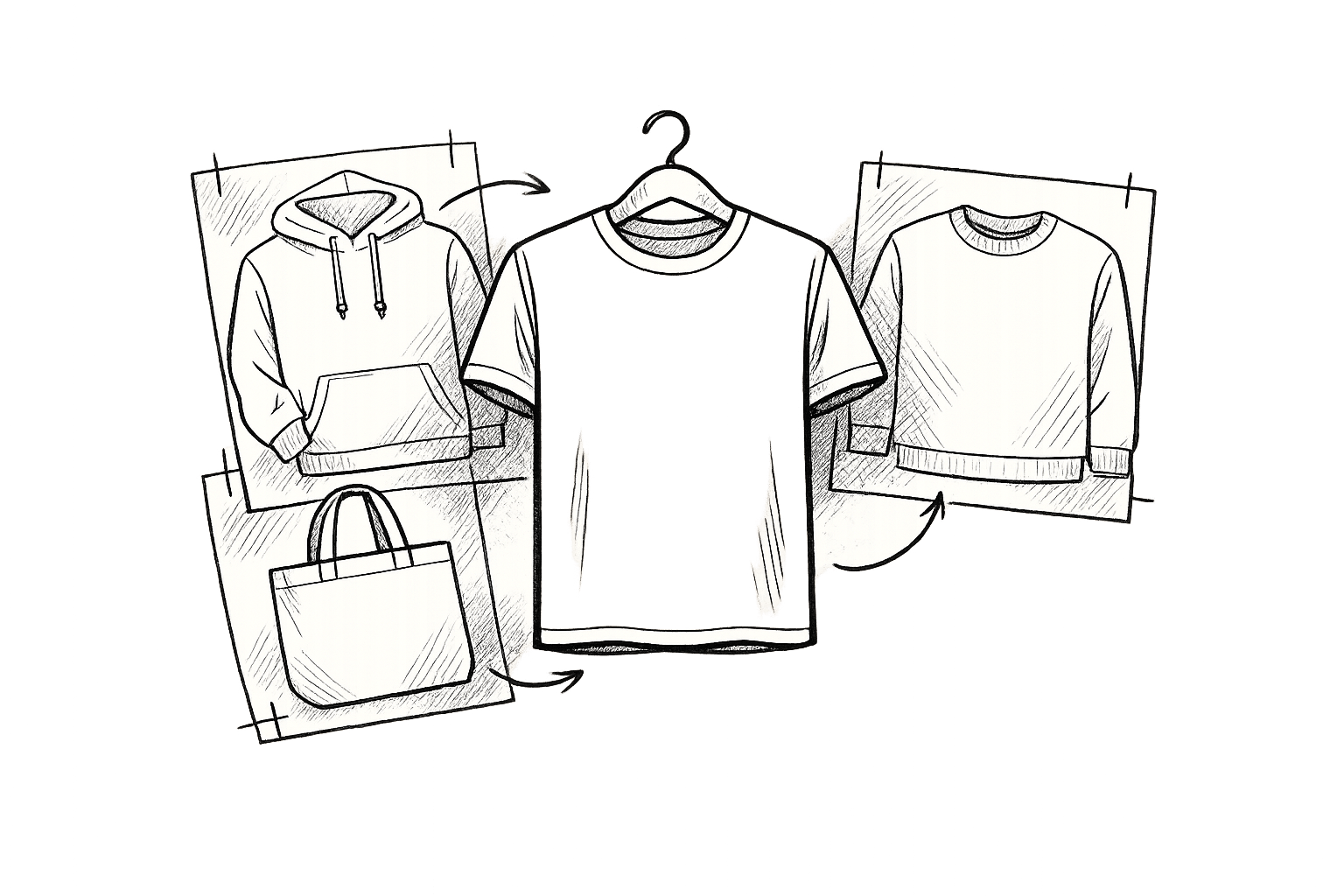
Variety is equally important. A robust template library should cover a wide range of items – think t-shirts, hoodies, sweatshirts, hats, and even accessories. This ensures your branding stays consistent across your entire product line. You’ll also want to consider whether 2D or 3D mockups better suit your needs.
- 2D mockups are great for straightforward design placement.
- 3D mockups, however, go a step further, showing how fabrics stretch, fold, and flow naturally when worn. These add depth and realism, making them ideal for building customer trust and reducing return rates.
Once you know what to look for, it’s easier to evaluate how different platforms stack up. Let’s see how Mock It compares to its competitors.
Mock It vs. Competitors: A Comparison

Mock It sets itself apart by focusing on photorealism specifically designed for apparel brands. While platforms like Recraft emphasize artistic flexibility and vector-based designs, Mock It prioritizes business needs with realistic lighting and textures. In a direct comparison, Mock It AI scored an 8.5/10 for prompt fidelity, outperforming Recraft’s 7.5/10.
Mock It also simplifies the design process. Unlike Recraft, which relies heavily on manual prompting, Mock It’s template-driven approach makes it user-friendly, especially for marketing teams working under tight deadlines.
Pricing is another area where Mock It shines. Its Standard plan costs $7.99/month (billed annually) and includes unlimited downloads of over 4,000 templates. The Pro plan, at $14.99/month, adds features like background removal, AI generation, and priority mockup requests, all with full commercial rights. By comparison, Recraft’s Pro plan costs $12/month but limits users to 1,000 credits, and its free tier doesn’t offer commercial licensing. For e-commerce brands managing high-volume campaigns, Mock It offers a quicker, more affordable, and brand-safe solution compared to prompt-based tools.
Tools and Methods for Customizing Mockups

Photoshop vs Mock It Pro: Mockup Customization Workflow Comparison
When it comes to tailoring mockups, tools like Photoshop and Mock It offer different approaches to suit your needs. Whether you’re looking for pixel-perfect control or a faster, automated solution, choosing the right method can save time and help you master clothing mockups for your brand.
Customizing Mockups in Photoshop
Photoshop is the go-to tool for those who want complete creative control. With features like Smart Objects, you can seamlessly integrate your designs into templates, ensuring they conform naturally to the garment’s shape. Tools like the Warp Tool (found under Edit > Transform > Warp) allow you to adjust your design to match folds and curves, while Hue/Saturation layers let you tweak colors without losing texture.
To add a realistic touch, you can simulate lighting effects by using an Overlay or Soft Light brush to paint highlights. For even more detail, import high-resolution fabric textures, apply Overlay or Multiply blending modes, and fine-tune the opacity until the design looks natural. To maintain quality, work at 300 DPI and use Layer Masks for non-destructive edits. Organizing your layers with clear labels, like "Front Logo" or "Sleeve Design", can also speed up your workflow, especially if you’re creating assets for different platforms. While Photoshop offers unmatched flexibility, it does require a certain level of skill and time investment.
Using Mock It’s Built-In Customization Tools
If you prefer a quicker, less technical approach, Mock It provides an intuitive solution. Its drag-and-drop interface eliminates the need for advanced design skills, making it accessible to everyone. Select from a wide range of templates – like crew necks, v-necks, and hoodies – and upload your design. Mock It’s automated tools handle placement and resizing, while sliders allow for easy adjustments.
Additional features, such as a scene creator, background remover, and AI text-to-image generator, simplify the process further. Multi-angle previews ensure your design looks great from every perspective before you export it in high-quality formats. This makes Mock It particularly useful for creating visuals for social media, e-commerce platforms, or quick marketing campaigns.
Photoshop vs. Mock It Pro: Workflow Comparison
Here’s a side-by-side look at how these two methods stack up:
| Feature | Photoshop Workflow | Mock It Pro Workflow |
|---|---|---|
| Ease of Use | Requires technical skills and a learning curve. | User-friendly, suitable for all skill levels. |
| Time Required | Hours or days for detailed edits. | Professional results in minutes. |
| Customization | Unlimited manual control with tools like Smart Objects and Layer Masks. | Template-based customization with AI-assisted tools. |
| Realism Control | Fine-tuned shadows, highlights, and textures. | Automatic, realistic previews from multiple angles. |
| Technical Accuracy | Relies on manual adjustments that may vary in precision. | Digitized templates include production specifications. |
Photoshop is ideal for projects that demand intricate adjustments, such as unique lighting effects or complex garment textures. On the other hand, Mock It Pro is perfect for scenarios where speed is key – like pitching a branded collection or testing product ideas on social media.
As Michaela Atkinson from SEDDI puts it:
"In digital-first selling environments, the product mockup is no longer just a preview, it is the product".
Adapting Mockups for Different Marketing Channels
Using the customization tools mentioned earlier, adjusting mockups for various marketing channels ensures your visuals connect effectively with diverse audiences.
Customizing Mockups for Each Platform
Each marketing platform has its own visual requirements. Instagram favors square images (1080×1080 pixels) for feed posts and vertical formats (1080×1920 pixels) for stories. These work best when paired with lifestyle settings to highlight apparel. Using mockups with models can boost engagement by 20–30% compared to flat-lay images. On Pinterest, vertical layouts (1,000×1,500 pixels with a 2:3 ratio) are ideal for showcasing detailed outfit shots. For instance, one brand saw saves double when using detailed apparel pins instead of generic images.
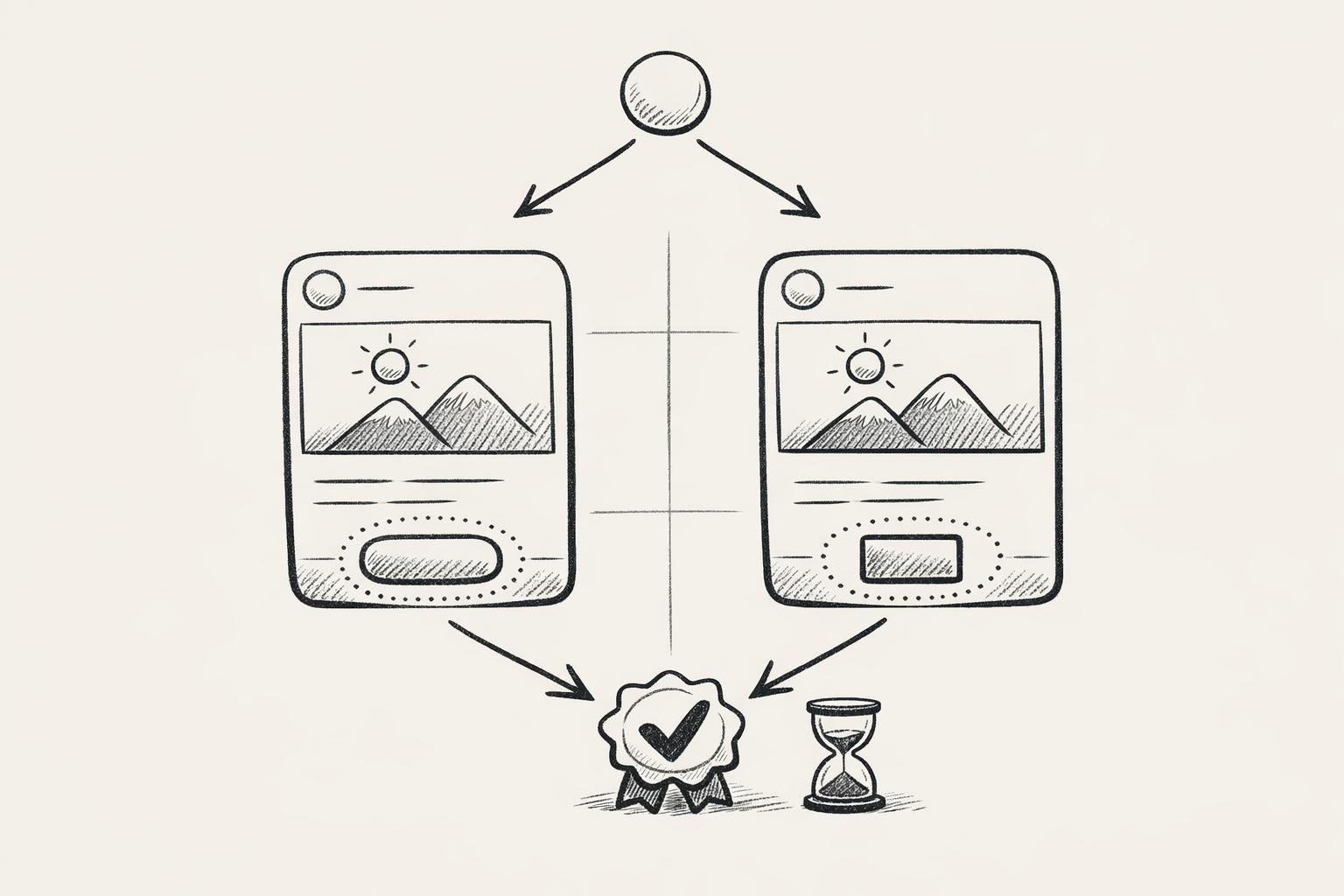
For email campaigns, mockups should be between 600–800 pixels wide, with file sizes under 100KB to ensure quick loading – especially since over half of emails are opened on mobile devices. High-resolution mockups paired with clear calls-to-action can enhance engagement for seasonal promotions and new arrivals. A/B testing visuals, such as model-worn versus flat-lay designs, can help identify which style performs best. These platform-tailored approaches ensure your content is optimized for each audience.
Mock It’s Marketing-Focused Features
Mock It offers tools specifically designed for multi-channel marketing campaigns. For example, its extensive color libraries let you quickly create mockup variations for A/B testing without starting from scratch. The Request-A-Mockup feature provides access to fresh templates for quick-turnaround campaigns. Each mockup set includes four views – two front and two back – perfect for Instagram carousels or Pinterest pins that showcase your designs from multiple angles.
Jeremy P., Founder & CEO of Mock It, emphasizes the value of mockups in marketing:
"Using mockups in the imagery and video content you share to your social media accounts gives audience members a chance to see what your business offers."
Mock It goes beyond basic tools by offering specialized fabric textures like heathers, acid washes, and mineral washes. It also allows custom tag integration, so you can replace generic labels with your brand’s logo – an excellent way to create higher-conversion social media ads. Plus, high-resolution JPG and PNG downloads ensure your visuals remain crisp across all devices and platforms.
Tracking Results and Improving Your Mockups
Once you’ve customized and launched your apparel mockups across various channels, keeping an eye on their performance is key. Tracking how well your mockups are doing can help you fine-tune them for better results. One critical metric to watch is your conversion rate, which shows how effectively your mockups turn visitors into buyers. As Robin Strathdee from VTEX puts it:
"A high conversion rate indicates that your site experience resonates with visitors."
Low-quality images are often blamed for poor conversions, so monitoring this metric can help you determine if your visuals are building the trust needed to drive sales.
Other metrics to keep an eye on include CTR (click-through rate), social engagement, and cart abandonment rates. These numbers reveal how well your images encourage user actions. Additionally, average order value (AOV) offers insight into whether your mockups are effectively promoting product bundles or "complete the look" combinations that boost purchase sizes. And for long-term growth, don’t forget about organic traffic – optimizing your mockup filenames and alt tags with relevant keywords can improve your search engine rankings.
Metrics to Track for Mockup Performance
| Metric | What It Measures | How to Improve with Mockups |
|---|---|---|
| Conversion Rate | Visitor conversion | Use high-quality, realistic mockups to build trust |
| CTR | Ad/email engagement | Test lifestyle vs. flat-lay mockup styles |
| AOV | Spend per order | Highlight bundles or outfit combinations |
| Cart Abandonment | Incomplete purchases | Ensure mockups match the actual product |
| Organic Traffic | Unpaid search visits | Optimize image metadata for SEO (alt text, filenames) |
These benchmarks provide a foundation for refining your mockup strategy over time.
Using Data to Refine Your Mockups
Once you’ve gathered performance data, use it to guide immediate improvements to your visuals. A/B testing can be incredibly helpful here – experiment with different mockup styles, backgrounds, and perspectives on landing pages to see which options resonate most with your audience. Tools like Mock It’s library, which offers over 5,000 mockups from 45+ brands, make it simple to test variations without starting from scratch.
Tailor your mockups to specific channels based on performance insights. For example, compressing file sizes can improve site speed, which is a win for both search engines and users. Make sure your mockups display clearly on mobile devices as well. By closely monitoring your metrics, you can quickly identify what’s working and what needs adjustment. This approach ensures your mockups stay effective and aligned with your marketing goals.
Conclusion
Customizing apparel mockups can create visuals that truly elevate marketing efforts. By choosing the right templates, leveraging effective customization tools, and tailoring mockups for various channels, brands can transform their campaigns. These mockups enable shoppers to better imagine products, drive engagement, and boost conversions – all without the hefty costs of traditional photoshoots.
As the focus shifts to digital-first strategies, mockups have evolved into essential sales tools rather than mere placeholders. Brands that use high-quality mockups often see faster client approvals and larger orders. Plus, presenting design variations without the need for physical inventory streamlines sales cycles and keeps businesses competitive.
To achieve these results, selecting the right platform is key. Mock It stands out by offering over 5,000 mockup templates from 45+ brands, paired with built-in tools like a background remover, AI image generator, and scene creator. It allows businesses to create professional visuals in minutes while cutting costs significantly. Its complete color libraries ensure digital mockups accurately reflect physical products, reducing the risk of customer dissatisfaction or abandoned carts.
Measuring performance is just as important as creating great visuals. Track metrics like conversion rates, click-through rates, and average order value, and use A/B testing to identify which mockup styles resonate most with your audience. Mock It’s extensive library makes it easy to test variations without starting from scratch, ensuring your visuals stay impactful and in tune with your marketing objectives.
FAQs
How do I pick the most realistic mockup template for my brand?
When selecting mockup templates, go for high-resolution options (300 DPI or higher) to guarantee sharp and professional visuals. Platforms such as Mock It provide a vast library of over 5,000 customizable templates. These templates let you tweak colors, shadows, and lighting to align perfectly with your brand’s aesthetic. Plus, Mock It’s AI tools make it easier to create realistic mockups in no time. Focus on templates that offer customizable layers, high resolution, and realistic environments to maintain a polished and authentic look.
When should I use Photoshop vs. Mock It for mockups?
Photoshop is perfect for projects that demand detailed customization. Whether you’re tweaking shadows, refining textures, or adding hyper-realistic effects, this tool gives you unmatched control. However, it’s tailored more for seasoned designers, as it comes with a steep learning curve and a higher price tag.
On the other hand, Mock It shines for those who need quick, cost-effective solutions. With over 5,000 templates and features like AI-powered image generation, it’s a go-to for marketers, small businesses, or anyone working on tight deadlines. Plus, its user-friendly design makes it easy to dive right in without extensive experience.
Which numbers should I track to prove my mockups are working?
To gauge how well your mockups are performing, focus on a few key metrics. These include engagement (such as click-through rates, likes, and shares), conversion rates (tracking how many mockup views lead to sales), brand recognition (measured through surveys or recall tests), and design iteration success (comparing approved mockups to those created). Tools like Mock It can streamline the process of creating professional-quality visuals, helping you track these metrics and fine-tune your marketing strategies more efficiently.