Want to showcase your apparel designs without costly photoshoots? Premium apparel mockups are your solution. These tools let you visualize designs on realistic garment templates, capturing realistic clothing mockup details like fabric texture, lighting, and stitching. Perfect for designers, marketers, and print-on-demand businesses, mockups save time, cut costs, and improve customer trust by offering polished visuals.
Key Highlights:
- What They Are: Digital templates that display your designs on garments with lifelike details.
- Why Use Them: Avoid expensive photoshoots, test designs quickly, and create professional marketing visuals.
- Top Features: High resolution, editable layers, multiple views, and compatibility with tools like Photoshop.
- Best Platform: Mock It offers 5,000+ templates, AI tools, and affordable pricing starting at $9.99/month.
Mockups transform flat designs into professional-looking visuals, making them essential for anyone in the apparel industry. Whether you’re a beginner or an expert, they simplify the design process and help your products stand out.
how to create premium clothing mockups for free
sbb-itb-1e8f9ab
What Are Premium Apparel Mockups?
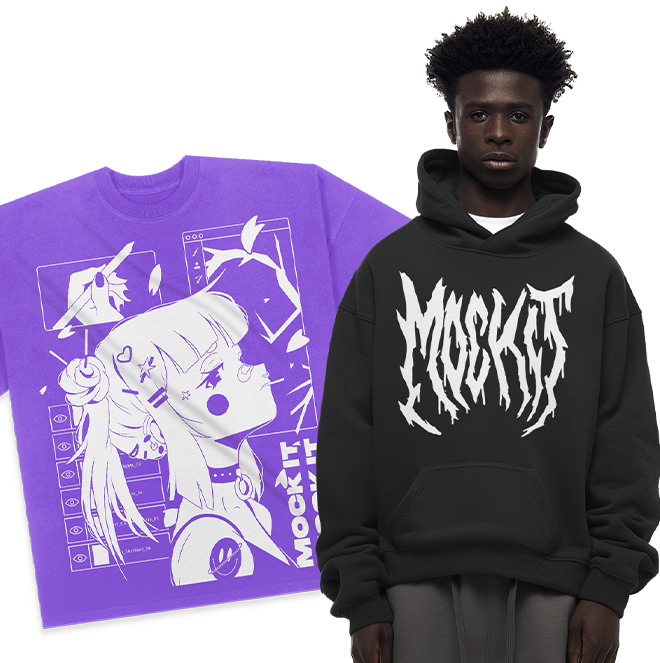
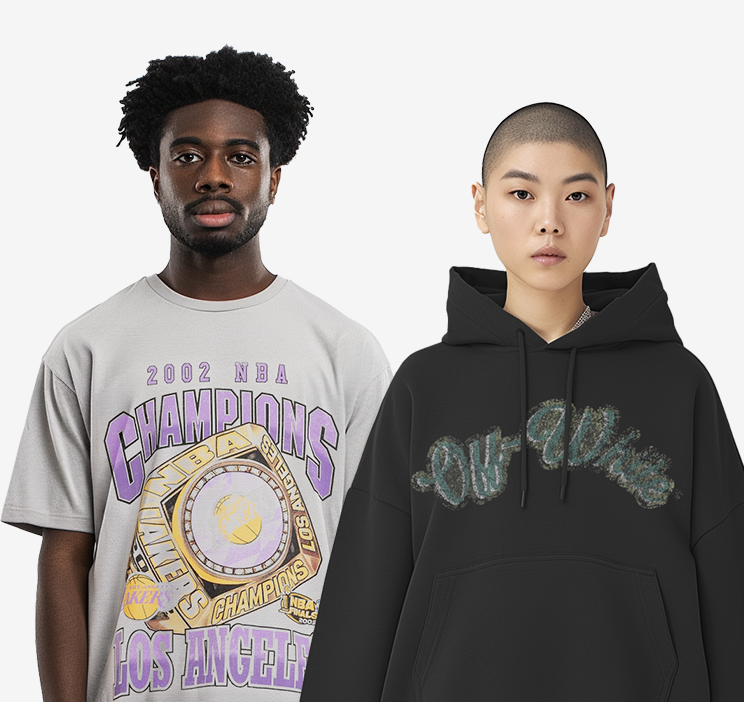
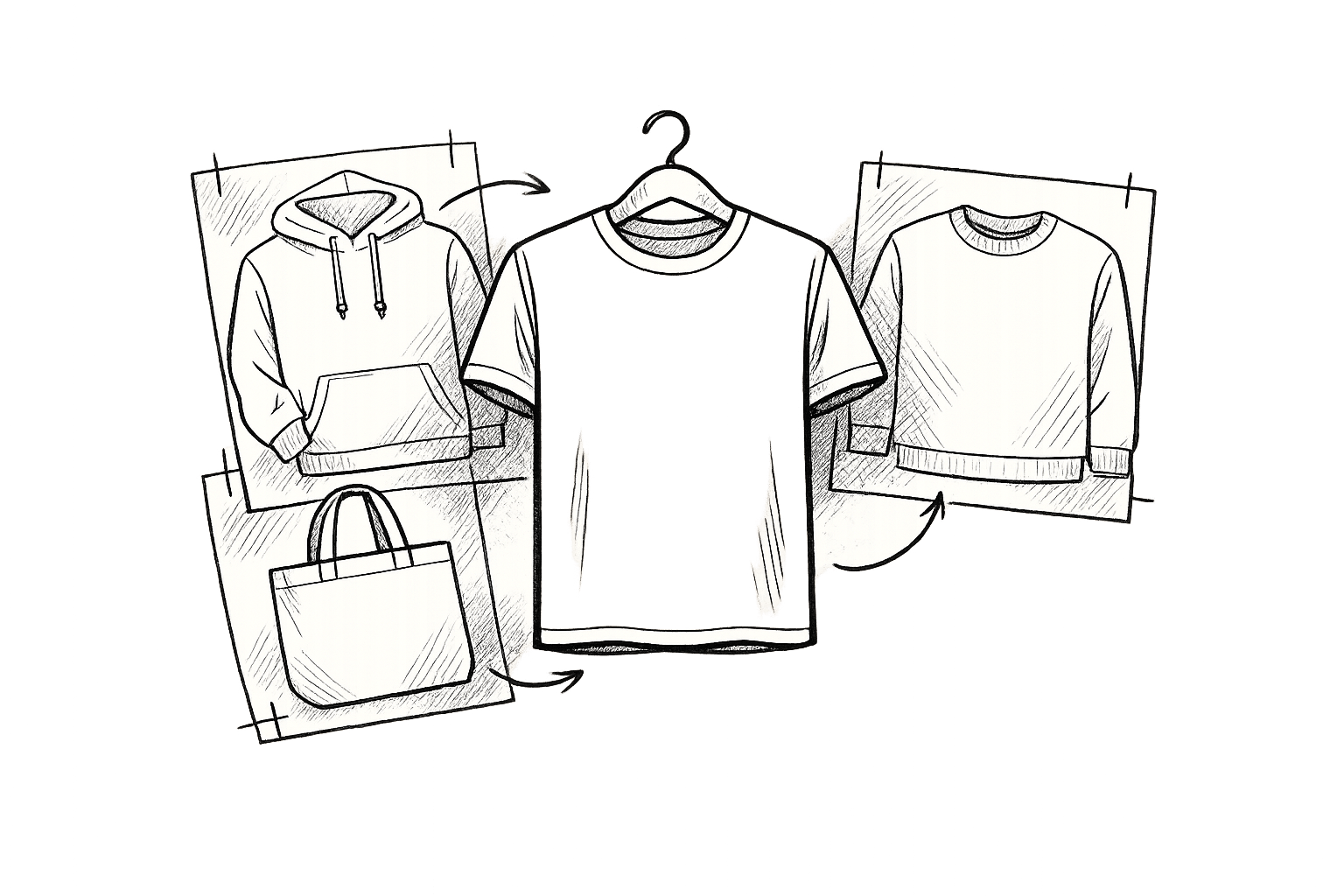
Premium apparel mockups are digital tools that bring your flat designs to life by transforming them into realistic visuals of garments. Instead of arranging costly photoshoots, you can upload your artwork to a digital template that mimics the appearance of real clothing. These mockups capture details like fabric texture, natural folds, and realistic shadows, making your designs look as if they’re already on the finished product.
Typically available in PSD format with editable layers, many of these mockups are now enhanced by AI-driven features. The PSD format allows you to tweak elements such as shadows and fabric wrinkles with precision, while AI tools simplify the process by automatically adjusting your design to fit the garment’s shape. This combination makes premium mockups a practical option for both experienced designers and beginners.
These mockups also make it easy to test various design ideas. You can experiment with color schemes, reposition logos, and visualize your designs on different garment styles – all in just a few minutes. This quick testing process helps reduce the chances of production errors. Platforms like Mock It offer a massive library of over 5,000 templates covering 45+ brands, enabling you to match your mockup to the exact blank apparel you’ll be using, whether it’s from Bella + Canvas, Gildan, or another manufacturer.
Main Features of Premium Mockups
Here’s what sets premium apparel mockups apart from generic options:
- High Resolution for Sharp Details: Premium mockups offer high-resolution graphics – often 2,400 x 2,400 pixels or more – ensuring your designs look crisp for both online and print use.
- Fully Editable Layers: You can adjust fabric colors, tweak lighting, and refine shadows to align perfectly with your brand’s style.
- Multiple Views: Most premium sets provide multiple angles, such as three front and three back views, allowing you to showcase your designs from every perspective.
- Software Compatibility: These mockups are designed to work seamlessly with tools like Adobe Photoshop and Illustrator. Smart object layers let you drag and drop your design, which automatically conforms to the garment’s contours.
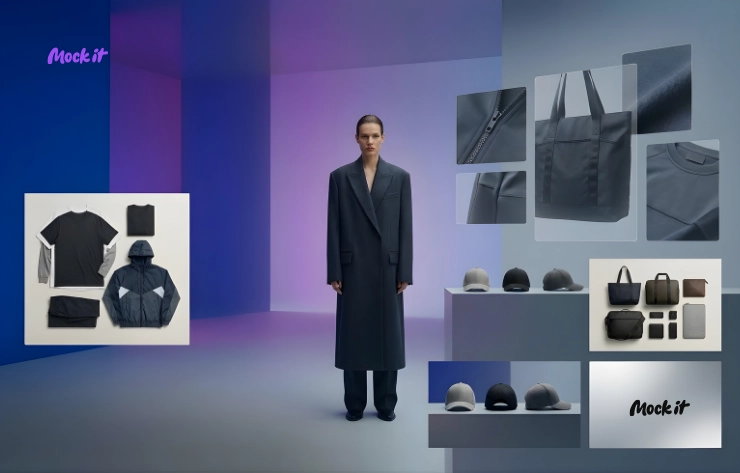
- Advanced Tools: Platforms like Mock It include extra features such as scene creators for custom backgrounds, background removers for clean product visuals, and color libraries that match manufacturer specifications. These tools ensure your mockups are as accurate as possible.
Premium vs Free Mockups
When comparing premium mockups to free ones, the differences are hard to miss.
Free mockups often fall short in quality and variety. They typically come with low-resolution images, watermarks, and only generic garment styles. Premium options, on the other hand, offer thousands of templates – Mock It alone provides over 5,000 – with precise details that match specific brands. While free mockups might give you a single front-facing view, premium sets include multiple angles and realistic textures that elevate the presentation.
Customization is another major advantage of premium mockups. Free versions usually allow basic edits, like simple color changes. In contrast, premium mockups let you modify every visual element, from fabric texture to shadow depth, thanks to fully editable layers. Additionally, premium plans, such as Mock It’s Standard ($8.99/month billed yearly) and Pro ($15.99/month billed yearly), include full commercial rights – something free mockups rarely offer.
For businesses aiming to present their products professionally, premium mockups are a worthwhile investment. They not only enhance your brand’s credibility but also improve customer engagement by providing a polished and realistic preview of your designs.
Benefits of Using Premium Apparel Mockups
Premium apparel mockups offer a range of benefits that can reshape how you approach design and marketing. They help streamline your workflow, save money, and enhance the overall quality of your visuals, making them an essential tool for designers and businesses alike.
Save Time and Cut Costs
One of the biggest advantages of premium mockups is their ability to save both time and money. Traditional photoshoots can easily cost anywhere from $500 to $2,000 per session. Between hiring photographers, booking locations, securing models, and handling post-production, the expenses add up fast. And that’s before you’ve even printed a single sample garment. Premium mockups let you skip all of that. Platforms like Mock It provide access to thousands of templates for a fraction of the cost through affordable subscription plans.
Time savings are just as impactful. Instead of waiting days or even weeks for physical samples or photoshoot scheduling, you can test and refine your designs in minutes. Whether you’re in the early stages of a concept or finalizing details, mockups help you spot issues like spacing or color mismatches before production begins. As Shafira Hidayat from Kittl puts it, "Mockups ruthlessly expose these weaknesses before they become expensive mistakes."
Another time-saving feature is automated batch processing. Tools that generate multiple product views – such as front, back, and side angles – along with color variations can dramatically cut down on manual editing. This efficiency allows you to launch new designs faster and respond to trends while they’re still hot.
But it’s not just about saving time and money – premium mockups also help you create visuals that truly stand out.
Create Better Marketing Visuals
High-quality visuals are key to grabbing attention, especially in today’s fast-paced digital world. Research shows you have just three seconds to capture a potential customer’s interest before they scroll past. Premium mockups ensure your designs look sharp and professional across all platforms, from Instagram posts to billboard ads. This is particularly important since over 70% of e-commerce traffic now comes from mobile devices, where clarity is essential.
The photorealistic details of premium mockups – like fabric textures, natural folds, and accurate colors – help customers visualize what they’re buying. This not only builds trust but also reduces the likelihood of returns. Mock It’s templates, which include options for major brands like Bella + Canvas, Gildan, and Champion, ensure your digital previews closely match the actual garments you’re selling.
Additionally, advanced tools like scene creators and background removers let you customize your visuals even further. You can add unique backgrounds, adjust shadows, or create lifestyle imagery that elevates basic product shots into compelling marketing assets for your website, social media, and ad campaigns.
Premium mockups also simplify the operational side of print-on-demand businesses.
Simplify Print-on-Demand Operations
For print-on-demand businesses, premium mockups take the hassle out of launching new products. Advanced tools can generate dozens of designs across various template styles – like ghost mannequins, lifestyle shots, or flat lays – in just a few minutes. For instance, processing 50+ designs can take as little as four minutes with the right tools.
These tools also automate tasks beyond image creation. By mapping generated images to specific color swatches on platforms like Shopify, they reduce manual errors and ensure a smoother customer experience. Many platforms even include DPI checkers to confirm that your artwork is ready for printing, catching potential quality issues before they become a problem.
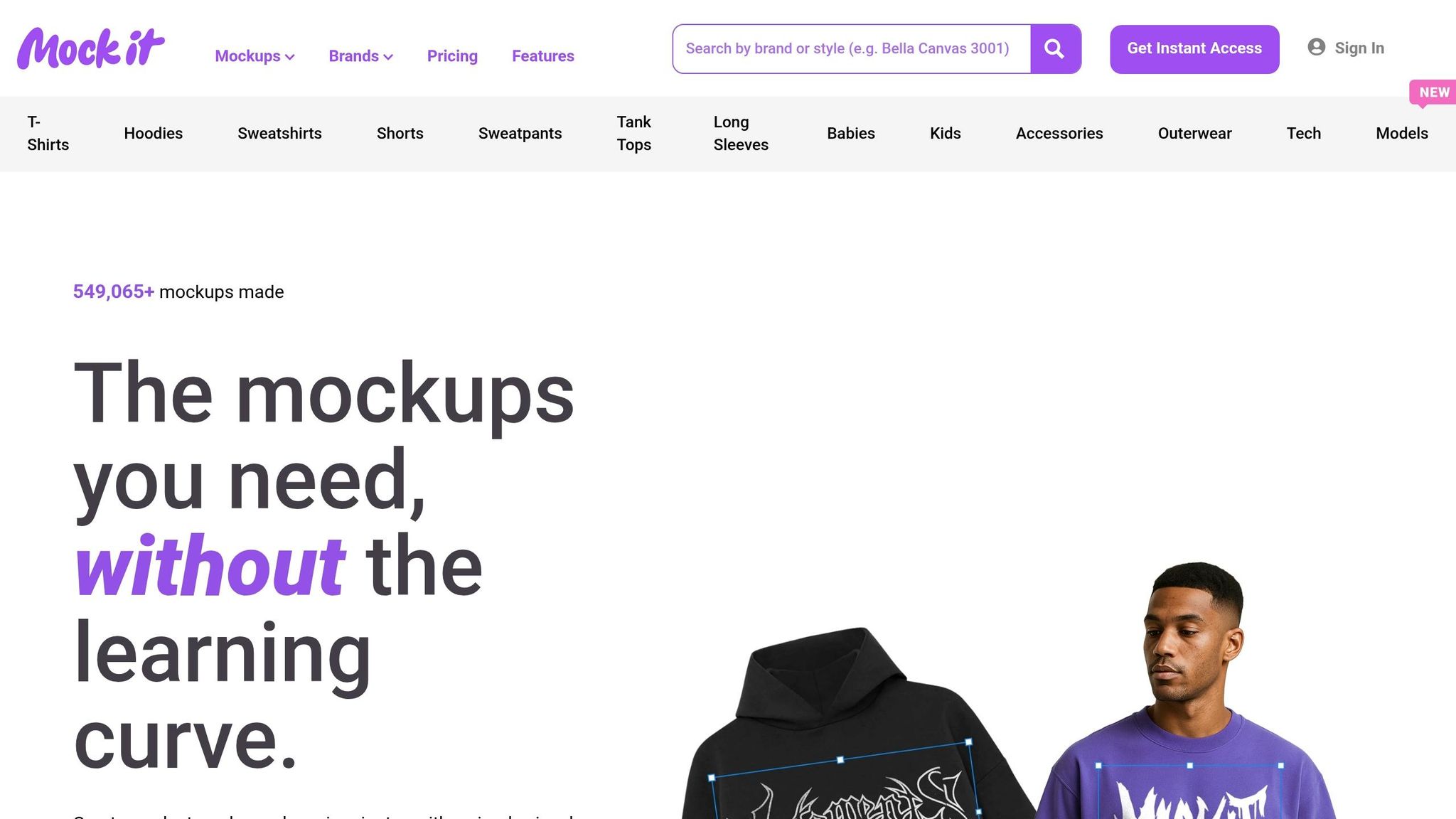
Integration with fulfillment services like Printify and e-commerce platforms makes it easy to push your products live instantly. This seamless workflow – from design to mockup to storefront – frees you up to focus on growing your business and refining your creative vision. With over 549,065 mockups already created using Mock It’s platform, it’s clear that this approach is transforming how businesses handle apparel merchandising.
Key Features to Look for in Premium Apparel Mockups
When it comes to premium apparel mockups, the features you choose can make all the difference. These tools aren’t all created equally, and the right ones can streamline your workflow, save time, and produce professional results – even if you’re not a design expert. Here’s what to prioritize when evaluating your options.
High-Resolution Images and Editing Tools
Resolution matters – big time. Premium platforms typically offer images with resolutions of 2,400 x 2,400 pixels, while free or basic tools often max out at 1,500 x 1,500 pixels. That higher resolution ensures your designs look crisp and professional, whether they’re featured on a website, a mobile app, or printed materials.
But it’s not just about image quality. Look for platforms that include editable layers and smart objects. These features let you adjust logos, tweak designs, and even change garment colors without starting from scratch. Tools like 3D mapping ensure your designs contour naturally to the fabric, creating production-ready visuals. As Sienna Brooks, an e-commerce owner, explains:
The 3D mapping and clipping mask features mean I don’t have to manually edit layers anymore.
Having access to complete color and fabric libraries is another must. Platforms like Mock It, for instance, provide options from over 45 major apparel brands, including Bella + Canvas, Gildan, Champion, and Los Angeles Apparel. This level of detail helps your mockups mirror the actual product, which builds customer confidence and reduces returns.
Advanced Creative Tools
Advanced tools can take your mockups to the next level. Features like AI text-to-image generators allow you to create custom graphics in seconds, speeding up your creative process. One-click background removers make it easy to adapt visuals for different marketing channels.
Scene creators are another standout feature. They let you add shadows, backgrounds, and accessories while adjusting lighting, depth, and perspective. This transforms basic product shots into polished marketing assets. Jordan Lee, a clothing brand owner, shares:
Mock It AI has changed how I create product visuals. I get professional mockups in under a minute without going back and forth on prompts.
These tools make it possible to produce high-quality visuals without needing advanced design skills or expensive software like Photoshop.
Frequent Updates and Template Selection
A strong template library is only helpful if it stays updated. Premium platforms like Mock It add over 200 new mockups at the start of each quarter, ensuring you always have access to the latest styles and garment releases. This is especially useful for keeping up with seasonal trends and new product launches.
A diverse selection of templates is equally important. Look for platforms that offer multiple views of each garment, which is particularly valuable for designs that wrap around the fabric. Additionally, many platforms now include a "Request-A-Mockup" feature. This lets you request custom mockups for niche styles or brands not already in the library. For Pro-tier users on Mock It, these requests are prioritized, with turnaround times as quick as one week once the item is available.
With over 5,000 templates covering everything from t-shirts and hoodies to hats and kids’ apparel, platforms like Mock It provide the variety needed to scale your brand – all without the hassle of switching between tools.
Mock It vs Competitors
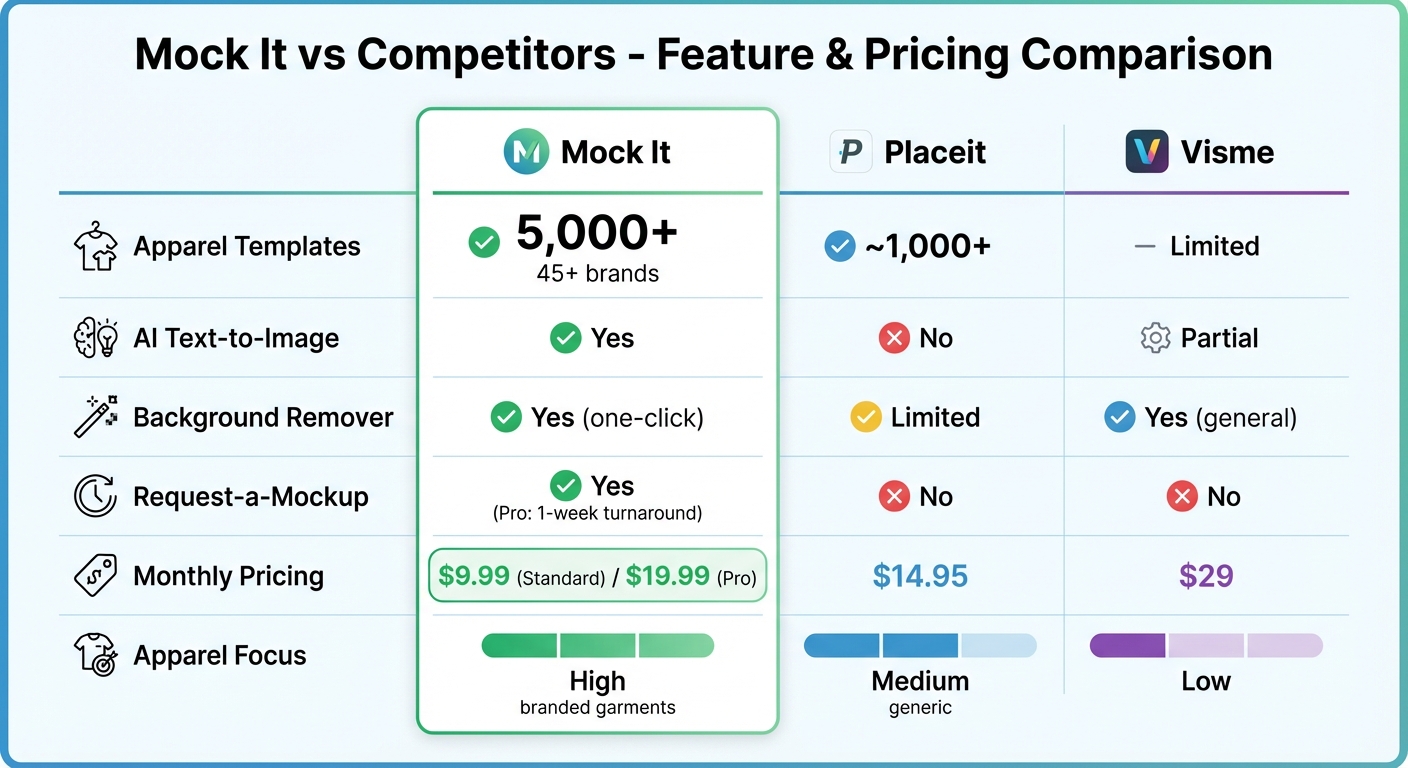
Mock It vs Competitors: Features and Pricing Comparison for Apparel Mockup Platforms
When it comes to choosing the right mockup platform, the options can feel overwhelming. Platforms like Placeit, Visme, and Canva offer mockup tools, but they’re designed for general graphic design rather than catering specifically to apparel brands. This is where Mock It stands out. By focusing exclusively on clothing mockups, Mock It provides features like realistic fabric textures, precise lighting, and natural folds – details that generic platforms simply can’t match. These unique capabilities make Mock It the go-to choice for apparel mockups.
Feature and Pricing Comparison
A closer look at the features and pricing of these platforms highlights Mock It’s edge. With over 5,000 apparel-specific templates from 45+ brands – including Gildan, Bella + Canvas, Champion, and Los Angeles Apparel – Mock It offers unmatched variety. In contrast, Placeit includes around 1,000 apparel templates mixed into a broader selection of designs, and Visme provides only minimal options for clothing mockups.
| Feature | Mock It | Placeit | Visme |
|---|---|---|---|
| Apparel Templates | 5,000+ (45+ brands) | ~1,000+ | Limited |
| AI Text-to-Image | Yes | No | Partial |
| Background Remover | Yes (one-click) | Limited | Yes (general) |
| Request-a-Mockup | Yes (Pro: 1-week turnaround) | No | No |
| Monthly Pricing | $9.99 (Standard) / $19.99 (Pro) | $14.95 | $29 |
| Apparel Focus | High (branded garments) | Medium (generic) | Low |
Mock It also offers better value for apparel sellers. The Standard plan is priced at $9.99 per month (billed annually), while the Pro plan – featuring advanced AI tools and priority mockup requests – costs $19.99 per month when billed annually. Compare this to Visme’s $29 monthly fee, and it’s clear Mock It delivers more for less, especially for businesses focused on apparel. Placeit, while cheaper than Visme, lacks the specialized apparel focus that Mock It provides.
Mock It’s Exclusive Features
Mock It doesn’t just compete on price – it also offers tools specifically designed for apparel brands. Features like the AI text-to-image generator, one-click background remover, and the Request-a-Mockup option make Mock It a powerhouse for creating high-quality mockups with ease. The Request-a-Mockup feature, in particular, allows users to request new garments or brands, with Pro users enjoying a one-week turnaround. This level of customization isn’t available with Placeit or Visme.
These tools eliminate the need for expensive photoshoots or time-consuming Photoshop edits. Instead, Mock It delivers professional, production-ready mockups that showcase fabric textures and product details with precision. For print-on-demand sellers, this means fewer returns and greater customer confidence – benefits that generic platforms simply can’t offer.
Mock It Pricing Plans
Mock It offers pricing options designed to suit a variety of needs, combining advanced tools and an extensive template library for apparel brands of all sizes.
Free Trial, Standard, and Pro Plans
Mock It keeps it simple with three tiers: a 7-Day Free Trial to launch your online store, a Standard plan, and a Pro plan. Each plan includes access to over 5,000 apparel mockups.
- Free Trial: This 7-day trial is completely free and comes with high-resolution downloads (2,400 x 2,400 pixels), mockups from popular brands like Bella + Canvas and Gildan, and unlimited downloads. After the trial, the subscription automatically transitions to the Standard plan unless canceled.
- Standard Plan: At $9.99 per month (or $7.99 per month with annual billing, saving around 20%), this plan includes everything in the Free Trial plus six different views per mockup (three front and three back), a full range of color and fabric options, and the ability to request additional mockup sets.
- Pro Plan: For $19.99 per month (or $14.99 per month with annual billing), the Pro plan adds advanced creative tools to everything in the Standard plan. These include an AI Text-to-Image Generator, a one-click Background Remover, priority mockup requests, and early access to new mockup drops. This plan is perfect for brands that want to stay ahead of trends and streamline their creative process.
Both paid plans come with a 30-day money-back guarantee and can be canceled anytime. Additionally, the mockup library is updated quarterly with 180-200+ new sets, keeping your design options fresh.
Why the Pro Plan Stands Out
The Pro plan is ideal for apparel brands looking to maximize efficiency and creativity. Its AI-powered tools, like the Text-to-Image Generator and Background Remover, eliminate the need for expensive software or time-consuming photoshoots. Priority mockup requests ensure your needs are handled quickly, and early access to new mockups lets you stay ahead of industry trends. With these features, the Pro plan not only saves time but also ensures your brand consistently delivers professional, eye-catching designs.
How to Create Mockups with Mock It
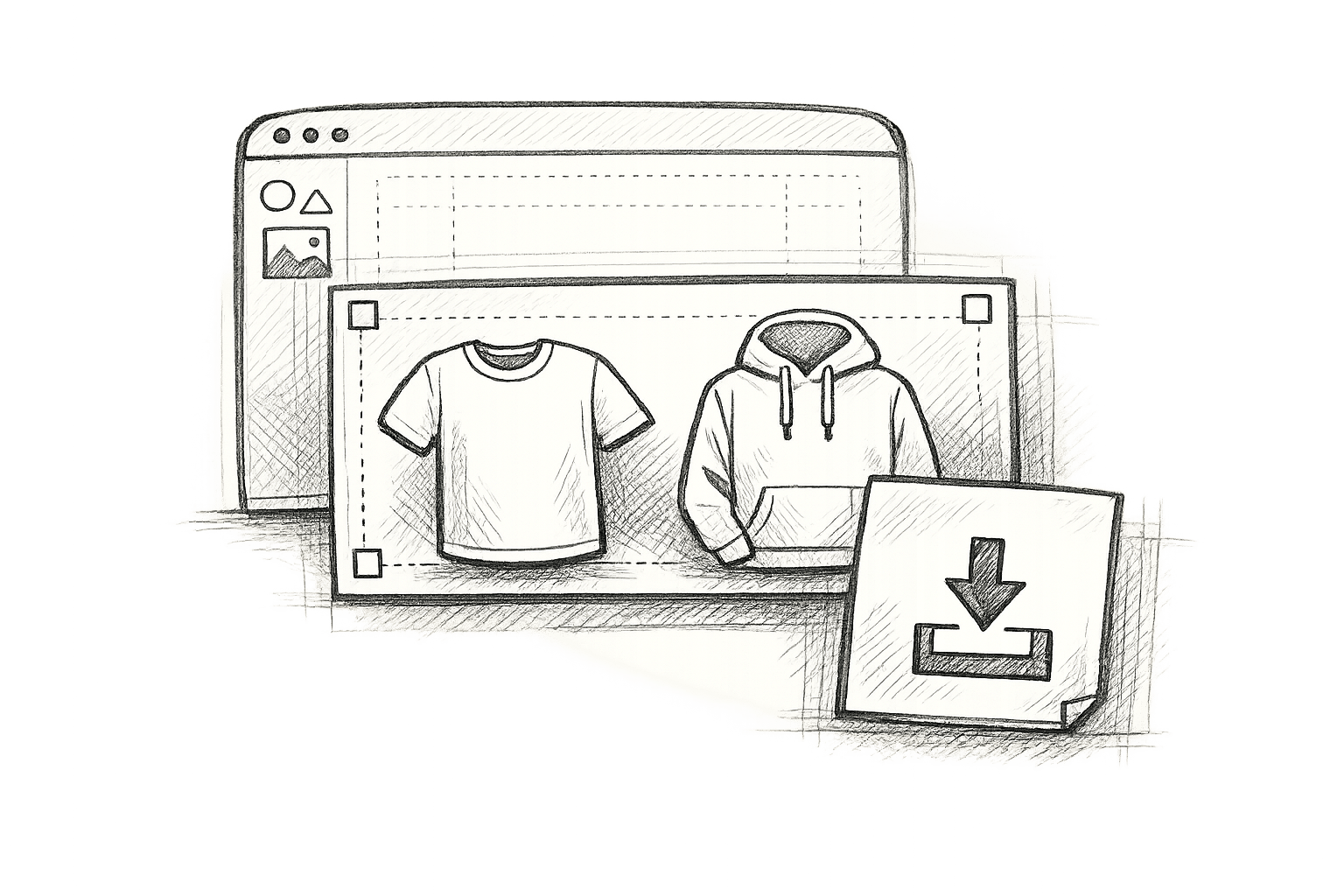
Mock It makes creating mockups straightforward, even for those without Photoshop experience. Whether you’re setting up a print-on-demand store or showcasing designs to clients, the platform’s drag-and-drop editor simplifies the entire process.
Step 1: Choose a Template
Start by logging into Mock It and navigating to the "Mockups" section. Here, you’ll find over 5,000 templates – more than what platforms like Placeit or Visme offer. These templates are categorized by garment type (such as t-shirts, hoodies, or shorts), brand (including Bella + Canvas, Gildan, and Comfort Colors), and style (like lifestyle shots or studio angles). The advanced filtering feature helps you quickly locate specific templates by using keywords like "urban t-shirt model" or "vintage hoodie".
Each template preview includes high-resolution thumbnails that feature realistic fabric textures, shadows, and lighting. Most mockup sets provide six different views, covering multiple angles (three front and three back), making them ideal for eCommerce listings or social media posts. If you’re on a premium plan, the entire library is accessible without restrictions.
Step 2: Customize Your Design
After selecting a template, the visual editor opens, allowing you to personalize your mockup. Upload your design in PNG or SVG format, then use smart guides to resize and position it perfectly. You can also change garment colors using Pantone-matched swatches, ensuring an accurate match with physical products.
Pro users get access to advanced features like an AI text-to-image generator, which turns prompts (e.g., "minimalist mountain logo in white") into ready-to-use graphics. Additional tools include a one-click background remover and a scene creator for adding props, shadows, and custom backgrounds to replicate professional photoshoots. These features can speed up workflows by up to five times compared to manual Photoshop editing, while also reducing color and size errors by 80%.
Once your design is finalized, you’re ready to export your mockup.
Step 3: Export Your Mockup
Click "Export" to select your preferred file format. PNG files are ideal for maintaining transparency, perfect for website use, while JPEG files are smaller and great for social media sharing. Mock It ensures high-resolution exports, whether it’s for Instagram posts (1,080 x 1,080 pixels) or Etsy listings (4,000 x 5,000 pixels).
The platform also supports batch exports, allowing you to download multiple mockups at once. Pro users benefit from unlimited exports and can create multi-angle packs that include all six views, which is particularly useful for client presentations. These packs help showcase designs from every angle, increasing the likelihood of client approval.
Conclusion
Premium apparel mockups play a key role in crafting professional visuals without the need for expensive prototypes or photoshoots. They deliver high-resolution images that showcase fabric textures, lighting, and colors, helping customers better visualize products. At the same time, they save businesses time and money, streamline print-on-demand operations, and enhance marketing efforts across eCommerce platforms and social media.
Choosing the right mockup platform is crucial, and Mock It stands out as a top choice. With over 5,000 customizable templates from more than 45 apparel brands, it ensures realistic fabric details and brand-specific accuracy that align with actual inventory.
What makes Mock It unique? Its exclusive features – like AI text-to-image capabilities, a one-click background remover, a scene creator, and complete color libraries – allow users to create professional designs without needing advanced Photoshop skills. These tools make it possible to produce polished visuals in just minutes. Plus, Mock It offers affordable plans with unlimited exports and high-resolution files up to 2,400 x 2,400 pixels, making it an accessible solution for both solo designers and growing businesses.
The next step is integrating these visuals into your business strategy. Whether you’re launching a clothing line, running a print-on-demand store, or showcasing designs to clients, Mock It equips you with everything necessary to create standout visuals. Its intuitive drag-and-drop editor, extensive template options, and robust customization tools make it an ideal choice for apparel mockups. This efficient process not only strengthens your brand’s credibility but also helps drive business growth.
FAQs
Do premium mockups match real garment colors?
Yes, premium mockups can reflect real garment colors accurately when proper color-matching techniques are applied. This involves using exact brand color codes and fine-tuning the mockup to achieve a realistic look. Tools like Mock It simplify this process by offering features that help maintain color consistency and realism in apparel mockups.
Should my design file be PNG or SVG?
For clear and detailed mockups, go with a PNG file. If you need a format that’s scalable and easy to edit, opt for an SVG. Your choice should depend on whether your focus is on maintaining image quality or having the flexibility to resize and modify the design.
Can I use Mock It mockups for commercial sales?
Mock It mockups are absolutely suitable for commercial sales. They offer high-resolution, customizable templates specifically crafted for professional use. These templates help you create visuals that highlight the quality of your apparel designs, making it easier to present polished, market-ready products. Their platform is designed with businesses in mind, ensuring you can showcase your work effectively.