



 FREE
FREE
 FREE
FREE

















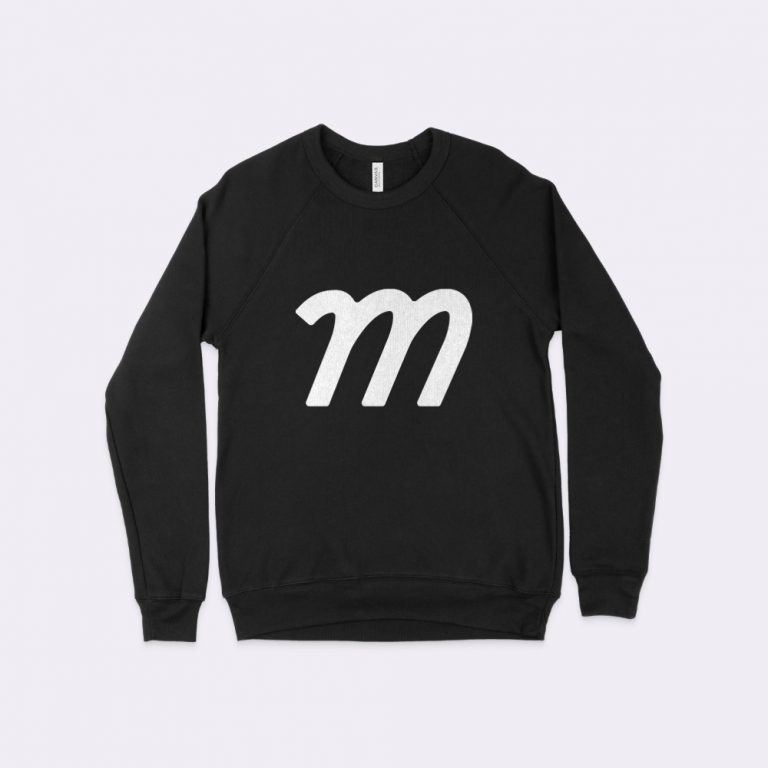
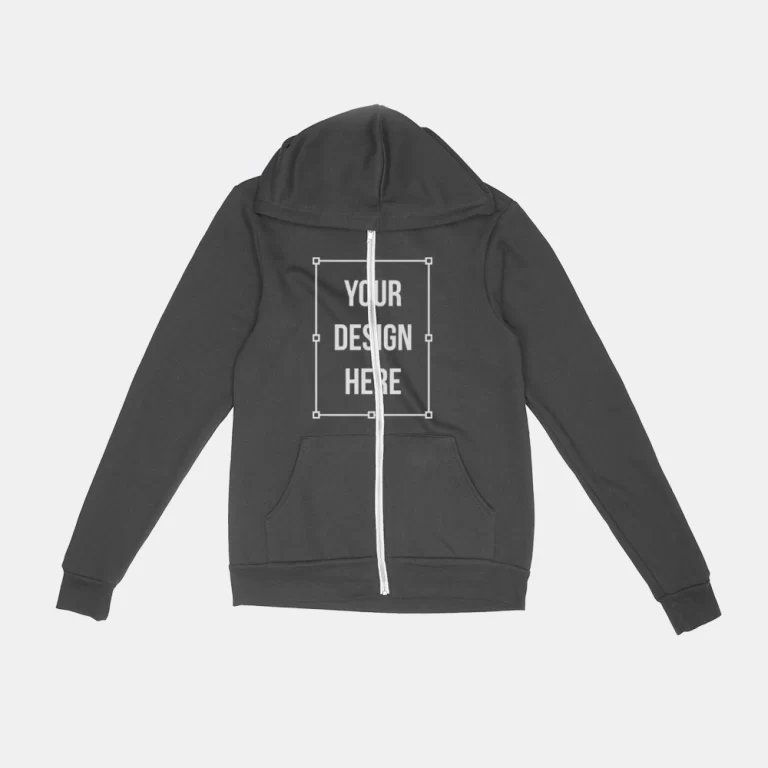
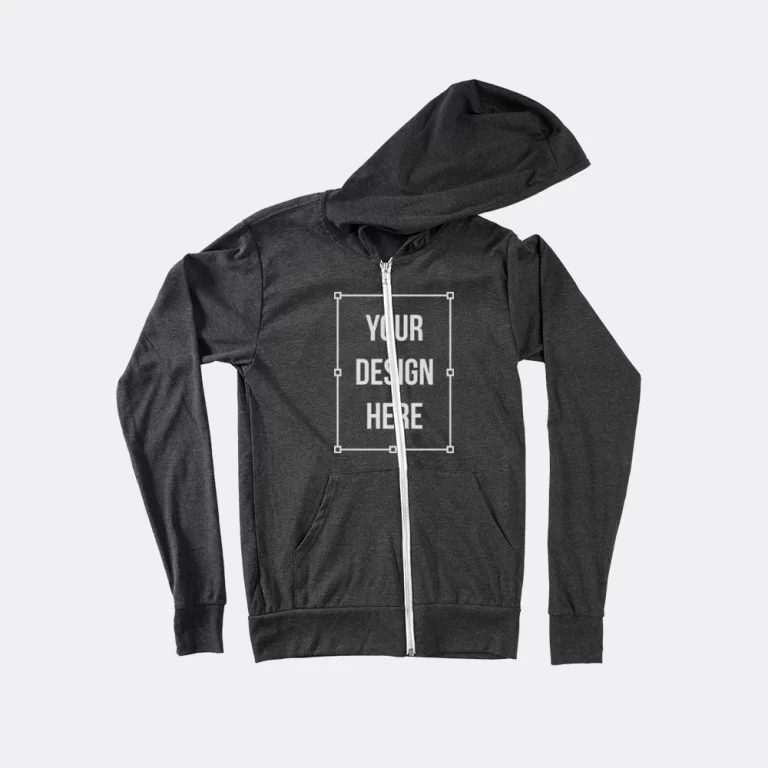
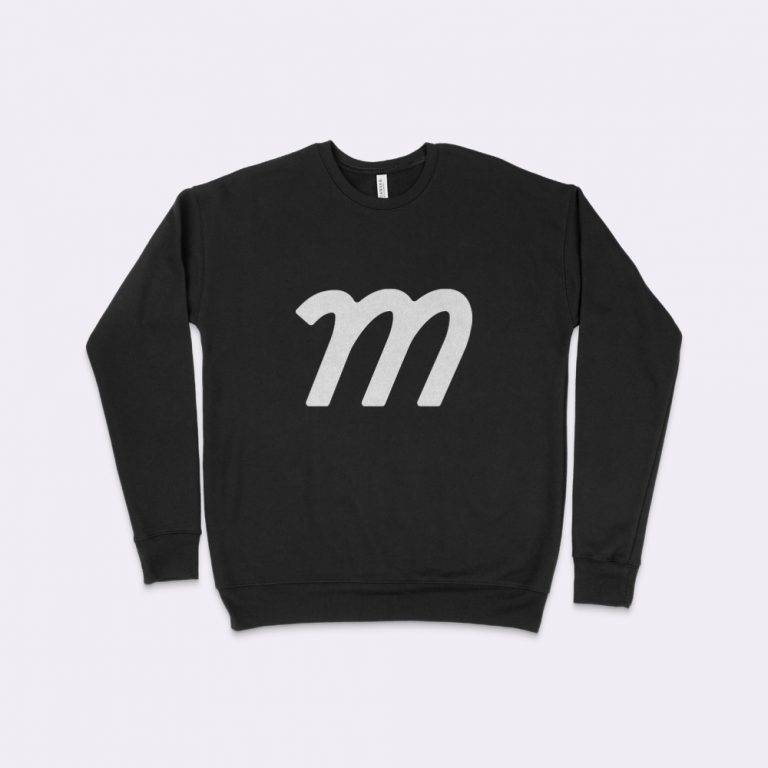
 FREE
FREE
 FREE
FREE




























 FREE
FREE


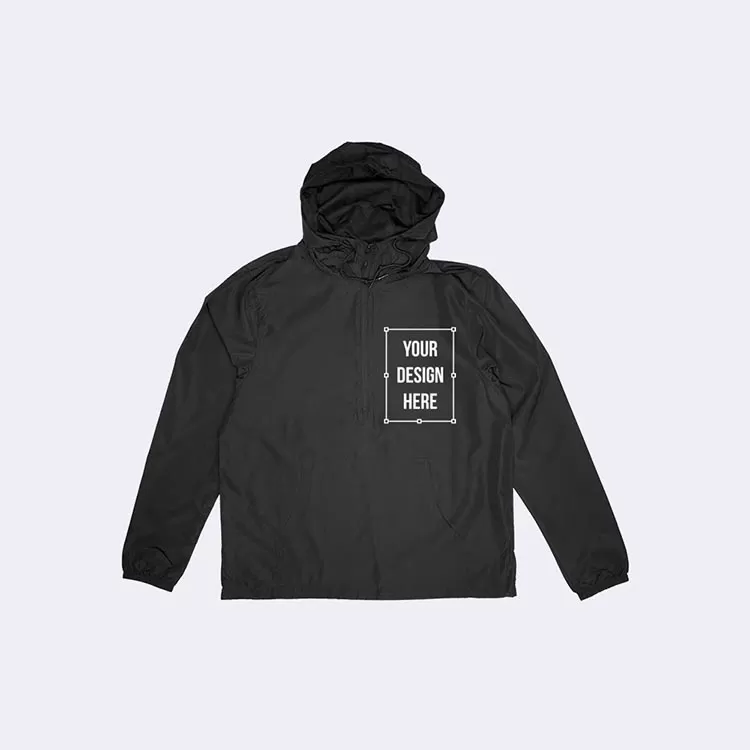
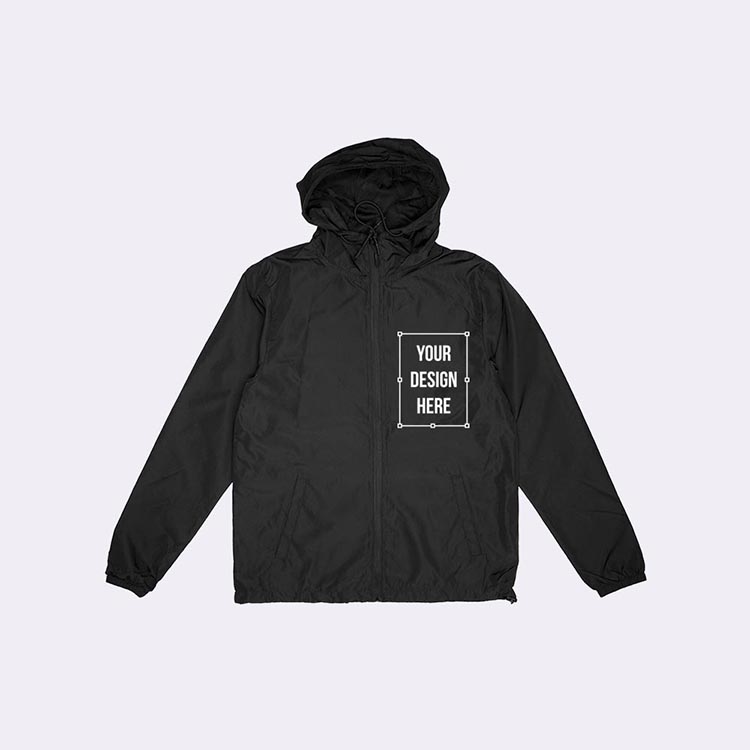
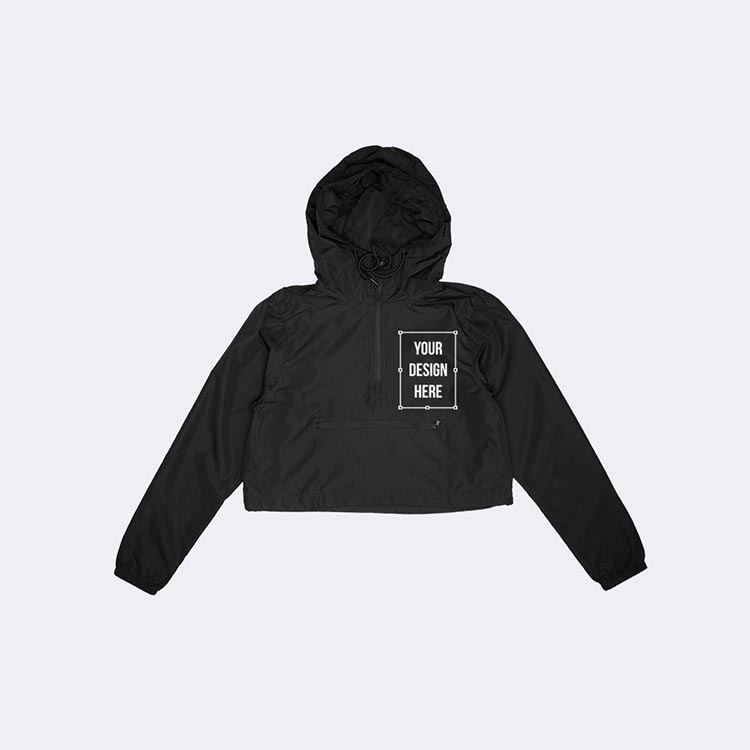
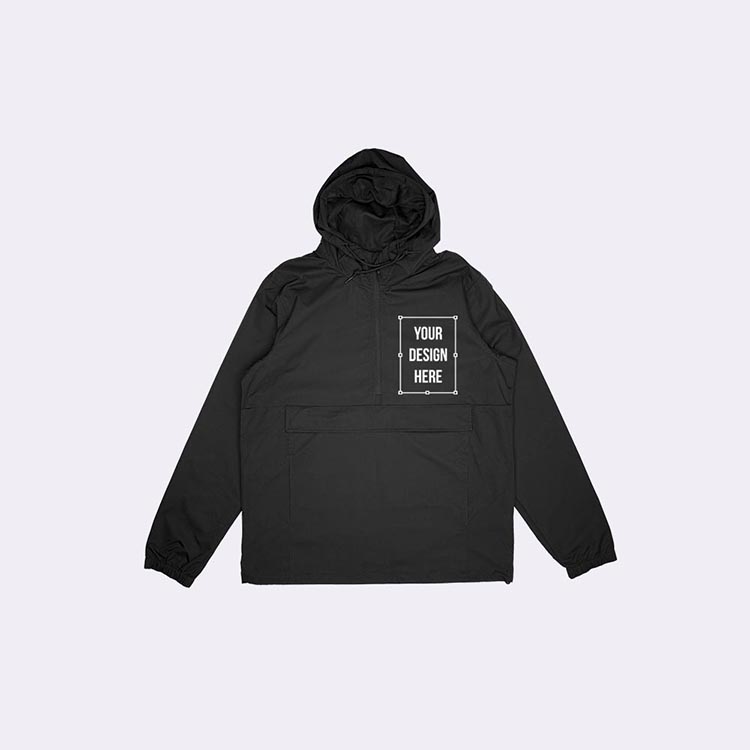
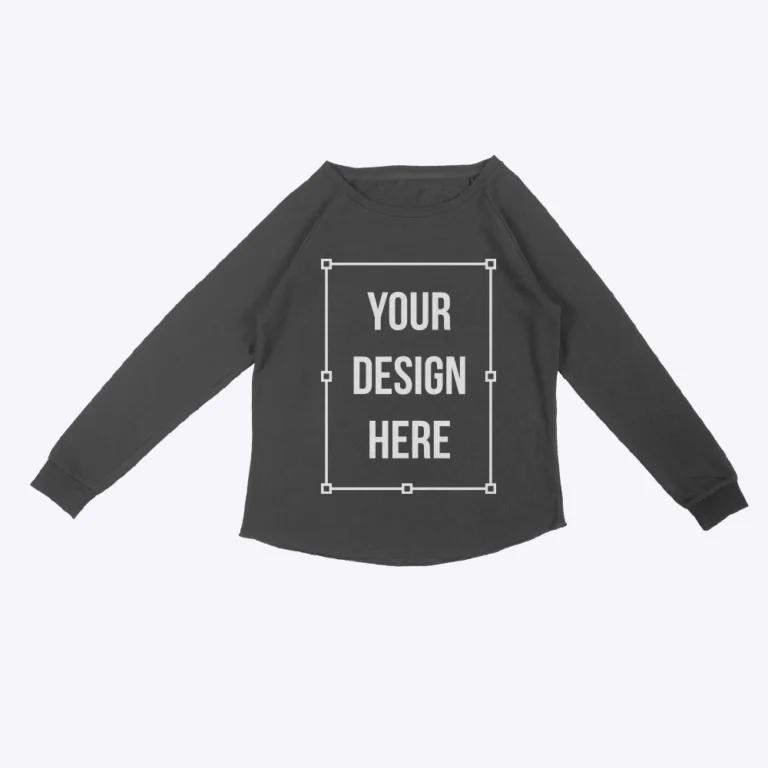
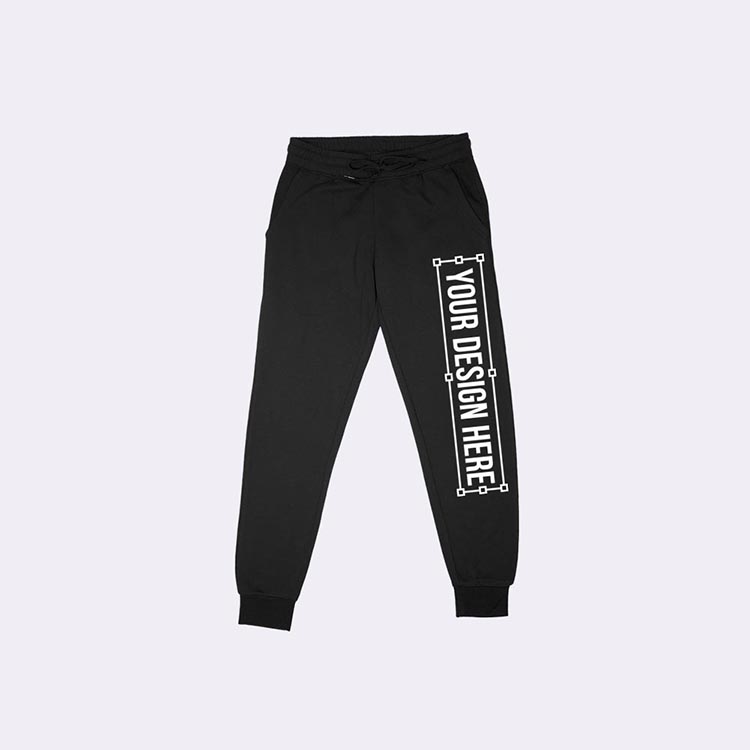
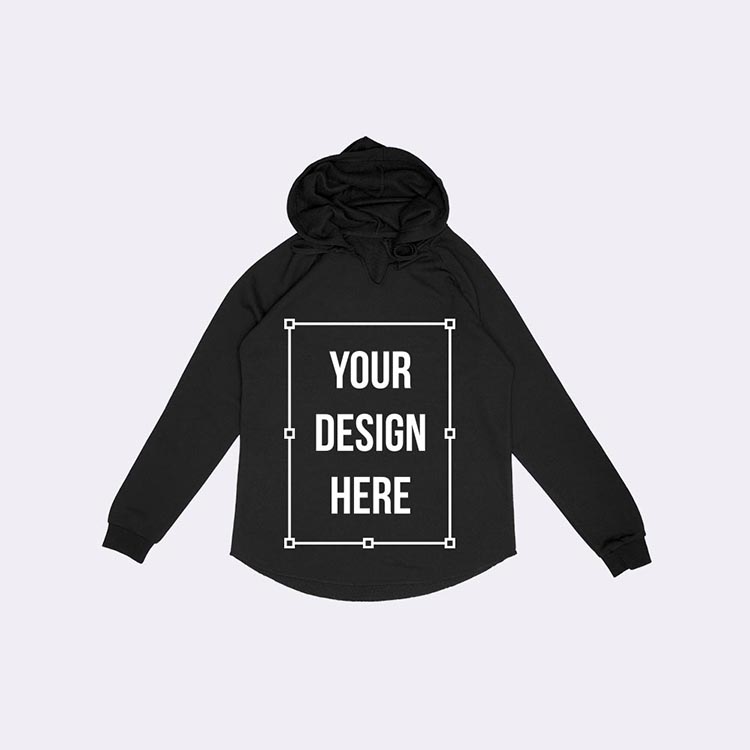
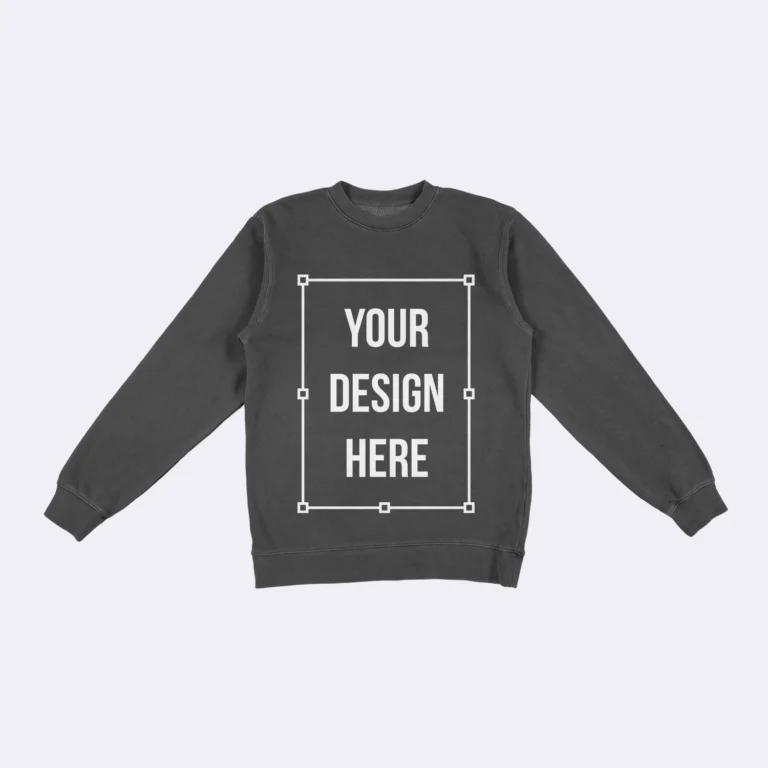
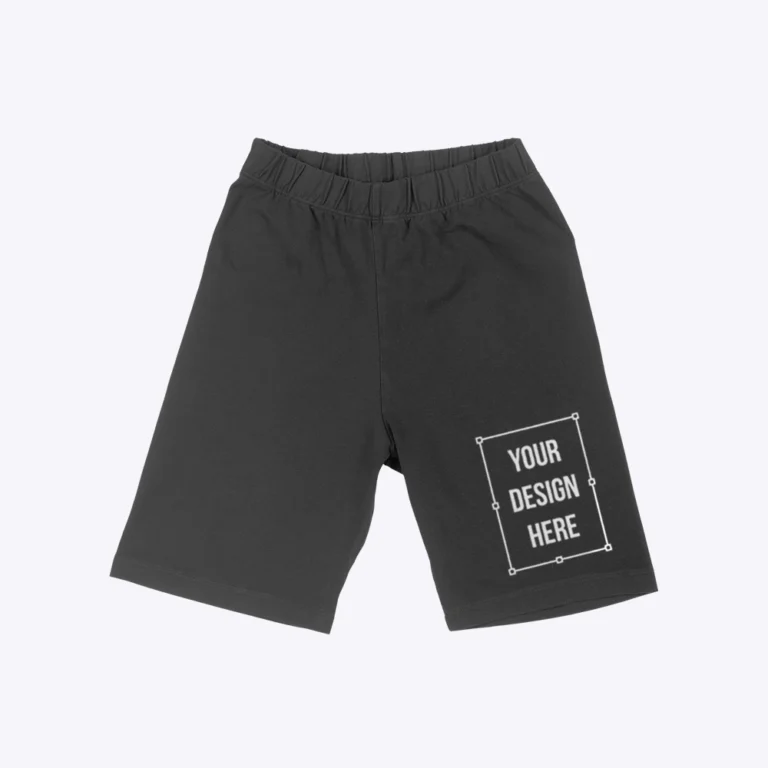
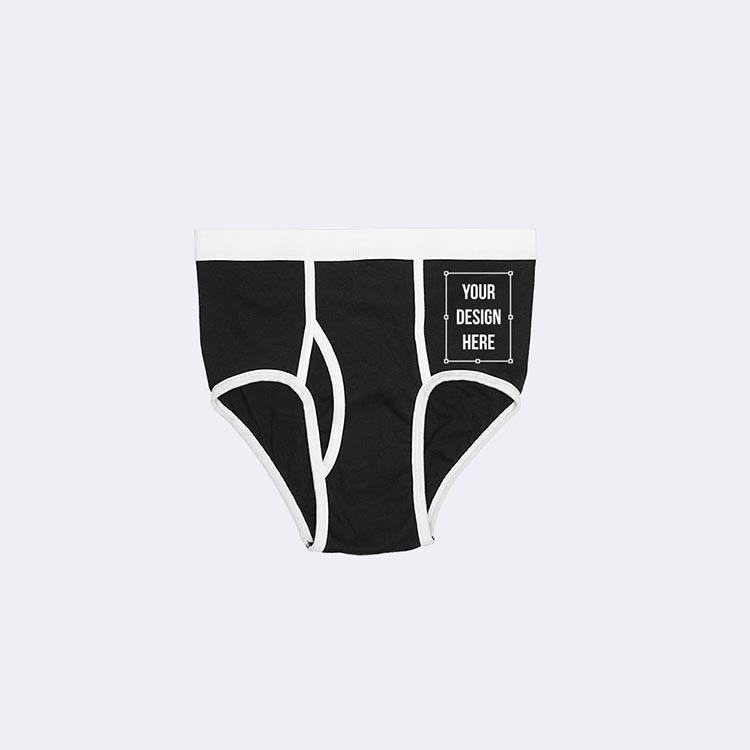

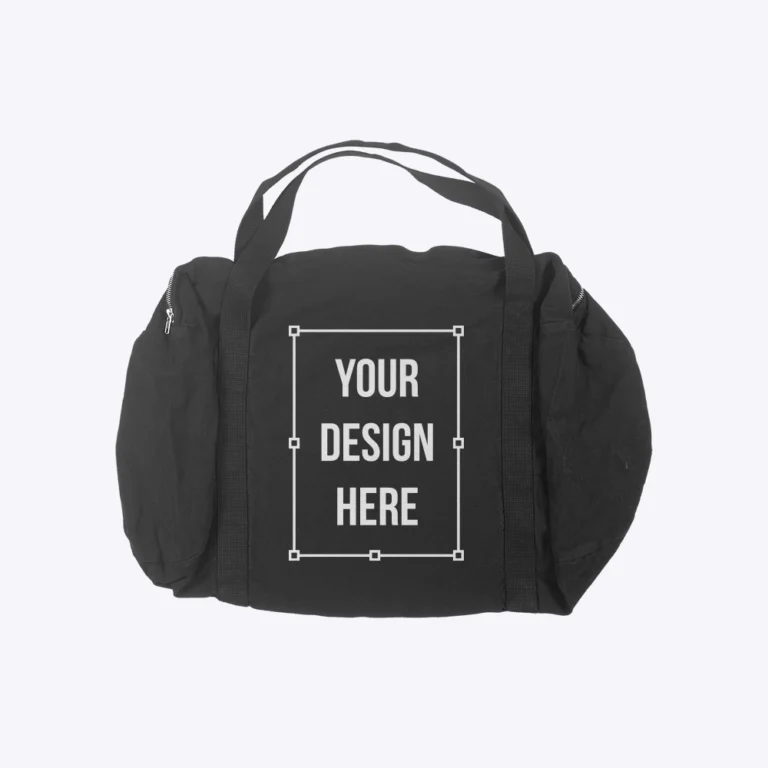
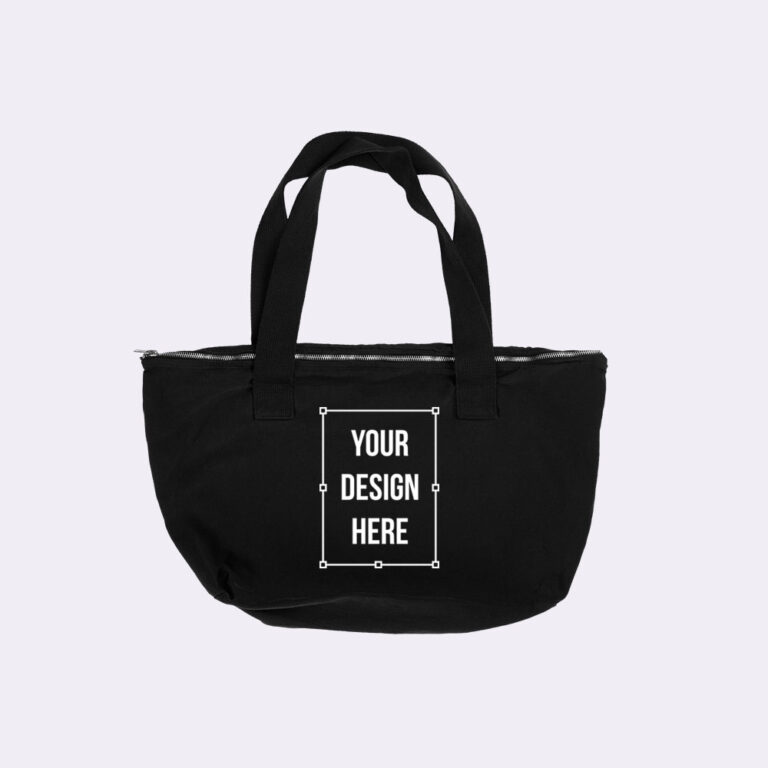

 FREE
FREE


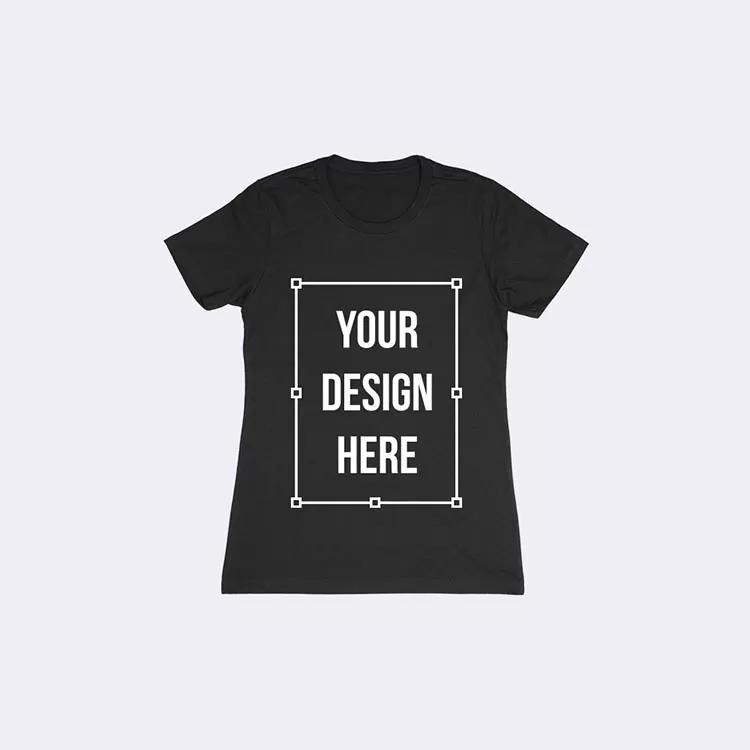
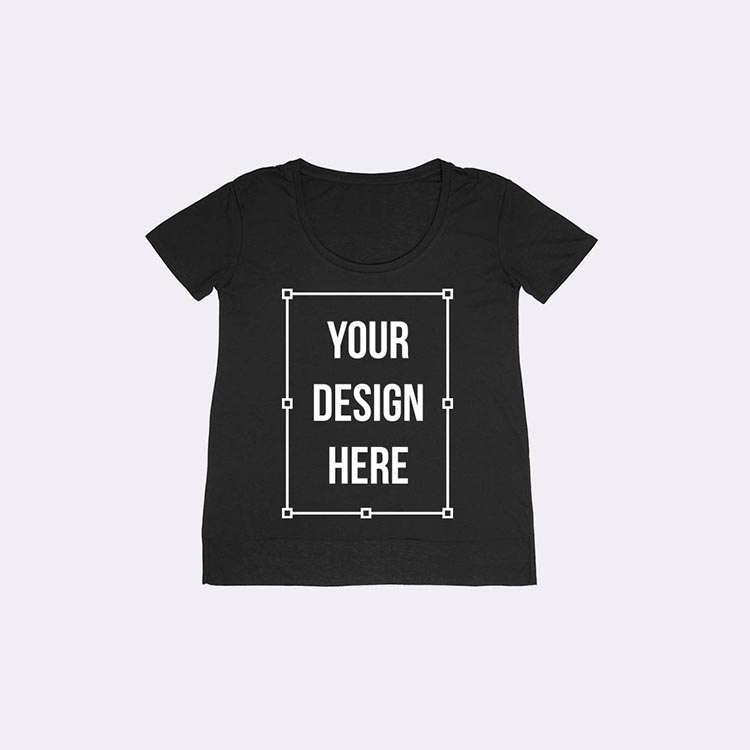
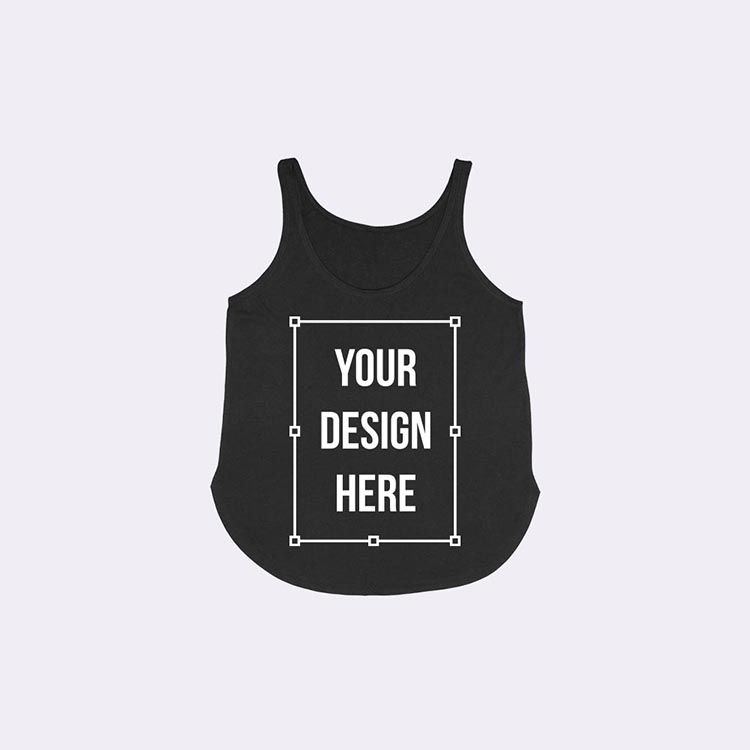
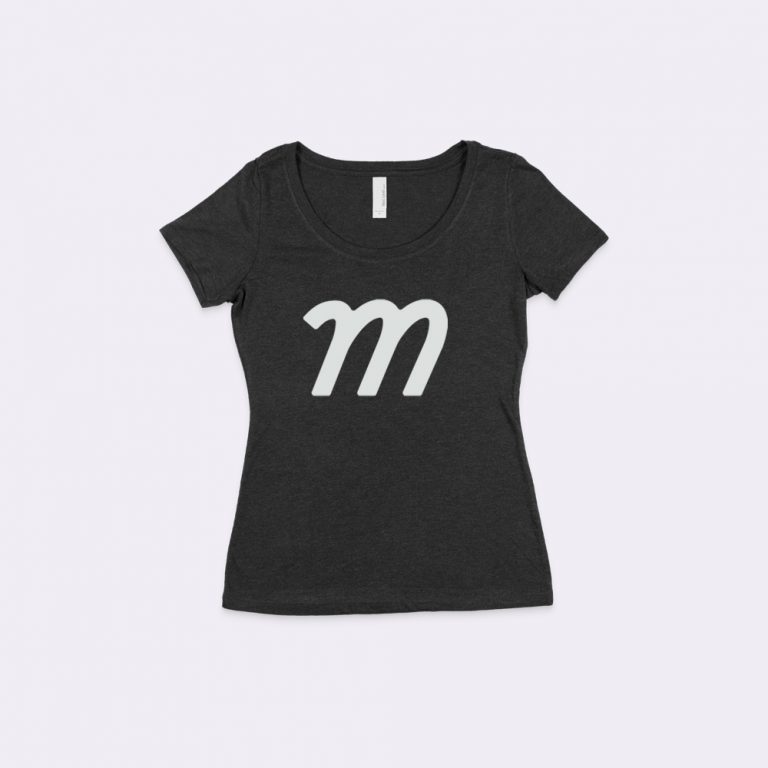
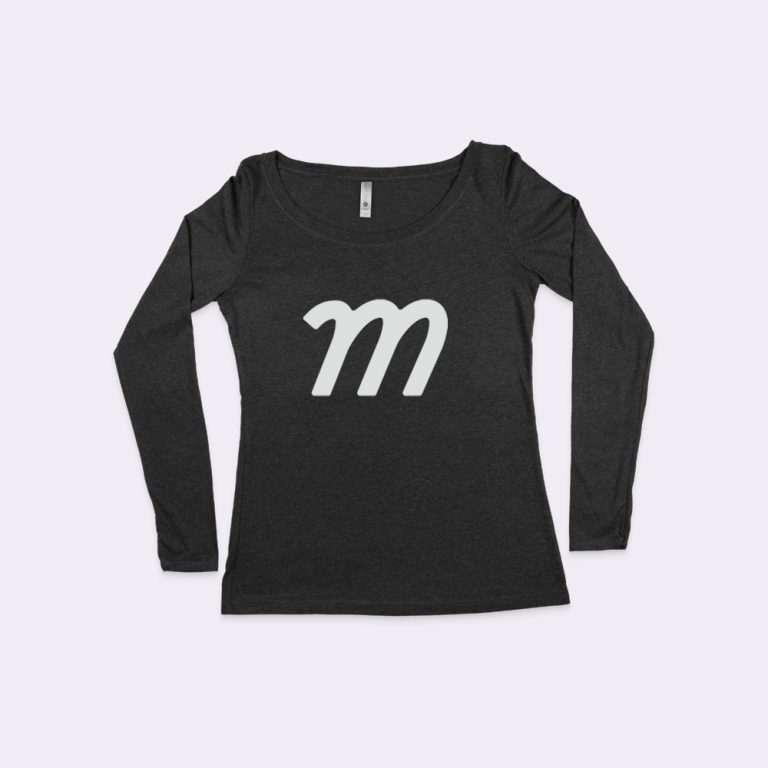
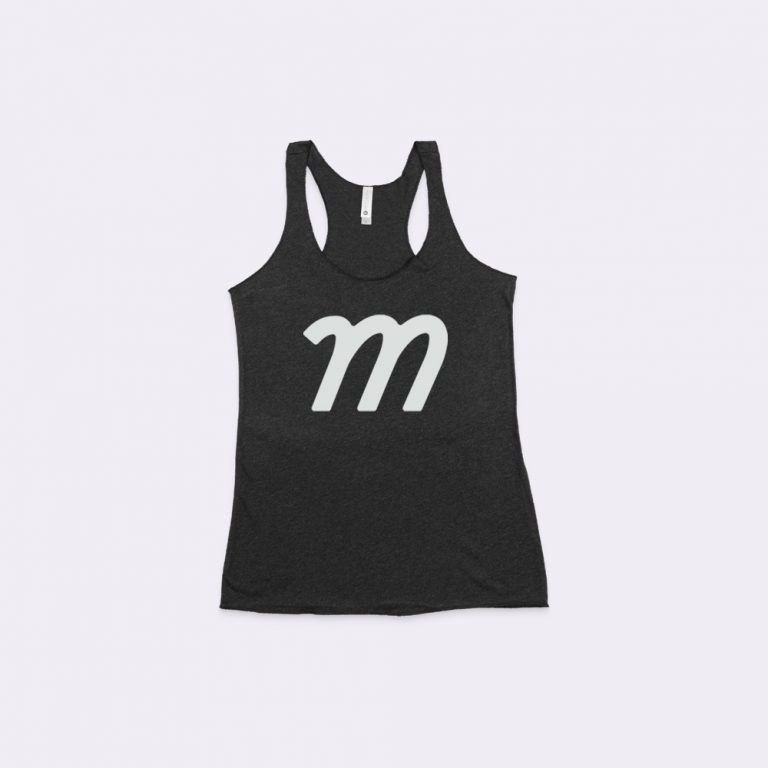
 FREE
FREE
 FREE
FREE


 FREE
FREE
 FREE
FREE




 FREE
FREE

 FREE
FREE
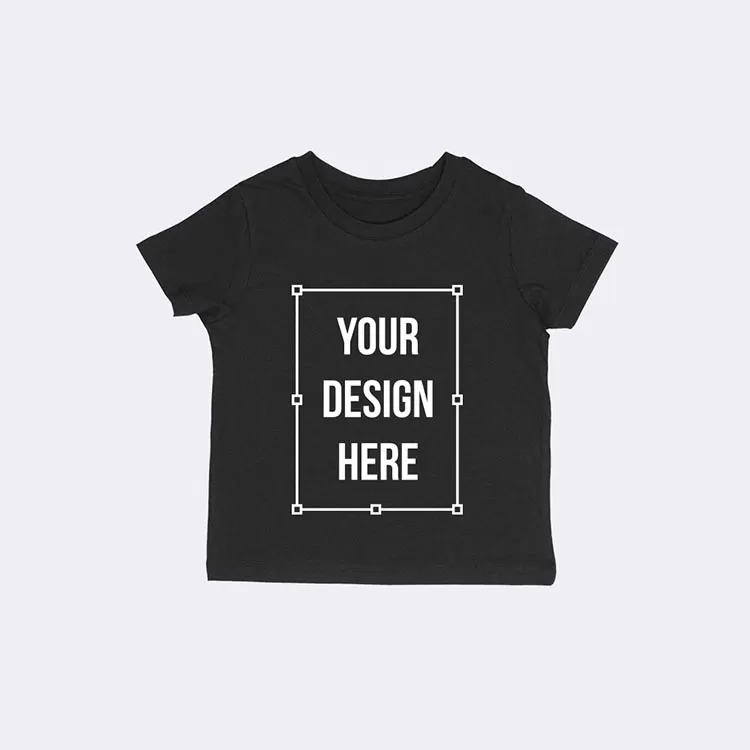
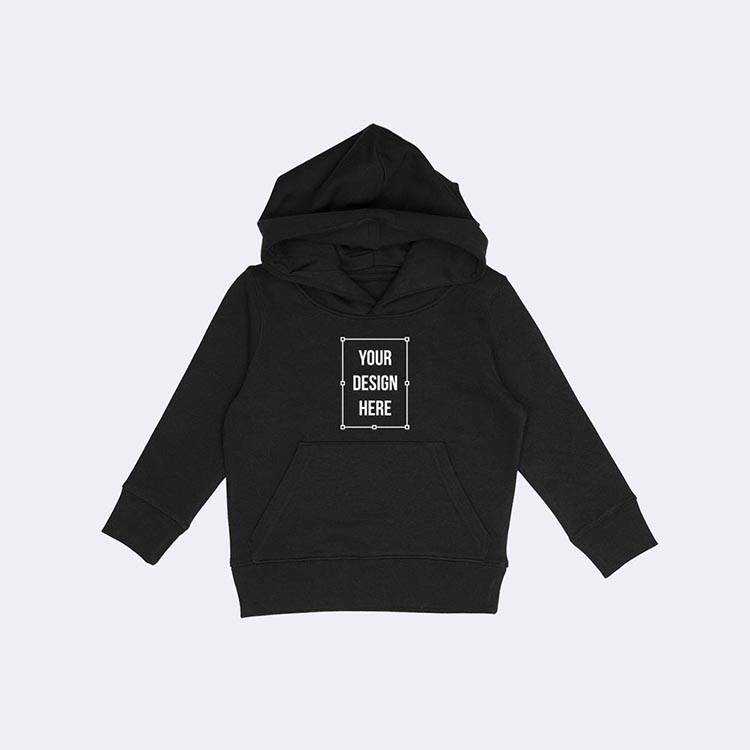
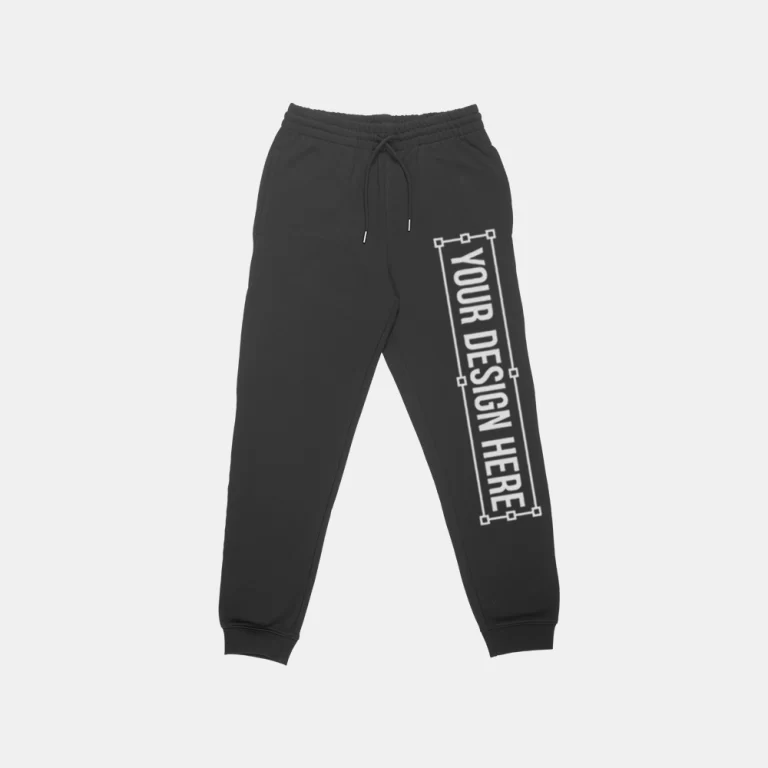
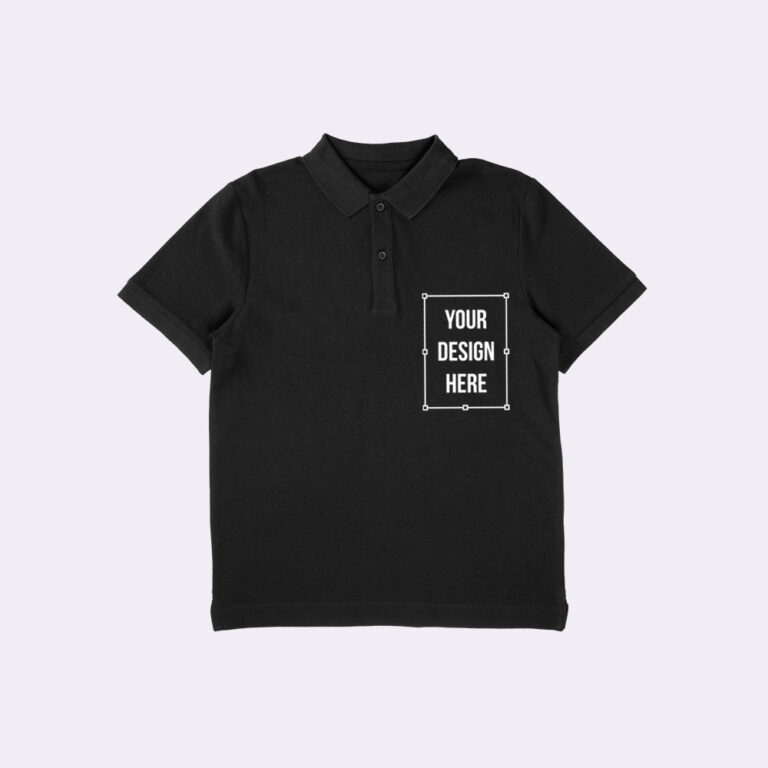
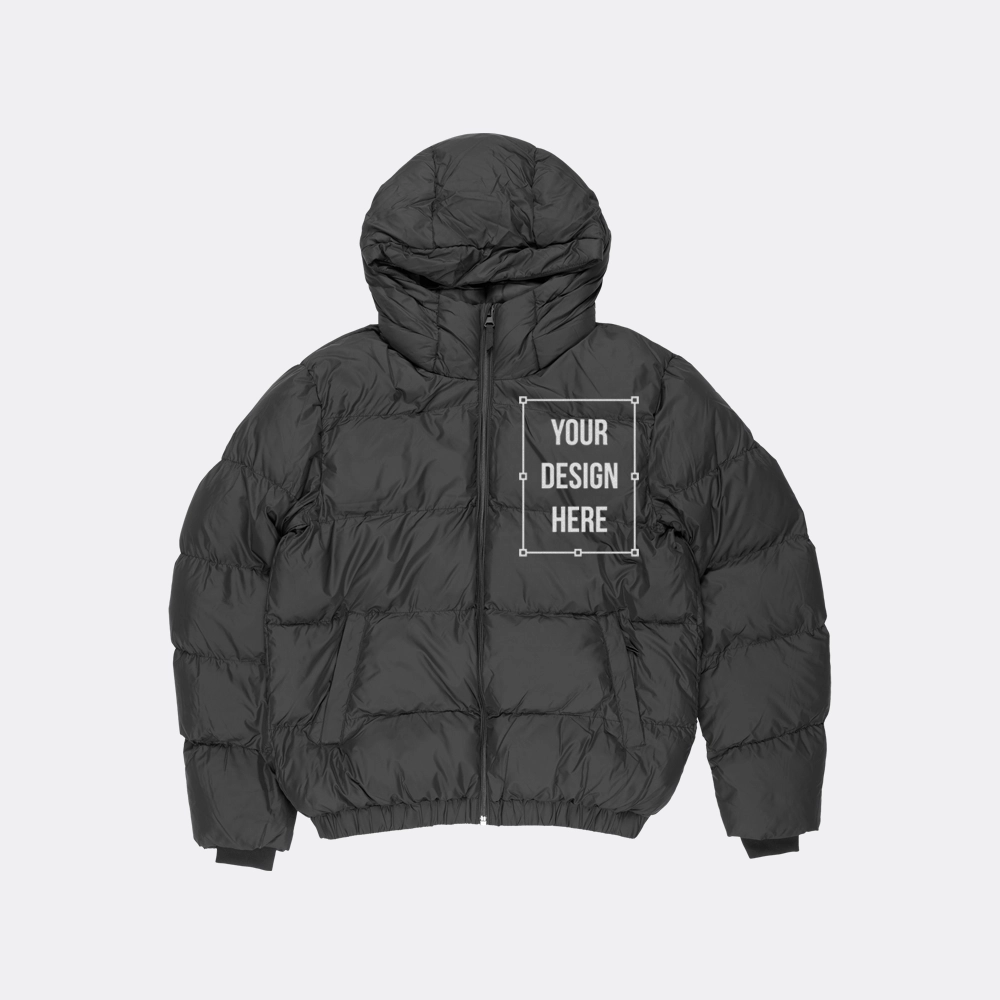
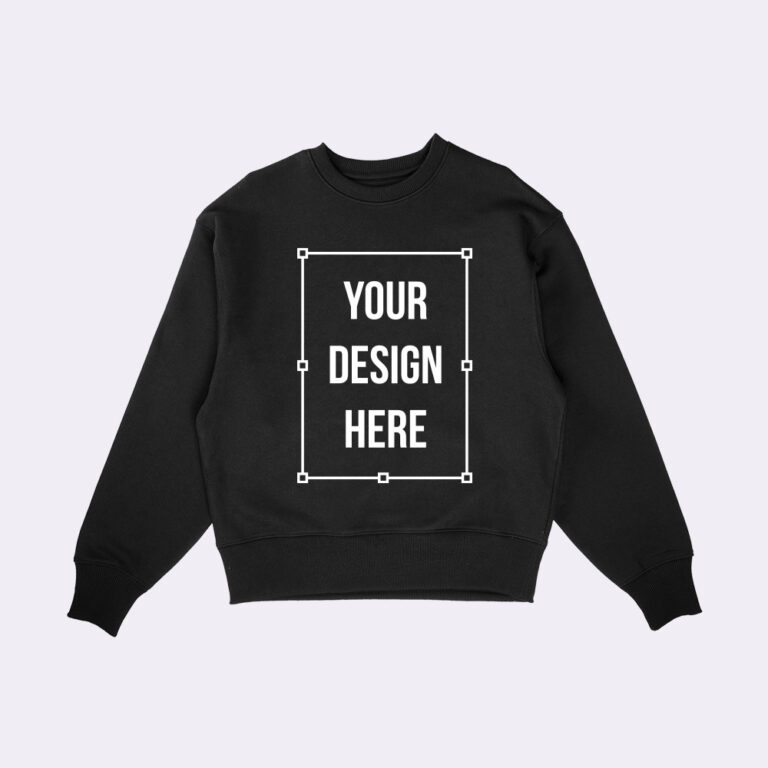
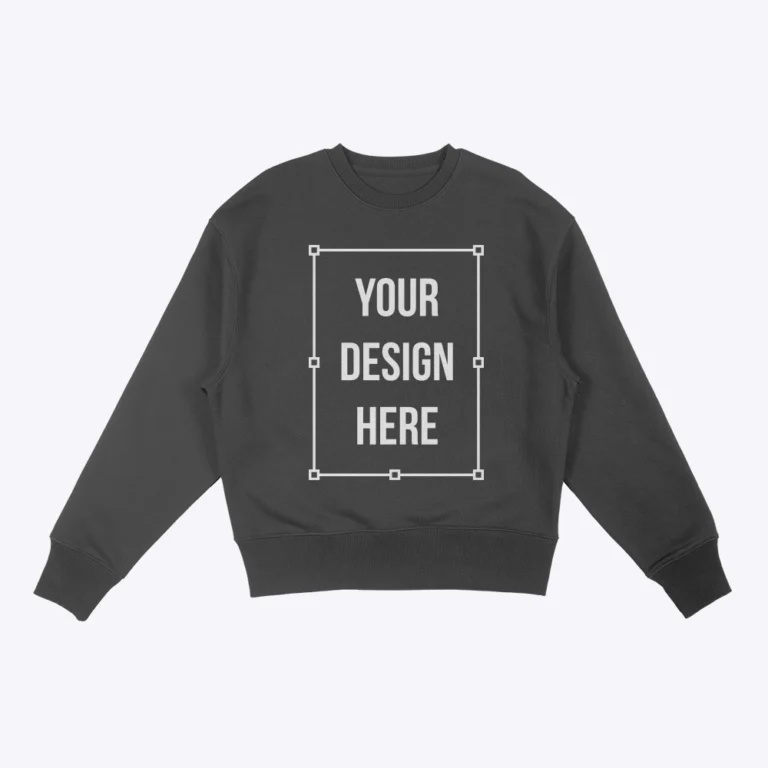
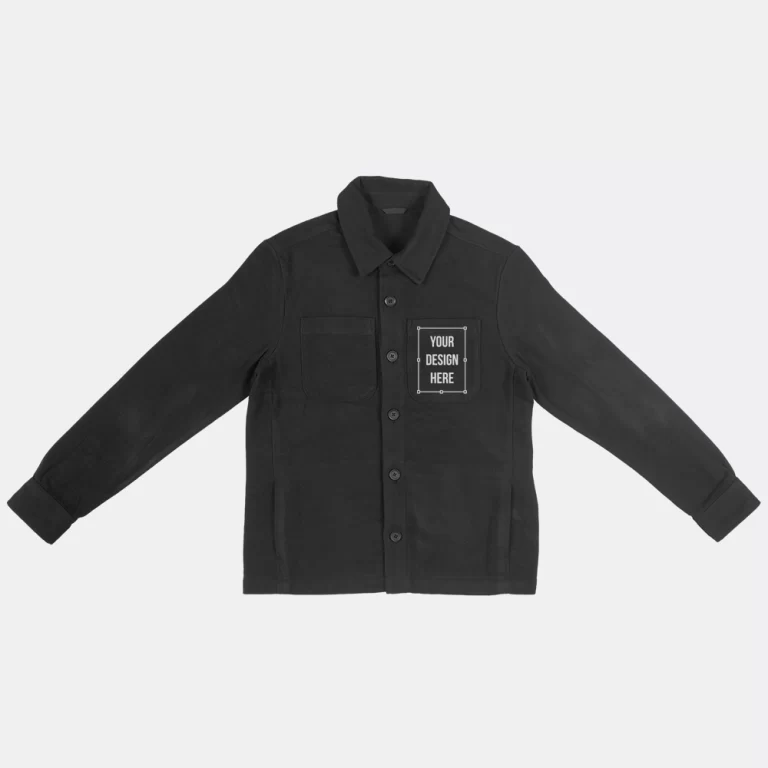


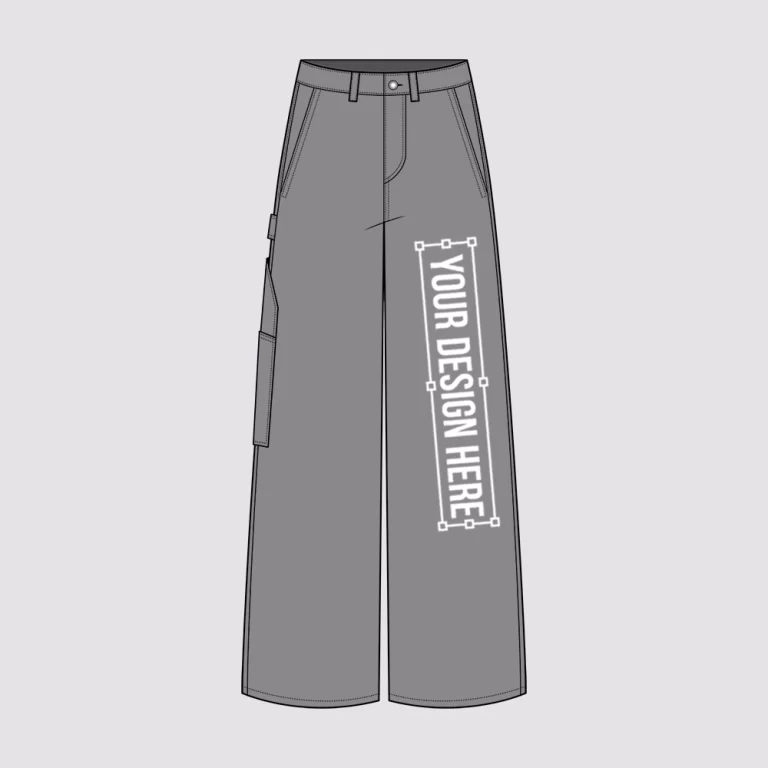
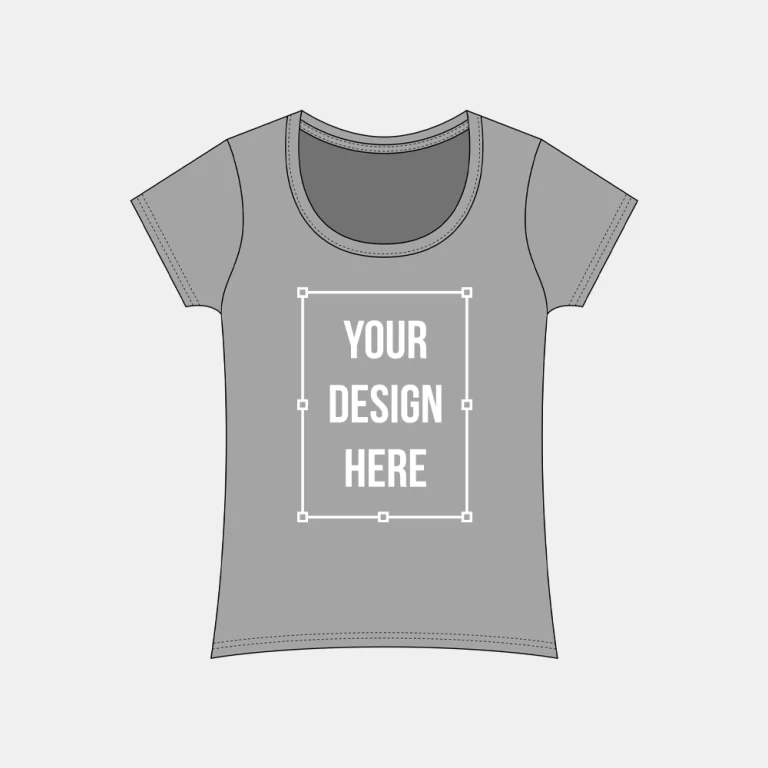
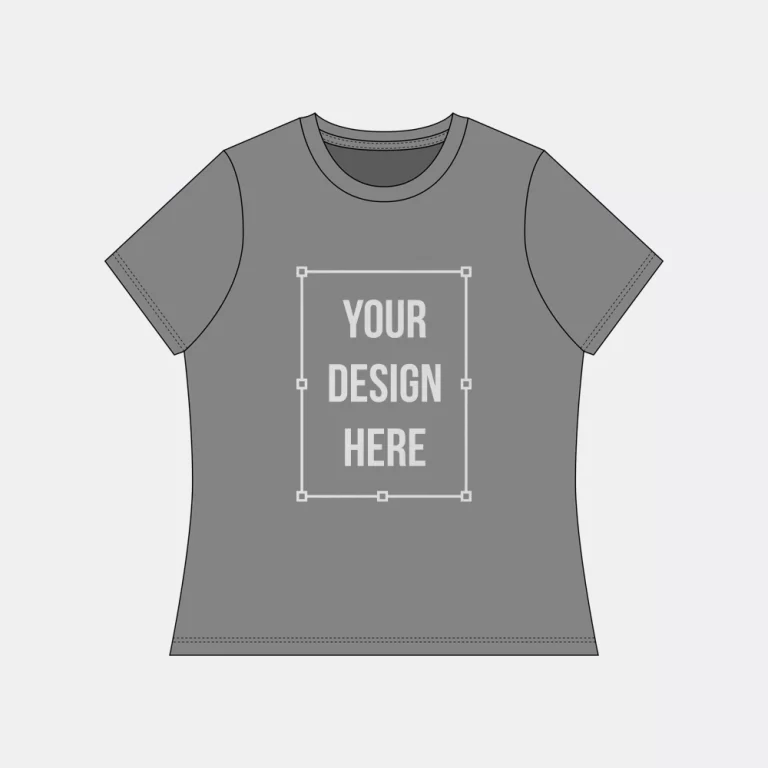
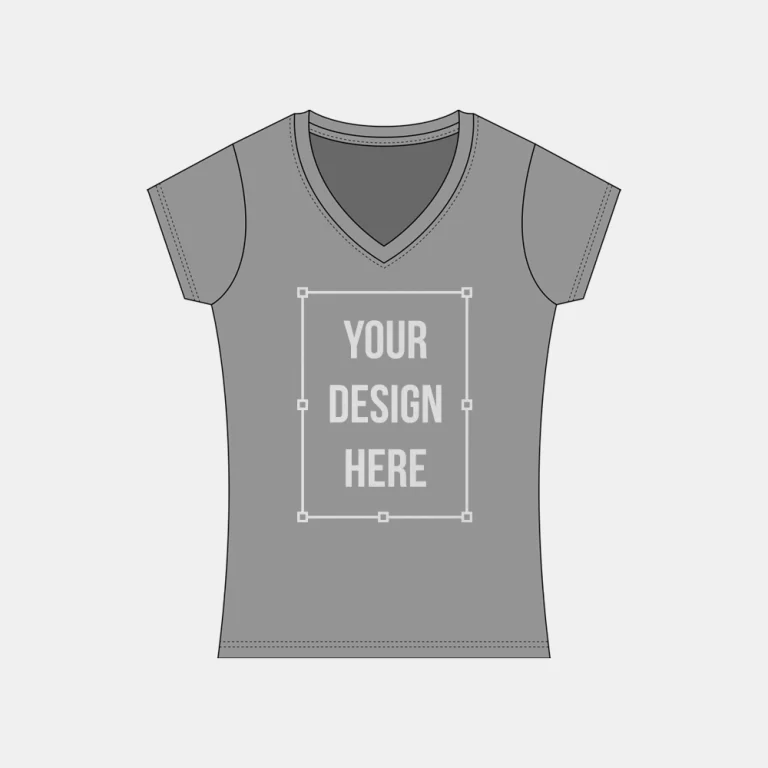


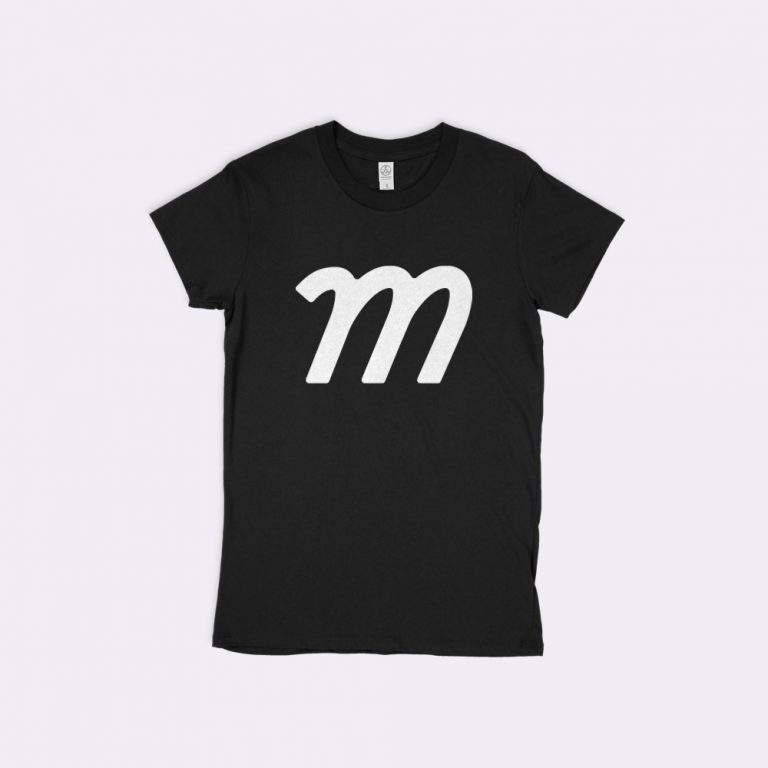
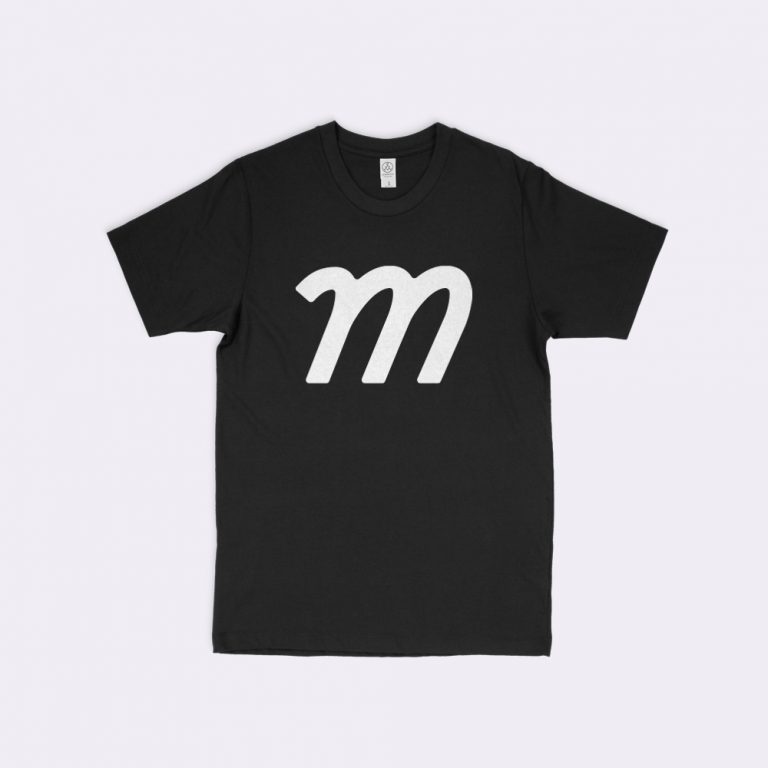
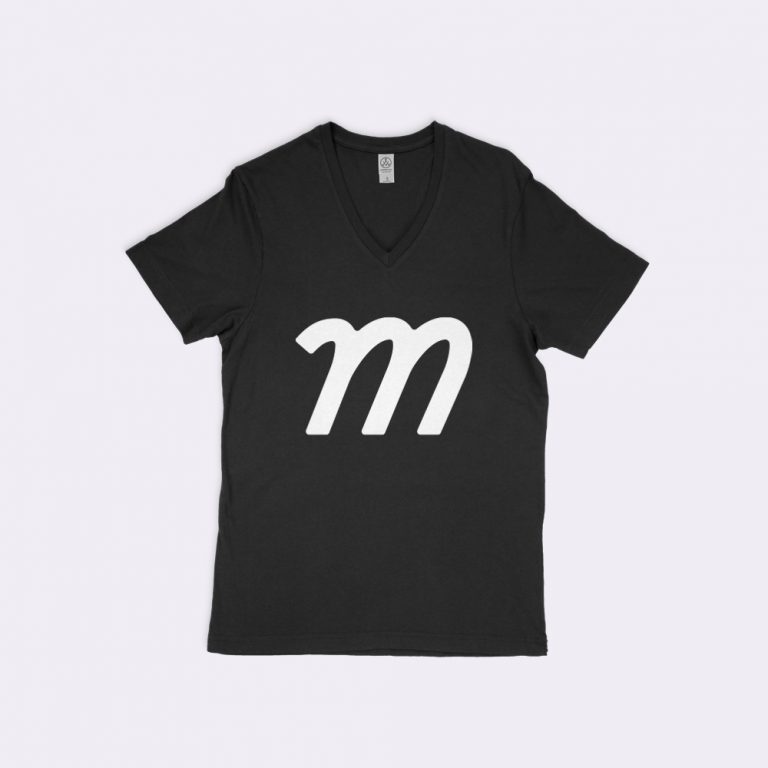
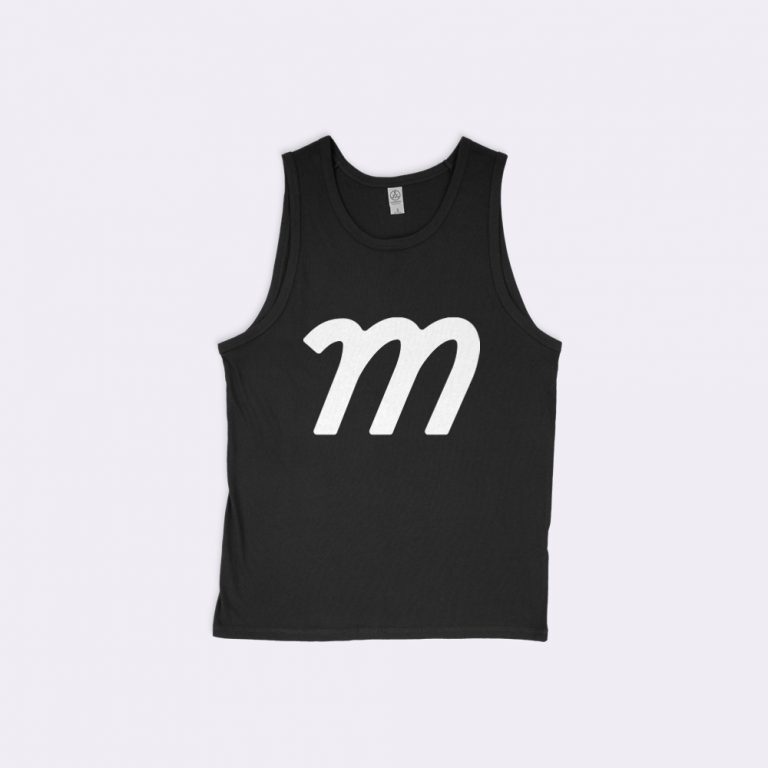
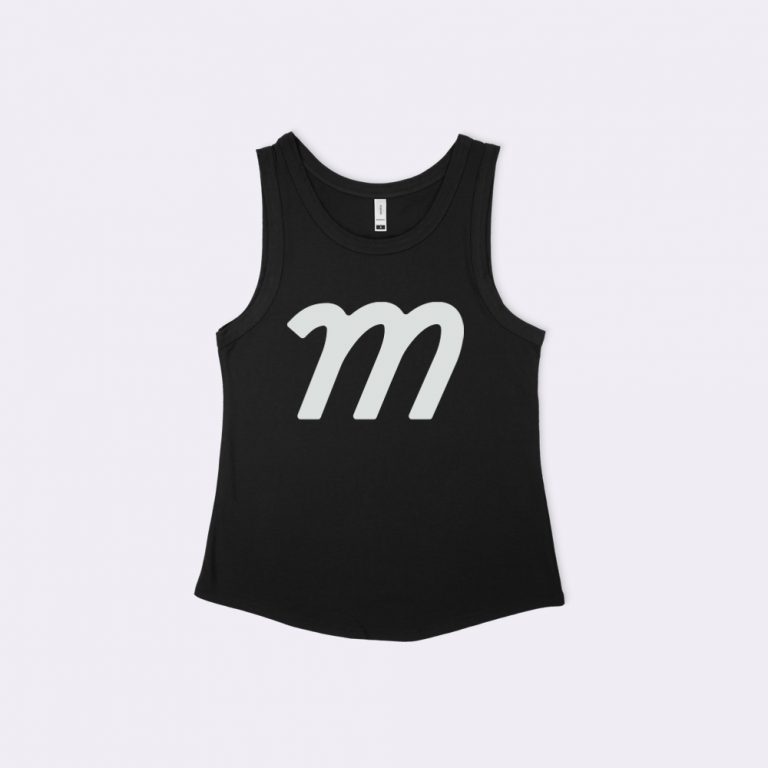
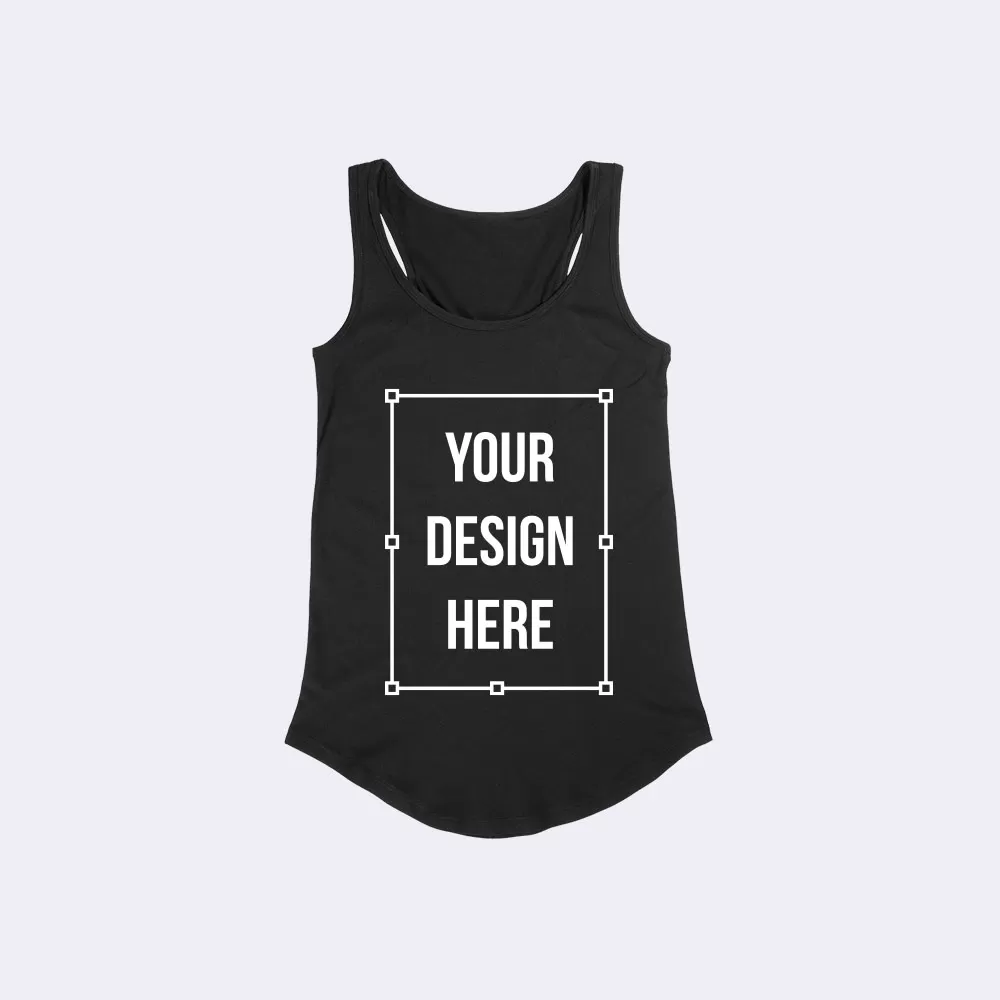
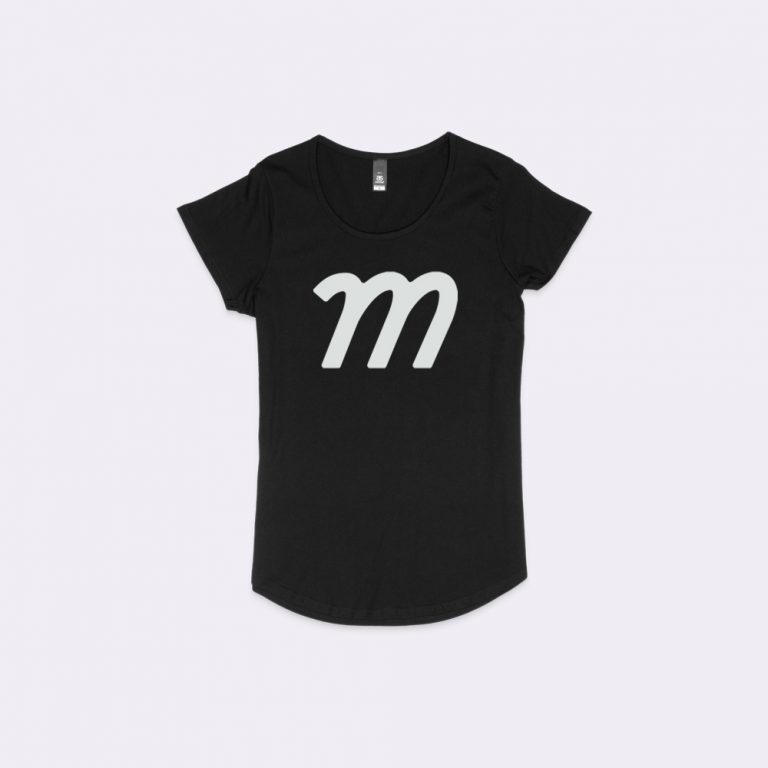
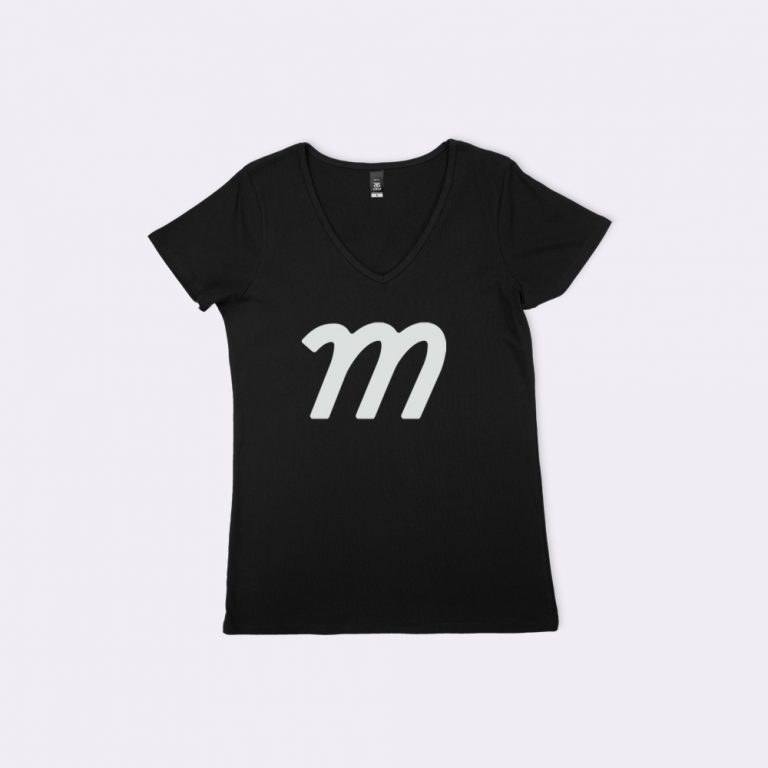
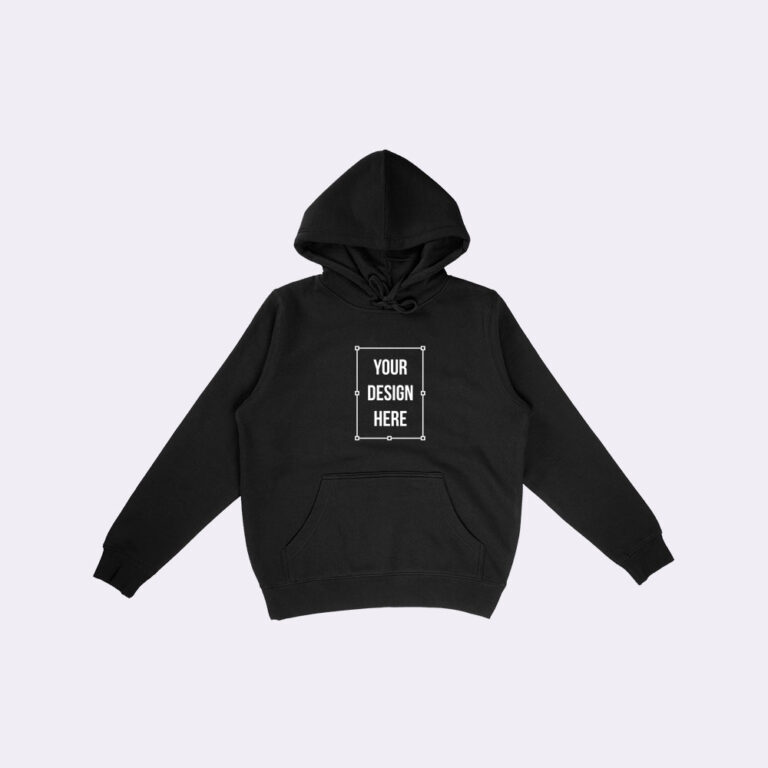
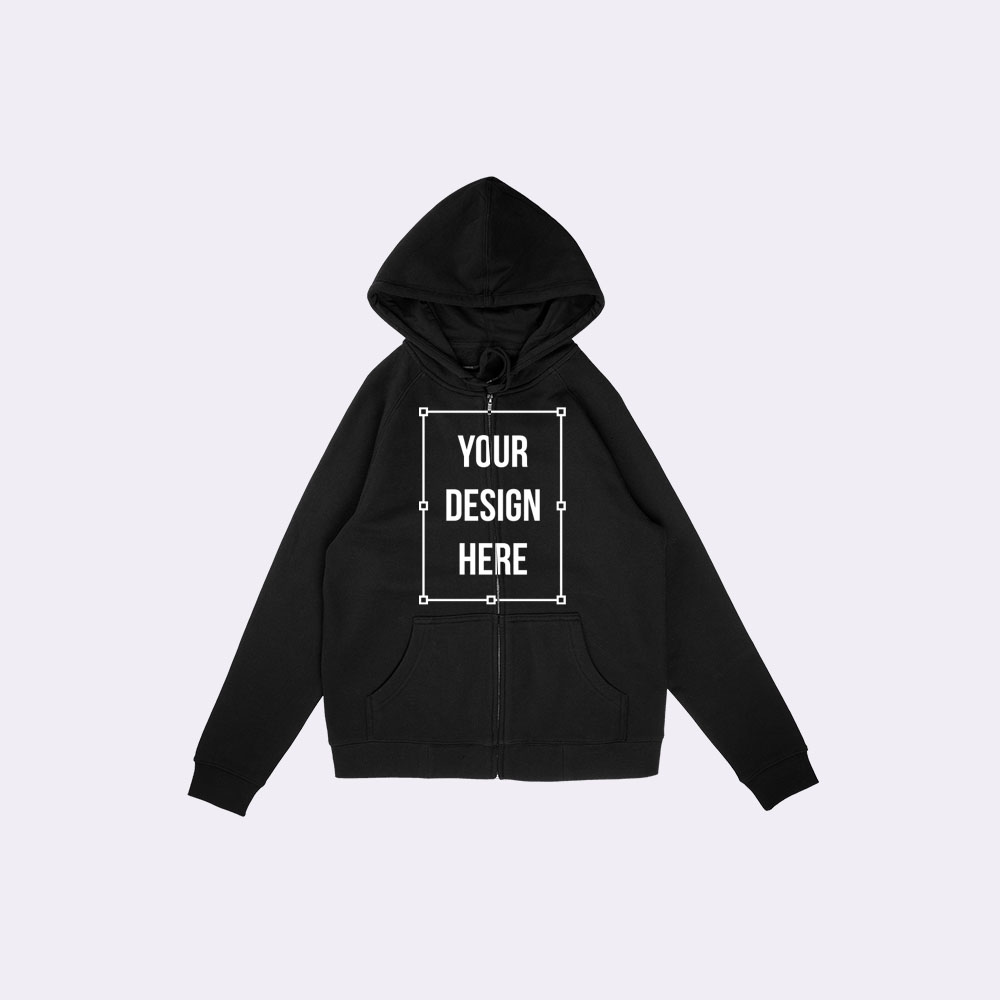
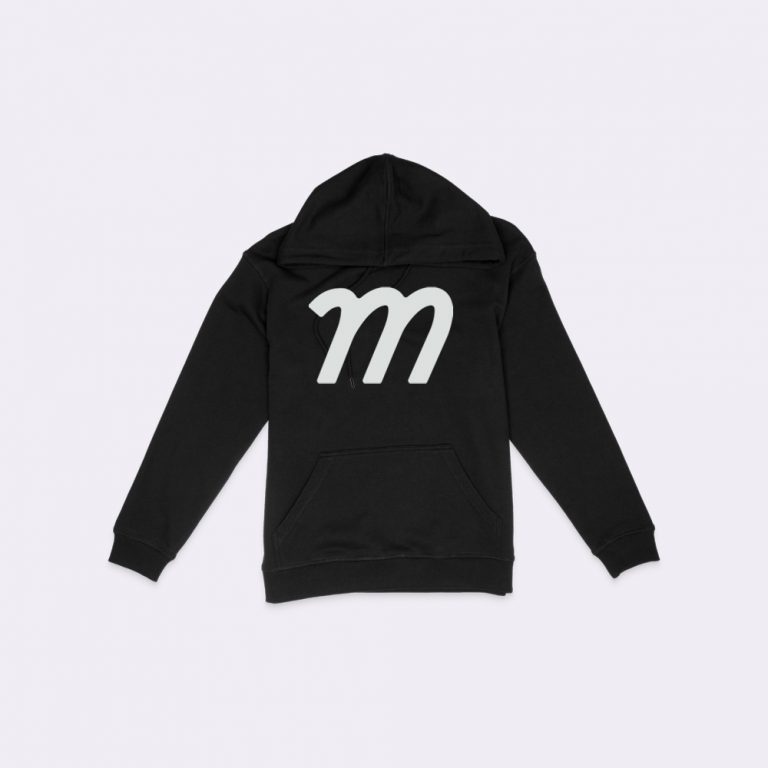
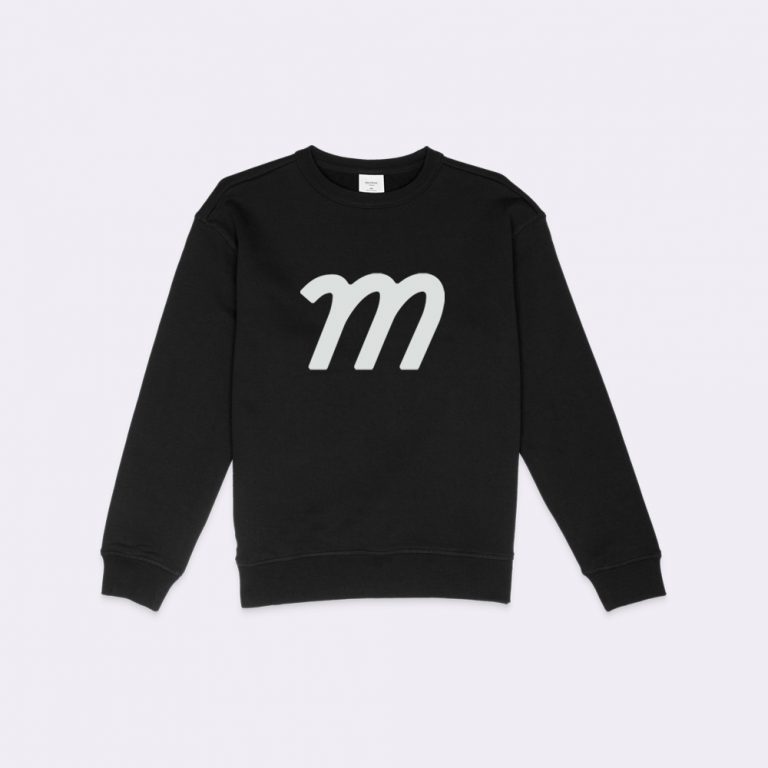
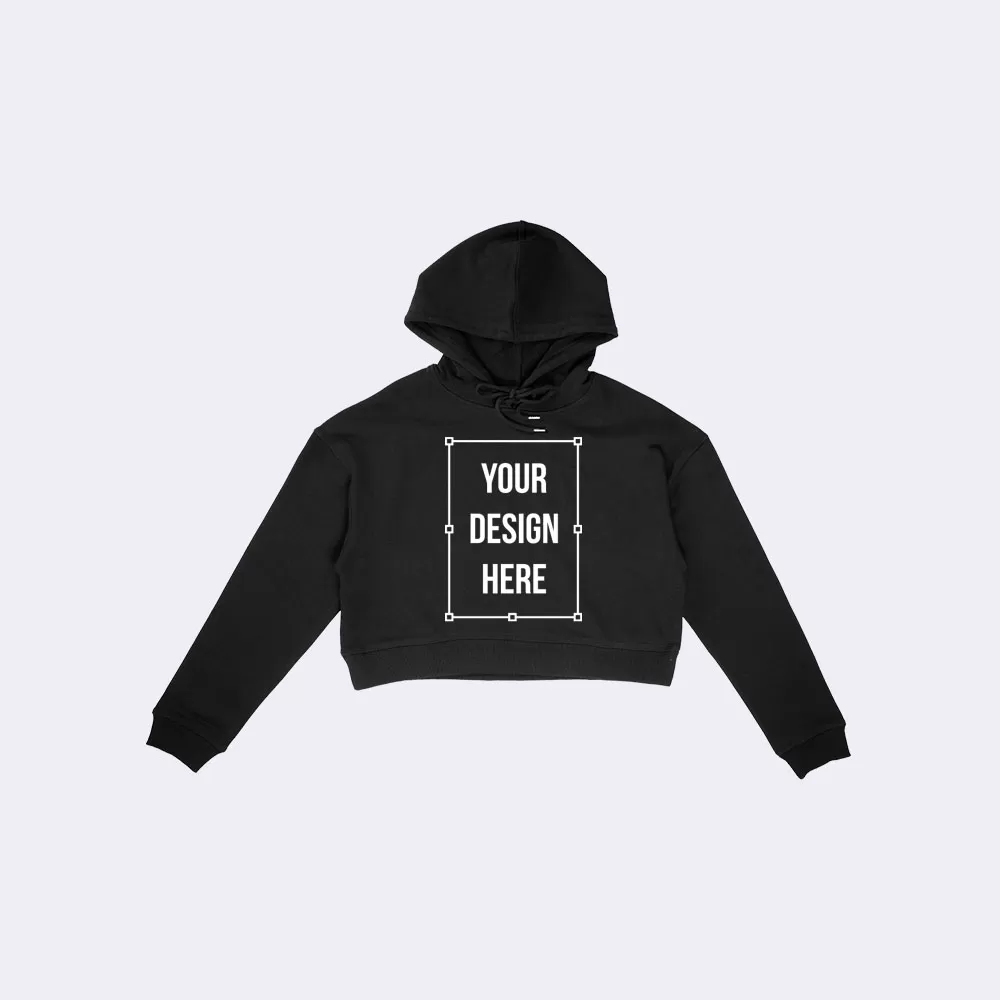
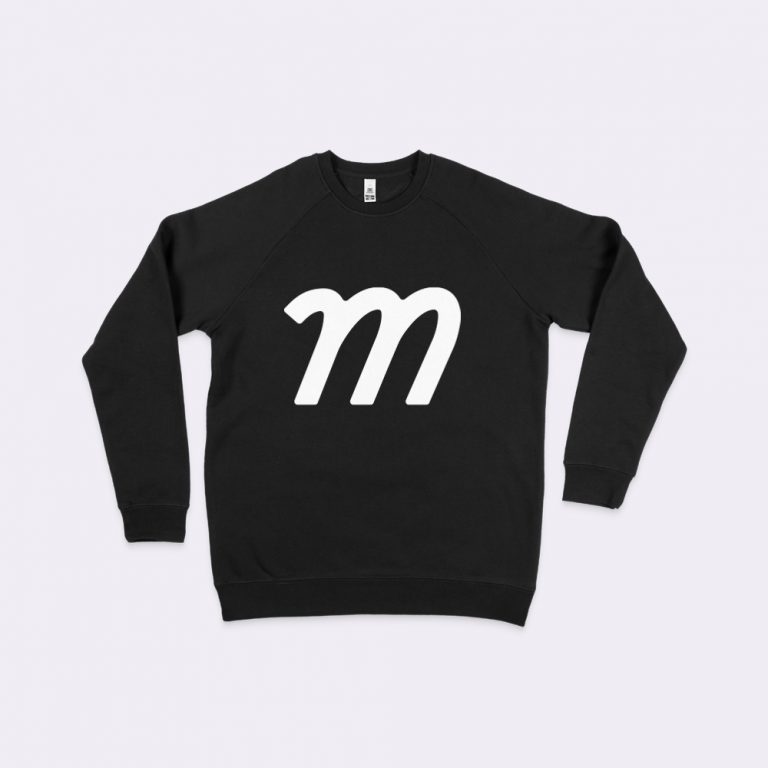
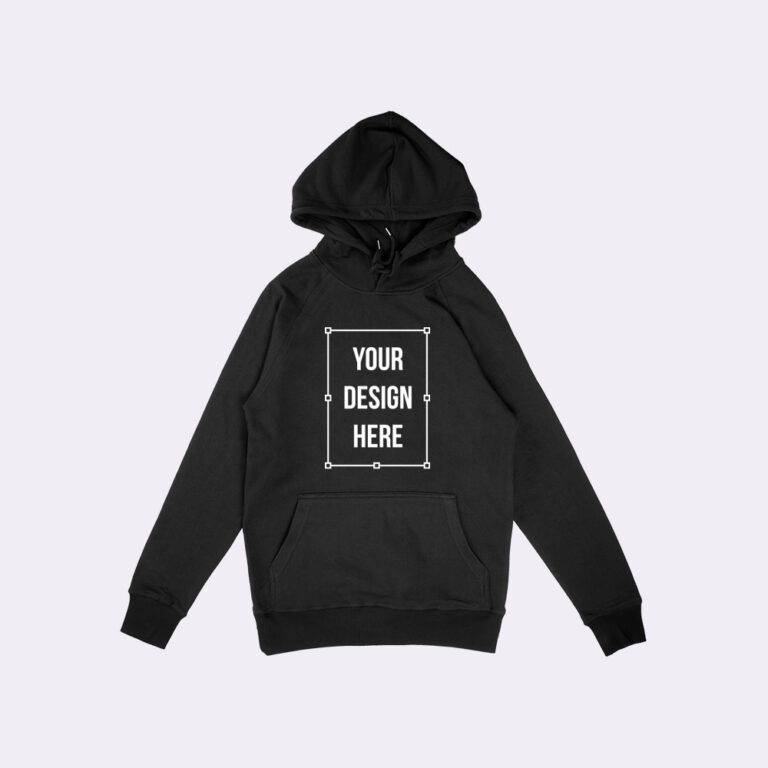
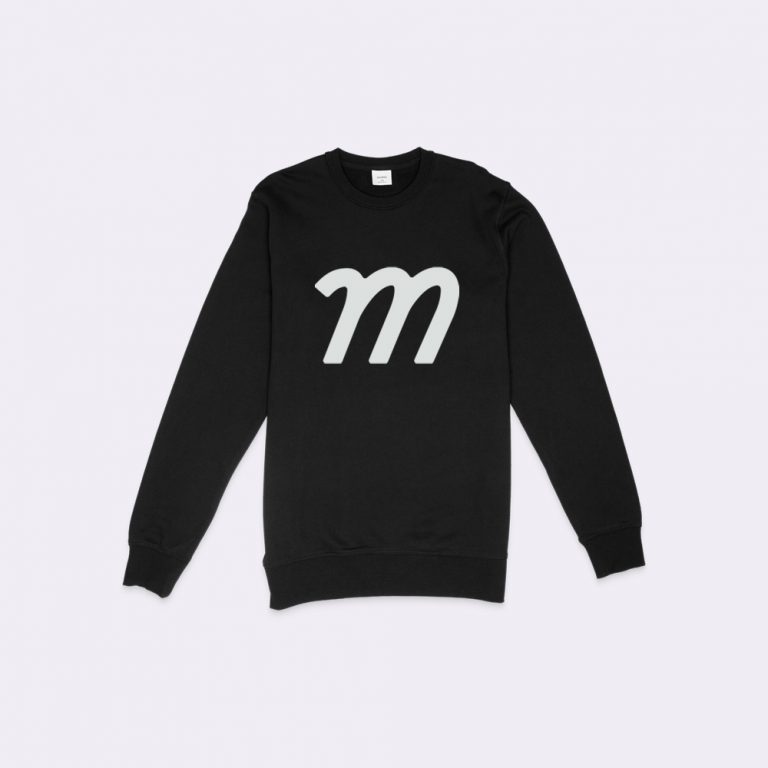
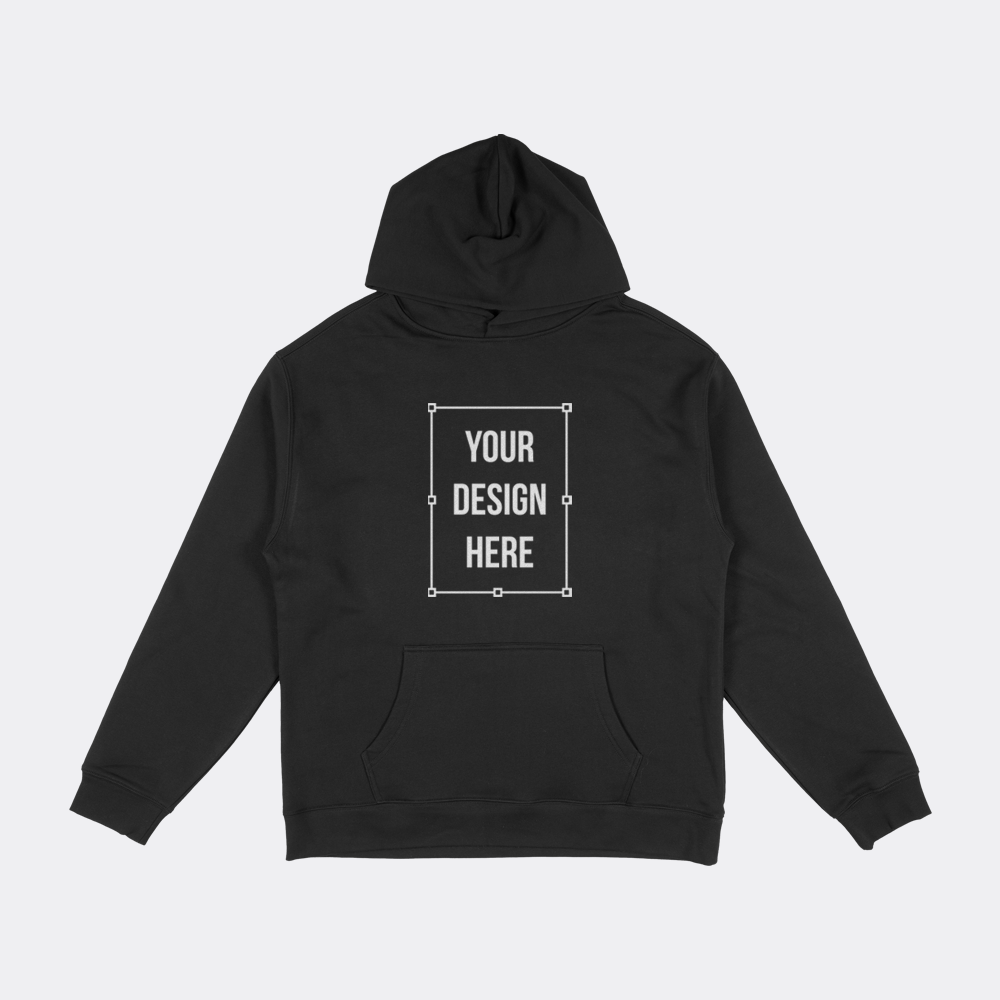
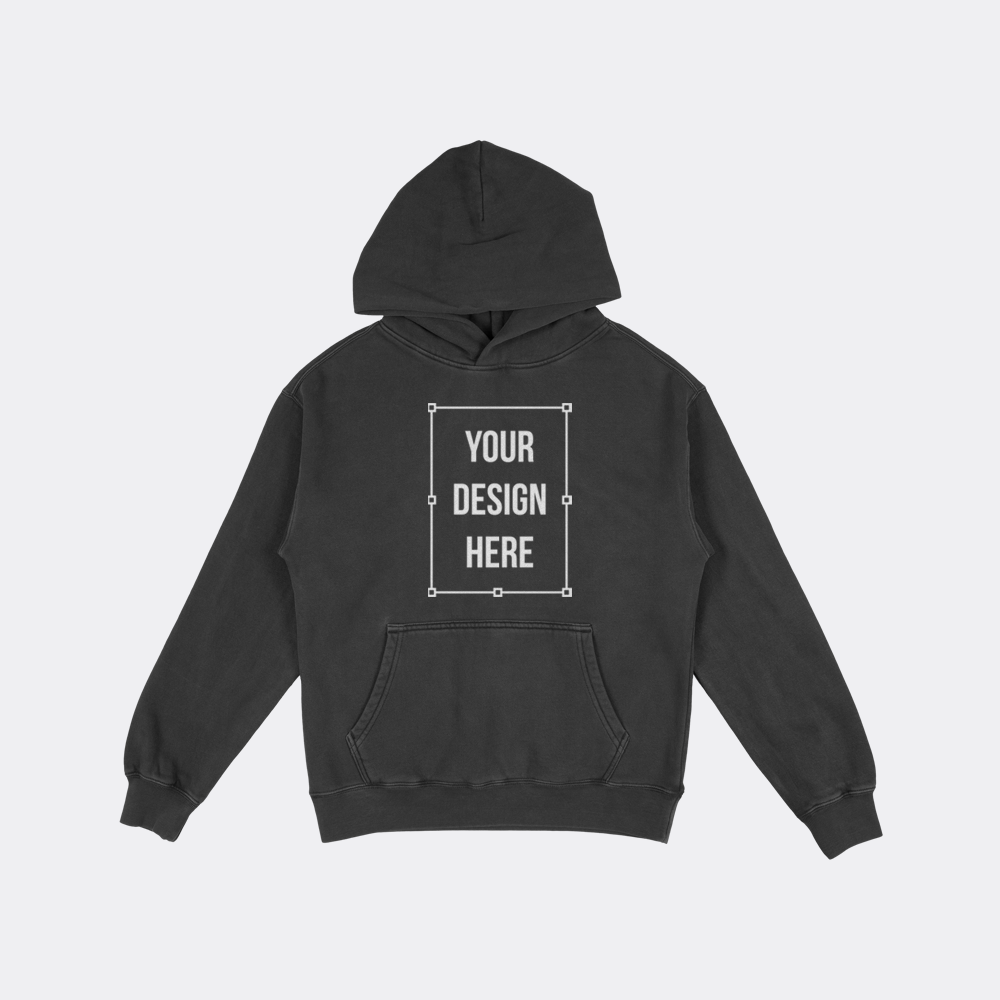
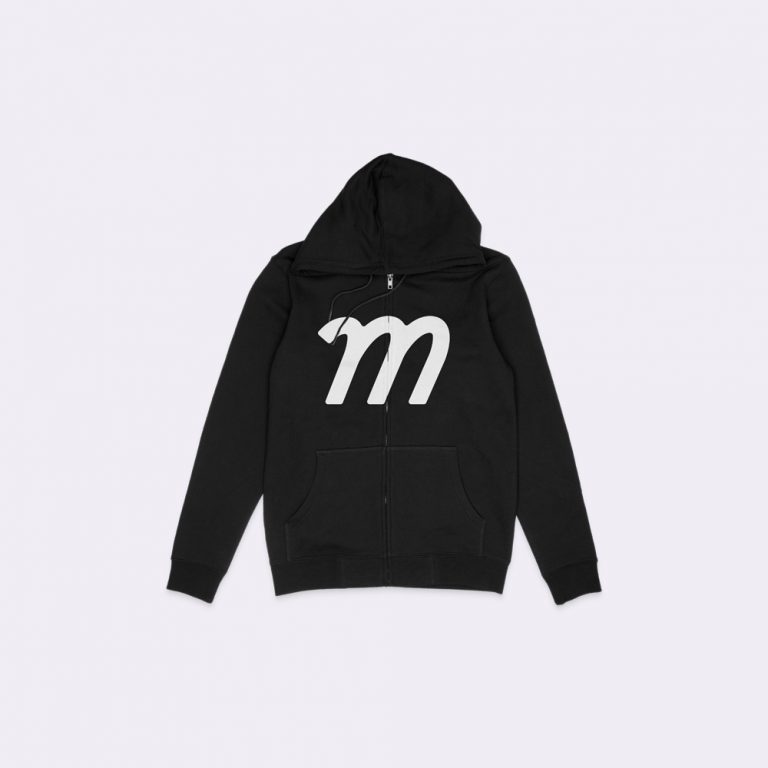
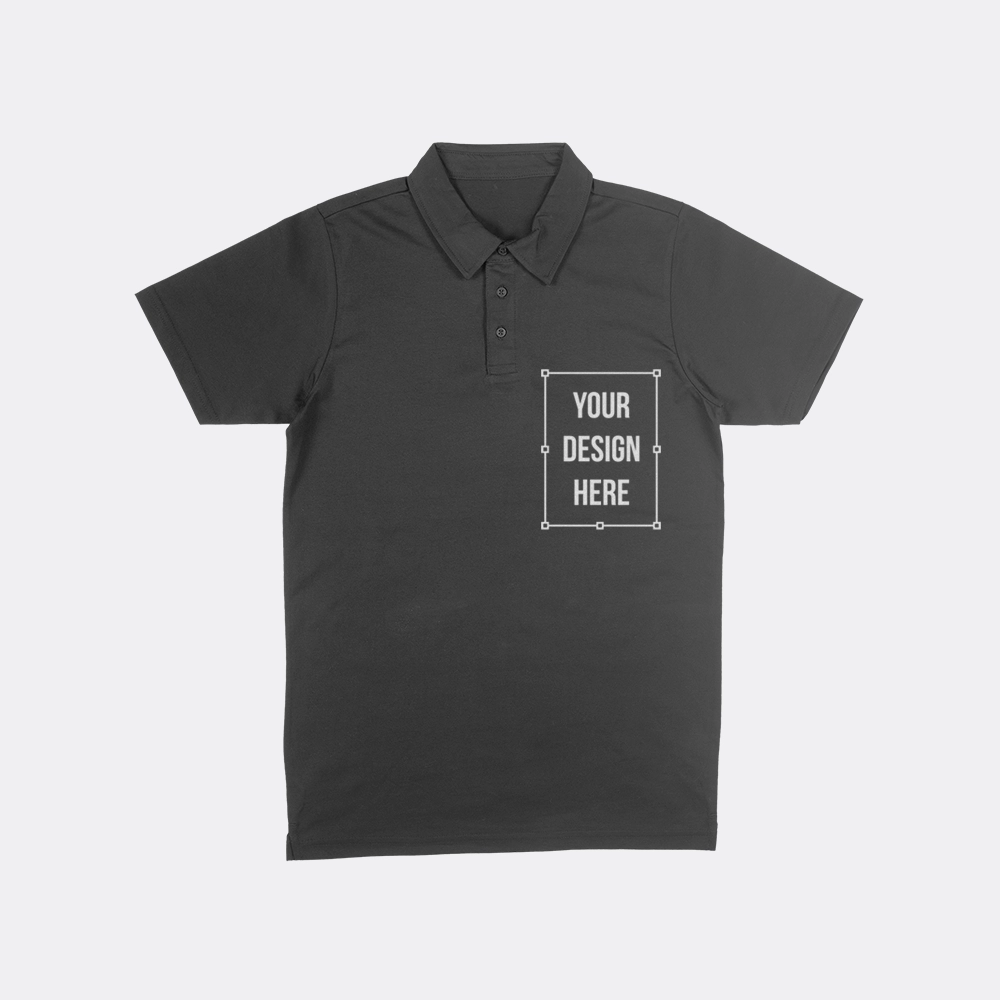
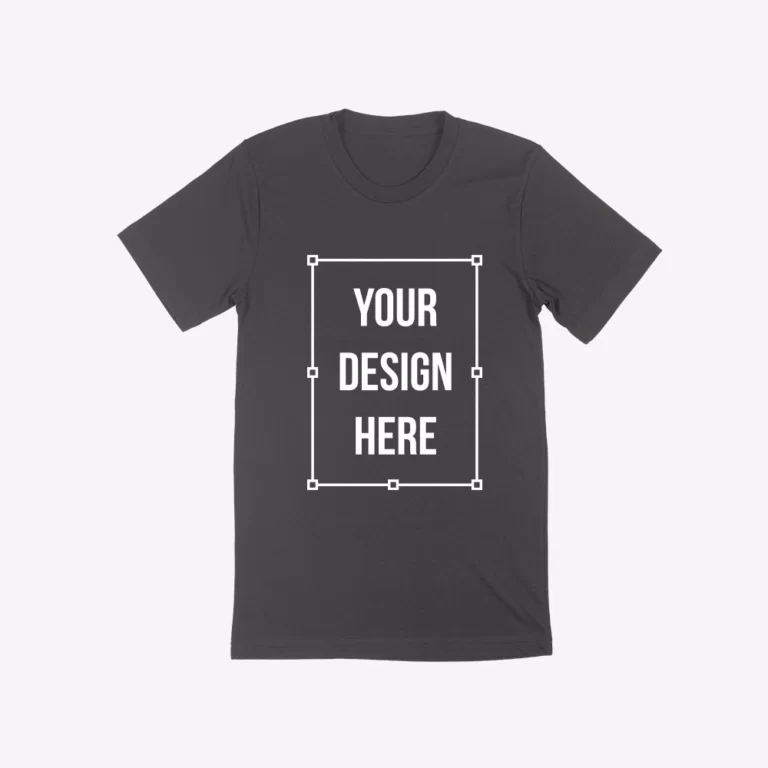
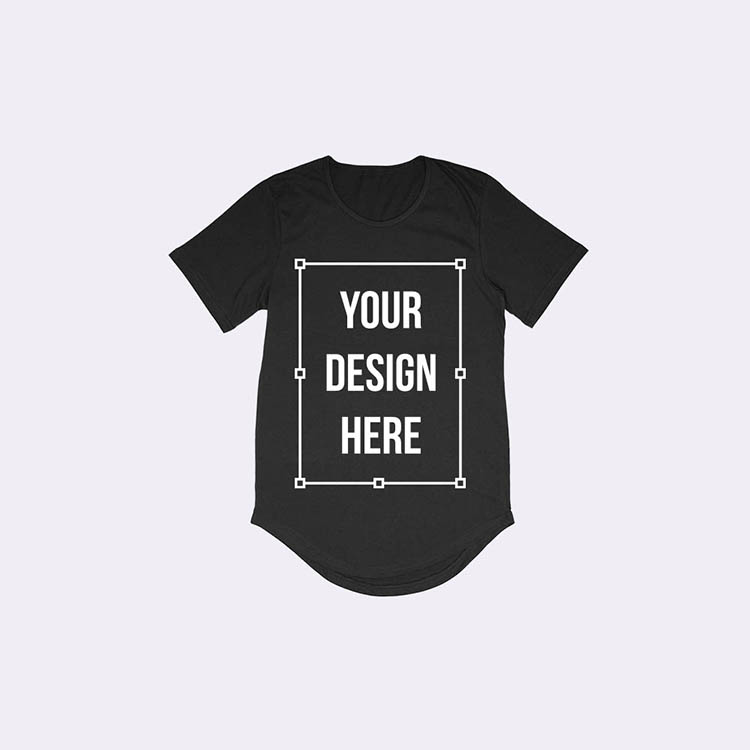
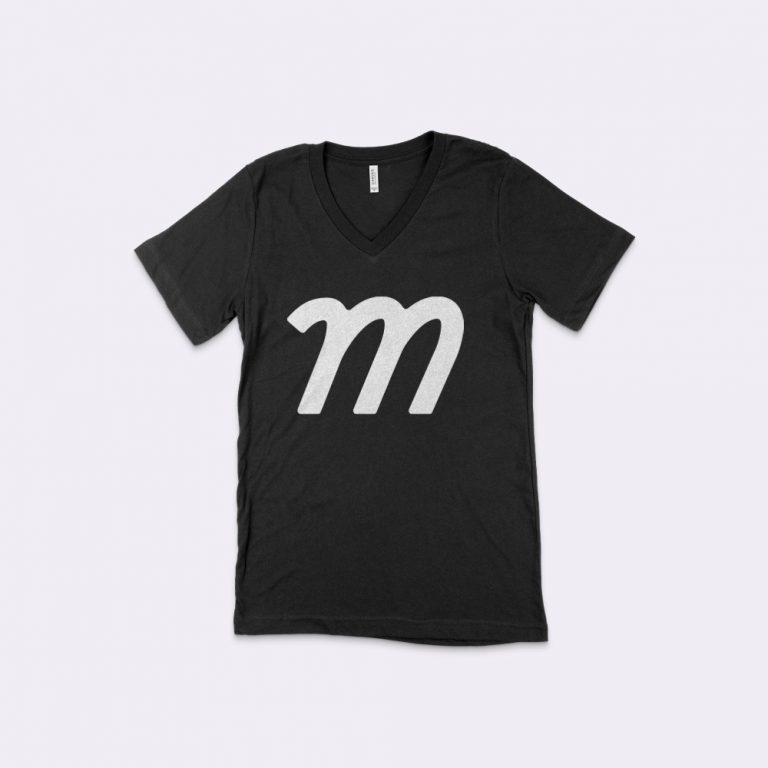
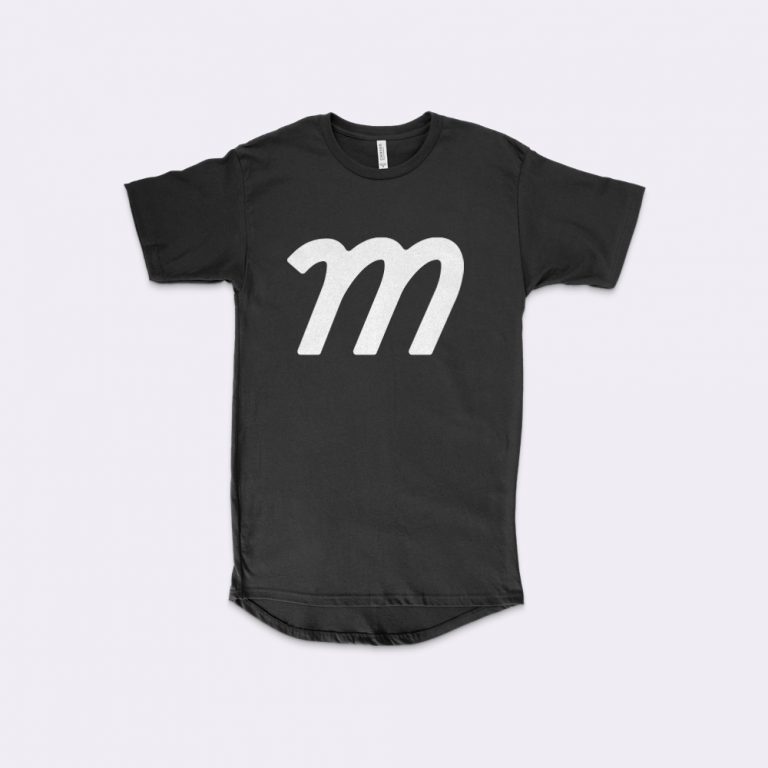
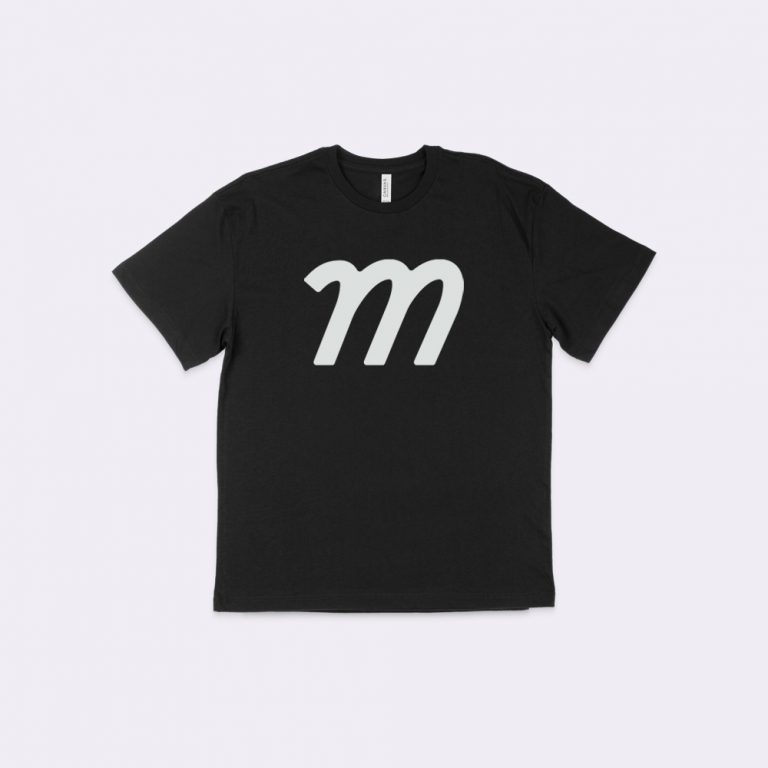
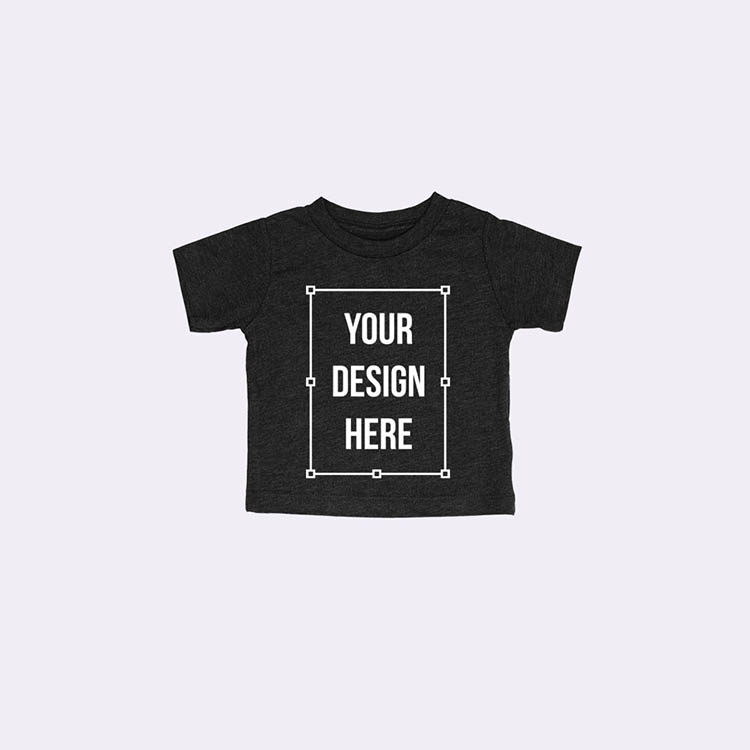
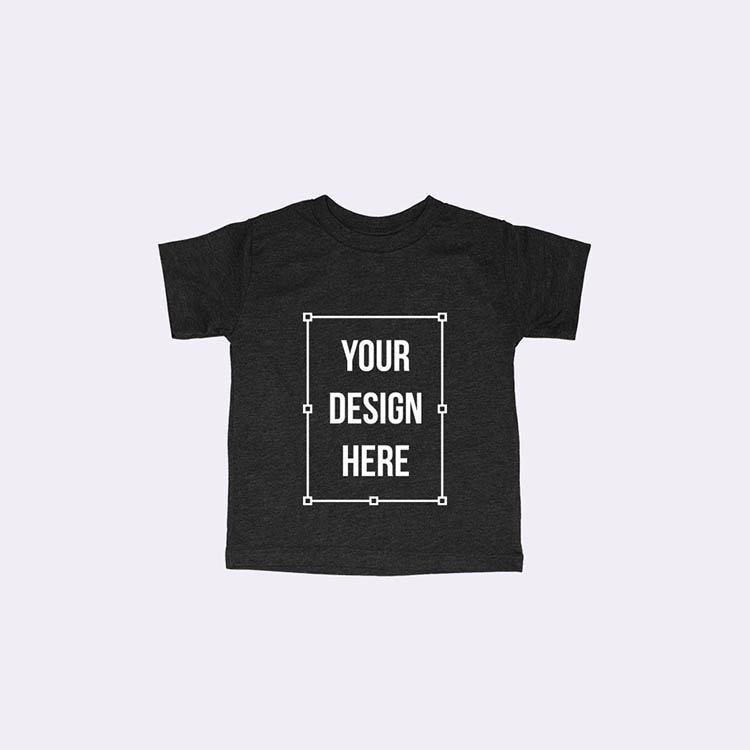
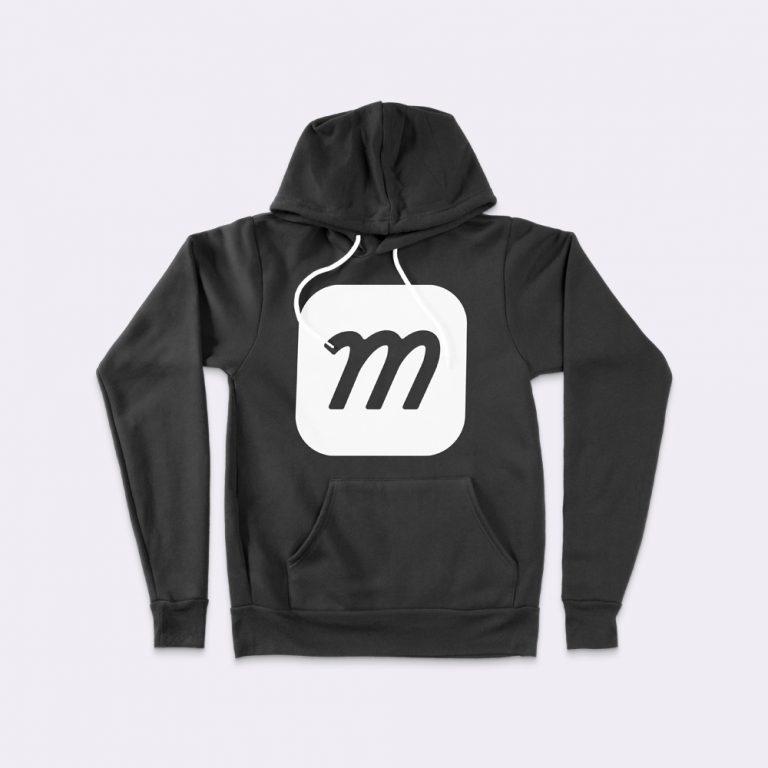
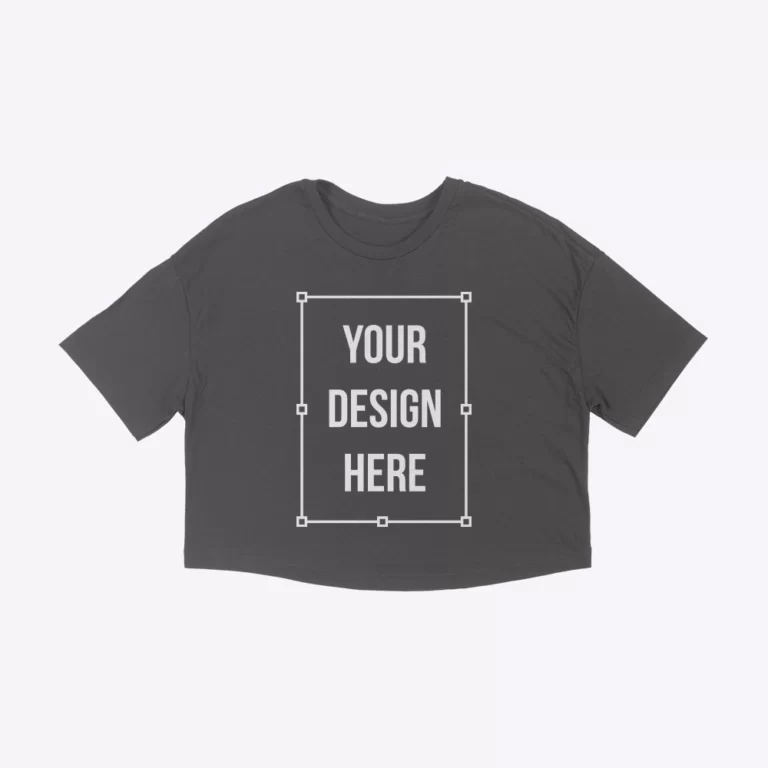
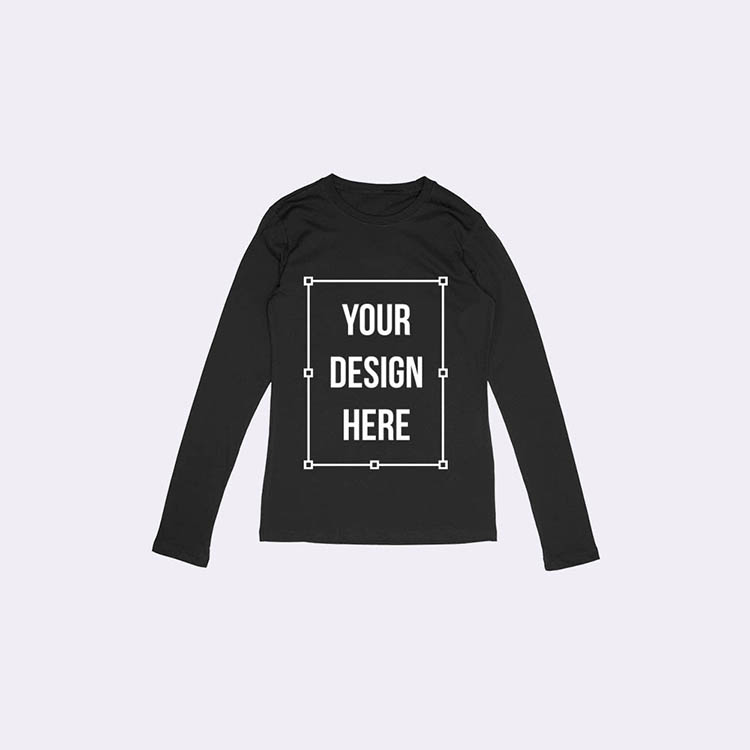
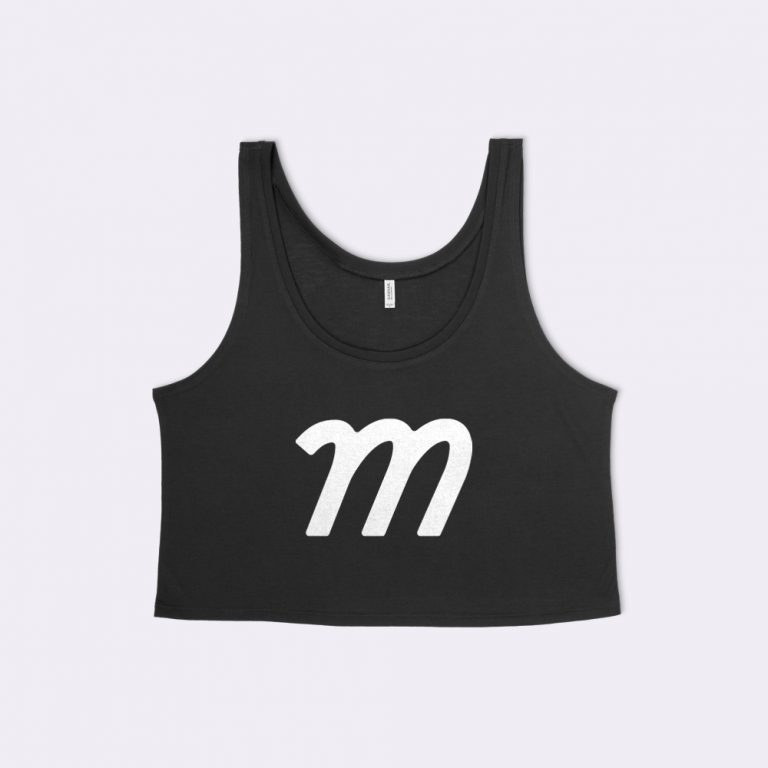
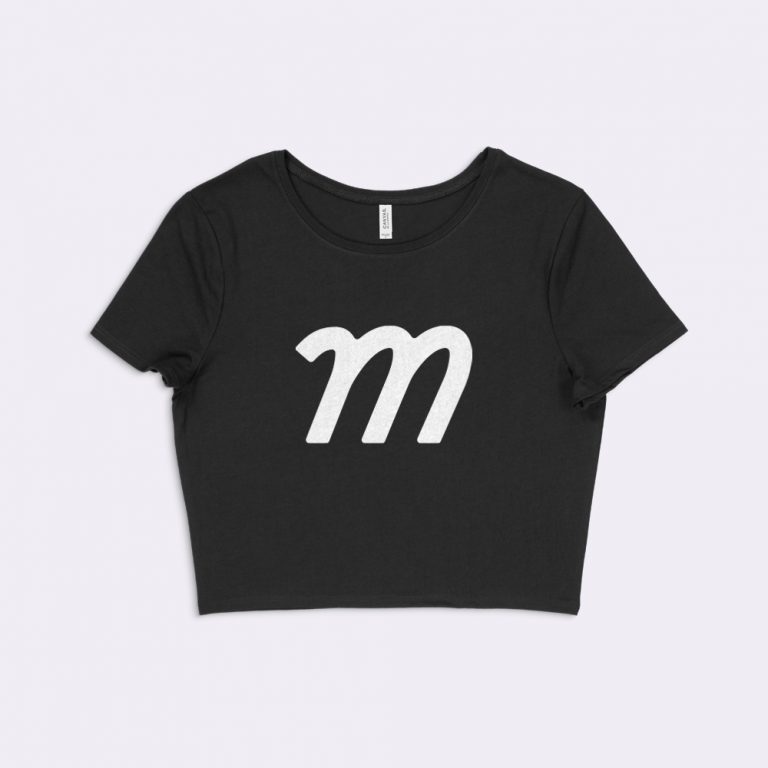
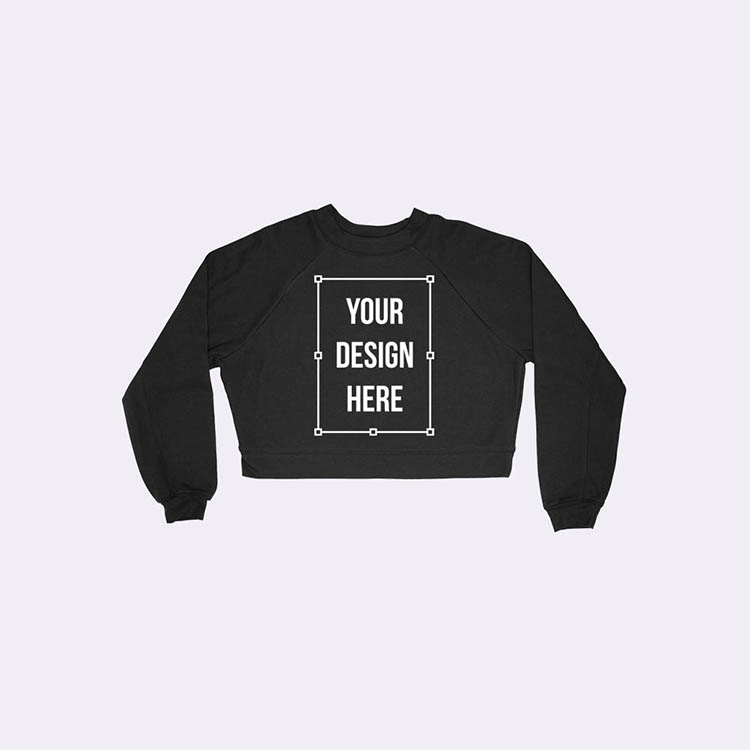
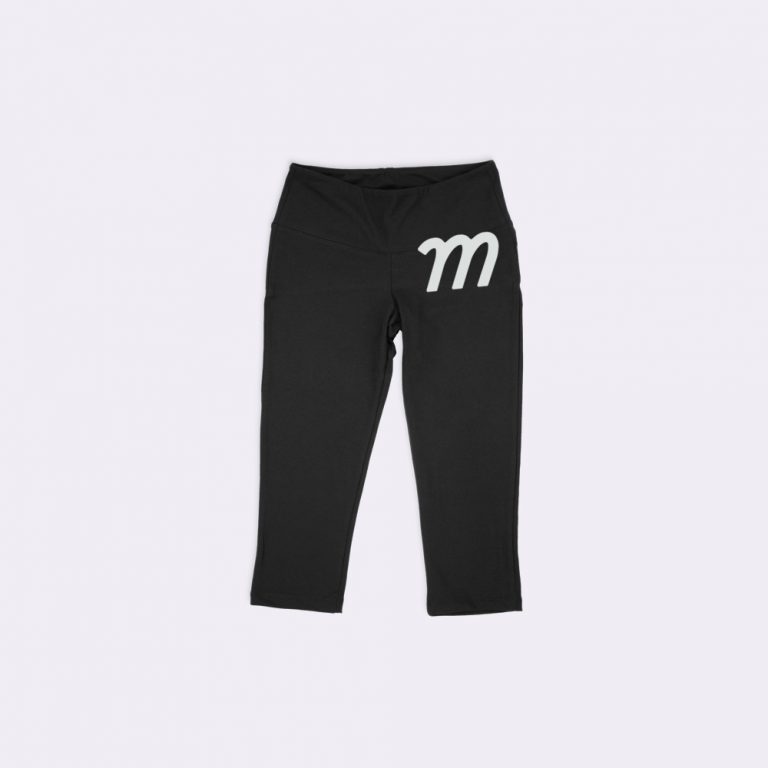
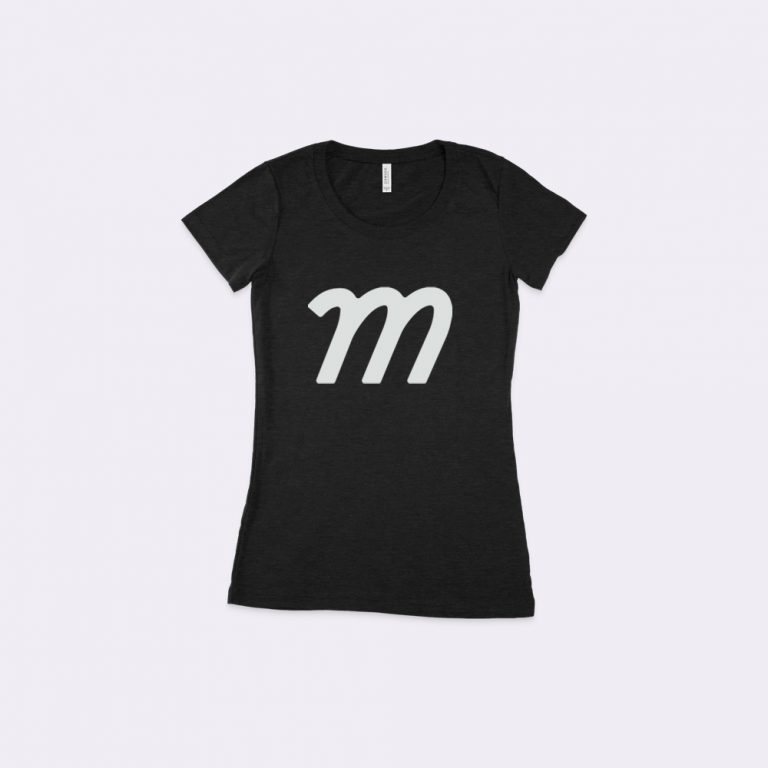
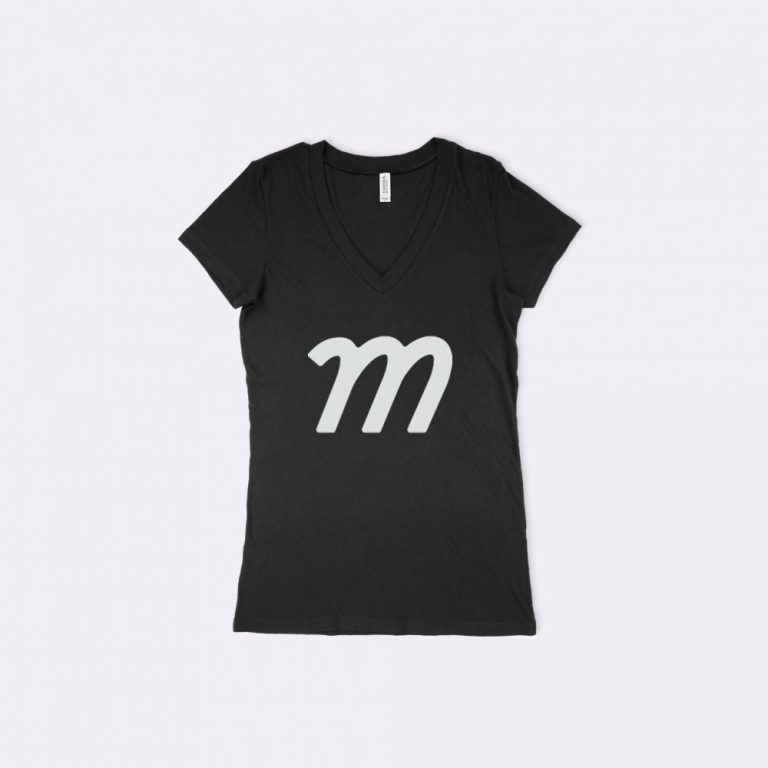
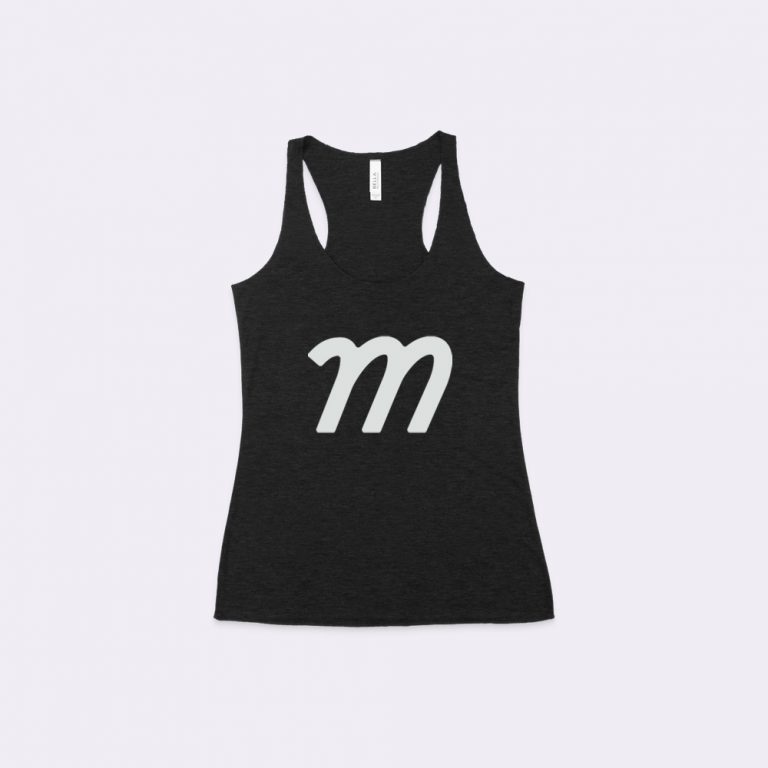
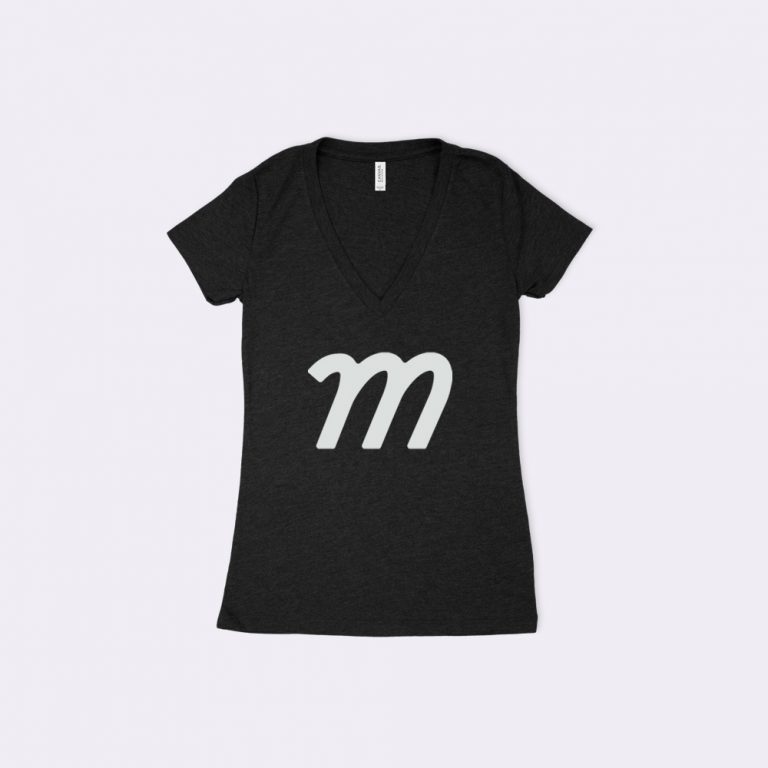
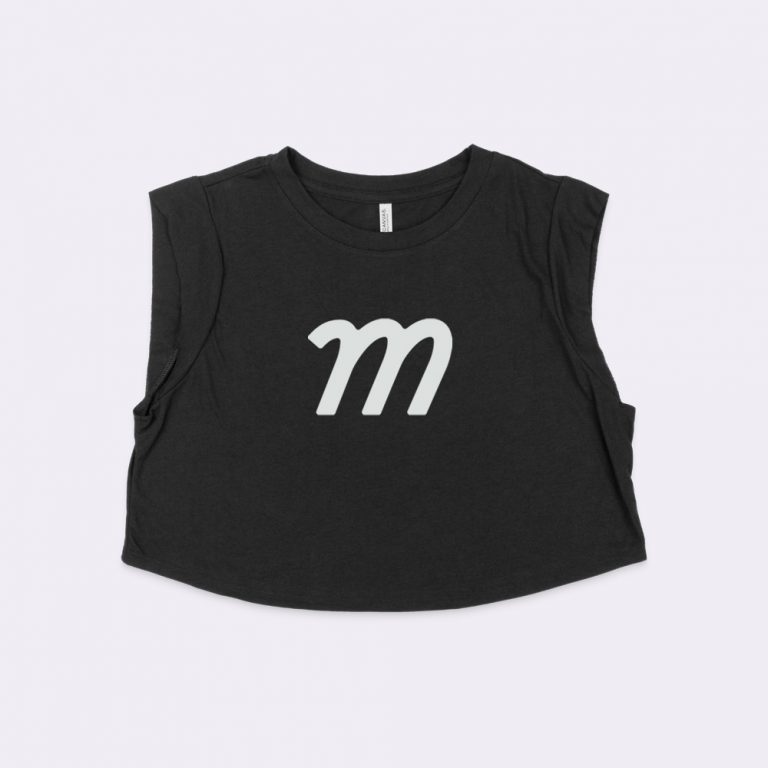
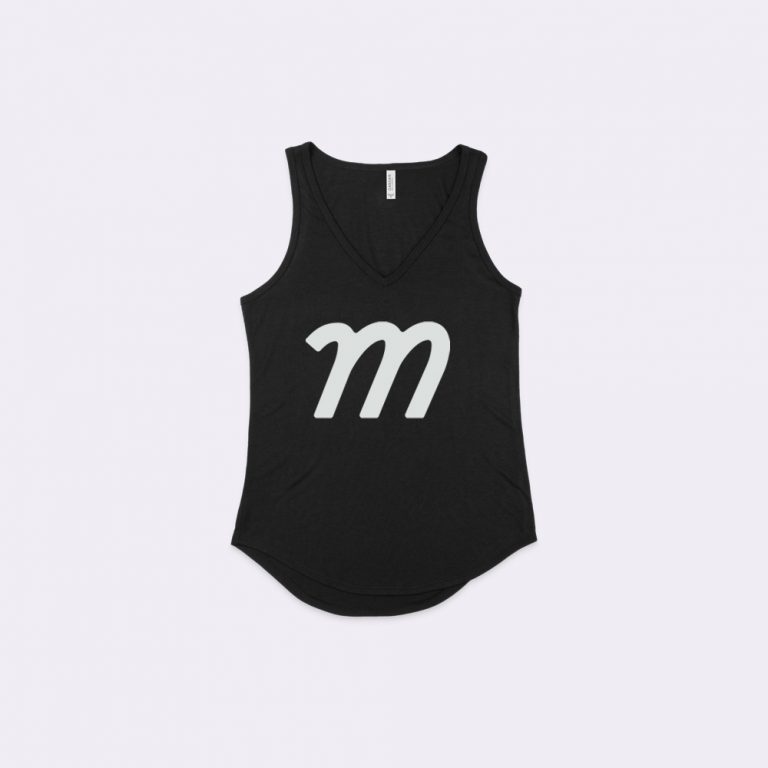
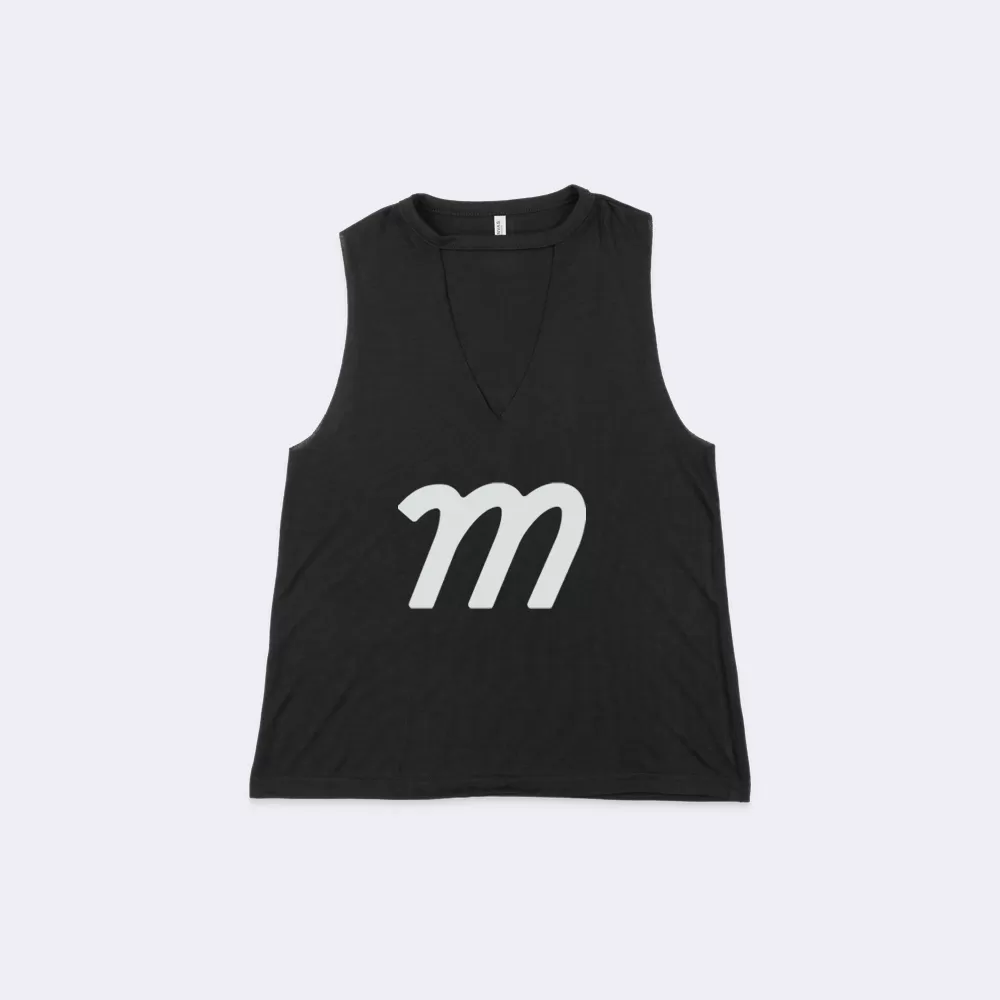
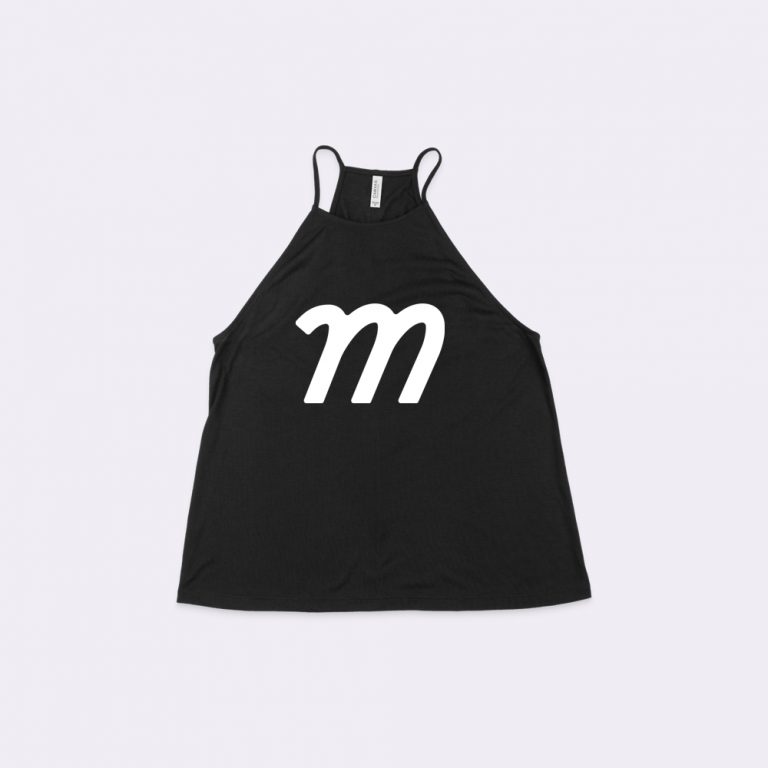
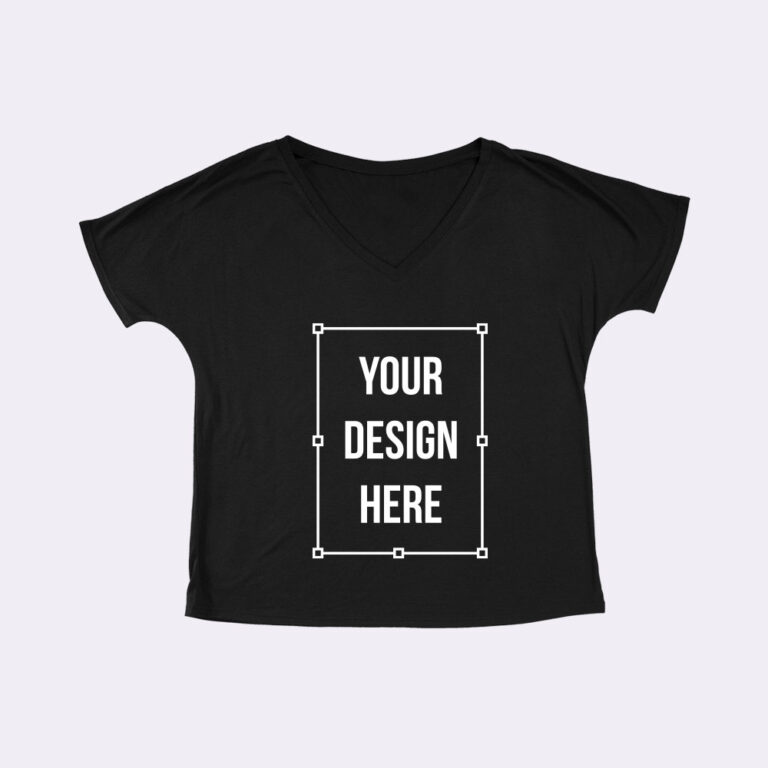
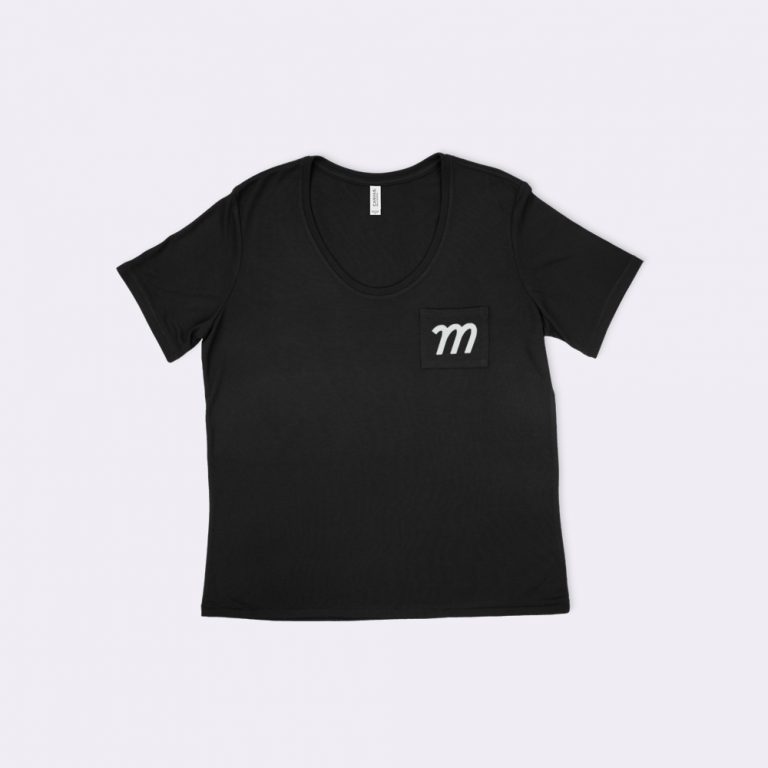
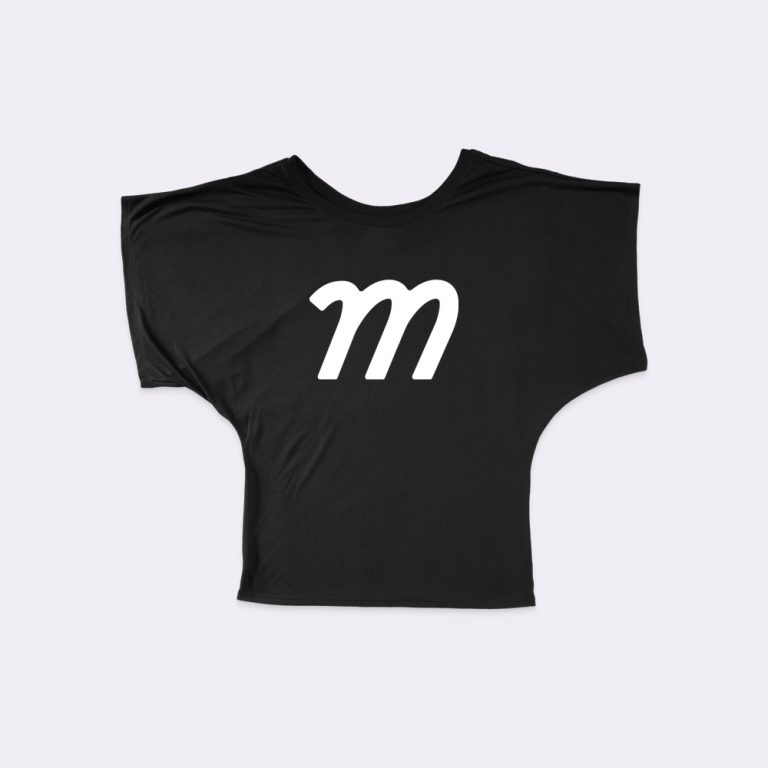
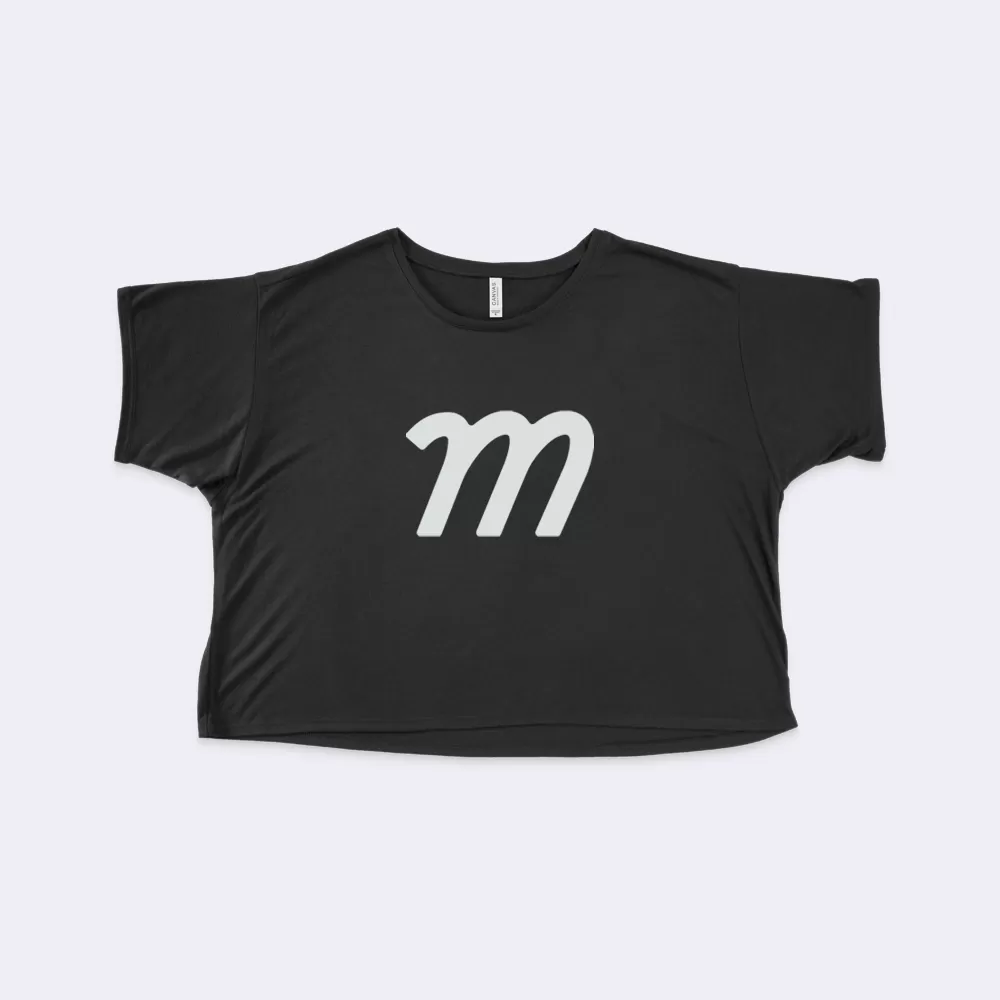
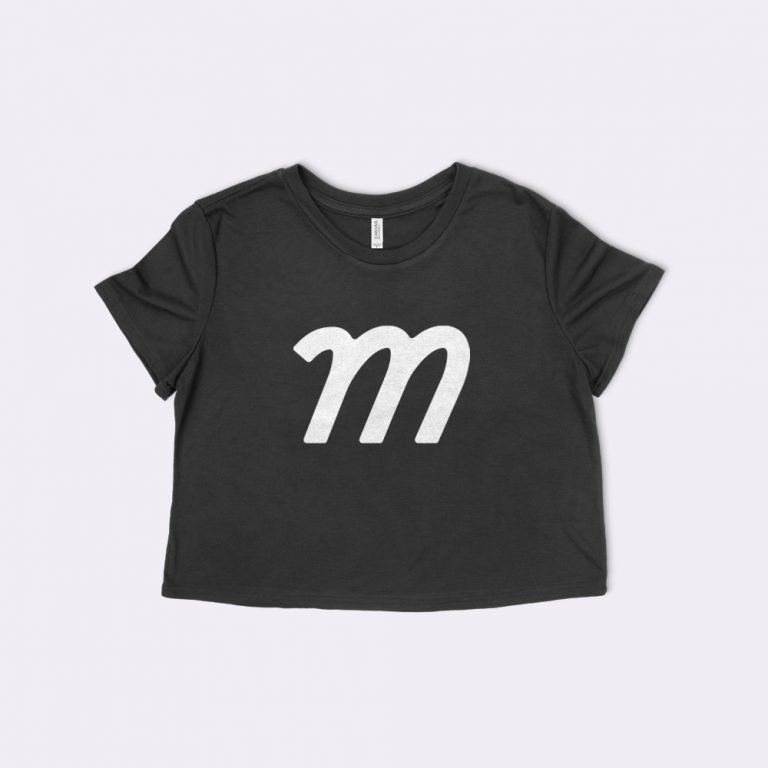
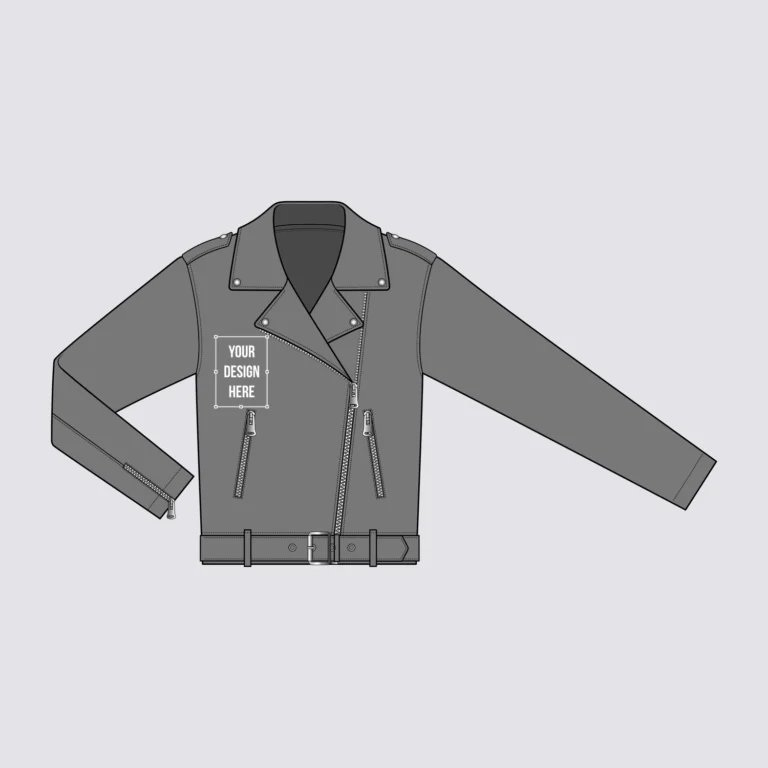
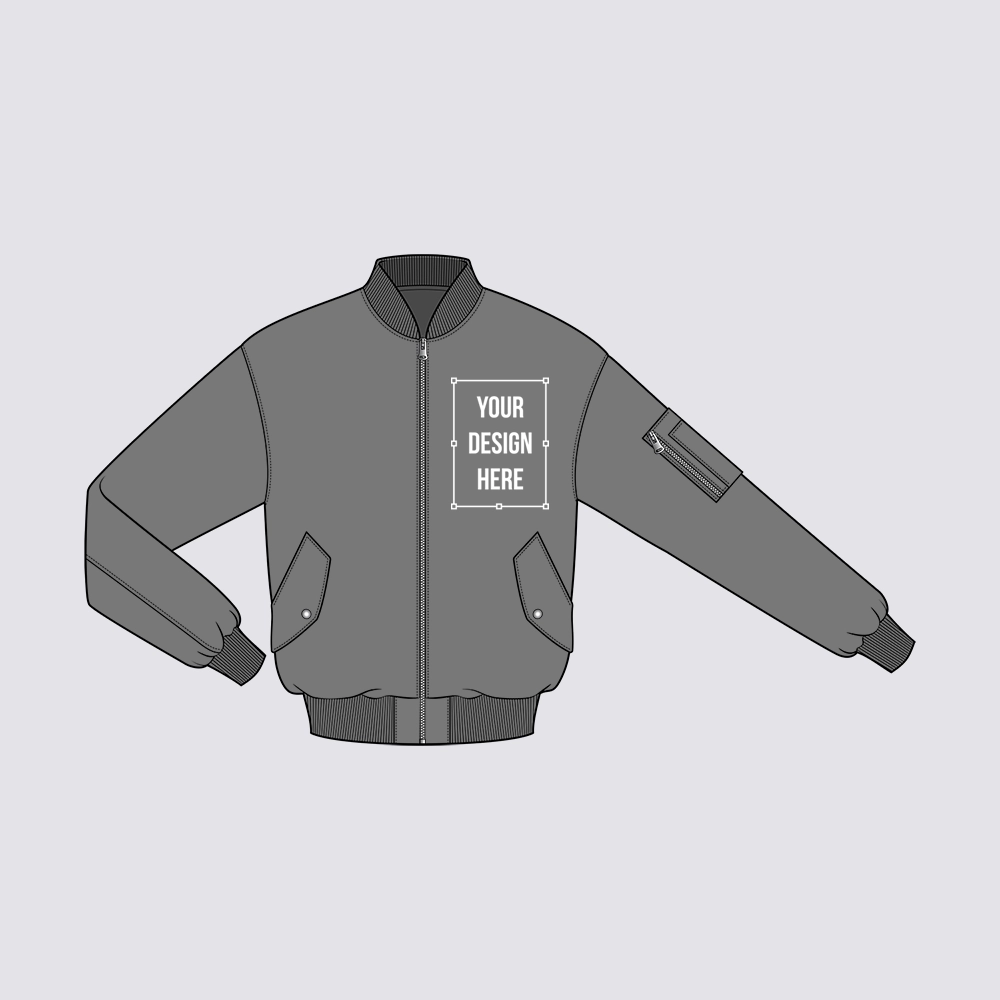
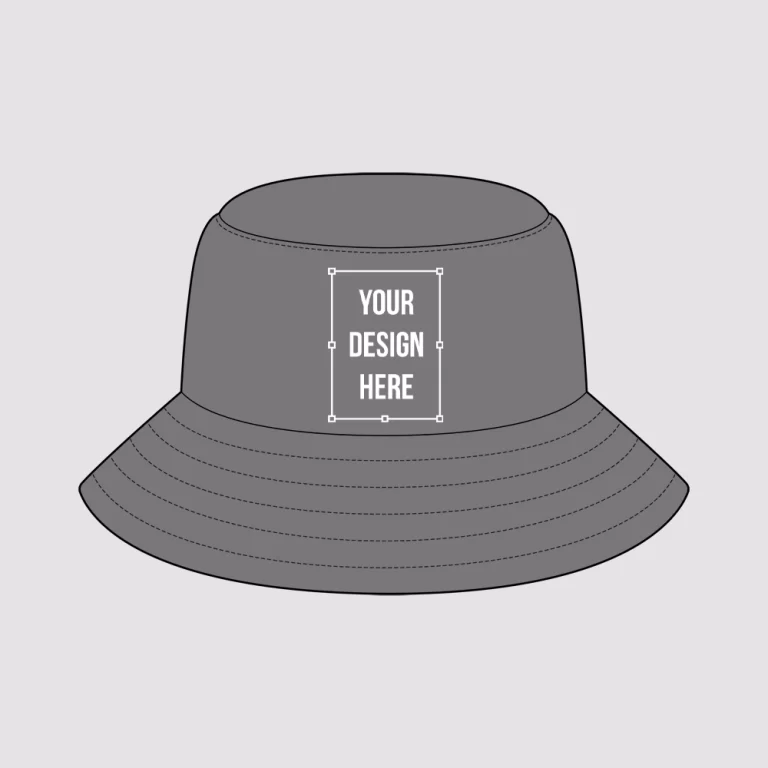
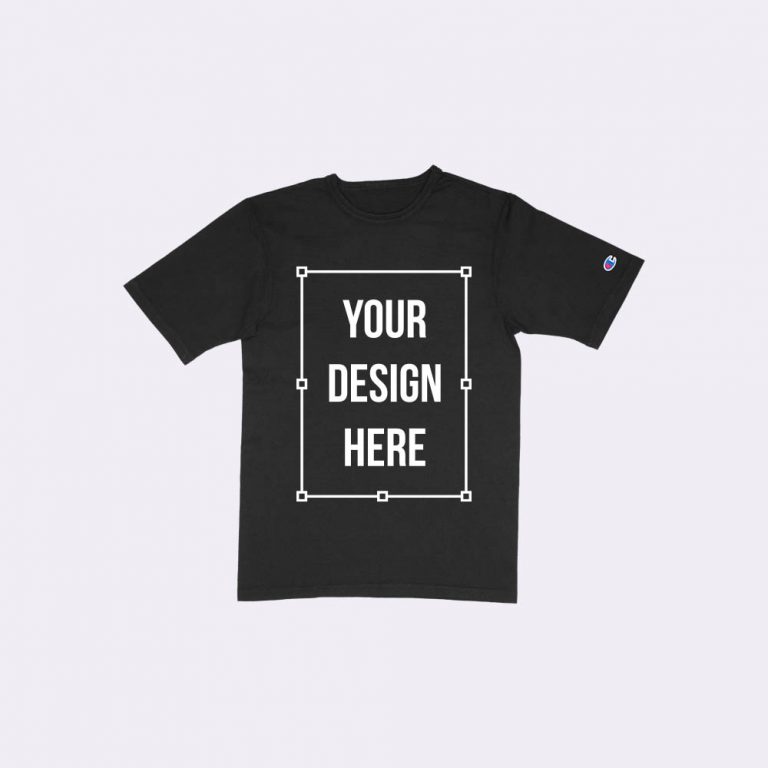
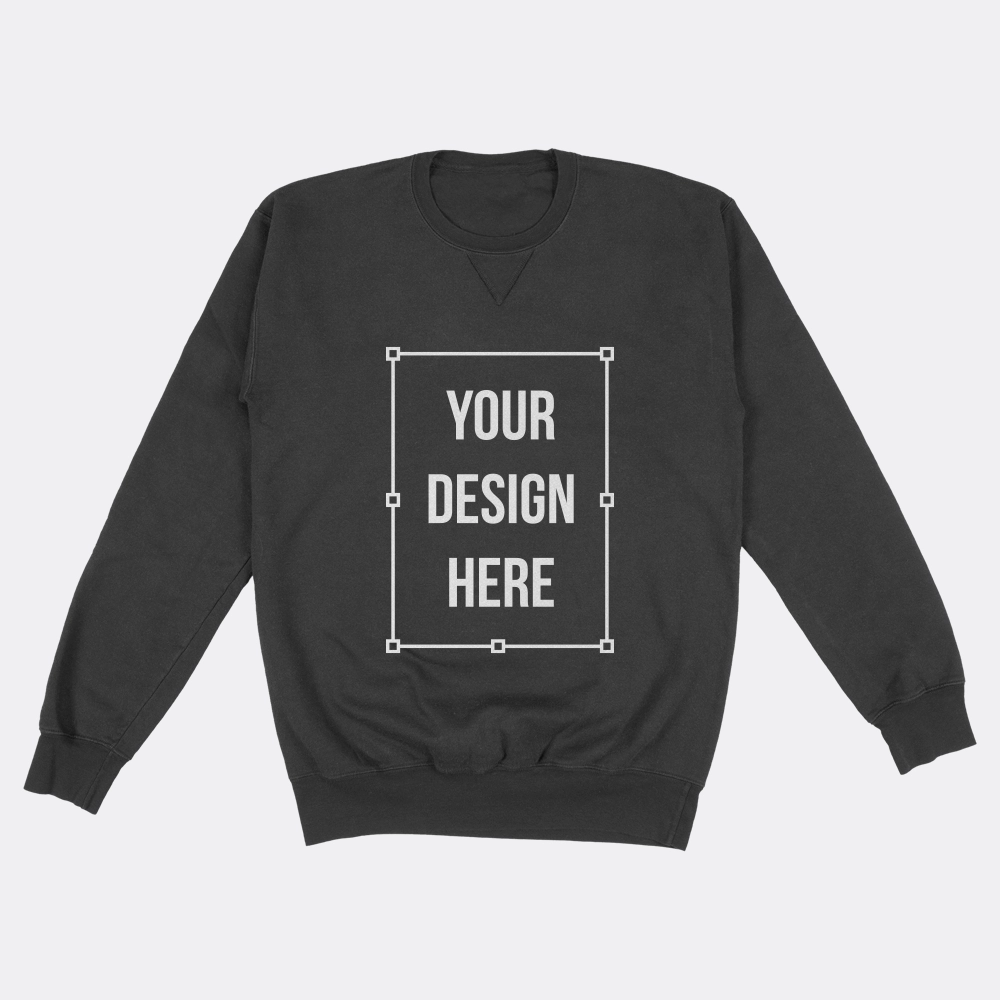
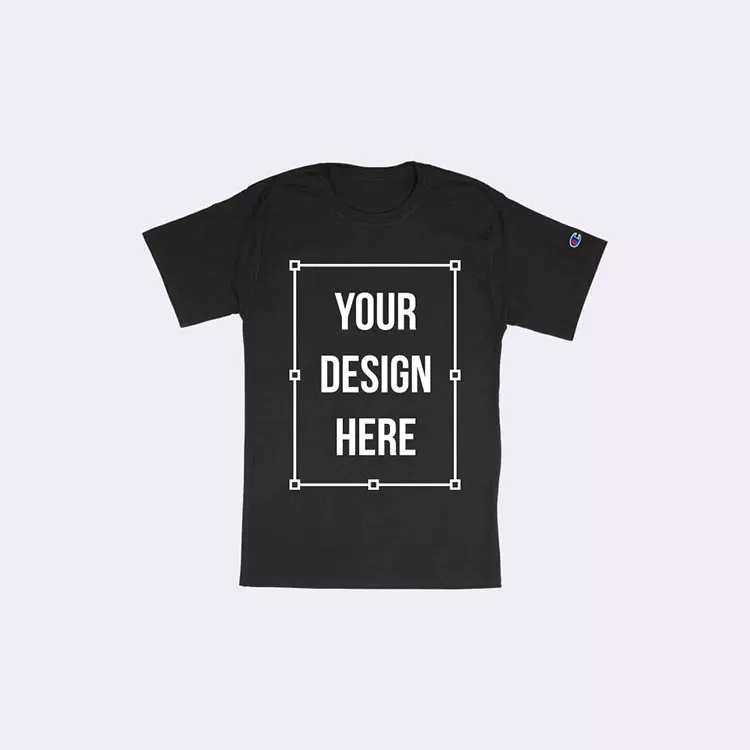
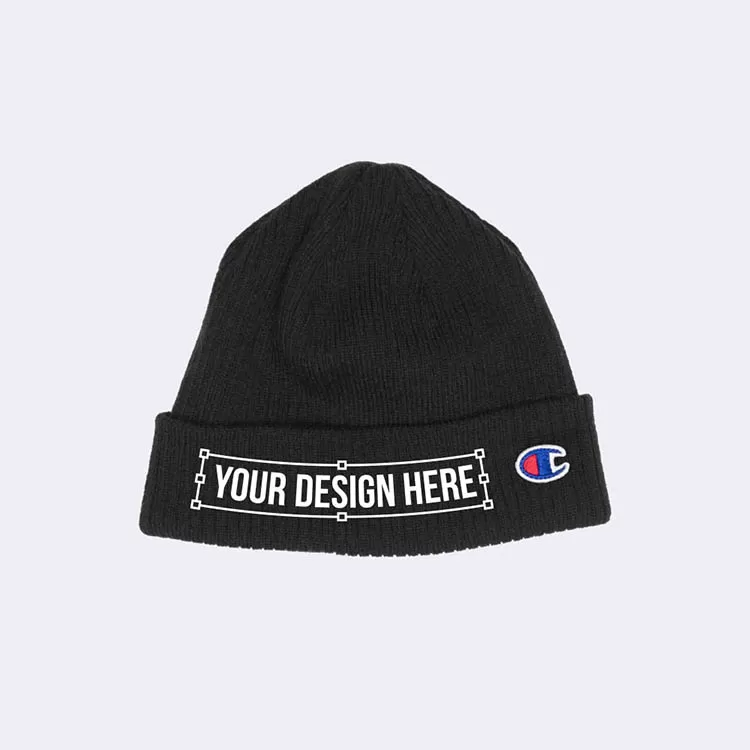
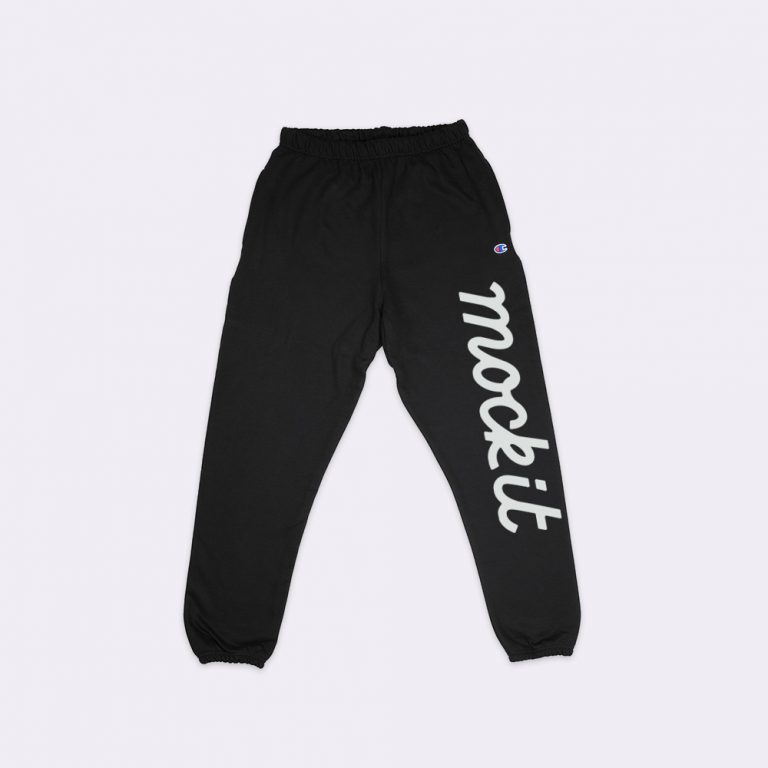
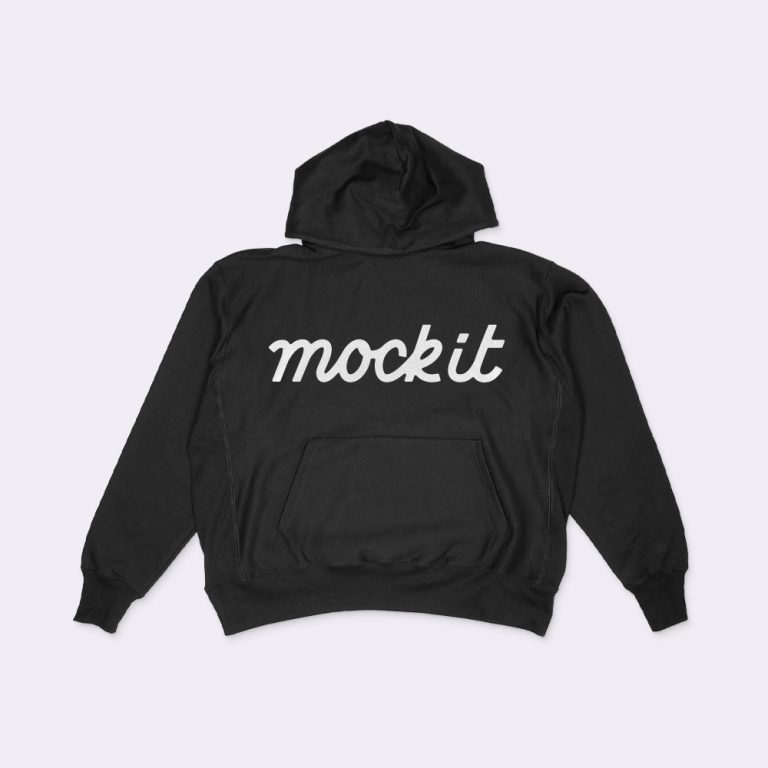
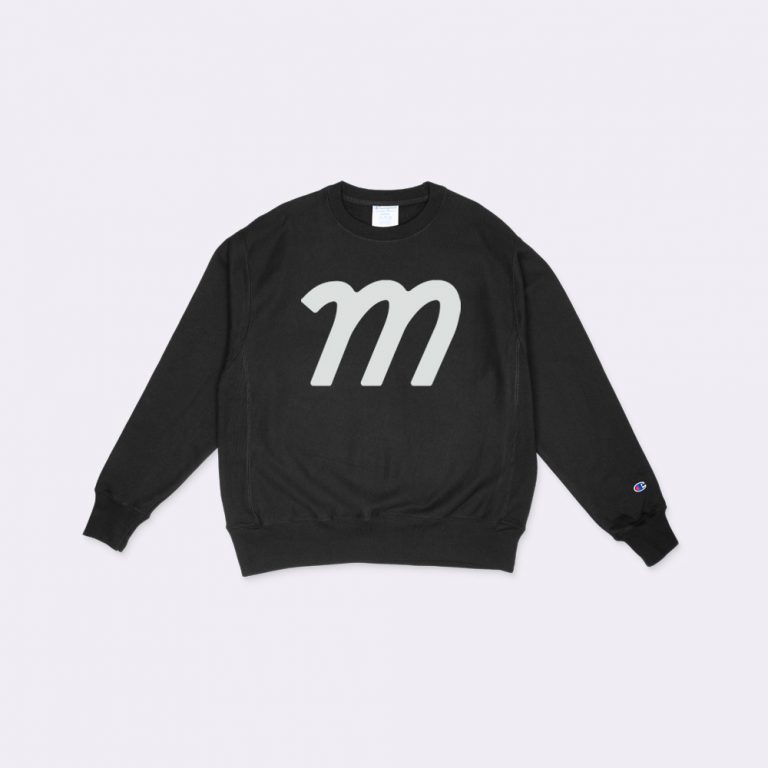
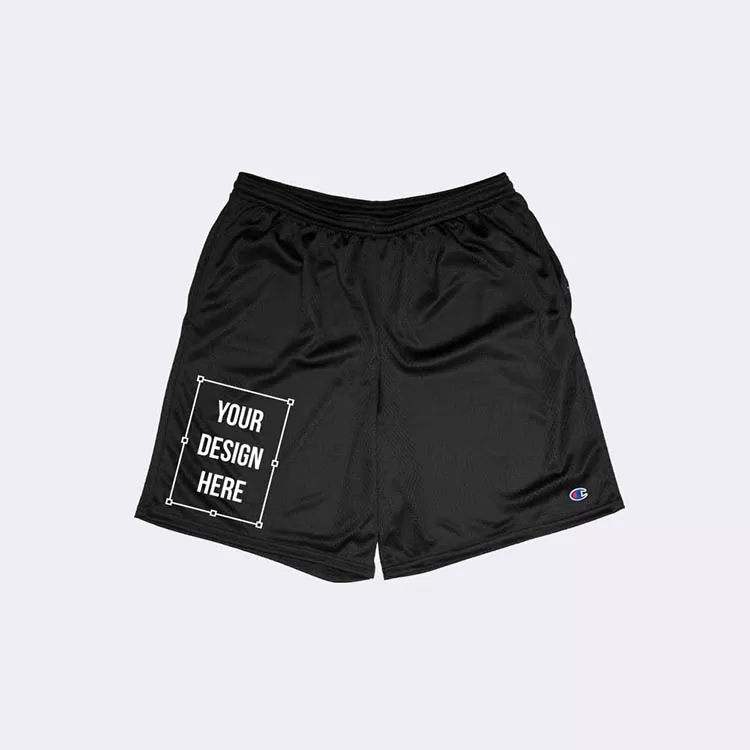
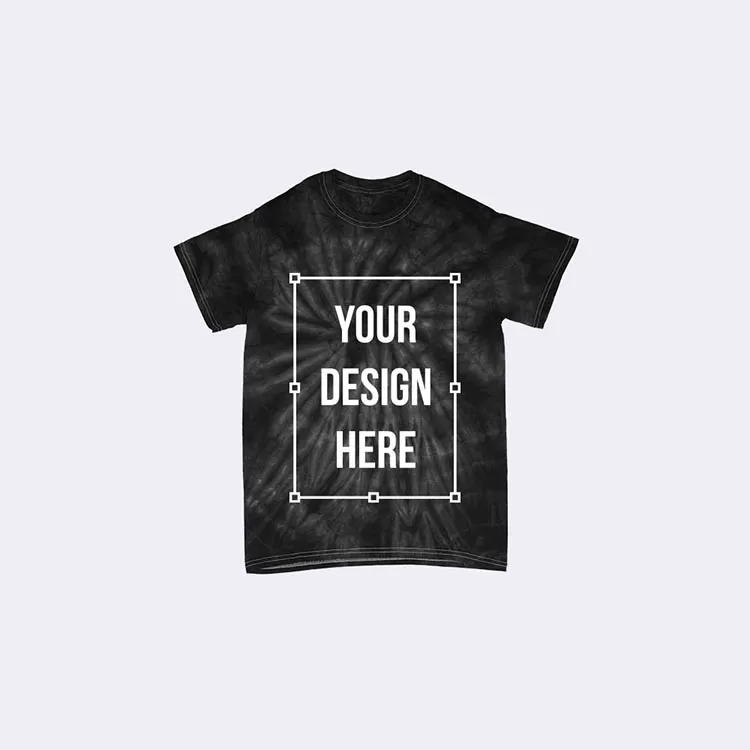
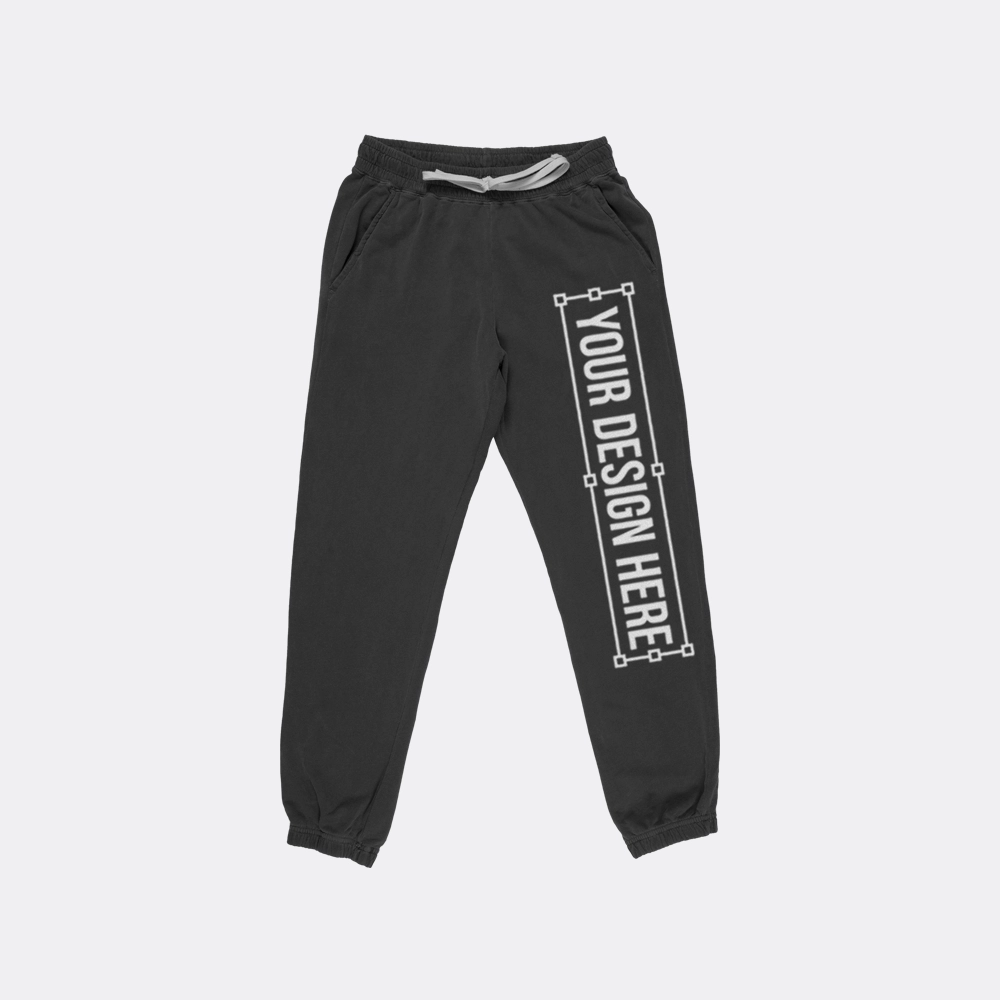
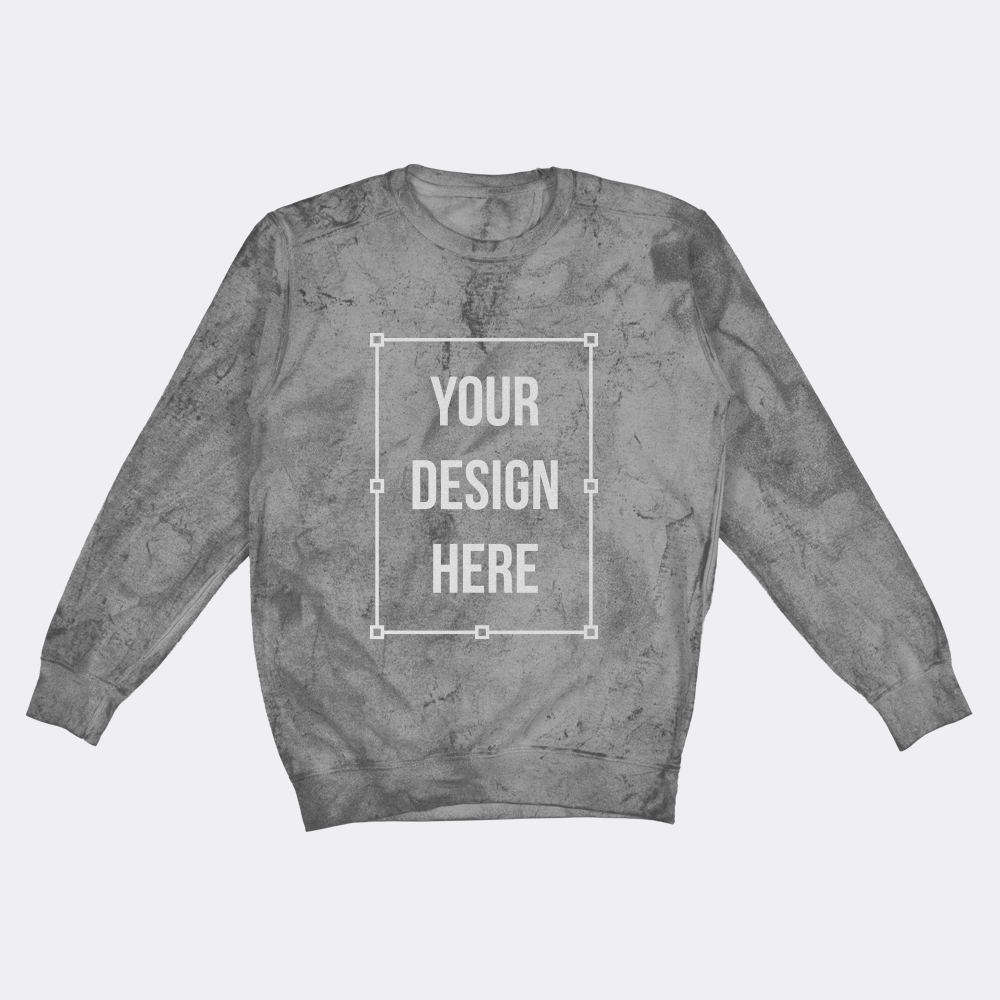
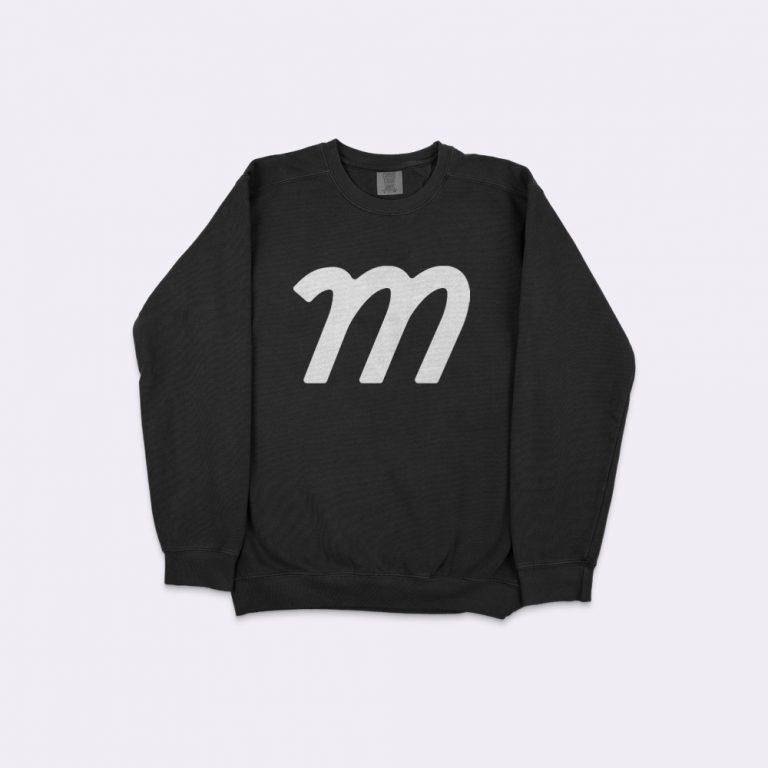
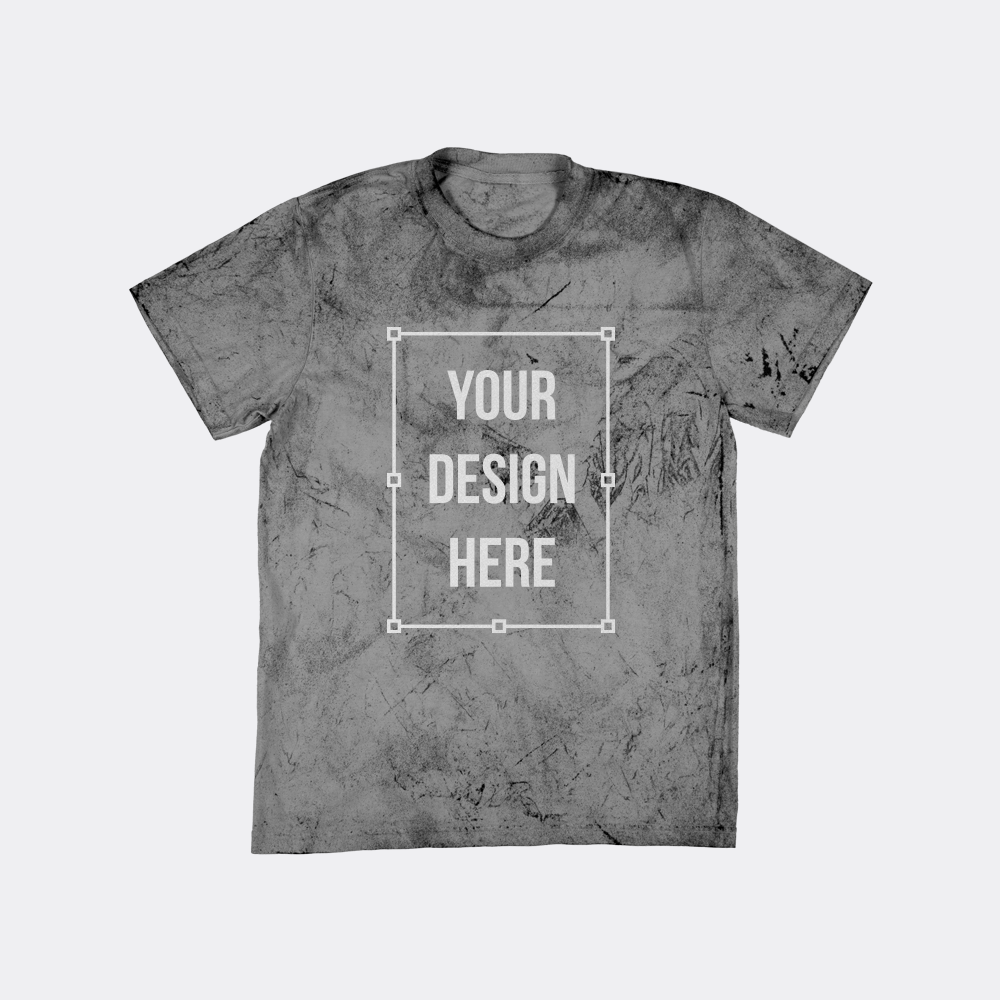
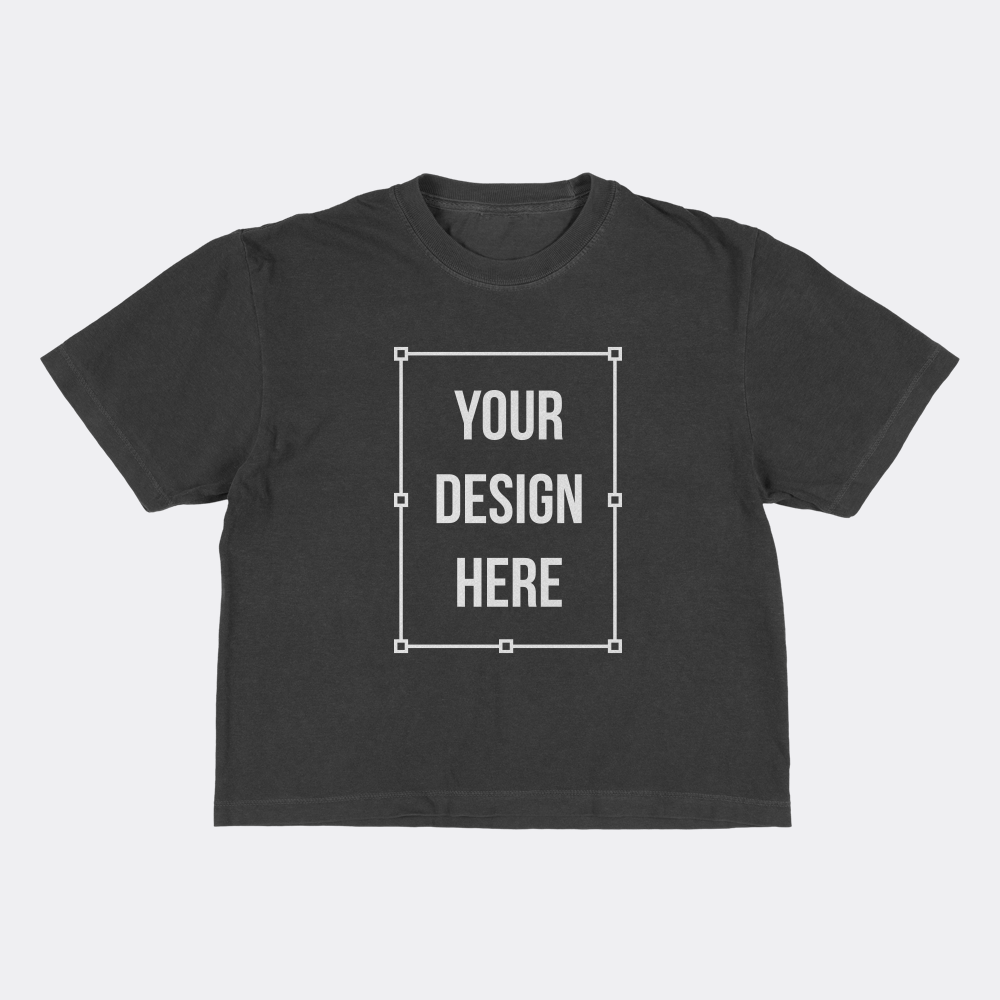
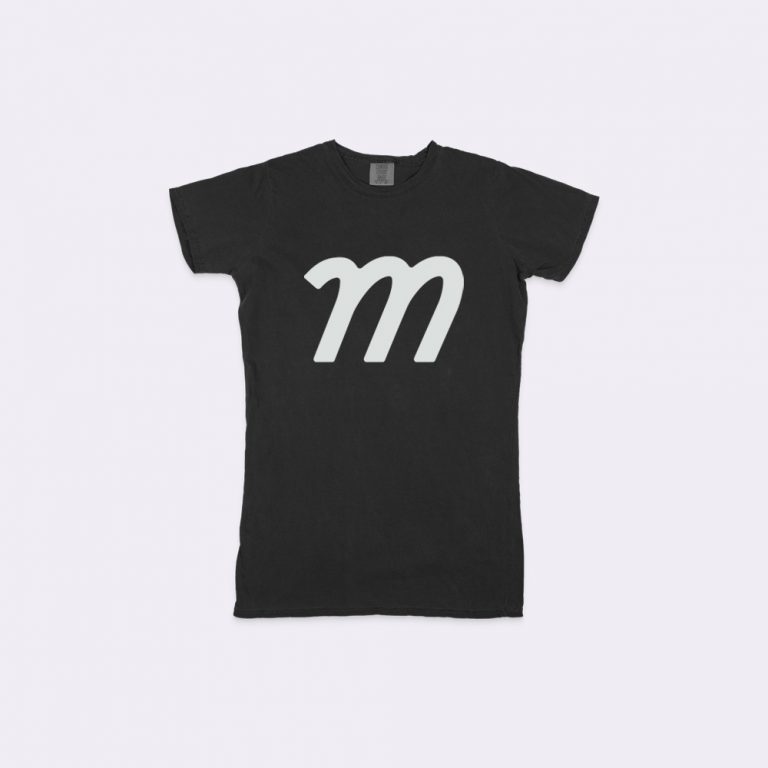
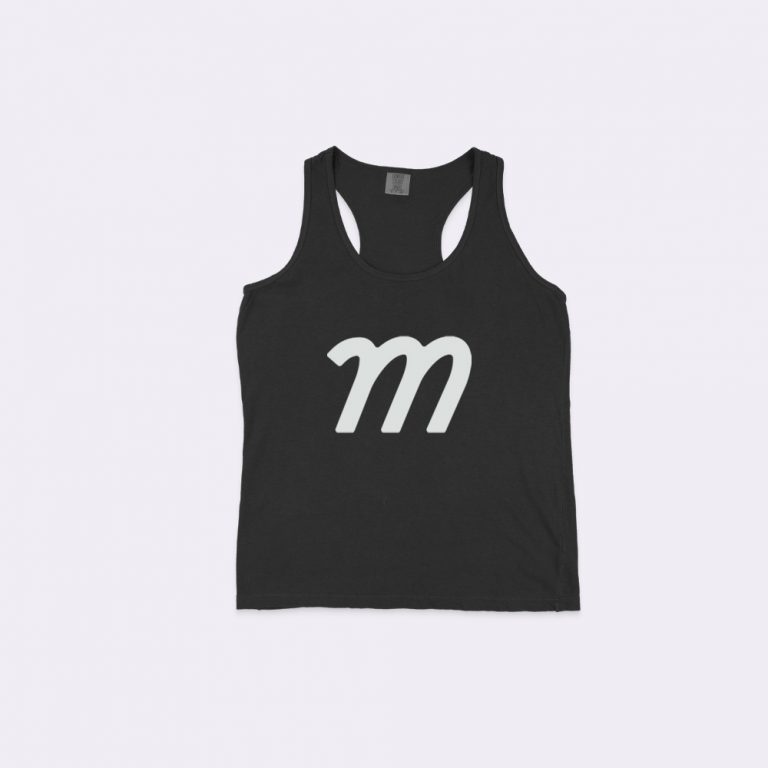
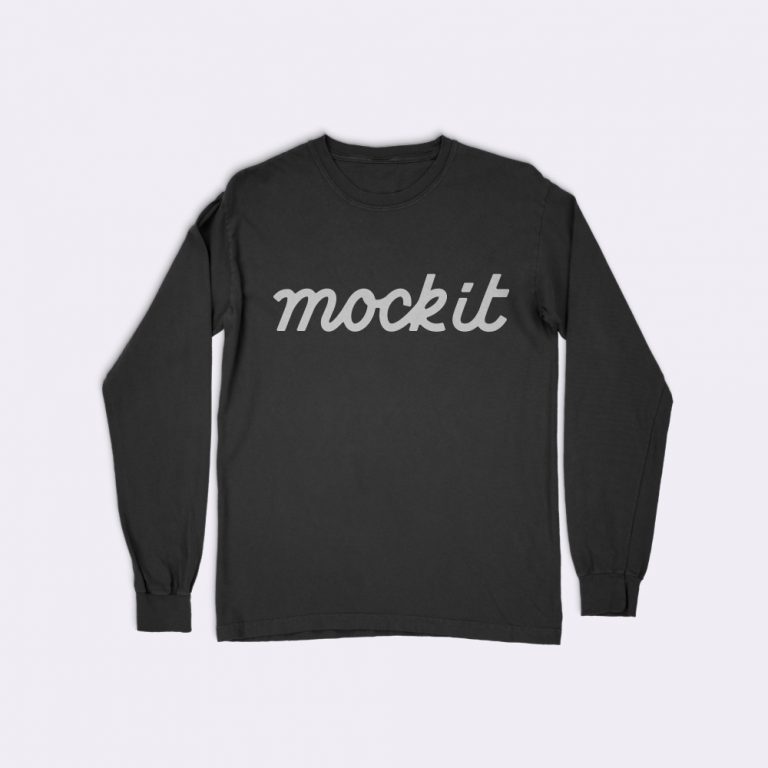
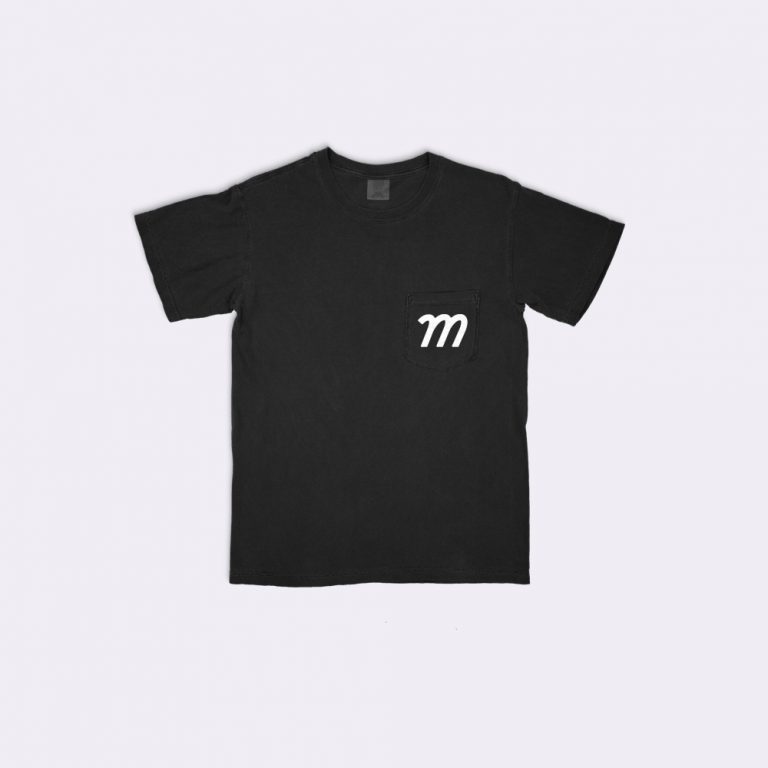
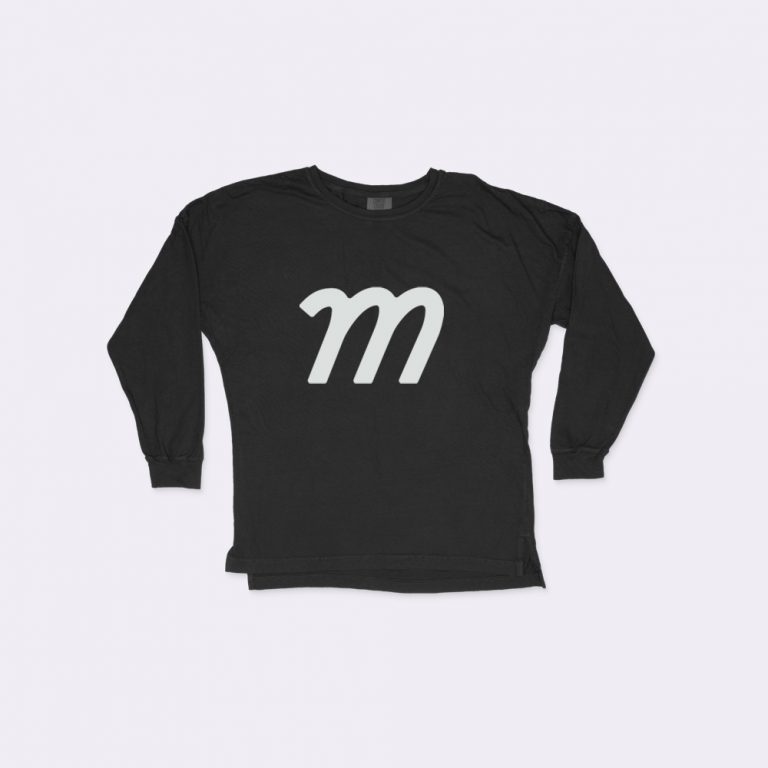
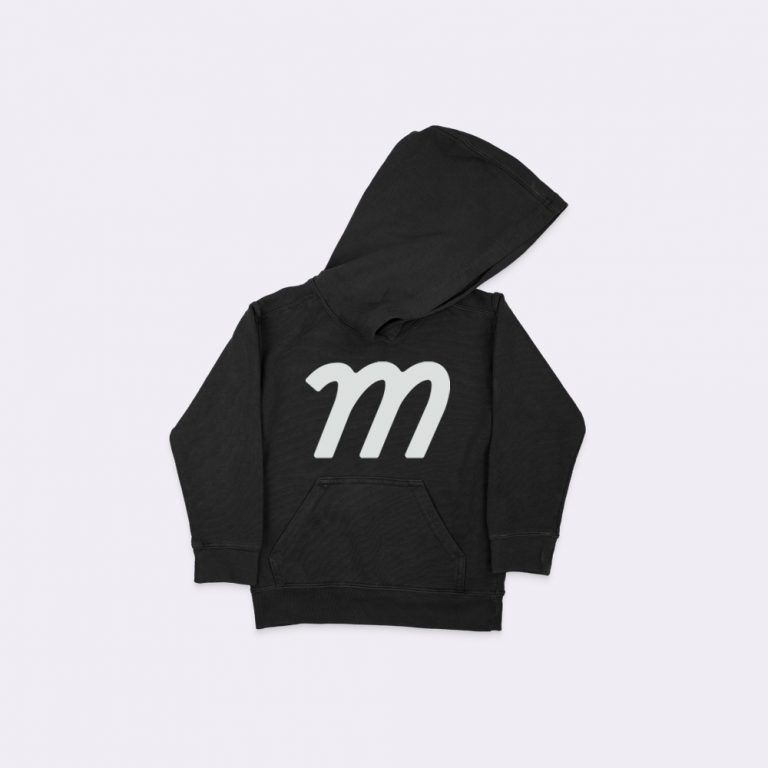
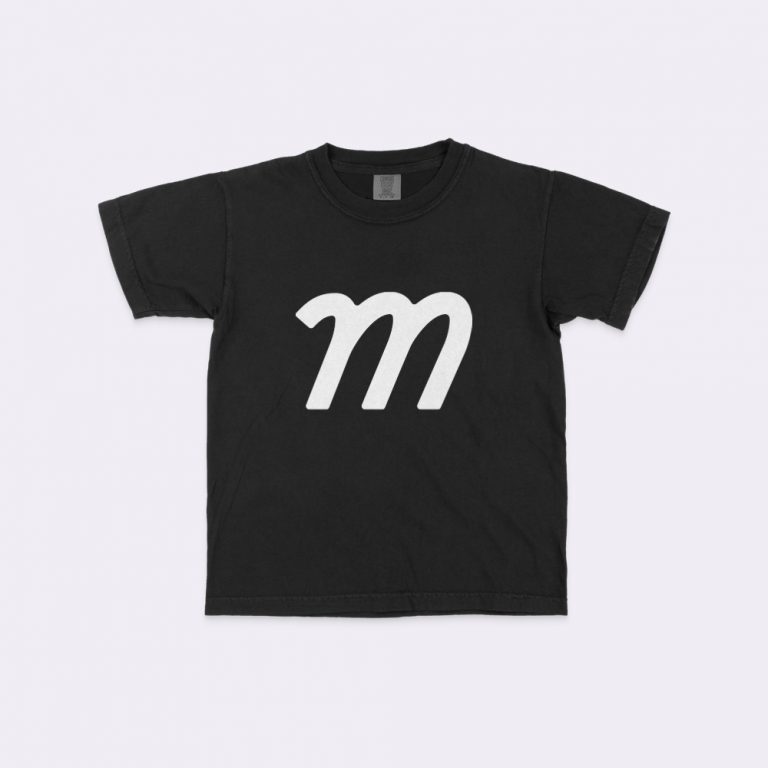
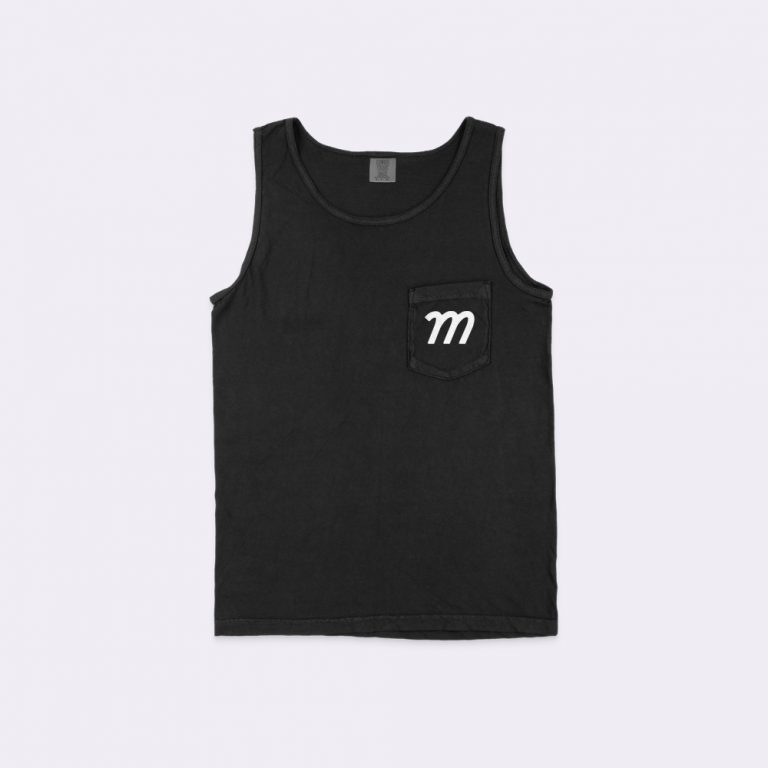
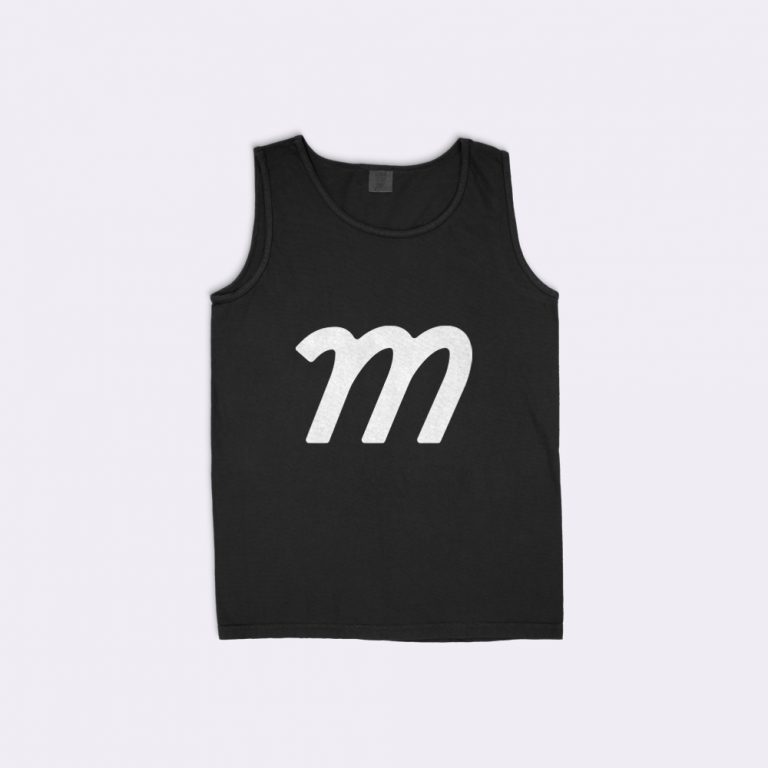
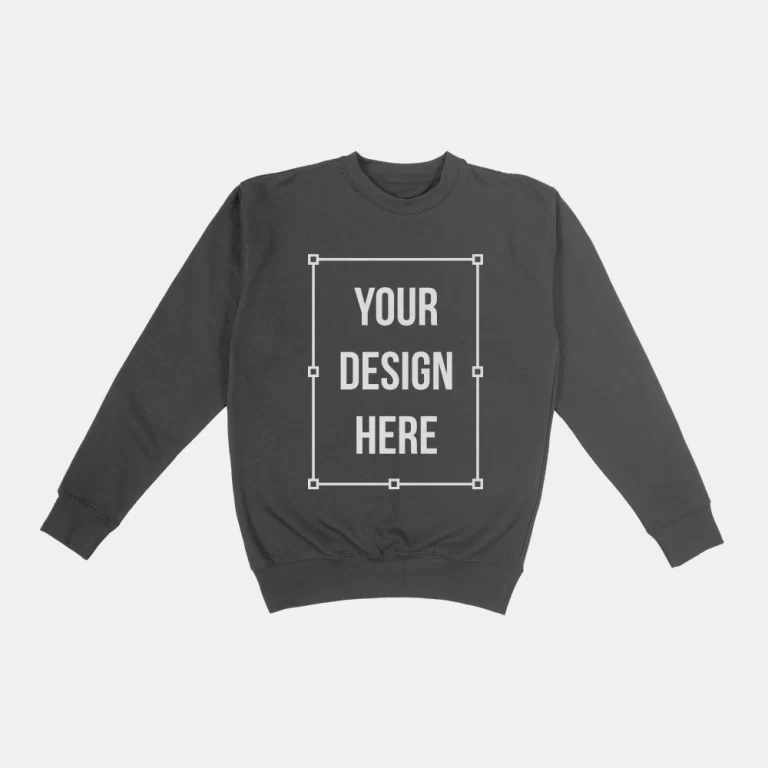
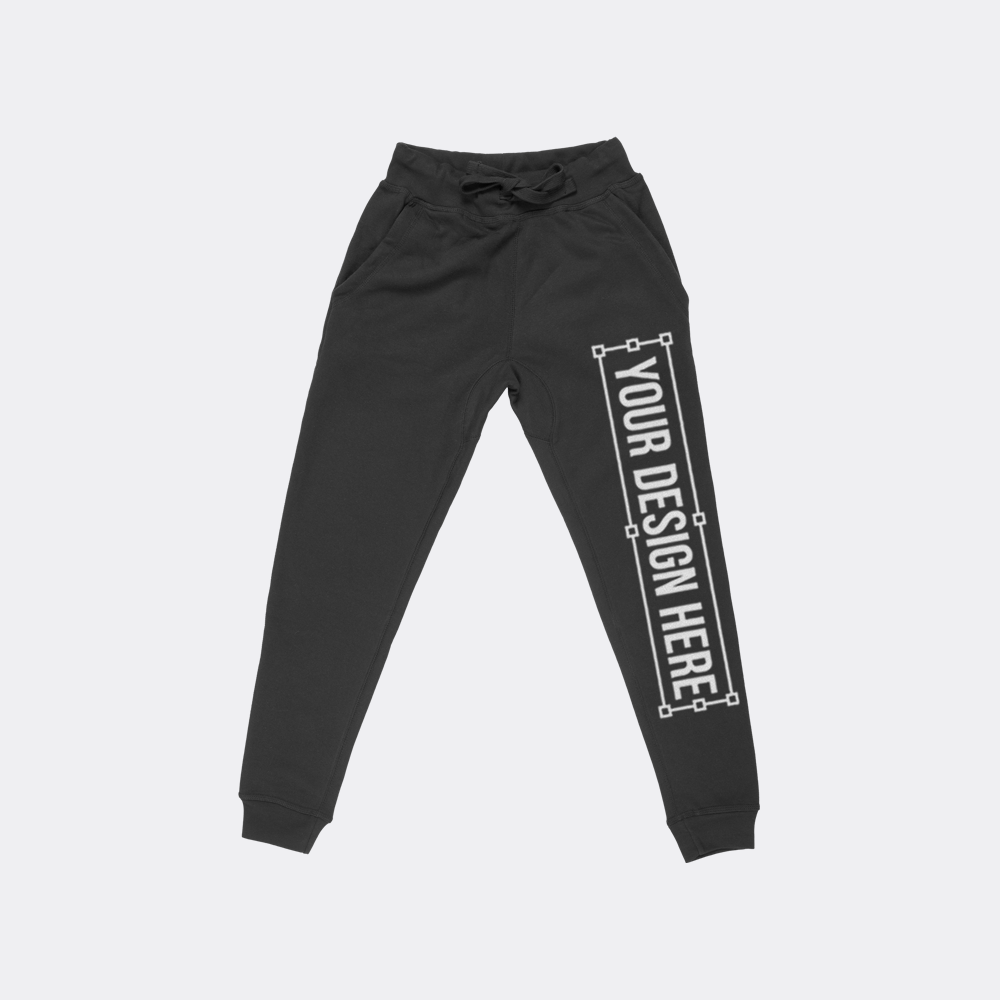
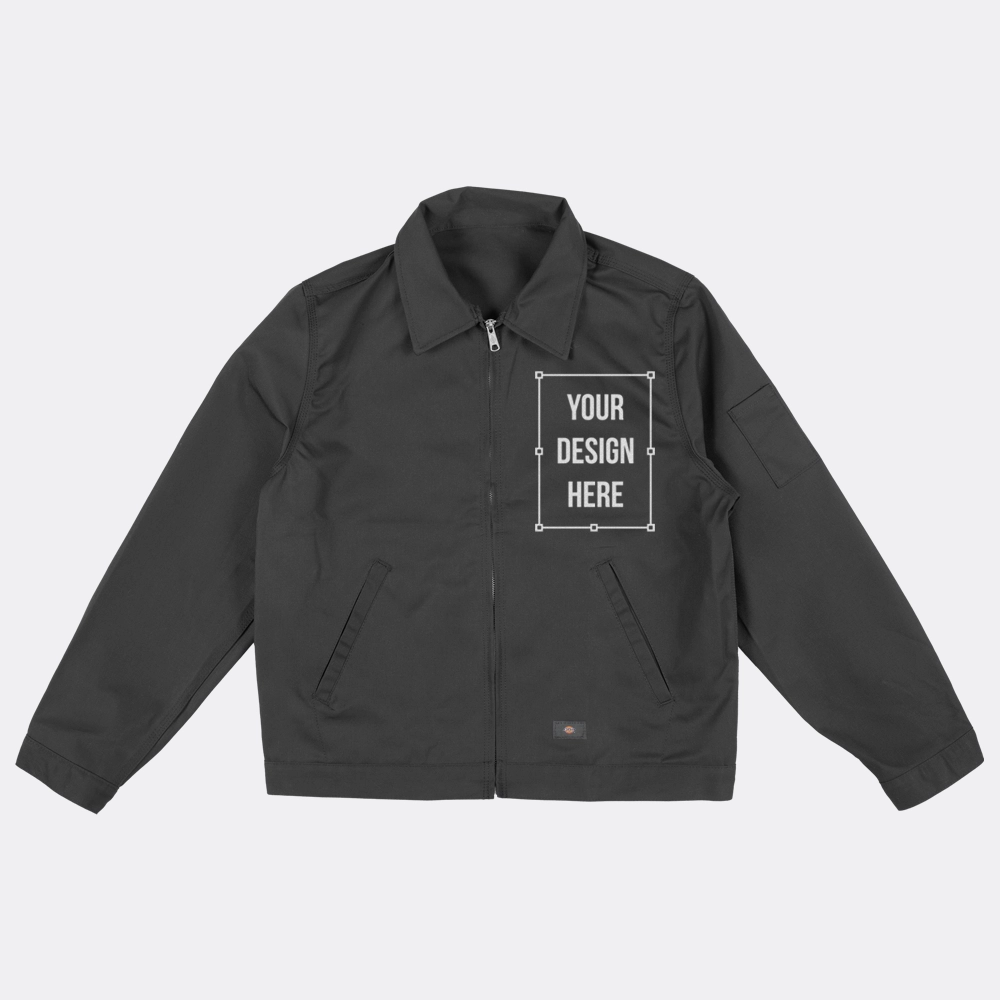
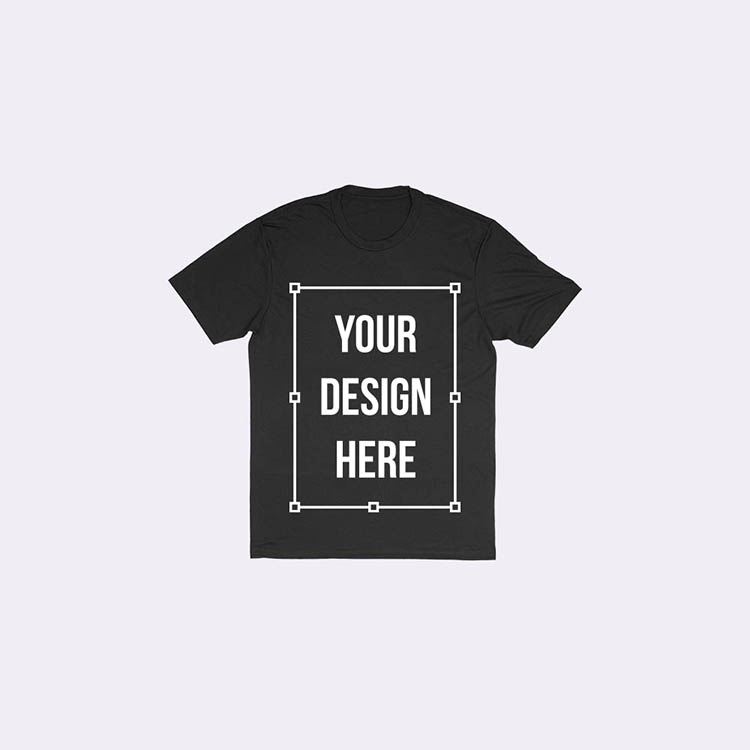
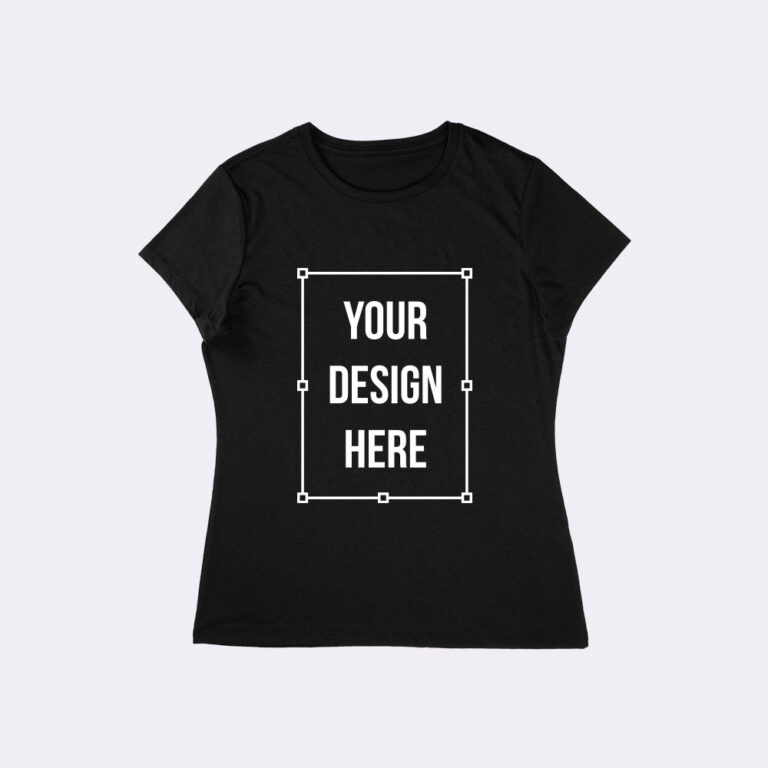
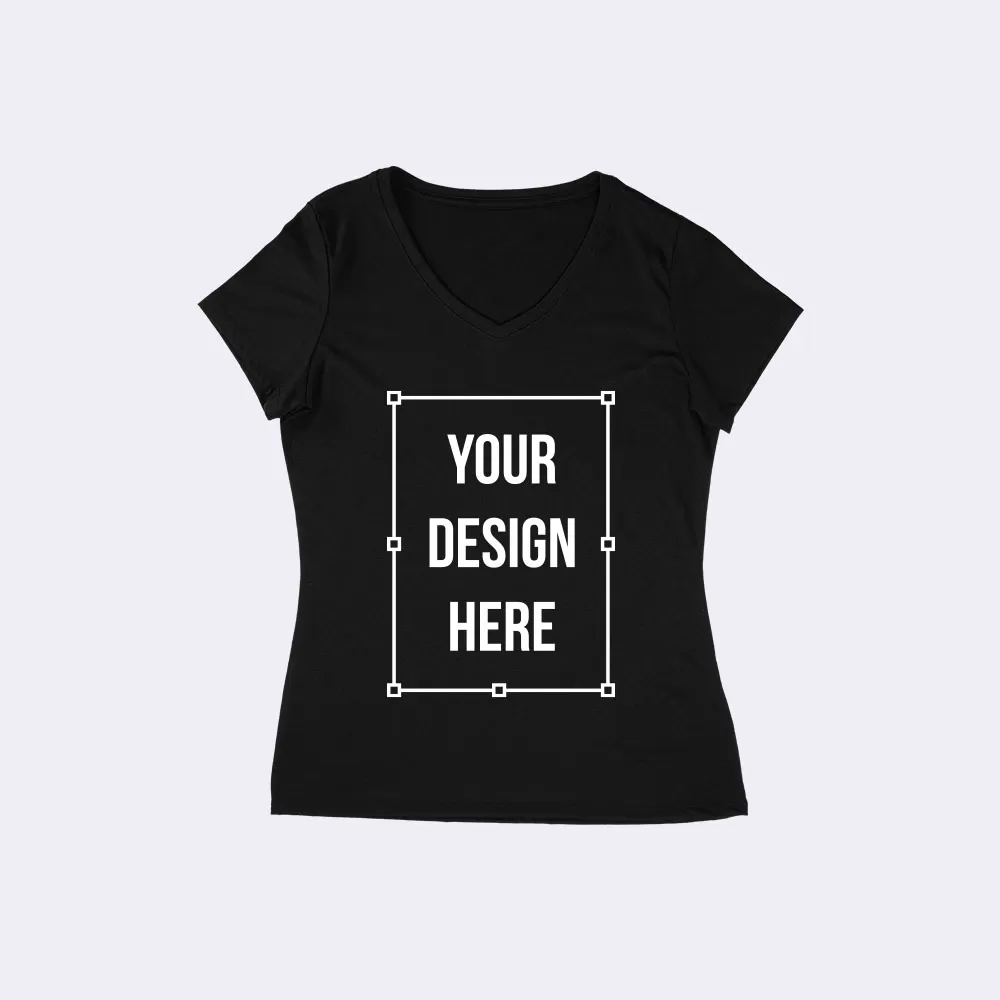
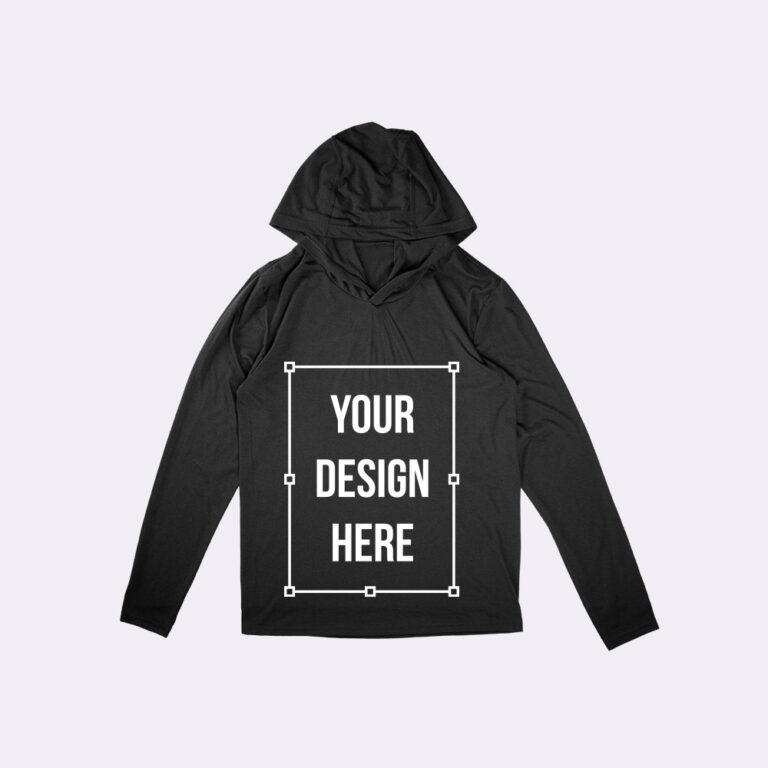
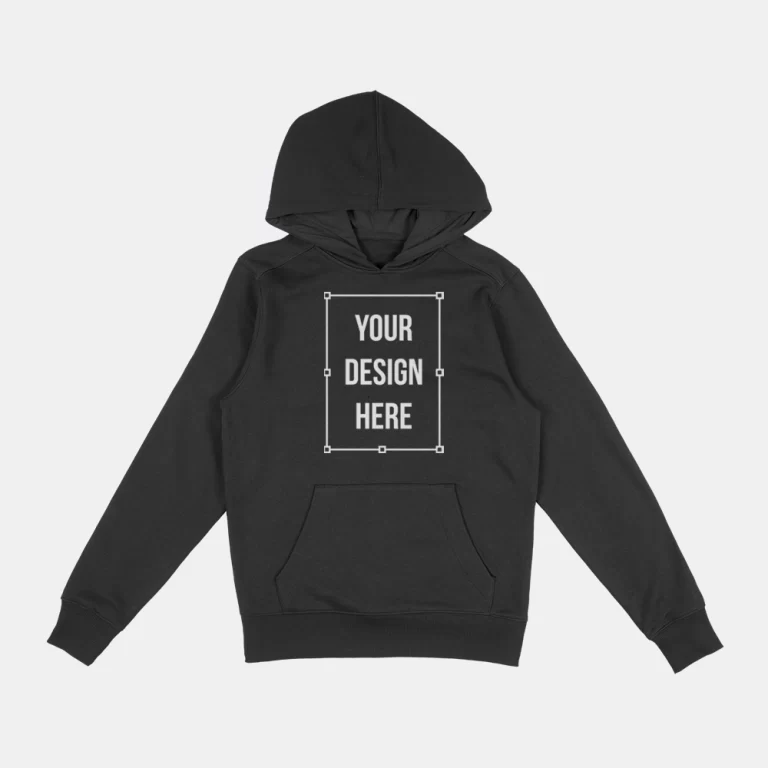
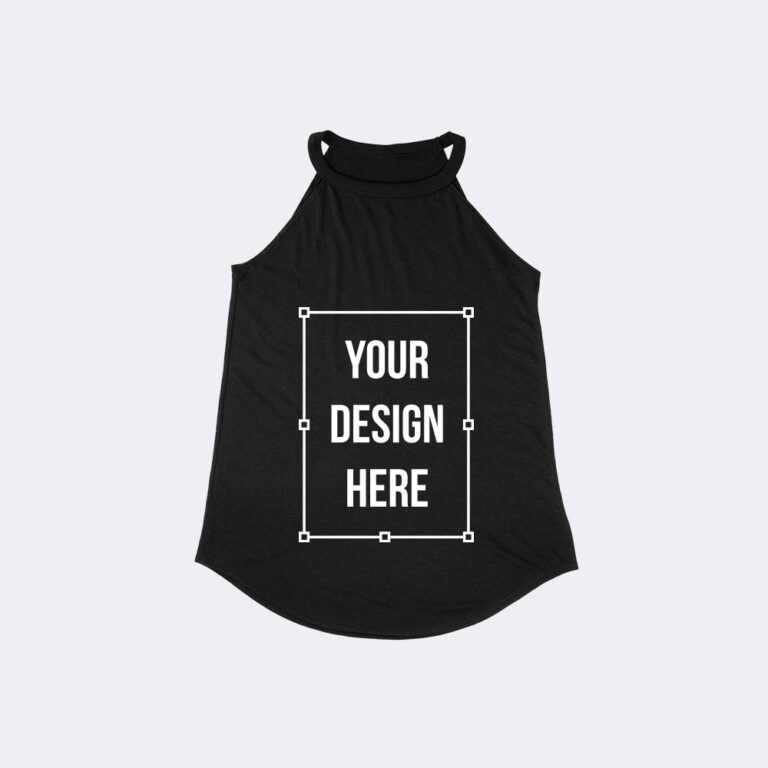
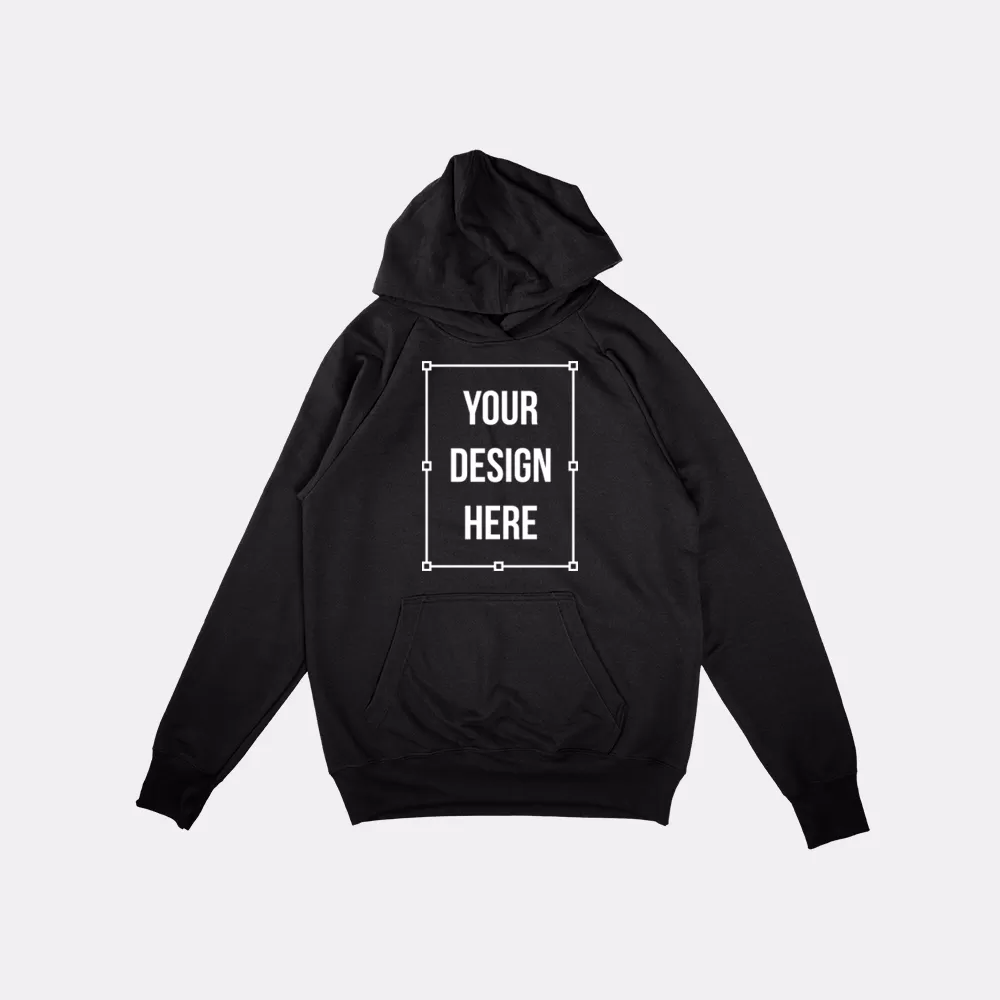
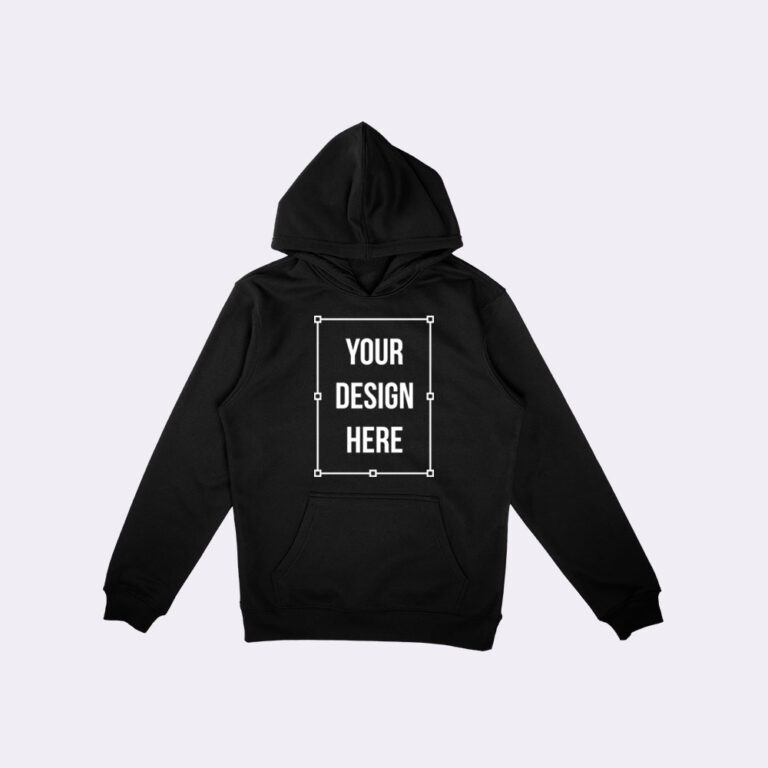
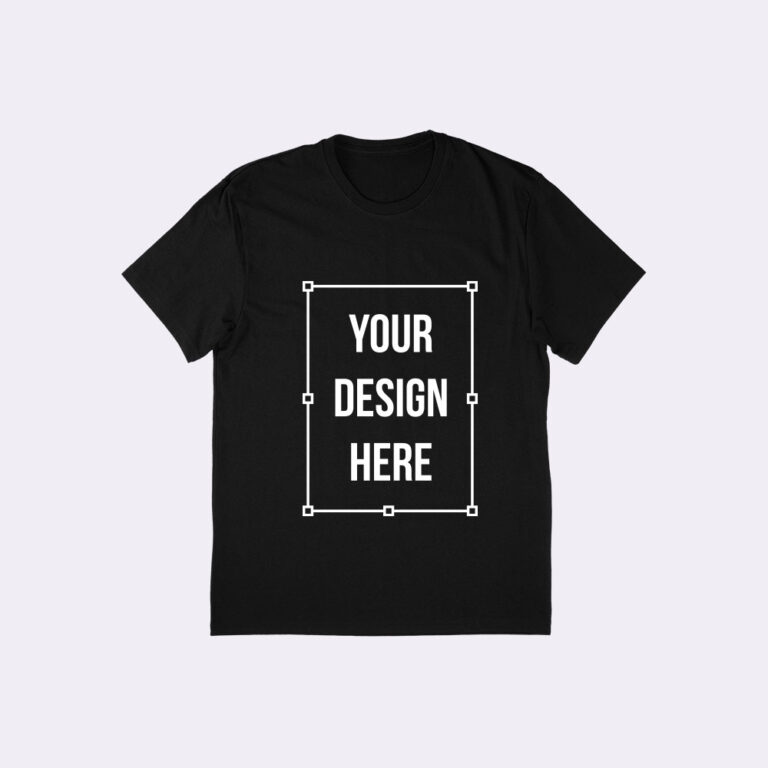
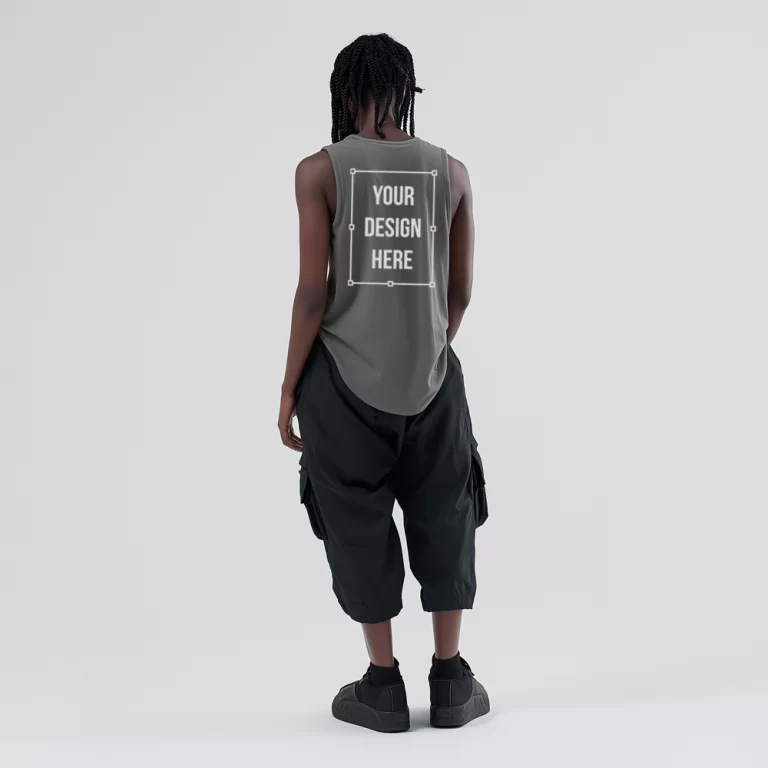
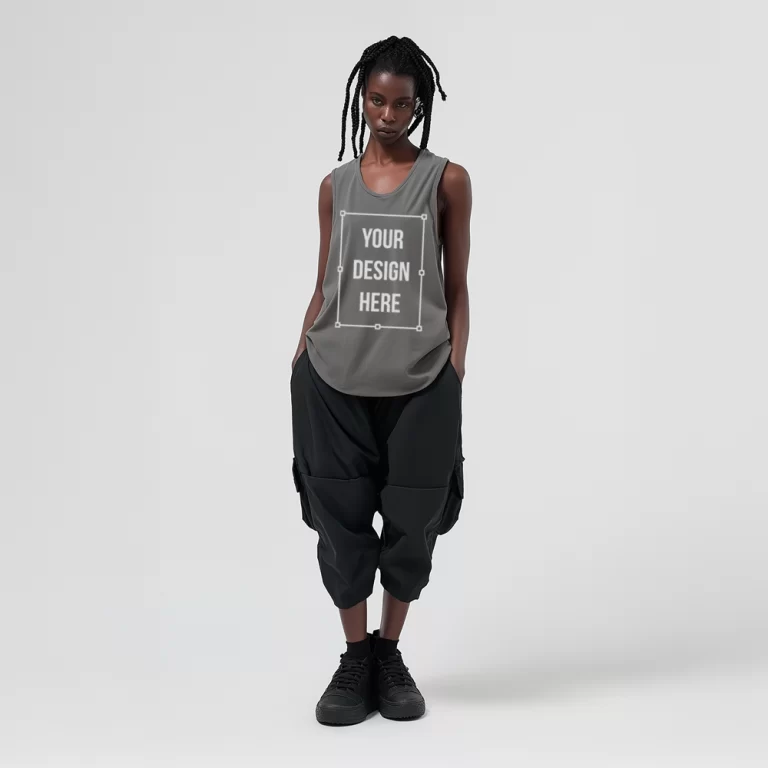
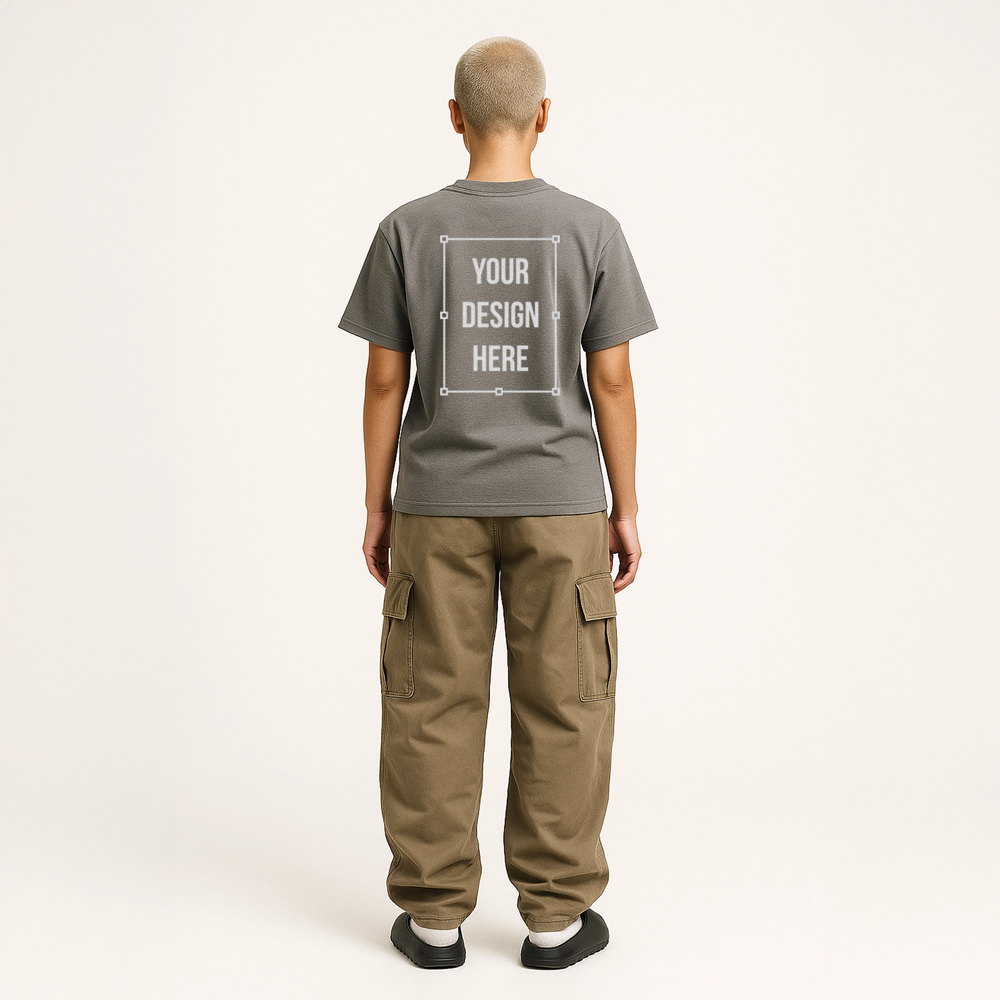
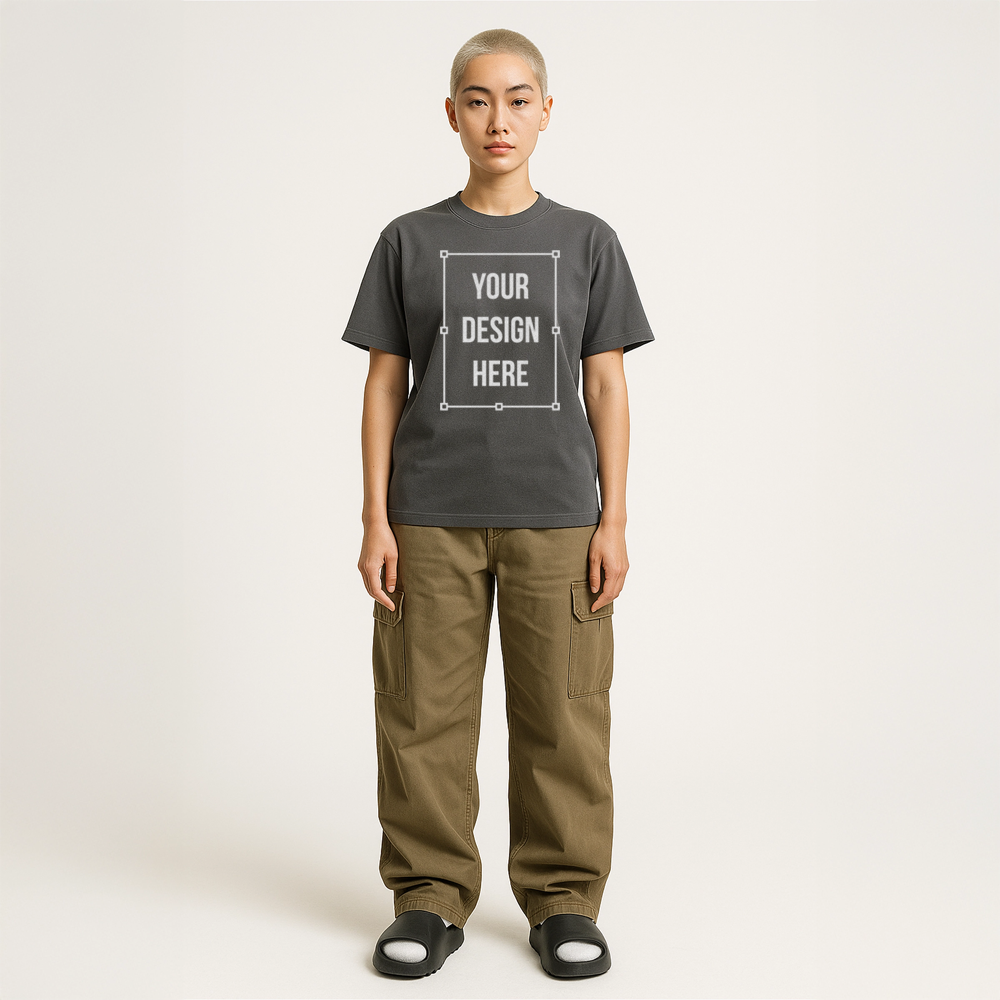
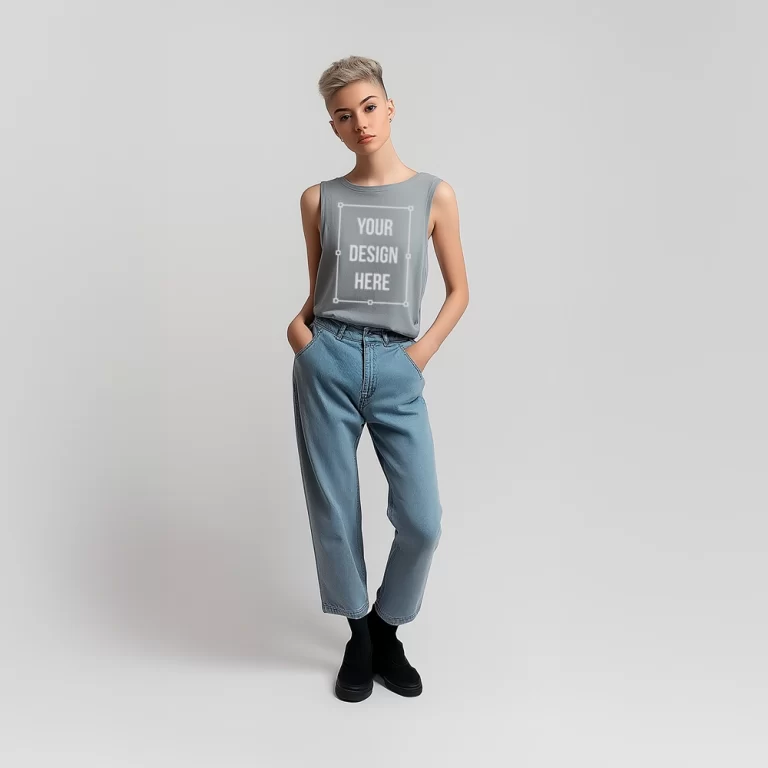
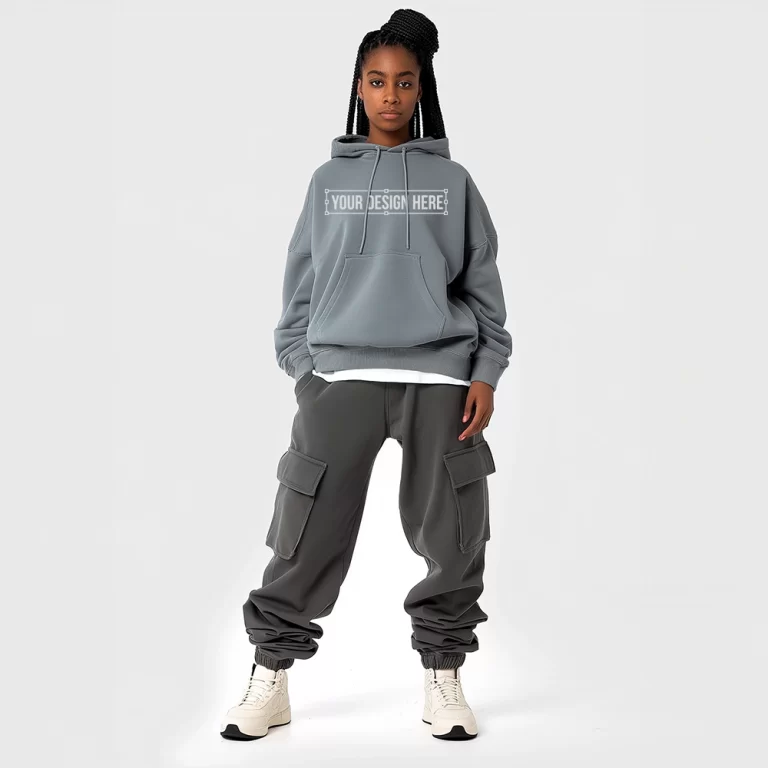
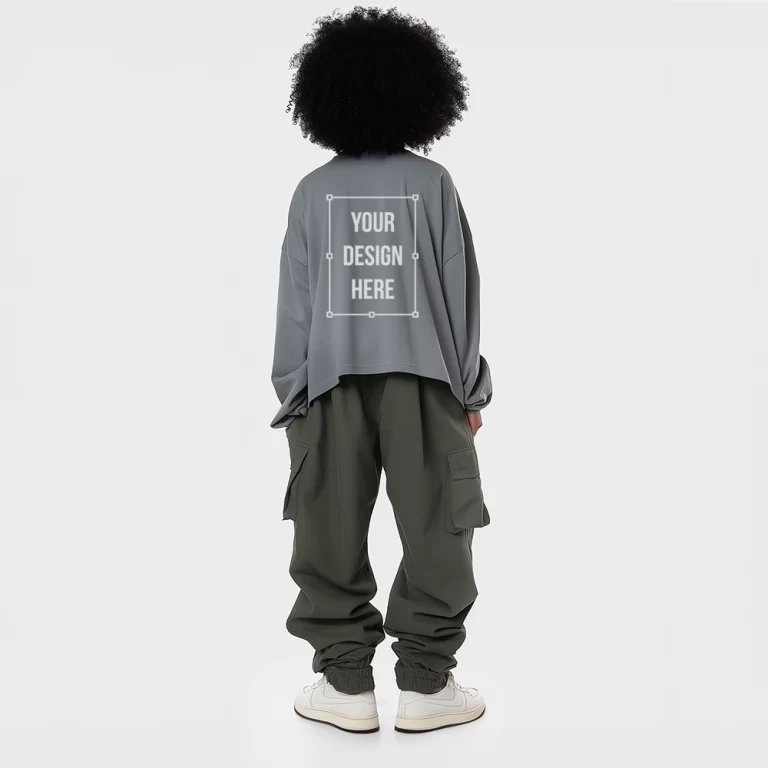
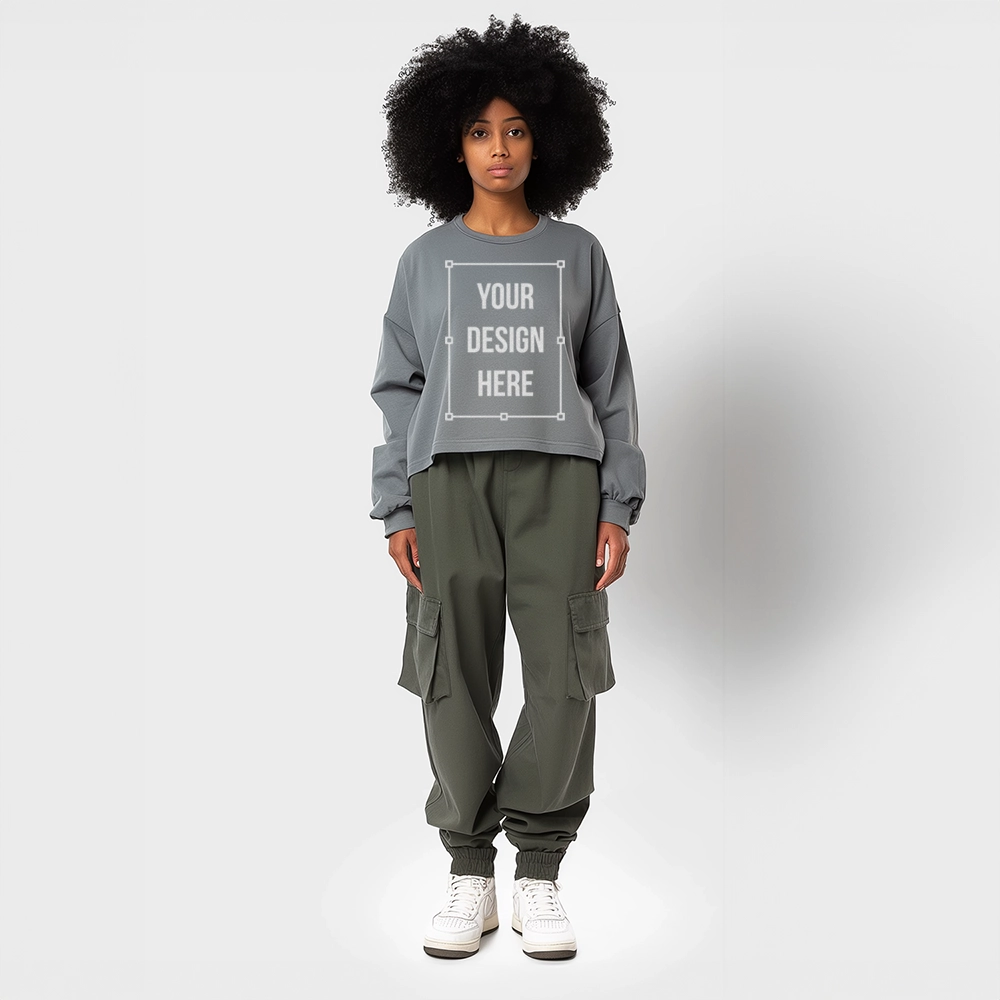
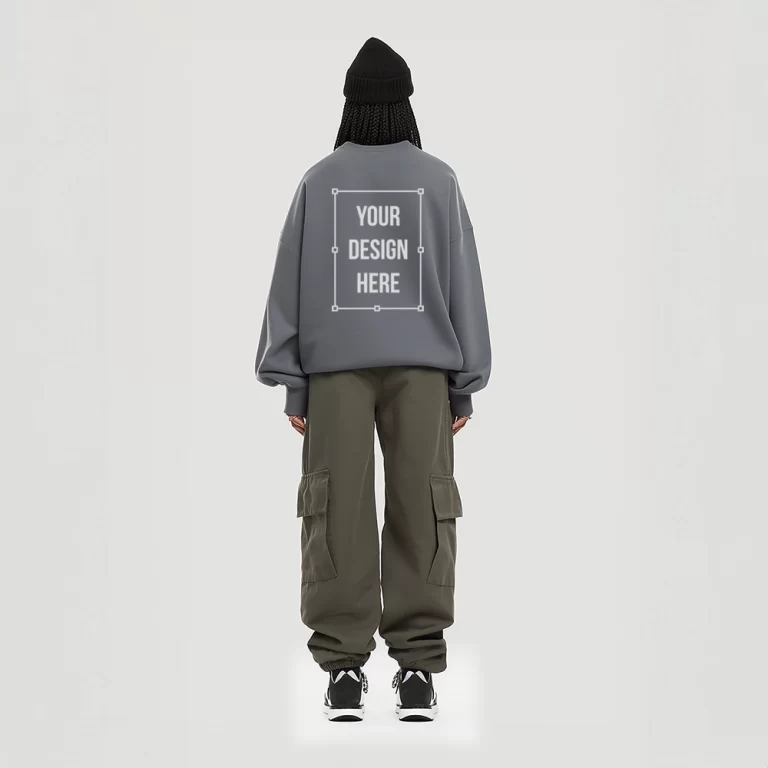
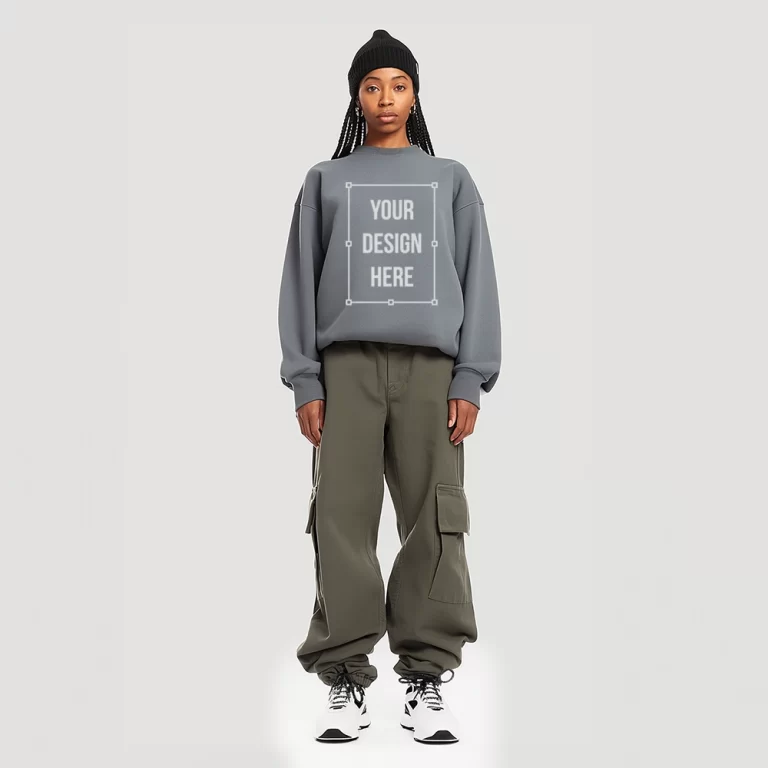
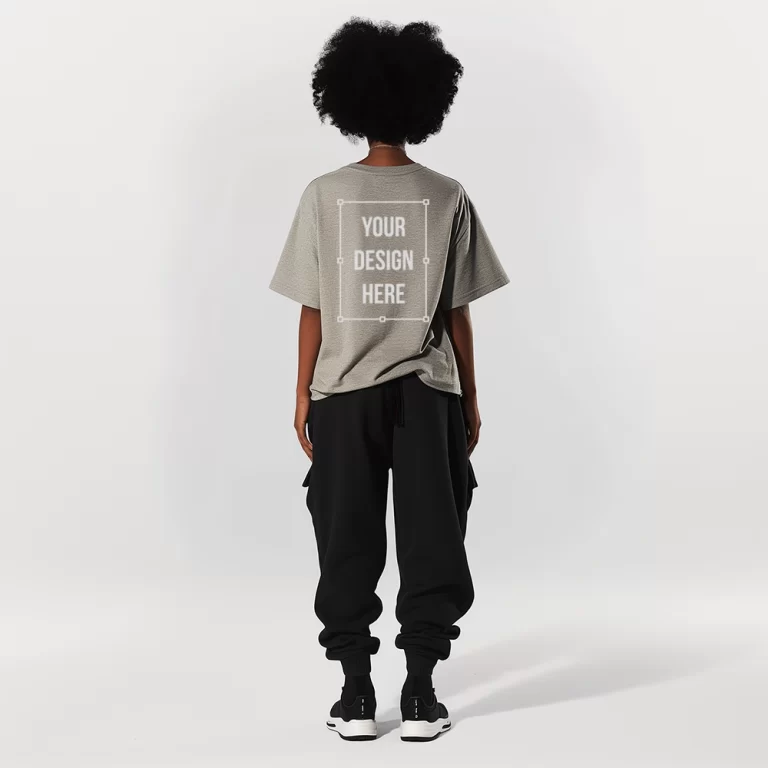
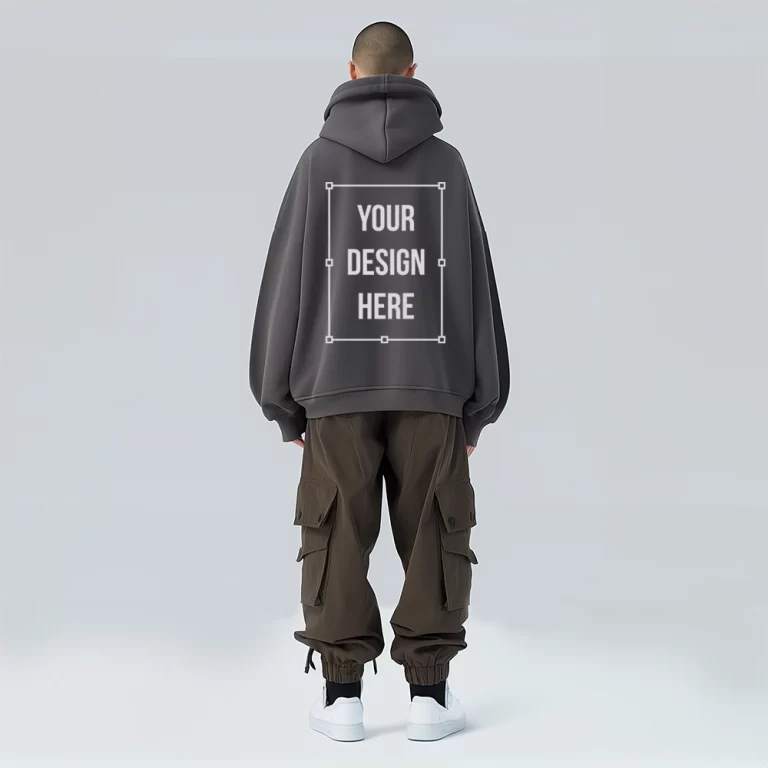
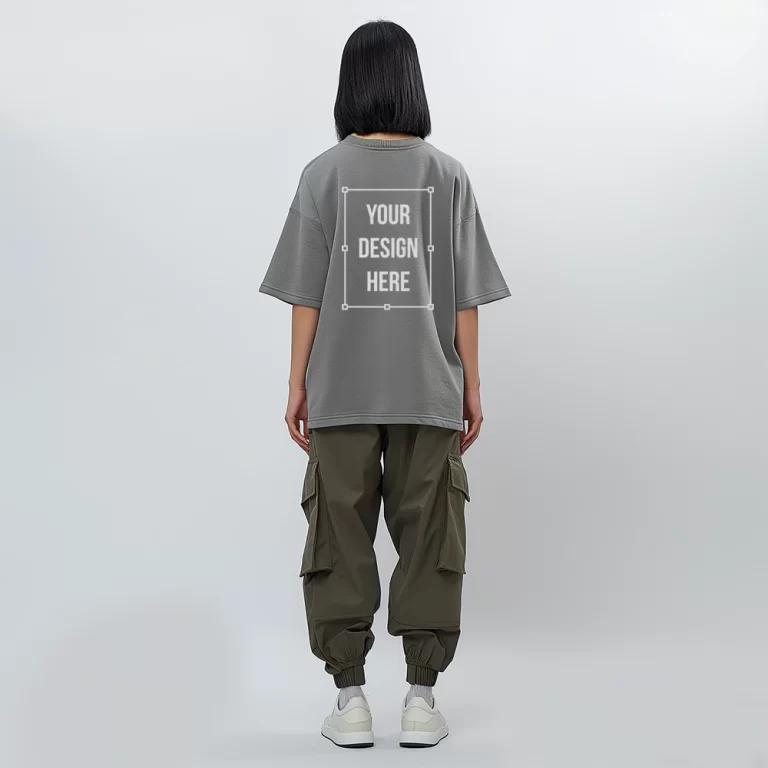
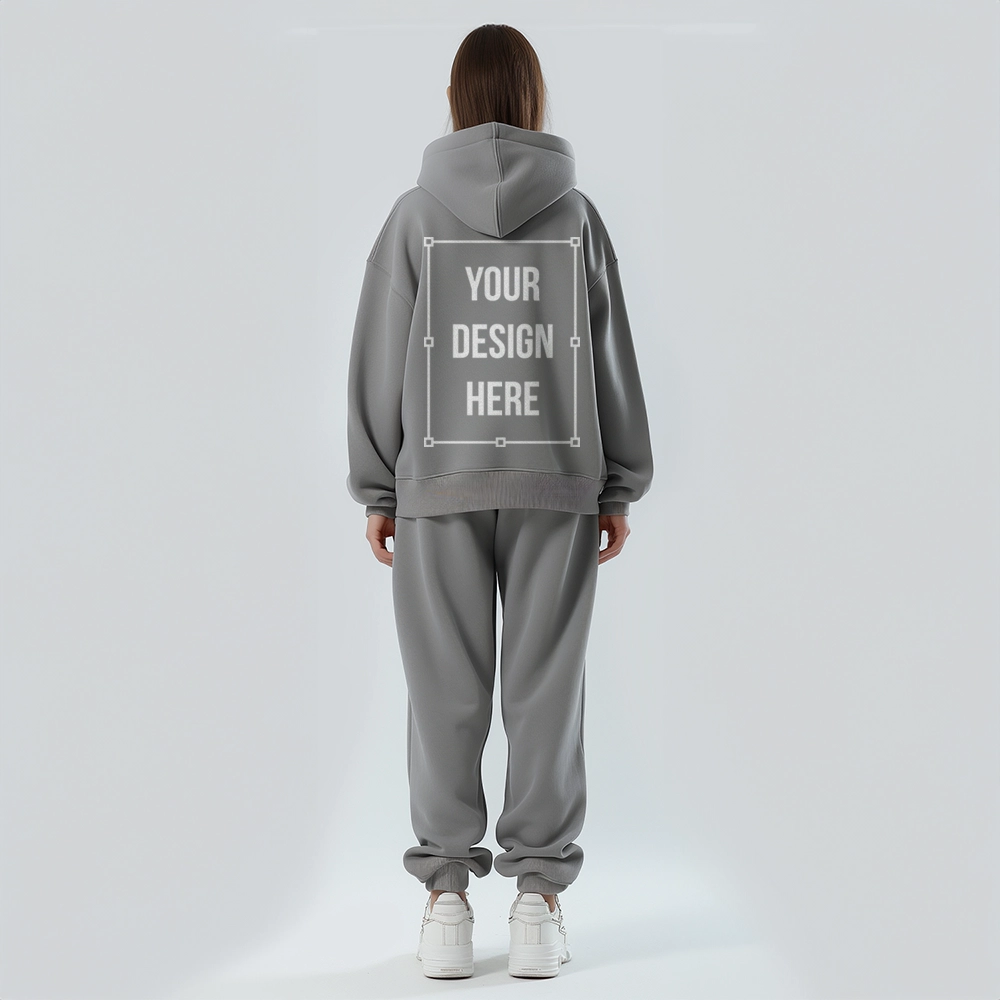
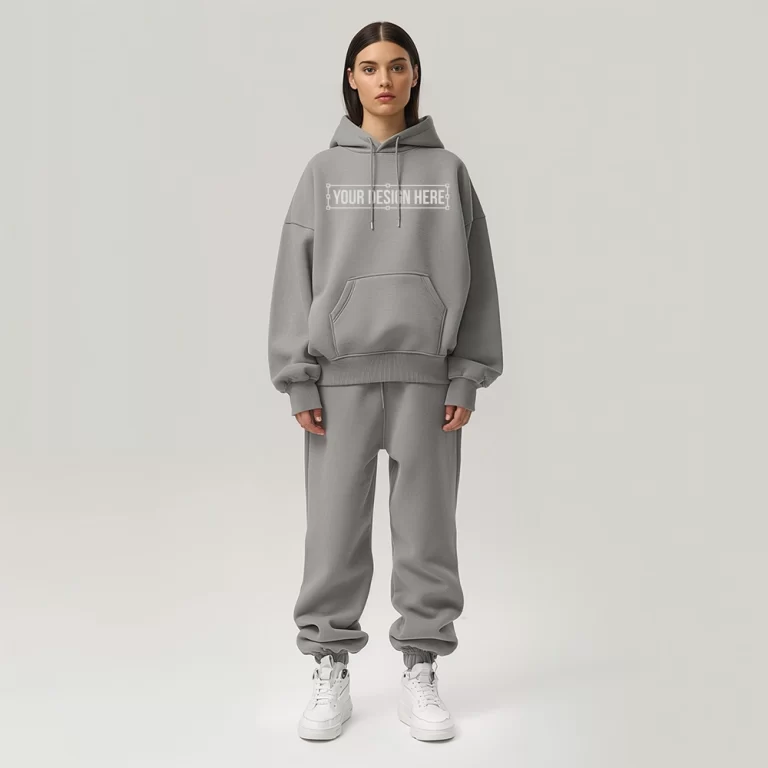
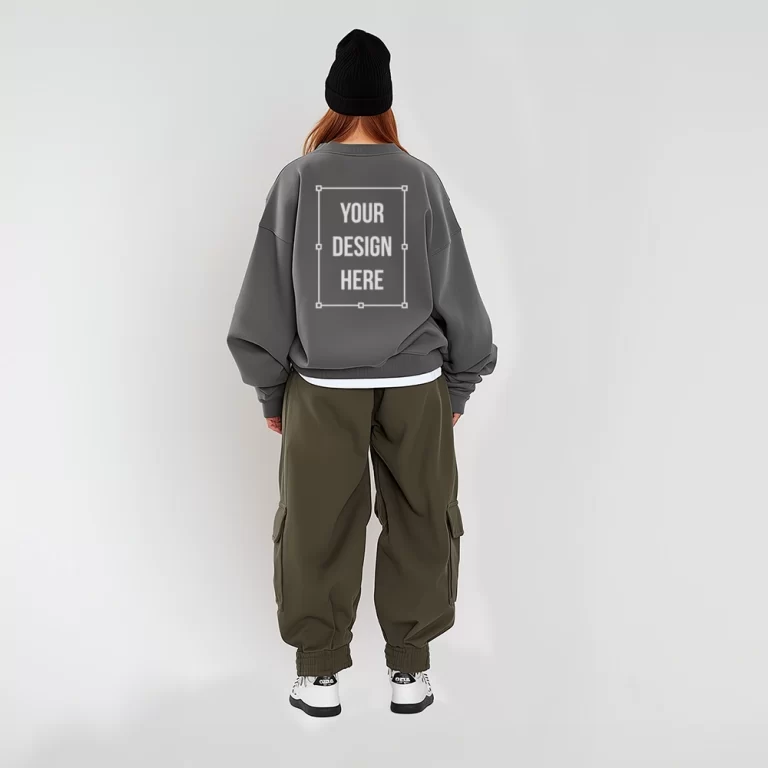
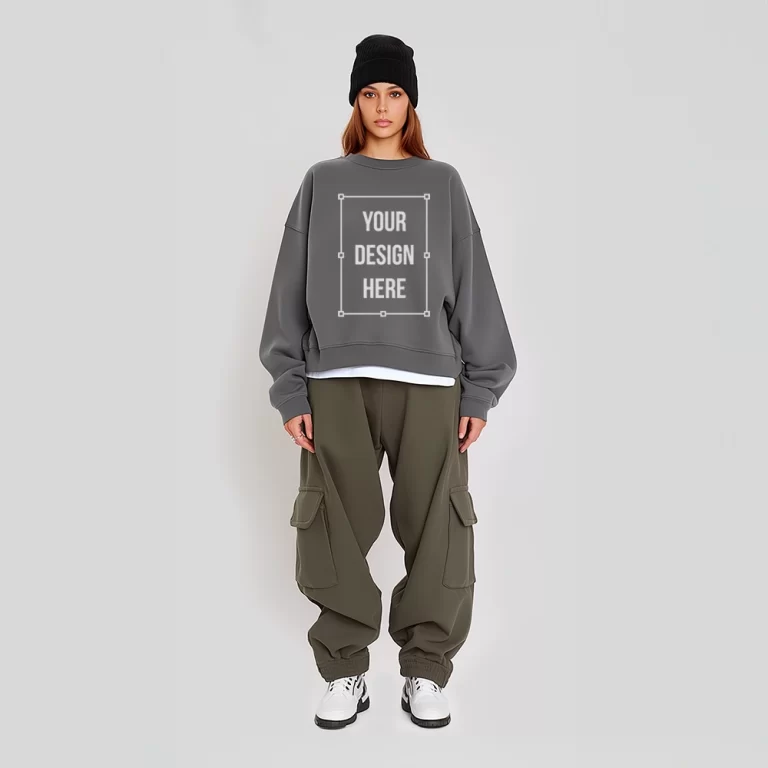
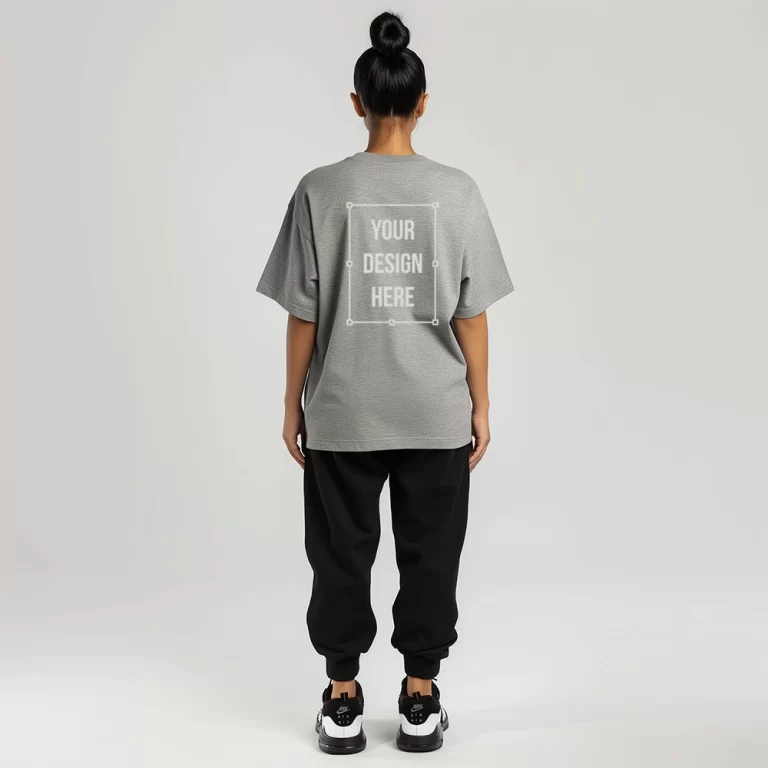
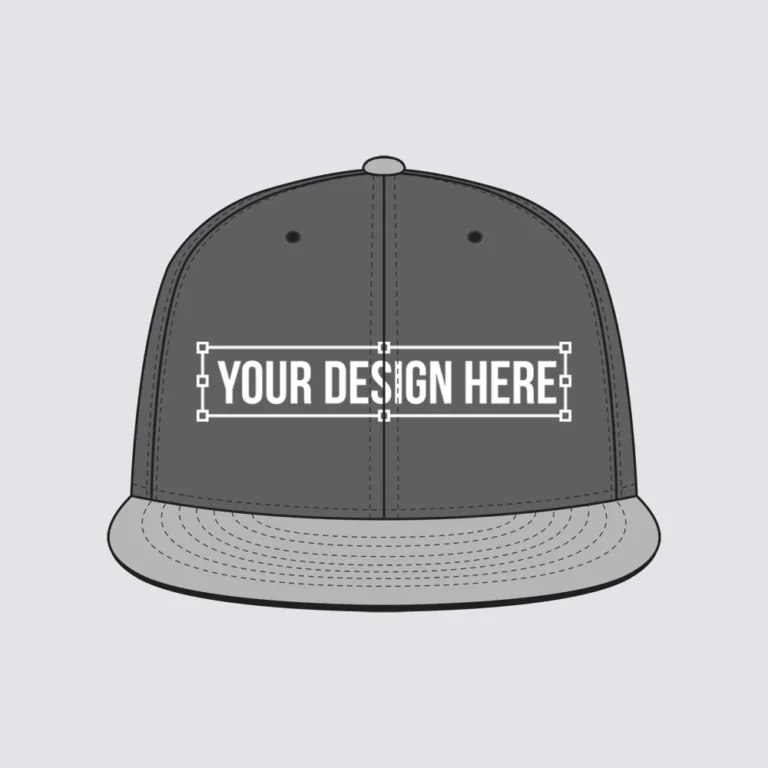
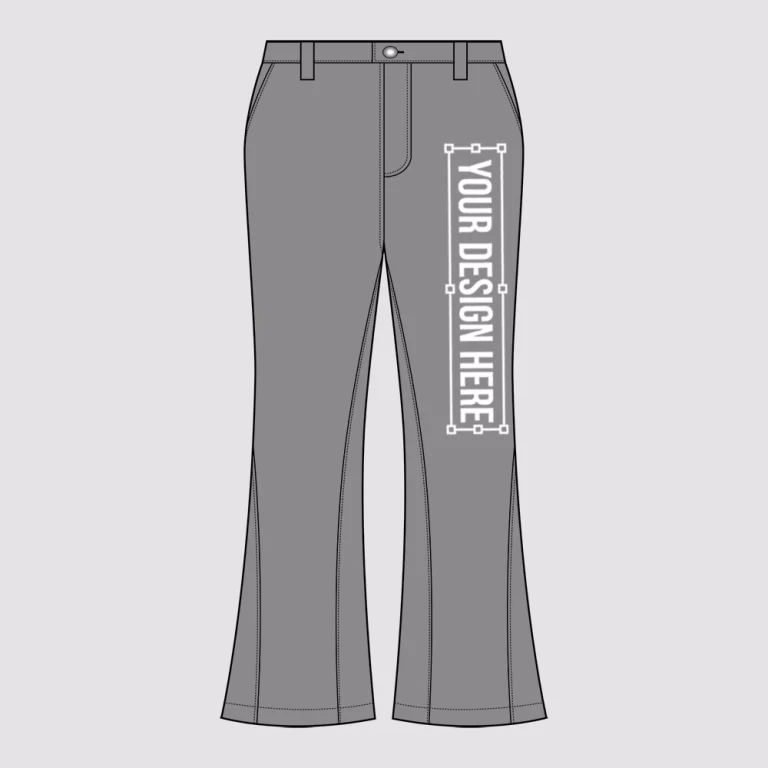
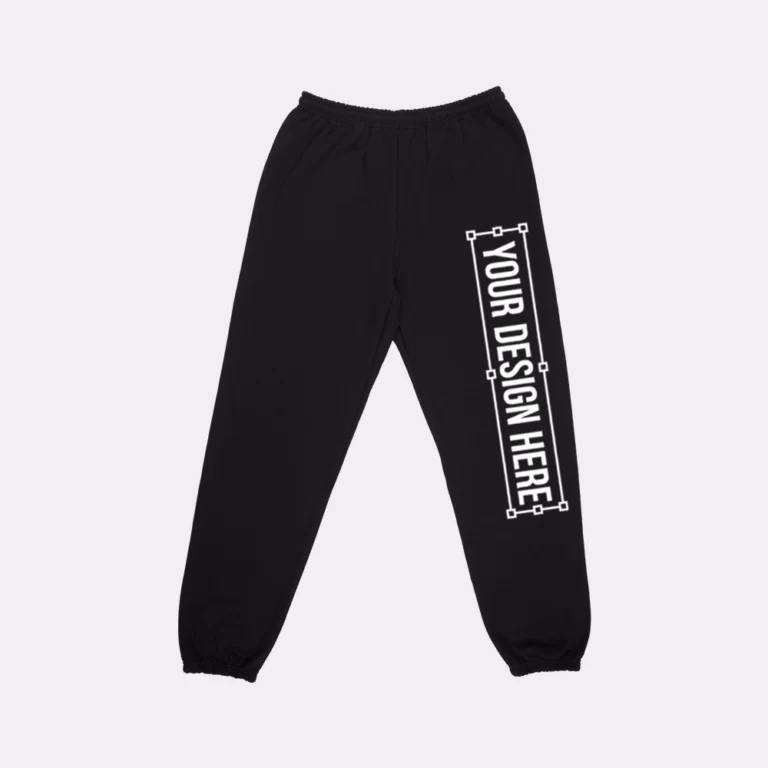
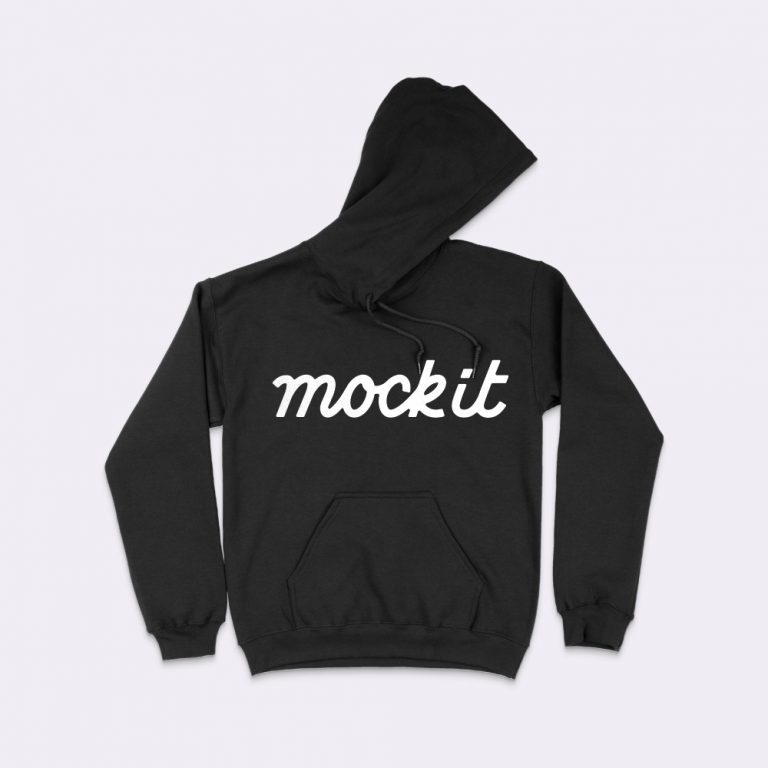
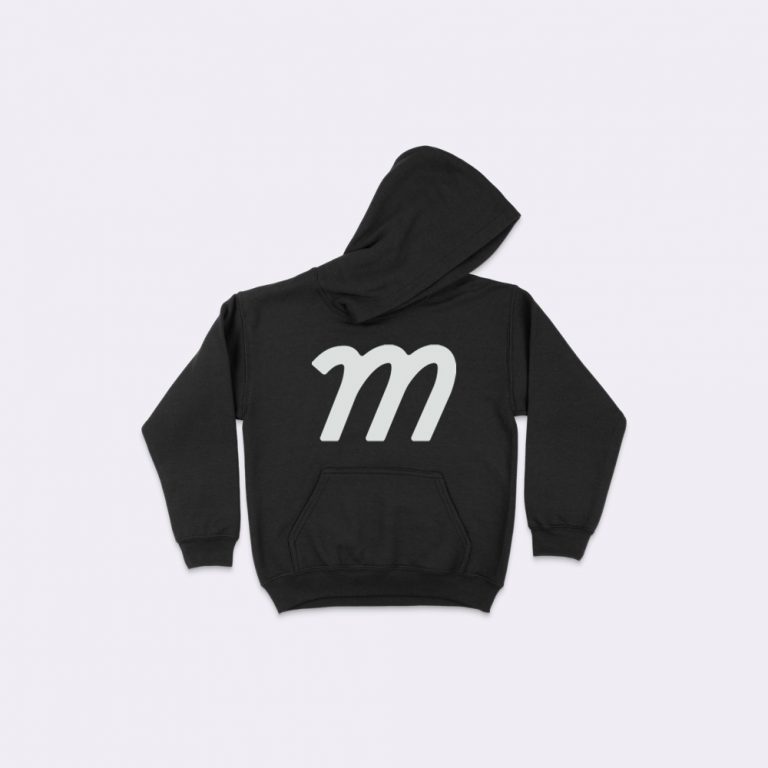
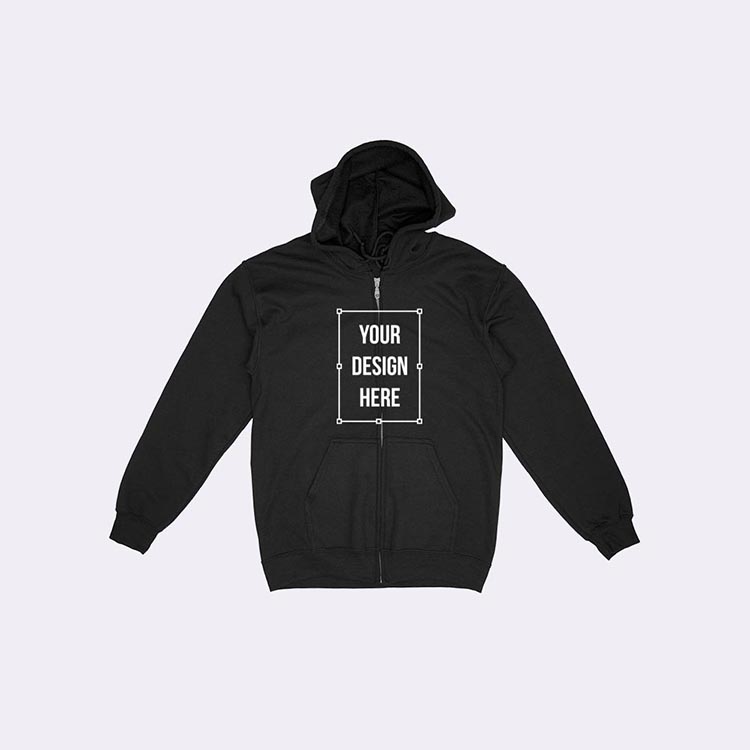
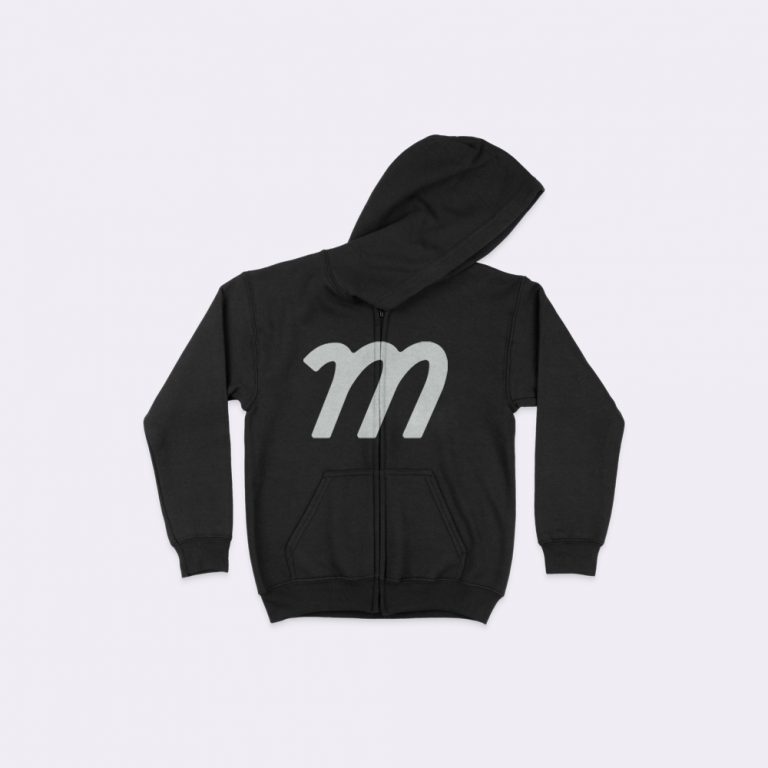
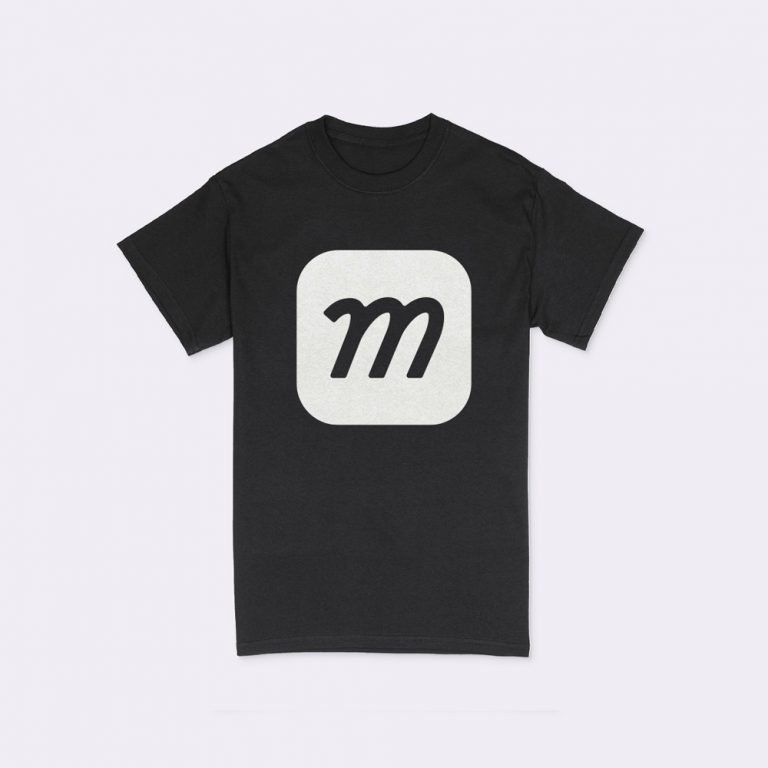
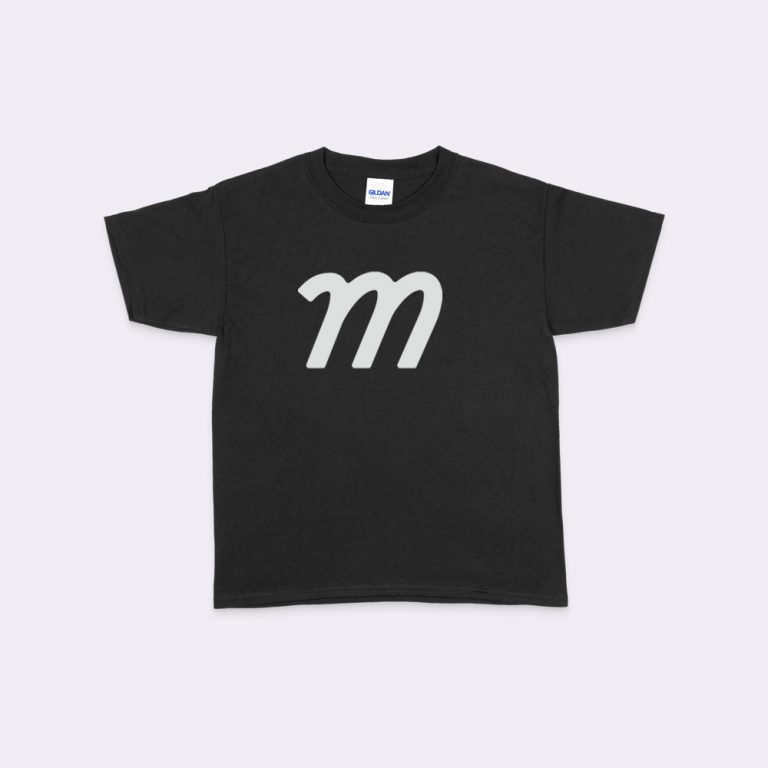
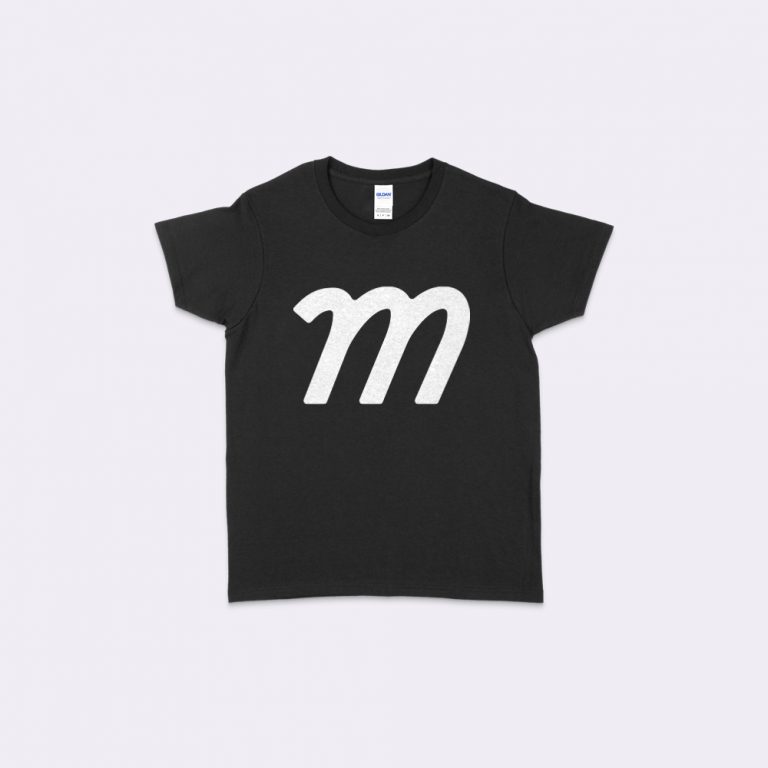
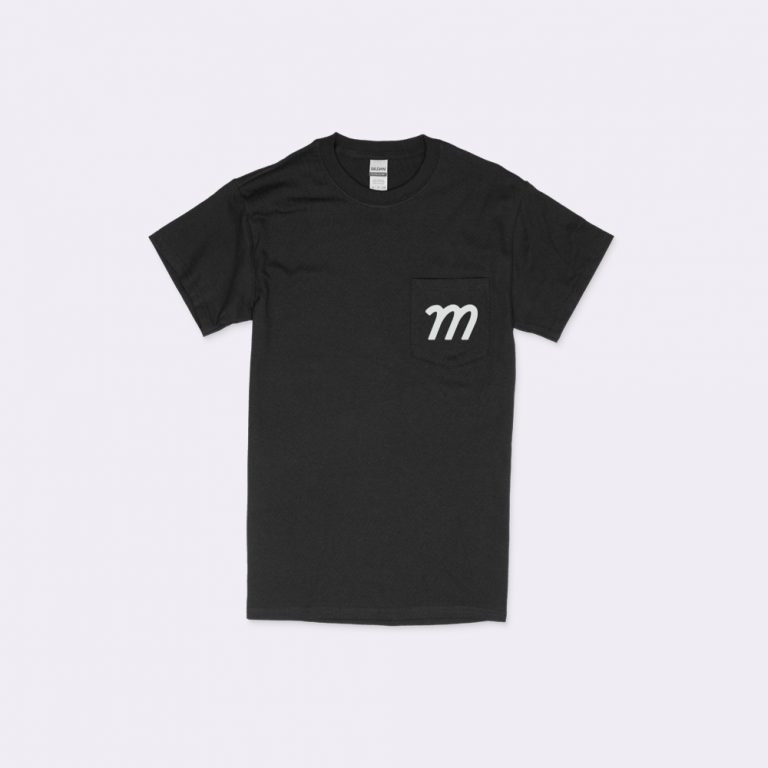
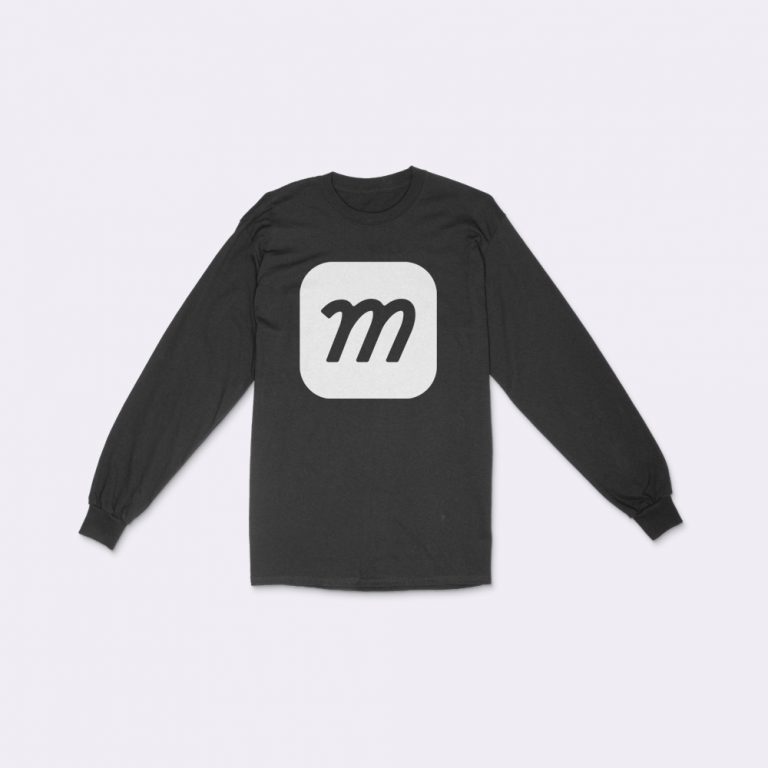
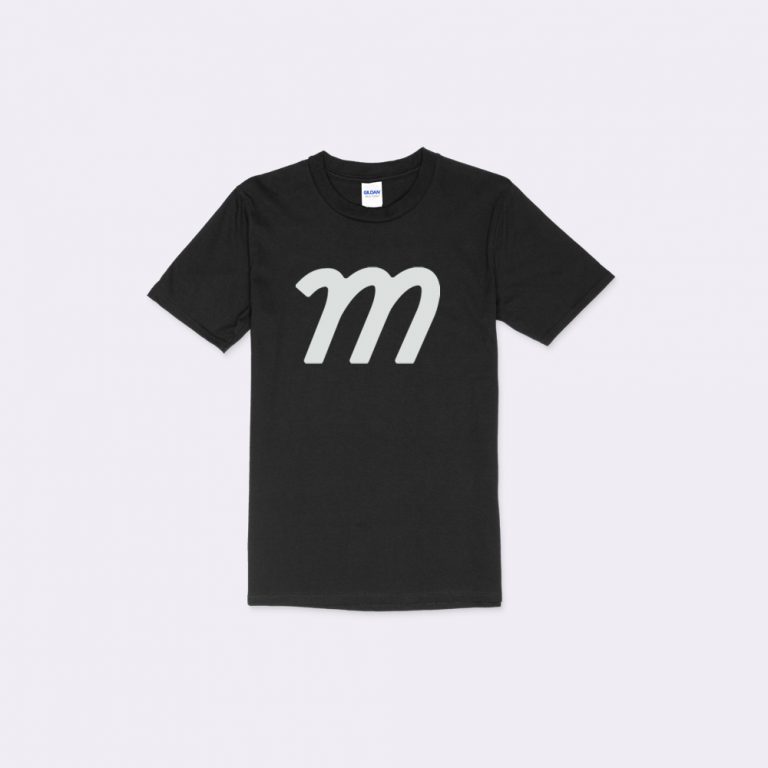
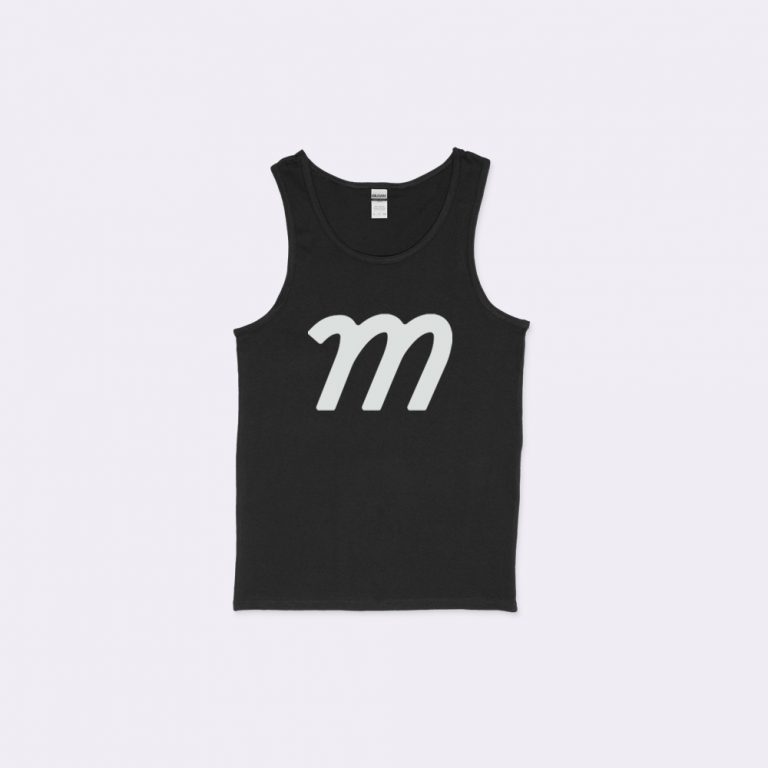
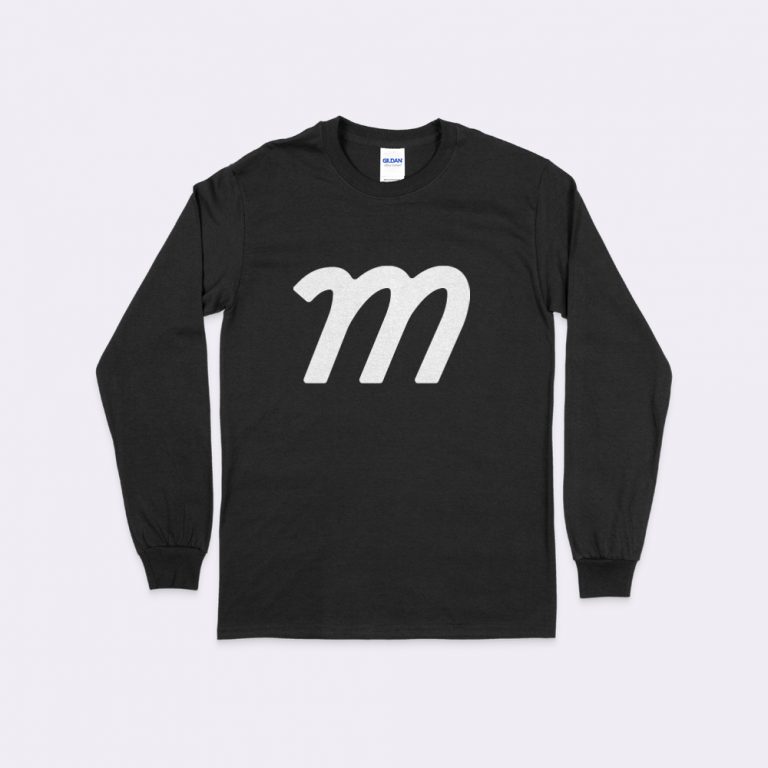
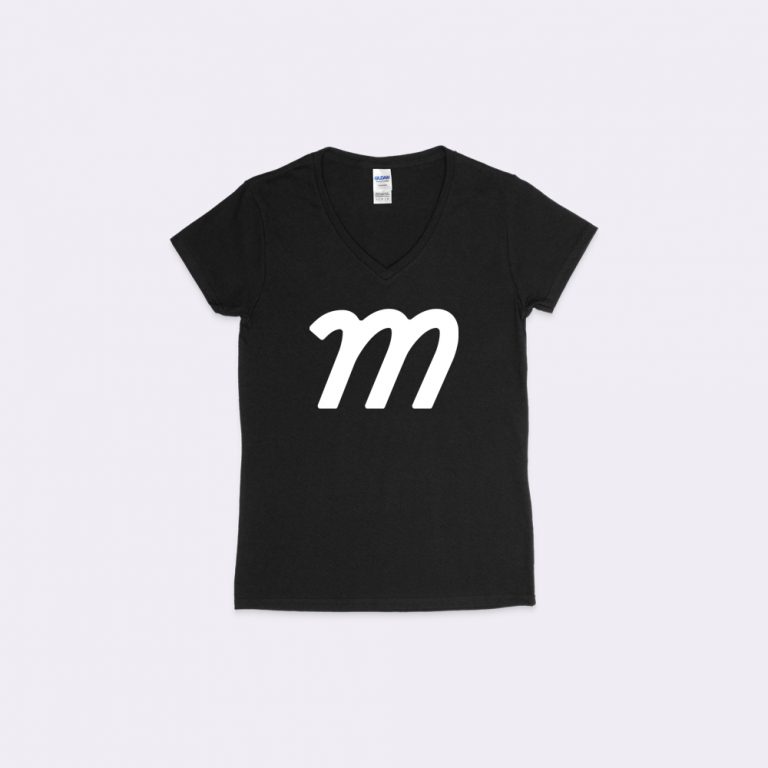
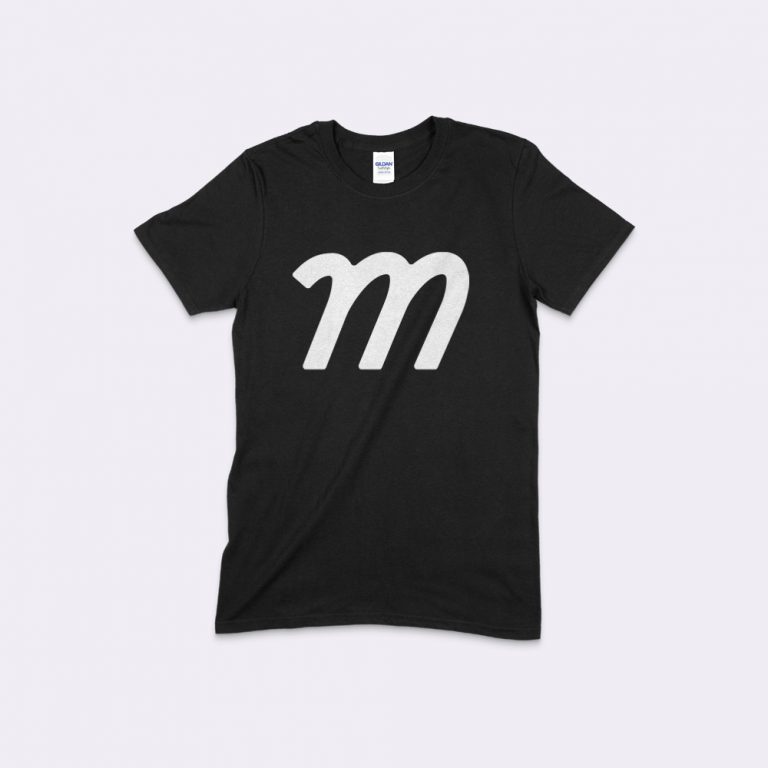
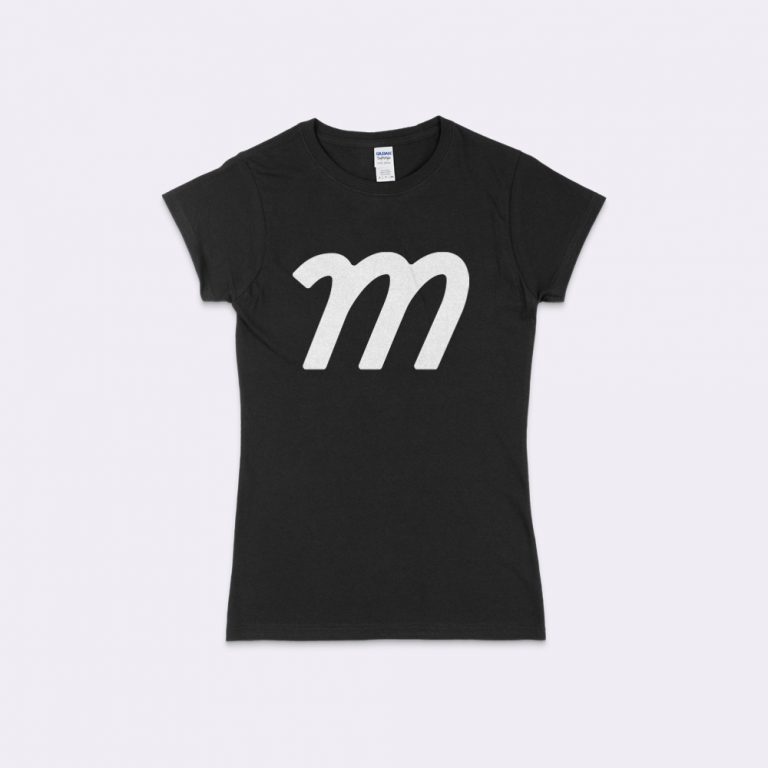
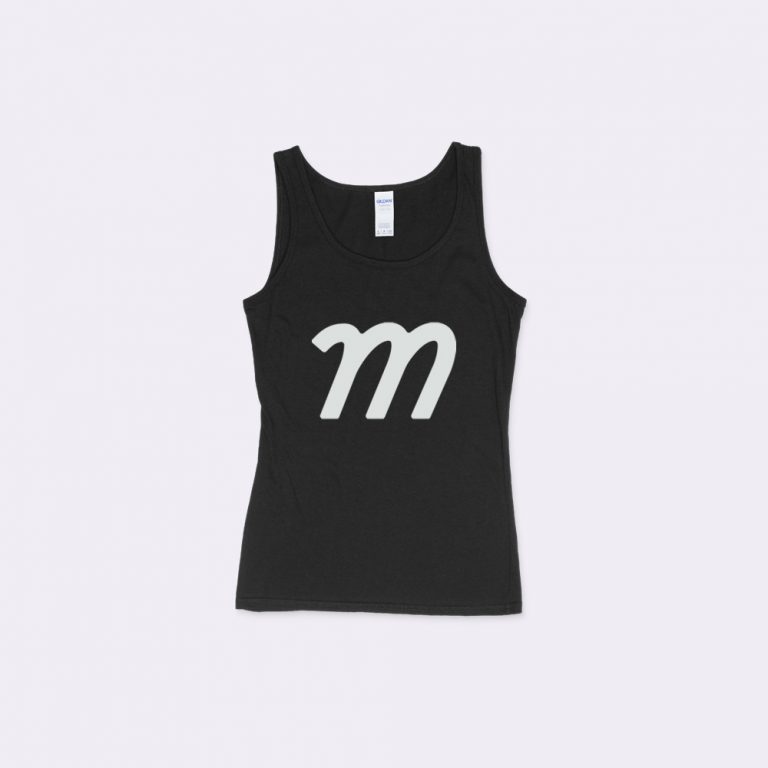
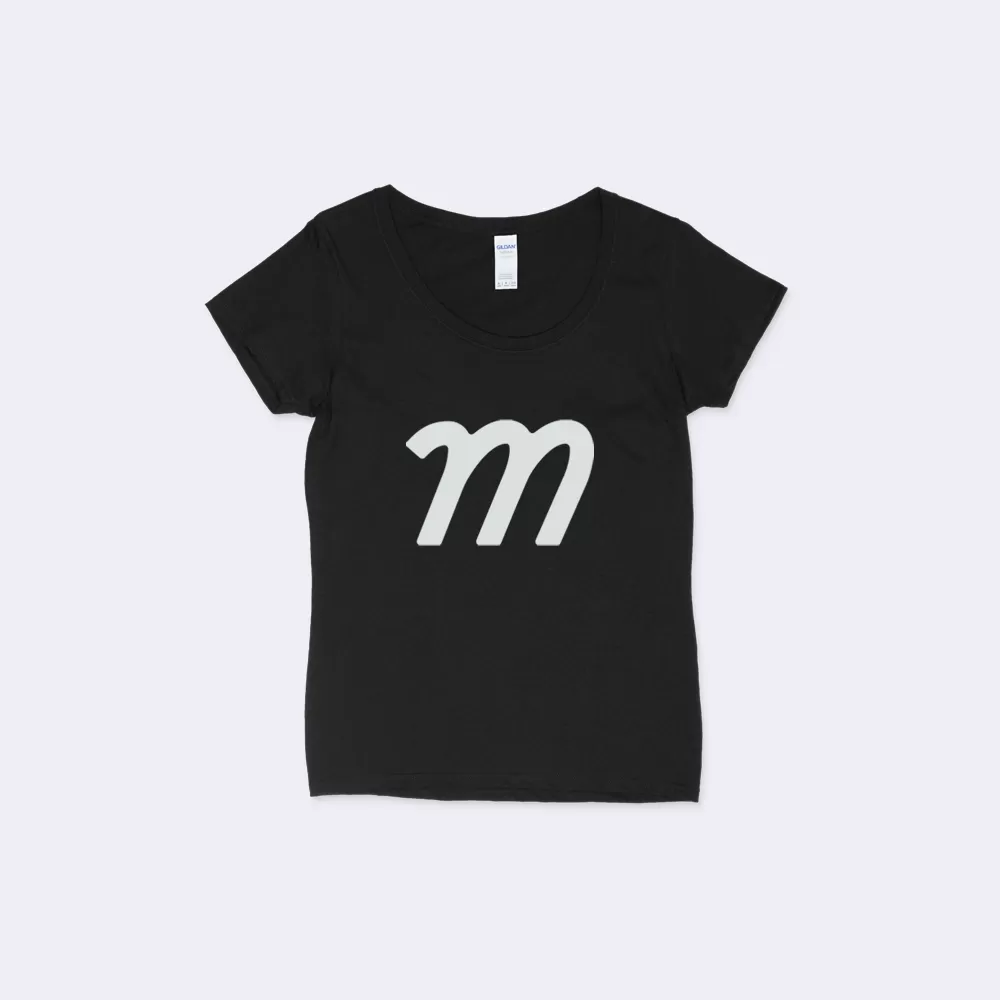
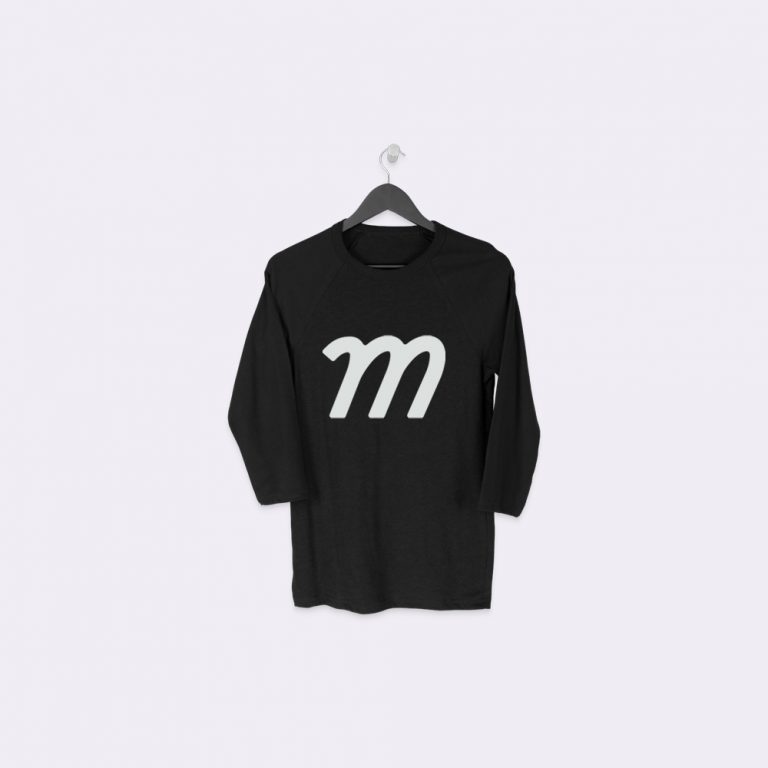
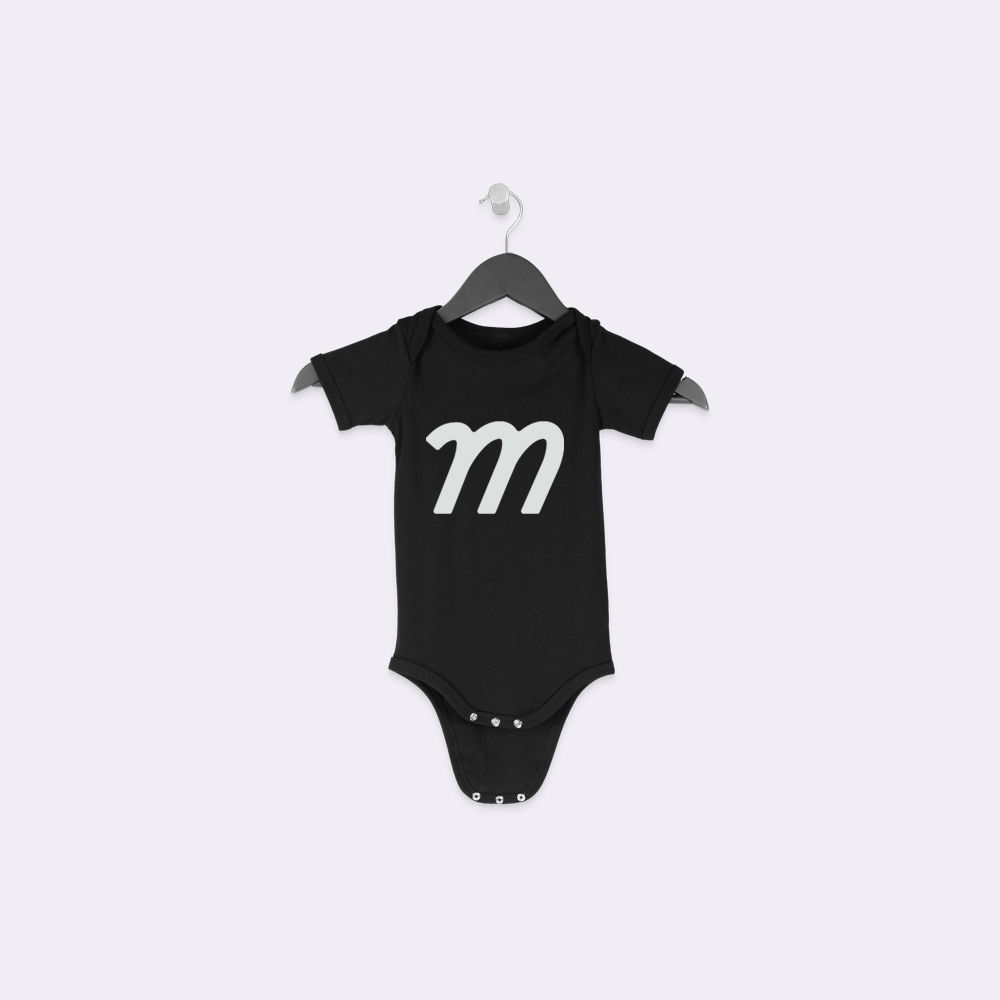
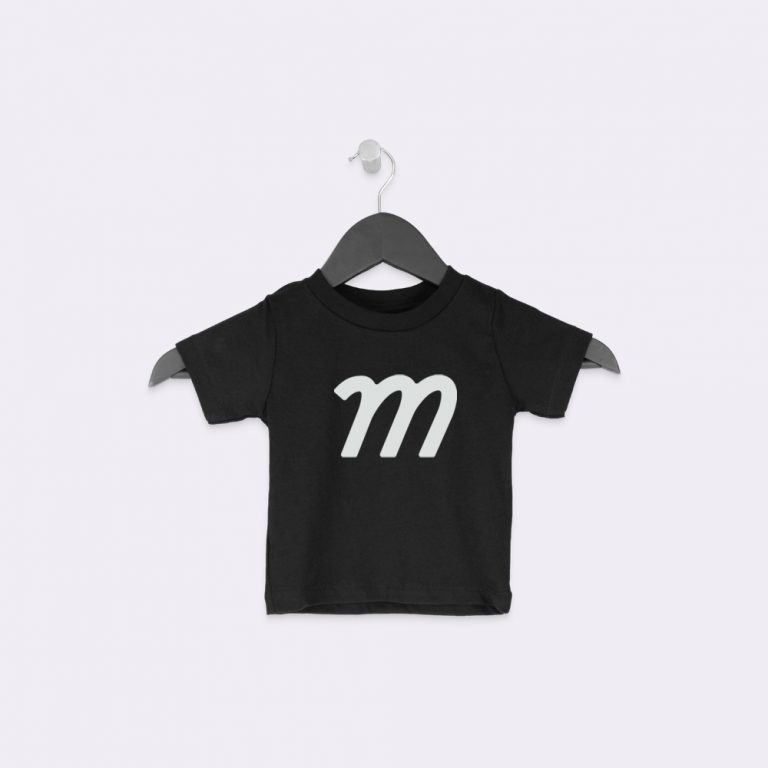
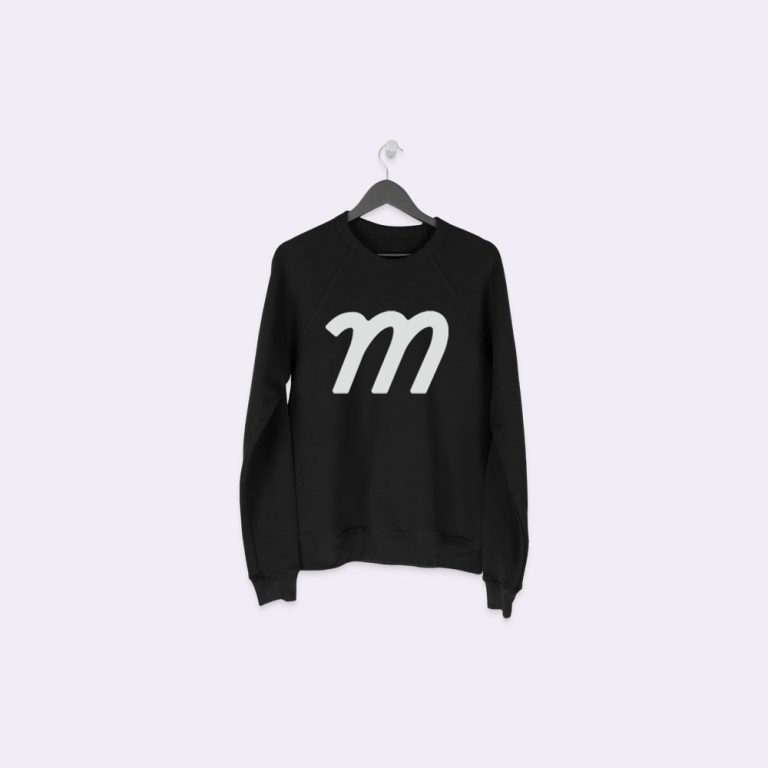
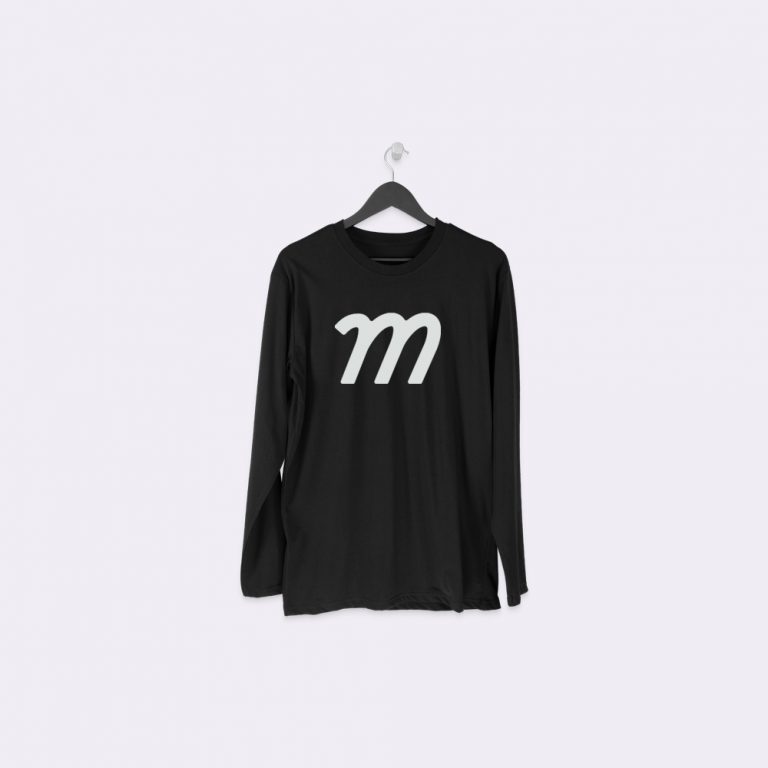
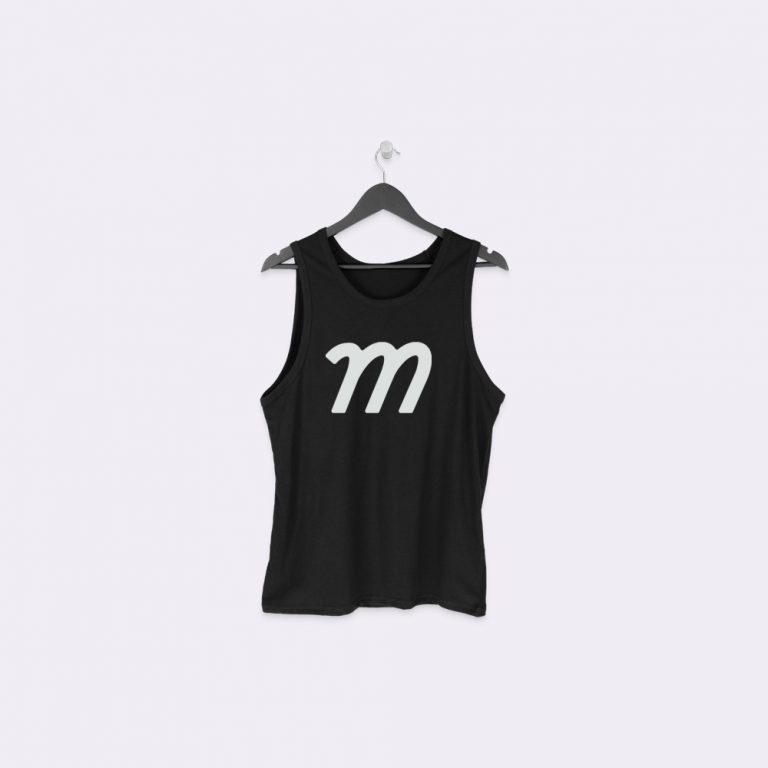
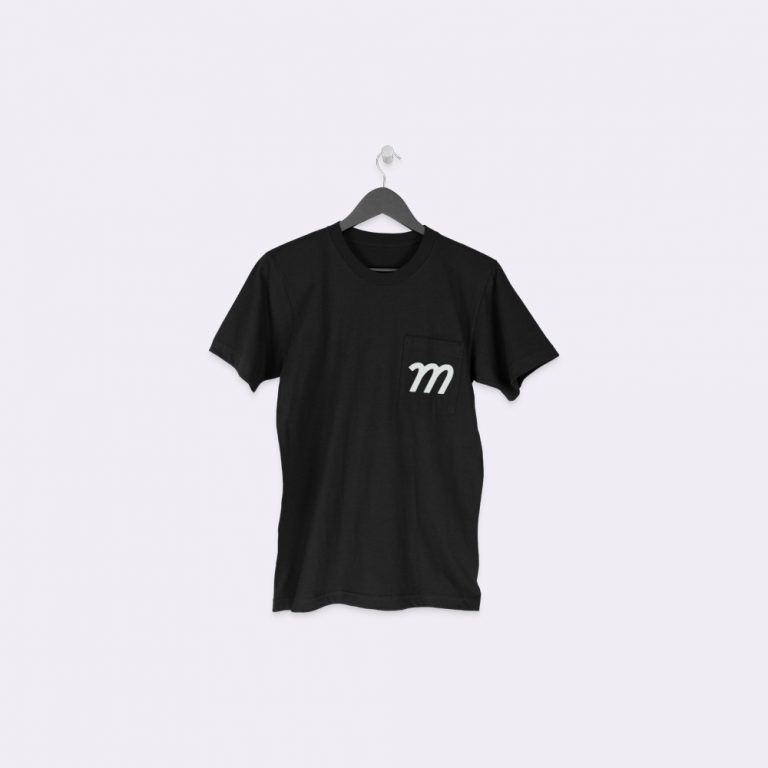
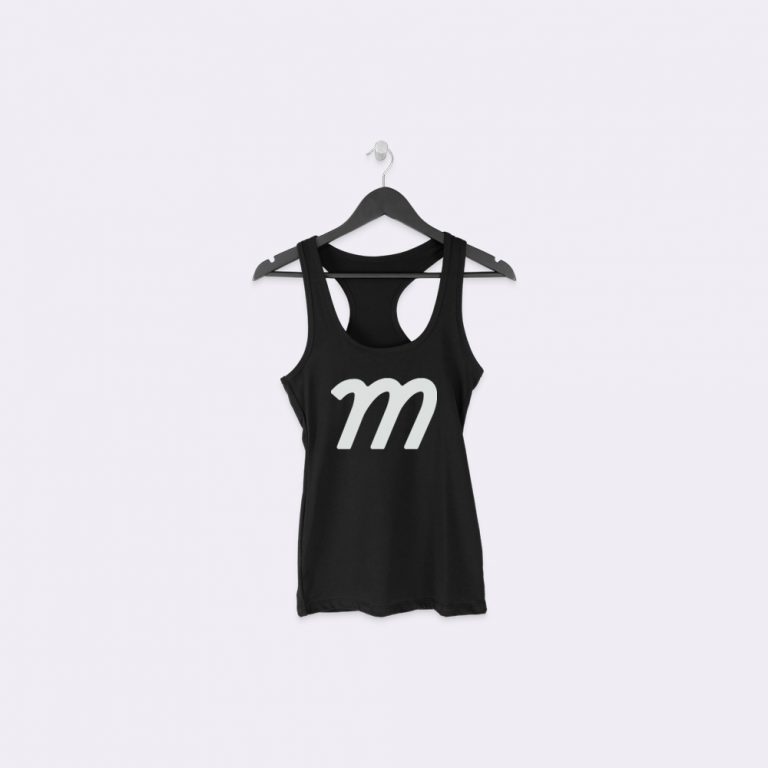
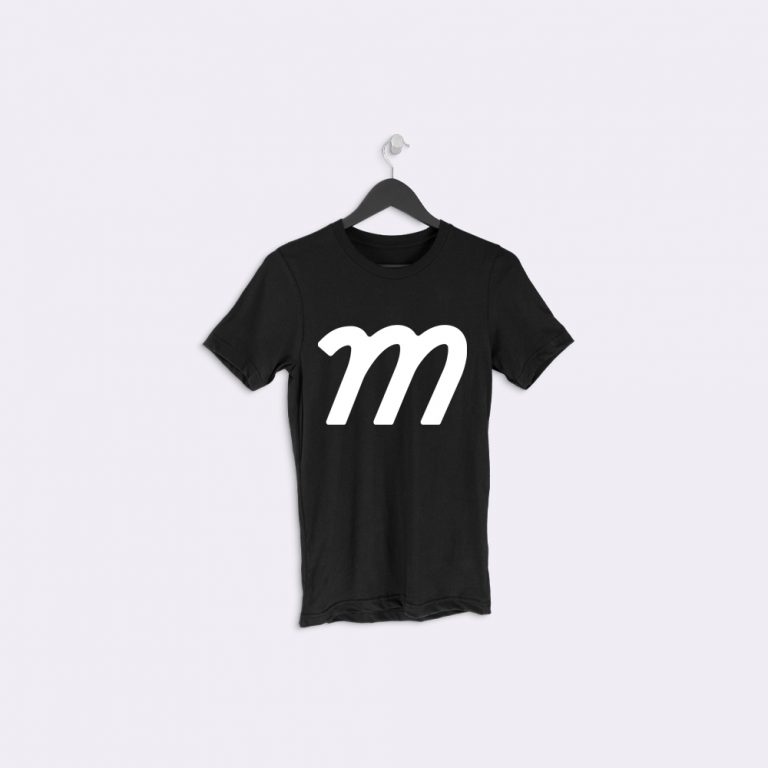
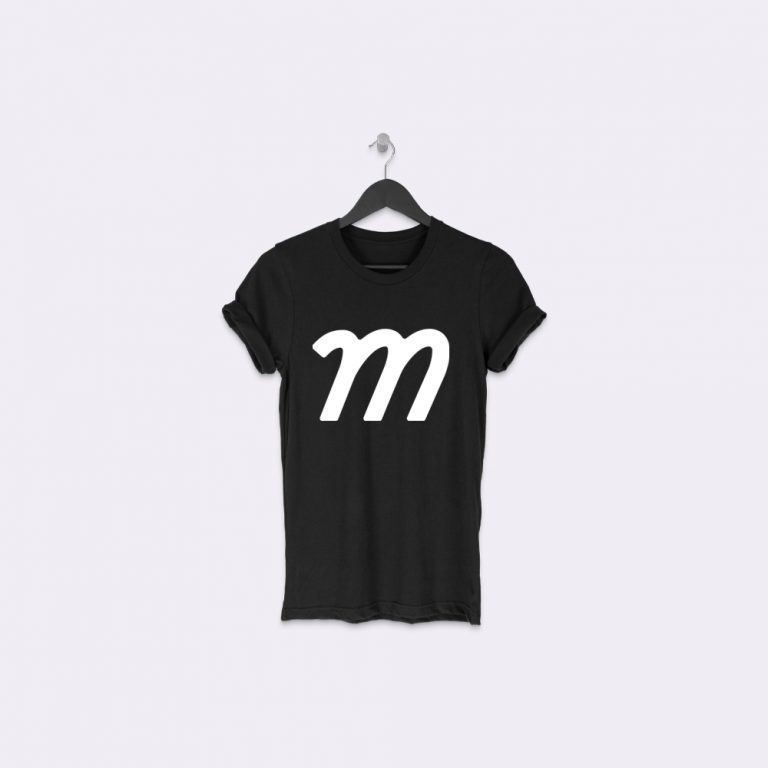
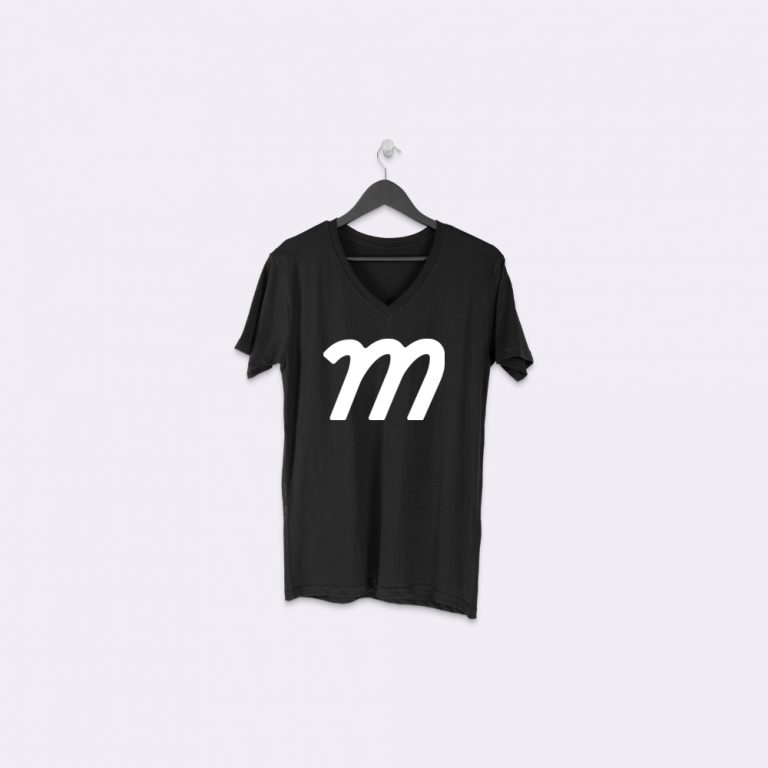
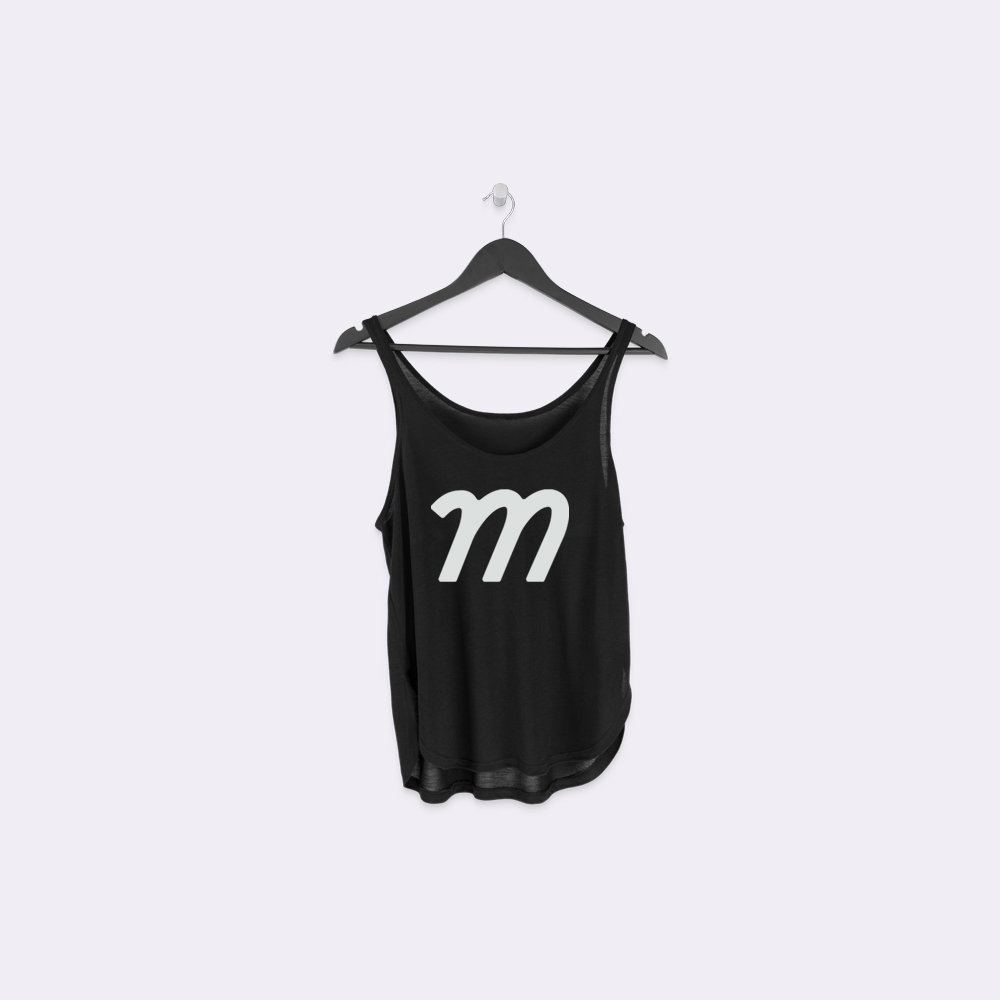
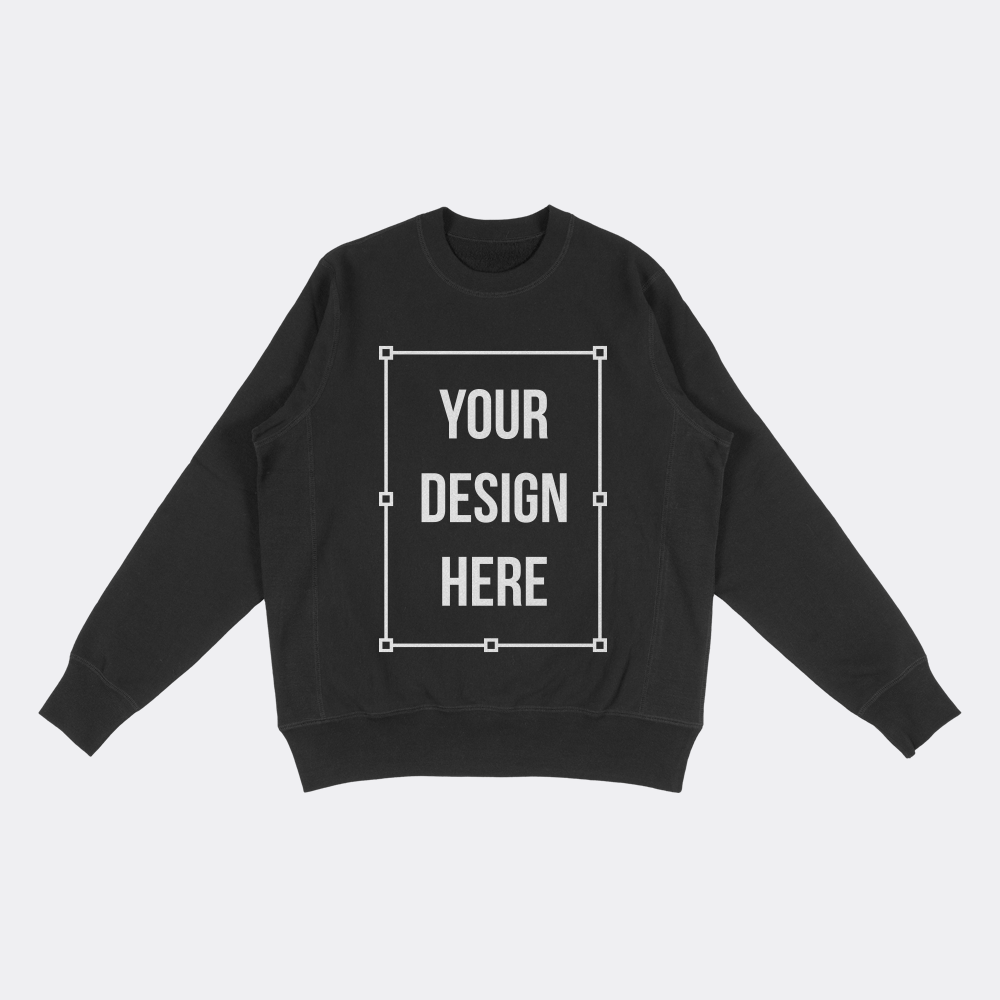
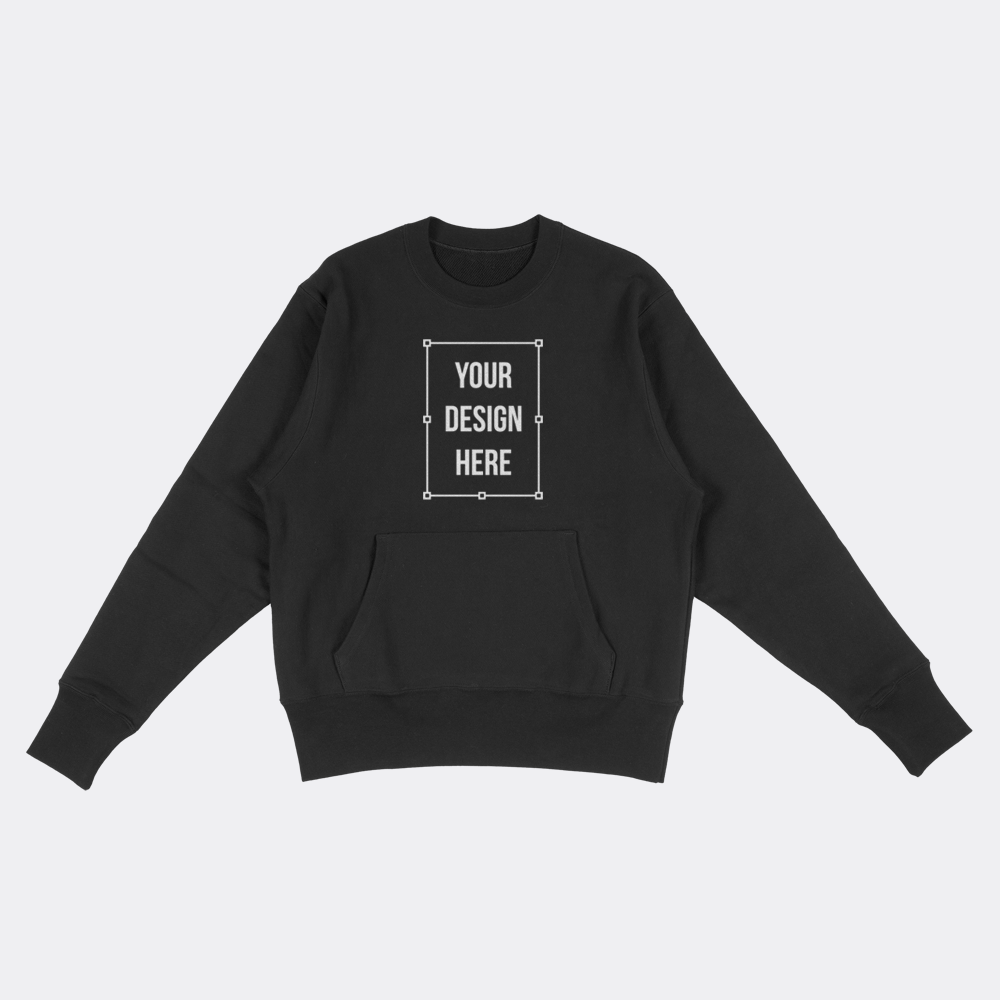
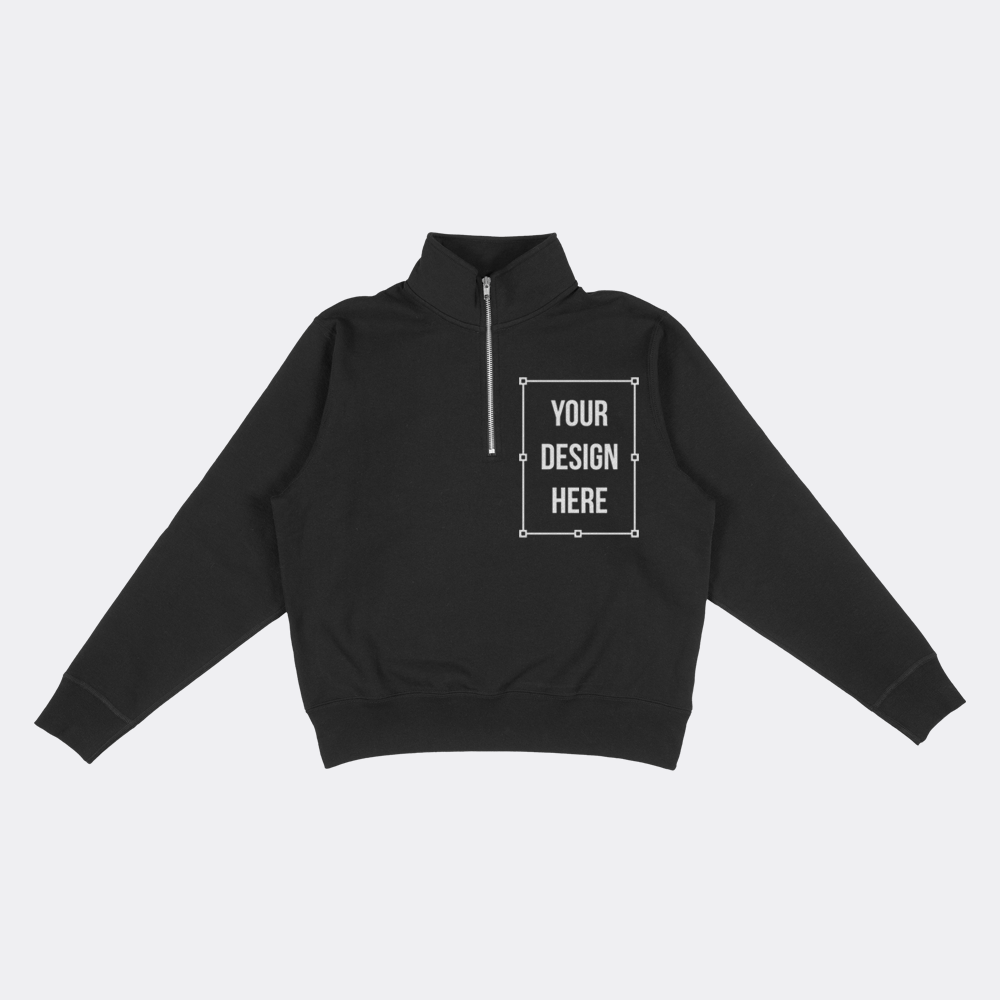
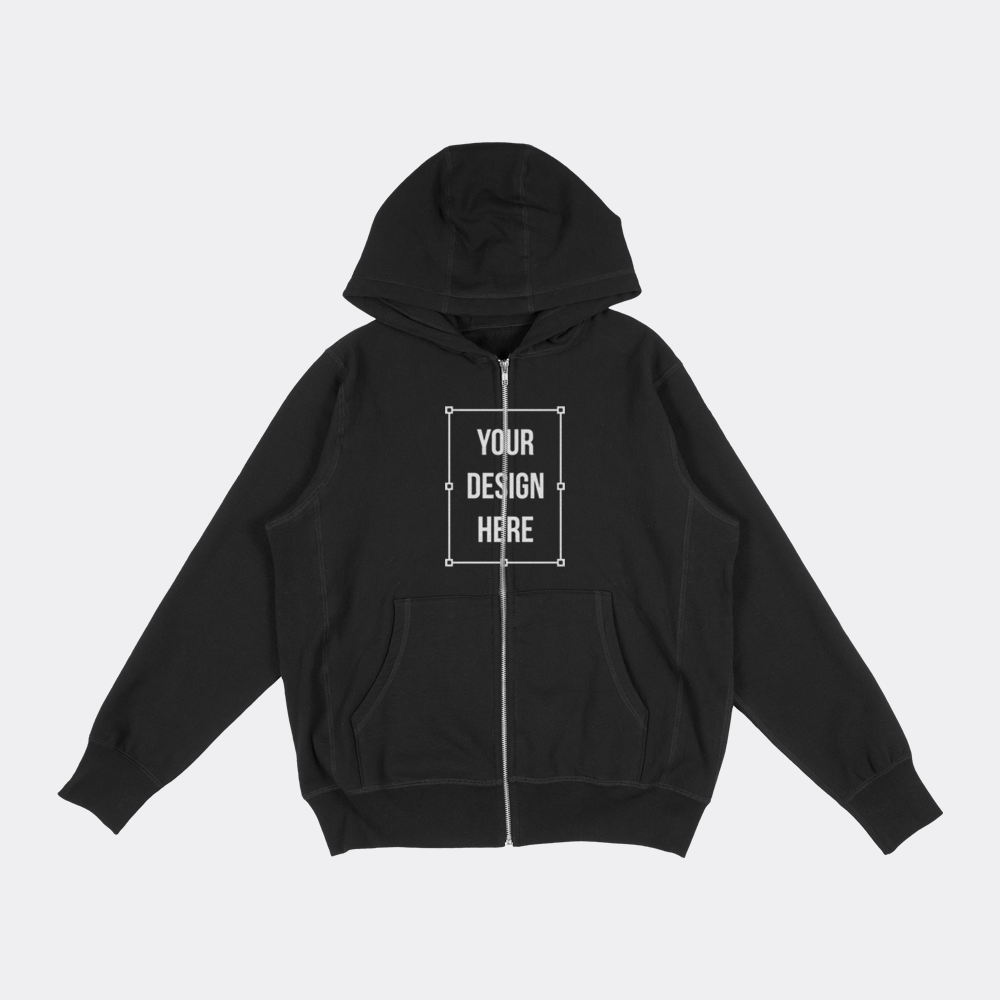
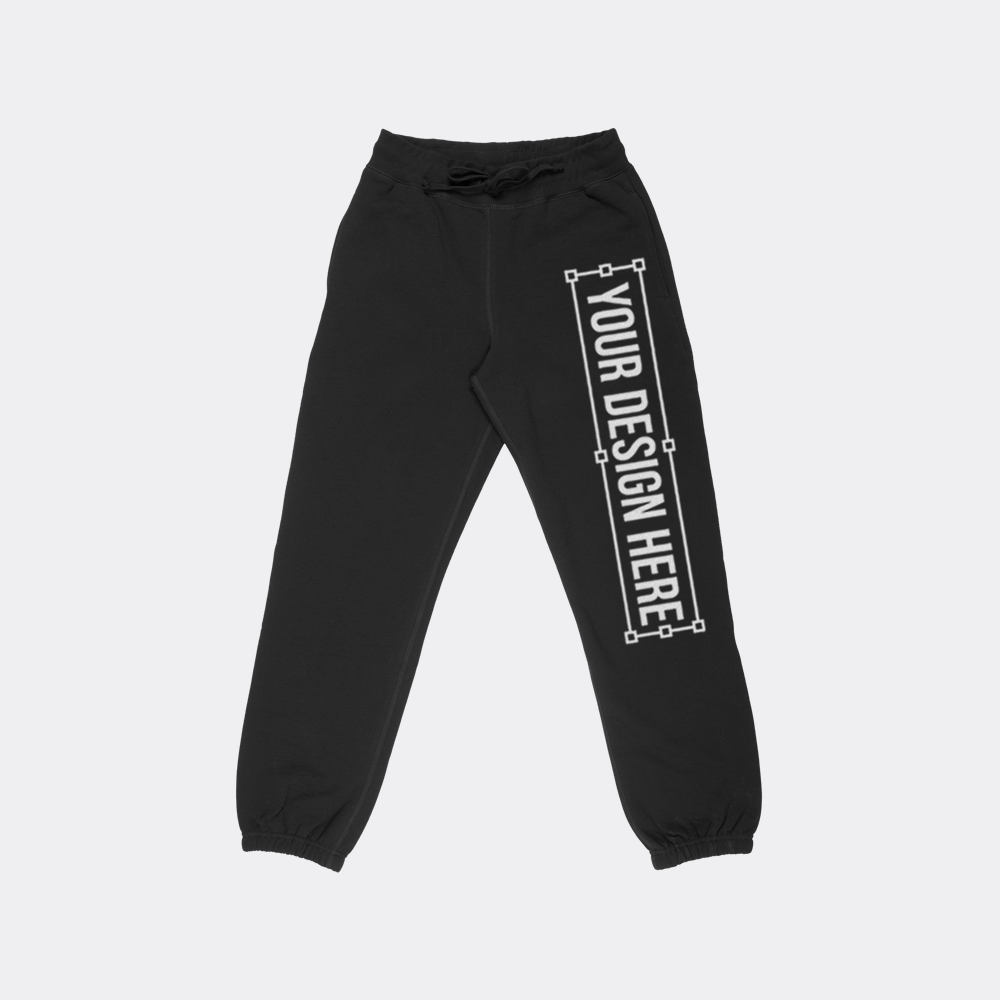
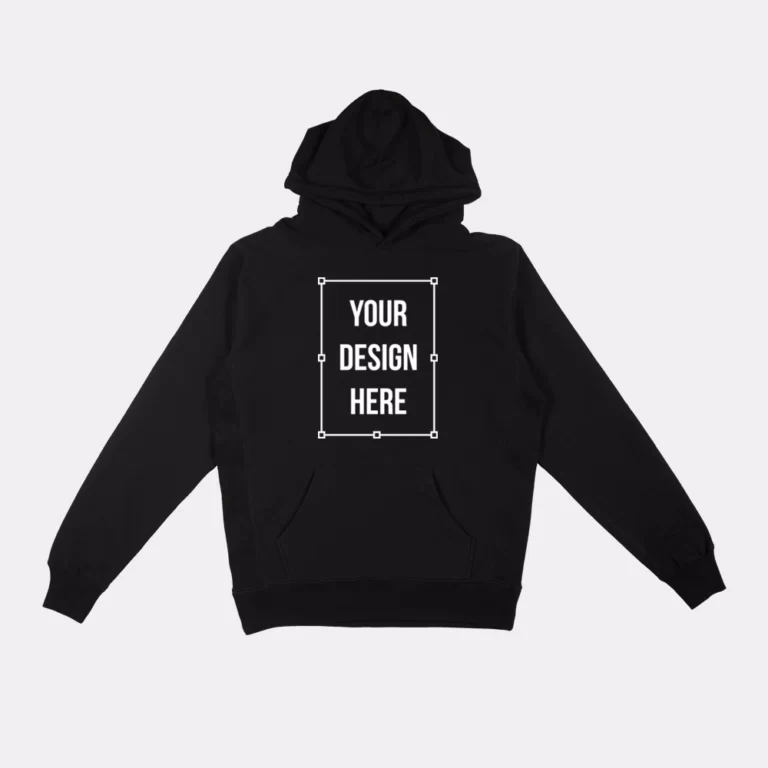
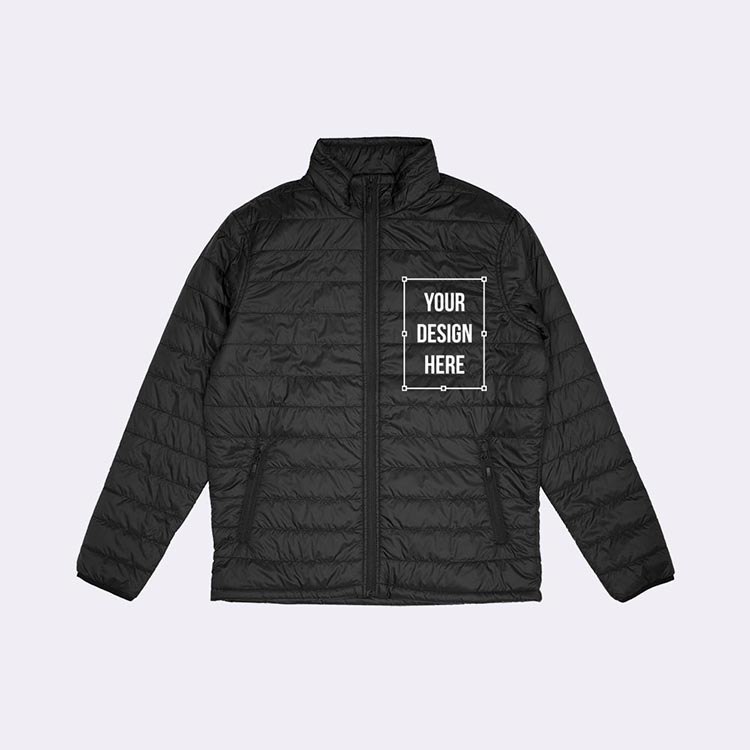
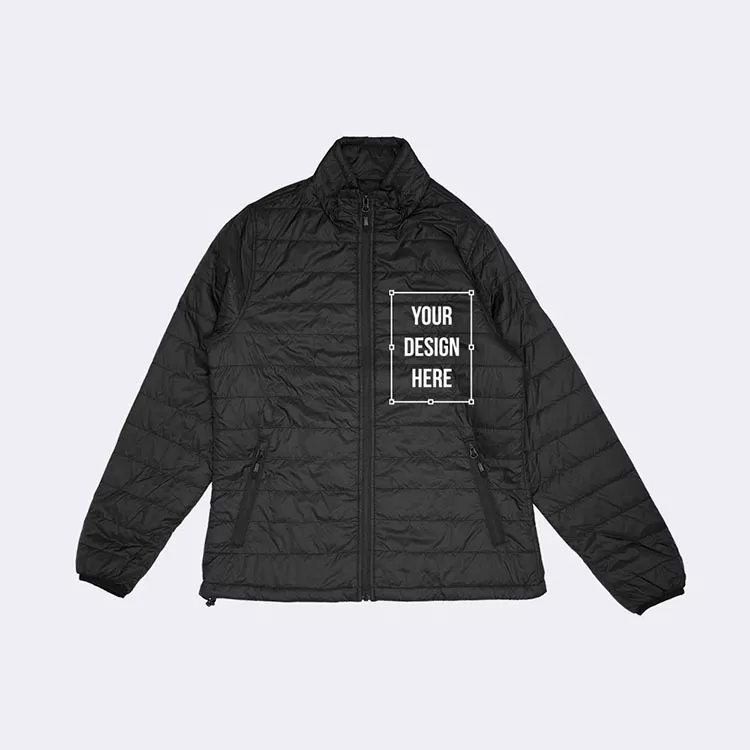
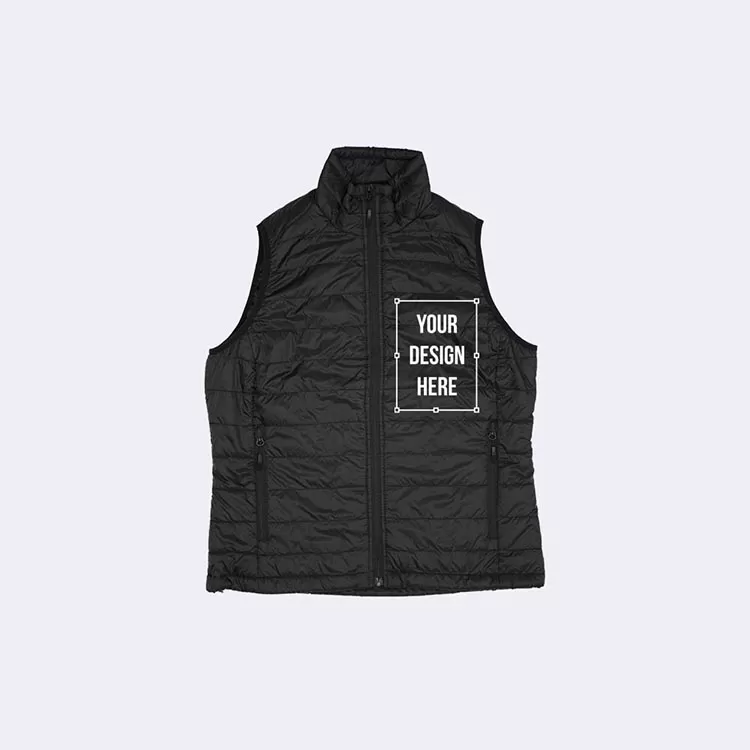
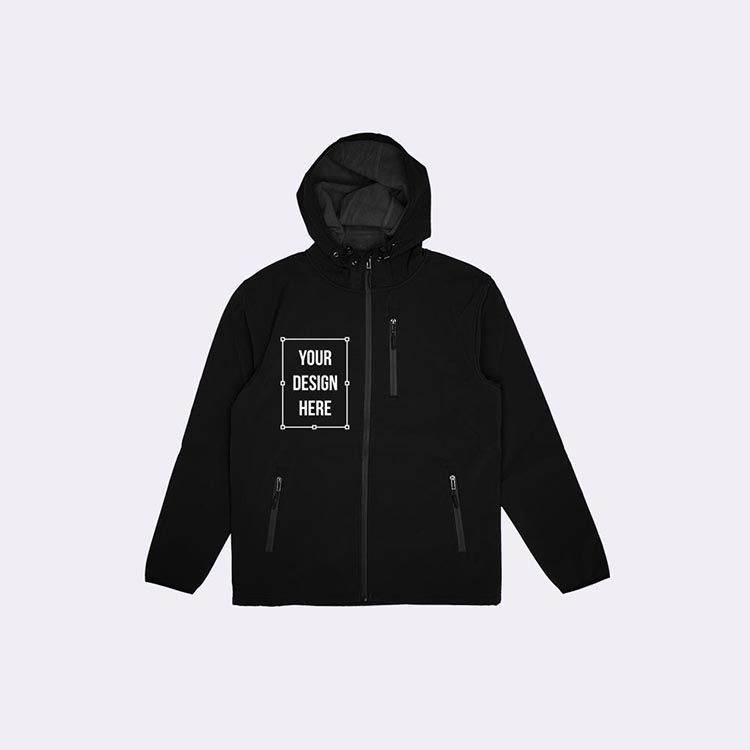
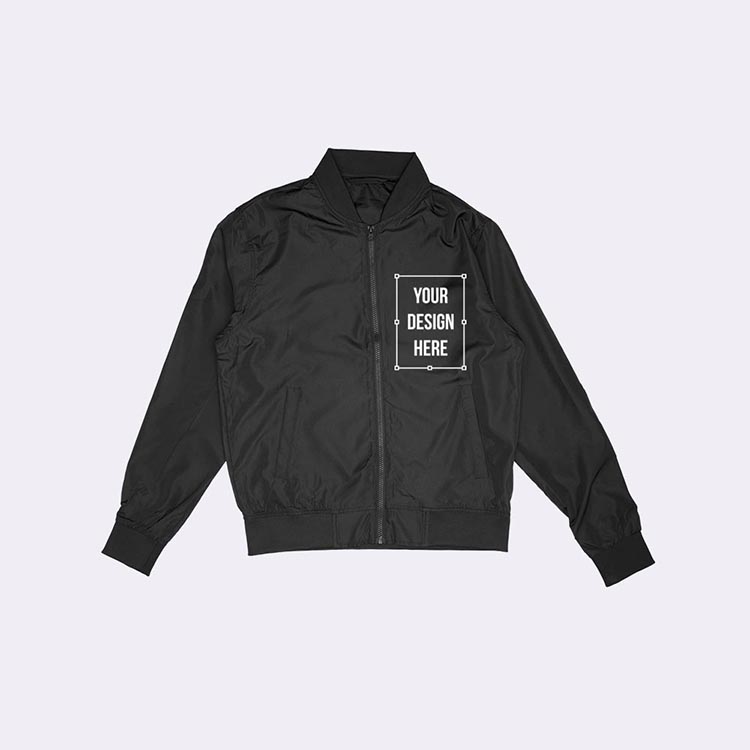
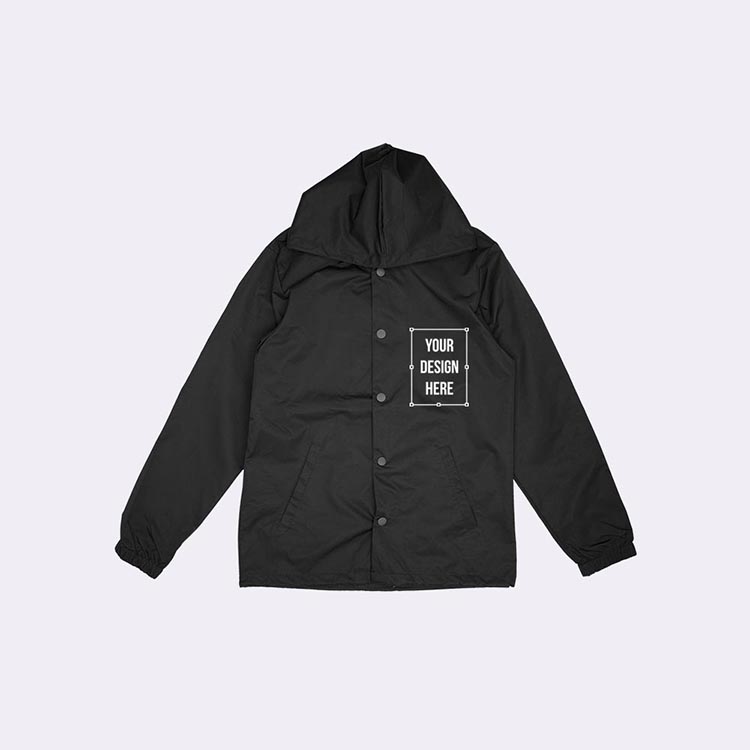
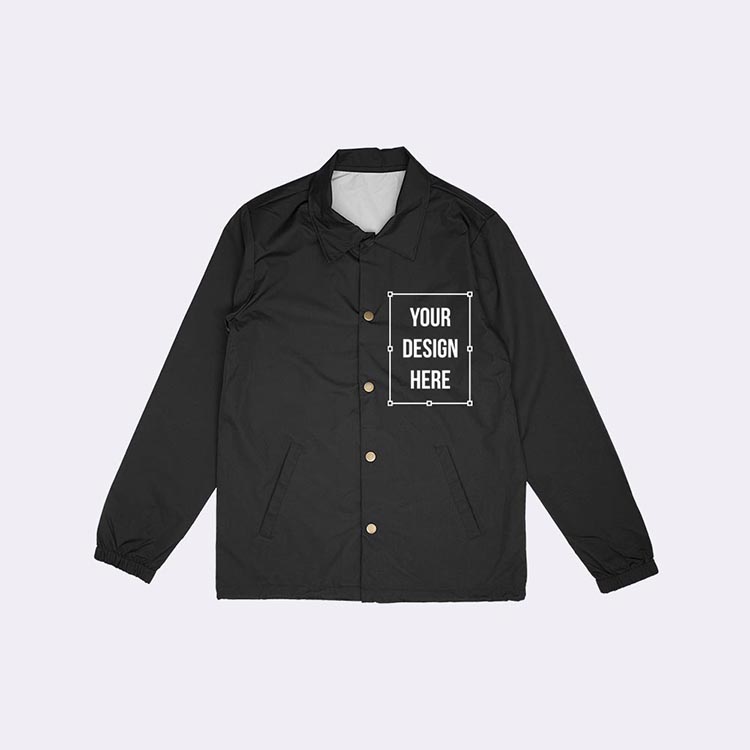
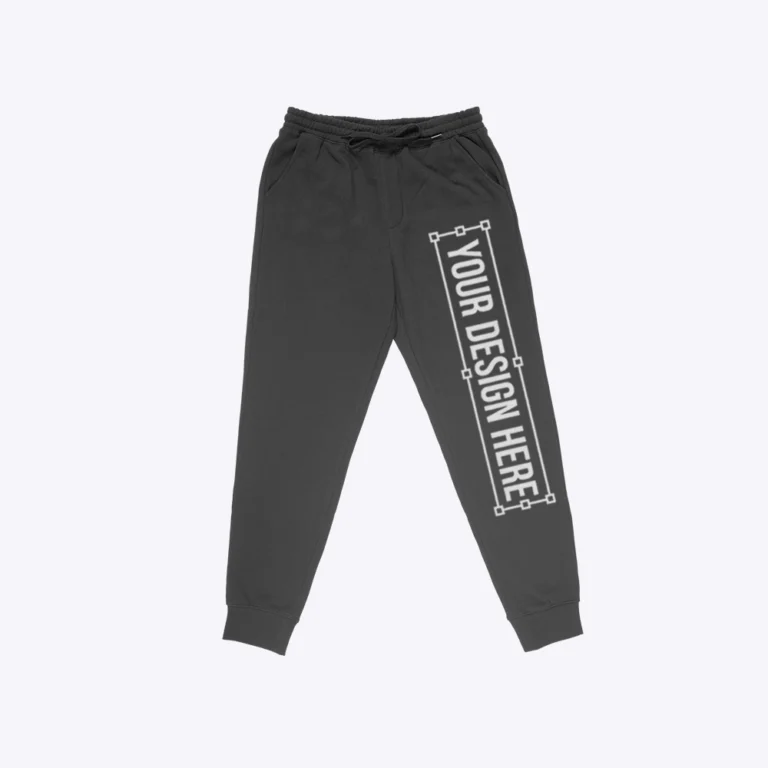
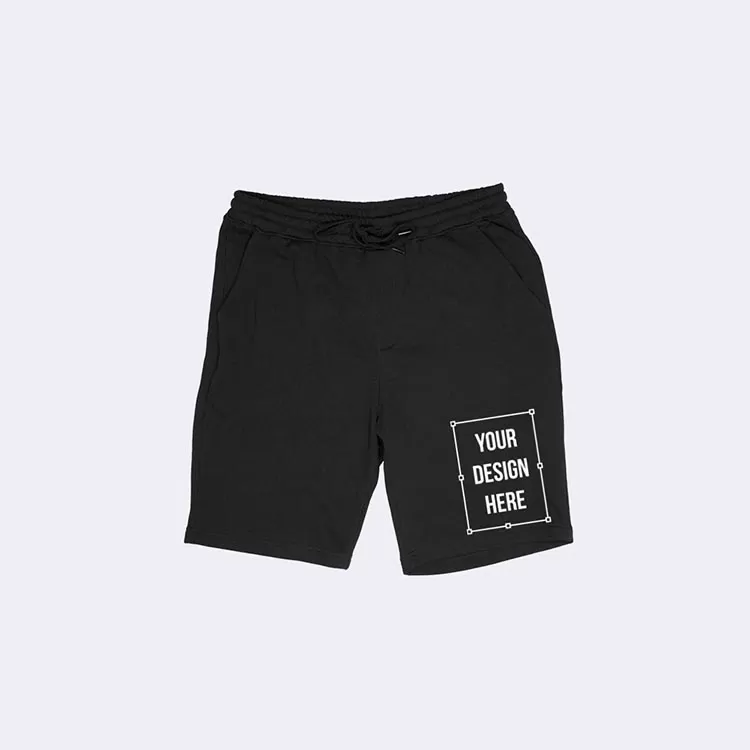
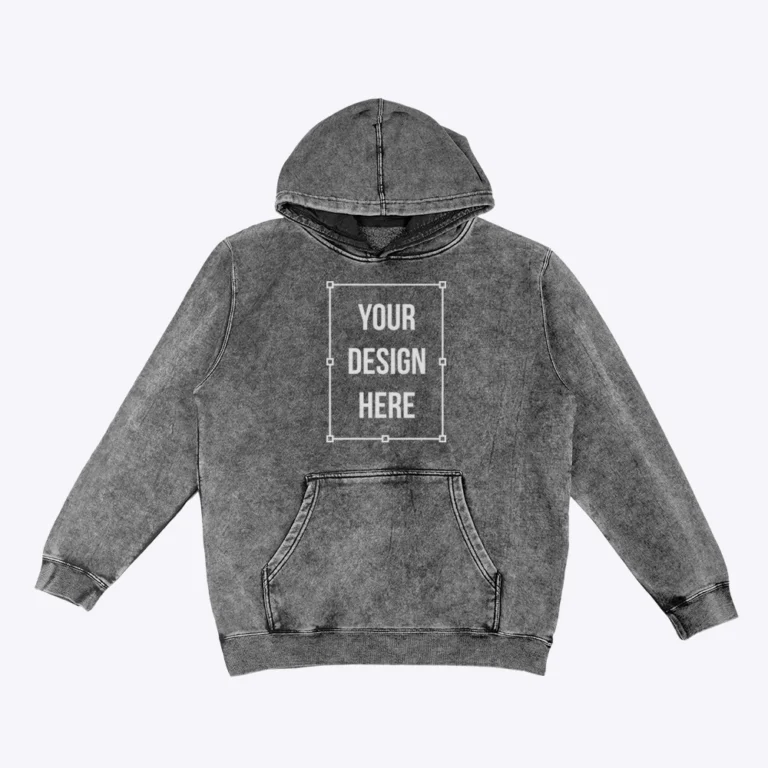
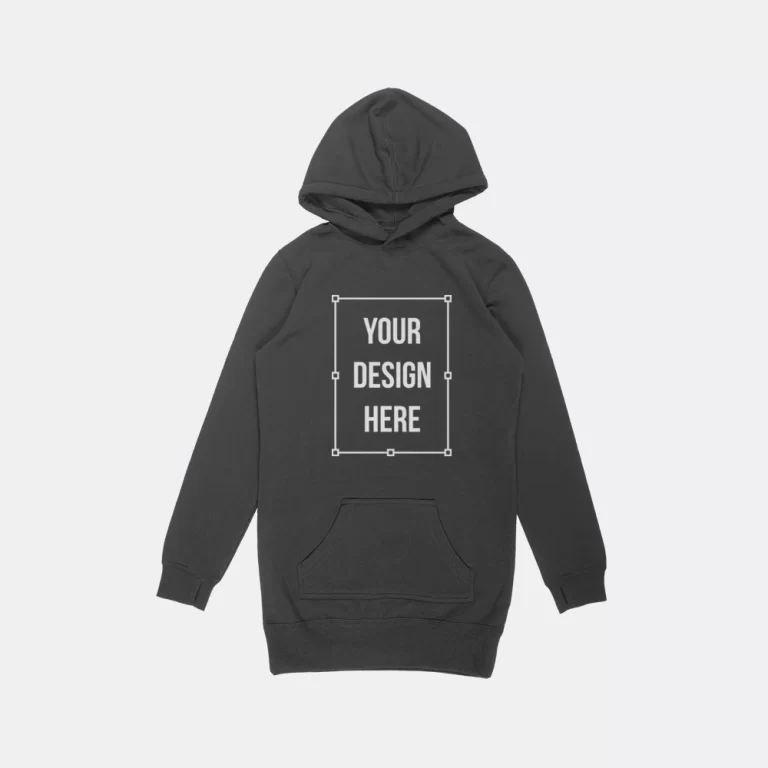
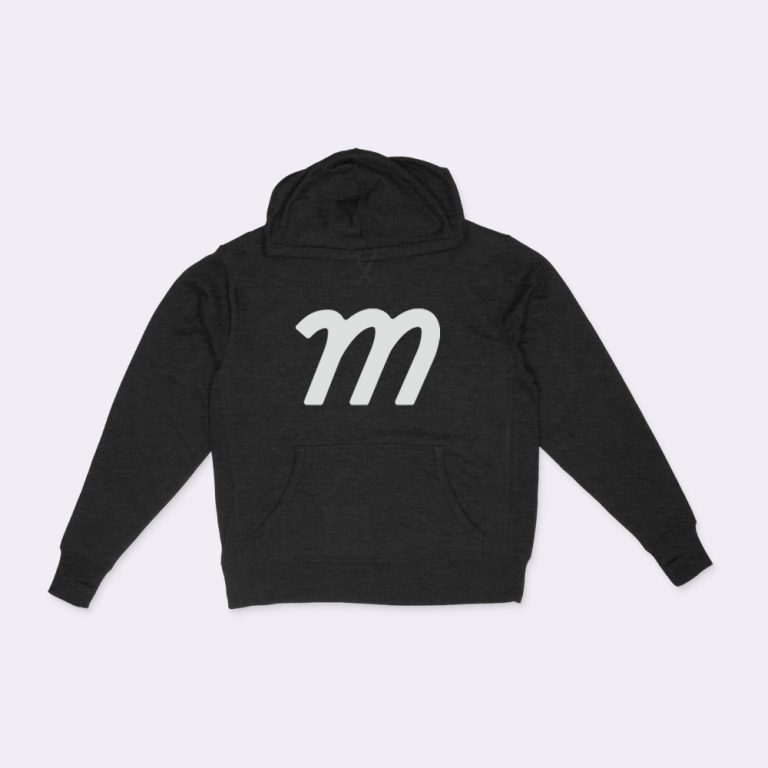
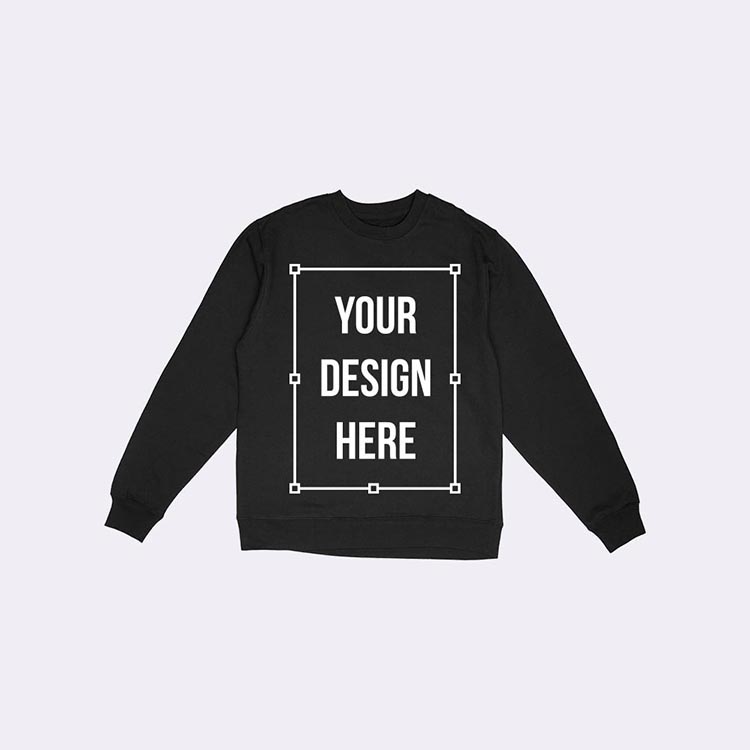
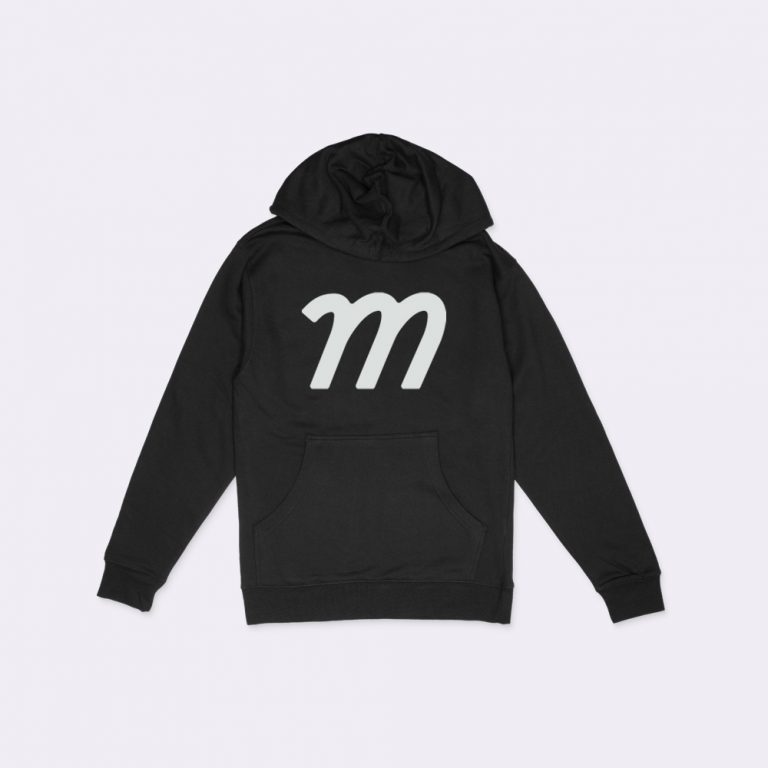
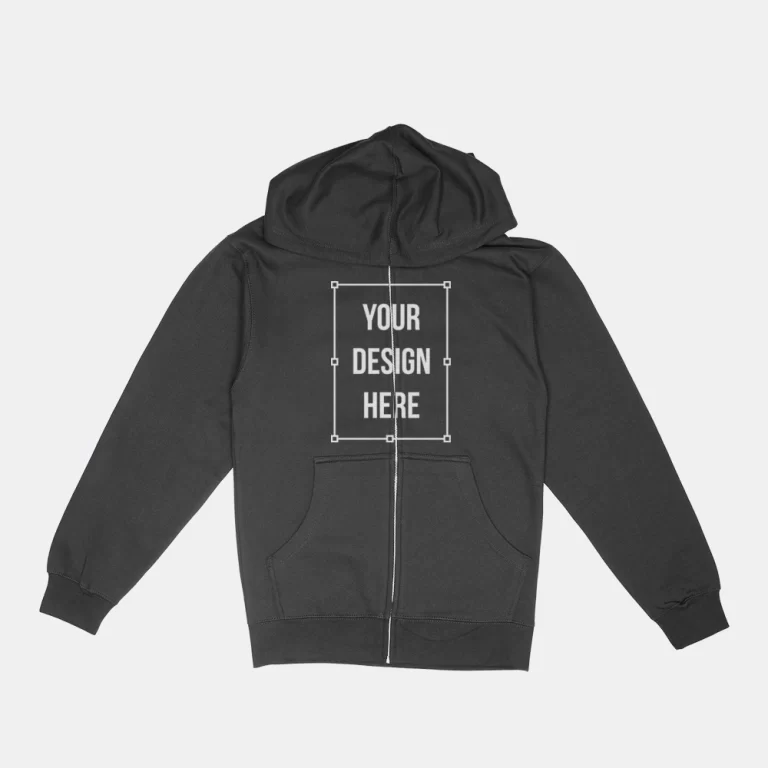
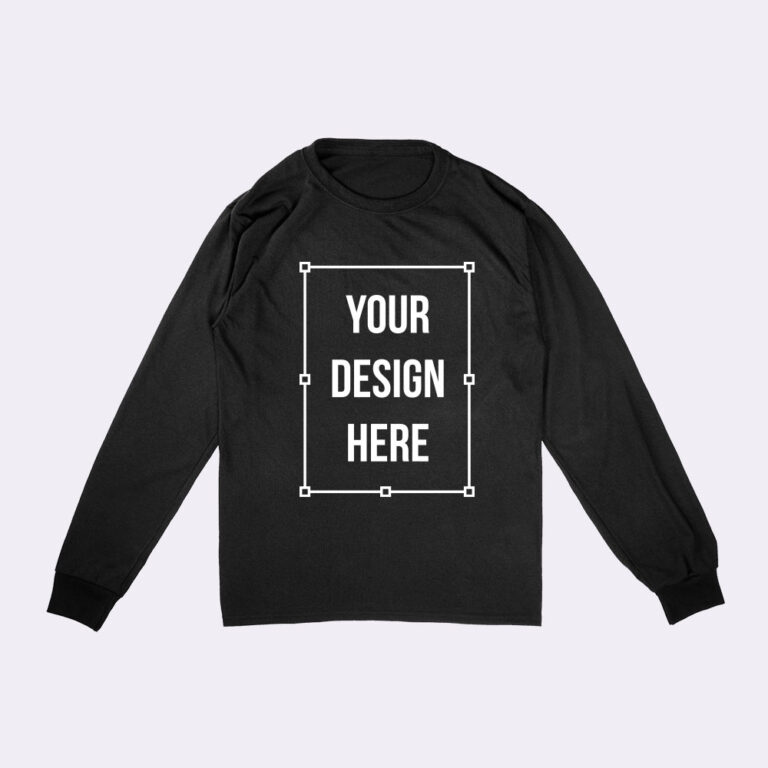
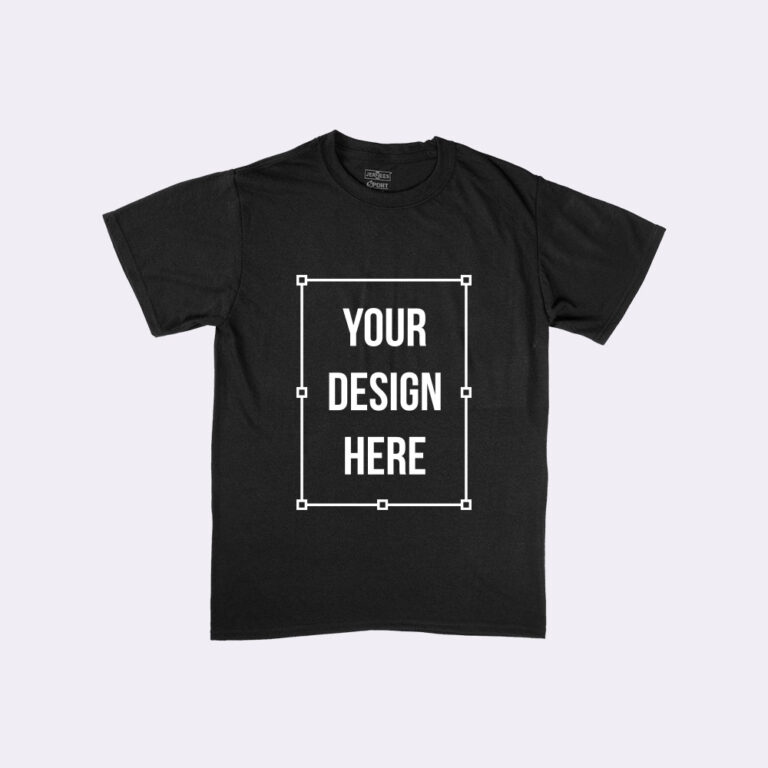
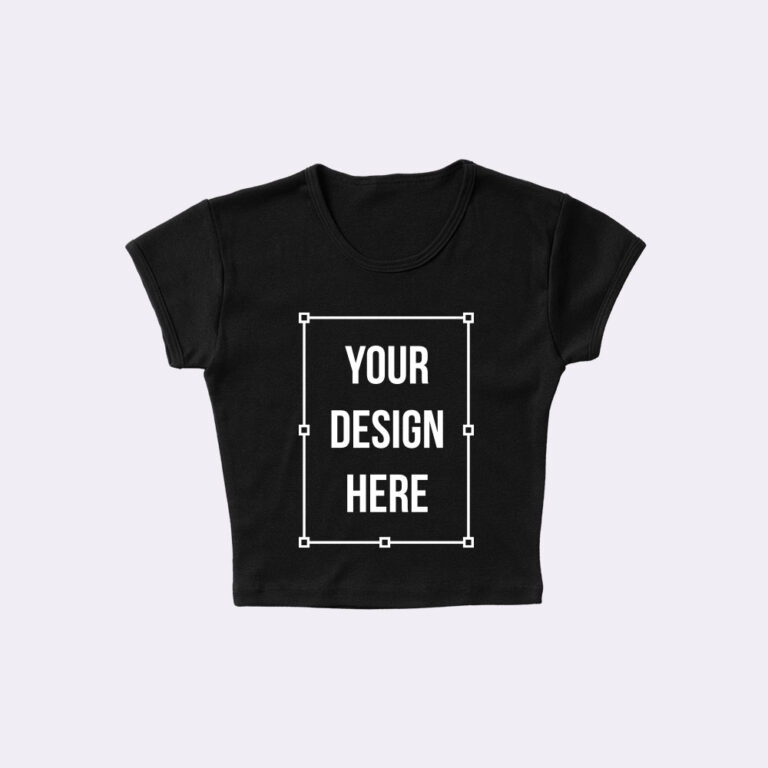
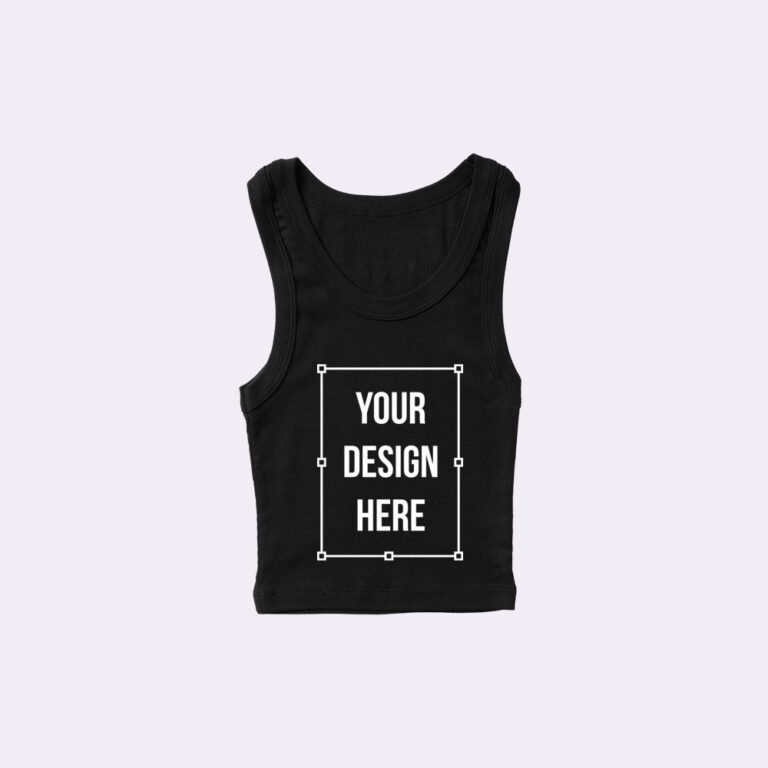
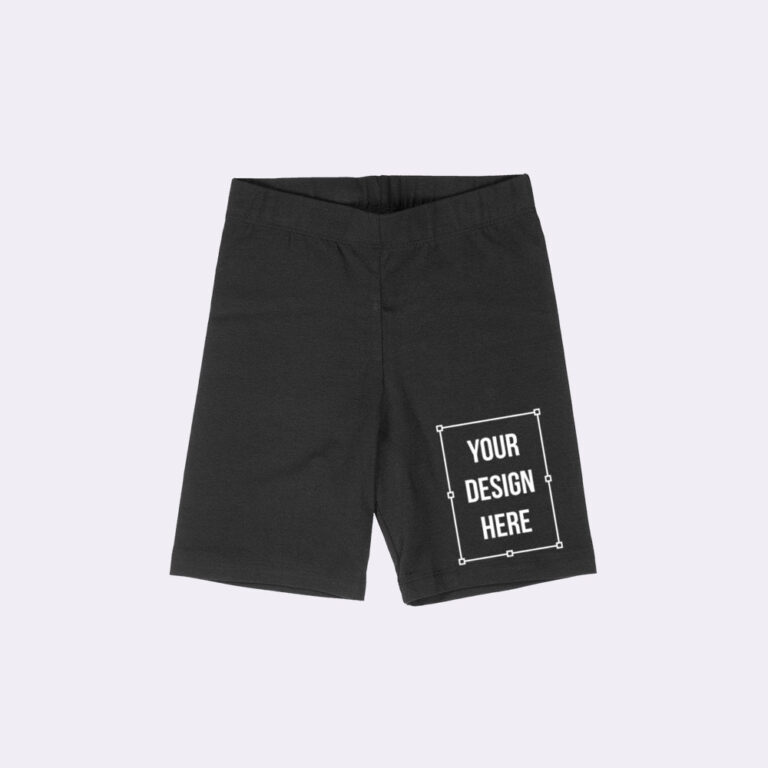
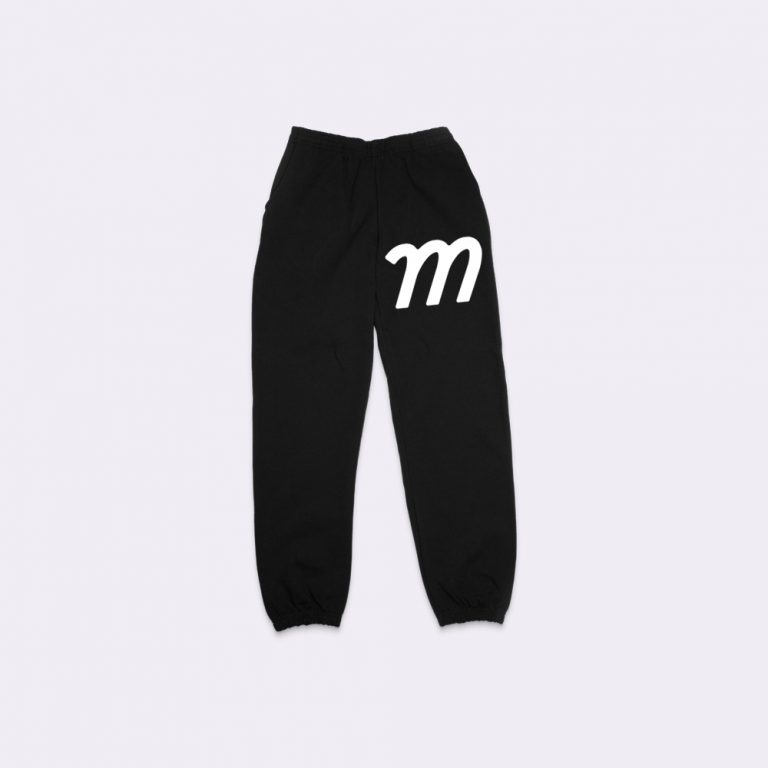
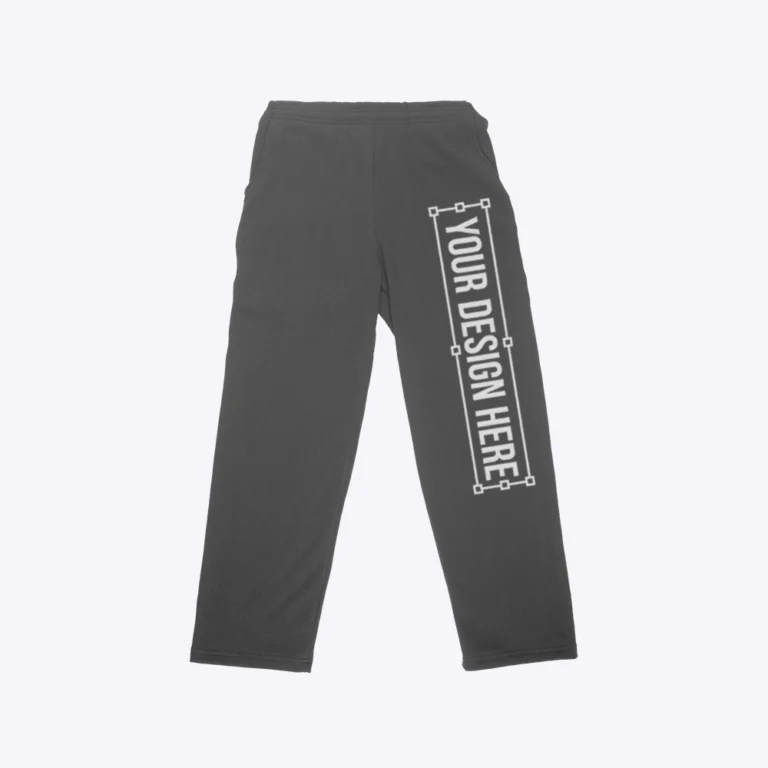
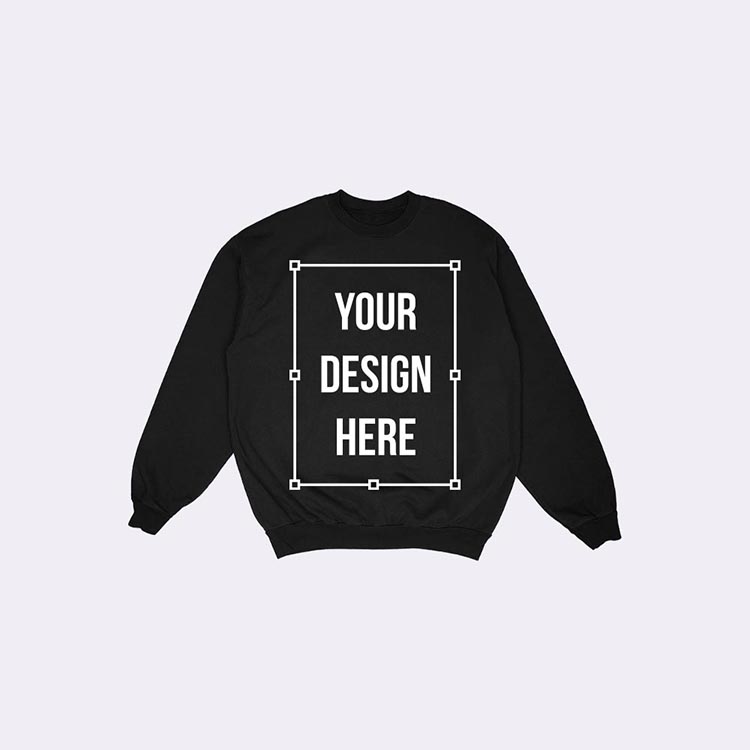
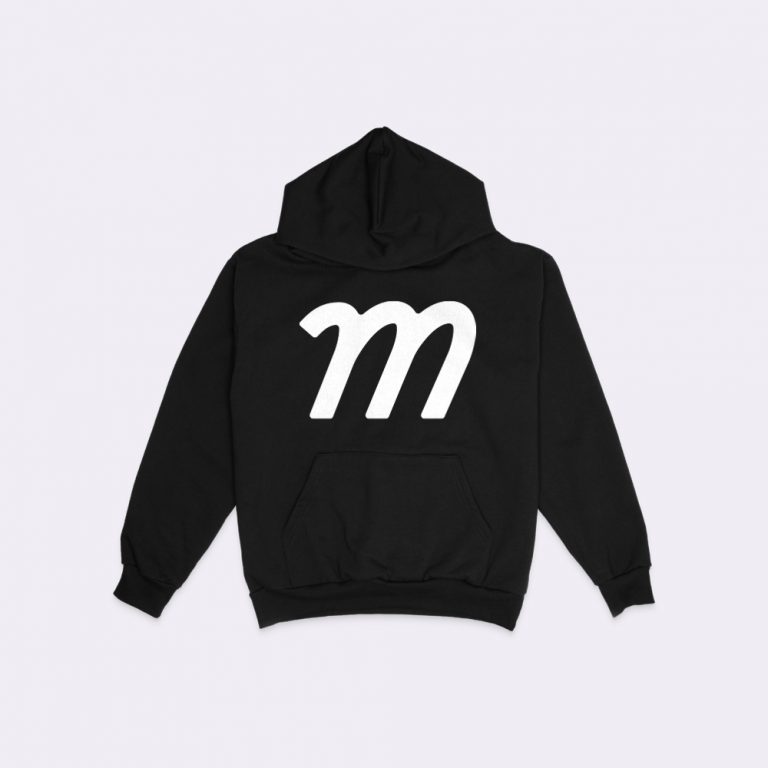
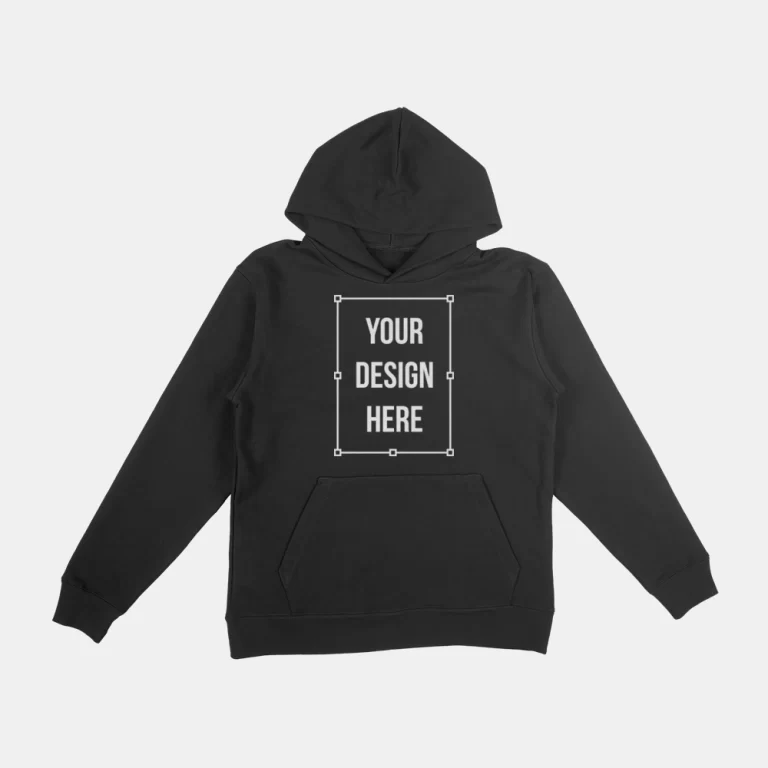
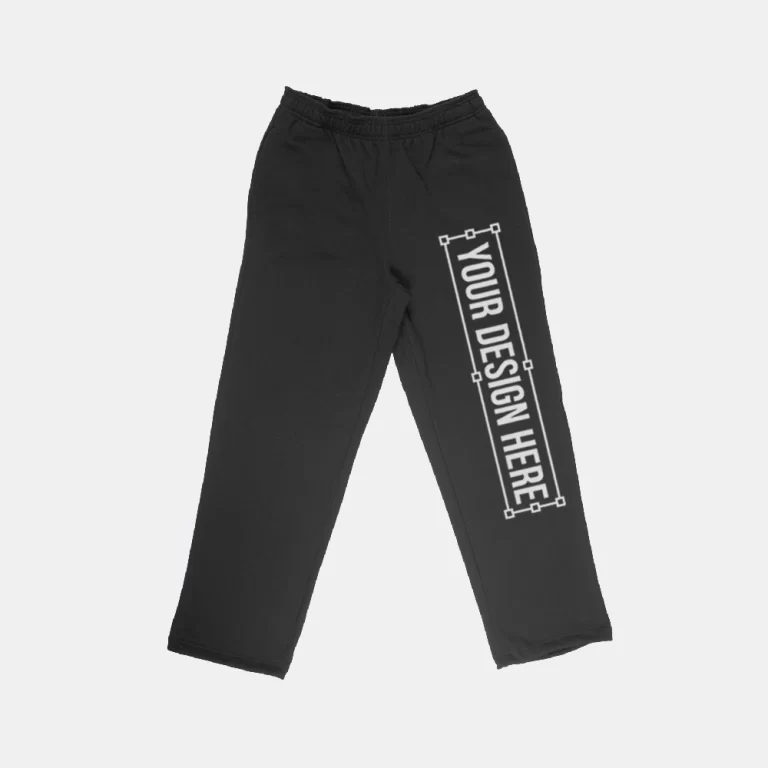
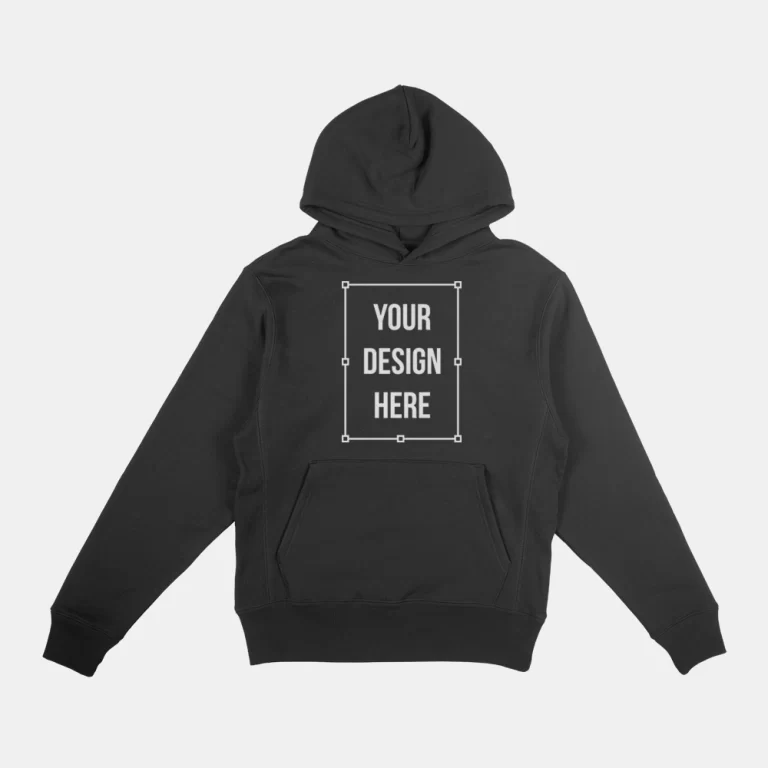
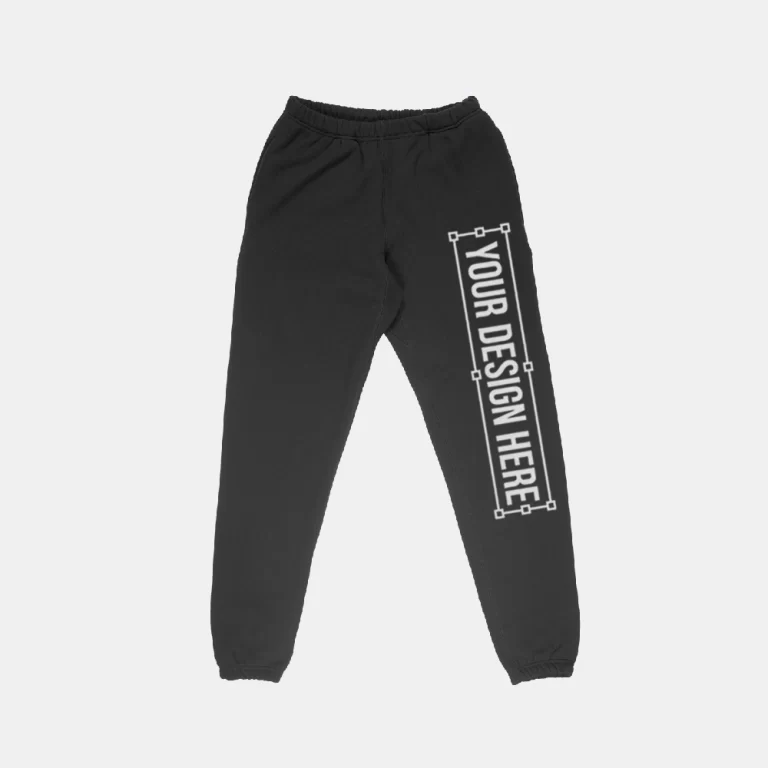
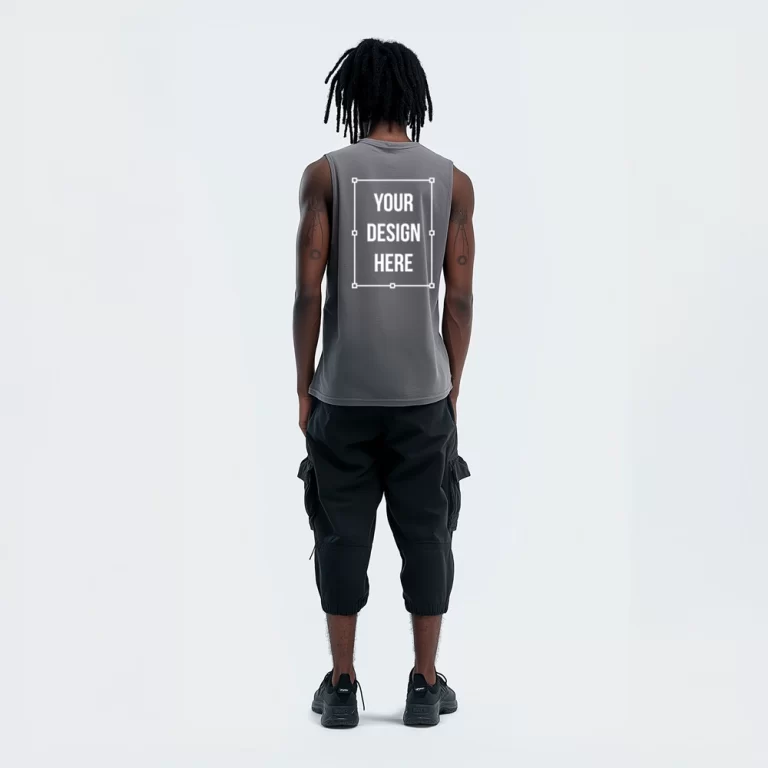
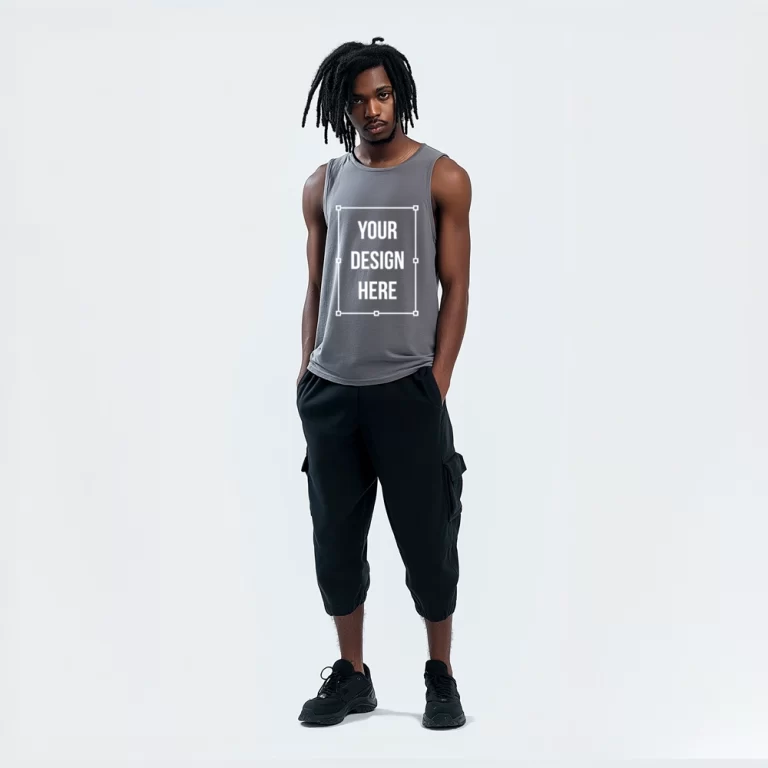
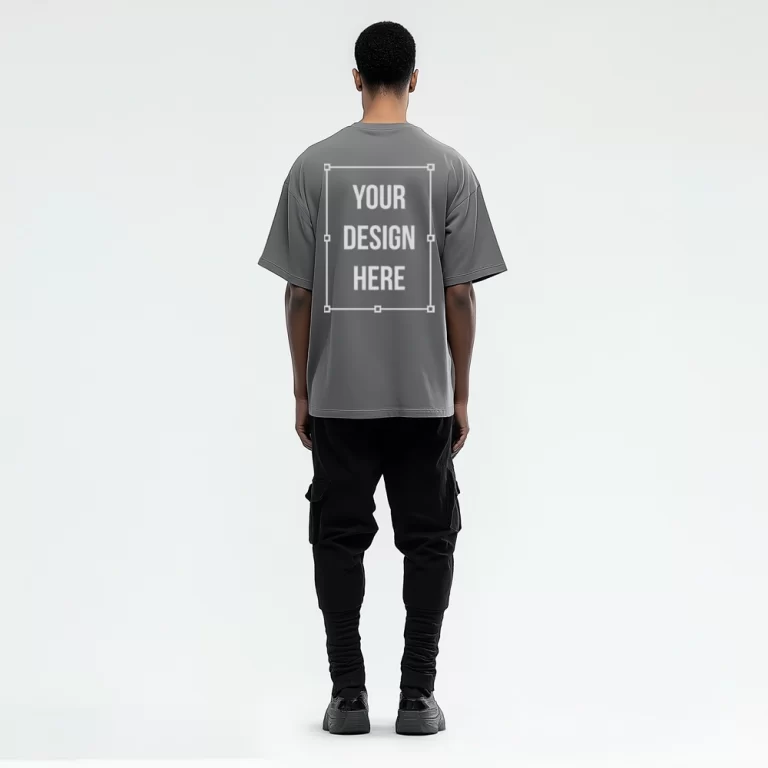
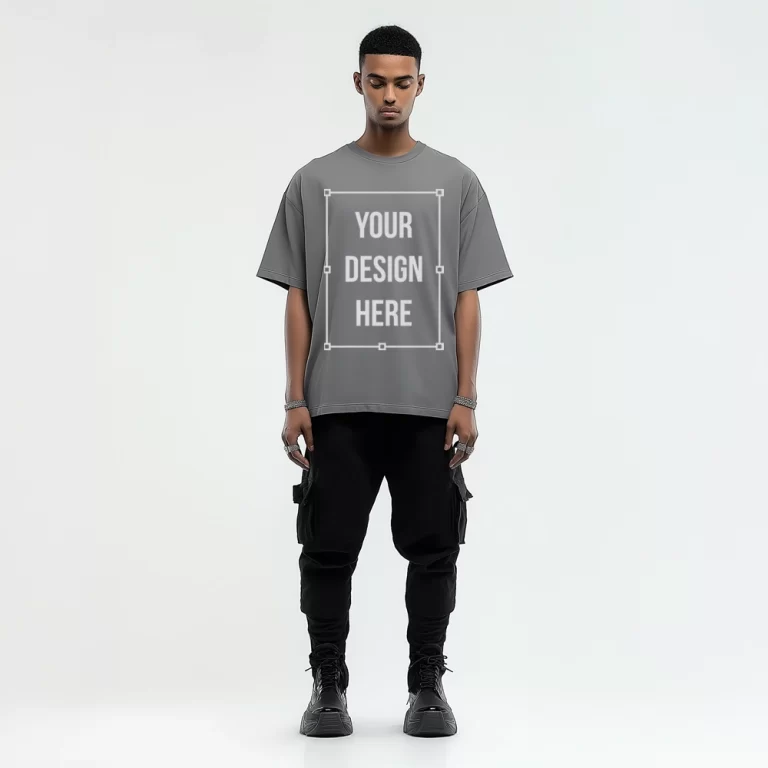
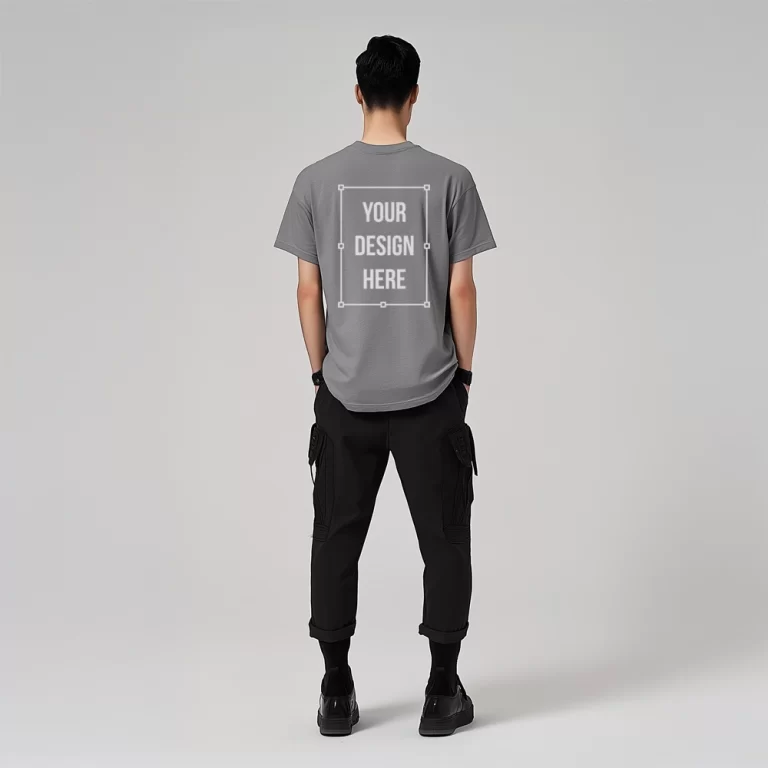
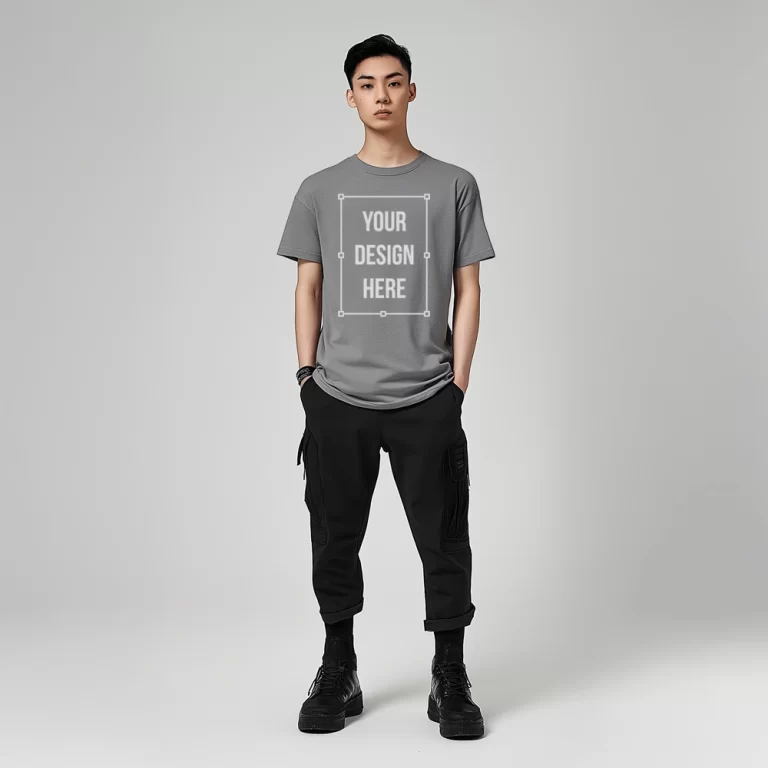
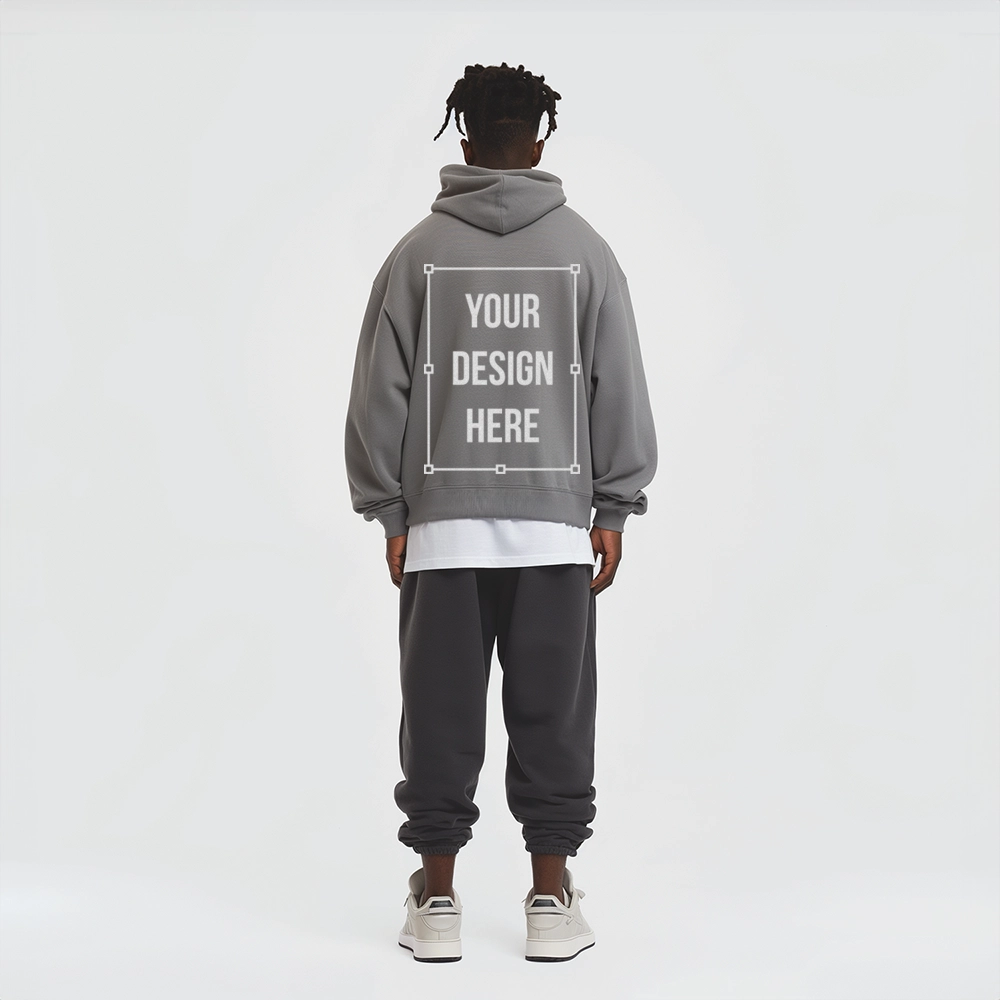
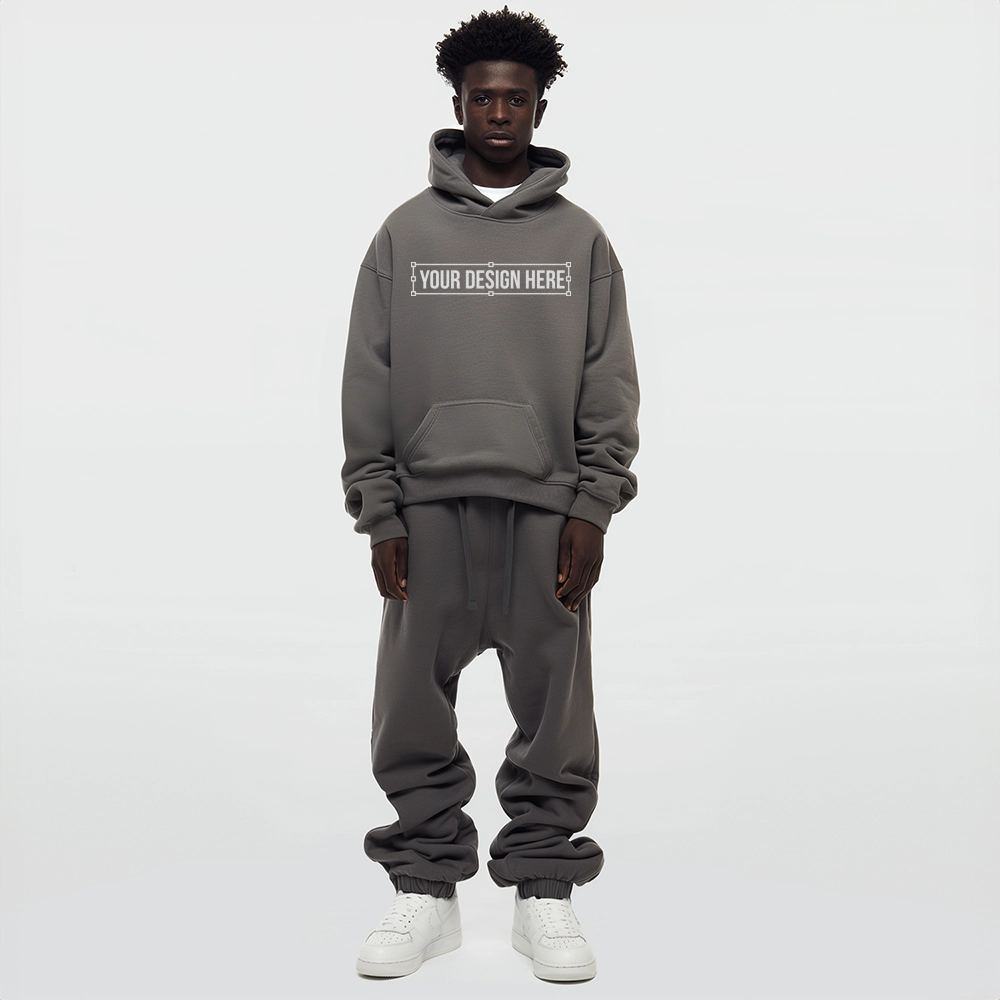
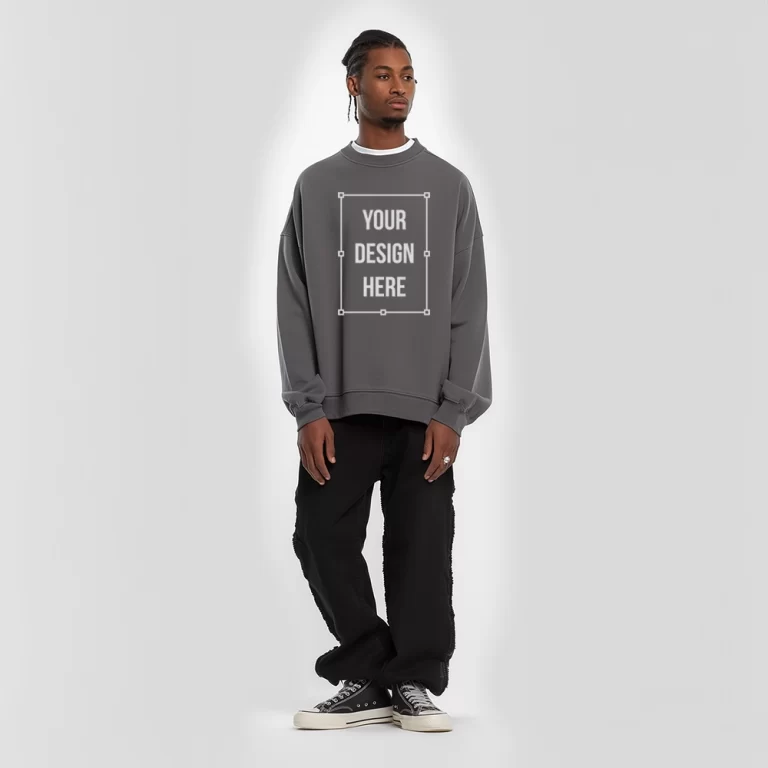
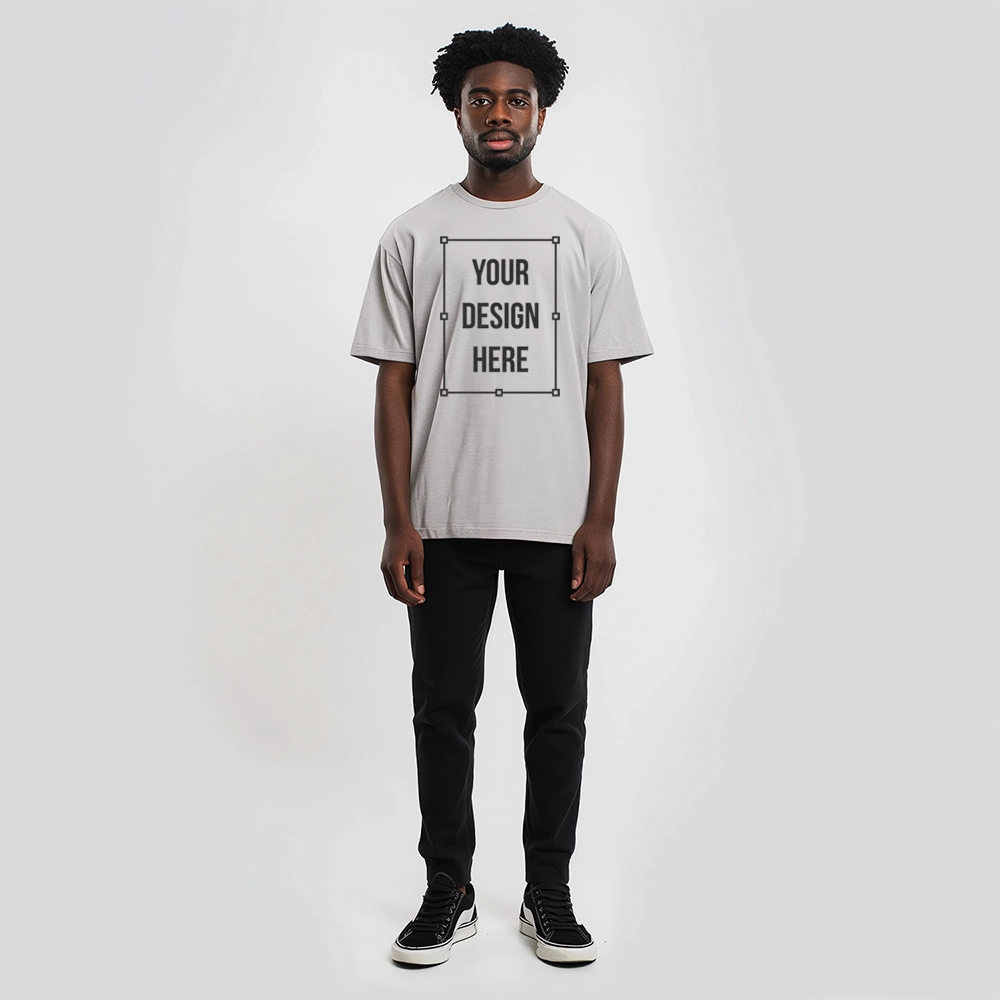
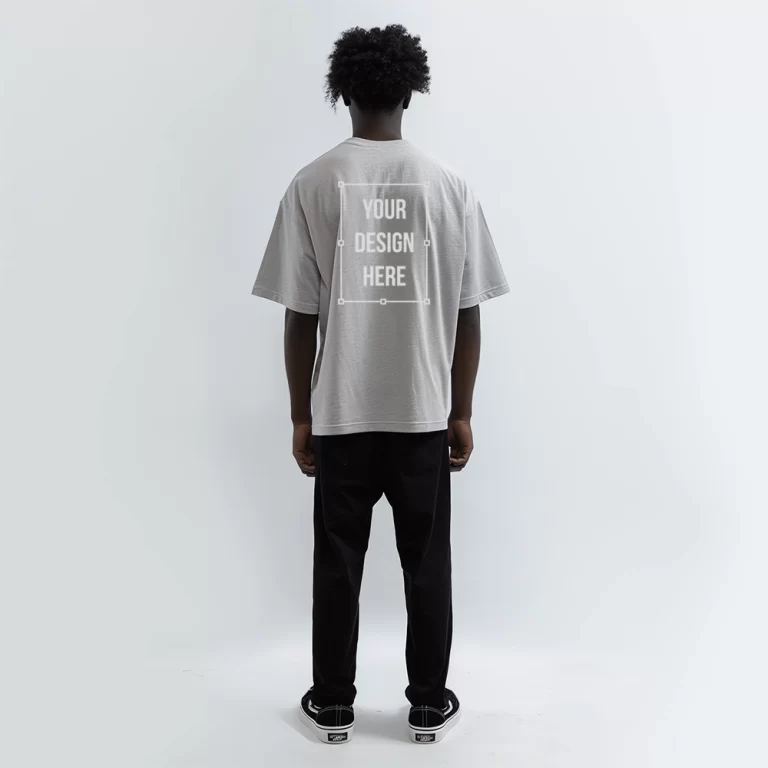
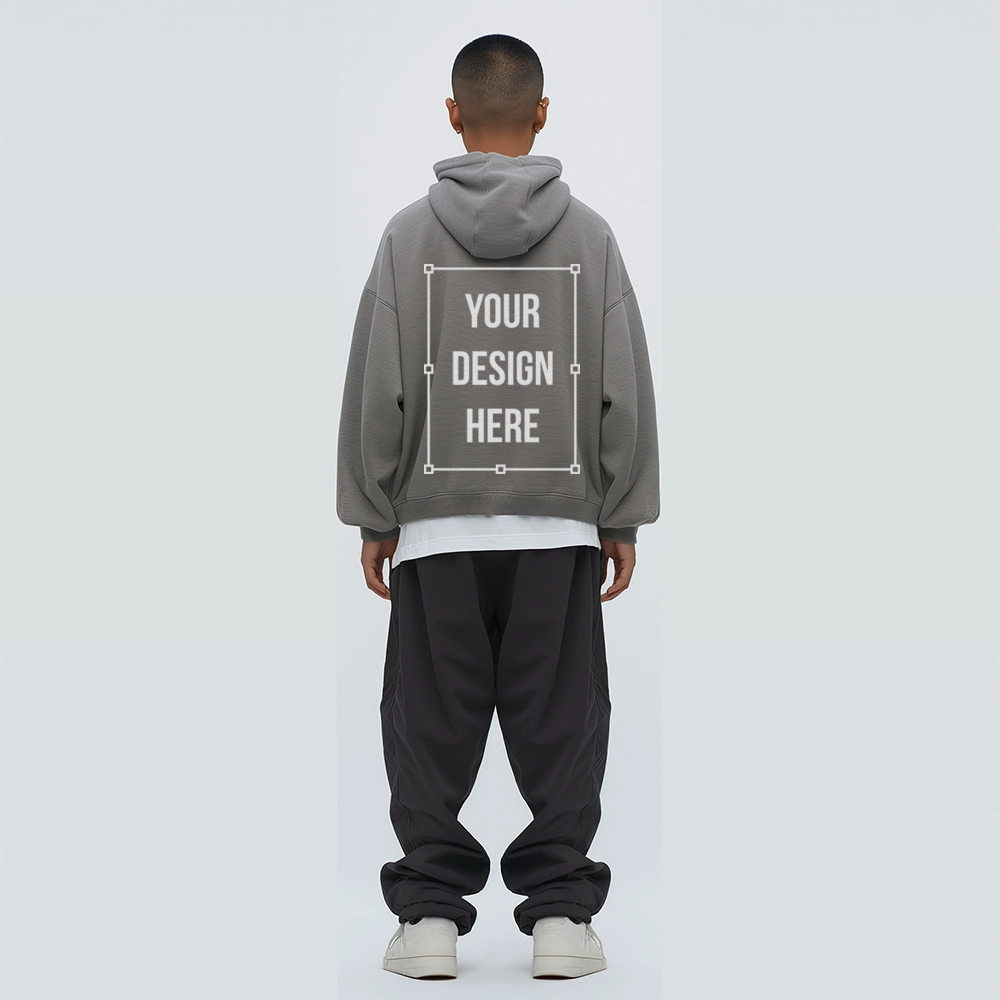
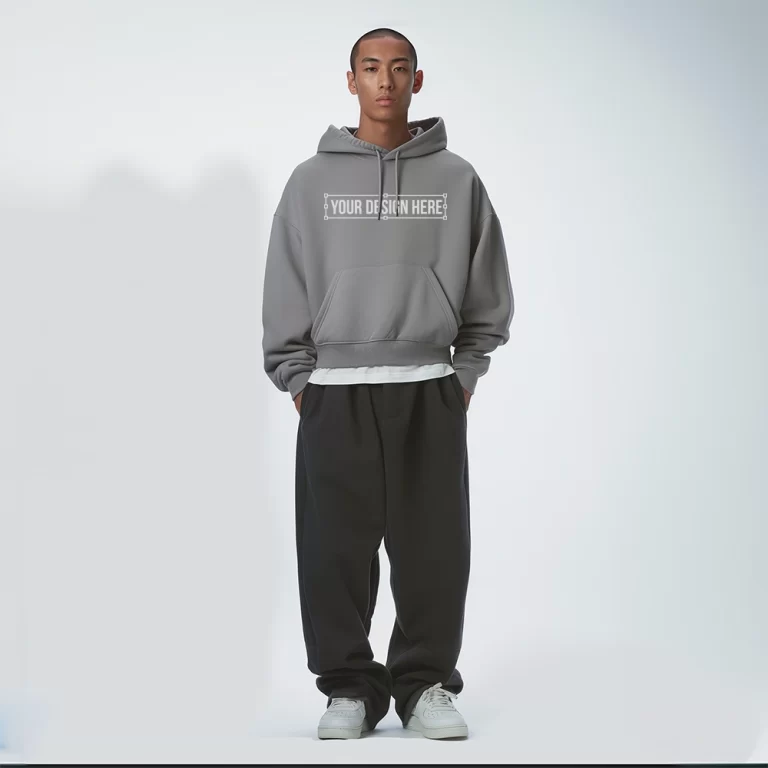
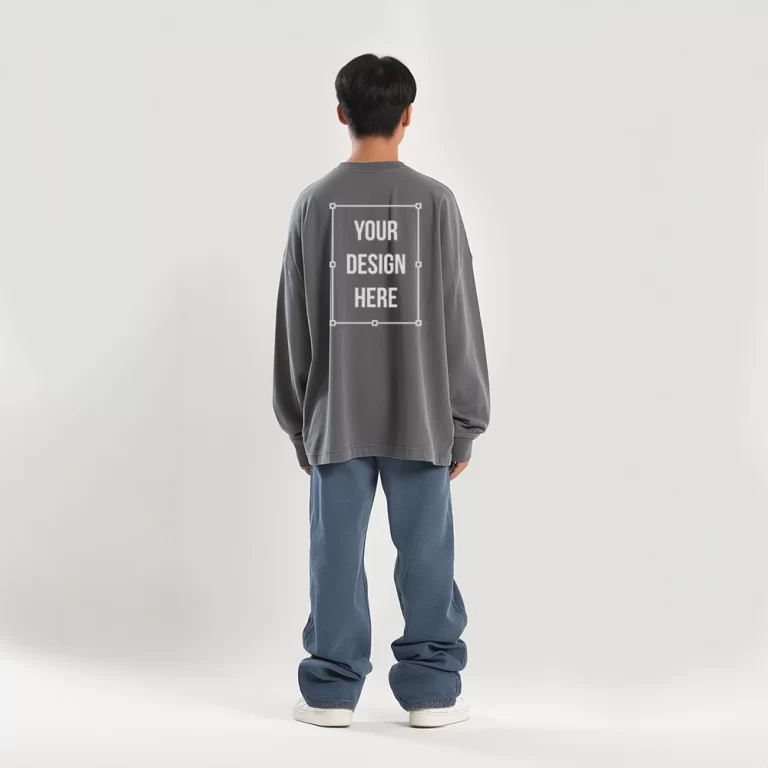
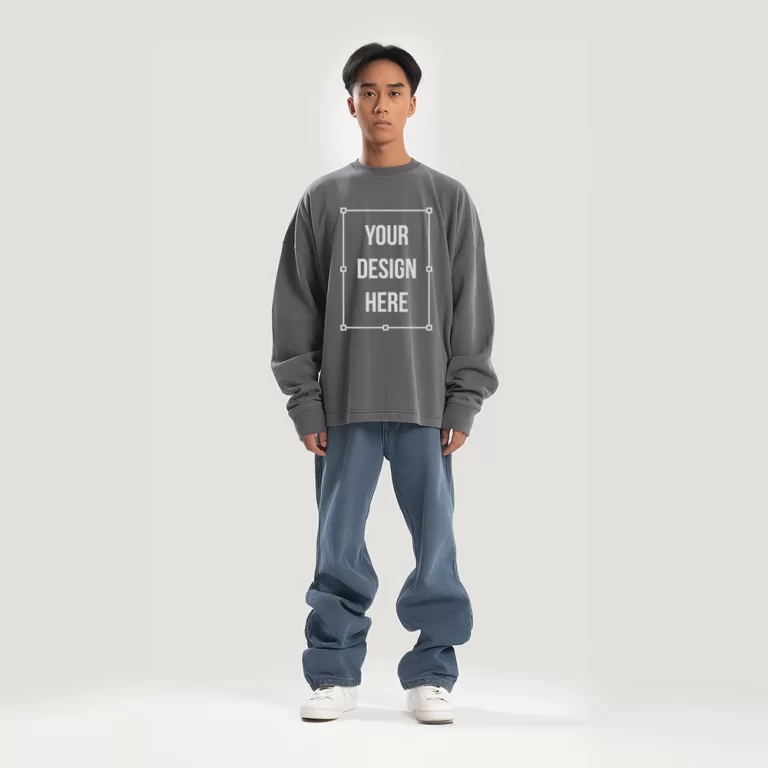
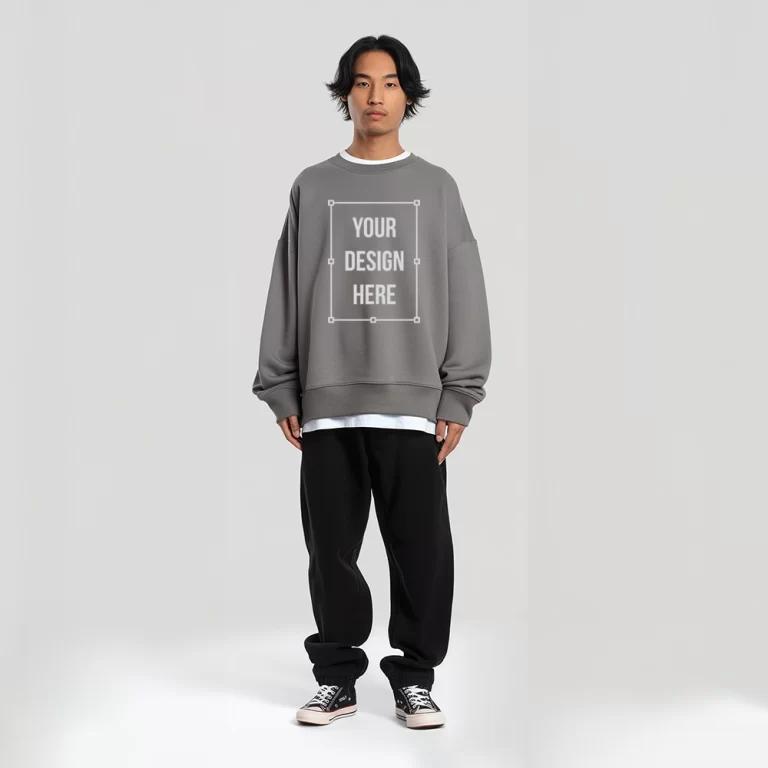
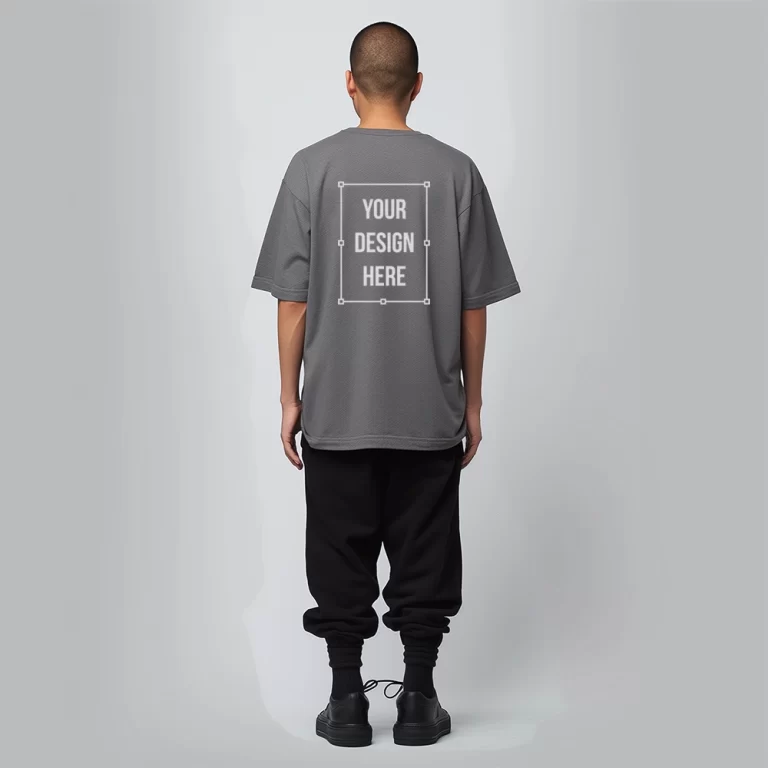
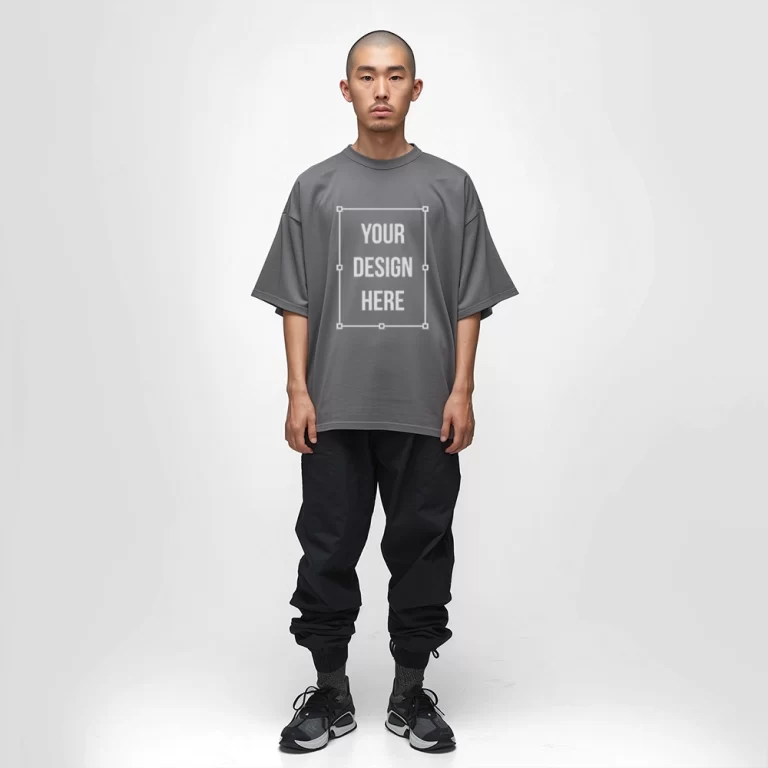
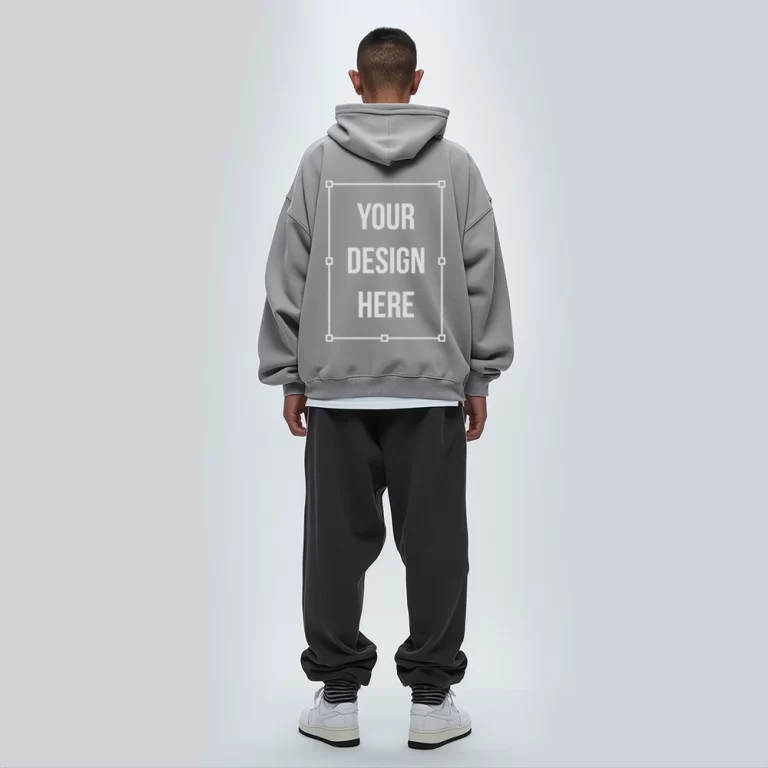
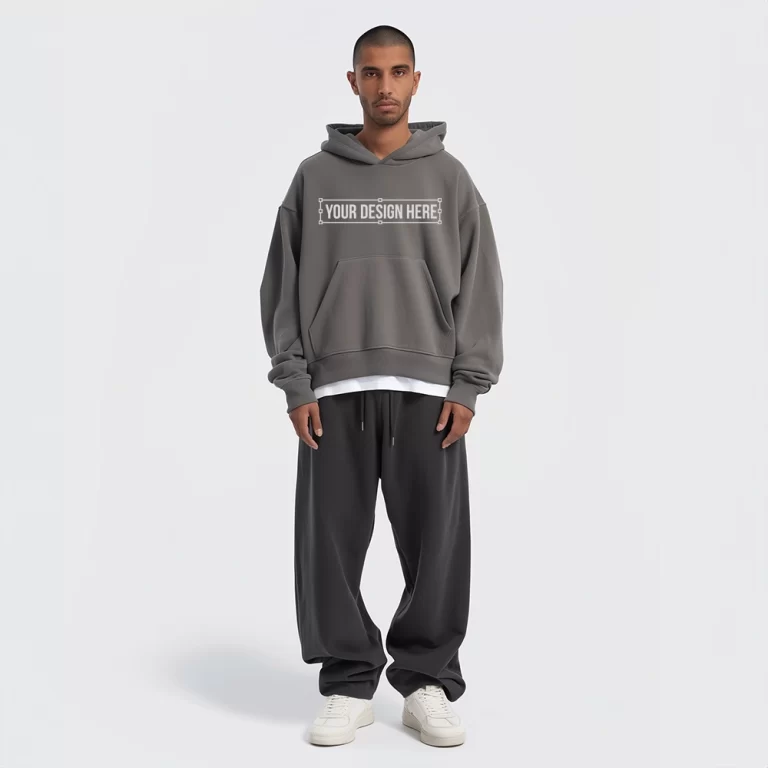
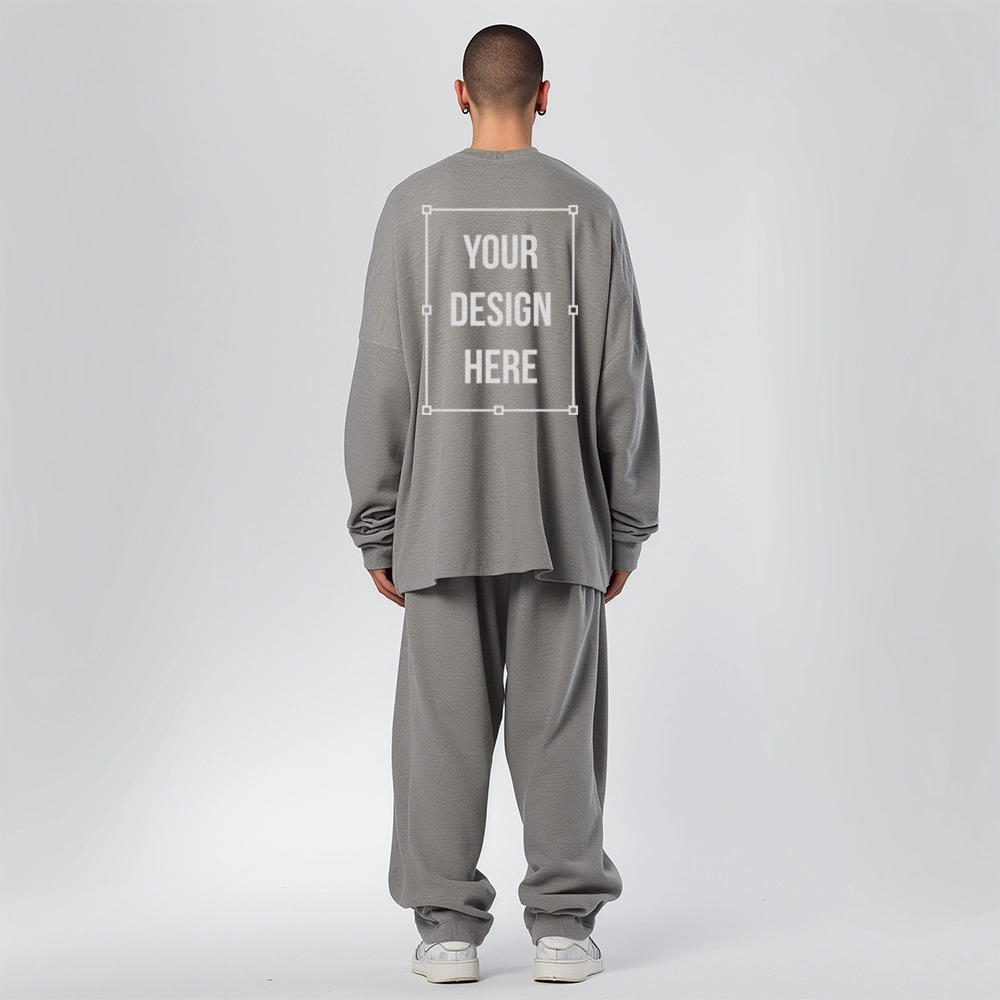
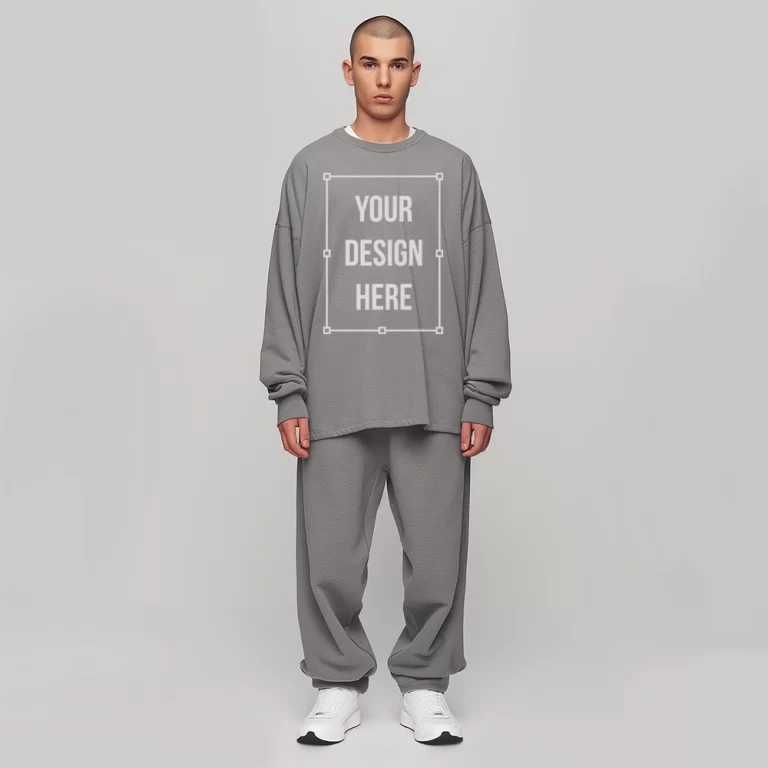
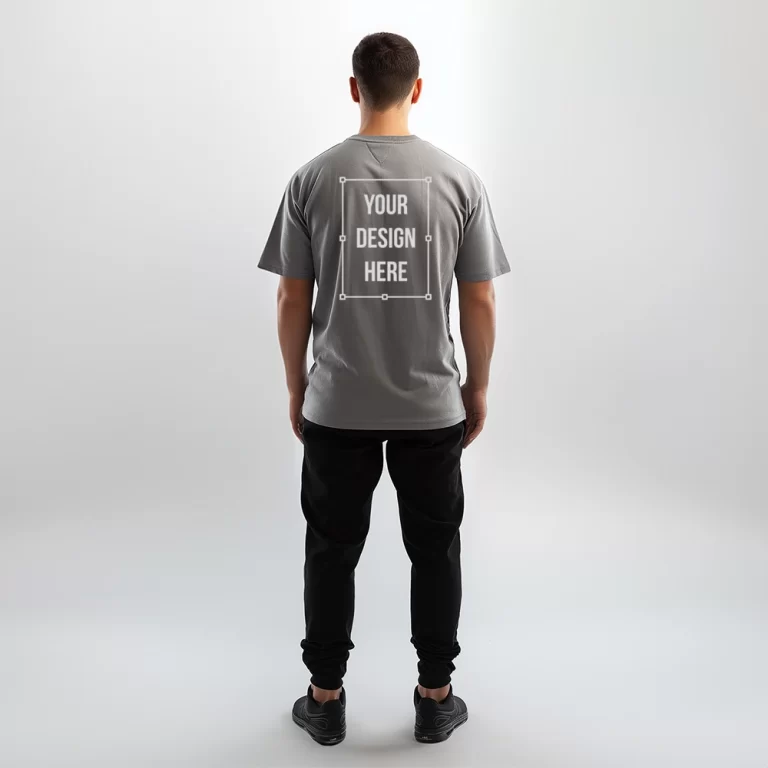
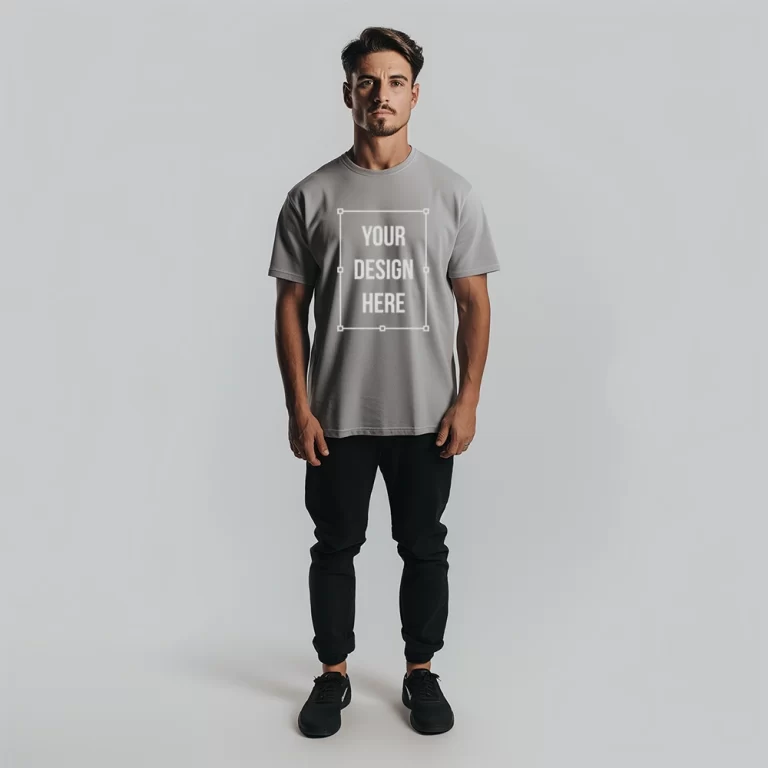
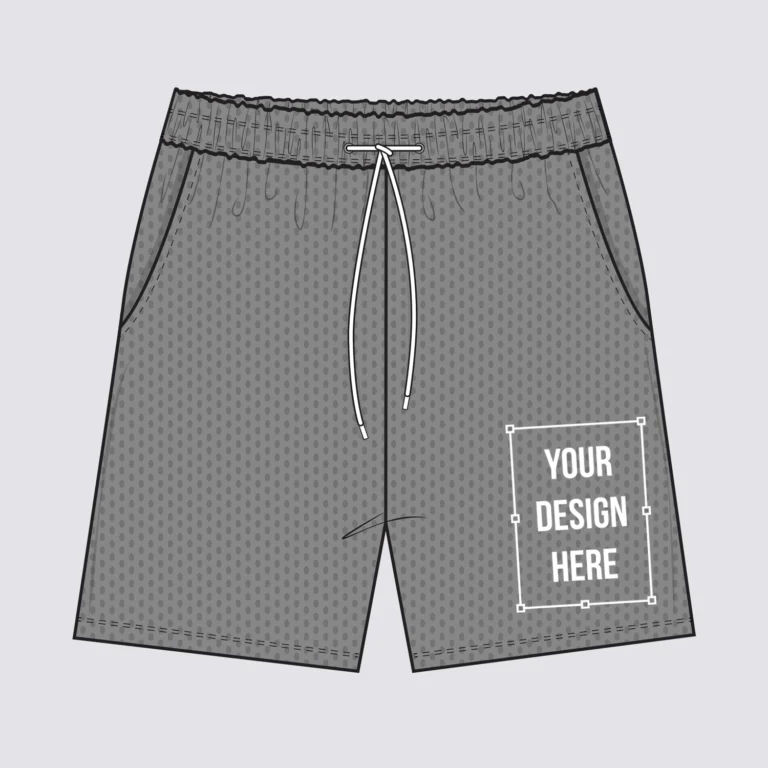
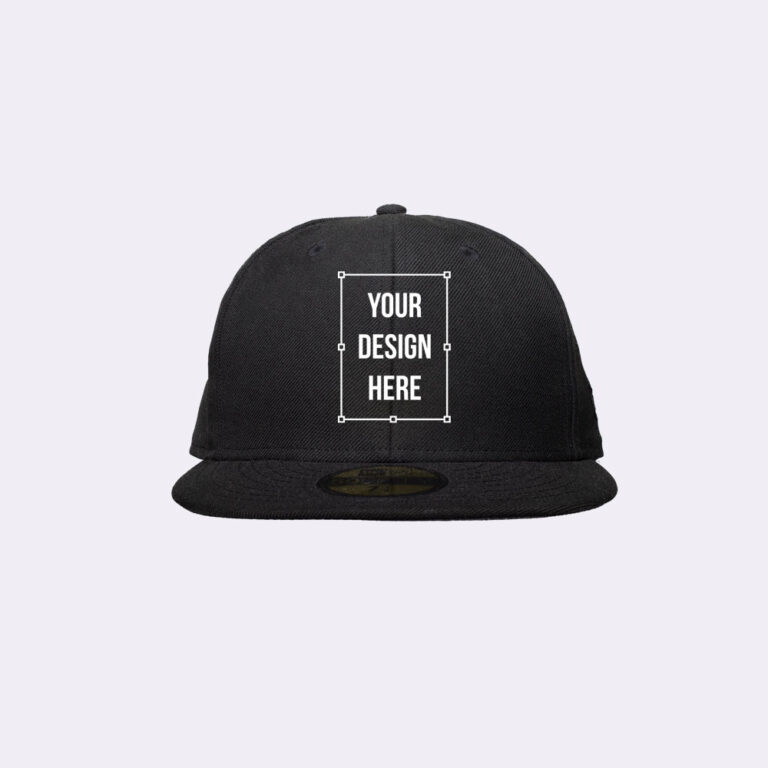
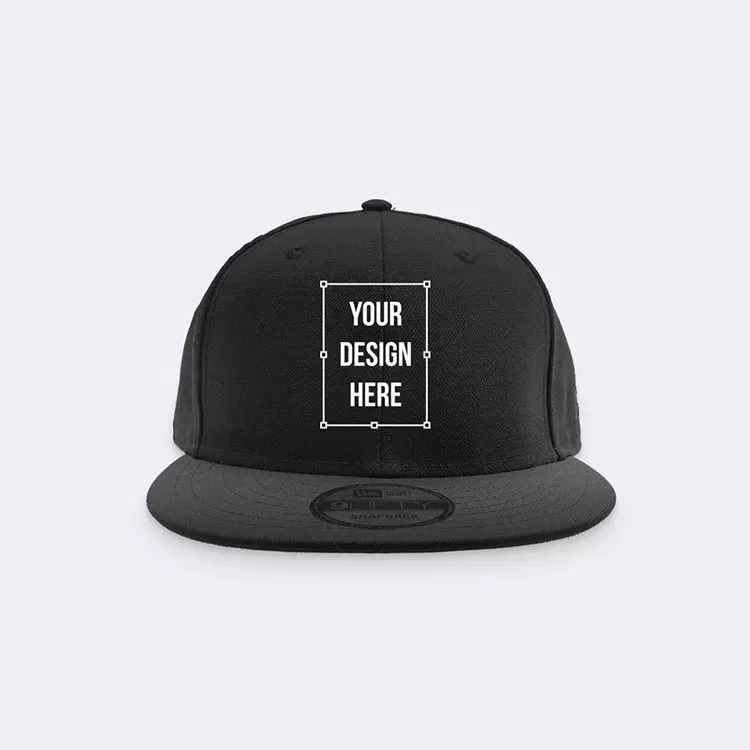
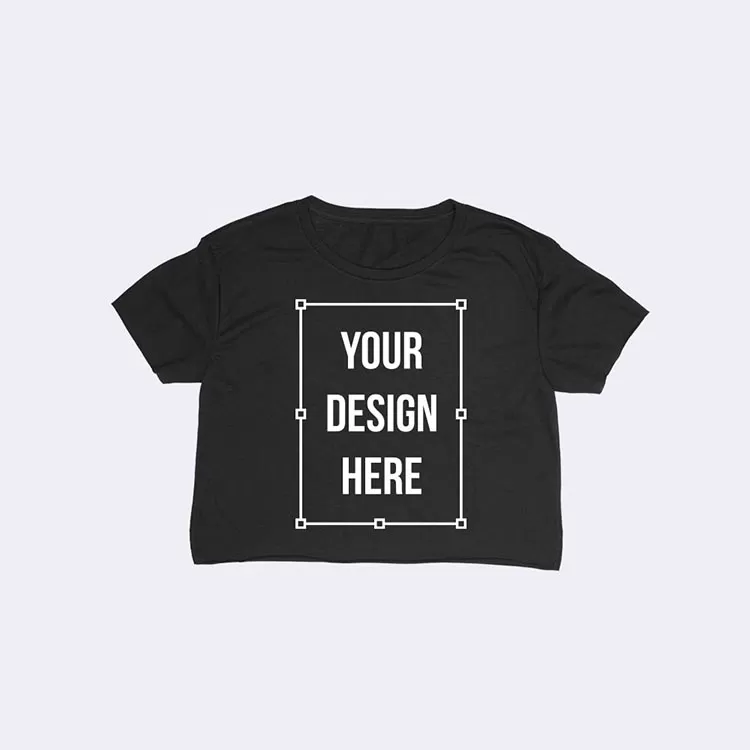
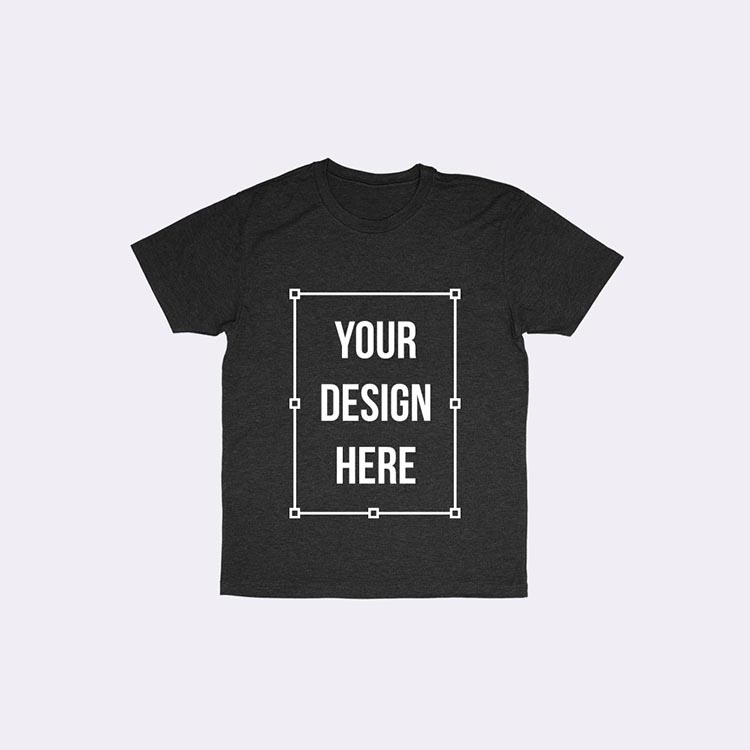
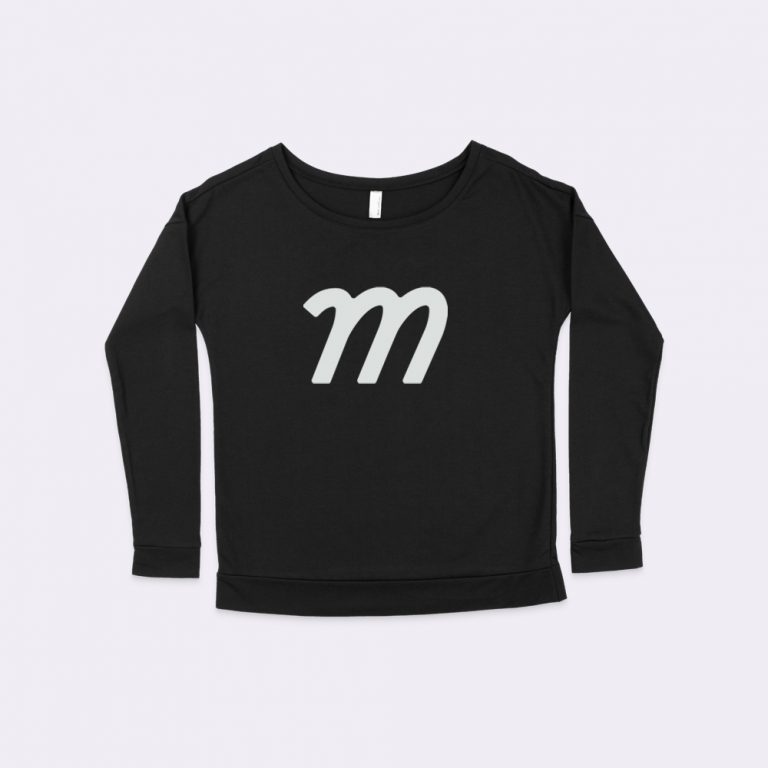
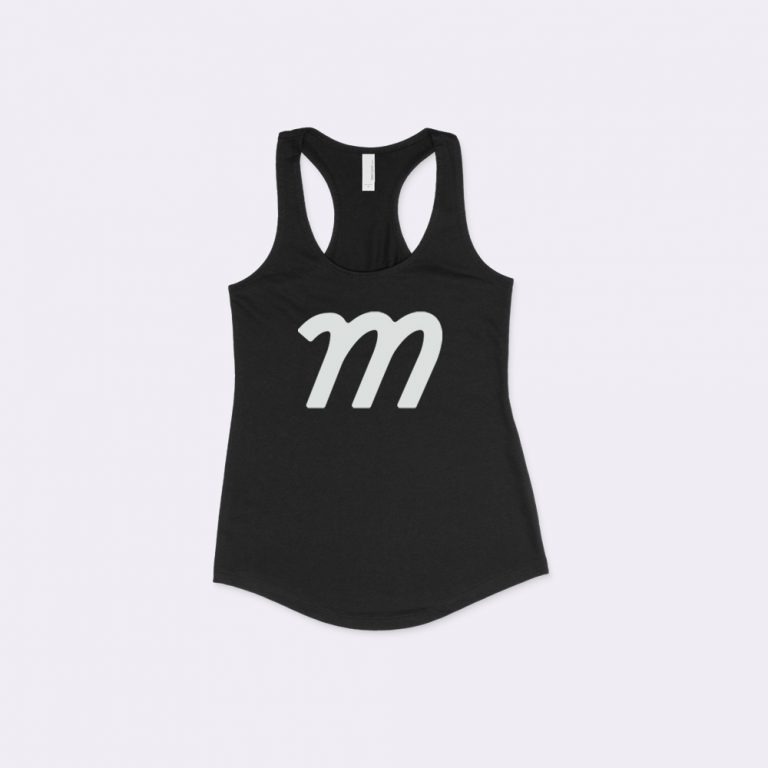
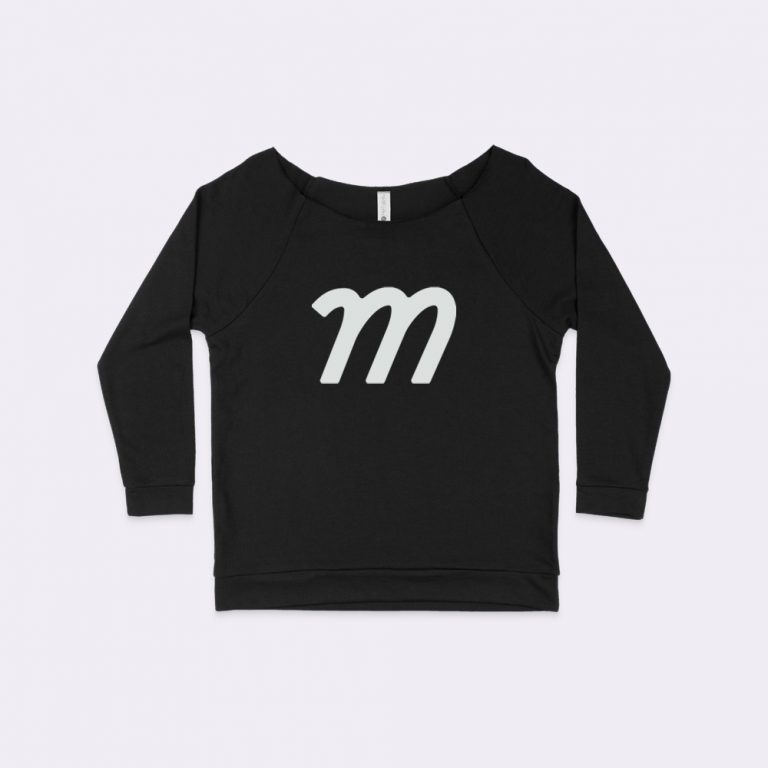
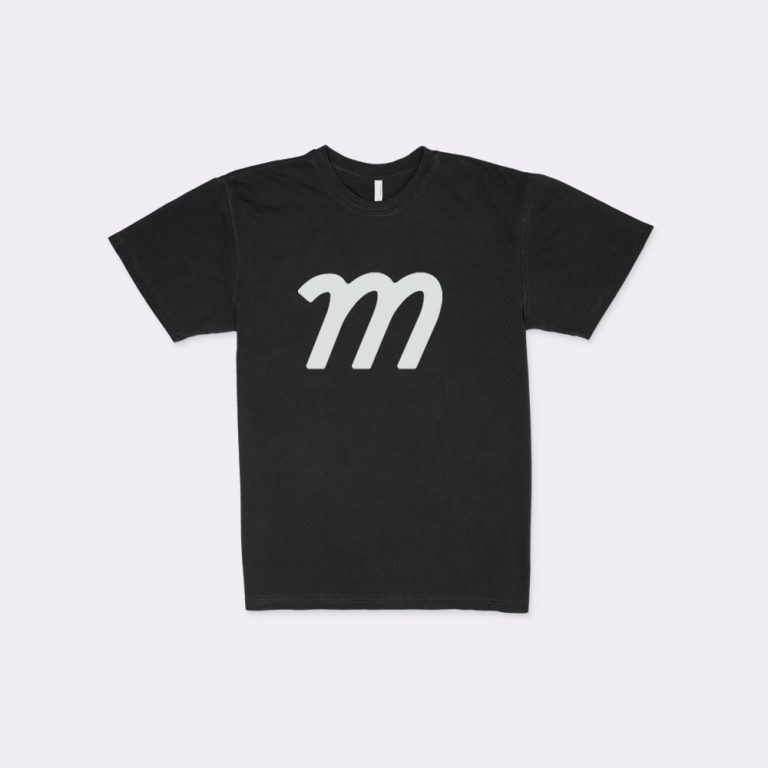
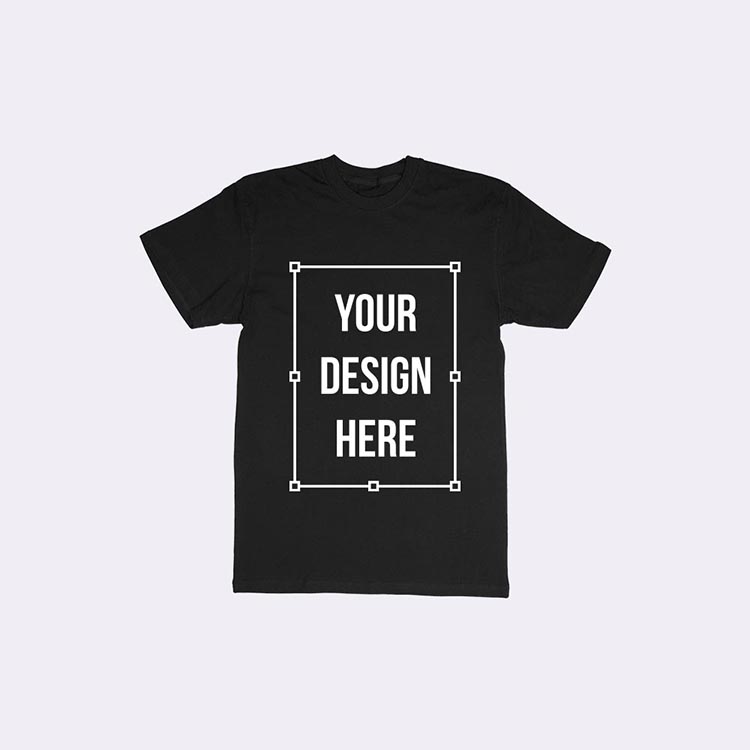
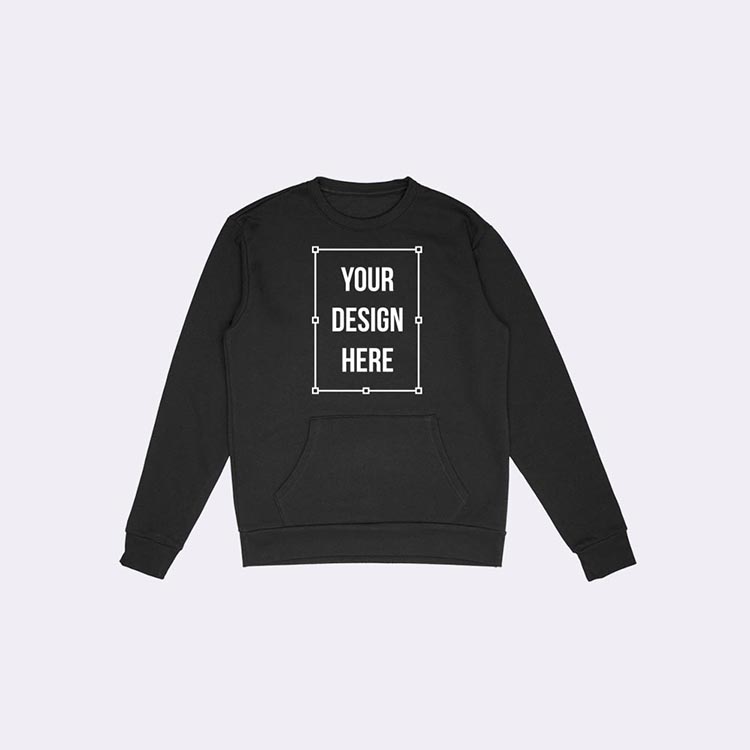
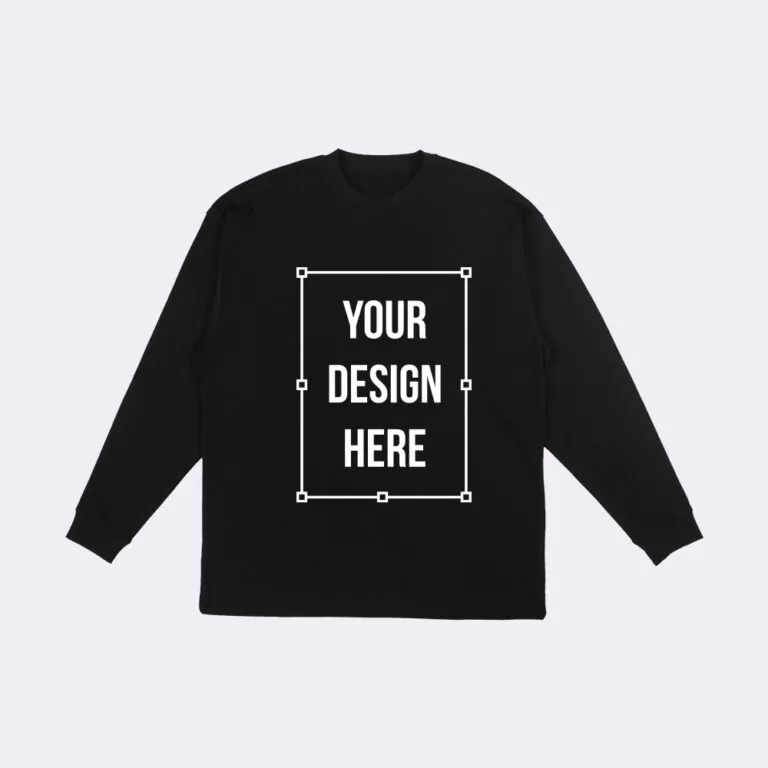
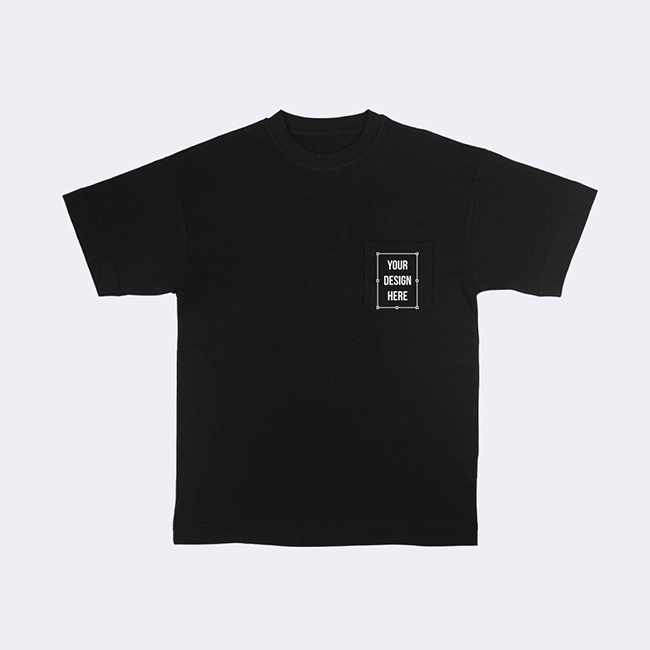
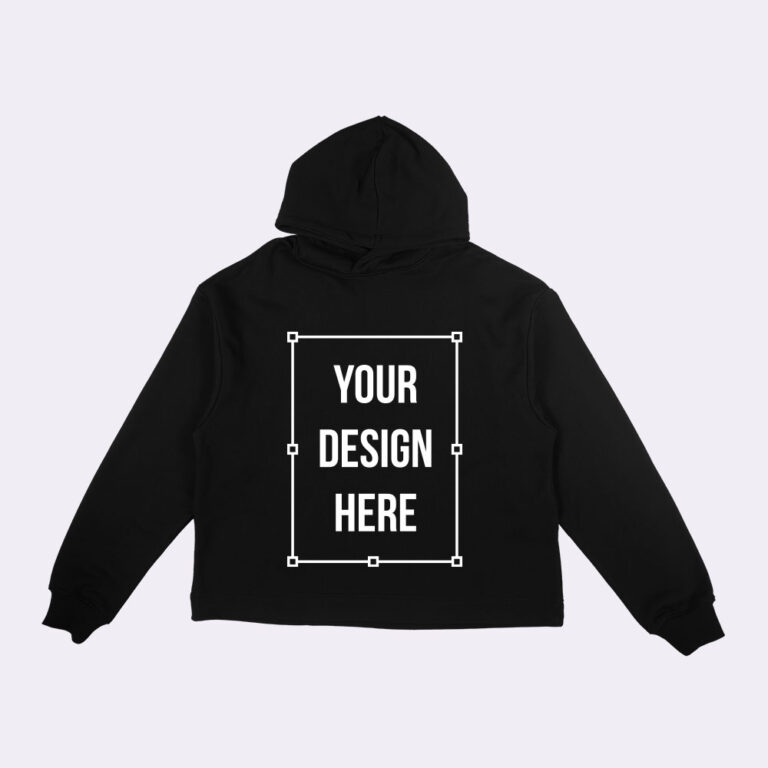
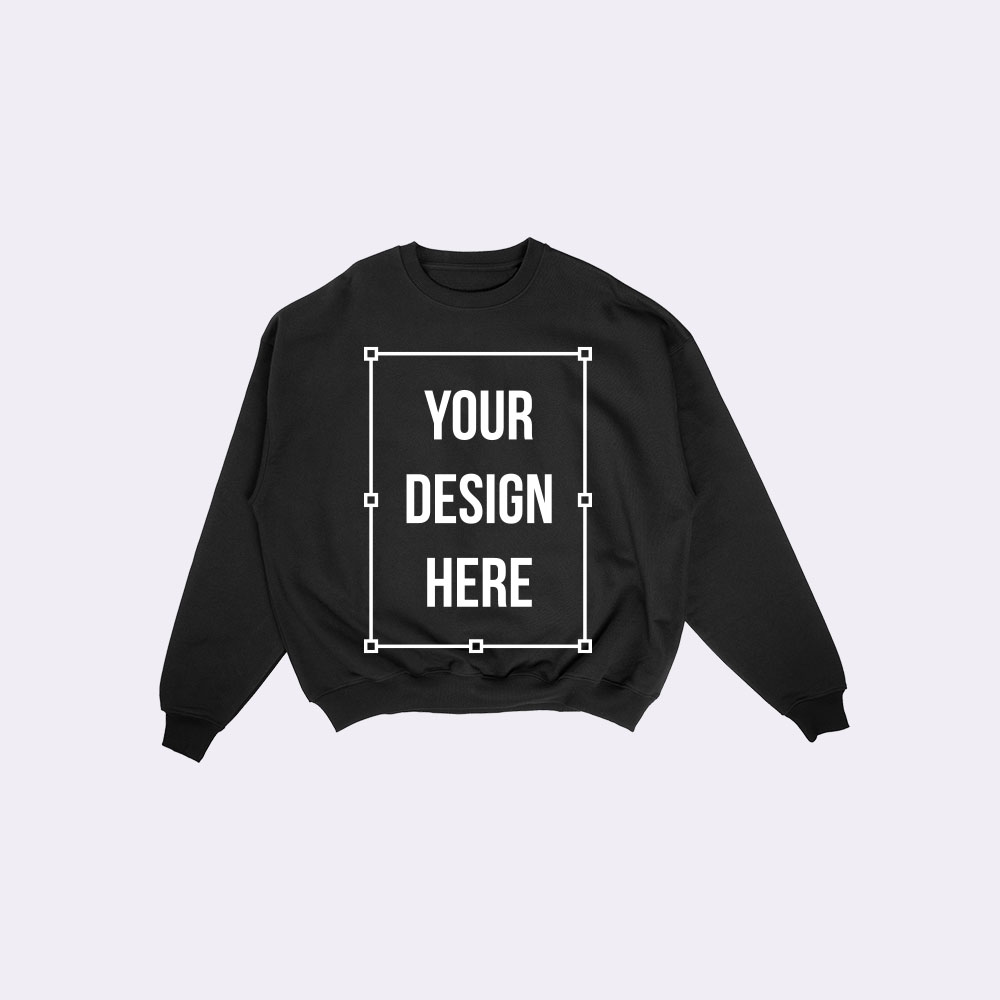
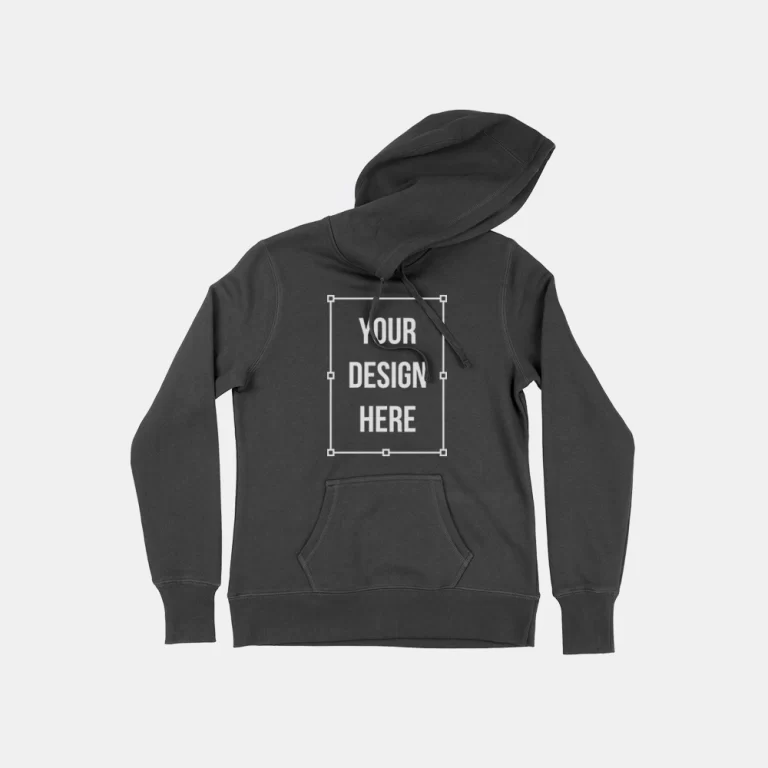
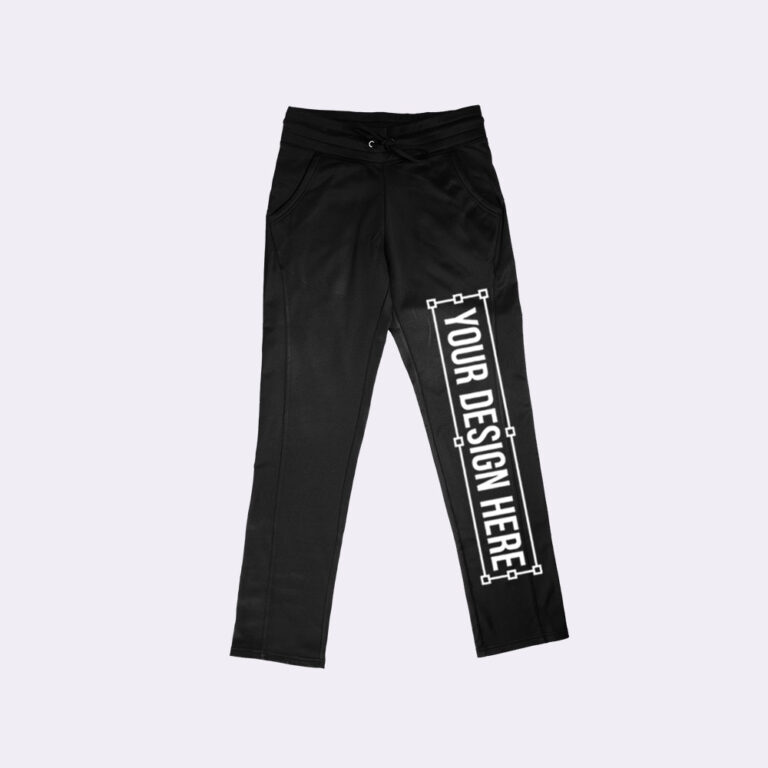
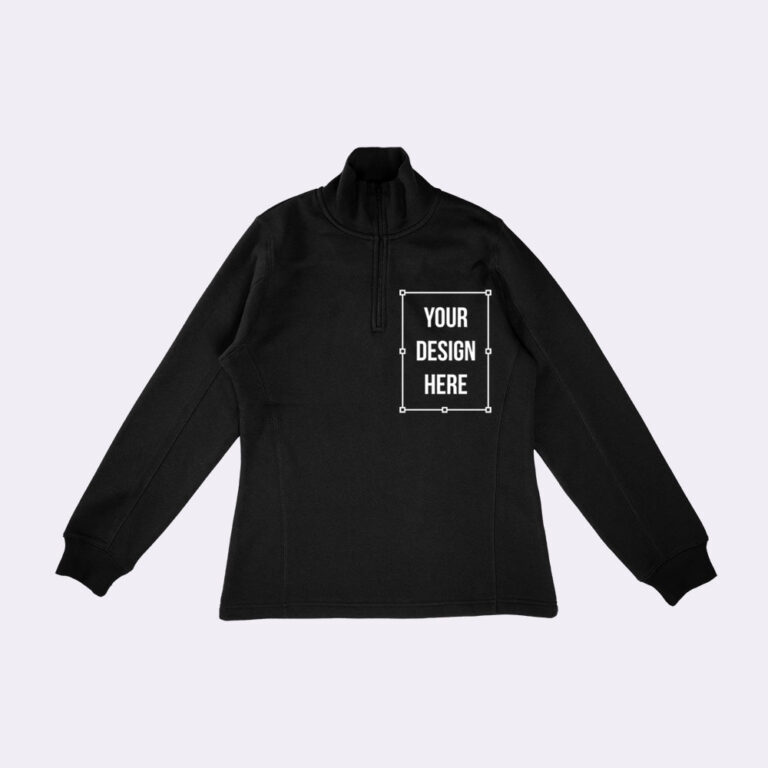
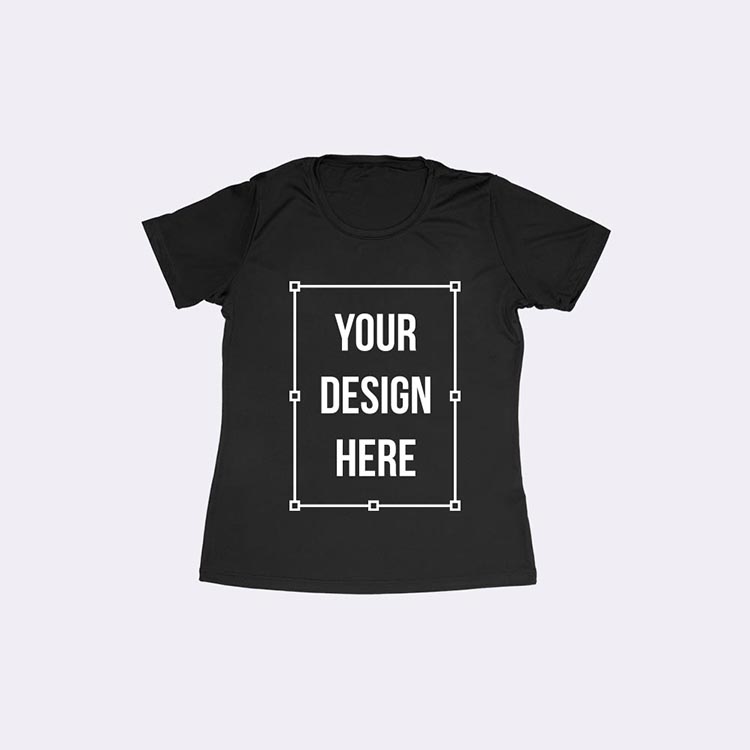
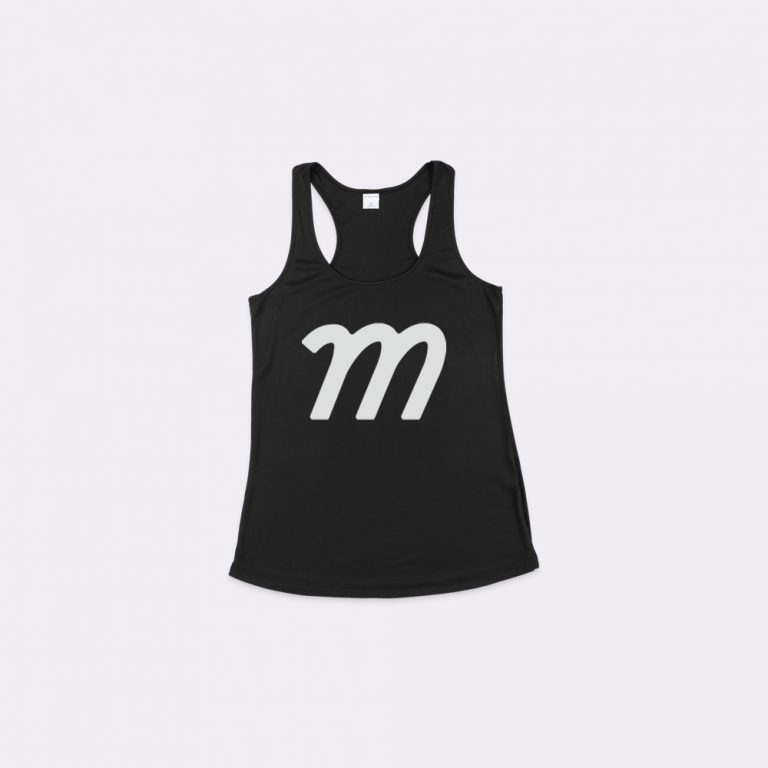
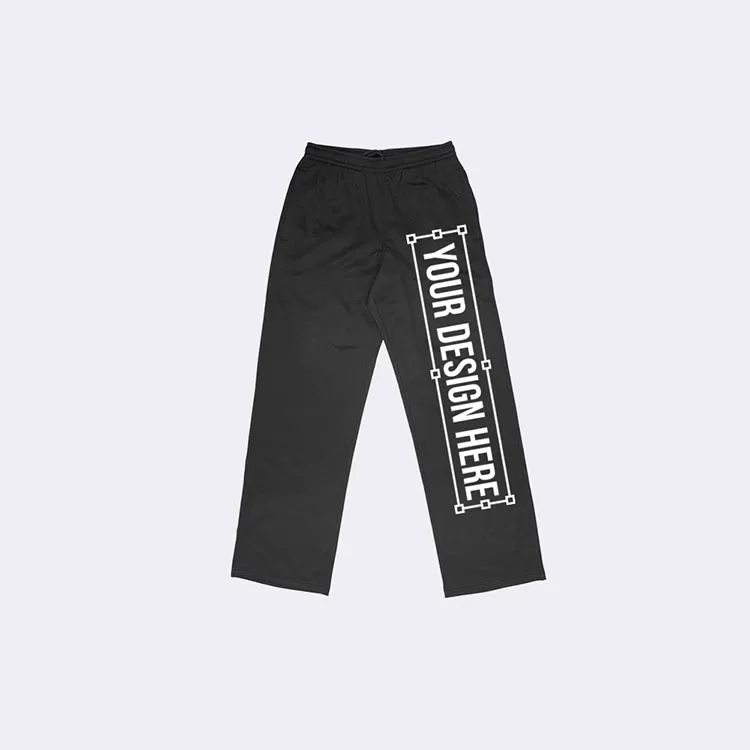
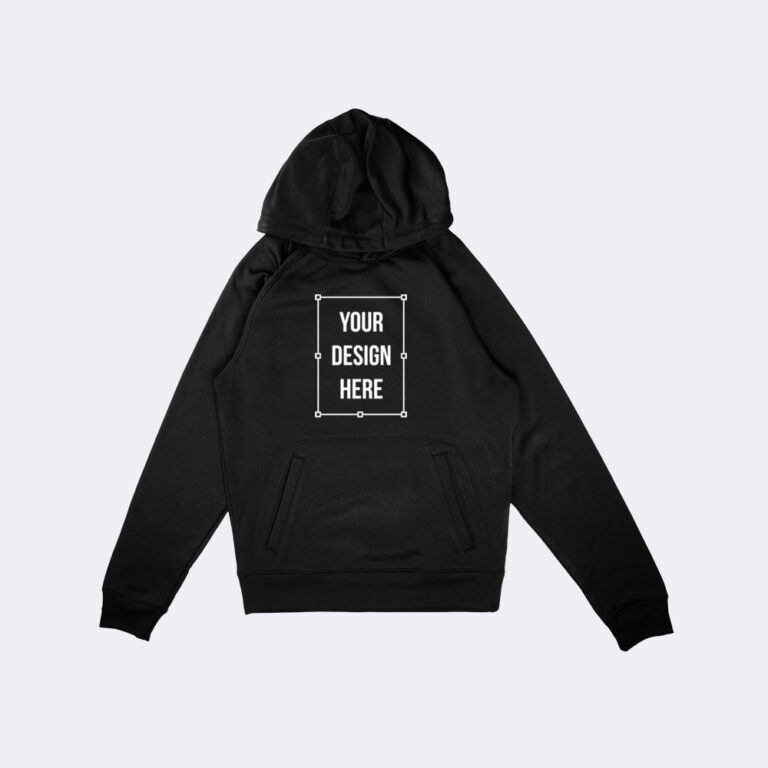
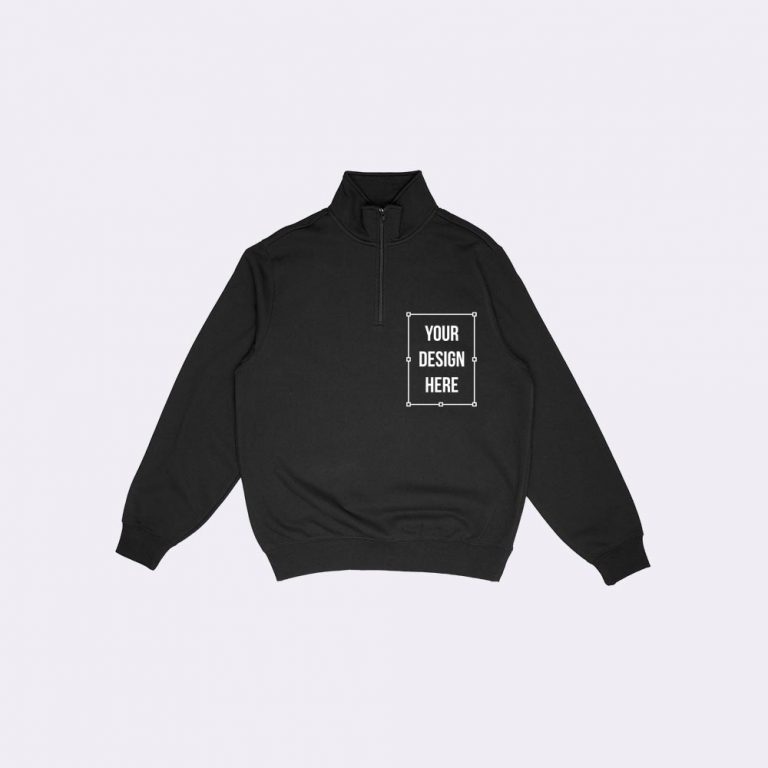
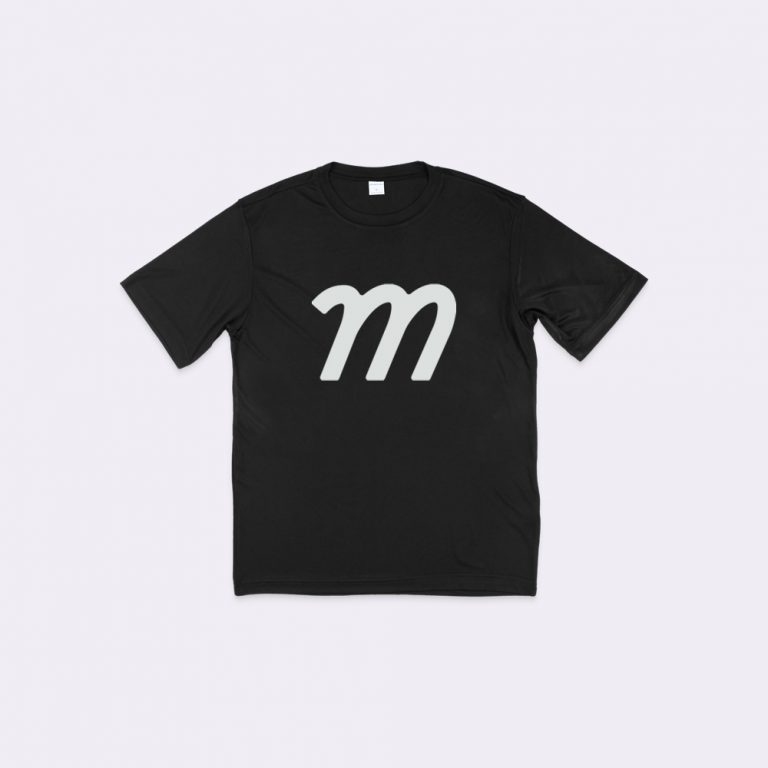
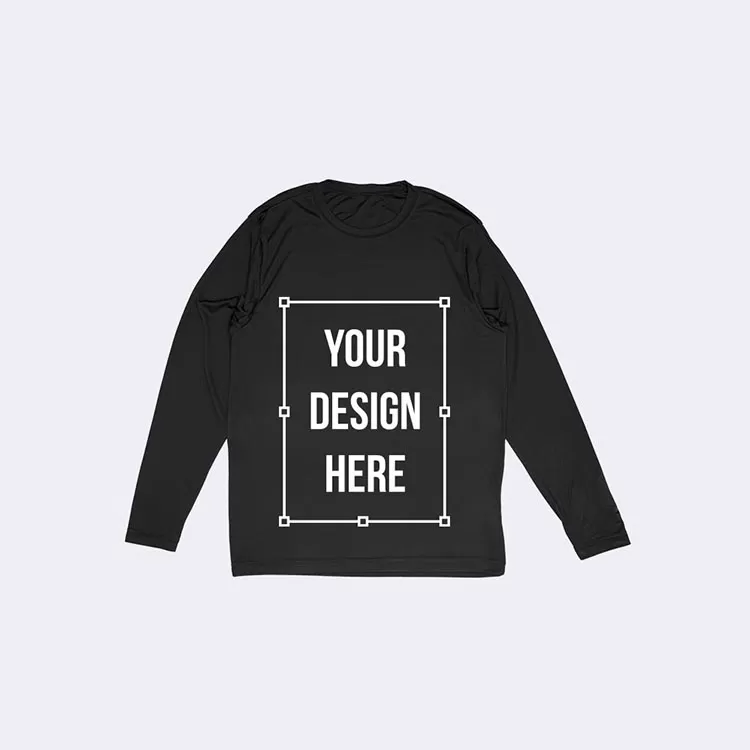
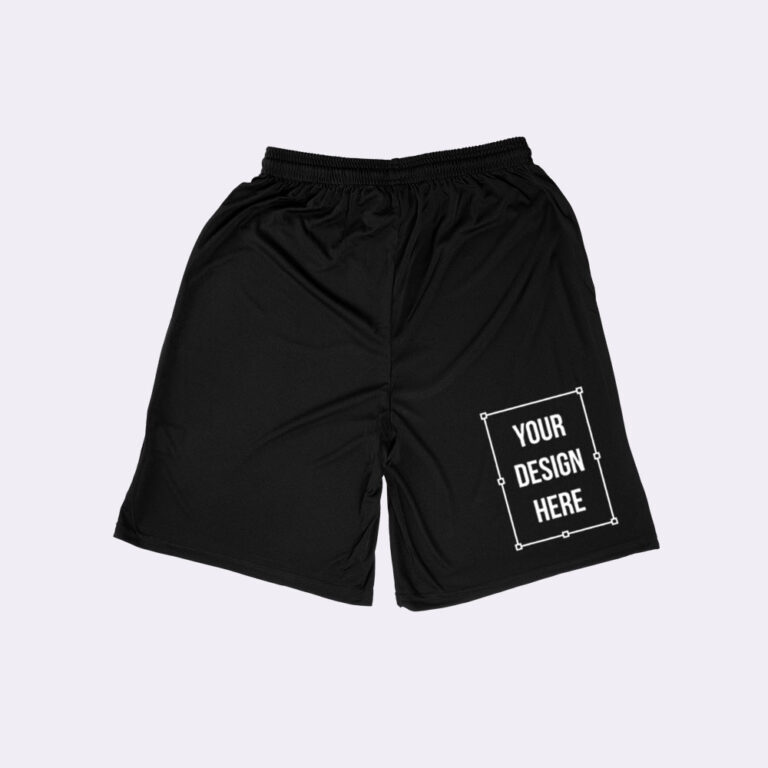
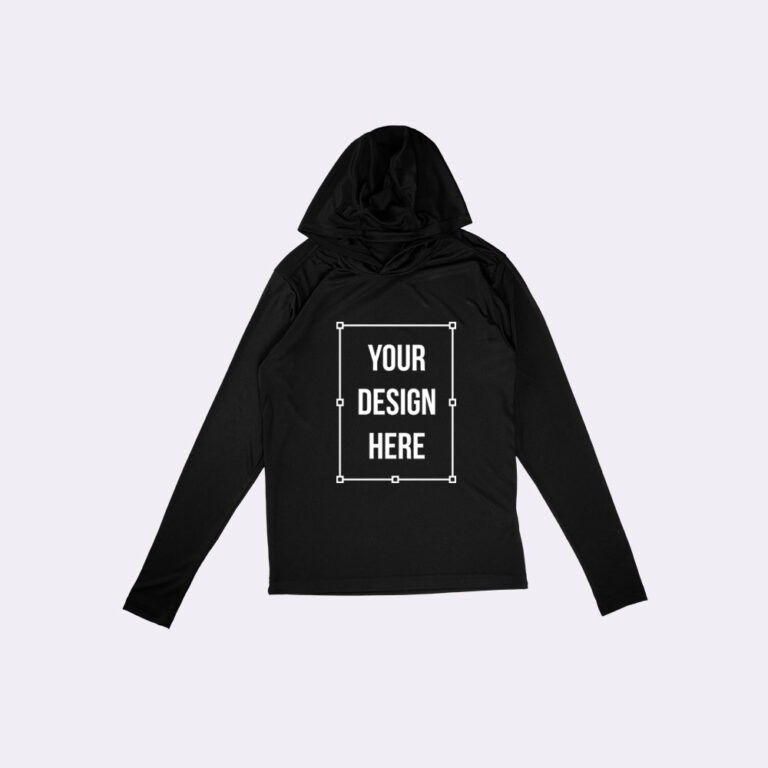
A high resolution mockup generator is an online mockup creation tool that enables users to generate realistic visual previews of a high resolution by applying custom designs, selecting colors, and choosing layout variations from ready-made mockup templates. The generator shows how the final high resolution appears in a real-world context before printing, publishing, or listing.
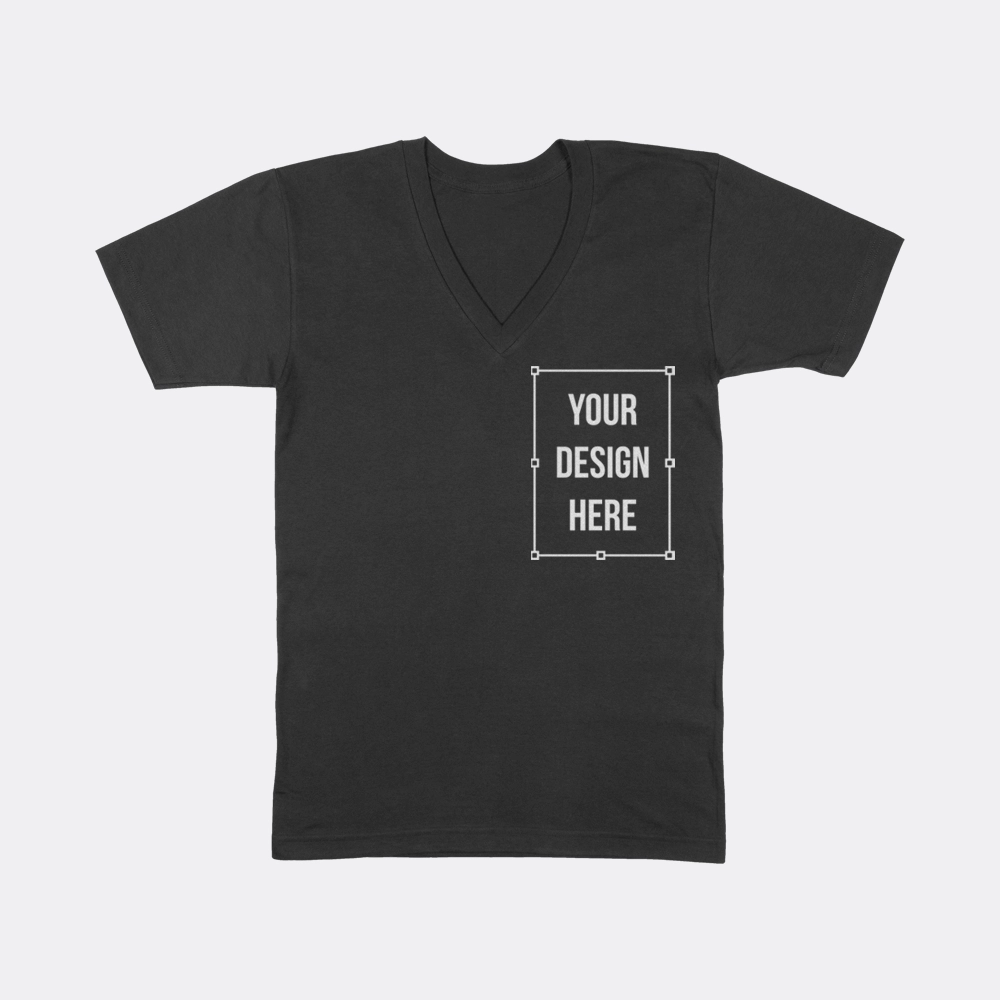
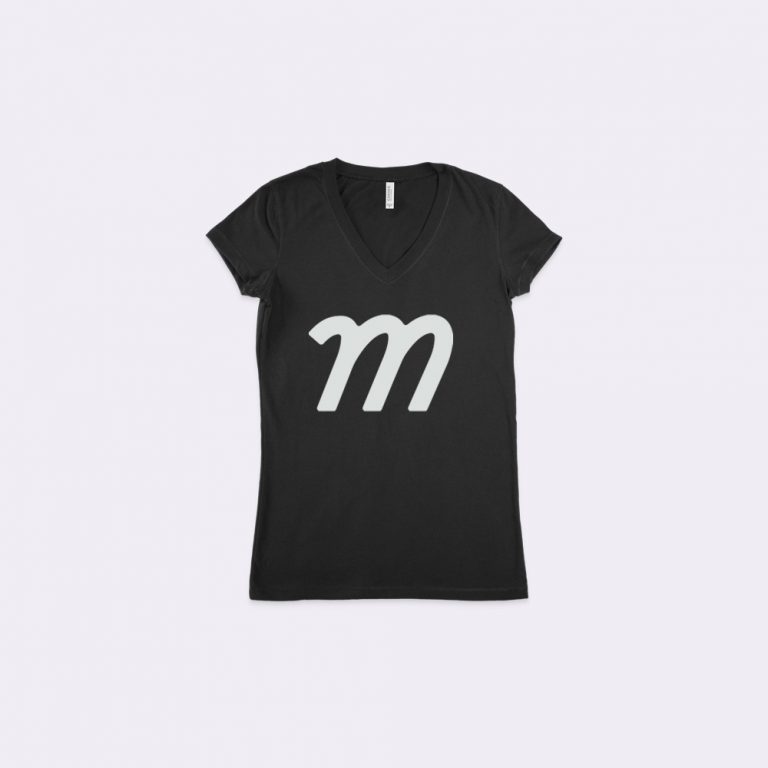
In practical use, the high resolution mockup generator allows designers, ecommerce sellers, and marketers to place a design onto a high resolution surface, adjust visual attributes such as material or background color, and instantly view the updated result. This process supports accurate design validation and consistent presentation without requiring a physical sample.
Creating a high resolution mockup follows a clear, product-focused workflow where each step directly modifies how the high resolution appears in the final preview.
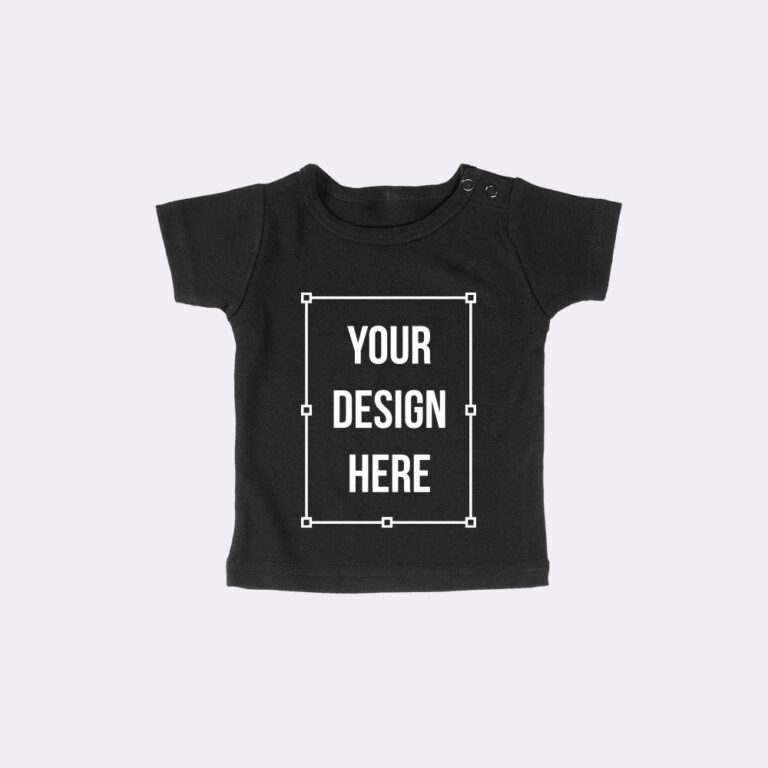
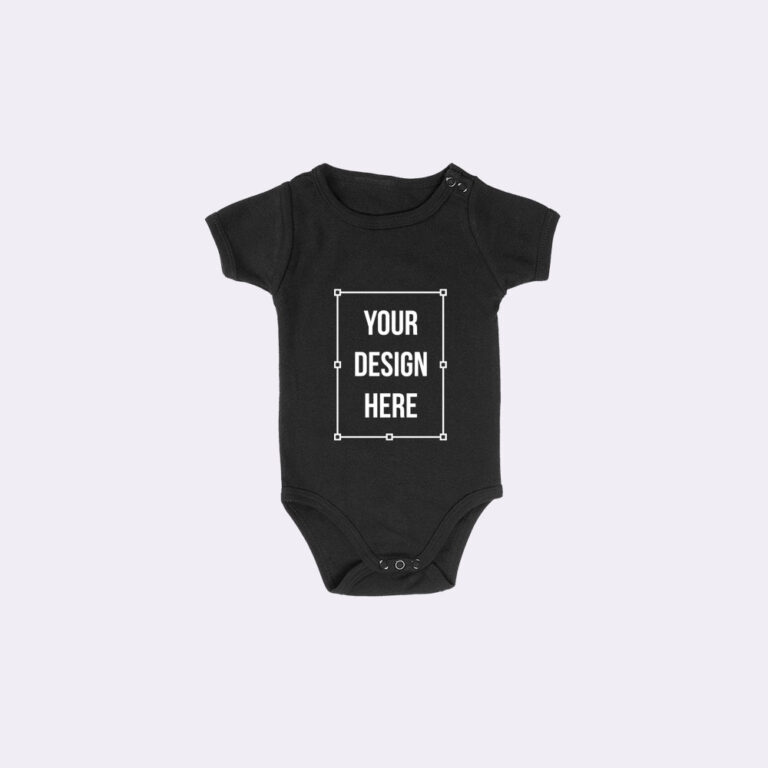
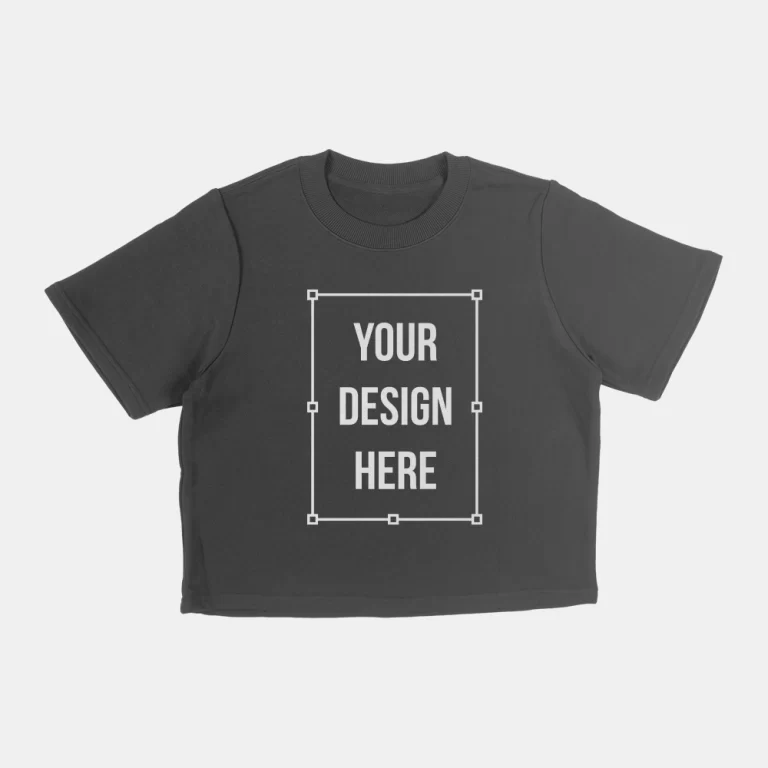
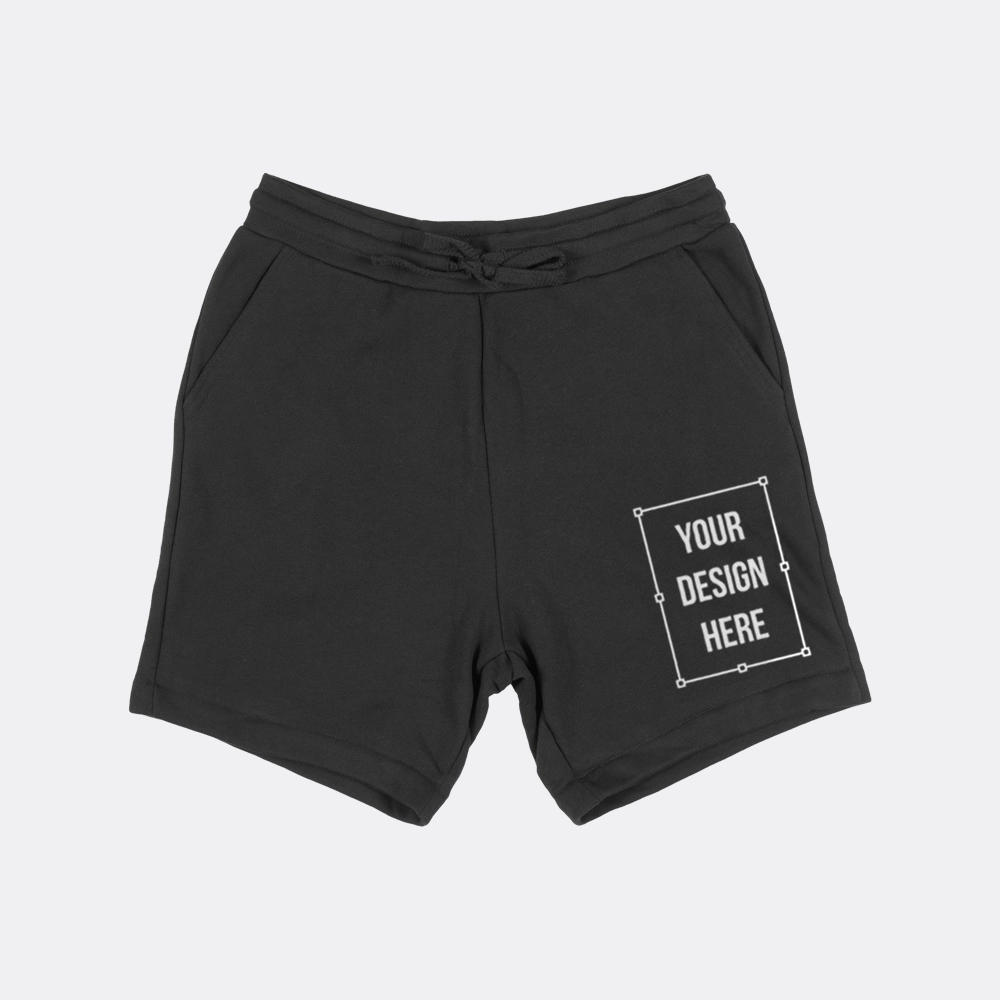
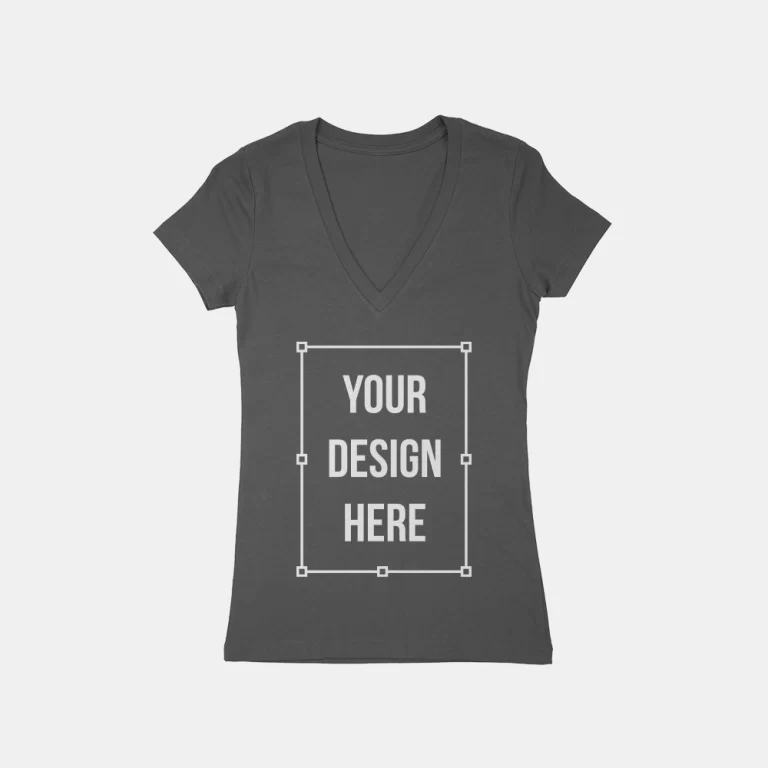
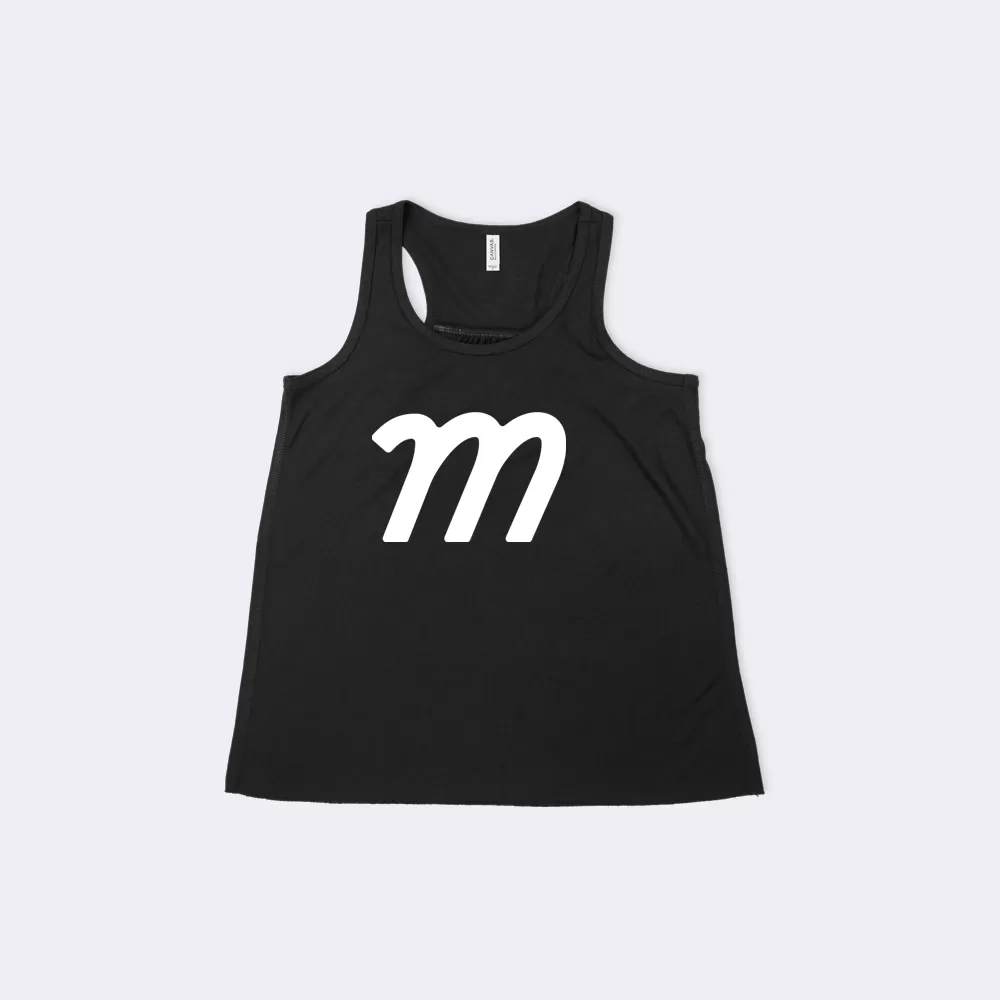
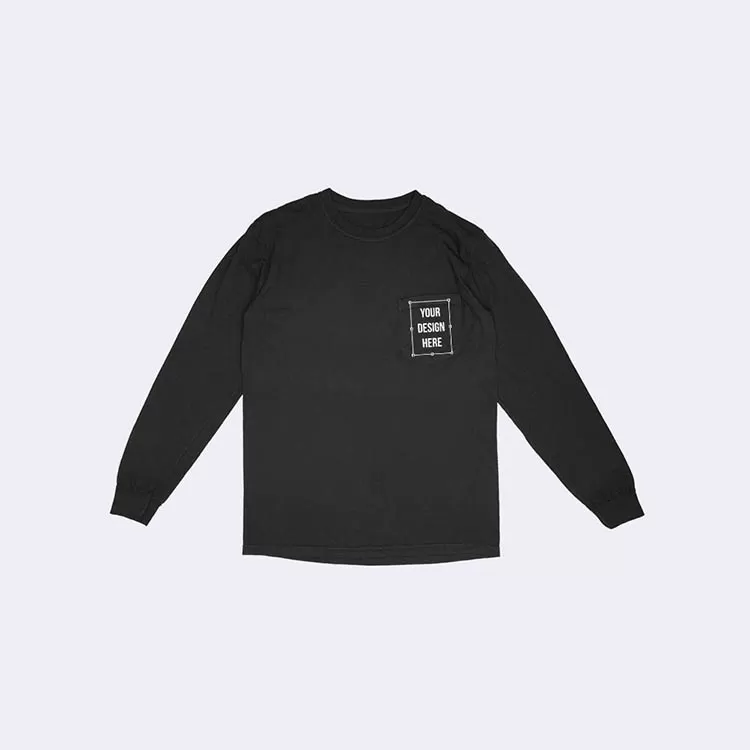
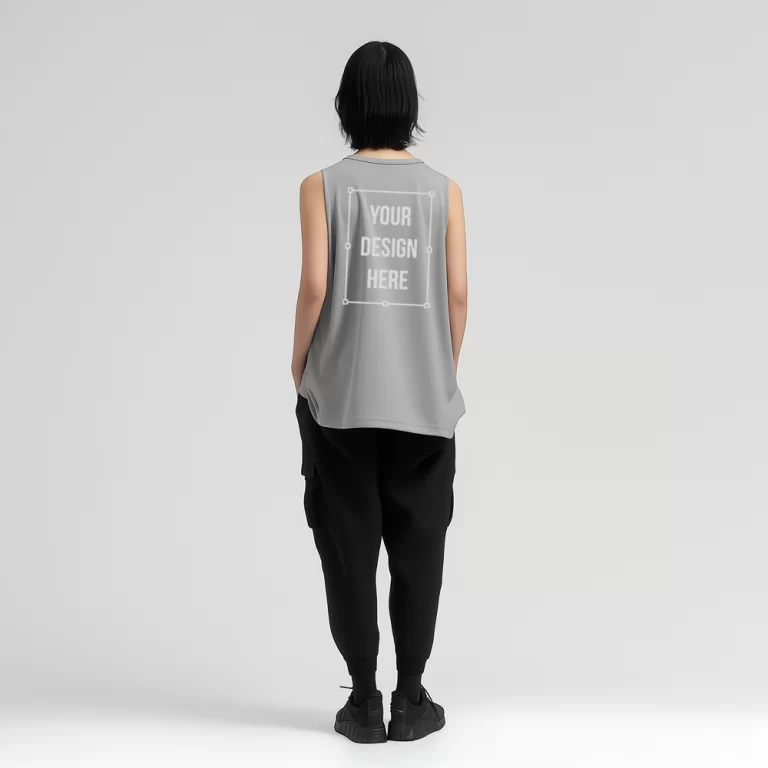
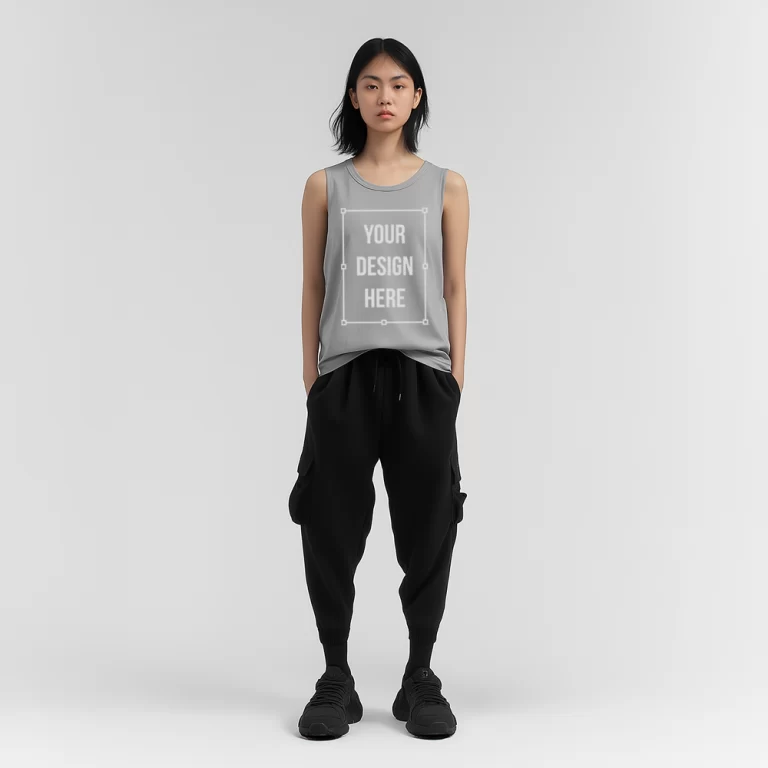
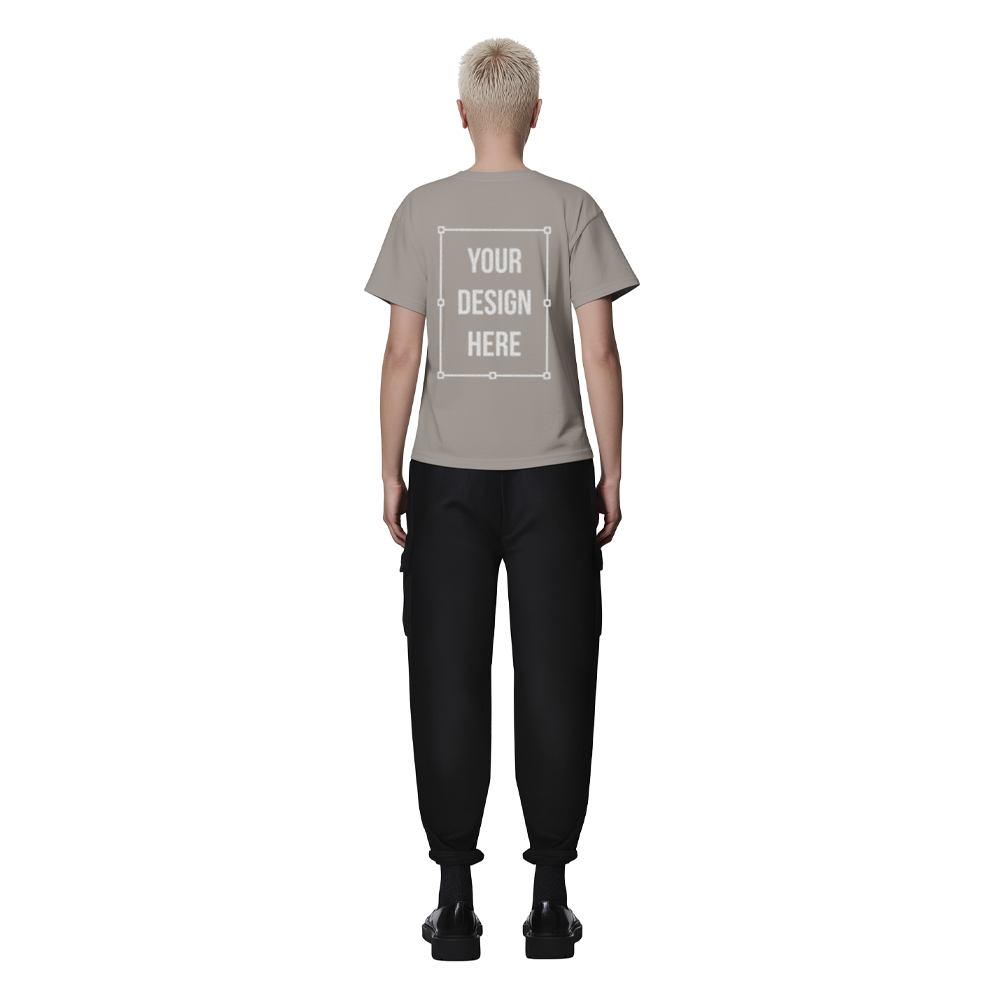
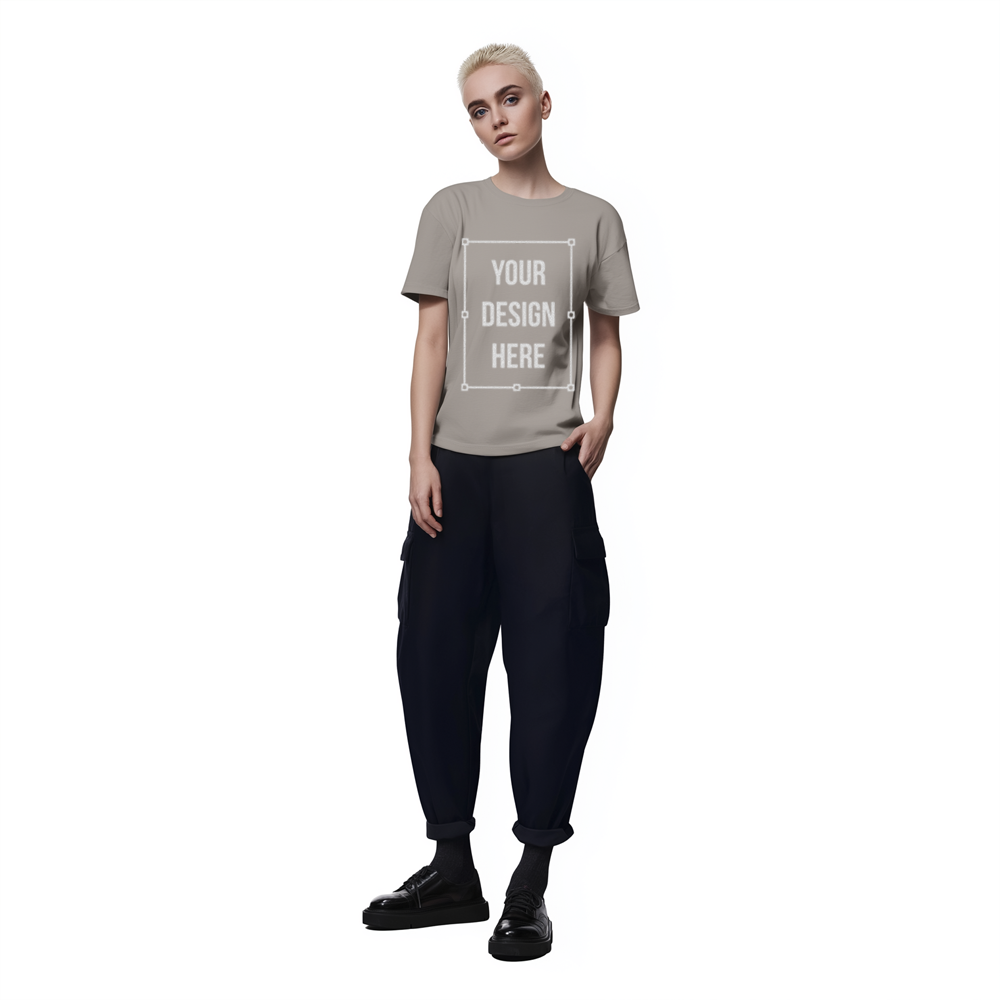
Upload your design file, such as a logo, artwork, or graphic. The tool applies the design directly onto the high resolution surface, ensuring accurate placement, proportion, and visual alignment.
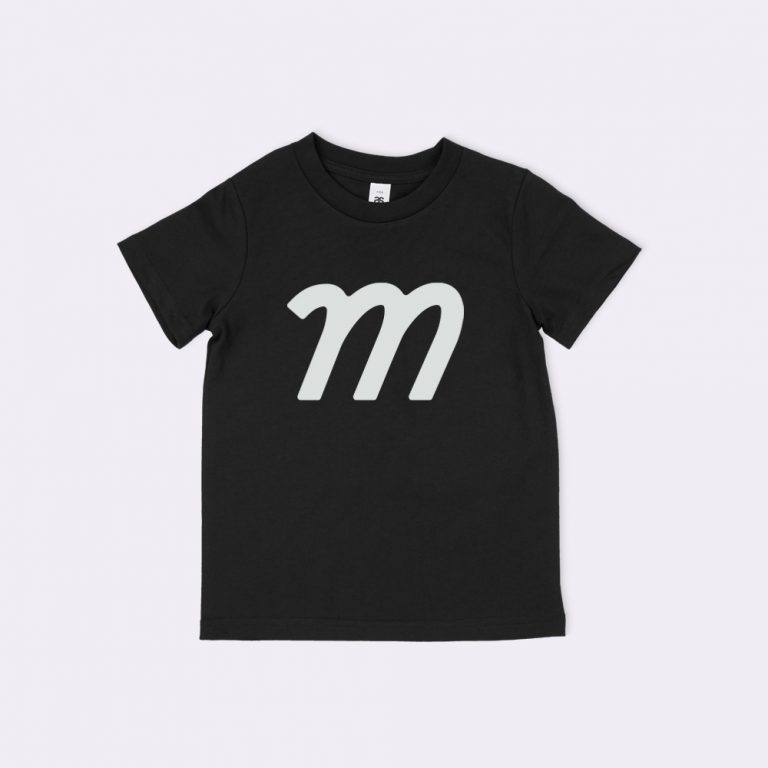
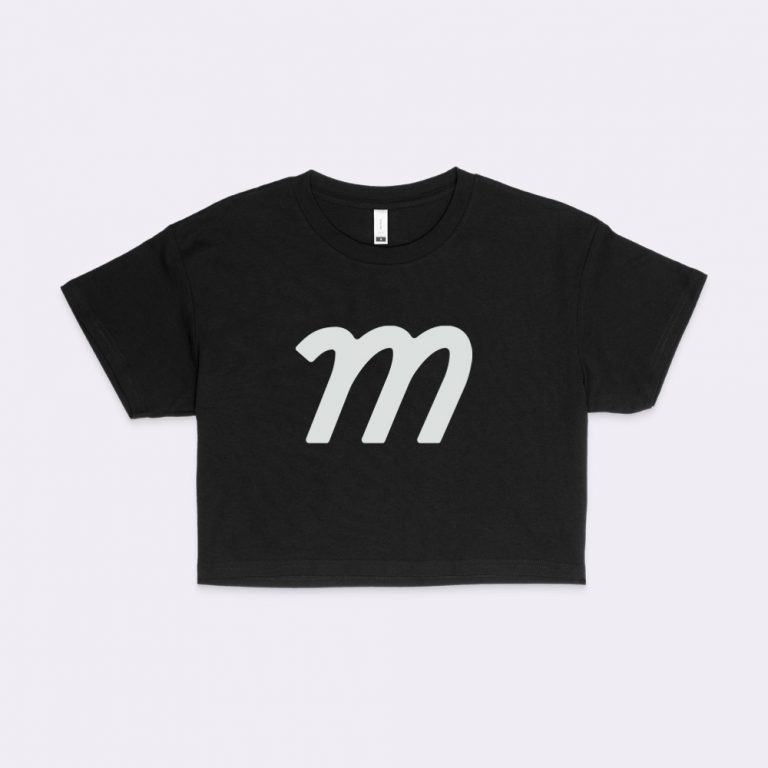
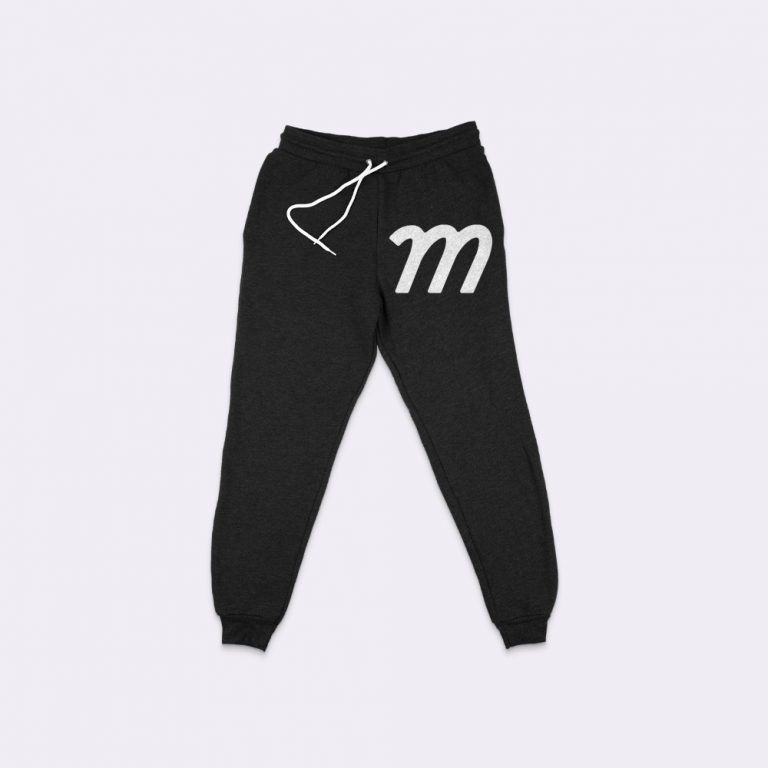
Select different color options for the high resolution to see how the design interacts with light and dark variations. Color changes update the high resolution mockup instantly while keeping the design unchanged.
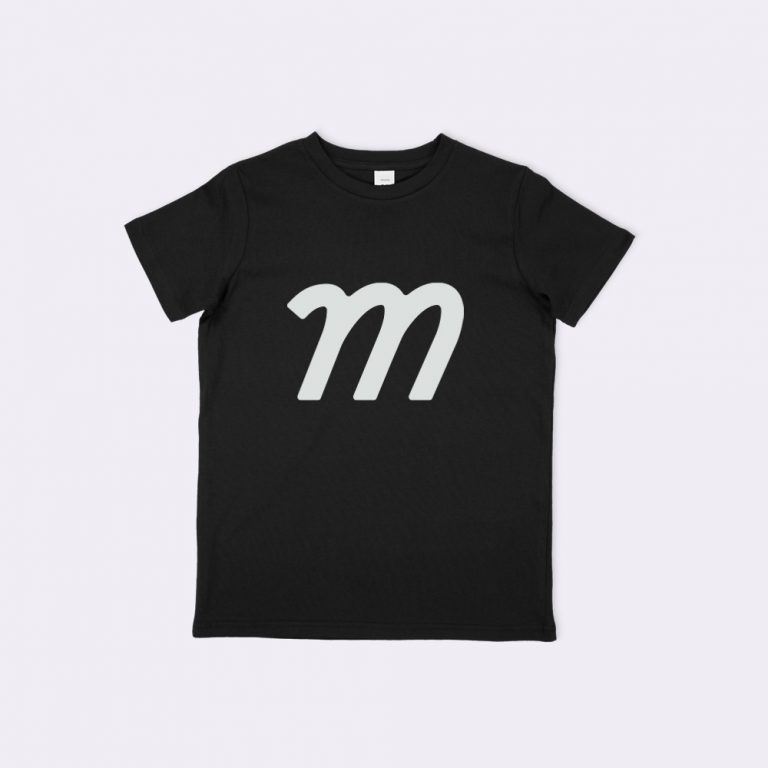
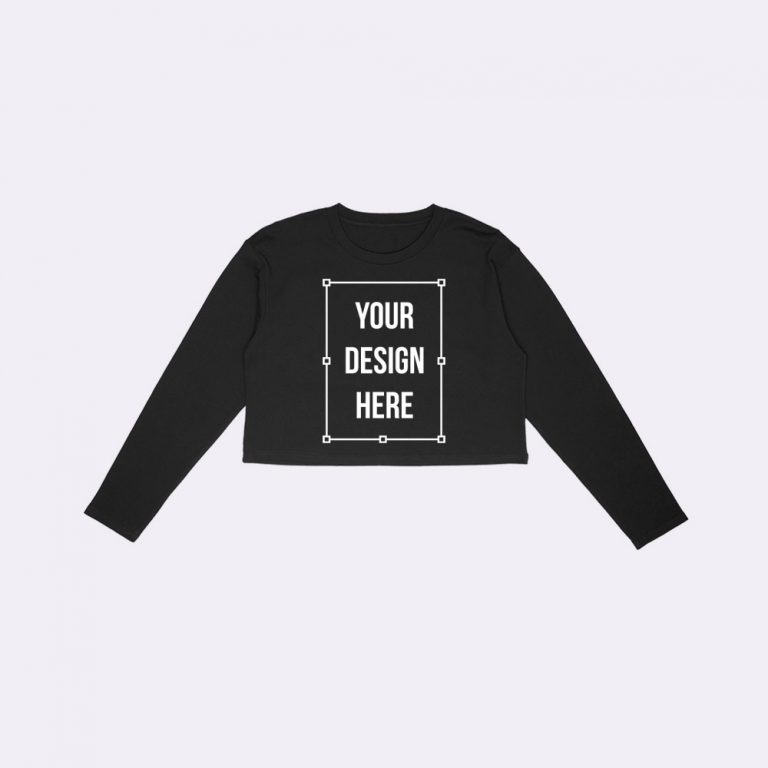
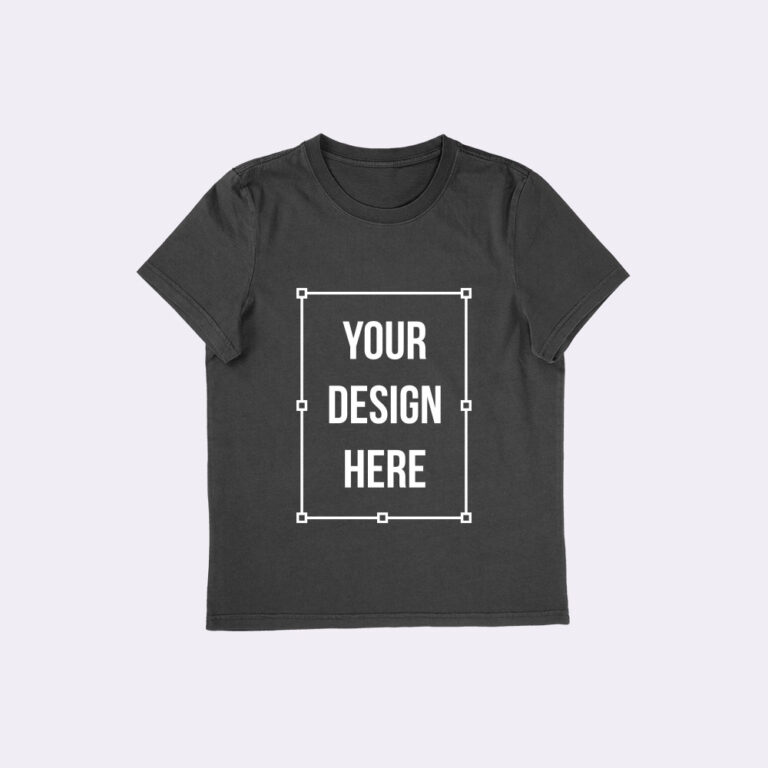
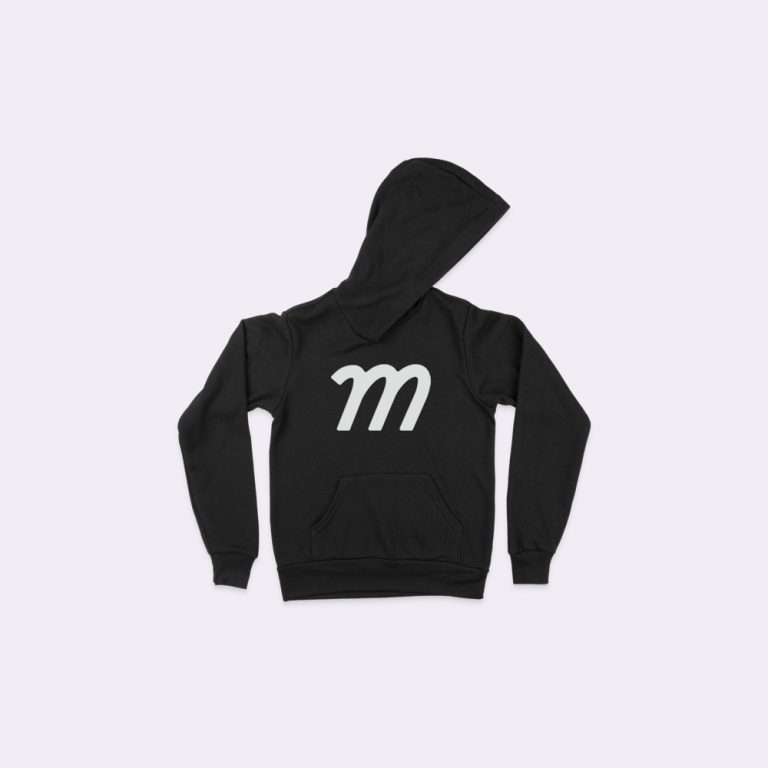
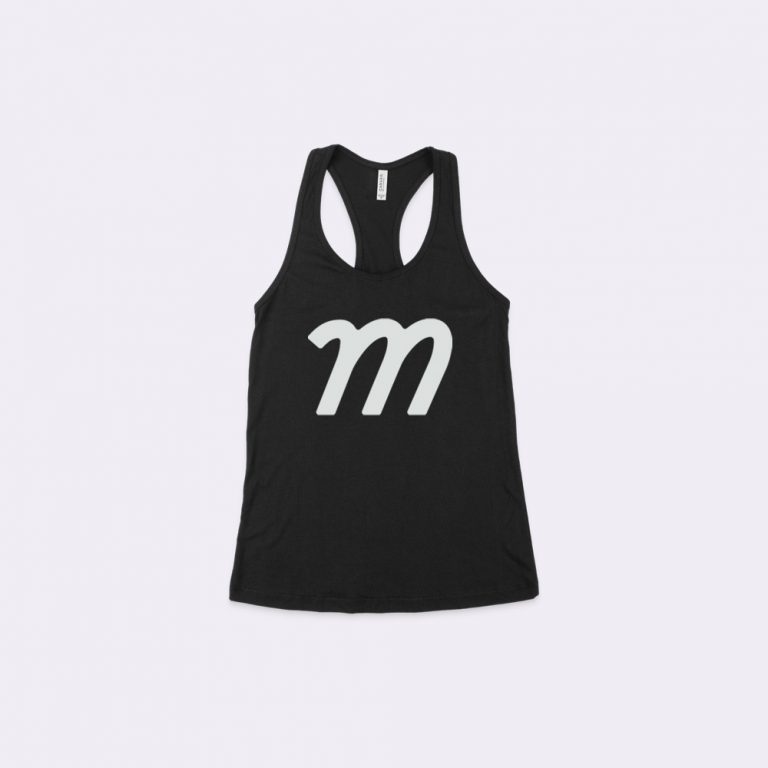
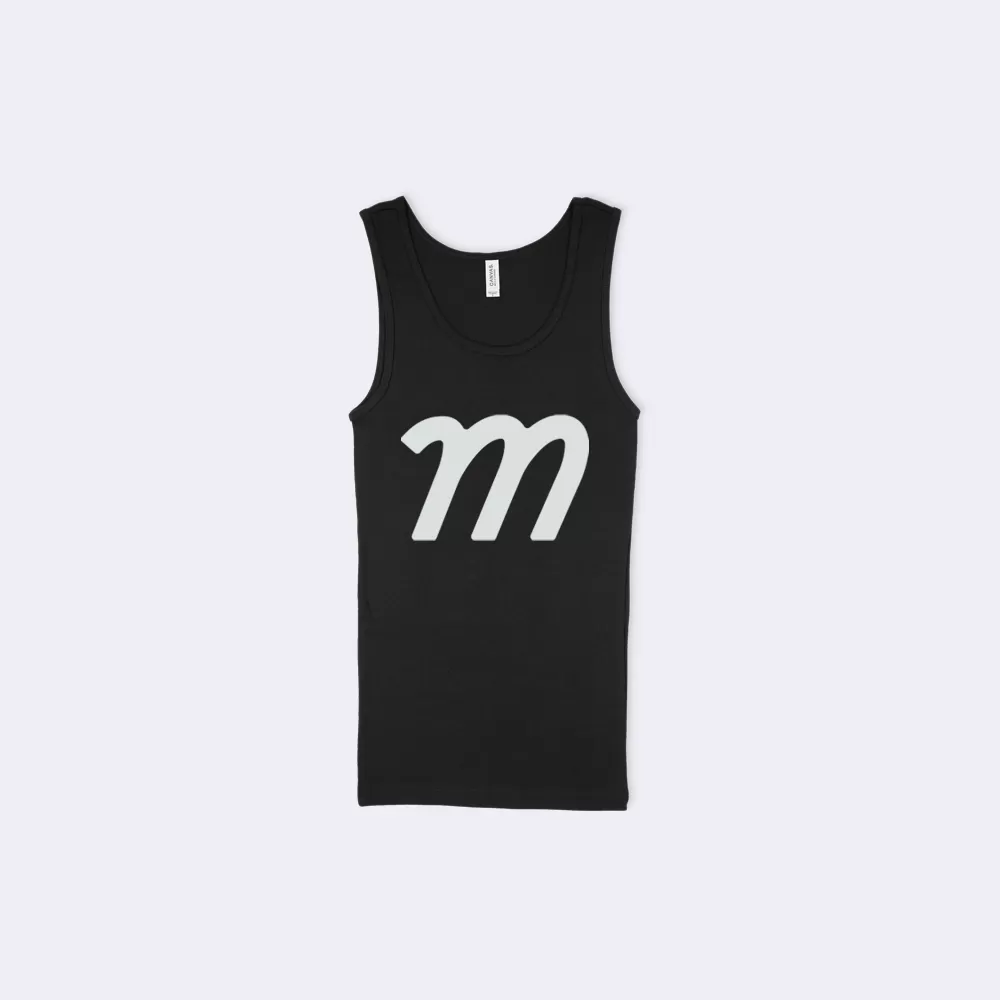
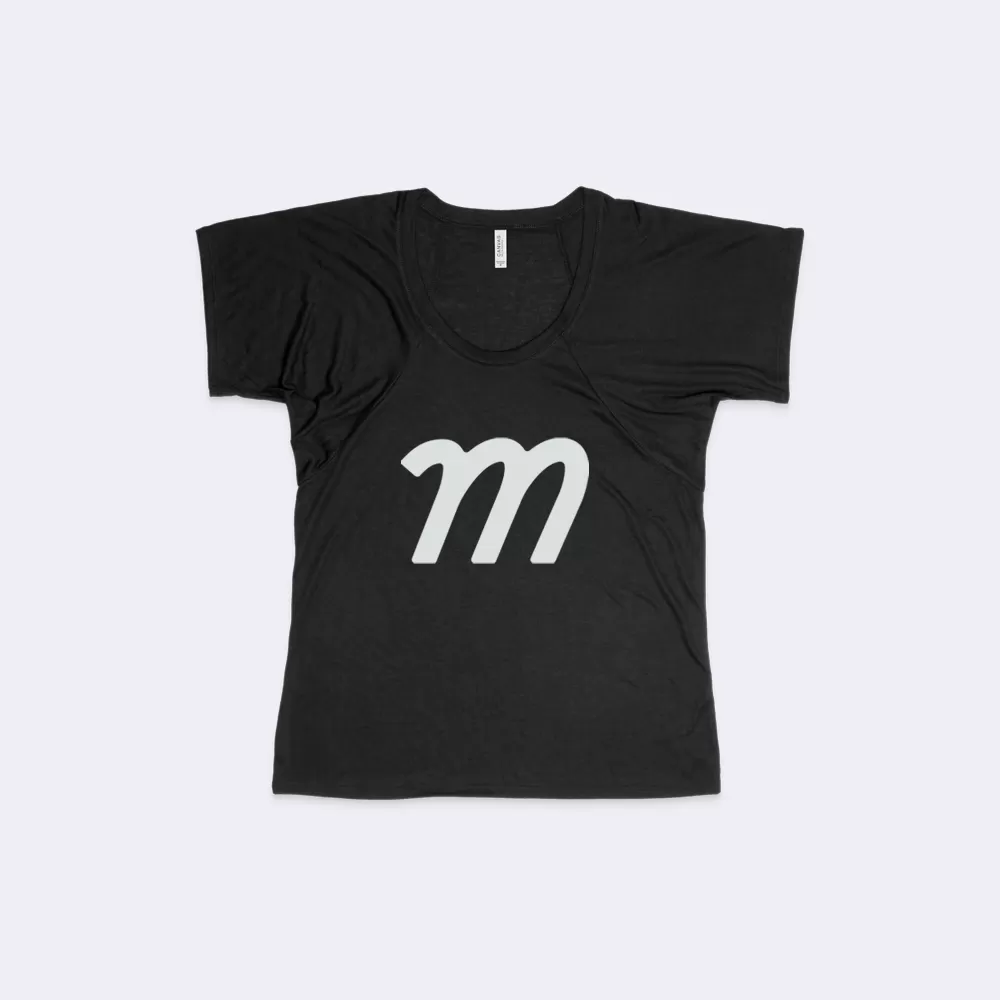
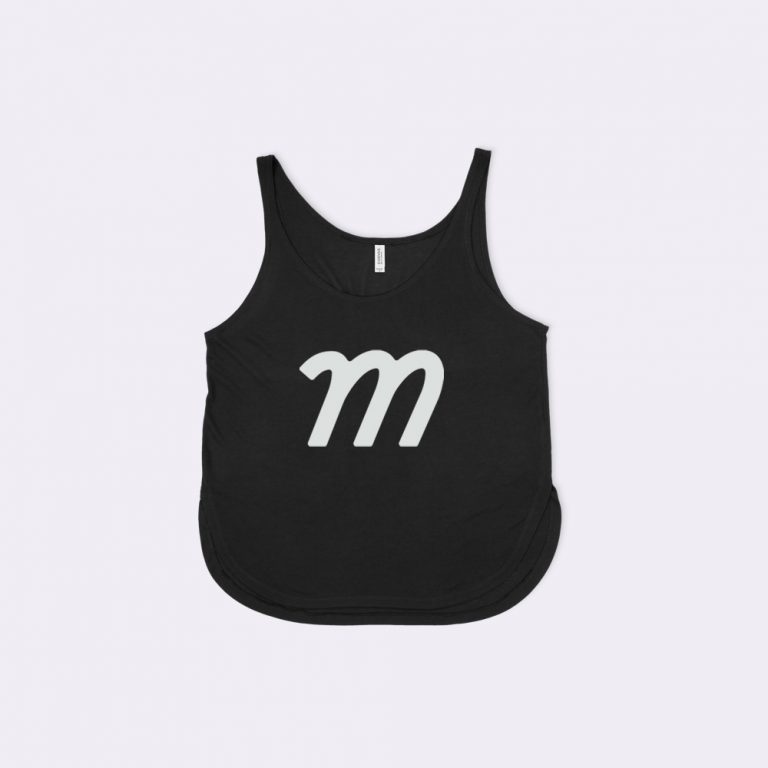
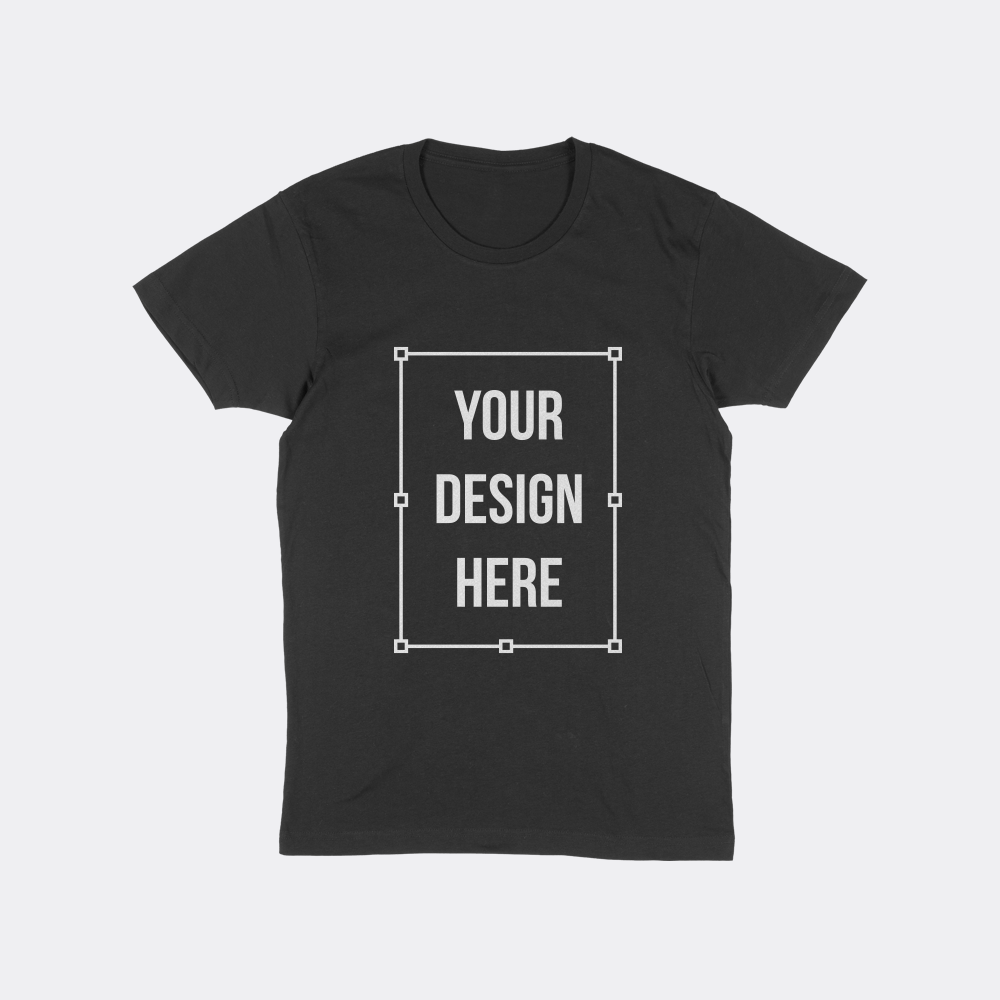
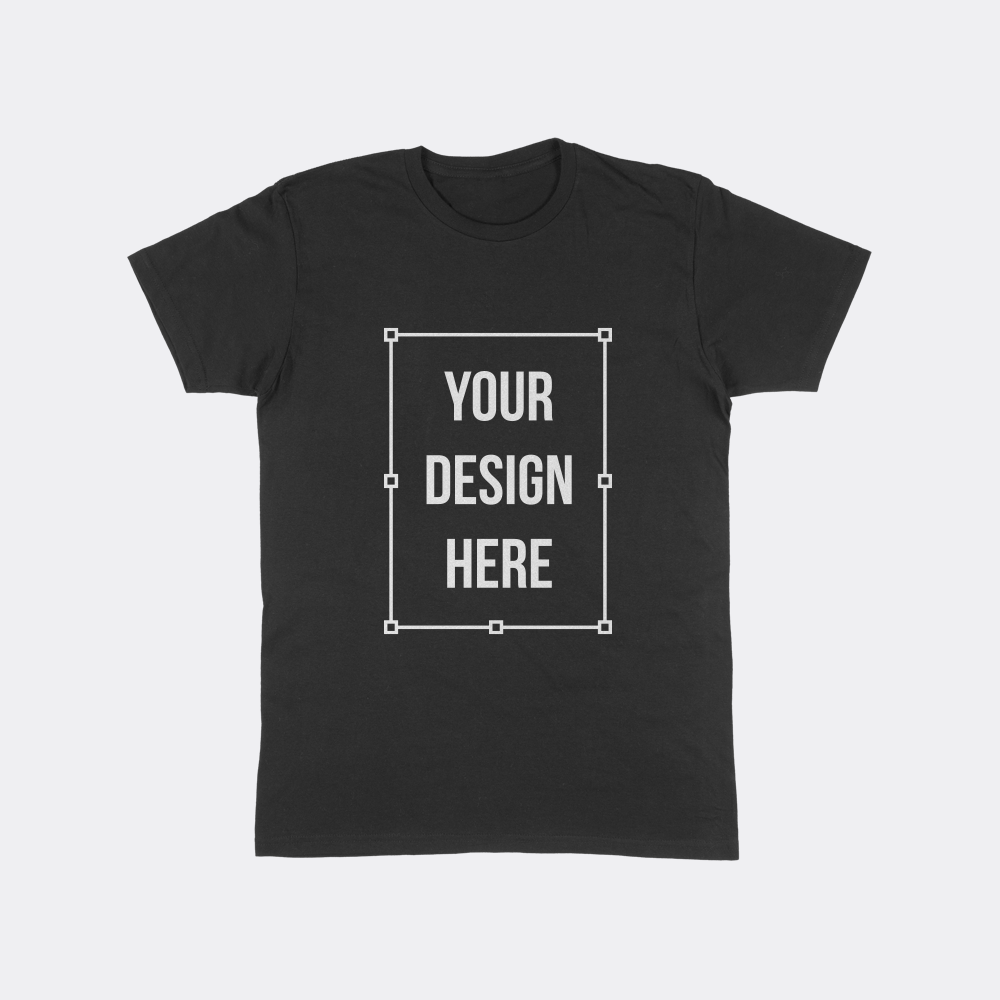
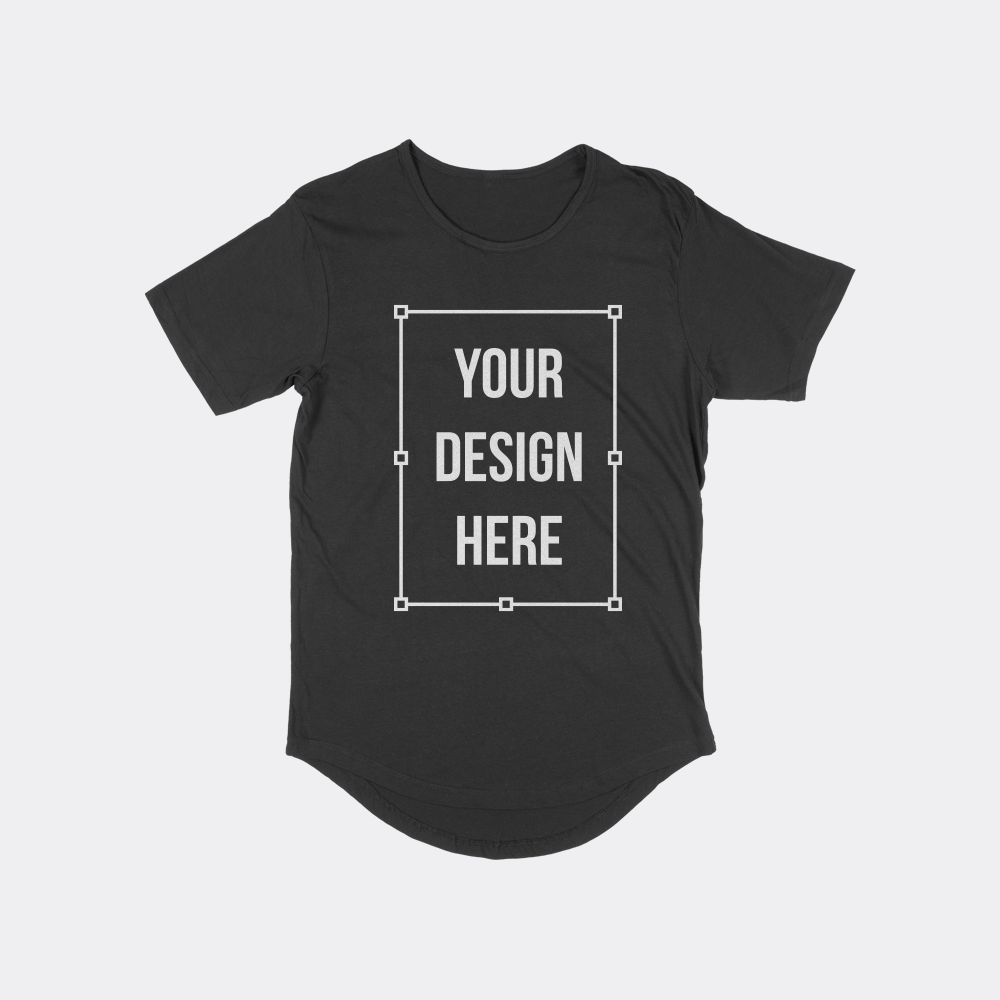
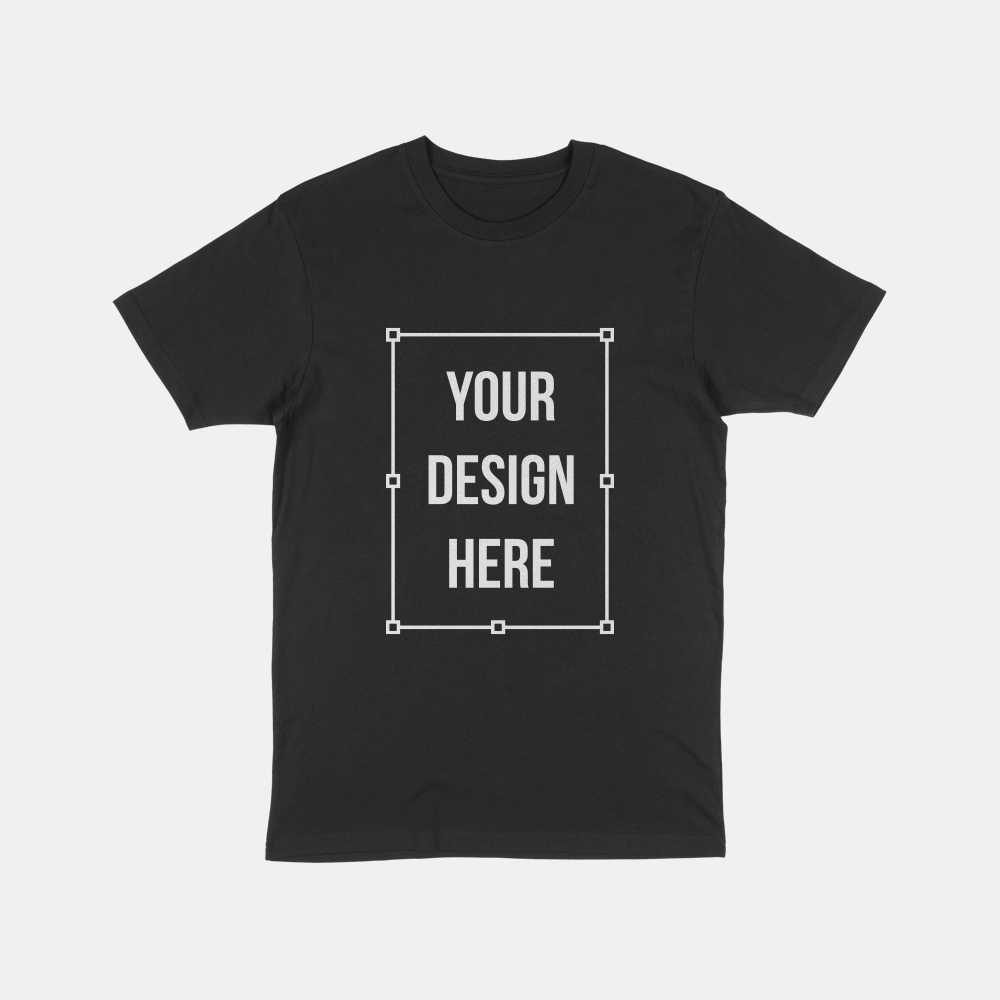
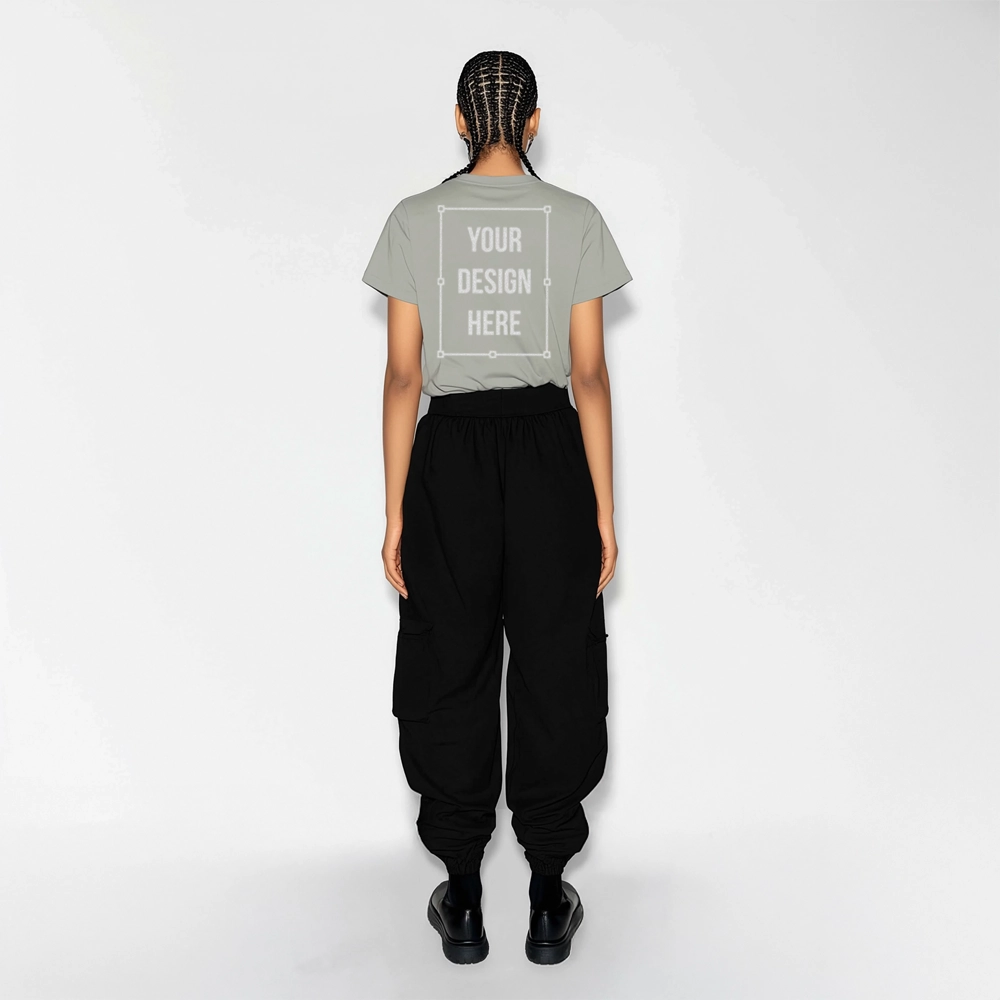
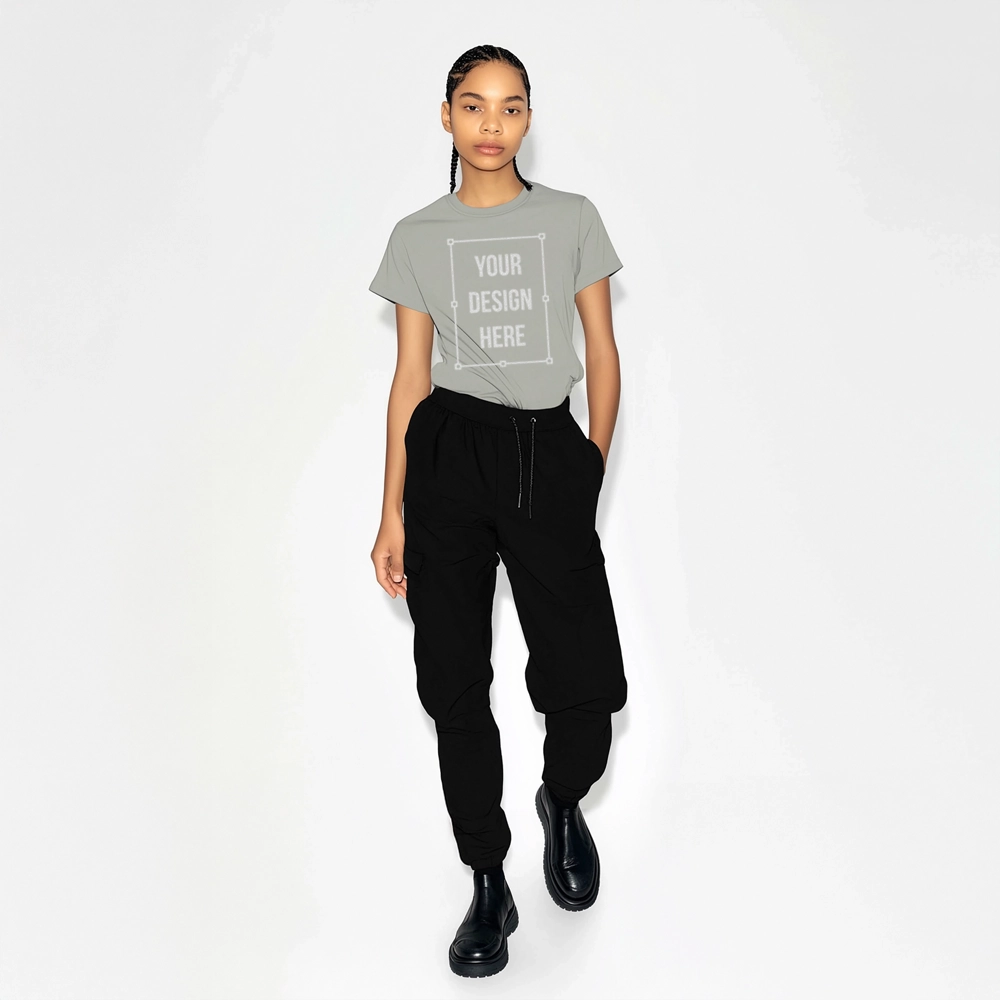
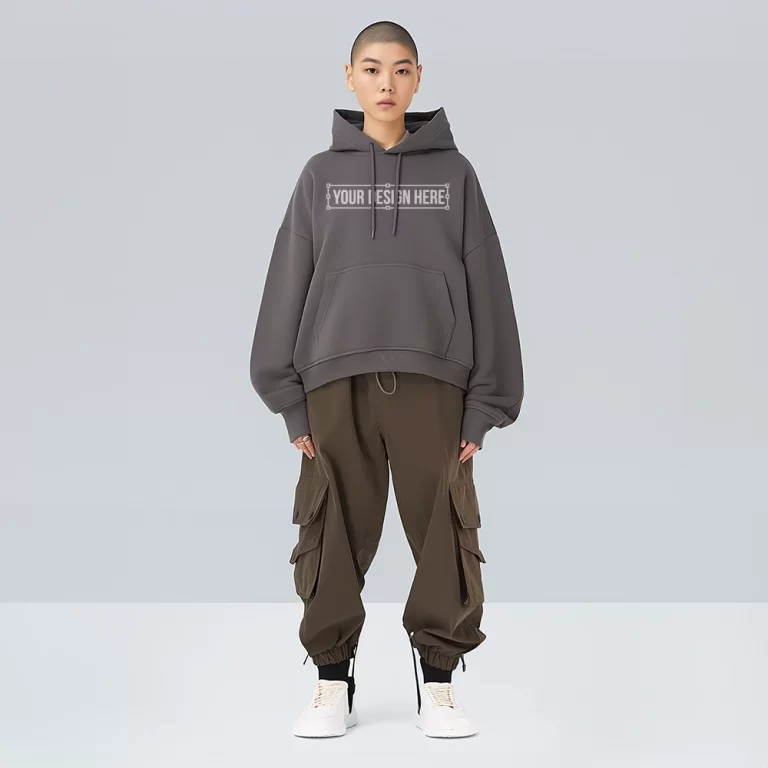
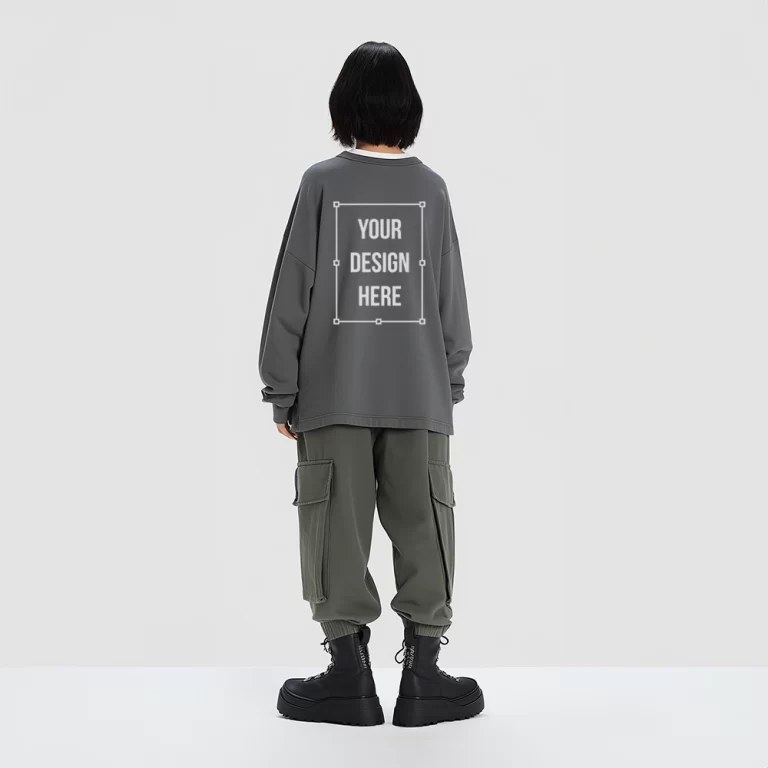
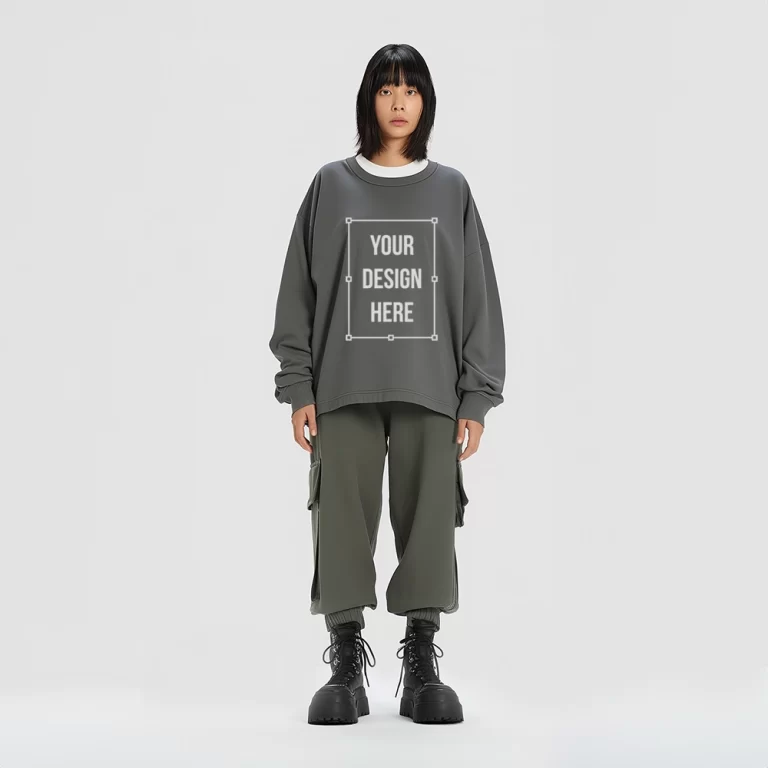
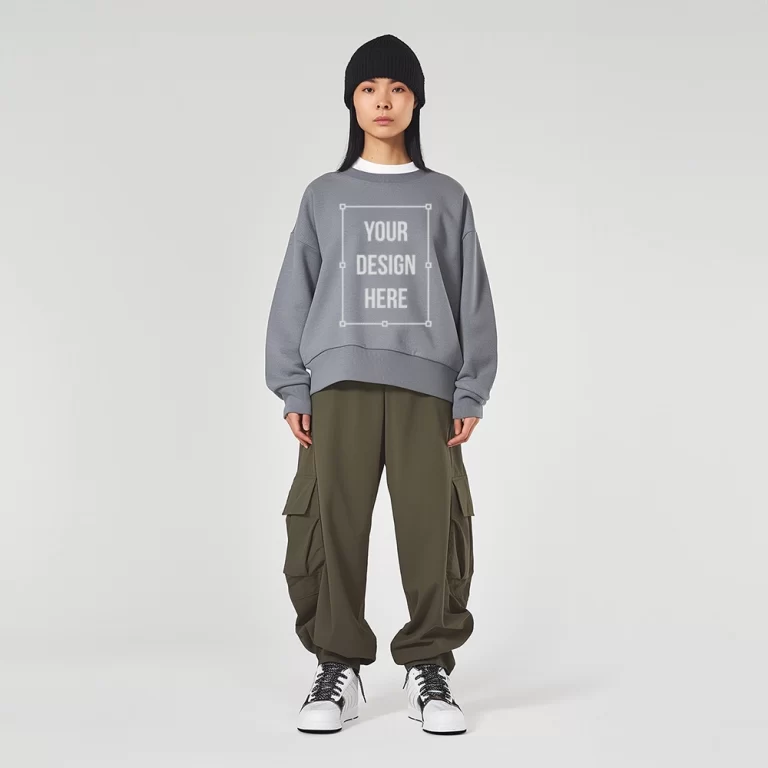
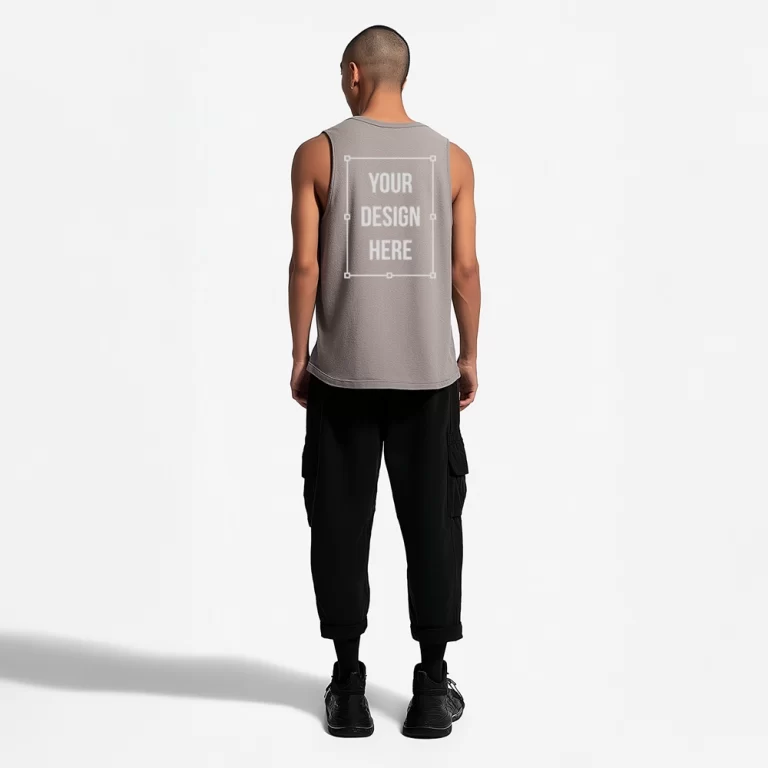
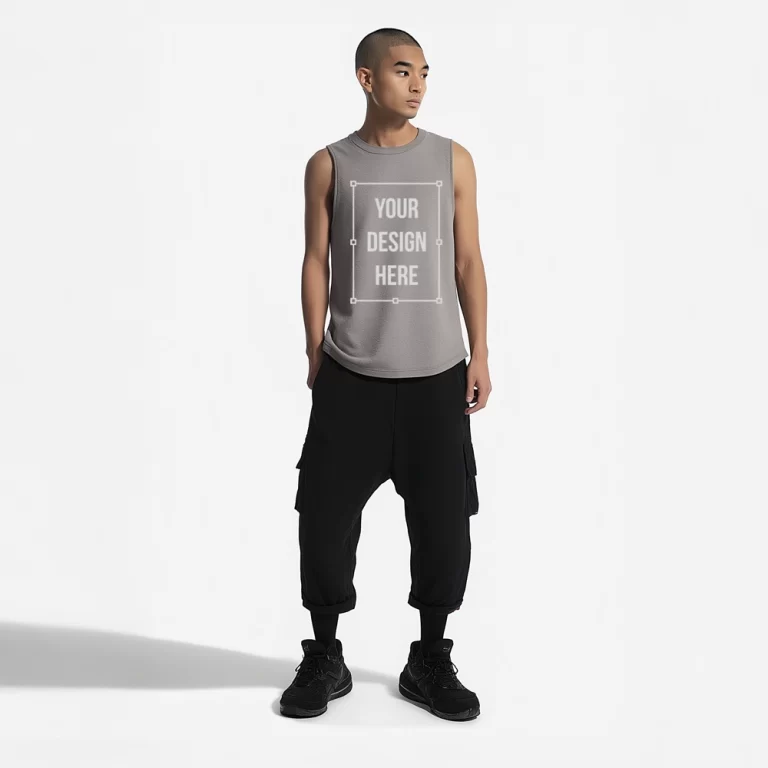
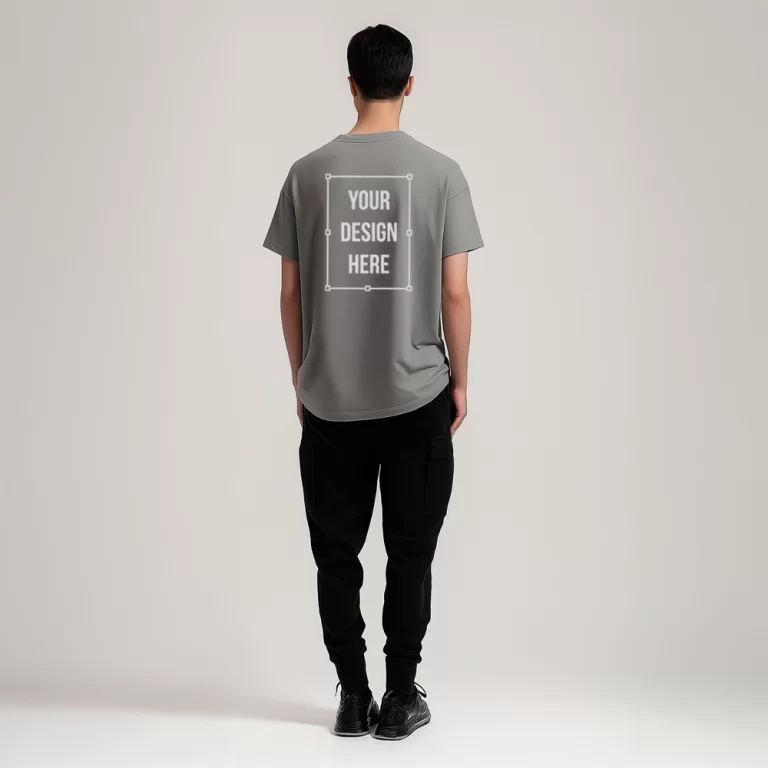
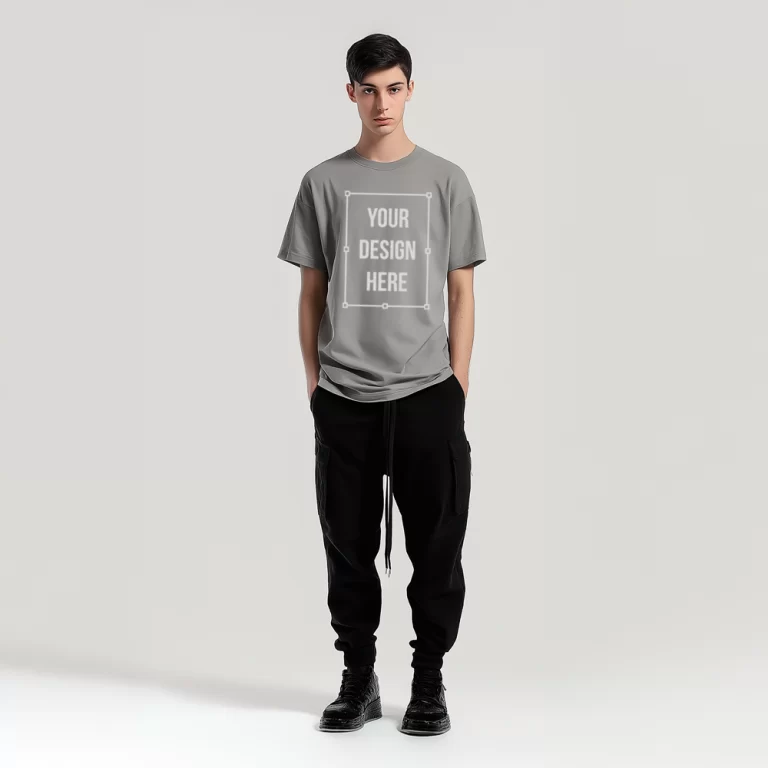
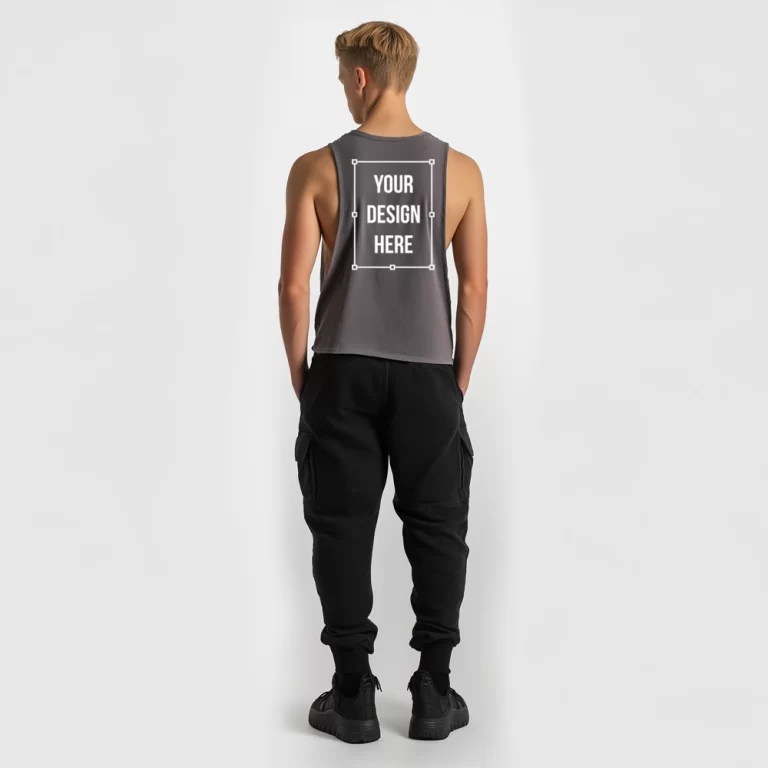
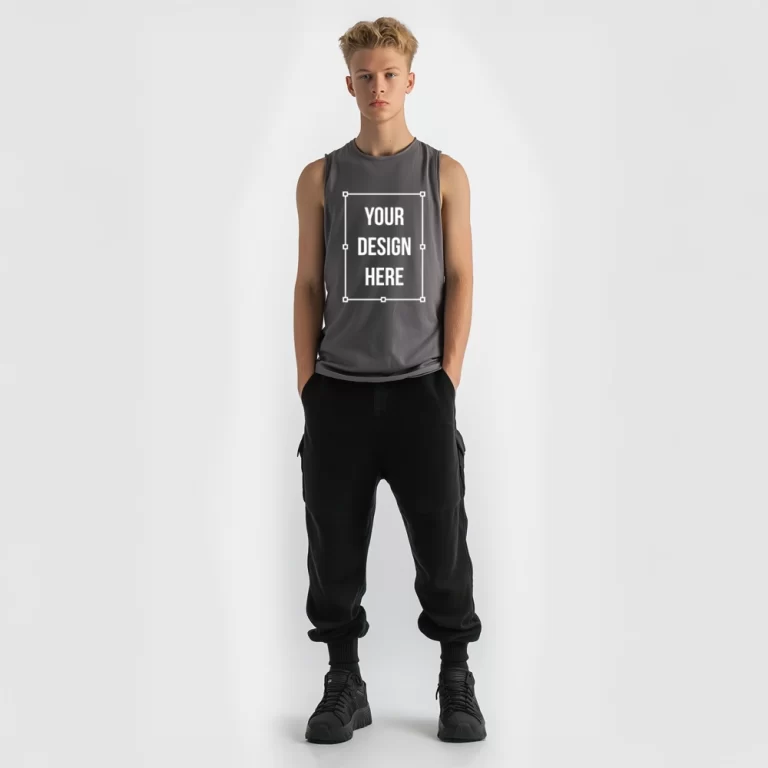
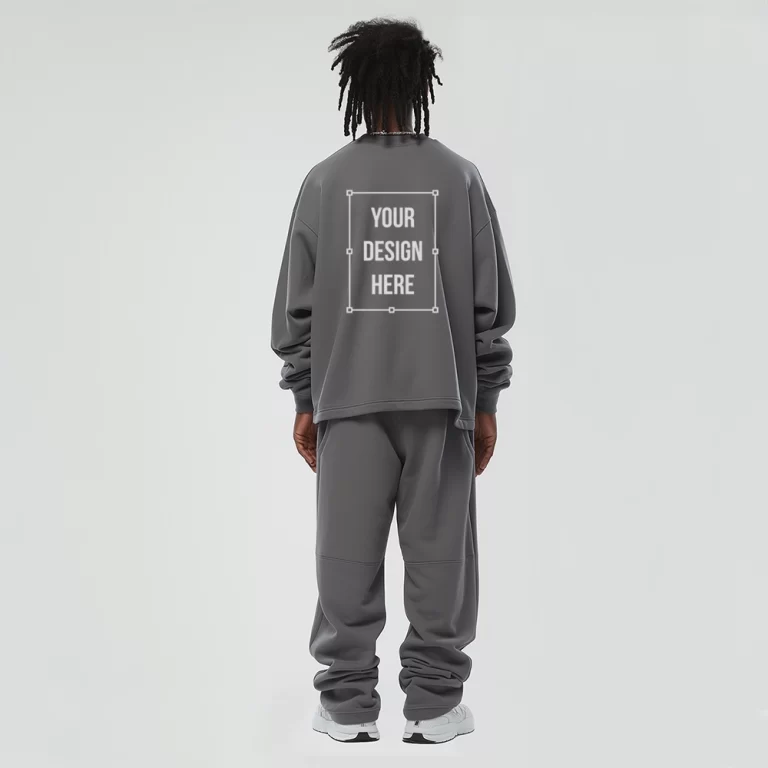
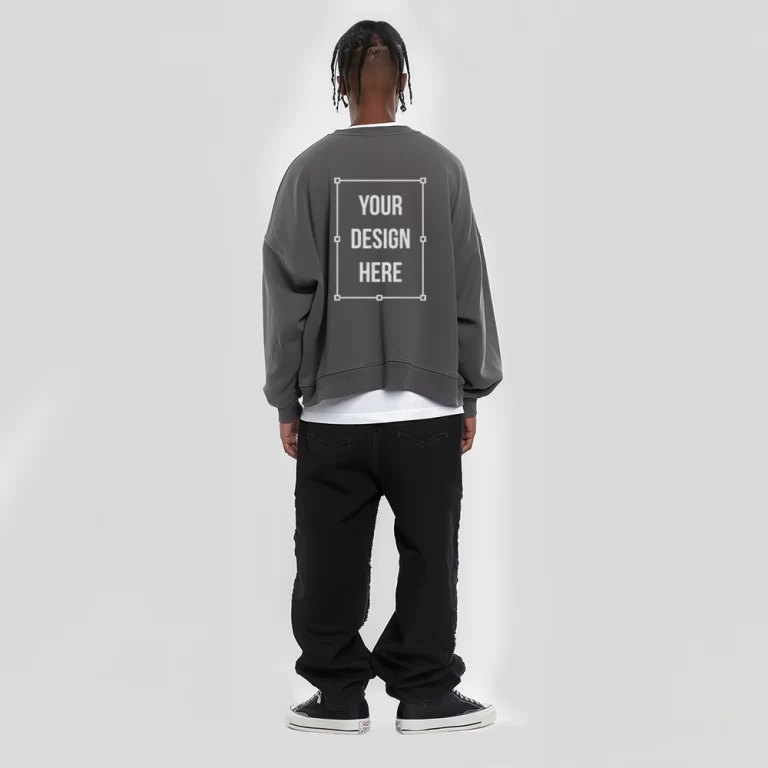
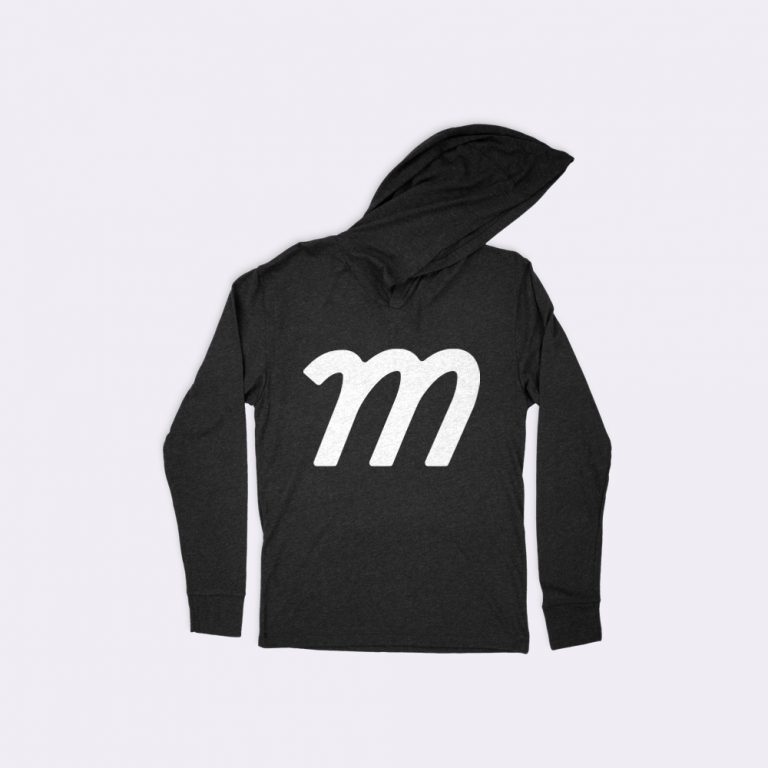
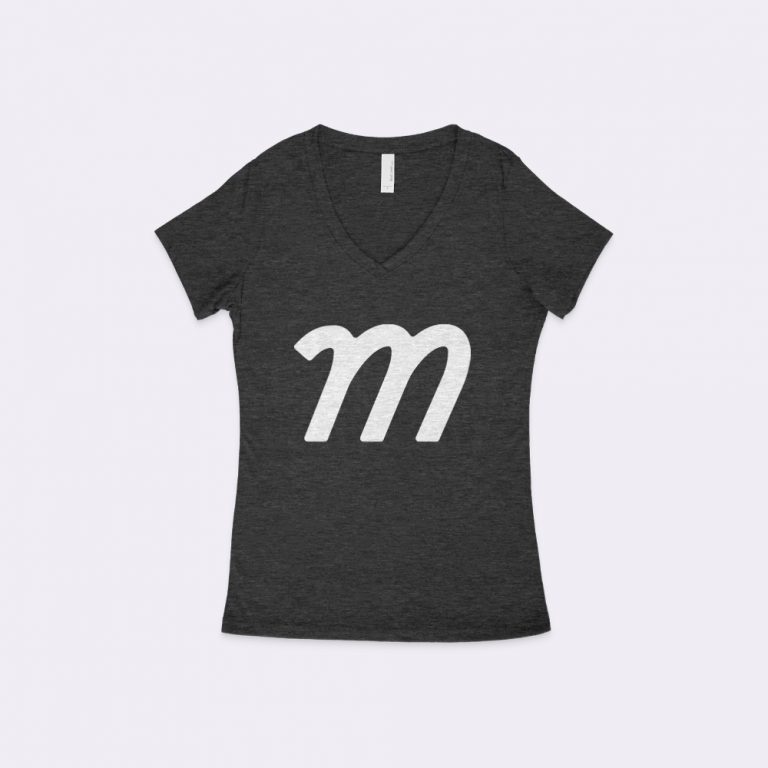
Switch between multiple high resolution mockups, such as different angles, layouts, or presentation styles. Each mockup represents a realistic way the high resolution may appear in actual use.
View real-time updates as you adjust design placement, colors, or mockup styles. The live preview shows exactly how the high resolution mockup looks after every change.
Once finalized, download the high resolution mockup as a high-resolution image. The file is suitable for product listings, catalogs, marketing visuals, or presentations.
Create accurate and realistic high resolution mockup using an editor designed for visual validation and presentation. This tool allows you to apply your design directly to a high resolution, adjust colors, switch between mockup views, and review changes instantly in a live preview.
Start creating your high resolution mockup today to prepare visuals suitable for product listings, presentations, or marketing assets, without producing a physical sample.





Guaranteed safe & secure checkout


A Company Powered by Pixel Sauce © 2023 All Rights Reserved
