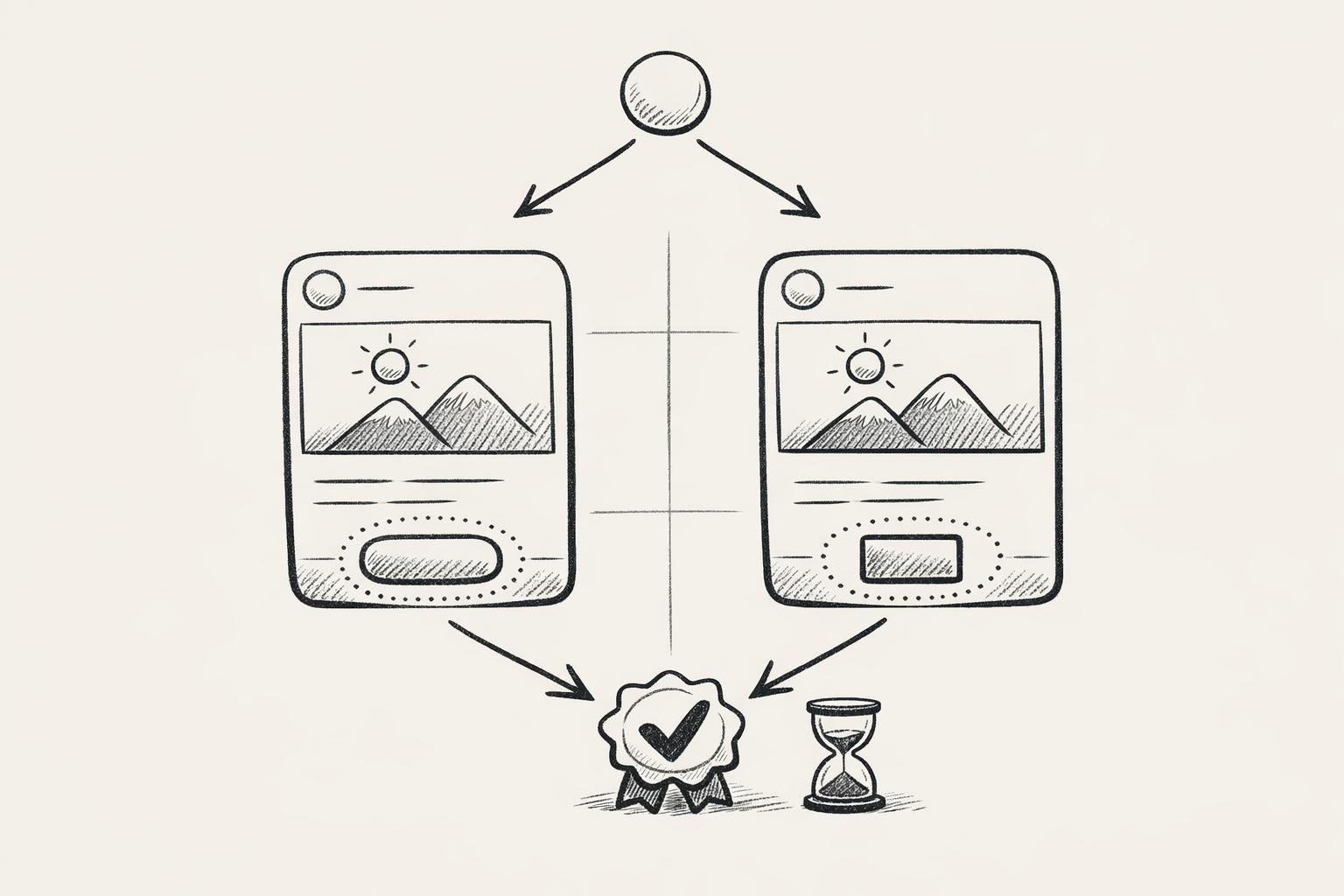
A/B testing with social media mockups can help you make smarter marketing decisions by testing visuals before launching campaigns. This approach saves time and money by letting you identify what resonates with your audience without committing to costly photoshoots or underperforming ads.
Key Takeaways:
- What is A/B Testing? Compare two versions of content (A and B) to see which performs better based on specific metrics like engagement or conversions.
- Why Mockups? Use mockups to test different visuals (colors, backgrounds, formats) without expensive production costs.
- Steps to A/B Testing:
- Set clear goals (e.g., test if lifestyle shots perform better than product-only images).
- Create test variants using tools like Mock It.
- Launch tests for 1-2 weeks and analyze data for actionable insights.
- Best Practices: Test one variable at a time, use high-quality clothing mockups, and document results for future campaigns. This is especially effective when planning seasonal marketing campaigns to ensure your holiday or event-specific visuals hit the mark.
For apparel brands, platforms like Mock It simplify this process with over 5,000 clothing templates, AI scene generation, and affordable pricing starting at $7.99/month. Testing visuals with mockups can boost engagement rates by 20%-50%, making it a valuable tool for optimizing your marketing strategy.
How To A/B Test Your Meta Ads Creatives (+ Free Cheat Sheet)
sbb-itb-1e8f9ab
How to Run A/B Tests with Social Media Mockups
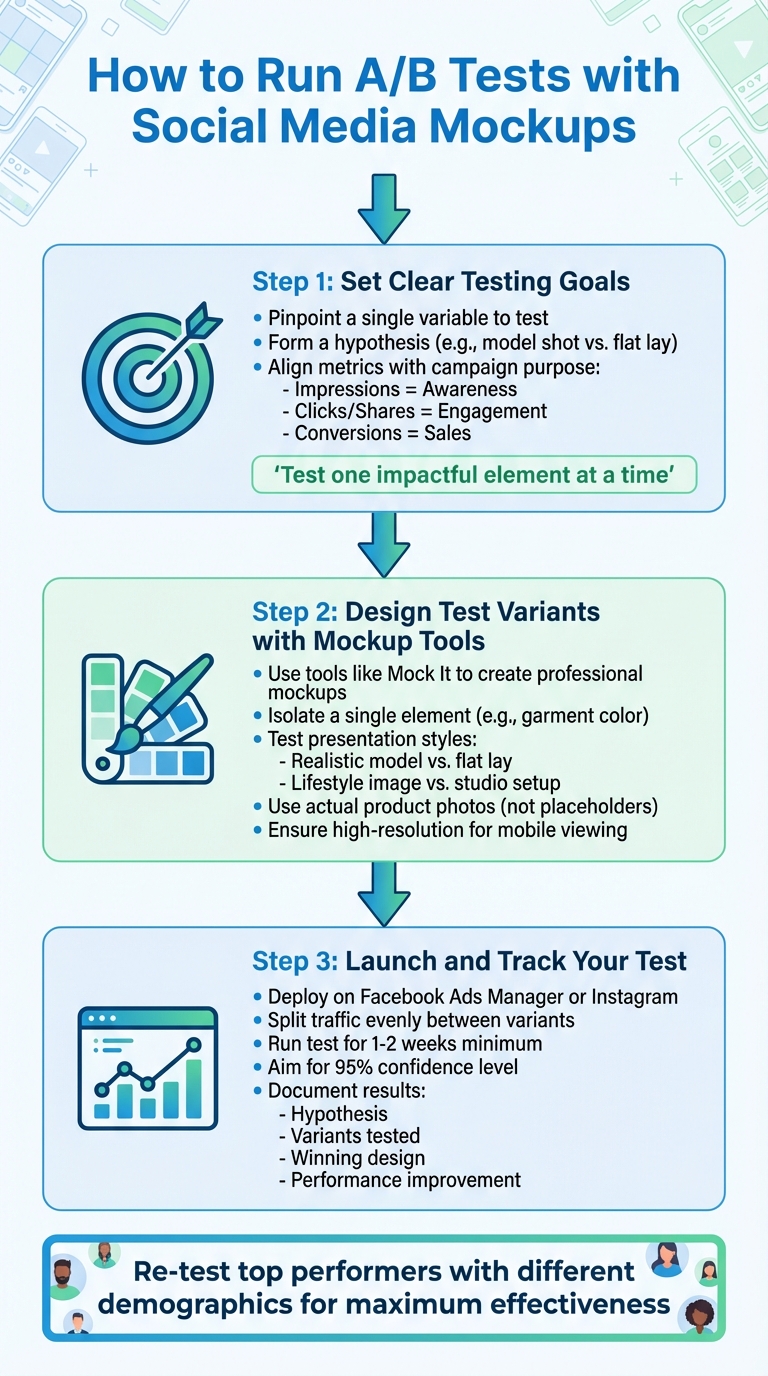
3-Step A/B Testing Process for Social Media Mockups
Running a successful A/B test starts with a clear plan and ends with data you can confidently use to refine your apparel marketing strategy.
Step 1: Set Clear Testing Goals
Pinpoint a single variable to test and form a hypothesis. For example, you might ask, Does a model shot drive more click-throughs than a flat lay? Next, align your metrics with the campaign’s purpose: impressions for awareness, clicks or shares for engagement, and conversions to evaluate sales performance.
As SocialPixOptimizer puts it:
"A/B testing social media images isn’t about guessing which color ‘pops’ or running polls among teammates – it’s about isolating one variable, exposing randomized audiences to each variant, measuring the metric that matters, and learning which creative decisions lift performance in repeatable ways."
Focus on testing one impactful element at a time. Start with something major, like swapping a product-only shot for one featuring a model, or experimenting with contrasting colors. Save smaller tweaks, such as font styles, for later rounds of testing.
Once your goals are in place, you’re ready to create test variants.
Step 2: Design Test Variants with Mockup Tools
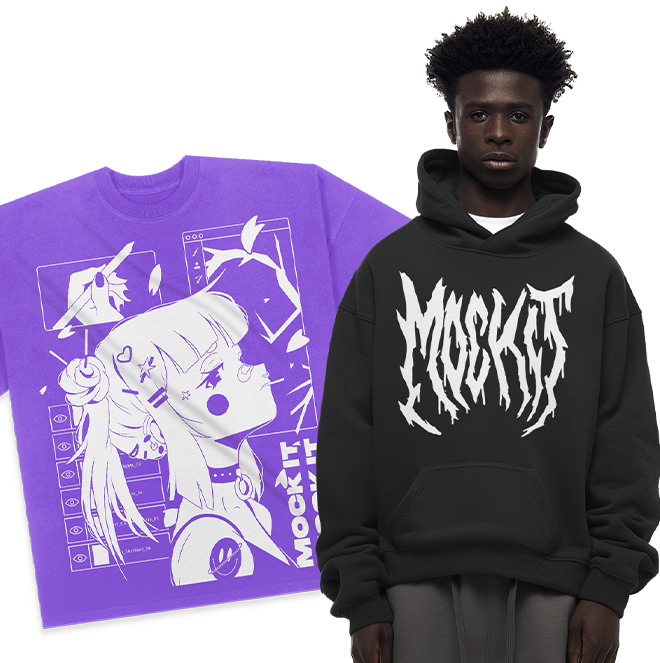
This is where tools like Mock It become essential. With Mock It, you can quickly create professional-looking mockups while isolating a single element – such as garment color – to measure its impact.
The platform’s Scene Creator and AI text-to-image generator allow you to experiment with different presentation styles. For instance, you could compare a realistic model mockup to a clean flat lay, or test a lifestyle image with a custom background against a simple studio setup. Since much of social media browsing happens on mobile devices, Mock It’s high-resolution templates ensure your designs look sharp, even on smaller screens.
Jeremy P., Founder and CEO of Mock It, highlights the importance of polished visuals:
"High-quality mockups from Mock It demonstrate that your business is professional, established, and reliable. Professional imagery creates a valuable first impression that opens the door to turning followers into customers."
When designing your mockups, use actual product photos and branded headlines instead of placeholders. This adds authenticity and ensures your test results are grounded in real-world performance.
With your variants ready, it’s time to put them to the test.
Step 3: Launch and Track Your Test
Deploy your mockups using platforms like Facebook Ads Manager or Instagram. Make sure traffic is evenly split between variants, and use frequency caps and consistent demographic targeting to prevent skewed results. For reliable insights, run your test for at least one to two weeks to reach a 95% confidence level.
Keep in mind that audience preferences can vary. A design that resonates with 18–24-year-olds might not have the same impact on a 35–44 demographic. Re-test your top-performing designs with different groups to maximize their effectiveness.
Finally, document everything in a shared log. Record your hypothesis, the variants tested, the winning design, and the performance improvement. This creates a roadmap for replicating success in future apparel campaigns.
A/B Testing Best Practices with Mockups
Once your tests are up and running, following some essential principles can help you get the most out of your data. By using mockup technology effectively, you can make smarter, more informed visual decisions.
Test One Variable at a Time
Changing too many elements at once – like altering both the background and call-to-action (CTA) text – can muddy the waters. It becomes impossible to know which change drove the improvement. Instead, focus on one variable at a time. For example, compare a lifestyle mockup to a studio shot, or test "Buy Now" against "Add to Cart" as your CTA. This approach removes guesswork and relies on actual user behavior to guide decisions.
Once you’ve identified a winning variation, move on to the next test. The same principle applies when refining future experiments. By keeping variables isolated, you ensure your results are clear and actionable.
Just as important, make sure the visuals you’re testing reflect your brand’s quality and professionalism.
Use Professional, High-Quality Mockups
The quality of your mockups plays a big role in getting reliable results. High-resolution, professional designs ensure that user reactions are based on the specific elements you’re testing – not on distractions like poor image quality.
Mock It offers tools like high-resolution templates and Scene Creator to help you maintain consistency across test variants. You can easily test changes, such as swapping a navy hoodie for a forest green one, without introducing differences in lighting or texture. Features like complete color libraries and multiple templates per mockup set make it simple to isolate and test specific design changes.
Once your visuals are ready, it’s time to dive into the data.
Review Data and Refine Your Approach
Focus on metrics that match your goals. For instance, track click-through rates to measure engagement, add-to-cart actions for purchase intent, or time spent on a page to gauge content effectiveness. Compare the performance of your control version against the variation to see which one drives better results. Then, use the winning design in larger campaigns to maximize your return on investment (ROI).
Keep a shared log of your findings. If a keyword-rich title outperforms a more creative one, try testing different keyword combinations. If a specific CTA placement works better, experiment with button colors or wording next. This iterative process ensures that each test builds on the last, helping you create smarter, more effective campaigns over time.
Mock It vs. Other Mockup Platforms
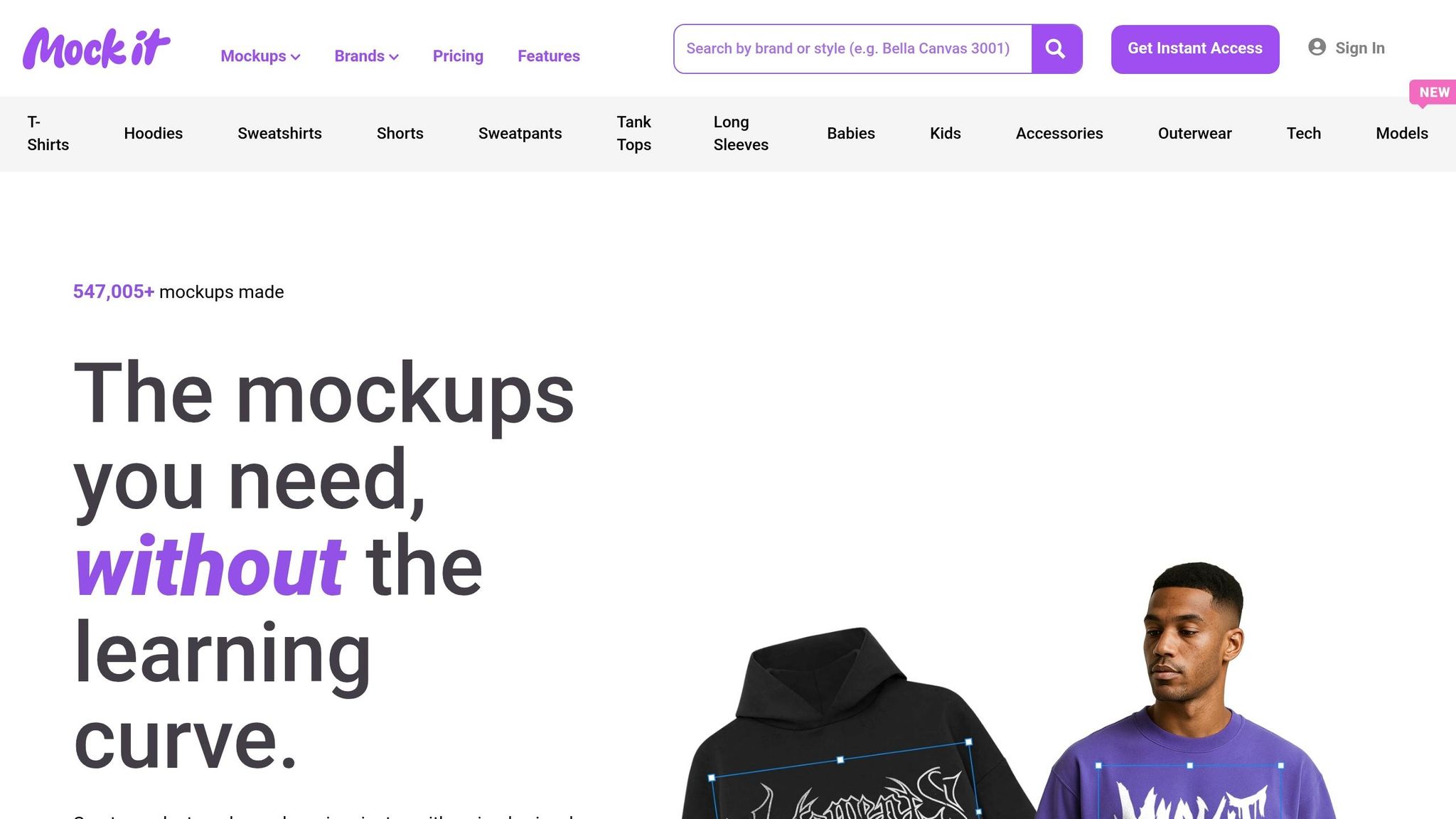
Choosing the right mockup platform can make or break your A/B test workflow. For apparel brands, Mock It stands out as the go-to option, designed specifically for creating clothing mockups.
Mock It Features for A/B Testing
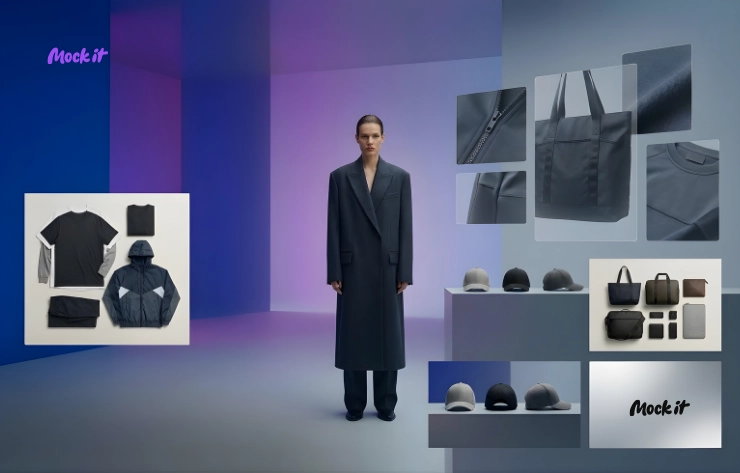
Mock It boasts an impressive library of over 5,000 high-resolution clothing mockup templates from more than 45 brands, including Gildan, Bella + Canvas, Comfort Colors, and Los Angeles Apparel. These templates shine with realistic fabric textures, natural folds, and accurate lighting – offering visuals that feel authentic, not flat or generic.
The platform’s AI Scene Creator takes things further, generating photorealistic lifestyle or studio-quality images in about two minutes. You can even fine-tune your visuals by isolating objects, swapping backgrounds, or upscaling resolution – all directly in your browser.
Here’s what sets Mock It apart:
- The batch mockup feature allows you to create multiple product variants effortlessly. Whether you’re testing different colors, designs, or angles, this feature simplifies the process.
- Unlike Photoshop, which can be time-consuming and requires technical know-how, Mock It is browser-based and beginner-friendly.
- Export options include high-resolution formats like JPG, PNG, PDF, and SVG, ensuring flexibility for your projects.
Plans start at $7.99/month (billed annually) with a free 7-day trial, making it accessible for businesses of all sizes.
"Mock It AI excels at creating highly detailed, flexible product visuals, ideal for eCommerce brands and marketers who need professional images." – Jeremy P
Feature Comparison Table
Here’s a quick look at how Mock It stacks up against other platforms:
| Feature | Mock It | Adobe Photoshop | Canva | Mockey AI |
|---|---|---|---|---|
| Primary Focus | Apparel Mockups | General Editing | General Design | Simple Mockups |
| Library Size | 5,000+ Templates | None (Manual) | Large (General) | 12,500+ (Static) |
| AI Scene Generation | Full AI Control | Limited | Limited | No (Template-based) |
| Ease of Use | High (Beginner) | Low (Expert) | High (Beginner) | Very High |
| Realism | Photorealistic | High (Manual) | Medium | Medium |
| A/B Testing Fit | Excellent (Fast/Varied) | Slow | Moderate | Moderate |
Mock It combines speed, realism, and variety, making it ideal for A/B testing without the complexities of Photoshop or the limitations of general design tools. While platforms like Mockey AI may offer a larger number of templates, their static, catalog-style designs can’t compete with the photorealistic AI scenes that Mock It delivers.
Conclusion
A/B testing with mockups takes the guesswork out of decision-making. By experimenting with different colors, styles, and visuals, you can let data shape your creative choices. Studies show that optimized content through A/B testing can boost engagement rates by 20% to 50%. Even simple changes like testing image styles or colors can lead to engagement shifts of 20% to 40%.
The secret to effective testing? Focus on one variable at a time – whether it’s the color of a shirt, logo placement, or the style of a model. Use high-quality, photorealistic mockups that not only look professional but also reflect your brand’s identity. This approach ensures your visuals stand out in crowded social feeds and build trust with your audience.
For apparel designers and marketers, Mock It is a standout tool. With a library of over 5,000 clothing mockups from 45+ brands, including Gildan, Bella + Canvas, and Comfort Colors, it offers the variety and realism needed for meaningful tests. Features like the AI Scene Creator and batch mockup generation allow you to create multiple test variations in just minutes. This efficiency makes data-driven visual testing easier than ever.
Mock It also keeps things budget-friendly. With a free 7-day trial and plans starting at $7.99/month (billed annually), it’s accessible for everyone – from solo creators to established brands. Test smarter, save time, and let data guide your success.
FAQs
How do I choose the first thing to test?
When trying to improve engagement or reach, start by zeroing in on one key element – something like captions, images, posting times, hashtags, or calls-to-action (CTAs). Choose the factor that aligns best with your current goal. For instance, if your aim is to grab attention visually, focus on testing images. If driving clicks is the priority, experiment with captions. Tools like Mock It can be super helpful for creating polished mockups, making sure your visuals are ready to make a strong impression before you put them to the test.
How much traffic do I need for reliable results?
The number of visitors required for reliable A/B testing varies based on factors like your desired confidence level and the size of the effect you’re measuring. In general, the larger your sample size, the more accurate your results will be. A good rule of thumb is to aim for at least a few hundred visitors per variation. To get a precise sample size, use a calculator tailored to your testing goals. This approach helps ensure your results are both meaningful and actionable.
When should I use Mock It vs. real photos?
If you’re looking to create professional visuals for clothing designs without the hassle of a photoshoot, mockups from Mock It are a fantastic option. These templates are perfect for social media, branding projects, and online stores. They offer flexibility, save on costs, and deliver polished results that can elevate your marketing materials.
While real photos are great for highlighting product texture and fit, Mock It’s library of over 5,000 templates often provides a more consistent and high-quality aesthetic, making them a go-to choice for most marketing needs.