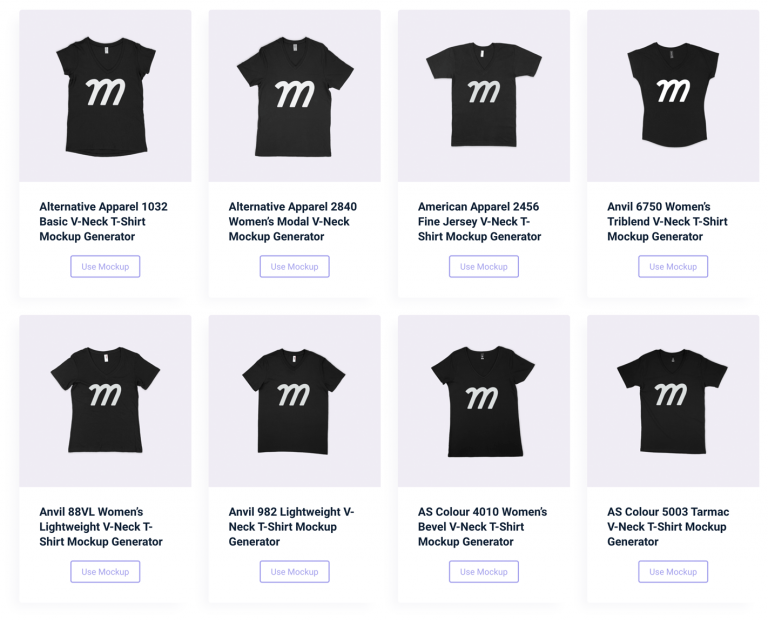
First step is to choose a mockup from the Mock-It library. Each mockup set comes with four views. Two front views and two back views giving you loads of options to choose from.
Once you’ve chosen which view you want to work with, it’s time to upload your design!
Upload Your Design
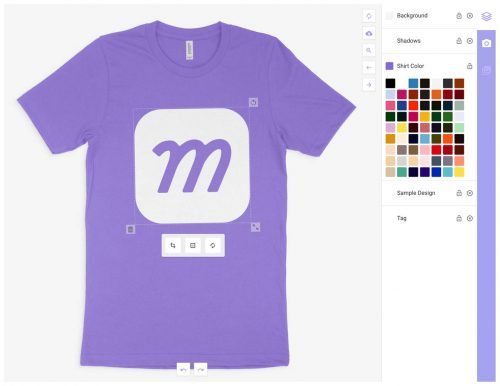
Using our Drag & Drop Editor, choose and add your design to the mockup. Drag, resize and place your design where you want.
Each mockup comes with a complete color library for that item. Sorted A-Z and named for ease of use.
Some items also include custom fabrics such as heathers, acid washes or mineral washes. If it’s an option with the brand, then it’s an option at Mock-It.
Download Your Mockups!
Once you’re happy with your mockups, it’s time to download them! You can save them as a JPG or PNG straight onto your computer, mobile device or tablet.
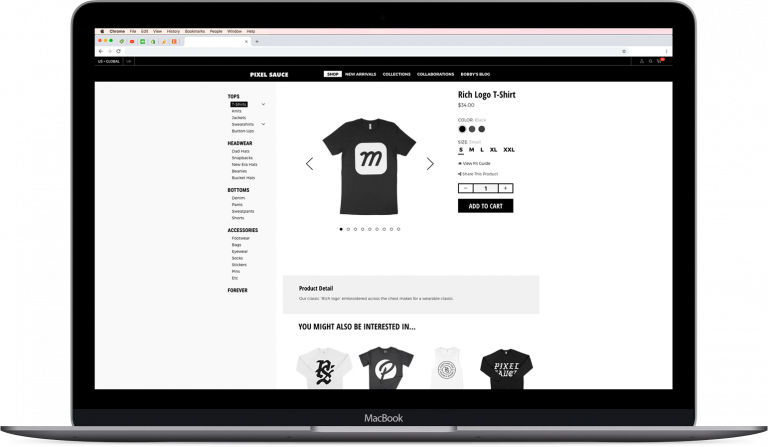
Once you’ve done that, you can upload them to your online store or your social media and start showing off your awesome designs!

 Trusted By Thousands Of Designers
  Cancel Your Subscription Anytime
  30 Day Money Back Guarantee